
The iRobot Roomba 675 is an entry-level model within iRobot's extensive lineup of robot vacuums and is one of its most budget-friendly models to offer Wi-Fi connectivity. Unlike some other entry-level models, it doesn't come with a remote control. However, it's fully compatible with Amazon Alexa and Google Home devices, enabling you to make inputs using voice commands. It also has a surface detection system that lets it raise its brushroll on carpeting. However, it falls short of pricier models in terms of other automation features, with no support for room mapping, and has a somewhat weak suction motor that struggles with deep-cleaning jobs on carpeting.
Our Verdict
The iRobot Roomba 675 is decent for use on bare floors. It cleans most debris on bare floors well but struggles a bit with hair. It doesn't have a precise cleaning pattern, but it still can clean an entire room. Unfortunately, it has several parts that need regular servicing, so it's not the easiest to maintain. It also incurs fairly high recurring costs.
- Great build quality.
- Decent performance on bare floors.
- Outstanding battery life.
- Struggles with hair.
- Not easy to maintain.
- High recurring costs.
The iRobot Roomba 675 is disappointing on low-pile carpet, as it struggles with finer debris on this surface type. It also has quite a few parts that need periodic cleaning and incurs high recurring costs. On the upside, it's good at maneuvering itself and has an automatic surface-type adjustment feature.
- Great build quality.
- Outstanding battery life.
- Poor performance on carpets.
- Struggles with hair.
- Not easy to maintain.
- High recurring costs.
The iRobot Roomba 675 is a poor choice for use on high-pile carpet. Its surface detection system enables it to climb onto carpeting, but it still has trouble clearing away solid debris. It also incurs high recurring costs and has many parts that need periodic cleaning.
- Great build quality.
- Outstanding battery life.
- Poor performance on carpets.
- Struggles with hair.
- Not easy to maintain.
- High recurring costs.
The iRobot Roomba 675 is a poor fit for cleaning up pet hair. It doesn't suck up much hair from any surface type, and the vacuum itself isn't easy to maintain, though it does have a removable brushroll, which makes it easier to clear tangled hair. It also incurs high recurring costs.
- Great build quality.
- Outstanding battery life.
- Struggles with hair.
- Not easy to maintain.
- High recurring costs.
The iRobot Roomba 675 isn't designed to use on stairs.
The iRobot Roomba 675 isn't designed to use in cars.
The iRobot Roomba 675 is a robot vacuum and isn't designed for workshop cleaning.
Changelog
- Updated Dec 01, 2022: We've updated the text in the review to account for the new tests and scoring methodology in Vacuum Test Bench 0.5 and Vacuum Test Bench 0.6.
- Updated Nov 23, 2022: We've updated the 'Differences Between Variants' section of this review to include the iRobot Roomba 671 model.
- Updated Sep 23, 2022: We've lowered the score for the 'Cracks' section to maintain consistency with similarly-performing robot vacuums.
- Updated Sep 01, 2022: Converted to Test Bench 0.6.
Check Price
Differences Between Sizes And Variants
We tested the iRobot Roomba 675, which is only available in black. It's also sold as iRobot Roomba 671 in Europe. There's a variant of this vacuum, the Roomba 605, which doesn't have app support. Besides automation, we expect our results to be valid for the other variants, which are listed below.
| U.S. Model Name | App Automation | Notes |
|---|---|---|
| Roomba 605 | No | |
| Roomba 671 | Yes | European designation for the iRobot Roomba 675 |
| Roomba 675 | Yes |
If you come across a different variant of this vacuum, let us know in the comments, and we'll update the review.
Popular Robot Vacuum Comparisons
The iRobot Roomba 675 is an entry-level robot vacuum. It falls noticeably short in performance compared to similarly-priced and positioned alternatives like the eufy RoboVac 30C. The lack of remote control is also a bit of a nuisance if you were looking for a basic robot vacuum that you can use without an internet connection. Conversely, if you're looking for something cheap that you can control with a smart home speaker, it's a pretty solid option.
If you're looking for something else, see our recommendations for the best robot vacuums, the best robot vacuums for pet hair, and the best vacuums.
The iRobot Roomba 675 is better than the eufy RoboVac G30. The iRobot feels better built, incurs lower recurring costs, charges much faster while offering similar battery life, and delivers slightly better performance on bare floors and low-pile carpets. Conversely, the eufy comes with a set of physical boundary strips that keep it out of certain areas and clears a little more debris on high-pile carpets.
The iRobot Roomba 675 and the Shark ION Robot RV761 each have advantages, meaning one may suit you better than the other, depending on your needs. The iRobot feels better built, has less demanding maintenance requirements, incurs lower recurring costs, and does a better job of maneuvering itself. It also recharges much faster, though the Shark has a longer battery life. The Shark also comes with a set of physical boundary strips to keep it out of certain areas, has a larger dustbin, and delivers better overall performance on bare floors as well as low- and high-pile carpets.
The yeedi vac station is better than the iRobot Roomba 675. The yeedi delivers much better performance on carpeted floors, maneuvers itself far more effectively, and has a wider assortment of automation features, including its self-emptying function and support for virtual boundary markers. It also has a longer battery life than the iRobot, though the latter does charge a lot faster. The iRobot also incurs lower recurring costs and struggles slightly less with bulkier debris.
The iRobot Roomba i4 is better than the iRobot Roomba 675. The i4 delivers better cleaning performance on bare floors, low-pile carpets, and high-pile carpets. It also maneuvers more effectively thanks to its smart-pathing navigation system and has a far more advanced suite of automation features. Meanwhile, the 675 is slightly easier to pick up and carry to another room, incurs fewer recurring costs, and has a slightly longer runtime, though it takes longer to recharge.
Test Results
for pictures & test results

This vacuum has great build quality. It's made of hard plastic with a glossy finish on top and matte finish on the bumper. The dirt compartment, which has a built-in exhaust, has a foggy plastic cover on top that you can see through. Unfortunately, it's fragile and feels like it could break if dropped. Like most robot vacuums, there's no assembly required for the vacuum itself, and you only need to assemble the charging dock. There are three buttons on the top to initiate different commands, like cleaning, spot clean, or return to the dock, and there are battery indicator lights above the buttons. This vacuum also has a carrying handle, and there are built-in speakers to notify you of the vacuum's status, like when it starts or finishes a cleaning session.
for pictures & test results
for videos & test results

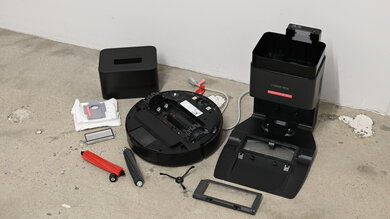
The robot vacuum is a bit difficult to maintain, as there are a lot of parts that need maintenance.
- Dirt compartment: There's a button on top to release it. It needs emptying after each use, and you can't wash it with water. Emptying it can be a bit of a hassle, as debris can spill out of the large opening at the top of the dustbin.
- Brushrolls: This vacuum has two brushrolls: the bristle brush and the beater brush. They need cleaning about once a week, and if you have pets that shed, you should clean them twice a week. The bristle brush is exceptionally hard to clean, with longer strands of hair getting wrapped around its bearings and trapped deep within the bristles.
- Filter: You can remove the filter after emptying the dirt compartment, and you clean it by tapping it over a garbage can. Like the brushrolls, you should clean it once a week or twice a week if you have pets.
- Side brush: You should clean the side brush once a month, but you need a screwdriver to remove it. Thankfully, it's pretty easy to pull away any tangled hair.
- Wheels: You should clean the wheels about once every two weeks, and they're easy to take out. You can see if there's debris stuck in the wheels by spinning them by hand while they're still in the vacuum.
- Sensors: You should clean the sensors on the vacuum once a month with a dry cloth.
for pictures & test results
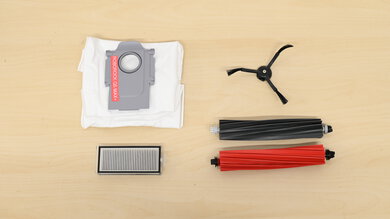
This vacuum has a few parts that need regular replacing and incurs fairly high recurring costs.
- AeroVac filter: You should replace the AeroVac filter every six to 12 months.
- Side brush: The manufacturer doesn't specify a replacement interval but says you should replace it when you notice signs of wear.
- Brushroll: You need to replace the brushrolls every six to 12 months.
- Wheel: You need to replace the front caster wheel every 12 months.
You can buy replacement parts on iRobot's online store. They sell a replenishment kit with three filters, the bristle brush, beater brush, a side brush, and a cleaning tool for the brushes. You can purchase any other part that breaks or needs replacement on their website.
for pictures & test results

Like most robot vacuums, the iRobot 675 is extremely easy to store. The vacuum mounts itself onto the charging dock and lays flat on the ground.
for pictures & test results

This vacuum's debris capacity is pretty disappointing. Its dustbin is small, and there's no indicator to tell you if it's full, so you have to monitor it yourself. If you want a slightly bigger dirt compartment, check out the iRobot Roomba E5.
for pictures & test results
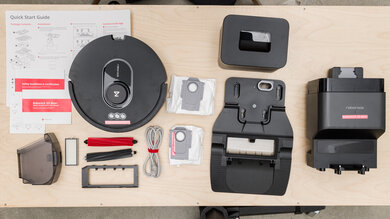
- iRobot Roomba 675 vacuum
- Charging dock
- Charging cable
- 2x AeroVac filter (one is already in the vacuum)
- User guide
The vacuum has a practically unlimited range as long as it has battery life remaining and room left in its dirt compartment, but it can't go up stairs.
The vacuum has a carrying handle, making it very easy to carry around if you need to bring it to another floor.
This vacuum has incredible battery performance. While its max battery life of about two hours is less than alternatives like the bObsweep Bob Pro, it recharges in about two hours, which is great for a robot vacuum. It automatically changes its suction power based on the cleaning conditions, so it's worth noting that its runtime can vary pretty drastically depending on the floor types in your home. The battery indicator light on its top cover turns red when the battery is low, but it doesn't specify the battery percentage. The mobile app also notifies you when the battery is low.
for pictures & test results
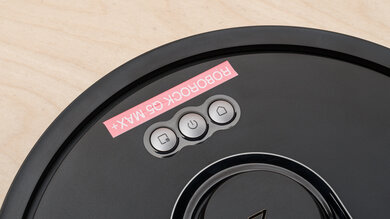
This vacuum has a few extra features. It detects areas that are particularly dirty and increases its suction power as it cleans them. Unlike the Shark ION Robot RV700 Series, it can also detect what surface type it's on and automatically adjust its brushrolls' height, which helps it move from cleaning bare floors to high-pile carpets and vice versa. These features are automatic, and you can't change them manually.
for pictures & test results

This vacuum has a beater brush that crushes debris, so the bristle brush picks it up easier. There's also a side brush that pushes debris into the vacuum's path. If you want a robot vacuum with twin side brushes, look into the eufy RoboVac 30C or the ONSON GOOVI F007 Robot Vacuum.
for pictures & test results

for pictures & test results

Performance on bare floors is excellent. This vacuum doesn't have too many problems with both small and large debris. Its beater brush can crush large debris, making it easier for the main brushroll to clean, but some debris still gets pushed around by the side brush, and the vacuum doesn't pick it up. However, its ability to clear away heavier debris degrades significantly as its dustbin fills up.
for pictures & test results

for pictures & test results

This vacuum is bad at cleaning low-pile carpets. It picks up most large debris like sand but struggles with fine debris like baking soda. If you want a model with a better performance on low-pile carpets, look at the iRobot Roomba 960.
for pictures & test results

for pictures & test results

This vacuum's performance on high-pile carpets is mediocre. Unlike some robot models, it can climb onto and maneuver on high-pile carpets, but it doesn't clean them very well. It's somewhat effective in handling larger debris like sand but struggles with fine debris like baking soda. If you want a vacuum with a better performance on this surface type, try the Neato Botvac D7.
for pictures & test results

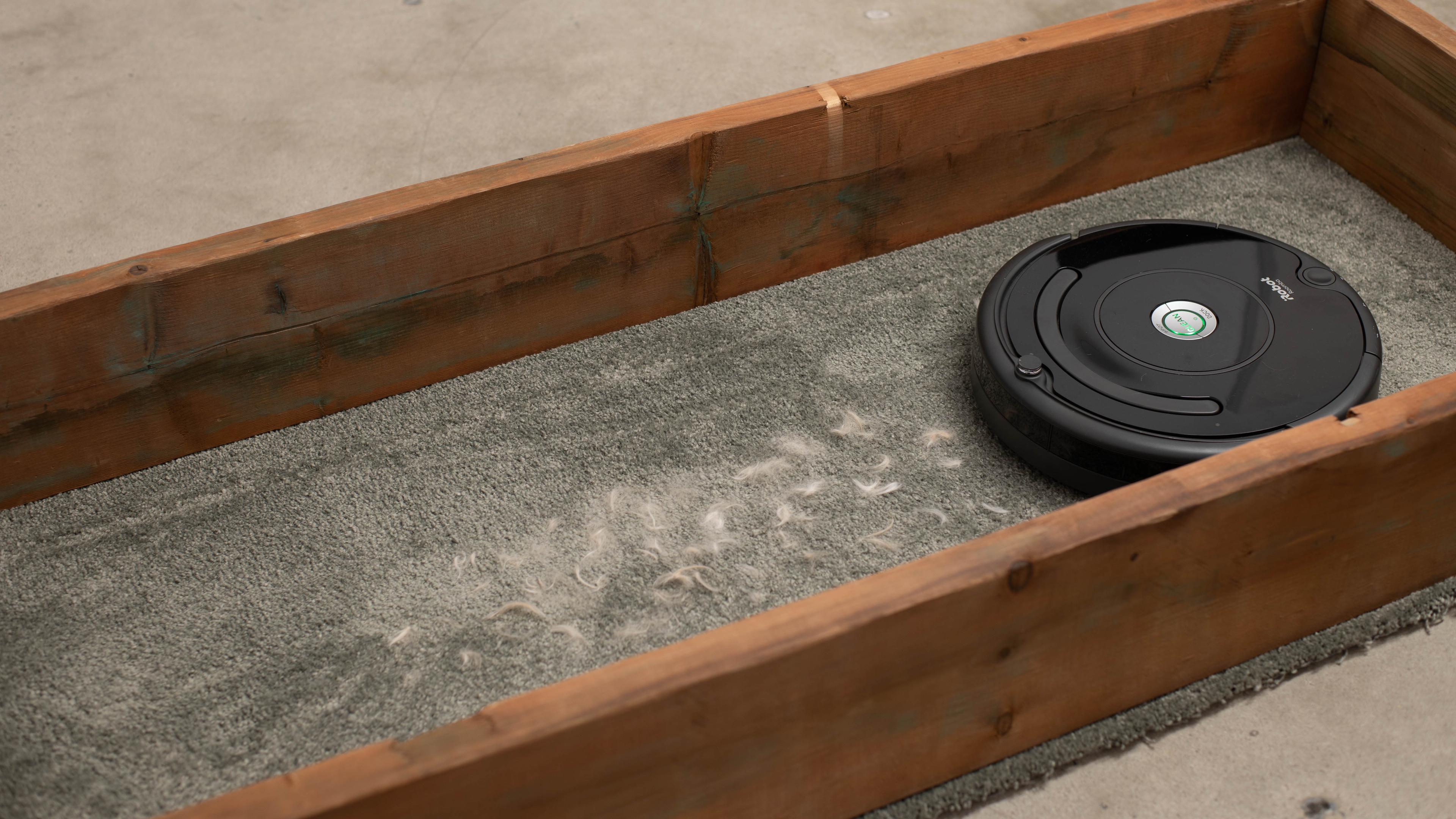
This vacuum does a mediocre job of handling pet hair. It struggles with clearing away pet hair on bare floors, but it's pretty effective when it comes to lifting it away from low and high-pile carpets.
for videos & test results

Like most robot vacuums, the iRobot Roomba 675 has low real-world suction force at its floorhead, as it's incapable of generating a tight seal against the contact surface.
for videos & test results

This vacuum is pretty quiet. It's a little louder than other budget-friendly alternatives like the eufy RoboVac 25C, but you should still hear nearby conversation even with the vacuum running in the same room.
for videos & test results

This robot vacuum is decent at maneuvering itself. It can move around on carpets since its automatic surface type adjustment feature allows it to change its height depending on what kind of floor it's cleaning. Its random-pathing navigation system results in a somewhat erratic cleaning pattern, but overall coverage is still quite thorough. It can go underneath couches and tables without any issues, and it cleans around and goes over wires. It can also go over rugs and clean them, but it could still drag them a bit.

for videos & test results

This vacuum does a terrible job of sealing in fine allergens. Its AeroVac filter does almost nothing to prevent particles from being blown out of its exhaust.
for videos & test results

for pictures & test results
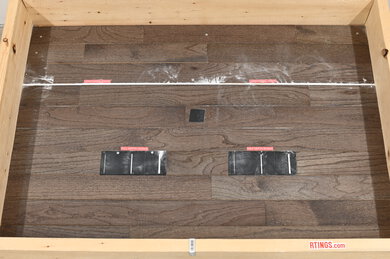
This vacuum has a pretty hard time clearing away debris in cracks and crevices due to its low real-world suction force, though it still manages to clear away debris in shallow crevices like the grout lines on tile floors. It also makes less of a mess dislodging debris from cracks, compared to pricier models like the Roborock S6 MaxV.
for videos & test results

for pictures & test results
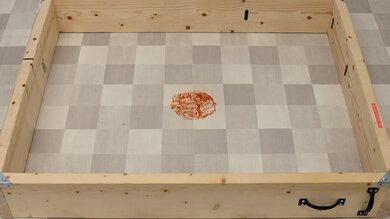
This vacuum has little to no impact on dried-on stains. Unlike pricier models like the Roborock E4, there's no mopping system to help saturate dried-on messes.
The iRobot Roomba 675 has a reasonable range of physical automation features. It doesn't have a smart pathing feature, so it cleans rooms in a disorganized pattern. The buttons on top allow you to start a cleaning session, have the vacuum spot-clean an area, and send it back to its dock. The vacuum is compatible with Google Home and Alexa devices, meaning you can control it with voice commands. Unfortunately, it isn't compatible with a self-emptying base station and doesn't come with a remote control, so the only way to control it without an internet connection is with the buttons on top. If you're looking for something that comes with a remote control, look at the Eureka Groove.
for pictures & test results
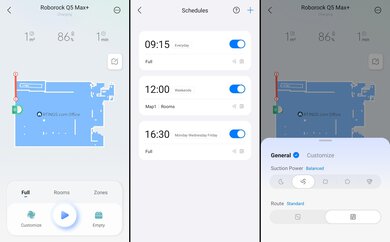
The iRobot HOME companion app is good. It's fairly stripped down in terms of features, as it offers the same range of functionality as the physical control buttons but has an easy-to-use interface. With the app, you can have the vacuum start a cleaning session, spot-clean its immediate area, or stop a cleaning job and send it back to its dock. You can also use the app to check the battery status and create a cleaning schedule. Since the vacuum can't store a map of its coverage area, you can't send it to specific areas, set up virtual boundary markers, or schedule cleaning sessions for specific rooms.