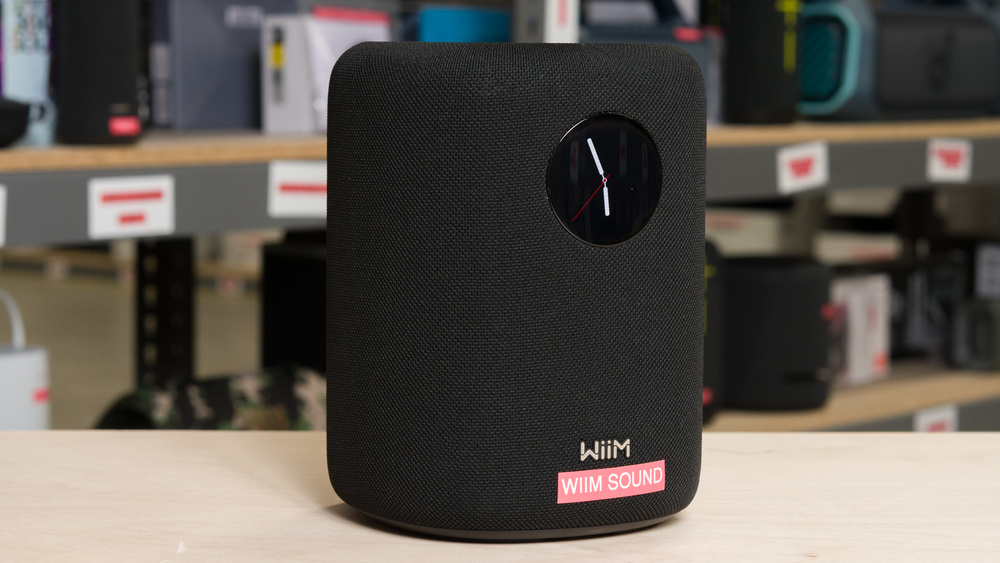
The WiiM Sound is WiiM's first standalone smart speaker, aimed at buyers who want an all-in-one entry into the brand's digital audio streaming ecosystem, rather than pairing a WiiM device with a separate speaker. In a home Wi-Fi speaker market dominated by Sonos and Apple, WiiM positions itself as a flexible option for listeners who use a range of music apps and streaming services rather than sticking to one brand's ecosystem. That said, it's a less natural fit for Apple-centered setups, since it doesn't support AirPlay. Its voice control also depends on the included remote rather than hands-free commands.
Our Verdict
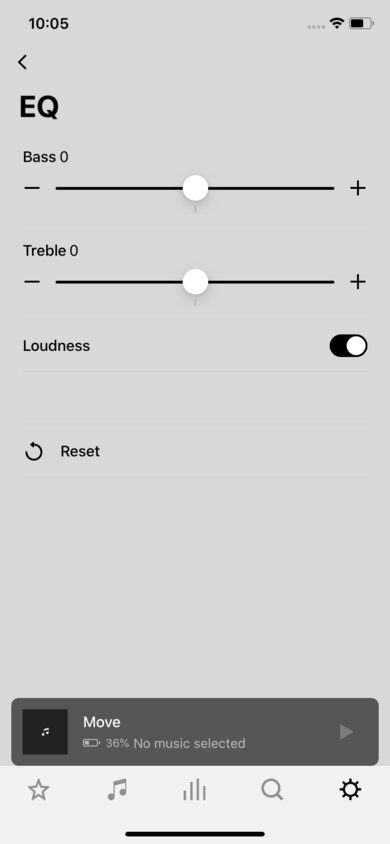
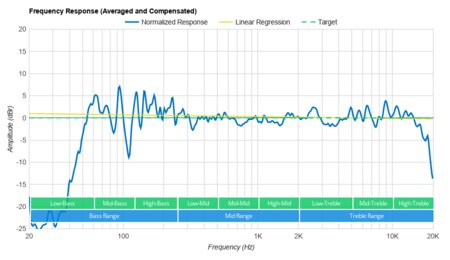
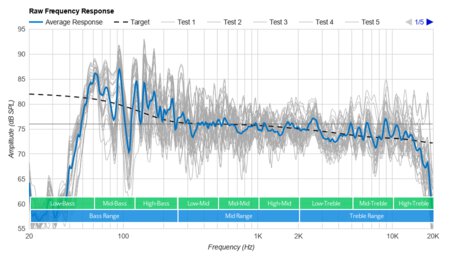
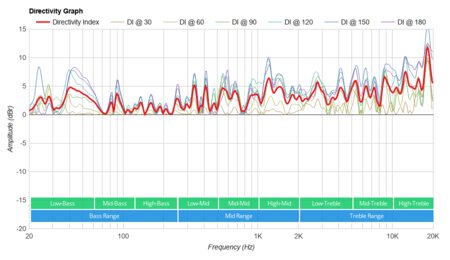
The WiiM Sound is good for music. It has a fairly balanced sound with RoomFit enabled and Dynamic Bass off, though it doesn't reproduce much deep bass, so kicks and basslines have more punch than rumble. The Dynamic Bass feature, which is on by default, lets you listen at low levels and hear a bit more bass. Its treble is well controlled, so high-frequency details like cymbals sound clear without getting piercing. This speaker can play stereo content without downmixing to mono, and its good directivity helps keep the sound fairly consistent from different listening angles. It also has lots of sound customization tools in the WiiM Home app, including the aforementioned Dynamic Bass, RoomFit, more than 20 EQ presets, a 10-band graphic EQ, and parametric EQ.
Lots of sound customization tools.
Plays stereo content without downmixing to mono.
Good directivity.
Low Bluetooth latency with iOS and Android devices.
Limited low bass.
No built-in battery.
No Apple AirPlay support.
The WiiM Sound is okay for videos and movies. Dialogue is reasonably clear thanks to its balanced response, and it can play stereo content without downmixing to mono, helping ensure you hear the spatial details in movie soundtracks. However, it doesn't reproduce much deep bass, so action scenes won't have the weight or rumble you'd get from a larger speaker or a setup with a dedicated subwoofer. Bluetooth latency on iOS and Android devices is low enough for most video content, though different apps and devices handle latency differently. That said, Wi-Fi streaming latency is very high, with the audio noticeably ahead of the video, so Wi-Fi playback is better suited to music than movies.
Lots of sound customization tools.
Plays stereo content without downmixing to mono.
Good directivity.
Low Bluetooth latency with iOS and Android devices.
Limited low bass.
No built-in battery.
No Apple AirPlay support.
Very high Wi-Fi latency.
The WiiM Sound is okay for podcasts. The fairly balanced response helps voices sound clear, and it gets loud enough for casual listening in an average-sized room. It also has good directivity, so voices sound fairly consistent if you're moving around the kitchen or listening from off to the side of the speaker. That said, since it's an AC-only speaker with no built-in battery, you can't carry it from room to room while listening to audio.
Lots of sound customization tools.
Good directivity.
Low Bluetooth latency with iOS and Android devices.
No built-in battery.
No Apple AirPlay support.
Very high Wi-Fi latency.
The WiiM Sound doesn't have a built-in mic, so you can't use hands-free voice commands from across the room. Since our methodology relies solely on a speaker's built-in mic, the WiiM scores poorly. However, the included remote has a built-in mic that you can activate with a button, making it easy to access Alexa with one hand. Used this way, you can easily access Alexa via the remote. You can also use Google Assistant through a connected smartphone, but there's no Siri support. It's quite usable for occasional voice commands, but it doesn't work like a conventional hands-free smart speaker.
Lots of sound customization tools.
No built-in battery.
No hands-free voice assistant support.
Very high Wi-Fi latency.
The WiiM Sound is not suitable for outdoor use. It's an AC-only home speaker with no built-in battery, so it needs to stay plugged in. It also doesn't have any dust or water resistance rating.
Changelog
- Updated Sep 22, 2026: This review has been updated to Test Bench 1.0.1. This includes the Test Bench 1.0 updates to all of our Sound tests: Frequency Response Accuracy, Raw Frequency Response, Directivity, and Loudness, as well as the revised Low-Frequency Extension calculation and related DRC updates introduced in Test Bench 1.0.1. There have also been text changes throughout the review, including to the usages and product comparisons, where applicable, to match these results. You can read more about these changes in our Test Bench 1.0 changelog and Test Bench 1.0.1 changelog.
- Updated Aug 28, 2026: This review has been updated to Test Bench 1.0, which includes new results for all of our Sound tests: Frequency Response Accuracy, Raw Frequency Response, Directivity, and Loudness. There have also been text changes made throughout the review, including to the usages and product comparisons, to match these results. You can read more about these changes in our changelog.
- Updated May 20, 2026: Review published.
- Updated May 14, 2026: Early access published.
Check Price
Differences Between Sizes And Variants
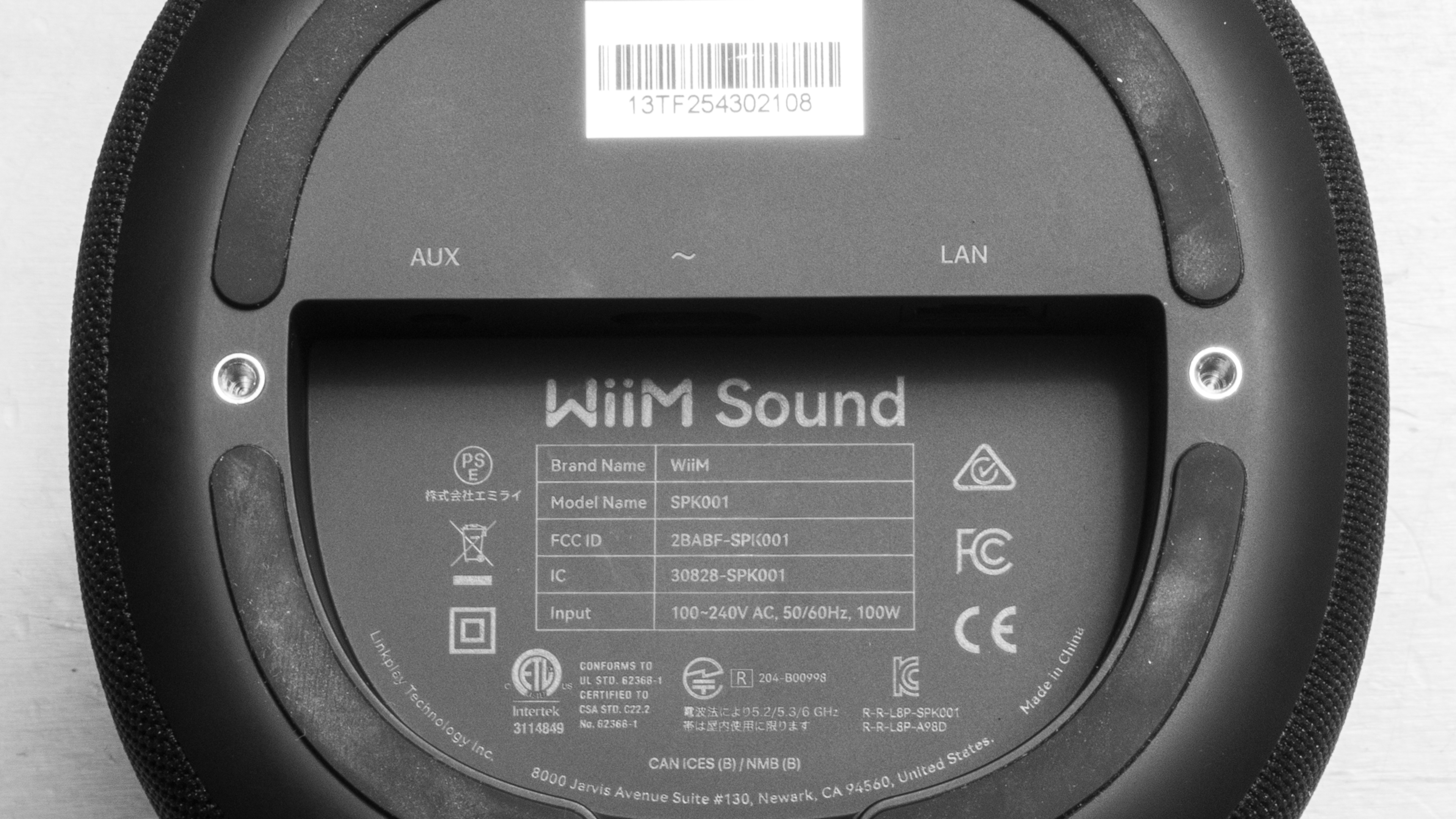
The WiiM Sound comes in two color variants: 'Black' and 'White.' We tested the 'Black' variant (and took a photo of its label), but we expect other colors to perform similarly. WiiM also makes a Lite variant, which they say is sonically the same but lacks the front touchscreen and Voice Remote.
If you encounter another variant of this speaker, please let us know in the comments, and we'll update our review.
Popular Speaker Comparisons
The WiiM Sound is WiiM's all-in-one answer to home speakers like the Sonos Era 100 and Apple HomePod (2nd generation). WiiM positions it as a flexible, customizable home speaker for listeners who don't want to be locked into one brand's ecosystem (although WiiM have their own hardware ecosystem, too). Compared with the Apple speaker, the WiiM is much more customizable and better suited to non-Apple setups, with support for a wide range of streaming services, including Spotify, TIDAL, Roon Ready, and Plex, plus Bluetooth, Wi-Fi, AUX, and Ethernet. The Sonos Era 100 is the more polished middle-ground option for most homes, with AirPlay, built-in Alexa, better loudness, and strong Sonos ecosystem integration, but the WiiM offers more granular sound customization, including a parametric EQ.
If you want a speaker you can take outside, the Sonos Play or Sonos Move 2 make more sense thanks to their built-in batteries and weather-resistant designs. Higher-end home speakers like the Sonos Era 300 and JBL Authentics 500 deliver more impactful sound, but the WiiM is a strong fit if you want a stationary streaming speaker that works well with multiple ecosystems.
Looking for more options? Check out our recommendations for the best home speakers, the best smart speakers, and the best Alexa speakers.
The Sonos Era 100 and the WiiM Sound are both wired home speakers with strong app support, but they're designed for different ecosystems. The Sonos is designed to fit into the Sonos ecosystem, and if you're already invested in that, it's a polished choice. It offers built-in Alex and Apple AirPlay. If you're more ecosystem agnostic, the WiiM Sound is a compelling alternative. It offers numerous ways to customize the sound and access a host of music streaming services, including self-hosted services like Plex. Its voice assistant support comes from its remote, not from the speaker itself. You may or may not prefer that. If you want an easy Sonos home speaker, get the Era 100. If you want a customizable streaming box with built-in speakers, the WiiM makes more sense.
The WiiM Sound and the Bose Lifestyle Ultra Speaker are both AC-powered home speakers, though they have different strengths. The WiiM performs better in our sound tests overall, with a more balanced default tuning, better directivity, and stereo playback, along with a more granular parametric EQ in the app for sound tuning. That said, it lacks the Bose speaker's comprehensive voice assistant support and more portable (easily carried) design.
The Google Home Max and the WiiM Sound are both AC-only speakers with Google Chromecast support, but they have very different strengths. The Google speaker is much better for voice control thanks to the built-in Google Assistant and far-field microphones, and its Chromecast latency is low, too, so it's a better choice for videos over Wi-Fi. The WiiM Sound is smaller but much more flexible for music streaming. It has a more versatile companion app with a host of sound customization options and support for a wide range of music services. However, its Chromecast latency is very high, and its voice control relies on the included remote rather than hands-free commands.
Depending on your ecosystem, you may prefer either the WiiM Sound or the Apple HomePod (2nd generation). The Apple, unsurprisingly, is the better fit for Apple users: it supports AirPlay, has built-in Siri, and offers excellent voice command recognition, so it works much more naturally as a hands-free smart speaker. That said, the WiiM is more flexible if you use a mix of streaming services and platforms. It supports Bluetooth and Wi-Fi audio playback, has AUX and Ethernet ports, and comes with built-in support for a wide range of music streaming services. It also offers far more sound customization tools, including graphic and parametric EQ. And it can also play stereo content without downmixing to mono, unlike the Apple speaker.
Test Results
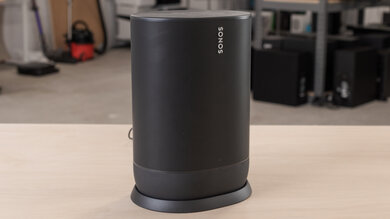
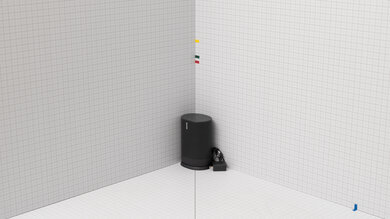
for pictures & test results
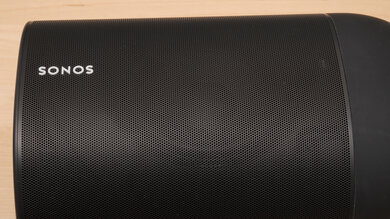
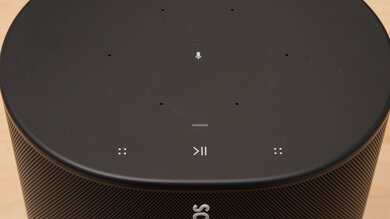
for pictures & test results

for pictures & test results