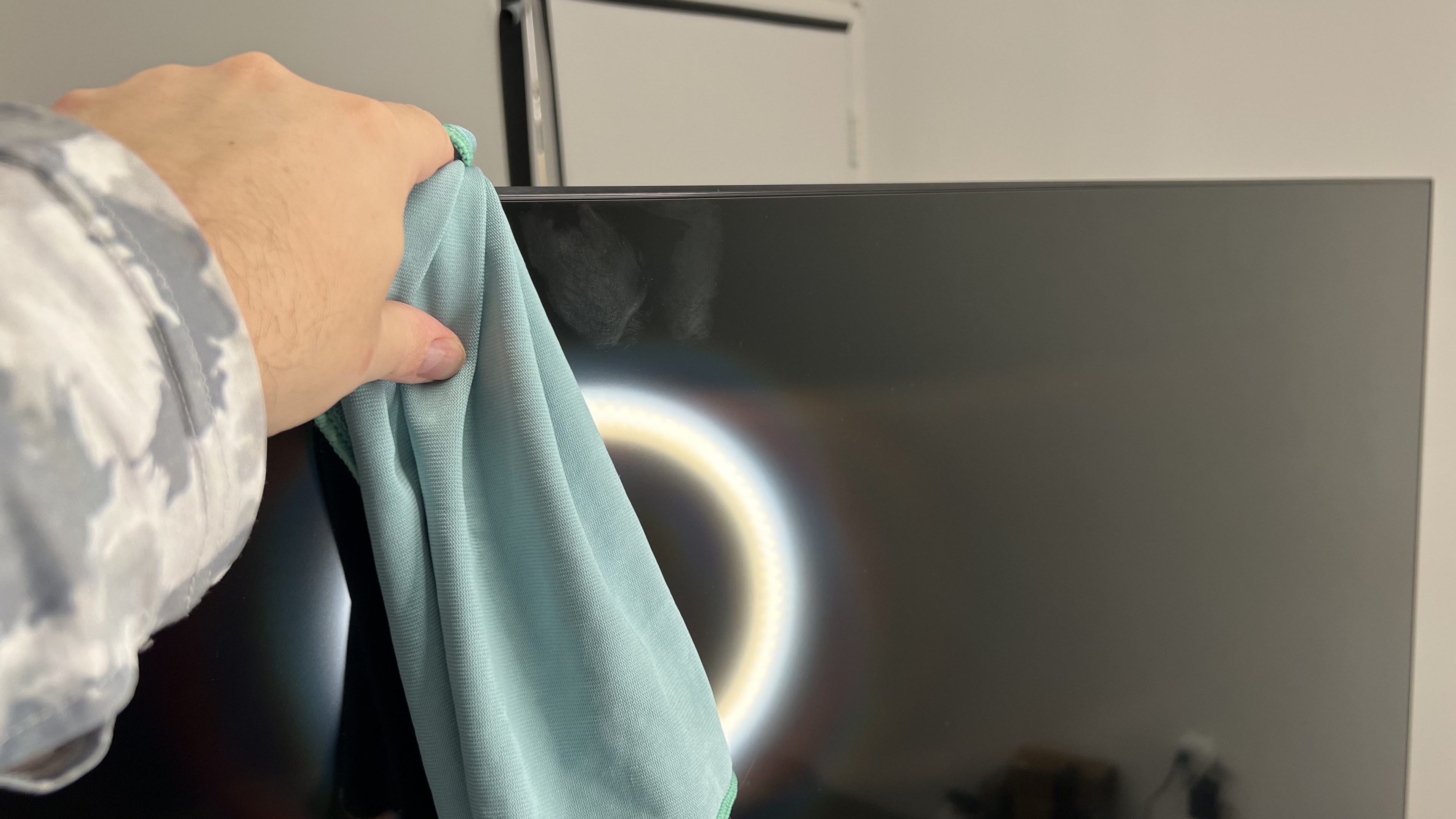
So you get your new TV home, unpack it, and finally get it mounted to the wall, only to discover the screen is smudged at the top. Oh no! Fret not. With the right products in hand and a little elbow grease, you'll get your new TV looking good as new. With over 150 TVs stored in our industrial lab at RTINGs.com, we have some experience getting dust and fingerprints off of screens. So, just how do you clean a TV?
Below, we'll cover a few tips on how to clean a TV screen without damaging it, especially those pesky QD-OLEDs that might seem impossible to clean.
How to Clean a TV Screen
Learning how to clean a TV, especially if it's just dusty, is a straightforward process. It's best to clean your TV frequently, once a week or more, depending on the dust levels in your house. For frequent cleaning, a soft cleaning tool like a Swiffer duster is usually fine. If dust gets caked on over time, though, you might have to use a bit of elbow grease and a soft microfiber cloth. You can use any dry microfiber cloth to wipe dust off the display; fluffy cloths work best for picking up loose dust, but if you have any smudges like the screen above, go with a simpler cloth like the one shown above. Regardless of the type of cloth you choose, make sure it's clean. Any dust or hard particles stuck in the cloth could scratch the screen if you're not careful.
A ring light or other bright light source is essential to getting a clean finish. If you can, move the light around the screen; this will make it much easier to spot any smudges or streaks on the screen. Take the screen one section at a time and go over it with your cloth. The motion doesn't really matter, but don't be afraid to put a bit of elbow grease into it; the friction can help remove oils from the screen.
Deeper Cleaning
What should you do if your kids get food stuck on the TV? Just rinse the TV off with a garden hose and you'll be good to go! Just kidding, of course. If you do need a bit of liquid to help get some stubborn messes off the screen, only use distilled water, and apply a few drops directly to a clean microfiber cloth. Never use tap water, as the minerals dissolved in it could scratch the screen, and definitely never apply the water directly to the screen. You want the cloth to be slightly damp, not wet; otherwise, water could drip down into the electronics. Try to wipe the mess off the screen, and once it's gone, use a second, dry cloth to finish cleaning the screen.
Stay Away From Solutions Or Pre-Made Products
If you go to any big box store that sells electronics, chances are you'll see all kinds of products that claim to be the perfect solution for cleaning a screen. Don't fall for the marketing! You almost never need any liquid to clean your screen, and using any cleaning product will likely leave your screen a streaky mess, or possibly even damage the coating. Never use Windex or any ammonia-based cleaning product, which will likely permanently damage your screen coating.
Conclusion
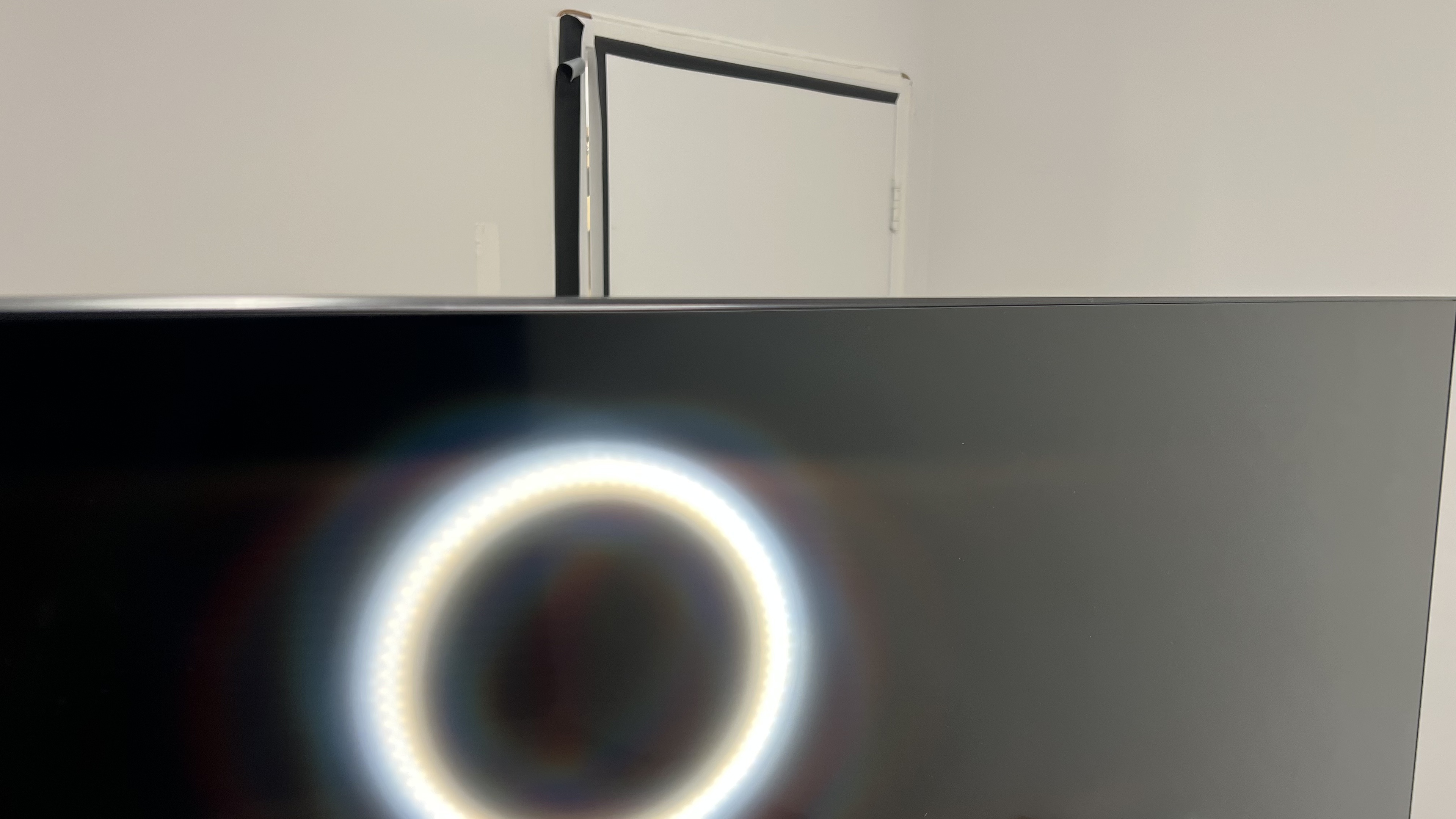
That's it! All you need is a clean microfiber cloth, and your TV will be looking as good as new. Remember, the trick to keeping your TV clean is to never let it get dirty in the first place! Frequent dusting with a feather duster or another similar product will keep it looking as good as new, and a cloth and elbow grease are all you need if it ever gets smudged. When you're passing over the screen, don't forget to dust the sides and back of the TV too, if you can reach it. Most TVs have vents for cooling, so you should try to keep those clean and dust-free as well, especially if you have pets.