
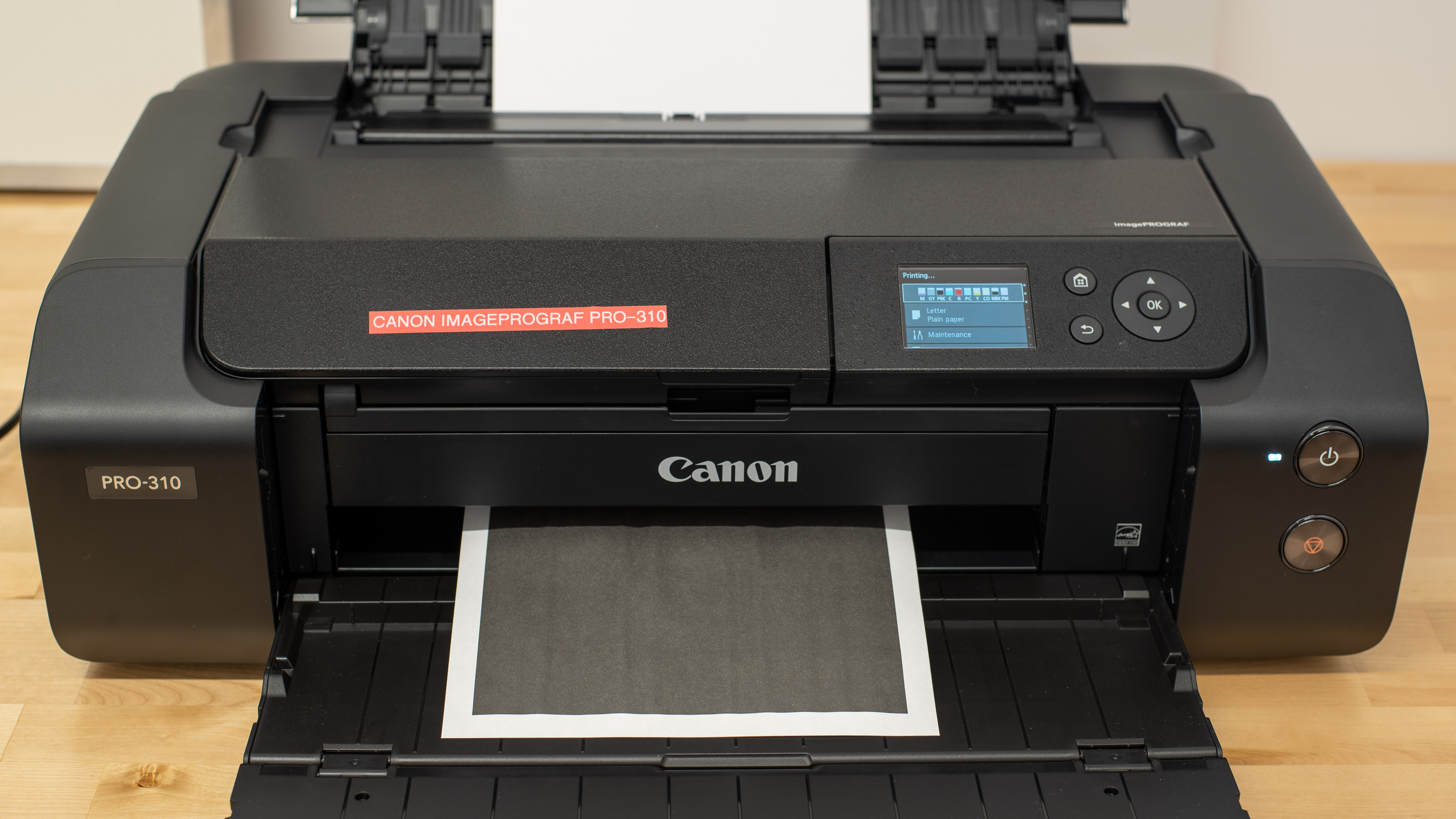
The Canon imagePROGRAF PRO-310 is a 13-inch professional photo printer. Replacing the Canon imagePROGRAF PRO-300, this print-only model sits between the lower-end Canon PIXMA PRO-200S and the top-end Canon imagePROGRAF PRO-1100 in Canon's professional photo printer lineup. The PRO-310 is largely an internal upgrade from its predecessor, adopting the PRO-1100's Lucia PRO II (PFI-5100) ink cartridges. It also features increased paper size support, up to 70 inches (1,800 mm) in length, and an improved Chroma Optimizer to reduce bronzing. Connectivity options remain unchanged, including Wi-Fi, USB, and Ethernet, as well as support for Apple AirPrint and Mopria Print Service.
Our Verdict
The Canon PRO-310 is primarily a photo printer. It's an excellent option if you only plan on printing photos, but it isn't ideal if you need to print documents regularly because its matte black ink cartridge runs out fairly quickly, and it's extremely slow, churning out only one document page per minute. There's also no scanner. As for photo printing, this model produces amazingly detailed and colorful pictures, and it supports borderless printing up to 13" x 19". Unfortunately, while this printer yields a decent number of pages, recurring costs can become quite high if you print frequently, as there are ten cartridges to replace. It's also very big, which makes it difficult to fit in a home compared to most regular printers.
Produces detailed and colorful photos.
Produces high-quality documents.
Wide connectivity options.
Extremely slow to print documents.
No scanner.
Fairly high recurring costs.
Only supports manual duplex printing.
Can clog if it's left unused.
The Canon PRO-310 printer is bad for office use. Although it produces exceptionally sharp documents, it prints very slowly at only one black or two color document pages per minute. There's also no scanner, so you'll need a separate unit if you want to scan or make copies. Its color ink cartridges yield a fairly large number of prints, but its matte black ink cartridge runs out quickly, resulting in frequent replacement.
Produces high-quality documents.
Supports wide format paper.
Wide connectivity options.
Extremely slow to print documents.
No scanner.
Only supports manual duplex printing.
The Canon PRO-310 is a professional photo printer that's inadequate for this use case. It's an inkjet printer that can clog if left unused for extended periods of time. Although it includes maintenance tasks to solve this issue, its ink capacity is limited, making tenacious clogs more tedious to resolve. That said, in the worst-case scenario where a clog can't be flushed out, you can replace the printheads to get the printer up and running again. Its page yields are also only okay, which means you will need to keep an eye on your ink levels to ensure you have enough left to continue printing. It's also very slow, which makes the occasional quick print quite a chore.
Produces high-quality documents.
Extremely slow to print documents.
No scanner.
Can clog if it's left unused.
The Canon PRO-310 is excellent for photo printing. It produces amazingly detailed and colorful pictures, with an outstanding level of color accuracy you would expect from a professional photo printer. It also supports various paper sizes as well as borderless printing up to 13" x 19". Its page yield is fair, but because it has ten cartridges, recurring costs can get pretty high if you print a lot. There's no external storage support, meaning you can't print directly off a USB flash drive or SD card.
Produces detailed and colorful photos.
Outstanding color accuracy.
Supports wide format paper.
Wide color range.
Fairly high recurring costs.
No external storage support.
The Canon PRO-310 utilizes a 10-cartridge system specifically designed for photo printing and delivers only adequate page yields. Our testing shows that you can expect to print a few hundred pages before needing to replace your cartridges.
Page yields are only adequate.
The Canon PRO-310 is a print-only unit.
No scanner.
Performance Usages
Changelog
- Updated Jul 02, 2026: We've updated this review to Test Bench 1.4, which adds new usages and performance usages, as well as reorganizes several other tests throughout the review. You can read more about the changes in detail in the Changelog.
-
Updated Dec 16, 2025:
We've updated text throughout the review after converting to Test Bench 1.3.
- Updated Dec 16, 2025: We've updated the review to Test Bench 1.3, which adds a number of test boxes including Risk of Clogging and Ease of Unclogging. We also updated the Usage and Performance boxes at the top of the review to better integrate the new aspects covered. See the changelog.
-
Updated Aug 05, 2025:
Added a reference to the Epson SureColor P700 as an alternative with better cost-per-print in the Cost-Per-Print test box.
Check Price
Differences Between Sizes And Variants
We tested the Canon imagePROGRAF PRO-310 in black. There's no other variant.
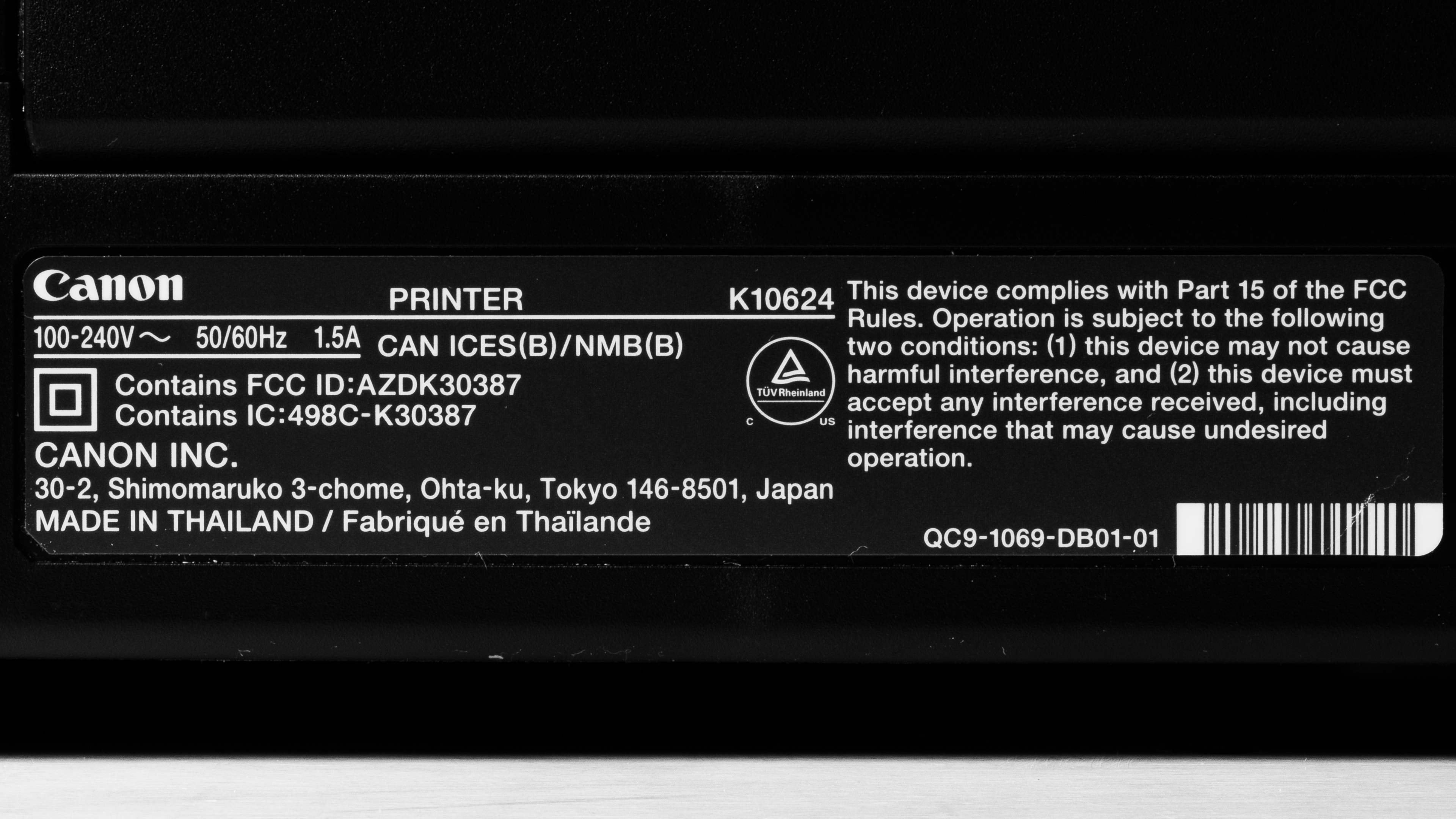
See our unit's label.
Popular Printer Comparisons
The Canon PRO-310 is one of the best photo printers we've tested so far, standing out for its sturdy build, outstanding print quality, and most of all, its remarkable color accuracy. However, it falls short in terms of features and versatility compared to a more affordable model like the Epson EcoTank Photo ET-8550, as its slow printing speed makes it inadequate for regular document printing, and its lack of a scanner means you'll need to acquire a separate device to scan documents or digitize your old photos. Though not terrible, its recurring costs can be very high if you print a lot, especially compared to a supertank model like the aforementioned ET-8550.
For more options, check out our recommendations for the best photo printers, the best iPhone Photo Printers, and the best inkjet printers.
The Canon imagePROGRAF PRO-310 and the Canon PIXMA PRO-200S are both excellent professional photo printers. The PRO-310 is a higher-end model; it has better color accuracy, wider paper size support (up to 70 inches in length), and a Chroma Optimizer to seal photos, providing better uniformity, shine, and longevity. It's worth noting that the PRO-310 uses pigment ink, while the PRO-200S uses dye ink. Although pigment ink isn't as vibrant as dye ink and takes longer to dry, it typically lasts longer and is more resistant to fading and smudges. It also has wider media compatibility, making it more ideal for art and archival prints.
While the Canon imagePROGRAF PRO-310 and the Epson Expression Photo HD XP-15000 are both photo printers, they aren't in the same class, as the Canon is a more costly, higher-end model. The Canon is more color-accurate, and it has a Chroma Optimizer to seal photos, providing better uniformity, shine, and longevity. The Canon is also more versatile because it uses pigment ink, which is more ideal for art and archival prints than dye ink. It yields more prints than the Epson, but because it has ten cartridges, it ends up being more expensive to maintain in the long run.
The Canon imagePROGRAF PRO-310 is a newer version of the Canon imagePROGRAF PRO-300. The PRO-310 is a slight upgrade over its predecessor, adopting a new ink set and wider paper support up to 70 inches (1,800 mm) in length. Its Lucia PRO II ink is more resistant to scratches and produces deeper blacks than the PRO-300's PFI-300 ink. The PRO-310 also has a reformulated Chroma Optimizer to further suppress bronzing.
The Canon imagePROGRAF PRO-310 and the Epson EcoTank Photo ET-8550 are both excellent professional photo printers that produce amazingly detailed, colorful images. The Canon comes out slightly ahead in print quality, as it's more color-accurate, whereas the Epson tends to oversaturate colors to make them more vibrant. However, the Epson is more versatile because it has a scanner and a considerably faster document printing speed. It's also a supertank model that yields significantly more prints, making it better suited for high-volume printing.
Test Results




for pictures & test results


for pictures & test results

for videos & test results









for pictures & test results

for pictures & test results
