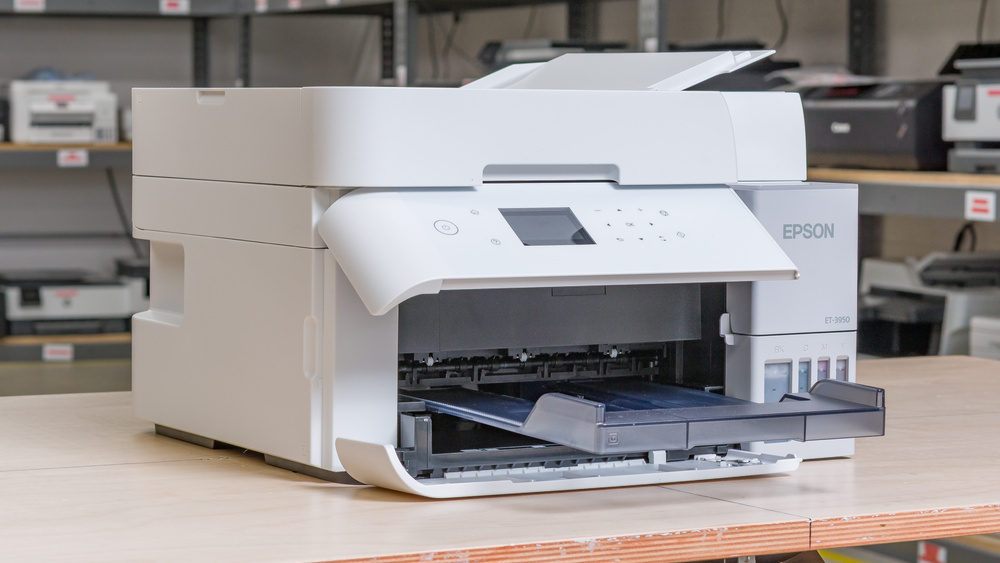
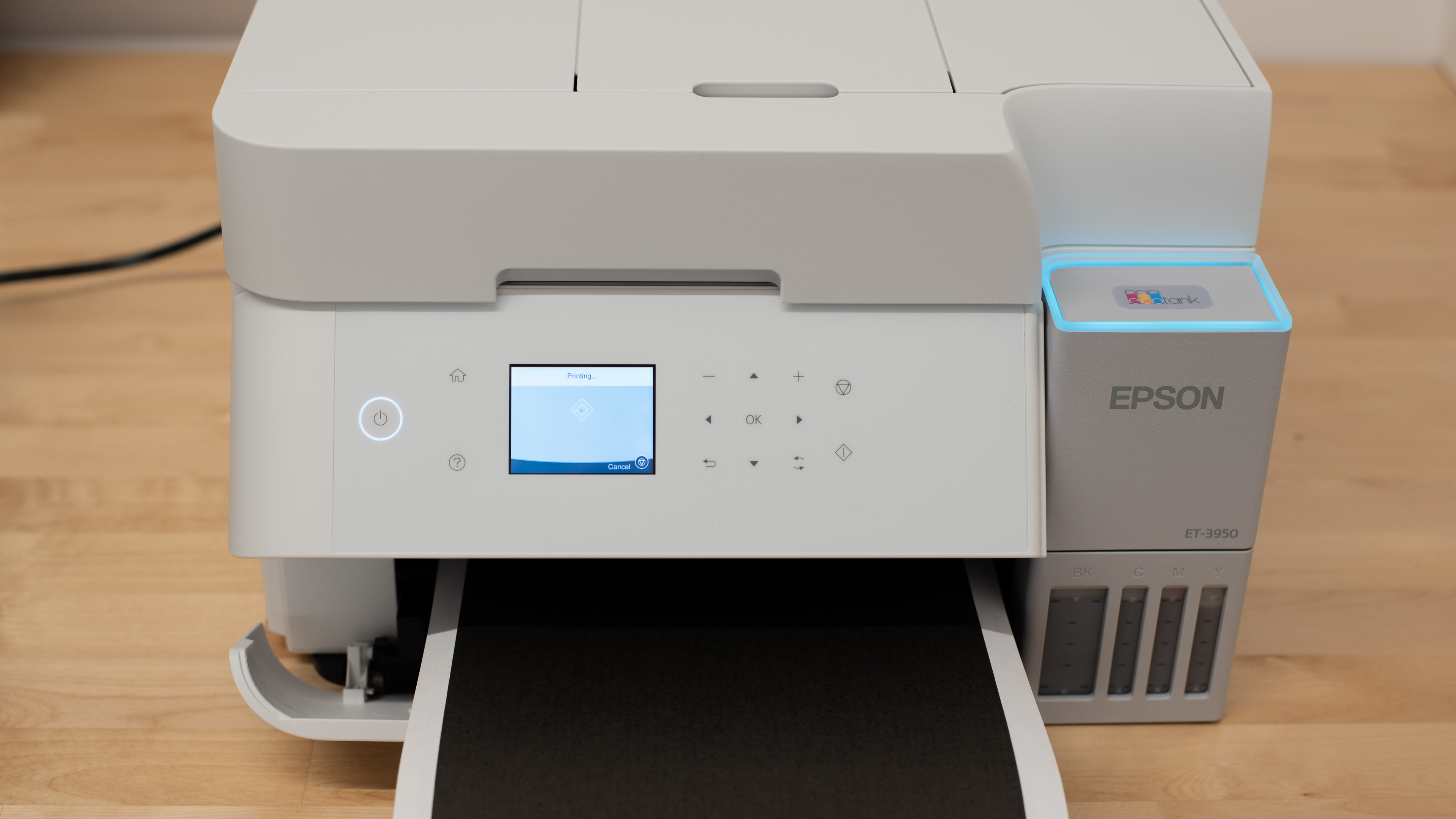
The Epson EcoTank ET-3950 is an all-in-one inkjet printer that uses refillable ink tanks rather than traditional cartridges. It features a 250-sheet paper tray and a 2.4-inch color display for navigation, and it supports automatic duplex printing. While you'll have to upgrade to the Epson EcoTank ET-4950 if you need a fax function, this model also supports dual-pass duplex scanning, a welcome addition for users who frequently handle large batches of documents. Connectivity options remain comprehensive, including USB, Wi-Fi, and Ethernet, as well as compatibility with Apple AirPrint and Mopria Print Service.
Our Verdict
If you're in need of a home printer designed for high-volume use and a fully featured scanner, the Epson EcoTank ET-3950 is an impressive choice. While it's designed for high-volume use and may be overkill for most families, it delivers incredible page yields at a very low cost for ink bottles. Its scanner is equipped with an automatic document feeder and even includes automatic dual pass duplex scanning, which is rare among this category of supertank printers. Its black-and-white document print quality is superb, and even if colors come out a bit washed when printing color documents, they remain totally serviceable. Finally, its color gamut is very good, and its color accuracy is improved, despite the reddish hue that permeates most photos. You should also keep in mind that it's relatively large, so ensure you have a suitable location to set it up.
Produces detailed photos.
High page yields and low cost-per-print.
Includes an automatic document feeder.
Produces very detailed documents.
Very good scan quality.
Very good color gamut.
Color accuracy is only passable.
Can clog if it's left unused.
The Epson EcoTank ET-3950 is a great option for small office environments. The printer delivers outstanding page yields while keeping maintenance demands minimal. You'll find the overall speed adequate for most daily tasks, unless you regularly print very large documents. Automatic duplex printing comes standard. The scanner packs in an impressive array of features. It features an automatic document feeder and duplex scanning, which is a welcome addition to this lineup. One notable limitation is that this printer renders colors that are somewhat washed out at lower print quality settings. Higher-quality settings mostly alleviate the issue, but it's worth considering if you need to print a large number of color documents quickly.
High page yields and low cost-per-print.
Includes an automatic document feeder.
Produces very detailed documents.
Feature-rich scanner.
Slow to wake from an idle state.
The Epson EcoTank ET-3950 is a reasonable choice if you're looking for a reliable printer that's always ready when you need it. As with any inkjet model, infrequent use can lead to clogged printheads; therefore, printing occasionally is recommended to prevent the ink from drying out. The printheads themselves aren't replaceable, but the printer's high-capacity flushing system can usually clear minor clogs and supports multiple deep-cleaning cycles without needing an ink refill. That said, if a clog is too severe for flushing to fix, there are very limited options to address it. Aside from this drawback, the printer's ink tanks deliver excellent page yields, meaning refills are rarely necessary. You'll also be able to easily print from virtually any device, thanks to the ET-3950's extensive connectivity options.
High page yields and low cost-per-print.
Printheads aren't user-replaceable.
Can clog if it's left unused.
Produces detailed photos.
Very good color gamut.
No rear paper tray or manual feed.
Presets only support standard paper types.
The Epson EcoTank ET-3950 performs very well for photo printing, producing bright and detailed images at a low running cost. Although some grain can appear, and the colors aren't perfectly accurate, the photos still look natural and pleasing. The printer also accommodates a wide range of paper sizes, and its overall color accuracy is reliable for everyday use.
Produces detailed photos.
High page yields and low cost-per-print.
Supports a wide range of photo paper sizes.
Very good color gamut.
Color accuracy is only passable.
The Epson EcoTank ET-3950 offers exceptional page yields, as its supertank cartridges are capable of producing thousands of pages before a refill is required.
High page yields and low cost-per-print.
The Epson EcoTank ET-3950 produces sharp enough scans, even if they're slightly over-exposed. Although it has some difficulty capturing very fine details, the results remain clear and usable for most purposes. The scanner features a robust set of capabilities, including automatic duplex scanning and an automatic document feeder, making it well-suited for heavier workloads. That said, it's relatively slow, which may be an issue in situations where time is a constraint.
Includes an automatic document feeder.
Very good scan quality.
Feature-rich scanner.
Can clog if it's left unused.
Relatively small footprint.
Performance Usages
Changelog
-
Updated Jul 03, 2026:
Added Pros and Cons for the usages added on the latest Test Bench 1.4.
- Updated Jul 02, 2026: We've updated this review to Test Bench 1.4, which adds new usages and performance usages, as well as reorganizes several other tests throughout the review. You can read more about the changes in detail in the Changelog.
-
Updated Jan 06, 2026:
We've updated text throughout the review after converting to Test Bench 1.3.
- Updated Jan 05, 2026: We've updated the review to Test Bench 1.3, which adds a number of test boxes including Risk of Clogging and Ease of Unclogging. We also updated the Usage and Performance boxes at the top of the review to better integrate the new aspects covered. See the changelog.
Check Price
Differences Between Sizes And Variants
The Epson EcoTank ET-3950 is only available in 'White.' There's also an Epson EcoTank ET-3958 variant, which is a Costco exclusive that comes with two additional bottles of black ink. Epson also lists the EcoTank ET-3940 and the EcoTank ET-3930 in its manual as equivalent models. The ET-3940 appears to be a region-based variant, whereas the ET-3930 lacks an ADF entirely.
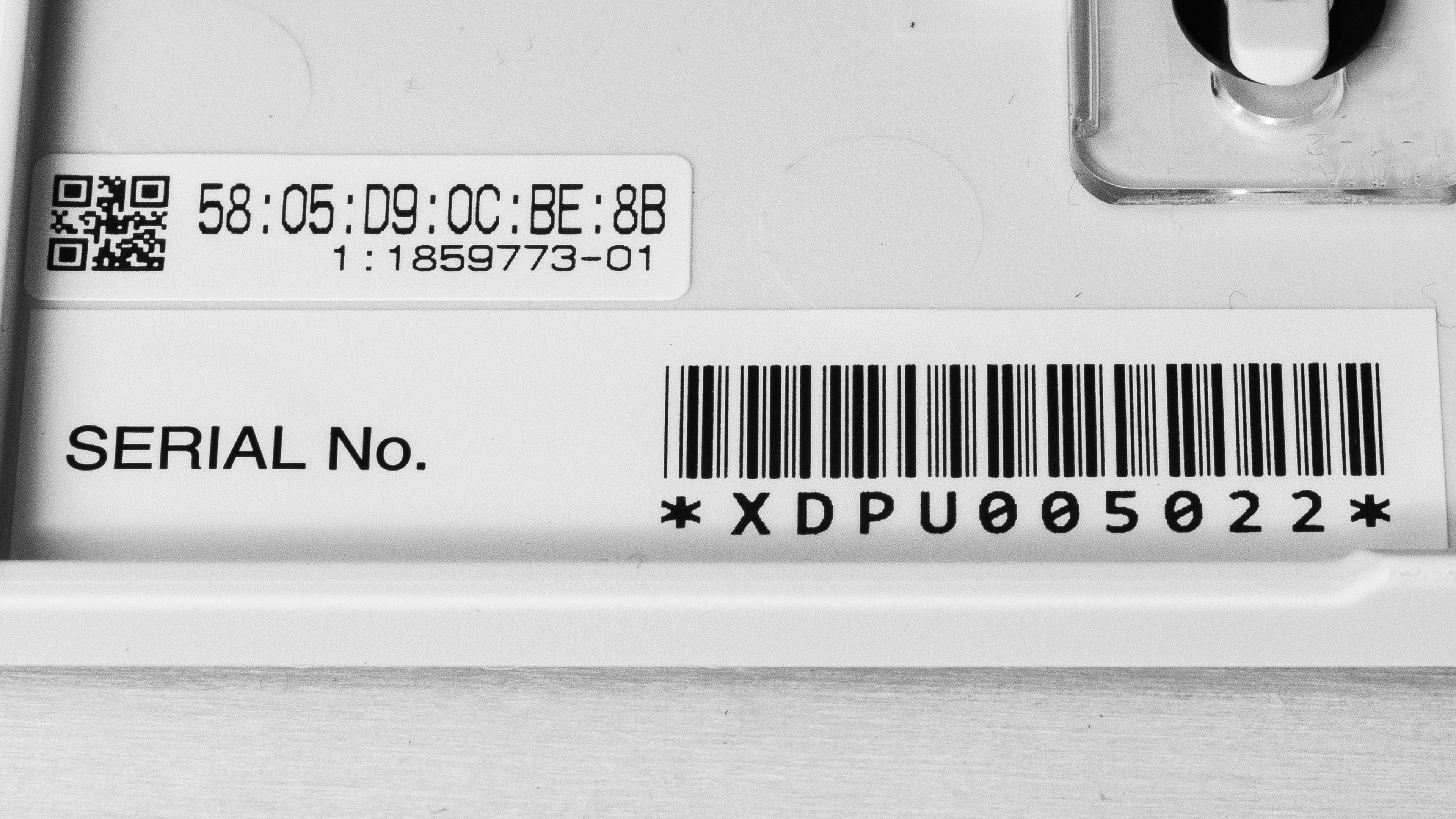
See our unit's label.
Epson also has an extremely similar model, the Epson EcoTank ET-4950, that delivers the same performance but adds a fax function.
Popular Printer Comparisons
The Epson EcoTank ET-3950 or Epson ET-3958 is a great all-in-one inkjet printer that offers a comprehensive package to fulfill the needs of most users. It delivers outstandingly high yields that supertank printers have become known for, and its ink bottles are cheap. Its print quality is excellent, producing sharp documents. The scanner is also feature-rich. It features an automatic document feeder (ADF) and duplex scanning capabilities. If you're looking for a model with a fax function, Epson's otherwise identical Epson EcoTank ET-4950 is worth a look. These printers provide flexible all-in-one packages. More mid-range models, like the Epson EcoTank ET-2980, lack more advanced scanner features, such as an ADF or automatic duplex scanning. While competing laser printers like the Canon Color imageCLASS MF656Cdw/MF654Cdw can print and scan more detailed documents faster, they're less versatile, as they aren't well-suited for printing photos.
For more options, check out our recommendations for the best home printers, the best all-in-one printers, and the best inkjet printers.
The Epson EcoTank ET-3950 and the Epson EcoTank ET-2980 share many of the same printing strengths, offering comparable output quality. The ET-3950, however, stands out with a far more capable scanner that includes automatic duplex scanning and an automatic document feeder for easier multi-page handling. It also produces more detailed scans and features a larger input tray, reducing how often you need to reload paper.
The Epson EcoTank ET-3950 and the Canon Color imageCLASS MF665Cdw target a similar market but differ in their strengths. Both come with fully featured scanners that include automatic document feeders, duplex scanning, and fax capabilities. The Epson is cheaper and it stands out for its low long-term cost per print. Its high-yield, SuperTank cartridges are very cheap to refill. It's also a solid choice for photo printing, unlike the Canon, which relies on laser technology not intended for that purpose. The Canon, on the other hand, is faster and better suited for time-sensitive workloads. It also doesn't clog if left unused for a certain period, unlike inkjet printers. It also produces more detailed scans and printed documents. Overall, while they target a similar market, each printer excels in different areas.
The Epson EcoTank ET-4950 and the Epson EcoTank ET-3950 are extremely similar printers. They both deliver outstanding yields, feature-rich scanners, and have very good overall printing quality. The ET-4950 adds a touchscreen display to navigate the user interface and a fax function to the package. However, if you don't need this function, the cheaper ET-3950 would be a more sensible choice.
The Epson EcoTank ET-2800 and Epson EcoTank ET-3950 offer similar overall printing quality, but the ET-3950 comes with a much more complete scanner package. It includes an automatic document feeder that even supports duplex scanning. The ET-3950 improves on the ET-2800 across the board, printing slightly more detailed documents and achieving a slightly wider color range, all while being much quicker.
Test Results




for pictures & test results


for pictures & test results

for videos & test results



for pictures & test results








for pictures & test results

for pictures & test results
