Epson EcoTank ET-4950  Printer Review

Reviewed Oct 08, 2025 at 02:25pm
Writing modified Dec 04, 2025 at 05:10pm
Tested using Methodology v1.2 
Epson EcoTank ET-4950
8.6
Family 
8.4
Small/Home Office 
8.8
Student 
8.4
Black & White 
8.1
Photo 
7.1
Color Quality 
9.0
Document Quality 
8.4
Scanner 
 5

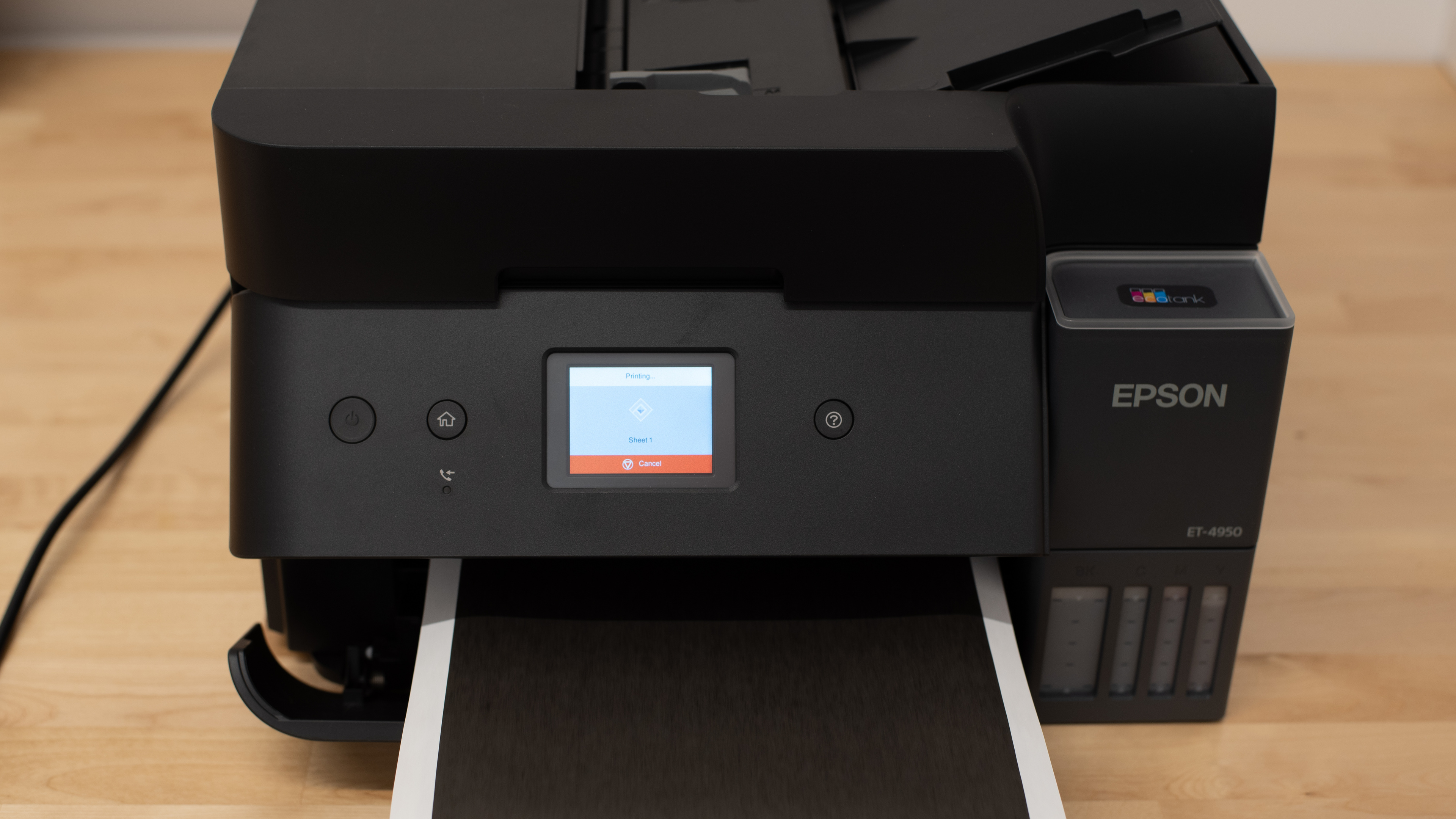
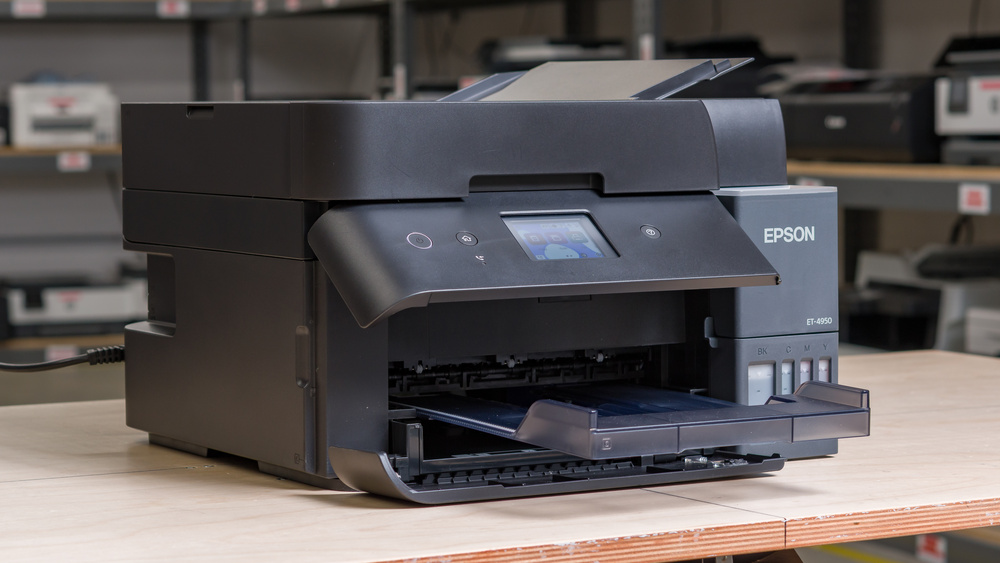
The Epson EcoTank ET-4950 is an all-in-one inkjet printer. Like the rest of the EcoTank line, this printer uses refillable ink tanks instead of ink cartridges. It has a 250-sheet paper tray, supports auto duplex printing, and has a 2.4" color touch-screen display interface. This time around, Epson has added dual-pass duplex scanning to the package, which will be good news for people who frequently need to scan large documents. It also includes a fax function and still supports all the connectivity options you might expect, like USB, Wi-Fi, and Ethernet, as well as Apple AirPrint and Mopria Print Service.

Our Verdict

8.6
Family 

The Epson EcoTank ET-4950 is an excellent option for family use with high printing needs. This printer is primarily designed for high-volume use and will likely be more than most families need unless they print frequently. Its low-cost ink bottles and outstanding page yields make it very affordable to maintain. Black-and-white documents look sharp, and the printer handles occasional photo printing well, thanks to its wide color gamut and decent color accuracy. The scanner is versatile, offering both an ADF and duplex scanning capabilities, and Epson's app adds plenty of useful features as well.

Pros
  • High page yields and low cost-per-print.

  • Produces detailed photos.

  • Automatic document feeder.

  • Produces very detailed documents.

  • Very good scan quality.

  • Feature-rich scanner including duplex scanning and fax.

Cons
  • Color accuracy is only passable.

8.4
Small/Home Office 

The Epson EcoTank ET-4950 is a strong choice for small offices, offering excellent page yields and low maintenance requirements. It supports automatic duplex printing, which is convenient, and while it takes a bit to start, overall speed is good enough for everyday tasks. The scanner is packed with features, including an ADF, duplex scanning, and even faxing, which is uncommon in this category. However, if you print a lot of color documents, you should note that the rendered colors can appear somewhat washed out.

Pros
  • High page yields and low cost-per-print.

  • Automatic document feeder.

  • Produces very detailed documents.

  • Very good scan quality.

  • Feature-rich scanner including duplex scanning and fax.

Cons
  • Slow to wake from an idle state.

8.8
Student 

The Epson EcoTank ET-4950 is an amazing pick for students. It delivers sharp, detailed black-and-white documents, and its high page yield with low-cost refills keeps printing affordable. The printer works with both Apple AirPrint and Mopria Print Service, and Epson's feature-rich app makes it easy to print from different devices. Finally, the scanner is feature-packed, including an ADF, an OCR, and duplex scanning.

Pros
  • High page yields and low cost-per-print.

  • Automatic document feeder.

  • Produces very detailed documents.

  • Very good scan quality.

  • Feature-rich scanner including duplex scanning and fax.

Cons
None
8.4
Black & White 

The Epson EcoTank ET-4950 is great for black-and-white printing, producing highly detailed documents with excellent page yields. The scanner is also full of useful features. However, it's not the fastest option if you often need to print very long documents.

Pros
  • Produces very detailed documents.

Cons
  • Slow to wake from an idle state.

8.1
Photo 

The Epson EcoTank ET-4950 is a great choice for photo printing. It's very affordable to run and produces vibrant, detailed photos. While its results aren't the most color-accurate, and some grain is visible, the results still appear natural. Its color accuracy is decent overall, and the printer supports a wide range of paper formats.

Pros
  • High page yields and low cost-per-print.

  • Produces detailed photos.

  • Supports a wide range of photo paper sizes.

  • Very good color gamut.

Cons
  • Color accuracy is only passable.

7.1
Color Quality 

The Epson ET-4950 covers a wide color gamut, which is impressive. While it's not the most color-accurate printer, that doesn’t take away from the overall quality. The results still look natural even with some imprecision, and it's totally serviceable enough for non-professional work.

Pros
  • Very good color gamut.

Cons
  • Color accuracy is only passable.

9.0
Document Quality 

Black-and-white documents are superb on the Epson ET-4950. Text appears crisp, graph lines are well-defined, and overall sharpness is impressive with almost no visible artifacts.

Pros
  • Produces very detailed documents.

Cons
None
8.4
Scanner 

The Epson EcoTank ET-4950 delivers high-quality scans. While it struggles a bit with very fine detail, the results are still perfectly usable. The scanner is also packed with features, including an automatic document feeder, duplex scanning, and faxing capabilities for those who need them.

Pros
  • Automatic document feeder.

  • Very good scan quality.

  • Feature-rich scanner including duplex scanning and fax.

Cons
None
6.7
Speed 

The Epson EcoTank ET-4950 prints at an okay speed and includes automatic duplex printing. However, photo printing is slow, and the first page takes a while to come out, partly because of the slow motorized output tray.

Pros
None
Cons
  • Slow to wake from an idle state.

10
Recurring Costs 

The Epson ET-4950 keeps remarkably low recurring costs. Instead of traditional cartridges, it uses refillable ink tanks that can produce thousands of prints, and the replacement bottles are inexpensive and more ecological.

Pros
  • High page yields and low cost-per-print.

Cons
None
  • 8.6
    Family
  • 8.4
    Small/Home Office
  • 8.8
    Student
  • 8.4
    Black & White
  • 8.1
    Photo

  • Performance Usages

  • 7.1
    Color Quality
  • 9.0
    Document Quality
  • 8.4
    Scanner
  • 6.7
    Speed
  • 10
    Recurring Costs
  • Changelog

    1.  Updated Nov 05, 2025: 

      Added a reference to the Canon Color imageCLASS MF665Cdw in the Printing Speed test box as a quicker alternative for printing both black and white and color documents.

    2.  Updated Oct 15, 2025: 

      Added a reference to the Epson EcoTank ET-3950 in the Scanner Features test box as a cheaper alternative for users who don't need a fax function.

    3.  Updated Oct 08, 2025: Review published.
    4.  Updated Oct 01, 2025: Early access published.

    Differences Between Sizes And Variants

    There are two color variants of the Epson EcoTank ET-4950: 'Black' and 'White.' We tested the 'Black' variant. There's also an Epson EcoTank ET-4958 variant, which is a Costco exclusive that comes with an additional bottle of black ink.

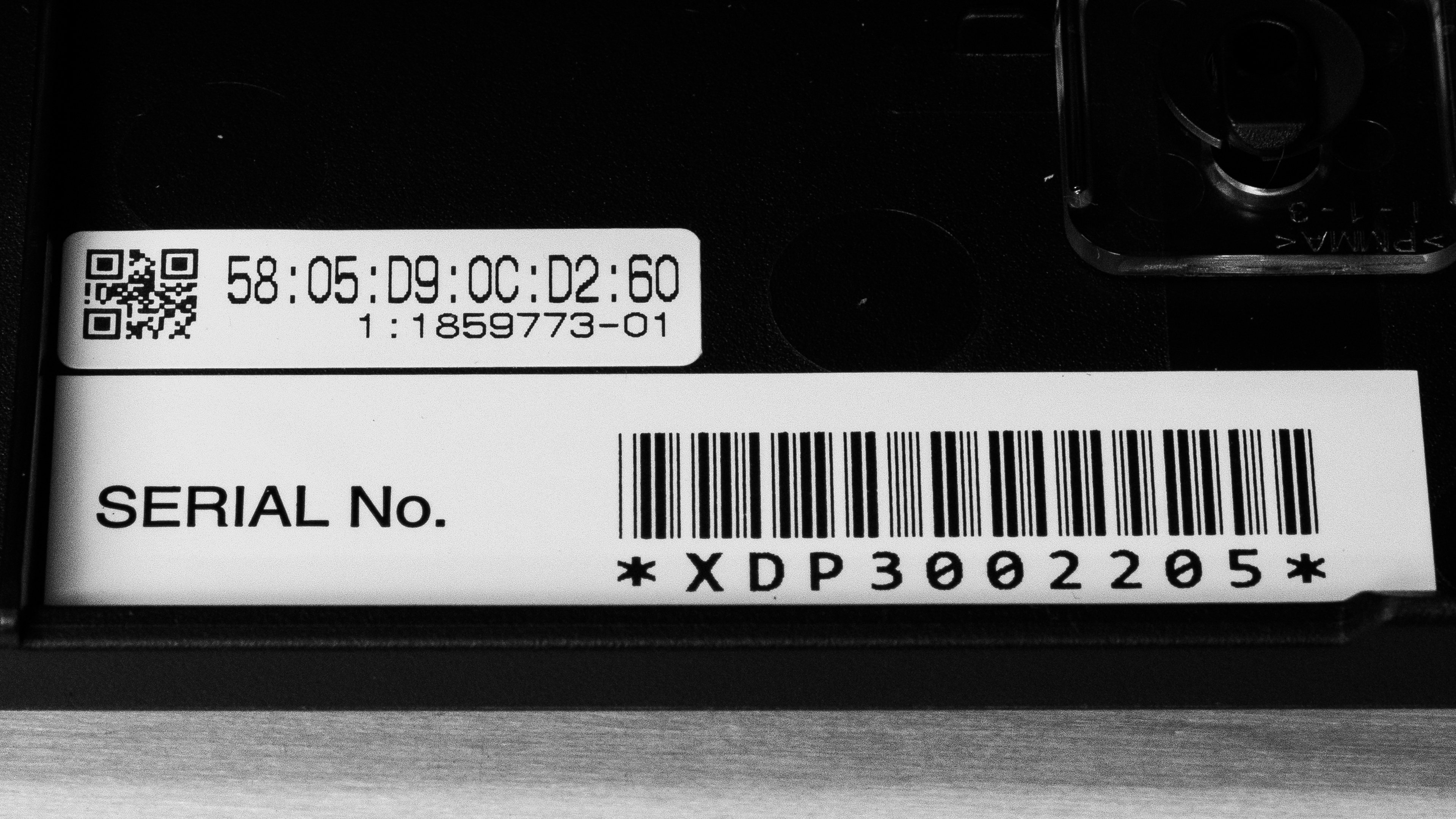
    See our unit's label.

    Epson also has an extremely similar model, the Epson EcoTank ET-3950, that delivers the same performance without a fax function and is also usually cheaper.

    Popular Printer Comparisons

    The Epson EcoTank ET-4950 is a great all-in-one inkjet printer that offers a complete package that should fulfill the needs of most users. It delivers a high number of prints, keeps maintenance costs low, and produces sharp, high-quality documents. It's also good for casual photo printing at home, with vibrant colors and solid detail reproduction. The scanner is also among the most feature-rich in its segment, with an ADF, duplex scanning, and even fax functions. That said, for people who don't need fax capabilities, Epson's cheaper and virtually otherwise identical EcoTank ET-3950 may be a more sensible choice. These printers provide flexible, feature-rich packages. More mid-range models like the Brother MFC-J4335DW lack more advanced scanner features like automatic duplex scanning and fax. While competing laser printers like the Canon Color imageCLASS MF656Cdw/MF654Cdw can print and scan more detailed documents faster, they're less versatile, as they aren't well-suited for printing photos.

    For more options, check out our recommendations for the best home printers, the best all-in-one printers, and the best inkjet printers.

    Epson EcoTank ET-3950

    The Epson EcoTank ET-4950 and the Epson EcoTank ET-3950 are extremely similar printers. They both deliver outstanding yields, feature-rich scanners, and have very good overall printing quality. The ET-4950 adds a touchscreen display to navigate the user interface and a fax function to the package. However, if you don't need this function, the cheaper ET-3950 would be a more sensible choice.


    Epson EcoTank ET-2980

    The Epson EcoTank ET-4950 and the Epson EcoTank ET-2980 have very similar printing capabilities. However, the ET-4950 adds a much more feature-rich scanner that includes an automatic document feeder, automatic dual-pass duplex scanning, and even a fax function. Its scans are also more detailed, and it has a larger input tray, which means you'd have to refill it less often.

    Epson EcoTank Pro ET-5850

    The Epson EcoTank ET-4950 and Epson EcoTank ET-5850 have similar capabilities, but the ET-5850 is better suited for larger workloads. While their print capabilities and page yields are similar, the ET-5850 is much quicker, and its input drawers have much larger capacities. 

    Epson EcoTank ET-3850

    The Epson EcoTank ET-3850 and the Epson EcoTank ET-4950 are very similar printers overall, but the ET-4950 adds a few additional features that may entice some users. Although both printers include an automatic document feeder and deliver similar printing quality, the latter model features an automatic dual-pass duplex scanning function and even includes a fax function. The ET-4950's color accuracy is also significantly improved compared to the ET-3850, and its touchscreen display makes it easier to navigate the UI. However, the ET-4950 delivers less detailed scans. 

    Show more 

    Test Results

    perceptual testing image
    Sort:
    RATINGS
    Category:
    All
    Design
    7.5
    Build Quality
    TypeAll-In-One

    The Epson EcoTank ET-4950 is well-built and shows some incremental improvements over its predecessor, the EcoTank ET-4850. The ADF feed mechanism feels better than the ET-4850. Ink tanks are easy to access, with no moving parts, and the detachable power cord is convenient. Paper jams are also fairly easy to clear from both the back and by lifting the scanner lid. The ink levels are also directly visible on the printer, and the printer doesn't need to be on to refill ink tanks. However, you'll still need to reset the counter in the maintenance settings.

    On the downside, the printer has only one input tray, both the maintenance bay and scanner lids lack dampeners, and they close abruptly. Additionally, the output tray's concave design sometimes causes sheets to get stuck behind others if they're curled or heavily inked. This does occasionally happen under the stated max capacity of 30 sheets.

    Dimensions
    Height9.3" (23.7 cm)
    Width14.8" (37.5 cm)
    Depth13.7" (34.8 cm)
    Height When In Use
    10.5" (26.6 cm)
    Width When In Use
    14.8" (37.5 cm)
    Depth When In Use
    19.3" (49.1 cm)
    Weight
    16.9 lbs (7.7 kg)
    8.0
    Expected Maintenance
    Ink Related Maintenance
    Expected
    Drum Unit
    No Drum Unit

    This printer requires little maintenance. With its exceptionally high page yield, you won't need to refill the ink tanks frequently. Refilling is straightforward since each bottle has a unique nozzle that fits only into the corresponding tank, but it can still get messy if you're not careful. The printer doesn't need to be on to refill; opening the ink tank cover automatically starts the process. Then, you'll need to set the ink level in the 'Ink Level Settings' section.

    There are a couple of things to keep in mind, though. Like most inkjet printers, the printheads can clog if you leave the printer unused for too long. To help with this, the printer includes several built-in maintenance tools, such as printhead cleaning, nozzle checks, power cleaning, alignment, and paper guide cleaning. You should also avoid letting the ink tanks empty out, as empty tanks can draw air into the tubes and cause damage.

    Paper jams are fairly manageable. There are sheet rollers for the ADF that you can access through the ADF mechanism at the top, as well as through the back panel. You can also clear some jams through the maintenance bay if the jam occurs there. The sheet rollers are accessed from the back of the printer by squeezing two tabs on the back of the printer, then pulling out the plastic cover. The ADF rollers are accessible by opening the top-left of the printer by pulling the cover upward.

    The input tray holds up to 250 sheets, so you likely won't need to refill it often. For more information, refer to the user manual.

    7.0
    Display Screen
    Display ScreenYes
    Display Screen Size
    2.4" (6.1 cm)
    TouchscreenYes

    The display is clear and easy to read, whether you're sitting or standing, and you can tilt the panel to get a better view. The touch input responds quickly, and the interface feels straightforward and simple to use. The screen does have some drawbacks, though. It's tough to see from the side, and its small size can make navigation tricky if you have larger fingers.

    10
    Cartridge
    TechnologyInkjet
    SuperTank
    Yes
    Photo Cartridge
    No
    ColorYes
    Number Of Color Cartridges
    3
    Black Cartridge Model
    Epson 502 Black
    Tested Black Page Yield
    350 prints
    Estimated Black Page Yield
    6,650 prints
    Color Cartridge Model
    Epson 502 C/M/Y
    Tested Color Page Yield
    188 prints
    Estimated Color Page Yield
    4,000 prints
    Third Party Cartridge
    No Cartridges
    Ink Type
    Dye And Pigment
    High Yield Cartridge
    No Cartridge

    The Epson ET-4950 yields a remarkably high number of prints. While its results are slightly lower than those of its predecessor, the ET-4850, the difference isn't significant.

    The printer reminds you frequently to check ink levels when it thinks ink is running low and continues to alert you periodically if you keep going. Eventually, it stops printing and refuses to print until you reset the ink level/print counter on the printer itself. Since the printer can't detect the ink levels itself, this is a way for it to prevent you from letting the ink run out, which can damage the printer. At this point, you don't necessarily need to refill the tank if it isn't necessary, but you must set the ink level before you can resume printing.

    8.8
    Scanner Features
    Scanner
    ADF + Flatbed
    ADF Capacity
    30 pages
    Scan Speed
    4 PPM
    Duplex Scanning
    Automatic (Dual-Pass)
    Max Flatbed Scan Size
    8.5" x 11"
    Max ADF Scan Size
    8.5" x 14"
    Flatbed Hinge Adjustability
    0.51" (13 mm)
    Fax
    Yes
    Copy
    Yes
    OCR Included
    Software

    The Epson ET-4950 has an excellent scanner feature set. While the scanner is relatively slow, it includes an ADF, as well as duplex scanning and fax functions, which are rare in this category of printers. The Automatic Dual Pass scanner automatically scans one side of a page, then turns it over and scans the other side. While this is slower than single-pass scanning from higher-end models, it doesn't require you to intervene in the process. Its OCR (optical character recognition) feature is software-based, so you have to install the Epson Scan 2 program to use it. It works well; mistakes are usually due to special characters. Note that for this to work, you must set the output format to 'Searchable PDF' in the software.

    The brand also makes the Epson EcoTank ET-3950, a more affordable printer that's virtually the same but lacks the ET-4950's fax capabilities.

    8.0
    Scan Quality
    Max Scan Resolution
    1,200 DPI
    Max Scan Color Depth
    24Bit

    The scan quality is great, but surprisingly, it's noticeably worse than that of its predecessor, the Epson EcoTank ET-4850. The scans done on the ET-4950 are lighter, and some of the finer elements present in the ET-4850 scans are missing. While the text is clear, the fine lines on both graphs, as well as the big sample watermark that should be on the background, are completely absent from the scans.

    This could be a software issue, but despite some troubleshooting, we were unable to improve the quality of the output. We will update the review if we are able to resolve the issue.

    In The Box

    • Power cord
    • User documentation
    • Epson T502 ink bottles:
      • 1x Black
      • 1x Cyan
      • 1x Magenta
      • 1x Yellow
    Battery
    Advertised Battery Life
    N/A
    Tested Charging Time
    N/A

    This is a corded printer without a battery.

    Document
    9.0
    Black & White Documents
    Color Ink Needed For Black & White
    Yes

    The black-and-white document print quality is outstanding. Text is crisp, and all the fine elements in the tables and graphs are sharp. You might notice a few small imperfections, but they're minor. Some banding is visible on the left side of the graph and on the right side of the diagram, but again, this is extremely minor.

    7.5
    Color Documents

    The Epson ET-4950 handles color documents well. The text appears sharp, but the colors seem a bit washed out. However, thin lines and fine details on the graph can appear somewhat faint.

    10
    Cost-Per-Print
    See details on graph tool
    Black Cartridge Price
    24.99 US$
    Color Cartridge Price
    50.95 US$
    Black-Only Printing Cost
    0.004 US$/print
    Color Printing Cost
    0.013 US$/print
    Photo Printing Cost
    0.034 US$/print
    Ink Subscription
    No

    The cost-per-print is extremely low. A full tank yields a large number of prints, and replacement ink is reasonably priced.

    6.7
    Printing Speed
    Black Only Text Document
    16 PPM
    Color Document
    7 PPM
    Photo Printing Time
    94.0 s
    Single Page Out Time (Black Only)
    25.0 s
    Duplex Printing
    Automatic
    Input Tray Capacity
    250 pages

    The overall print speed is decent. Black-and-white documents print fairly quickly, but color documents take longer, which is typical for inkjets. The printer also takes a while to wake from idle. This is compounded by the fact that this unit has a motorized/automatic output tray that takes a few seconds (~10s) to extend before the print starts. Its printing speed results improve when the output tray is pre-extended:

    First page out: 13.5s
    Photo: 85s

    If speed is an important factor in your choice, consider the laser Canon Color imageCLASS MF665Cdw, which can print up to 26 PPM for both color and black and white documents.

    Document Printing Sizes
    Letter (8.5" x 11")Yes
    Legal (8.5" x 14")Yes
    Tabloid (11" x 17")No
    A6 (105mm x 148mm)Yes
    A5 (148mm x 210mm)Yes
    A4 (210mm x 297mm)Yes
    Max Paper Weight
    297 g/m²

    The printer supports custom sizes up to 8.5" x 47.2" (54 mm x 86 mm to 215.9 mm x 1,200 mm).

    Photo
    8.0
    Color Gamut

    The Epson 4950 has an impressive color gamut, and it can reproduce a wide range of colors. It leans slightly warmer compared to its predecessor, and its color rendering is slightly more saturated out of the box.

    6.1
    Color Accuracy
    Average Color dE
    8.00

    The color accuracy is passable and improved compared to its predecessor the Epson EcoTank ET-4850. Most colors aren't perfectly accurate, but photos come out looking natural enough for casual home use. Even skin tones look realistic, which helps prints feel more true to life.

    8.5
    Small Details
    Max Print Resolution (DPI)
    4800 x 1200

    This printer is excellent at reproducing small details. Fine elements look clear. Distant objects (like buildings in the background) lose some clarity, and some of the antenna lines aren't quite discernible. However, the overall render remains very detailed.

    9.5
    Photo Printing Sizes
    Glossy Paper (4" x 6")Yes
    Glossy Paper (5" x 7")Yes
    Glossy Paper (8" x 10")Yes
    Glossy Paper (8.5" x 11")Yes
    Glossy Paper (13" x 19")No
    Borderless Printing
    Yes
    Mobile App And Connectivity
    8.0
    Connectivity
    Ethernet
    Yes
    USB Input To Computer
    Yes
    Wireless
    Yes
    Bluetooth
    No
    Wi-Fi via Router
    Yes
    Wi-Fi Direct
    Yes
    External Storage Support
    No
    Apple AirPrint
    Yes
    Mopria Print Service
    Yes
    10
    Mobile App
    Mobile AppYes
    App NameEpson Smart Panel
    iOSYes
    AndroidYes
    Photo (JPEG, PNG)
    Android and iOS
    PDF
    Android and iOS
    Microsoft Office Files
    Android Only
    Text Files (TXT)
    Android Only
    Webpages (HTML)
    Android and iOS

    The Epson Smart Panel app is outstanding and packed with features. You can print, copy, scan, and perform maintenance tasks such as printhead cleaning and nozzle checks. The app also lets you set ink levels and check the maintenance box status. With Google Class integration, you can print assignments straight from your Google Classroom account. It also includes handy extras, such as copying both sides of an ID card onto one page and generating a QR code, allowing guests to connect to the printer.

    However, the iOS version of the app can struggle with certain file types, particularly Microsoft Office documents. In those cases, it's best to print from the app you used to open the file.

    OS Compatibility
    WindowsFully
    macOSFully
    Chrome OSFully

    To use the printer with Windows devices, you need to manually install the drivers. You don't have to install an app for printing, but for scanning, you can choose between the Epson Scan 2 app or the Epson Scan Smart app. If you're using Chrome OS or macOS, you won't need any drivers or additional apps. We recommend installing Epson's software suite for more control.