
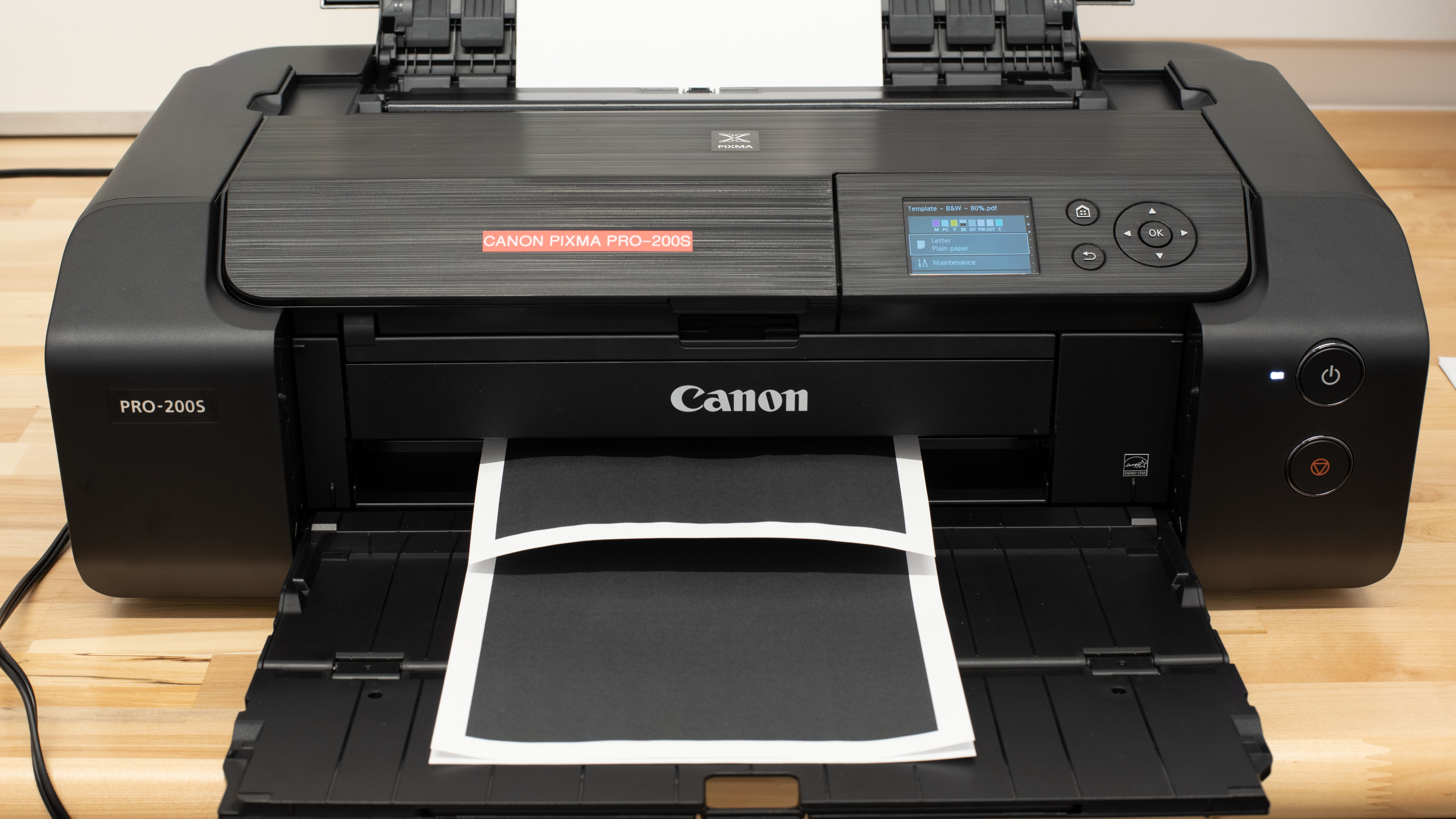
The Canon PIXMA PRO-200S is a professional-grade inkjet photo printer and a newer version of the Canon PIXMA PRO-200. This model is largely an internal upgrade from its predecessor, updating its wireless connectivity to prioritize the strongest wireless signal as well as adding WPA3 and TLS 3.1 support for enhanced security. Like the PRO-200, it uses eight ink cartridges that include a Gray, Light Gray, Photo Cyan, and Photo Magenta cartridge in addition to the usual Cyan, Magenta, Yellow, and Black. Connectivity options include Wi-Fi, USB, and Ethernet, as well as support for Apple AirPrint and Mopria Print Service. It's compatible with the Canon PRINT mobile app, which lets you print, manage your ink subscription, buy consumables, and perform maintenance tasks.
Our Verdict
The Canon PIXMA PRO-200S is primarily a photo printer, making it an excellent option if you mainly want to print photos. However, it may not be ideal if you need to print documents regularly. This is because it's slow to print documents, and its black ink cartridge runs out fairly quickly, requiring frequent replacement. There's also no scanner. As for photo printing, this model performs very well, producing detailed and colorful pictures of various sizes, up to 13" x 19". Recurring costs are pretty low overall, as the color cartridges yield a large number of prints.
Produces detailed and colorful photos.
Produces high-quality documents.
Low recurring costs.
Wide color range.
Wide connectivity options.
Extremely low to print documents.
No scanner.
Only supports manual duplex printing.
The Canon PIXMA PRO-200S is bad for office use. Although it produces outstanding documents, it's extremely slow, pushing only one black or two color document pages per minute. There's also no scanner, so you'll need a separate unit if you want to scan or make copies. Its color ink cartridges yield a large number of prints, but its black ink cartridge runs out quickly, leading to frequent replacement.
Produces high-quality documents.
Supports wide format paper up to 13" x 19".
Wide connectivity options.
Extremely low to print documents.
No scanner.
Only supports manual duplex printing.
The Canon PIXMA PRO-200S is disappointing for this use case. It's extremely slow, which makes even an occasional quick print feel like a chore. As an inkjet printer, it can clog if left unused for extended periods of time. It does include maintenance routines to address clogs, but the limited ink capacity makes stubborn blockages harder to clear. In a worst-case scenario where flushing doesn't work, you can replace the printheads to get it running again. Page yields are only decent, and you also have to manage eight separate cartridges.
Wide connectivity options.
Decent page yields.
User replaceable printheads.
Only supports manual duplex printing.
Can clog if it's left unused.
The Canon PIXMA PRO-200S is excellent for photo printing. It produces outstanding, high-quality photos that look detailed and colorful. It also supports various paper sizes up to 13" x 19". Its page yield is excellent, and the ink cartridges aren't overly expensive, so you won't have to worry about high recurring costs unless you print a lot. There's no external storage support, meaning you can't print directly off a USB flash drive or SD card.
Produces detailed and colorful photos.
Great color accuracy.
Low recurring costs.
Supports wide format paper up to 13" x 19".
Wide color range.
No external storage support.
The Canon PIXMA PRO-200S has a decent page yield. It used eight dye-based cartridges in its system, which can be bought separately. This does require a bit more management than a regular printer, but this is to be expected for a dedicated photo printer.
Decent page yields.
The Canon PIXMA PRO-200S is a print-only unit with no scanner.
No scanner.
Performance Usages
Changelog
- Updated Jul 02, 2026: We've updated this review to Test Bench 1.4, which adds new usages and performance usages, as well as reorganizes several other tests throughout the review. You can read more about the changes in detail in the Changelog.
-
Updated Jan 12, 2026:
We've updated text throughout the review after converting to Test Bench 1.3.
- Updated Jan 05, 2026: We've updated the review to Test Bench 1.3, which adds a number of test boxes including Risk of Clogging and Ease of Unclogging. We also updated the Usage and Performance boxes at the top of the review to better integrate the new aspects covered. See the changelog.
-
Updated Aug 05, 2025:
Added a reference to the Epson SureColor P700 as an alternative with a roll-paper compartment in the Document Printing Sizes test box.
Check Price
Differences Between Sizes And Variants
We tested the Canon PIXMA PRO-200S Professional 13-inch Wireless Inkjet Photo Printer. There's no other variant.
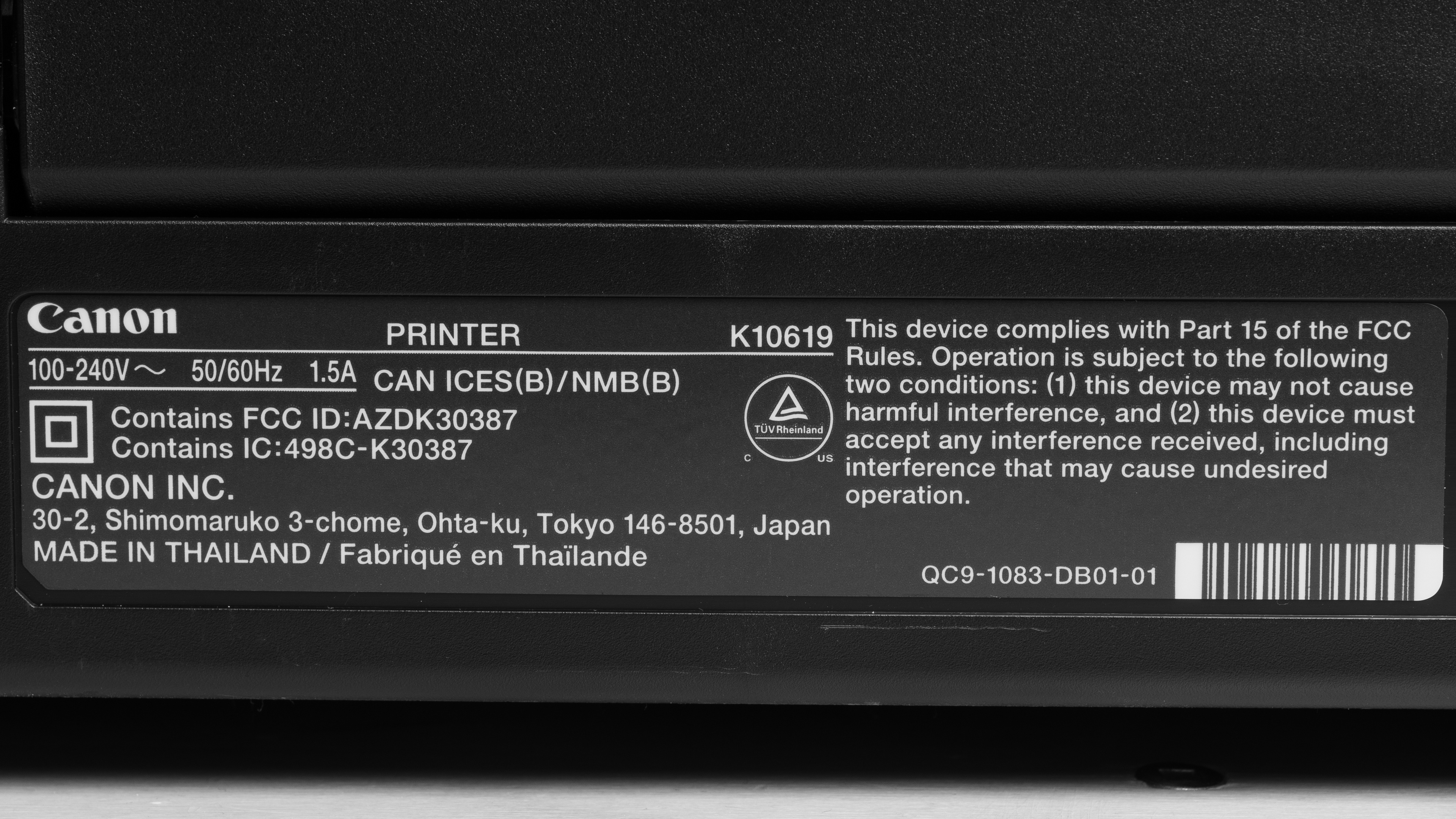
You can see our unit's label here.
Popular Printer Comparisons
The Canon PIXMA PRO-200S is an excellent photo printer that performs quite well compared to other models in its class, making it an affordable option for photography amateurs. However, it's a slight downgrade from its predecessor, the Canon PIXMA PRO-200, in terms of color performance. At the time of writing, it also suffers from software issues that render it unusable over Wi-Fi. Compared to the similar Epson EcoTank Photo ET-8550, the PRO-200S has better color accuracy but yields significantly fewer prints, increasing recurring costs. Additionally, its lack of a scanner and its slow document printing speed make it less versatile than the ET-8550.
For more options, check out our recommendations for the best photo printers, the best inkjet printers, and the best home printers.
The Epson EcoTank Photo ET-8550 is better than the Canon PIXMA PRO-200S for most uses. The Epson is more versatile as it has a scanner and prints documents much faster. In terms of photo printing quality, the Epson isn't as color-accurate, as it tends to oversaturate colors, but it can reproduce finer details with better clarity. The Epson is also the better option if recurring cost is a concern because it's a supertank model that yields significantly more prints.
The Canon imagePROGRAF PRO-310 and the Canon PIXMA PRO-200S are both excellent professional photo printers. The PRO-310 is a higher-end model; it has better color accuracy, wider paper size support (up to 70 inches in length), and a Chroma Optimizer to seal photos, providing better uniformity, shine, and longevity. It's worth noting that the PRO-310 uses pigment ink, while the PRO-200S uses dye ink. Although pigment ink isn't as vibrant as dye ink and takes longer to dry, it typically lasts longer and is more resistant to fading and smudges. It also has wider media compatibility, making it more ideal for art and archival prints.
The Canon PIXMA PRO-200S and the Epson Expression Photo HD XP-15000 are both photo printers. Both produce high-quality pictures; the Canon has better color accuracy, while the Epson is better at reproducing fine details. Although the Epson can't match the Canon in document printing quality, it's significantly faster, churning out seven black or eight color pages per minute, whereas the Canon can only push one black or two color pages. If recurring cost is a concern, then the Canon is a better option, as it yields considerably more prints.
The Canon PIXMA PRO-200S and the Canon imagePROGRAF PRO-300 are both wide format inkjet printers. However, the PRO-200S uses dye ink, while the PRO-300 uses pigment ink. The PRO-200S is better for photo printing, as dye ink works better on a wide range of photo paper and provides superior vibrancy and color saturation. It also dries faster and gets absorbed into the paper rather than sitting on top, avoiding 'bronzing' where colors take on a metallic look when viewed at a certain angle. The imagePROGRAF PRO-300 is better for fine art and archival prints. It can be a good option for photo printing, too, if longevity is more important, as pigment ink is more resistant to fading and water damage.
Test Results




for pictures & test results


for pictures & test results

for videos & test results









for pictures & test results

for pictures & test results
