
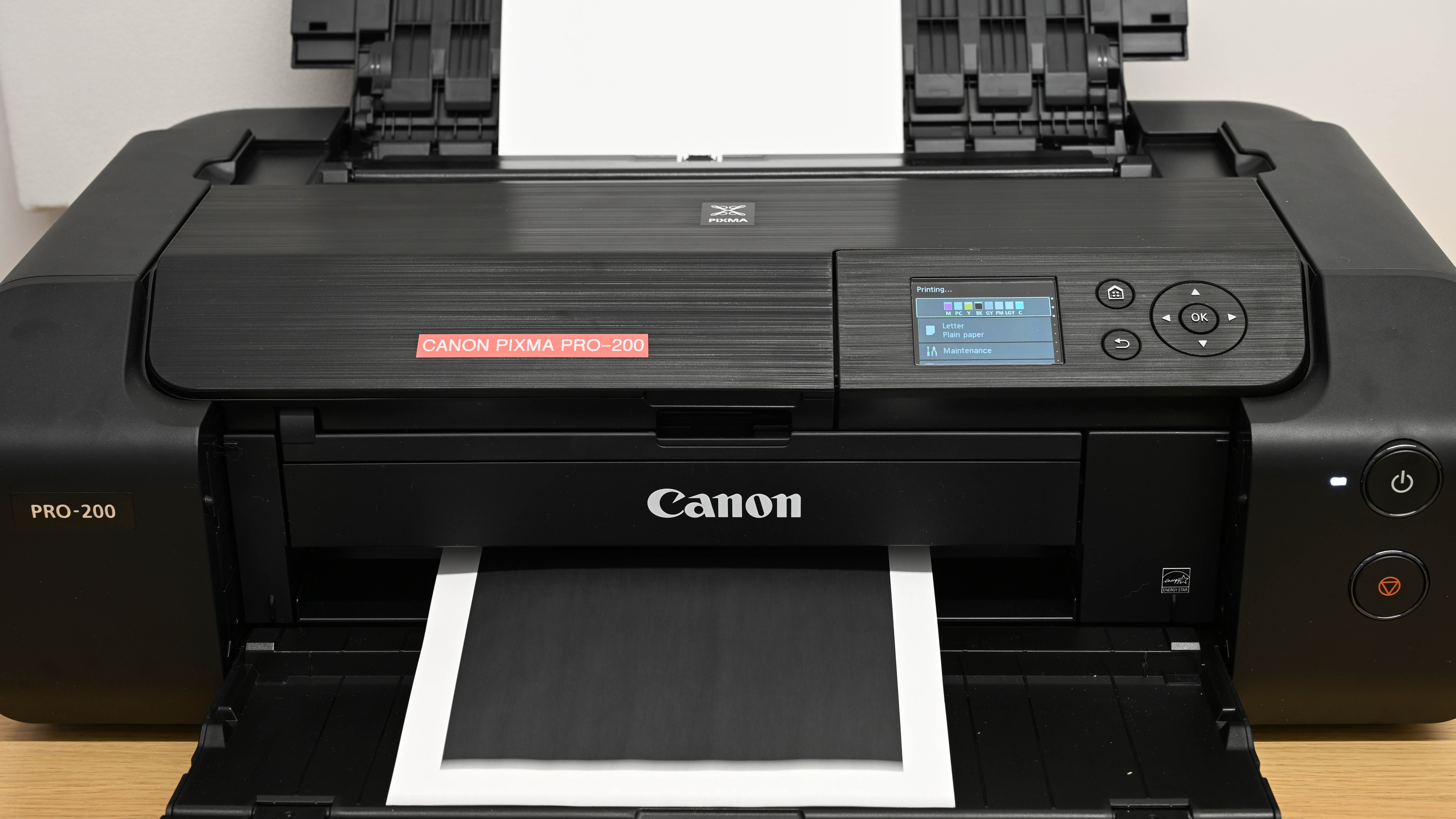
The Canon PIXMA PRO-200 is an inkjet print-only unit designed for professional photo printing. Unlike most general-purpose inkjet office printers, it uses eight Canon CLI-65 dye ink cartridges, including specialized photo ink cartridges. There aren't any high-yield options available. Connectivity options include Wi-Fi, Wi-Fi Direct, USB, and Ethernet, and there's support for Apple AirPrint and Mopria Print Service. It's compatible with Canon's PRINT app, which provides functionality like scanning from your mobile device.
Our Verdict
Even though it's a professional photo printer, the Canon PIXMA PRO-200 performs decently for home use. Its cost-per-print is low, as the color cartridges yield many prints before needing replacement, and they're relatively inexpensive. Black ink doesn't last as long, but it's still affordable. Print quality is the major strength of this printer. Documents are clear and sharp (although the dye ink has a slight tendency to bleed on the page), and photos look outstanding, as this printer can reproduce a wide range of colors and do so very accurately. However, this printer is very slow to print documents, and it lacks a scanner since it's a print-only unit. There are numerous connectivity options, making it easily accessible from both mobile devices and computers.
Outstanding print quality.
Produces detailed and colorful photos.
Many connectivity options.
Very low cost-per-print.
Very wide color gamut.
No scanner.
No automatic duplex printing.
Exceptionally slow document print speed.
The Canon PIXMA PRO-200 isn't designed for office use, as it's a professional photo printer. As a result, it lacks many features you'd normally find on office printers, like a scanner or the ability to perform automatic duplex printing. Additionally, the document print speed is very slow, producing just two black or color pages per minute. The black page yield is poor, so expect to replace the cartridge often if you print a lot of black-and-white documents. That said, the print quality for black-and-white documents is outstanding, and it's a fantastic choice if your office needs to print color posters, as it can print Tabloid-size sheets. There are also numerous connectivity options, making it easily accessible.
Outstanding print quality.
Many connectivity options.
Very low cost-per-print.
Supports wide-format printing up to 13" x 19" (and beyond with custom print sizes).
No scanner.
No automatic duplex printing.
Exceptionally slow document print speed.
Poor black page yield.
For this usage, the Canon PIXMA PRO-200 falls short. It's an inkjet printer, so leaving it unused for long periods can lead to clogged printheads. It does include maintenance routines to help with clogs, but its limited ink capacity makes stubborn blockages more frustrating to deal with. In a worst-case scenario where flushing doesn't work, you can replace the printheads to get it running again. Page yields are only average, and you'll need to manage eight separate cartridges more carefully than a regular printer. Additionally, it's extremely slow, which makes even a quick, occasional print feel like a chore.
User replaceable printheads.
Exceptionally slow document print speed.
Poor black page yield.
No high-yield cartridges available.
Can clog if it's left unused.
The Canon PIXMA PRO-200 is exceptional for printing photos. It produces outstanding, high-quality photos with very clear details and accurate colors. Also, it supports a variety of wide-format paper, including Supertabloid (13" x 19") and Panorama (8.26" x 23.38") size sheets, and you can set up custom print sizes that are even larger. Compared to other professional photo printers, the cost per print is fantastic, and replacement cartridges are relatively affordable. The color cartridges also yield many pages; the black yield isn't as good. Finally, the print speed for photos is good, as it produces a 4" x 6" photo in 55 seconds.
Outstanding print quality.
Produces detailed and colorful photos.
Very low cost-per-print.
Supports wide-format printing up to 13" x 19" (and beyond with custom print sizes).
Very wide color gamut.
Exceptional color accuracy makes this printer suitable for professional work.
The Canon PIXMA PRO-200 offers decent page yields. It uses eight dye-based cartridges that you can buy individually. That setup takes a bit more management than a typical printer, but that's expected for a dedicated photo printer.
No high-yield cartridges available.
The Canon PIXMA PRO-200 doesn't have a scanner.
No scanner.
Performance Usages
Changelog
- Updated Jul 02, 2026: We've updated this review to Test Bench 1.4, which adds new usages and performance usages, as well as reorganizes several other tests throughout the review. You can read more about the changes in detail in the Changelog.
-
Updated Jun 01, 2026:
We've added a link to the newly reviewed Epson Expression Photo XP-980 in the Printing Speed section of the review.
-
Updated Jan 12, 2026:
We've updated text throughout the review after converting to Test Bench 1.3.
- Updated Jan 05, 2026: We've updated the review to Test Bench 1.3, which adds a number of test boxes including Risk of Clogging and Ease of Unclogging. We also updated the Usage and Performance boxes at the top of the review to better integrate the new aspects covered. See the changelog.
Check Price
Differences Between Sizes And Variants
We tested the Canon PIXMA PRO-200 in 'Black.' There are no other variants.
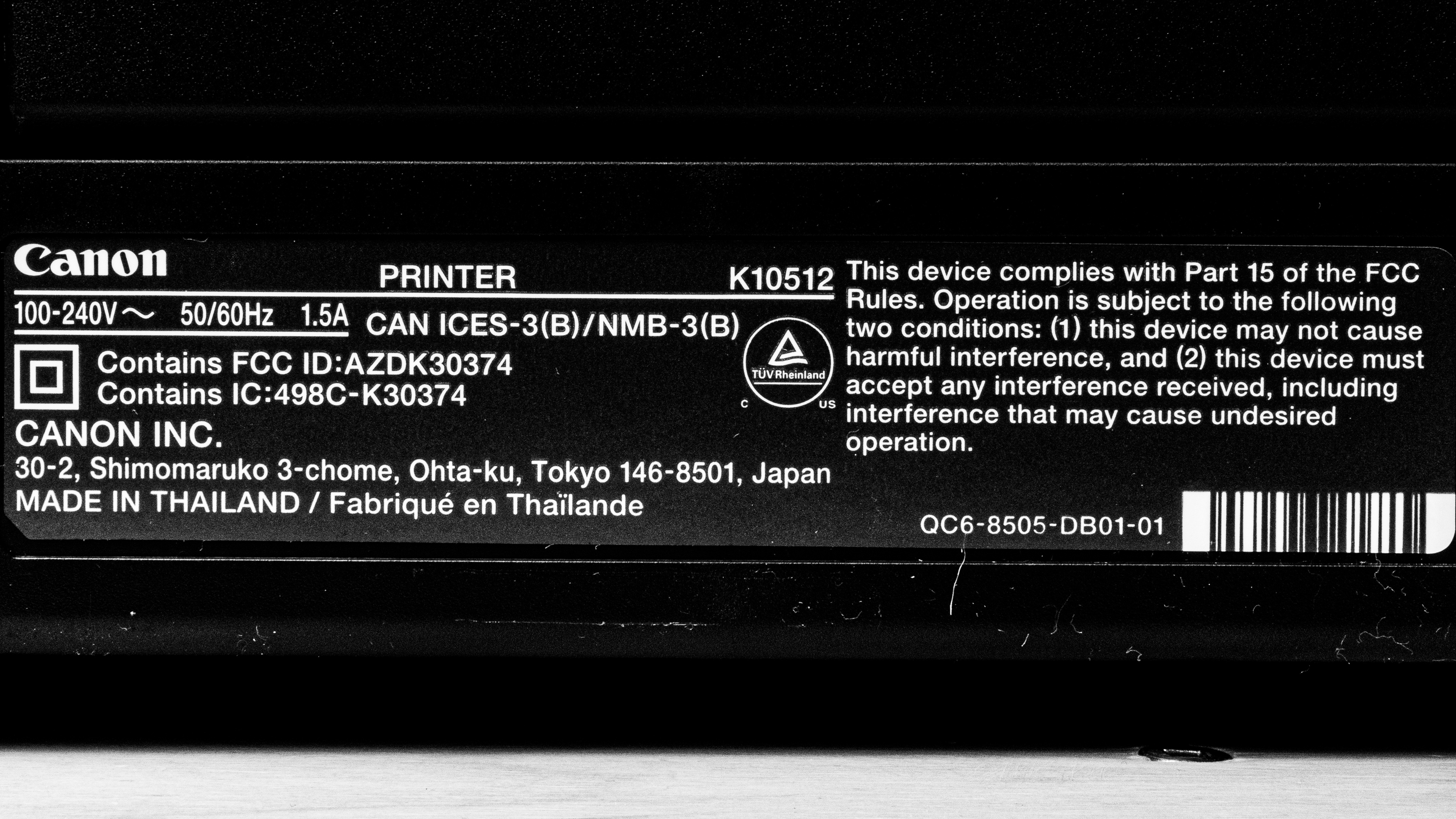
See our unit's label.
Popular Printer Comparisons
The Canon PRO-200 is a professional photo printer. It's among the best photo printers we've tested, even outranking its bigger sibling, the Canon imagePROGRAF PRO-300, in terms of color gamut, though its color accuracy lags slightly behind. However, it's a specialized device, as it lacks a scanner and is very slow at printing documents. If you're looking for a general-use printer, it's best to look elsewhere. However, if you primarily print photos, the Canon PIXMA PRO-200 won't disappoint.
If you're interested in seeing some other printers, check out our recommendations for the best photo printers or the best wide-format printers.
The Canon PIXMA PRO-200 and the Epson EcoTank Photo ET-8550 are excellent photo printers, although they're suited for different environments. The Canon is the better choice if you only print photos in a professional environment. It has much better color accuracy and a wider color gamut. However, the Epson is much more versatile; it has a scanner and prints documents much faster. It's a great choice for office settings that need to print a variety of color media from documents to posters.
Although the Canon PIXMA PRO-200 and the Epson Expression Photo HD XP-15000 are both print-only photo printers capable of printing wide-format photos, the Canon is a much better printer. Its color gamut and accuracy are far better, and it yields many more prints on a set of cartridges than the Epson. It also has a much wider range of custom print sizes, making it ideal for printing large posters. However, if you need to print a decent volume of documents in addition to photos, the Epson is the better choice. It's much faster at printing documents even if its document print quality isn't up to par with the Canon.
The Canon PIXMA PRO-200 and the Canon imagePROGRAF PRO-300 are outstanding professional photo printers. Both printers can accommodate a wide range of paper sizes, and they both feature robust cartridge systems with dedicated photo ink cartridges, which deliver exceptional color accuracy and wide color gamuts. The main differences come down to the type of ink they use. The PRO-200 uses dye ink, which performs better on glossy paper; this makes it ideal for photo printing. By contrast, the PRO-300 uses pigment ink, which performs better on non-glossy paper, which makes it better for art prints.
The Canon PIXMA PRO-200 and the Polaroid Hi-Print Generation 2 are very different photo printers. The Canon is a professional photo printer. It has outstanding color accuracy and a very wide color gamut, resulting in detailed, colorful, and accurate photos. It can print on a wide range of paper sizes. By contrast, the Polaroid is a niche portable photo printer that prints 2" x 3" portraits. It has terrible color accuracy and a narrow color gamut, but it's great for a night out where you want to capture the moment and produce some fun mementos.
Test Results




for pictures & test results


for pictures & test results

for videos & test results









for pictures & test results

for pictures & test results
