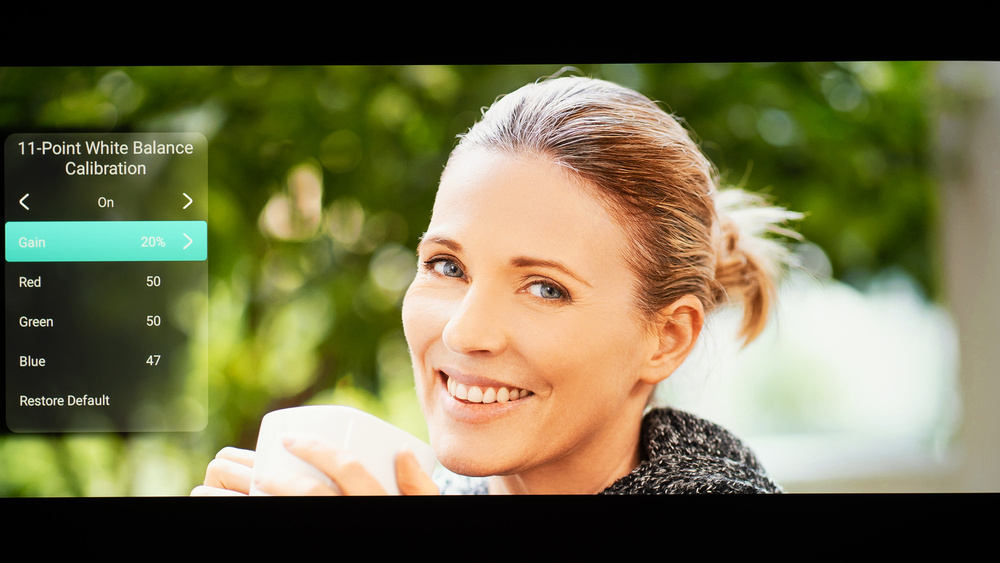
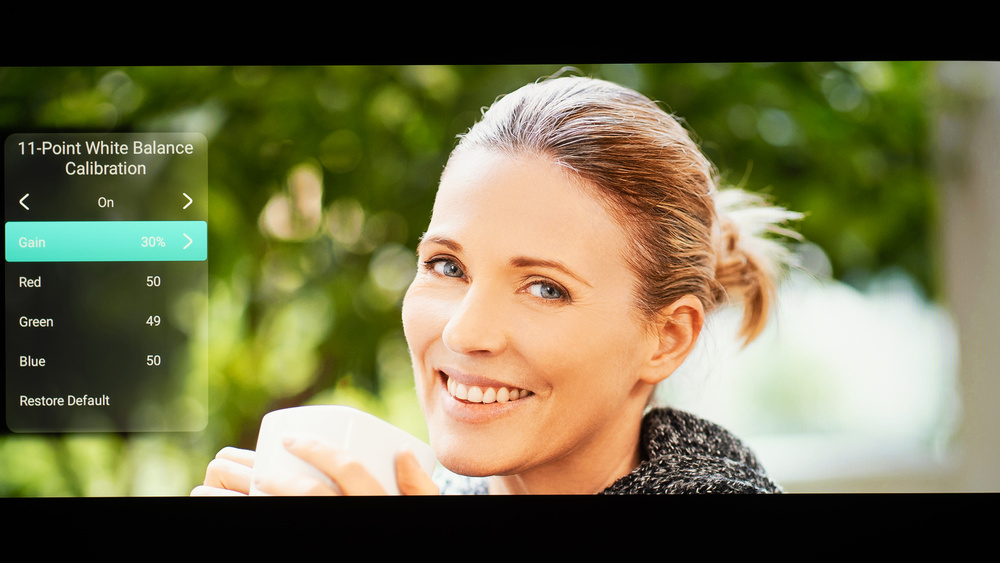
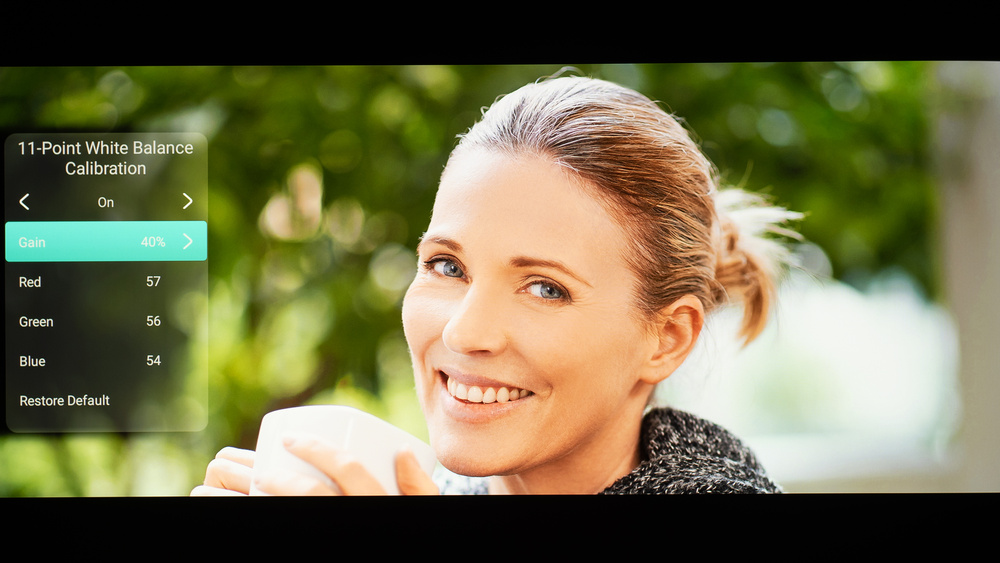
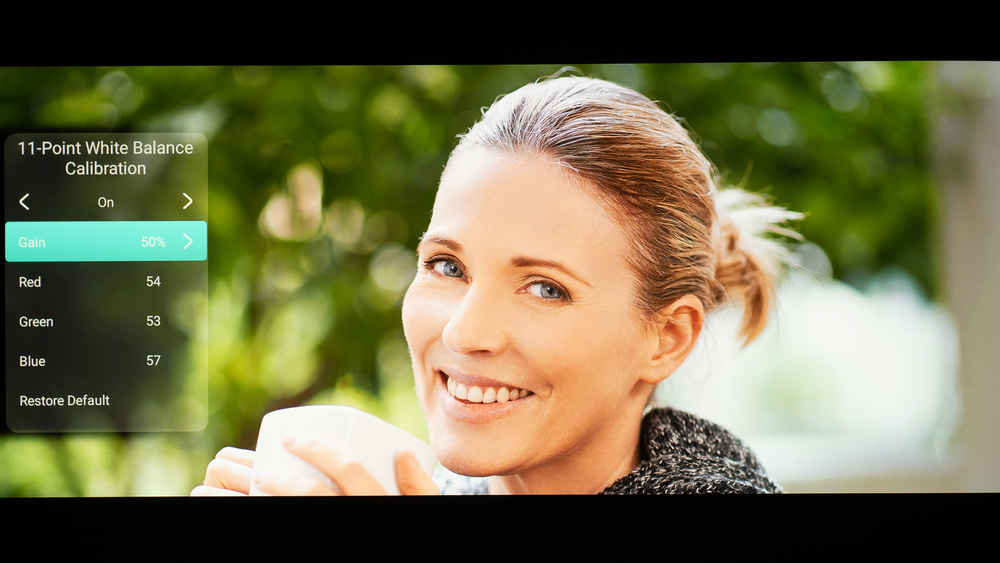
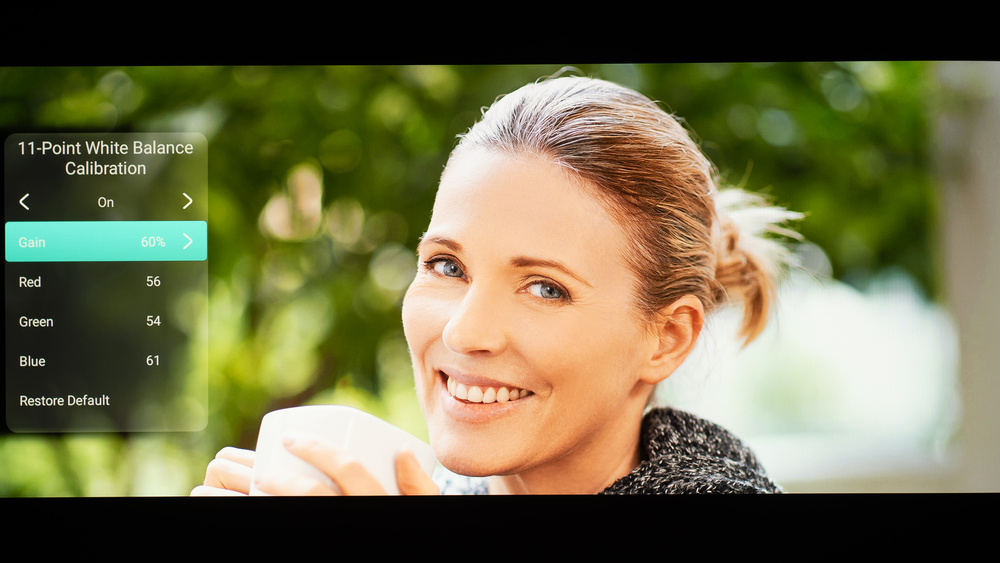
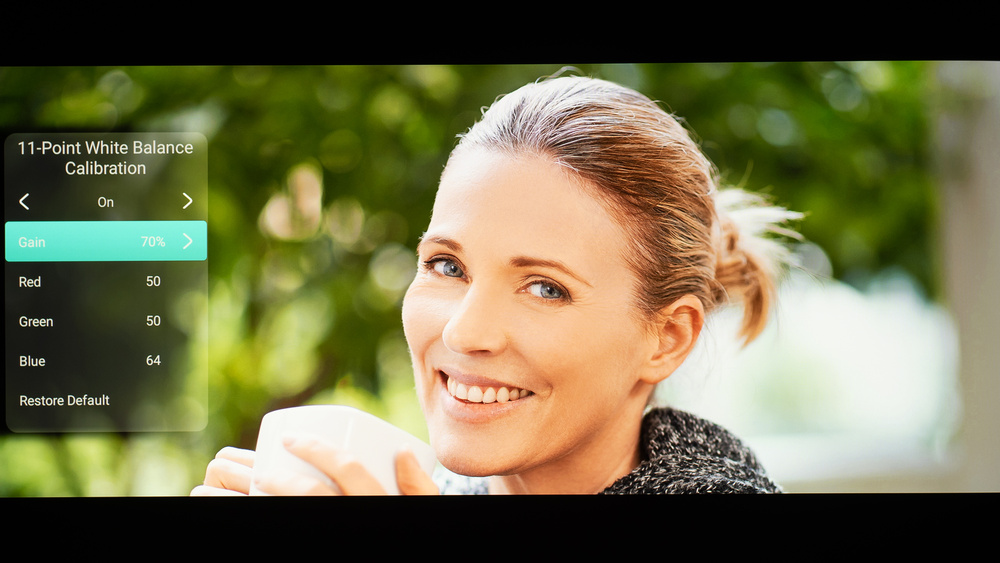
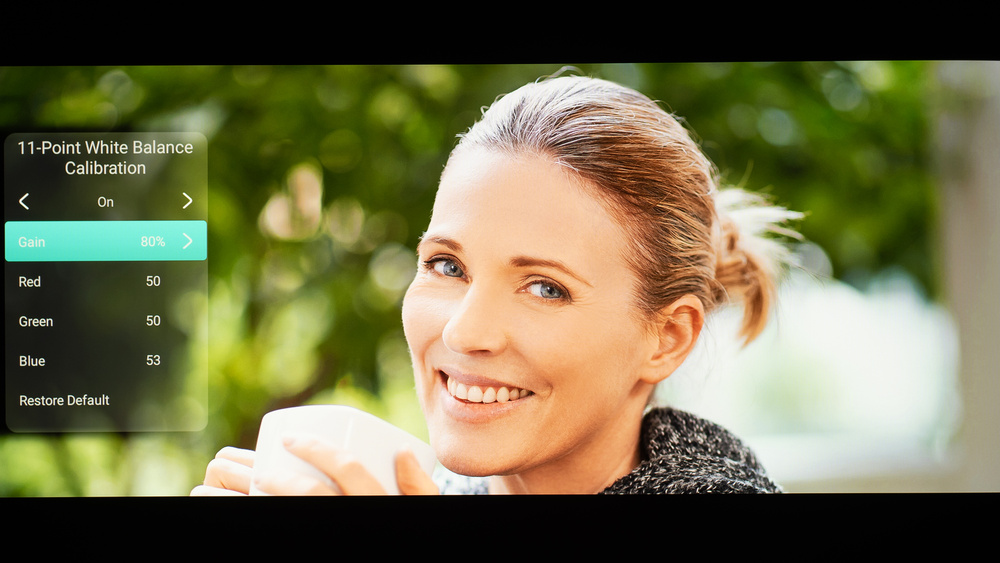
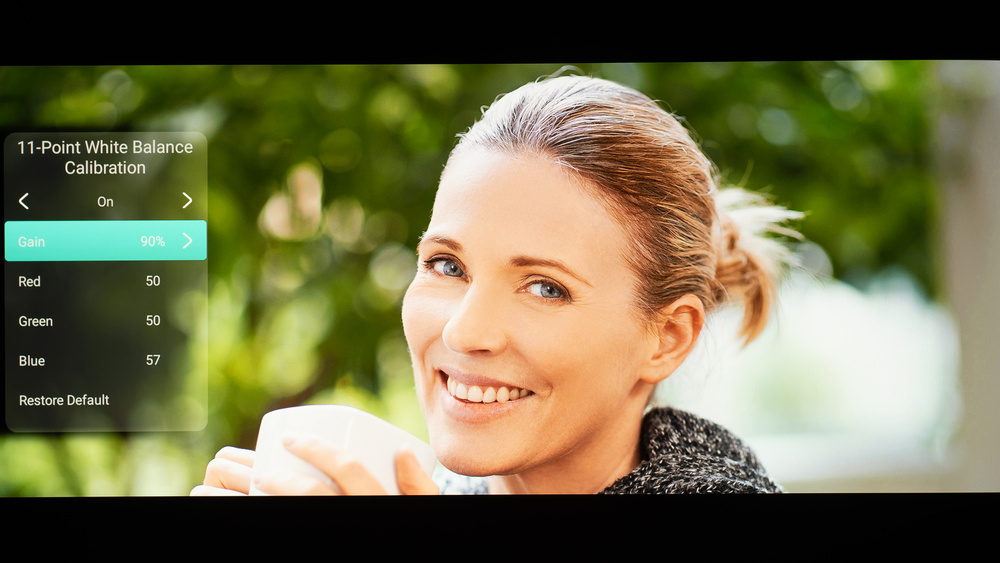
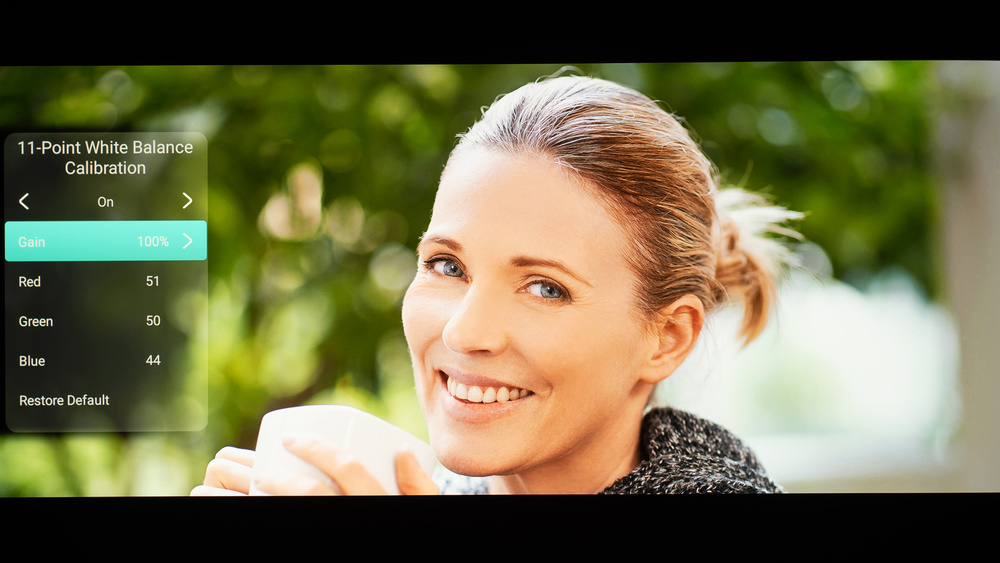
We used the following calibration settings to test the NexiGo Aurora Pro MKII. Keep in mind that results can vary slightly between individual units, firmware versions, and picture modes, so you may need small tweaks if your unit looks a bit different.
These settings are meant to provide a solid starting point for accurate SDR playback in a typical living room. They aren't meant to be copied 1:1, and your best results will depend on your screen size, throw distance, room brightness, and wall/screen color. If you're using the projector for gaming, you'll likely want a few additional changes for lower input lag and clearer text, which are listed below.
SDR Picture Settings
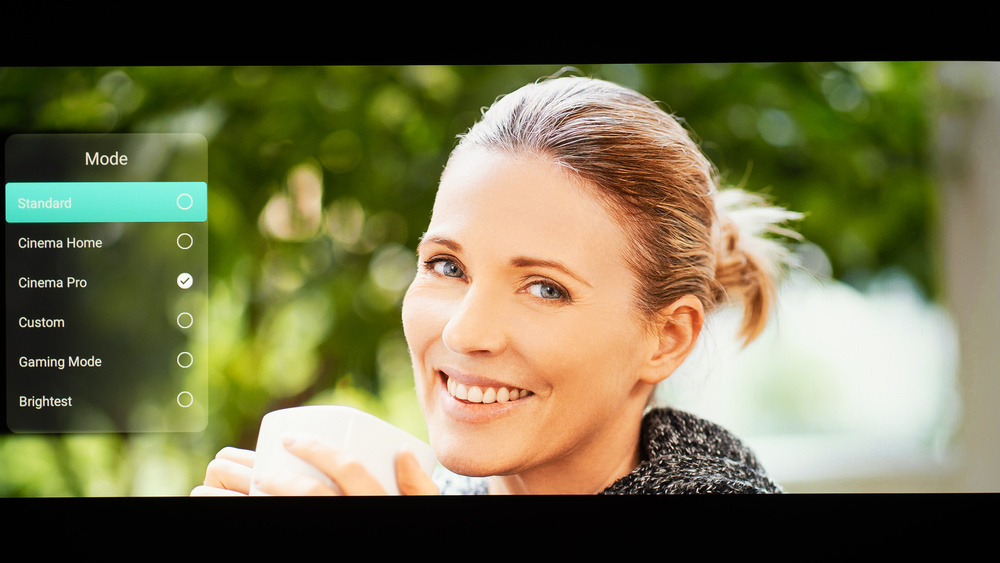
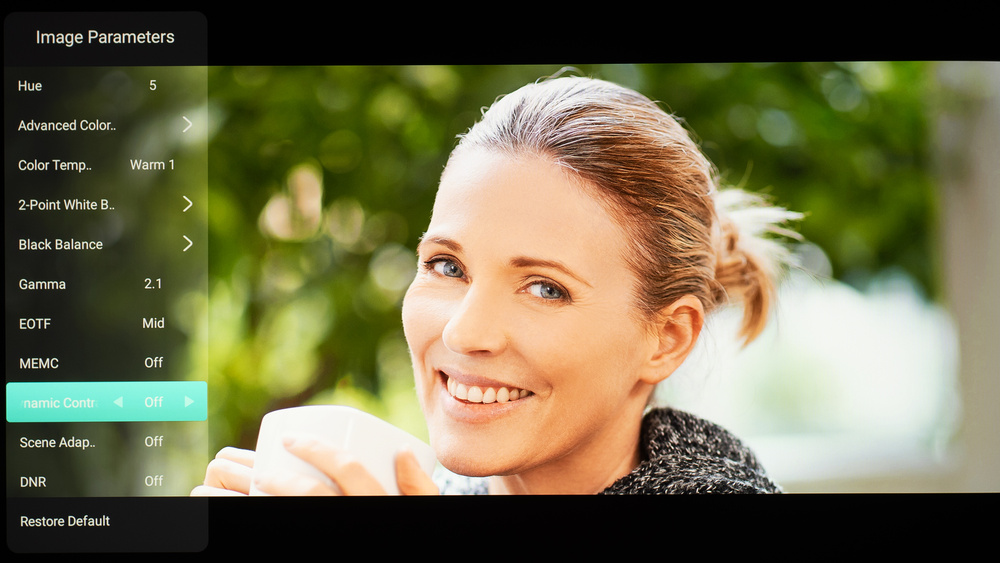
For SDR content, you can choose a few different preset picture modes. We used the Cinema Pro picture mode because it's the most accurate out of the box and allows for the most customization. Below are a few settings we used for SDR. All other settings were either left to default, disabled, or left off.
- Picture Mode: Cinema Pro
- Gamma: 2.1
- Color Temperature: Warm 1
- Dynamic Contrast: Off
- Scene Adaptive Gamma: Off
- SAE: Low
- IRIS: Off
Gaming Settings
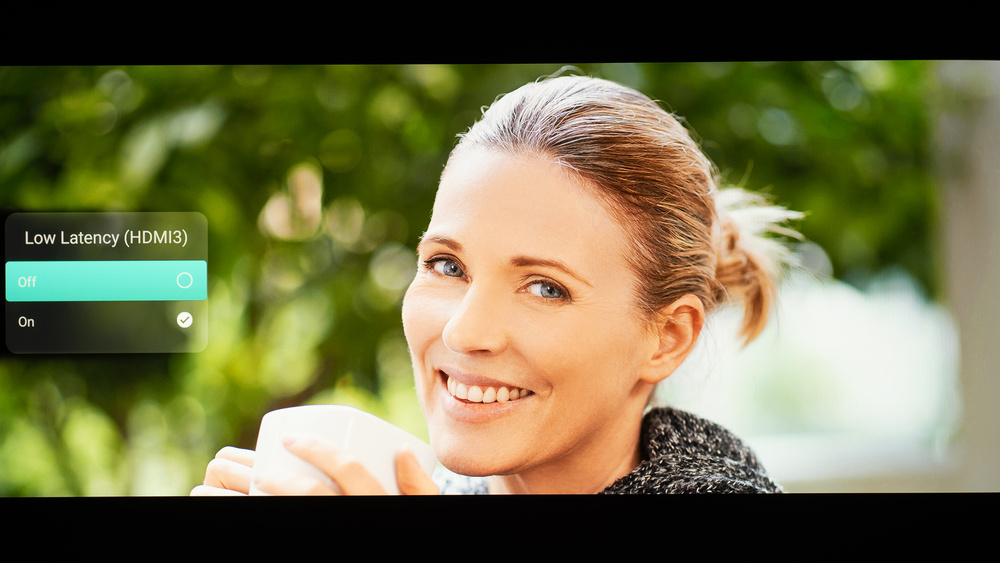
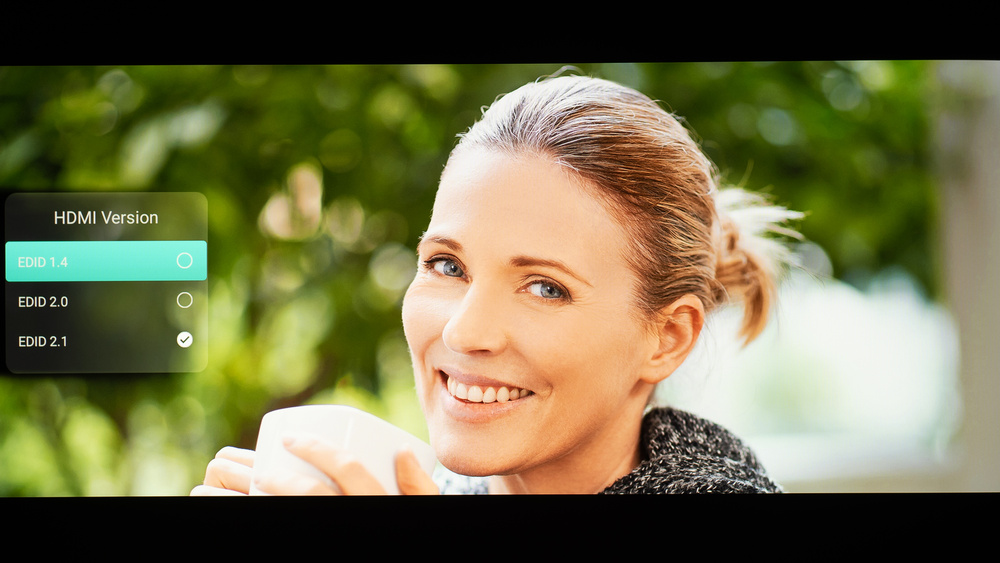
From the base SDR settings, very few changes are required for the best gaming experience. When you start gaming, it is best to enable Gaming Mode to get the lowest input lag, or enable ALLM beforehand. The rest of our gaming settings are identical to our regular SDR settings. This projector also supports VRR, although we disabled it for most of our testing. Here are our settings for input lag testing:
- Low Latency Mode: On
- Image Parameters: Gaming Mode
- HDMI EDID: 2.1
Firmware
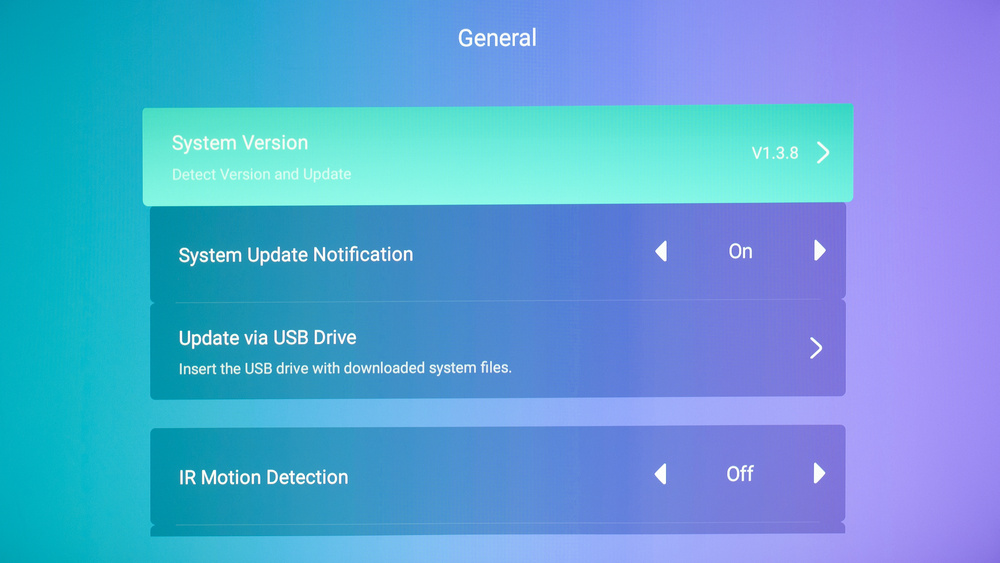
The unit we bought and tested was calibrated on software version V1.3.8.
Other Settings
For information on any other settings or features that fall outside of the scope of our testing, please refer to the user manual found on NexiGo's support page.
White Balance Settings
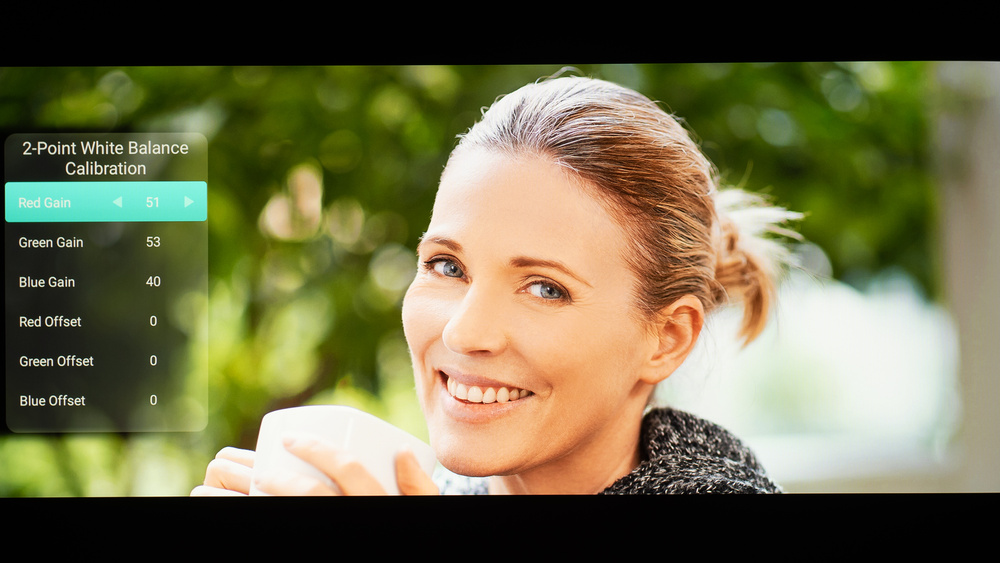
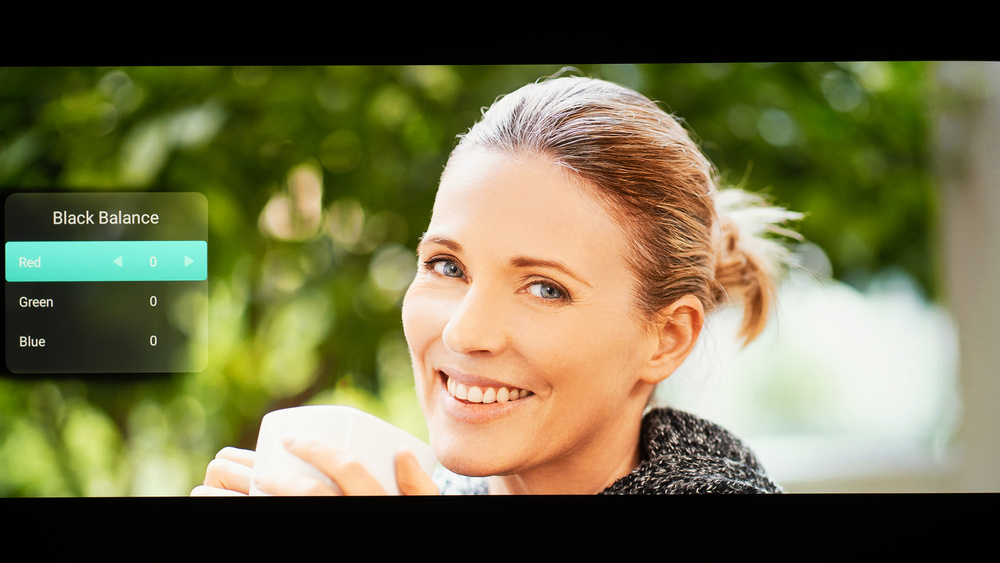
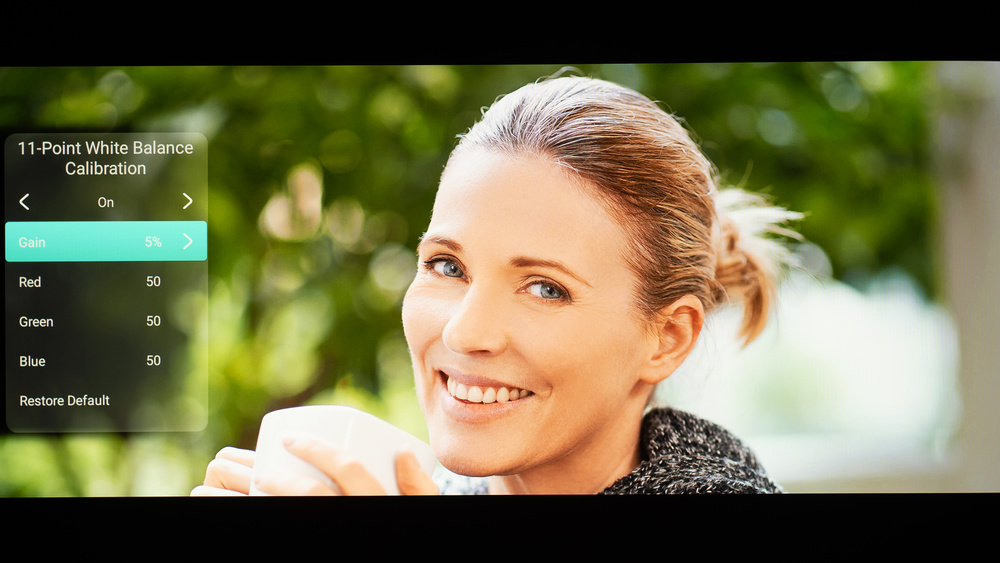
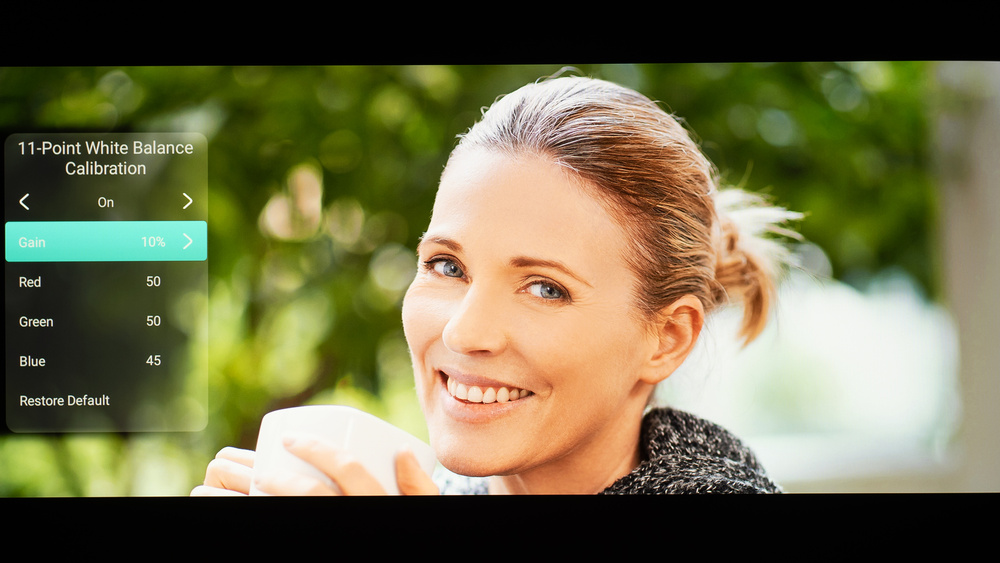
The following are the results of our unit's white balance and colorspace calibration. They're provided for reference and shouldn't be copied, as the calibration values vary per individual unit due to manufacturing tolerances. If you want to try them, you'll need to enter all the values shown, as all of them are active at the same time. If you end up with worse picture quality, simply reset them to the default values.