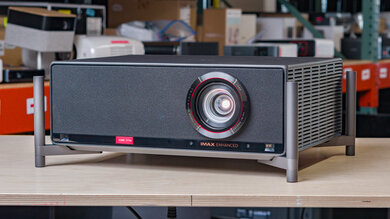
The Hisense M2 Pro is a 4k home theater projector with a triple-laser Trichroma light source that's rated for over 25,000 hours. The projector comes equipped with a 1.0 to 1.3 motorized optical and digital zoom that can project a 65-inch image from about 4.7 to 6.1 feet away, and up to a 200-inch image from about 14.2 to 18.5 feet away. It features a 360-degree swivel to adjust the image vertically based on your setup, and comes with image correction features such as autofocus, auto keystone correction, and auto obstacle avoidance to simplify setup. It also supports Dolby Vision, HDR10, and HLG, and features one HDMI 2.1 port that doubles as an eARC port, complemented by a 20W sound system.
Our Verdict
The Hisense M2 Pro is a satisfactory projector for a home theater. It has decent contrast across most scenes, though the image looks flatter in very bright scenes. It can only de-judder 24p content, like most movies and shows, although resolution drops to 1080p when watching this content via a 24Hz source, like an Apple TV with 'Match Frame Rate' enabled, so consider this in your setup. The projector is very accurate out of the box, and colors are very punchy in movies and shows. Rainbow flashes are noticeable to those sensitive to them, and there's no setting to decrease their effect. The projector's brightness is just okay, so it's best suited for dark rooms.
Decent contrast across most scenes.
Exceptional color volume.
Amazing color accuracy out of the box.
Fan noise isn't too distracting.
Can't de-judder 25p content like some international shows.
Rainbow flashes will bother those sensitive to them.
Not very bright.
The Hisense M2 Pro is a decent projector for outdoor use. Its brightness is just alright, so it's best to use it only after the sun's gone down to avoid the image washing out. Its size, weight, and portability make it fairly easy to move outside for movie night, and it even comes with a protective carrying case if you want to bring it on a trip. It has auto-keystone, auto-focus, and a motorized optical zoom to simplify setup, although its lack of lens shift means you'll need to physically move the projector to center the image and have the best image quality. It doesn't have a battery, so you'll need access to an outlet.
Easy to move around.
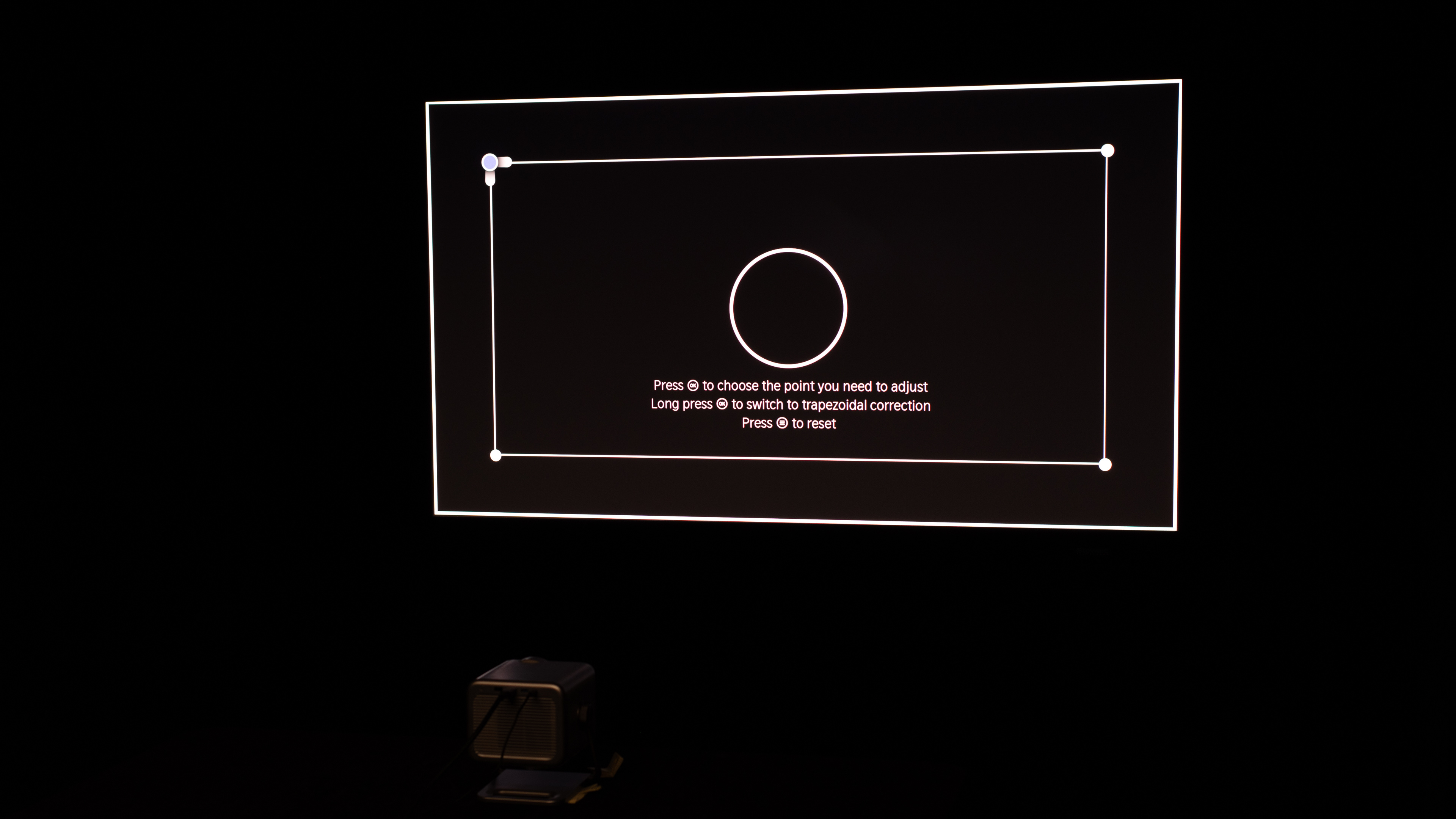
Many screen adaptation features simplify the setup process.
Comes with a carrying case for added protection.
Not very bright.
No battery.
Lacks lens shifting to easily center the image without losing image quality.
The Hisense M2 Pro is a good projector for a bedroom. It's fairly easy to move this projector from room to room, and its footprint isn't too large, so it can fit on a night table. In addition to a motorized optical zoom, it has automated features to help adjust the image to your setup. However, it doesn't support lens shift, so you'll need to center the unit on the screen or wall to avoid using keystone and get the best image. Its fan is also fairly quiet, especially if you decrease the projector's brightness for nighttime viewing.
Easy to move around.
Many screen adaptation features simplify the setup process.
Fan noise isn't too distracting.
Lacks lens shifting to easily center the image without losing image quality.
The Hisense M2 Pro is a very good gaming projector. It offers 4k @ 60Hz, but also accepts 4k @ 120Hz and 1440p signals, though it downscales them to 1080p. It also features higher-refresh-rate gaming at 120Hz and 240Hz at a lower 1080p resolution, giving gamers the option for sharper motion or sharper image quality. Its input lag is satisfactory across most signals, but more competitive gamers should stick to the faster refresh rates. The projector's brightness is just okay, so it's best suited for gaming in a dark room. Plus, most scenes have consistently decent depth in both dark and bright gameplay sequences.
Decent contrast across most scenes.
Exceptional color volume.
Amazing color accuracy out of the box.
Supports up to 240Hz at 1080p.
Rainbow flashes will bother those sensitive to them.
Input lag is only decent across most signals.
4k gaming only possible at 60Hz.
Not very bright.
The Hisense M2 Pro's brightness is alright. It's best suited to a dark or dimly lit room rather than to a room with a lot of ambient lighting, or for watching during the daytime. However, its brightness is uniform across the entire image, with minimal vignetting in the corners.
Fantastic brightness uniformity.
Not very bright.
The Hisense M2 Pro has decent contrast overall. It performs consistently across most scenes, but the image looks flatter in very bright scenes.
Decent contrast across most scenes.
The Hisense M2 Pro's portability is decent. Its footprint makes it easy to place on most tables, and it can also be set up on a tripod. It's not a particularly heavy unit, and its stand doubles as a carrying handle, so it's fairly easy to move from room to room. It also comes with a protective carrying case for longer transport. It has a suite of automated features and a motorized optical zoom to simplify setup. However, it doesn't have lens shift, so you need to physically center the image on the wall or screen to get the best image.
Easy to move around.
Many screen adaptation features simplify the setup process.
Comes with a carrying case for added protection.
No battery.
Lacks lens shifting to easily center the image without losing image quality.
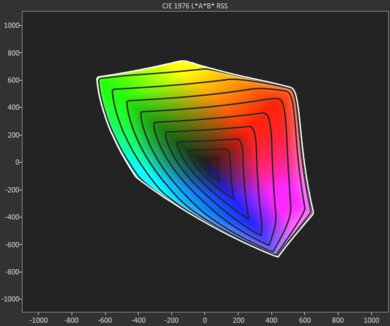
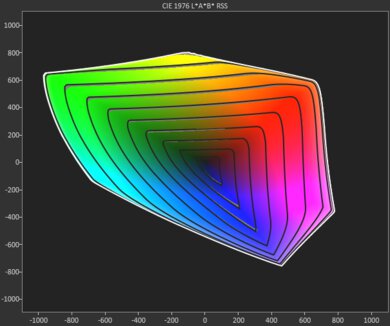
The Hisense M2 Pro's color performance is superb. It's already accurate out of the box, so most people won't feel the need to calibrate it. At the same time, its color volume is exceptional, so colors in movies, shows, and games are really rich and vibrant.
Exceptional color volume.
Amazing color accuracy out of the box.
The Hisense M2 Pro has excellent gaming responsiveness. It offers 4k @ 60Hz, and accepts most other signals, including 4k @ 120Hz and 1440p signals, but it downscales them at 1080p. It also offers higher-refresh-rate gaming at 120Hz and 240Hz at 1080p. It has satisfactory input lag across most signals, though competitive gamers will want to stick to the faster refresh rates for the most responsive gaming experience. That said, its DLP imaging keeps response-time blur low.
Supports up to 240Hz at 1080p.
No excessive motion blur.
Input lag is only decent across most signals.
4k gaming only possible at 60Hz.
Performance Usages
Changelog
-
Updated Sep 15, 2026:
We mentioned the newly reviewed JMGO N1S 4K in the Effective Contrast section.
-
Updated Sep 02, 2026:
We added some information about the Hisense M2 SE Pro variant in the Differences Between Variants section.
- Updated Aug 07, 2026: We've converted the review to Test Bench 1.0, which replaces our Color Gamut test with Color Volume and adds a new Rainbow Effect test box. We also updated Effective Contrast (formerly Native Contrast) to account for projector brightness and reworked Judder scoring. The new bench also adds Outdoors and Bedroom usages, plus Portability, Color, and Gaming Responsiveness Performance Usages; Movies is now Home Theater, and all existing usage scores have been updated. See the 1.0 changelog.
-
Updated May 28, 2026:
We've added text to some test boxes as a result of our latest test bench.
Check Price
Differences Between Sizes And Variants
We bought and tested the Hisense M2 Pro. There's a variant of this projector sold at Costco known as the Hisense M2 SE Pro. It offers the exact same performance and features, but has a different color scheme and comes with an extended warranty.
It's part of Hisense's Laser Mini Projector Series, which also includes the Hisense C2 Ultra, Hisense C2, and Hisense C1. The table below highlights the key differences between each model:
| Model | Light Source | Advertised Brightness (ANSI lm) | Throw & Zoom | HDR Formats | Speakers | Max Refresh Rate |
|---|---|---|---|---|---|---|
| Hisense C2 Ultra | RGB TriChroma laser | 3000 | 0.9–1.5:1, 1.67× optical zoom; gimbal stand | Dolby Vision, HDR10+, HDR10, HLG | JBL 2.1 (2×10W + 20W sub) | Up to 240Hz (1080p/1440p) |
| Hisense C2 (non-Ultra) | RGB TriChroma laser | 2000 | 1.2:1, digital zoom; gimbal stand | Dolby Vision, HDR10+, HDR10, HLG | JBL 2.0 (2×10W) | Up to 240Hz (1080p/1440p) |
| Hisense C1 | RGB TriChroma laser | 1600 | 1.2:1, fixed lens (no optical zoom) | Dolby Vision, HDR10 | JBL 2.0 (20W) | 4k @ 60Hz |
| Hisense M2 Pro | RGB TriChroma laser | 1300 | 1.0–1.3:1, optical zoom; compact gimbal | Dolby Vision, HDR10+, HDR10, HLG | 2×10W | Up to 240Hz (1080p/1440p) |
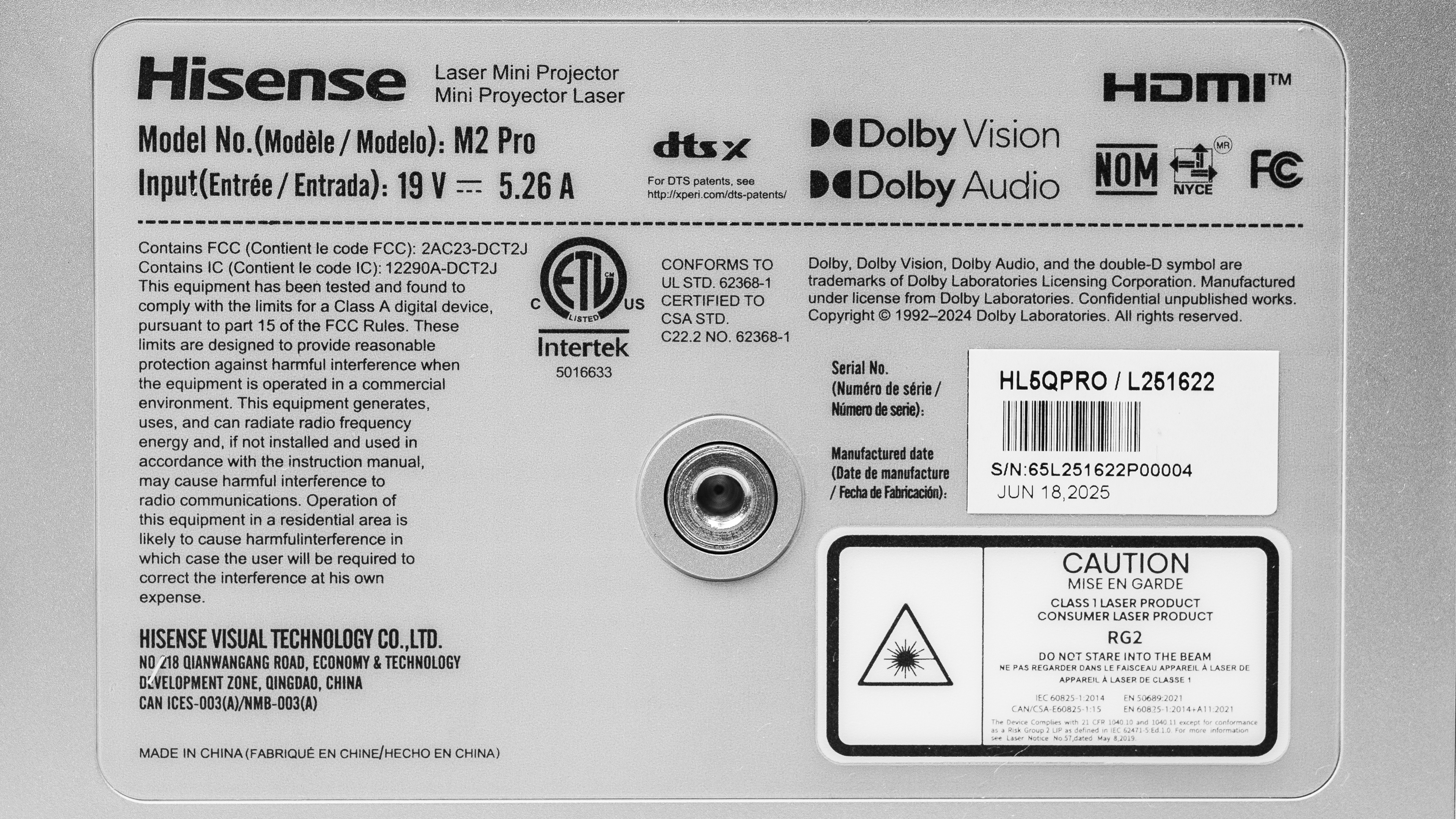
You can see a photo of our unit's label here.
Popular Projector Comparisons
The Hisense M2 Pro is a good projector for both movie-watching and playing the latest games. Along with the Hisense C2 Ultra and the Hisense C1, it's another great addition to Hisense's Laser Mini Projector Series for movie-watchers. It offers decent contrast and exceptional color performance. The projector is also a strong choice for gamers; it supports pixel-shifted 4k at 60Hz, and while it accepts 4k @ 120Hz and 1440p signals, it downscales them internally. It also supports higher-refresh-rate gaming at 120Hz and 240Hz at a lower resolution of 1080p, giving gamers more flexibility if they prefer sharper motion over a sharper image. It only has one HDMI 2.1 input, so you can't plug in a console and soundbar at the same time, for example. However, at its price point, the Hisense M2 Pro is a strong choice for users looking for a multi-purpose projector.
For more, check out our recommendations for the best 4k projectors, the best projectors under $1000, the best projectors for gaming, and the best portable projectors. If you're really looking for a product to use outside, consider the best outdoor projectors as well.
The XGIMI HORIZON 20 outperforms the Hisense M2 Pro in most ways. The XGIMI is brighter, has better contrast, and is more colorful. Still, the Hisense is generally more responsive for gamers, as it has lower input lag at 240Hz and especially 60Hz, with the XGIMI having a slight edge at 120Hz.
The Hisense C2 Ultra is an upgrade over the smaller Hisense M2 Pro. They both have very good contrast and a remarkable color gamut. However, the C2 Ultra is much brighter, leading to a more immersive viewing experience than the M2 Pro. It also has lower input lag at 4k @ 120Hz for a more responsive, high refresh rate gaming experience, along with full eARC passthrough and an extra HDMI 2.1, making it a better multimedia projector. On the other hand, the M2 Pro has better input lag at 4k @ 60Hz, while it also has much better color accuracy out of the box, though both projectors even out on this front after they're calibrated.
The Hisense M2 Pro is an upgrade over the Hisense C1. The M2 Pro has more accurate colors out of the box, as well as a much wider color gamut than the C1. It's also a much better gaming projector, supporting 120Hz refresh rates and with considerably better input lag across all resolutions. On the other hand, the C1 is a better multimedia hub with more ports and full eARC passthrough, in addition to being a notably brighter option than the M2 Pro.
The Hisense M2 Pro is much better than the XGIMI HORIZON Ultra. The XGIMI has one advantage; it's much brighter. Otherwise, the Hisense is better across the board: much better contrast, a wider color gamut, more accurate out of the box, smaller and more portable, and far better for gaming due to its high refresh rate support and lower input lag.

We've independently bought and tested over 80 projectors and published detailed results for each, so you can decide which one to buy. These have all been tested under the same standardized methodology, allowing you to compare them side by side. We still have all these projects in our lab, so we can continually go back and compare them to ensure our reviews are still accurate. All our test methodologies are also public on our website, so you can validate the results yourself.
Throw Calculator
Global Controls
Test Results

for pictures & test results







for pictures & test results





for pictures & test results