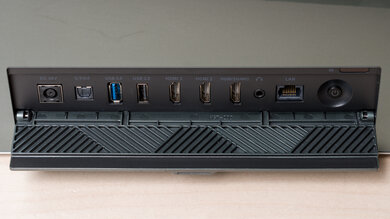
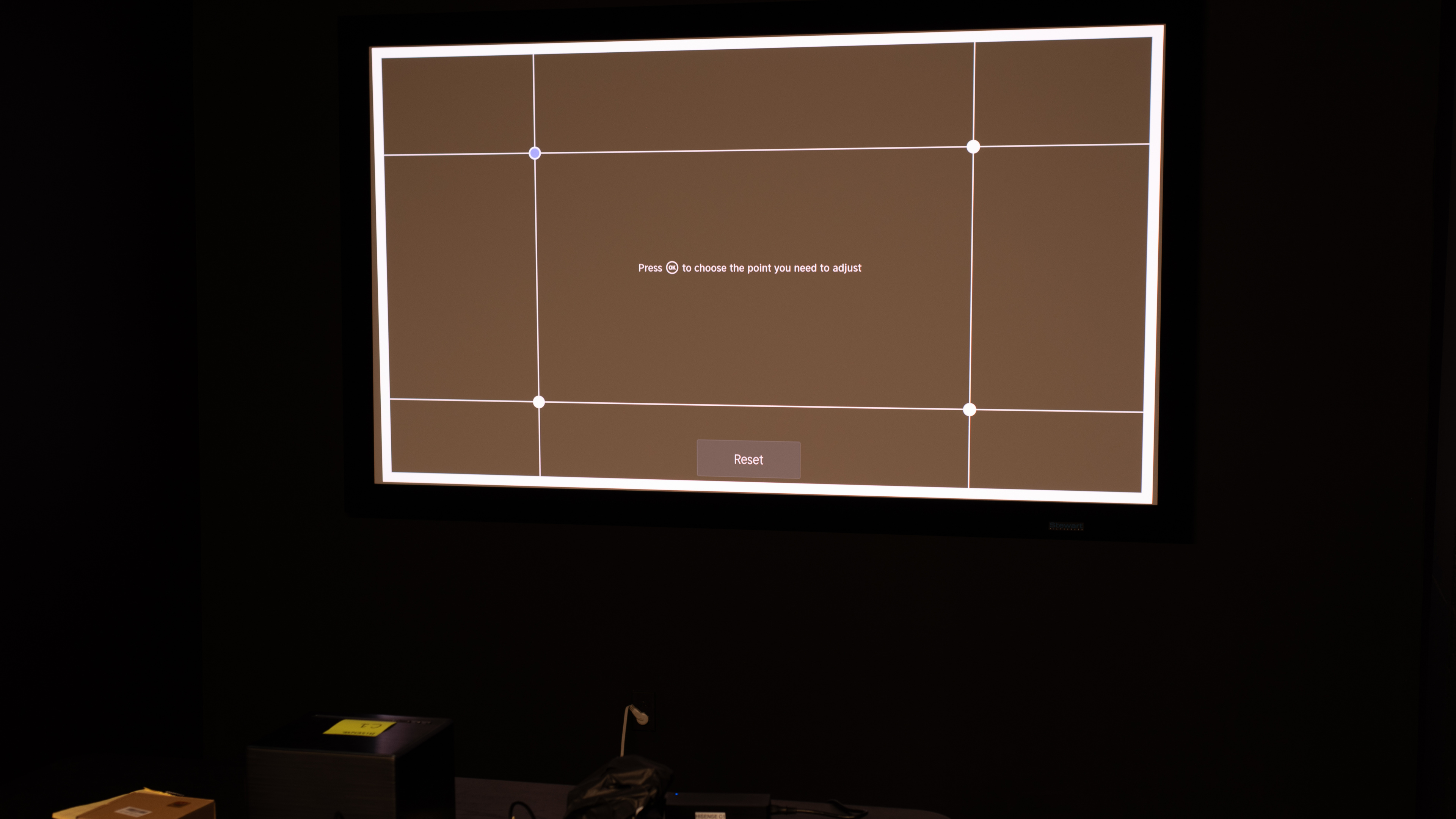
The Hisense C1 is a 4k DLP laser projector. It's a standard throw projector with a fixed lens, but it has a digital zoom feature that allows it to project an image anywhere from 65" to 300". It's the first standard-throw projector from Hisense to implement a TriChroma triple laser engine, with a remarkably wide color gamut for HDR content and support for Dolby Vision, as well as two integrated 10W JBL speakers and Dolby Atmos support. Its all-in-one design is rounded out with built-in streaming apps through Vidaa OS, digital geometry correction features like auto keystone correction and obstacle avoidance, and a relatively portable design in case you want to move it from room to room.
Our Verdict
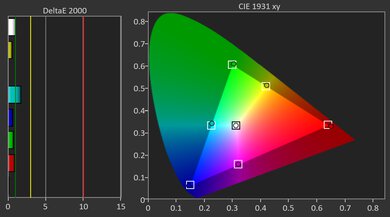
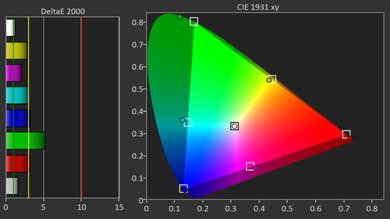
The Hisense C1 is a good choice for watching movies. The projector gets decently bright and has great native contrast, producing a crisp and pleasing image, though it's best suited for dark or light-controlled rooms. It also supports Dolby Vision HDR and has near-full coverage of the Rec. 2020 color gamut, making HDR content look vibrant. That said, SDR content can look oversaturated. Colors are quite accurate out of the box, though white balance issues can leave a reddish cast unless you calibrate it.
- Decently bright image, especially for dark rooms.
Very wide Rec. 2020 color gamut.
Very good native contrast ratio, especially in brighter content.
- Not quite bright enough for rooms with ambient light.
- SDR content can look oversaturated.
Contrast is poor in near-dark scenes, with noticeably lifted blacks.
The Hisense C1 is adequate for very casual play, but avoid playing anything fast on it, as its input lag is rather high, and the input delay is noticeable. There's also no way to lower the input lag, as the projector tops out at 60Hz. Still, image quality is solid for games: bright enough for a dim room, great native contrast, and a wide color gamut from the tri-laser engine. It also supports Dolby Vision, which is good for Xbox gamers.
- Decently bright image, especially for dark rooms.
Very wide Rec. 2020 color gamut.
Very good native contrast ratio, especially in brighter content.
- Not quite bright enough for rooms with ambient light.
- SDR content can look oversaturated.
High input lag at any resolution.
Limited to 60Hz.
Contrast is poor in near-dark scenes, with noticeably lifted blacks.
The Hisense C1's brightness is decent. It looks its best in fully dark rooms, but it can handle a dim light or two, although at the cost of some washing out. It has very uniform brightness, with no overly obvious vignetting.
- Decently bright image, especially for dark rooms.
- Not quite bright enough for rooms with ambient light.
The Hisense C1's contrast is very good. It excels in very bright scenes, but unfortunately, its handling of near-dark scenes is rather poor, with lifted blacks. Still, overall, it delivers a solid contrast performance.
Very good native contrast ratio, especially in brighter content.
Contrast is poor in near-dark scenes, with noticeably lifted blacks.
Changelog
-
Updated May 29, 2026:
We've added text to some test boxes as a result of our latest test bench.
- Updated May 13, 2026: We've converted the review to Test Bench 0.12, which adds new Judder, Screen Adaptation, Battery, Maximum Volume, Size, Mobility Features, and Physical Setup Features test boxes. We also updated Inputs & Connectivity to verify Bluetooth support with wireless speakers or headphones. See the 0.12 changelog.
-
Updated Feb 06, 2026:
We've modified the text in our Brightness and Native Contrast text boxes as a result of our latest test bench. We've also added Brightness and Contrast performance usages in the Verdict section.
- Updated Feb 03, 2026: We've converted the review to Test Bench 0.11, which renames our Contrast test to Native Contrast, and adds a Sequential Contrast test box. We also added new Brightness and Contrast performance usages in Our Verdict. See the 0.11 changelog.
Check Price
Differences Between Sizes And Variants
The Hisense C1 projector comes in one color: Prussian Blue. It has been superseded by newer models: the Hisense C2 and the Hisense C2 Ultra. There's also a portable variant, the Hisense M2 Pro. The differences between each model are listed in the following table:
| Model | Light Source | Brightness (ANSI lm) | Throw & Zoom | HDR Formats | Speakers | Gaming Features |
|---|---|---|---|---|---|---|
| Hisense C2 Ultra | RGB TriChroma laser | 3000 | 0.9–1.5:1, 1.67× optical zoom; gimbal stand | Dolby Vision, HDR10+, HDR10 | JBL 2.1 (2×10W + 20W sub) | Up to 240Hz (1080p/1440p), ALLM |
| Hisense C2 (non-Ultra) | RGB TriChroma laser | 2000 | 1.2:1, digital zoom; gimbal stand | Dolby Vision, HDR10 | JBL 2.0 (2×10W) | Up to 240Hz (1080p/1440p), ALLM |
| Hisense C1 | RGB TriChroma laser | 1600 | 1.2:1, fixed lens (no optical zoom) | Dolby Vision, HDR10 | JBL 2.0 (20W) | 4k @ 60Hz, ALLM |
| Hisense M2 Pro | RGB TriChroma laser | 1300 | 1.0–1.3:1, optical zoom; compact gimbal | Dolby Vision, HDR10 (+ decode) | 2×10W | Up to 240Hz (1080p/1440p), ALLM |
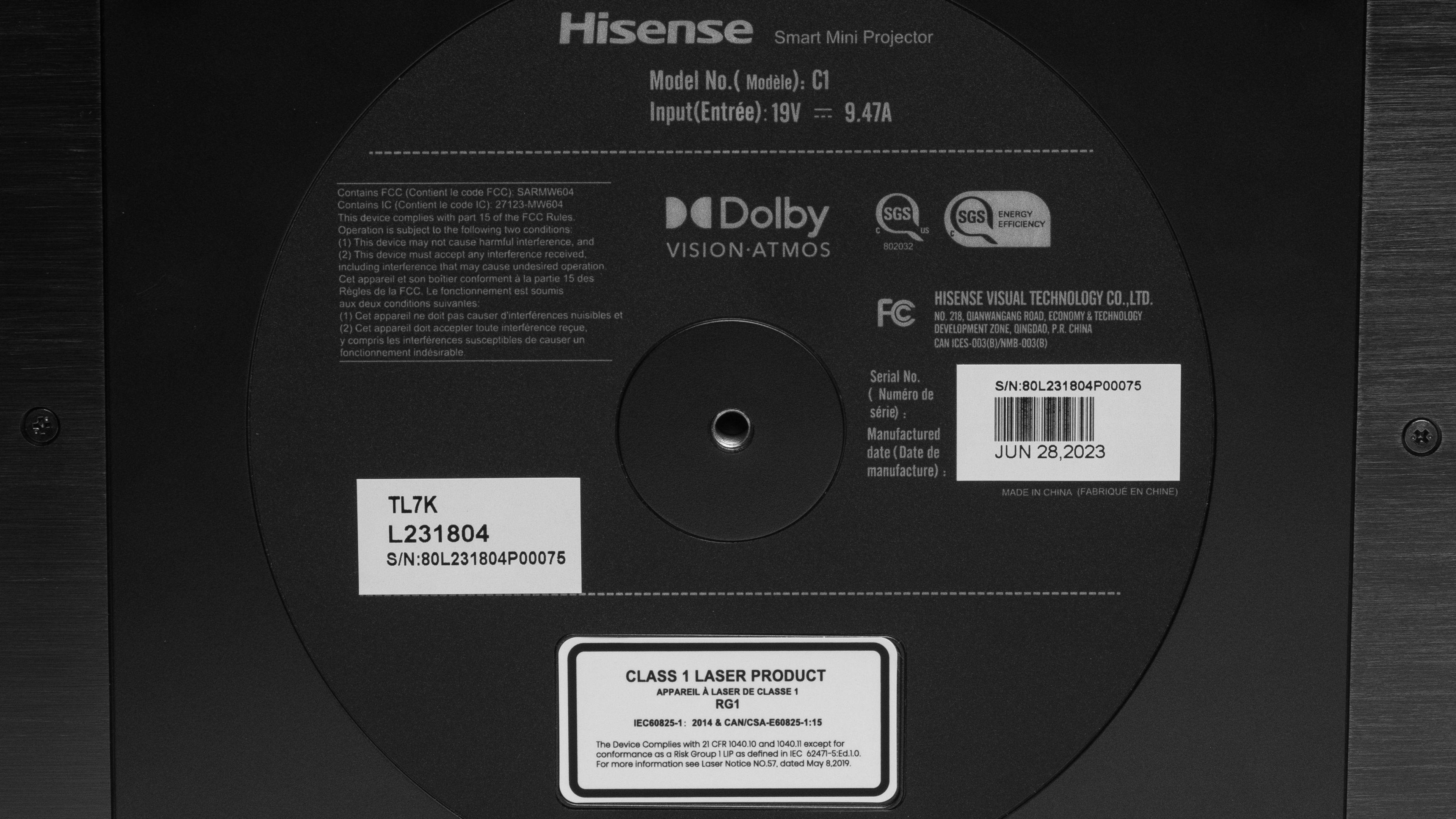
Our unit was manufactured in June 2023.
Popular Projector Comparisons
The Hisense C1 is a good lifestyle projector for those seeking a relatively portable, room-to-room projector for watching movies and TV shows. Although it lacks features like optical zoom or a gaming mode, it supports Dolby Vision, and its triple laser design produces vibrant colors and a fairly bright image. It's also relatively compact and has auto-adjustment features, making it a good fit for smaller spaces or room-to-room use. However, since it doesn't have optical zoom, you'll ideally need to physically adjust its position to get the best image on your screen. For gaming, it's limited: capped at 60Hz with ~39 ms input lag, and no 120Hz, so it's fine for casual single-player, not for anything timing-sensitive. Still, overall, it offers excellent value for those seeking an all-in-one home theater solution at this price point.
See our recommendations for the best projectors for home theater and the best 4k projectors. If you're looking for something more general, look up our list of the best projectors instead.
The Hisense M2 Pro is an upgrade over the Hisense C1. The M2 Pro has more accurate colors out of the box, as well as a much wider color gamut than the C1. It's also a much better gaming projector, supporting 120Hz refresh rates and with considerably better input lag across all resolutions. On the other hand, the C1 is a better multimedia hub with more ports and full eARC passthrough, in addition to being a notably brighter option than the M2 Pro.
The Hisense C2 Ultra is a noticeable upgrade over the Hisense C1. While the C1's contrast is just a hint better overall, the C2 Ultra is better in every other category: brightness, out-of-the-box accuracy, and colors. The C2 Ultra supports both Dolby Vision and HDR10+, while the C1 is limited to Dolby Vision only. The C2 Ultra also has a 1.67x optical zoom, making it easier to install compared to the C1's fixed lens. Finally, the C2 Ultra is superior for gamers, as it supports gaming at 240Hz in 1080p and 1440p, while the C1 is limited to 60Hz at all resolutions.
The Hisense C1 and the XGIMI HORIZON Ultra are both good all-in-one projectors with Dolby Vision support. The Hisense has better overall contrast and more vibrant colors, thanks to its triple-laser design. On the other hand, the XGIMI gets notably brighter, making it better for setups with ambient light, and its optical zoom gives you more placement flexibility.
The Epson Home Cinema 3800 is better than the Hisense C1. The Epson has a more traditional design, while the Hisense is aimed at those who want an all-in-one projector; that is, it's more compact and has a smart OS for built-in streaming. The Epson gets much brighter, making it better suited to rooms with ambient lighting, and its optical zoom gives you more flexibility with placement. However, in a dedicated room where you can control its placement, the Hisense has much to offer, including a sharp, vibrant image and Dolby Vision support.

We've independently bought and tested over 80 projectors and published detailed results for each, so you can decide which one to buy. These have all been tested under the same standardized methodology, allowing you to compare them side by side. We still have all these projects in our lab, so we can continually go back and compare them to ensure our reviews are still accurate. All our test methodologies are also public on our website, so you can validate the results yourself.
Throw Calculator
Global Controls
Test Results
for pictures & test results

for pictures & test results











for pictures & test results


for pictures & test results

for pictures & test results