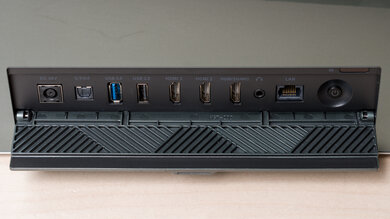
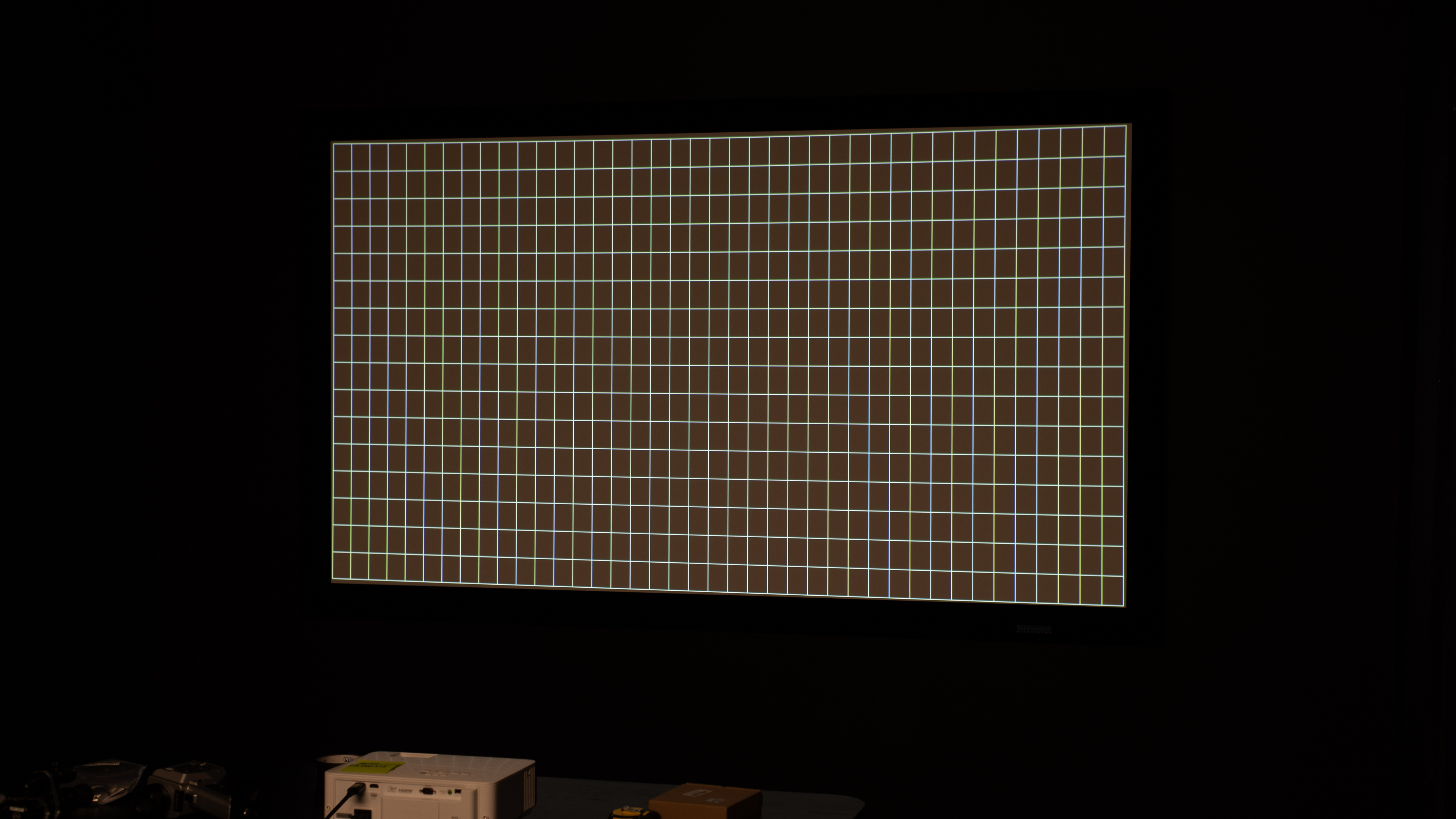
The BenQ TK700STi is a 4k HDR short-throw projector primarily meant for video games. Its short-throw lens projects a 100" image at a distance of 6.5 feet, 120" at a distance of 7.8 to 9.4 feet, and a very large 150" at a distance of 9.8 to 11.8 feet. The projector comes with 2D Keystone technology to eliminate trapezoid effects when it's installed off-center or at an angle, and also includes a picture rotation feature. Finally, it has two external and one internal HDMI 2.0b ports for 4k @ 60Hz or 1080p @ 240Hz gaming and an integrated 5W chambered speaker. It has Bluetooth support and comes with Android TV 10 on its included QS01 dongle.
Our Verdict
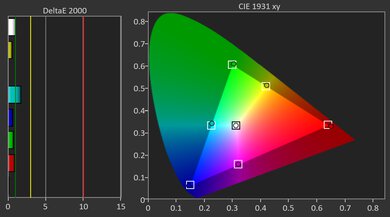
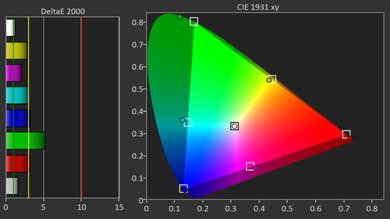
The BenQ TK700STi is alright for watching movies. Its native contrast is okay, and its brightness is decent, leading to a pleasant viewing experience when watched in a dark room, although its colors are a bit dull. Unfortunately, the projector's color accuracy before calibration is mediocre, and it doesn't improve significantly with calibration, so it's not ideal for color purists.
Bright enough for a dim room.
- Full suite of smart features with Wi-Fi and Bluetooth support.
Passes through DTS audio formats.
Somewhat dull and inaccurate colors.
No Dolby Vision or HDR10+ support.
The BenQ TK700STi is a very good choice for gaming. It's bright enough to give you a comfortable image on a big screen in a dim room, with alright contrast and color that look fine for most titles, even if blacks never get truly deep. It's a very responsive unit with a ton of supported resolutions, and it has very low input lag, especially at 120Hz and 240Hz at 1080p. It doesn't officially support 1440p, which is a bummer for those using a Nintendo Switch 2, although it can be forced at 60Hz on the Xbox Series S. Finally, there's no Dolby Vision support for Xbox gamers.
Bright enough for a dim room.
120Hz and 240Hz support at 1080p.
Very low input lag.
Somewhat dull and inaccurate colors.
No 1440p support.
No Dolby Vision or HDR10+ support.
The BenQ TK700STi is bright enough to drive a large screen in a dark room without looking dim, which works well for both movie nights and long gaming sessions. You will want the lights mostly off for the best experience, as it does not have the sheer output needed to fight a lot of ambient light, and colors can look a touch muted rather than really vibrant.
Bright enough for a 100" screen in a dim room.
Very good brightness uniformity.
Not strong enough for very bright rooms.
Colors look a bit muted.
The BenQ TK700STi's contrast is okay enough to make movies and games look solid, but not dramatic. In a dark room, letterbox bars and deep shadows appear gray instead of truly black, so very dark scenes lack some depth. During typical gameplay or brighter movie scenes, though, the image looks clean and reasonably punchy, which suits its role as a fast gaming projector more than a dedicated home-theater machine.
Okay contrast for mixed movies and games, especially in brighter content.
Very poor contrast in dark scenes: blacks look washed out.
Changelog
-
Updated May 29, 2026:
We've added text to some test boxes as a result of our latest test bench.
- Updated May 13, 2026: We've converted the review to Test Bench 0.12, which adds new Judder, Screen Adaptation, Battery, Maximum Volume, Size, Mobility Features, and Physical Setup Features test boxes. We also updated Inputs & Connectivity to verify Bluetooth support with wireless speakers or headphones. See the 0.12 changelog.
-
Updated Jan 14, 2026:
We've modified the text in our Brightness and Native Contrast text boxes as a result of our latest test bench and added a Sequential Contrast test. We've also added Brightness and Contrast performance usages in the Verdict section.
- Updated Jan 14, 2026: We've converted the review to Test Bench 0.11, which renames our Contrast test to Native Contrast, and adds a Sequential Contrast test box. We also added new Brightness and Contrast performance usages in Our Verdict. See the 0.11 changelog.
Check Price
Differences Between Sizes And Variants
We bought and tested the BenQ TK700STi. This projector has a lower-end model, the BenQ TK700, which doesn't have Short Throw capability and doesn't come with the BenQ QS01 dongle.
| Model | Short Throw | Included Android TV Dongle |
|---|---|---|
| BenQ TK700STi | Yes | Yes |
| BenQ TK700 | No | No |
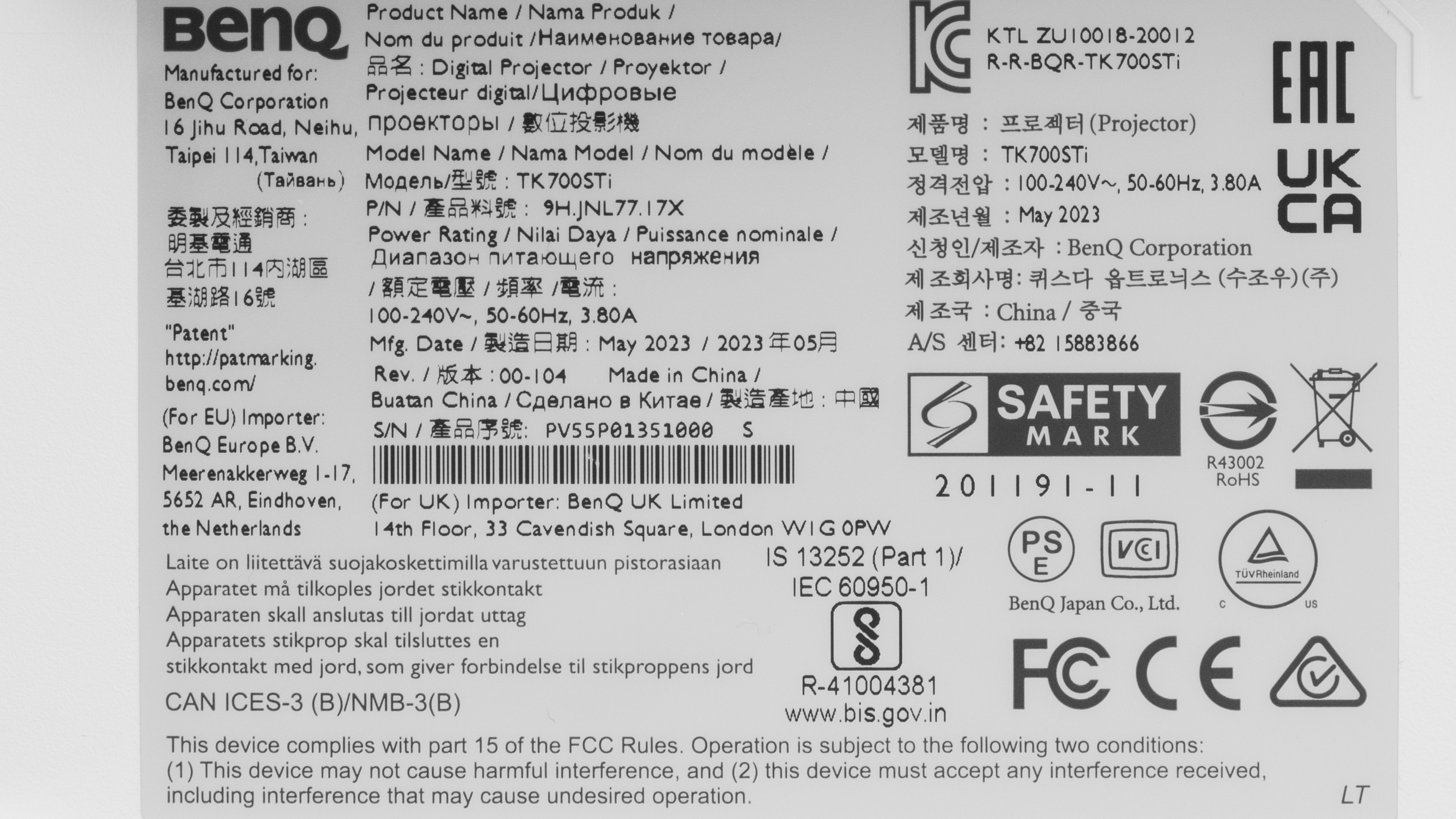
Our unit was manufactured in May 2023.
Popular Projector Comparisons
The BenQ TK700STi is a gaming-focused projector that really shines with 1080p @ 240Hz gameplay: it is responsive, reasonably bright, and easy to set up thanks to its short-throw design. It is also perfectly serviceable for watching movies in a dark room, with its alright contrast and brightness, but it is not trying to compete with BenQ's more movie-centric models when it comes to deep blacks or rich cinema picture quality. The included Android TV dongle gives you plenty of streaming apps without needing an external box. Still, if you don't need the short throw or the Android TV dongle, consider the cheaper BenQ TK700, which is almost identical, except that it lacks these two features.
Check out our recommendations for the best 4k projectors and the best short-throw projectors. If you prefer a cheaper product, consider the best projectors under $1,000 instead.
The BenQ TK700STi is better than the XGIMI HORIZON Pro. The BenQ is a bit brighter and has better contrast, so it looks better than the XGIMI when a few lights are on. It's also slightly more accurate pre-calibration than the XGIMI, although you can improve the XGIMI significantly more with calibration. The XGIMI has a wider color gamut than the BenQ, but it's not bright enough to make its colors pop. The BenQ is particularly interesting to gamers as it can play games at both 4k @ 60Hz or 1080p @ 240Hz, while the XGIMI is limited to 60Hz at both 4k and 1080p.
The BenQ X3100i is better than the BenQ TK700STi. They're both gaming projectors, but the X3100i supports 4k @ 60Hz, 1440p @ 120Hz, and 1080p @ 240Hz, while the TK700STi is limited to 4k @ 60Hz and 1080p @ 240Hz. The TK700STi also comes with the older QS01 streaming dongle, which lacks many of the advanced features of the QS02 dongle included with the X3100i, although you can purchase the dongle on its own to install in the TK700STi. Otherwise, the BenQ X3100i offers superior image quality, with better brightness, contrast, accuracy, and colors.
The BenQ X3000i is better than the BenQ TK700STi, although the TK700STi is smaller and lighter and is a short-throw projector, so you can place it closer to the wall or screen. Still, the X3000i is brighter, has better contrast, is much more accurate, and has a wider color gamut. They both support 4k @ 60Hz and 1080p @ 240Hz, so they're equally great options for gaming.
The BenQ TK700STi and the BenQ X500i are both part of BenQ's 'Immersive Gaming' series and share many similarities. Still, aside from the TK700STi's higher peak brightness, the X500i is the better product overall thanks to its much better contrast, wider color gamut, and superior pre-calibration accuracy. Plus, the X500i comes with the newer QS02 dongle, which has more features than the older QS01 dongle that comes with the TK700STi.

We've independently bought and tested over 80 projectors and published detailed results for each, so you can decide which one to buy. These have all been tested under the same standardized methodology, allowing you to compare them side by side. We still have all these projects in our lab, so we can continually go back and compare them to ensure our reviews are still accurate. All our test methodologies are also public on our website, so you can validate the results yourself.
Throw Calculator
Global Controls
Test Results
for pictures & test results

for pictures & test results











for pictures & test results


for pictures & test results

for pictures & test results