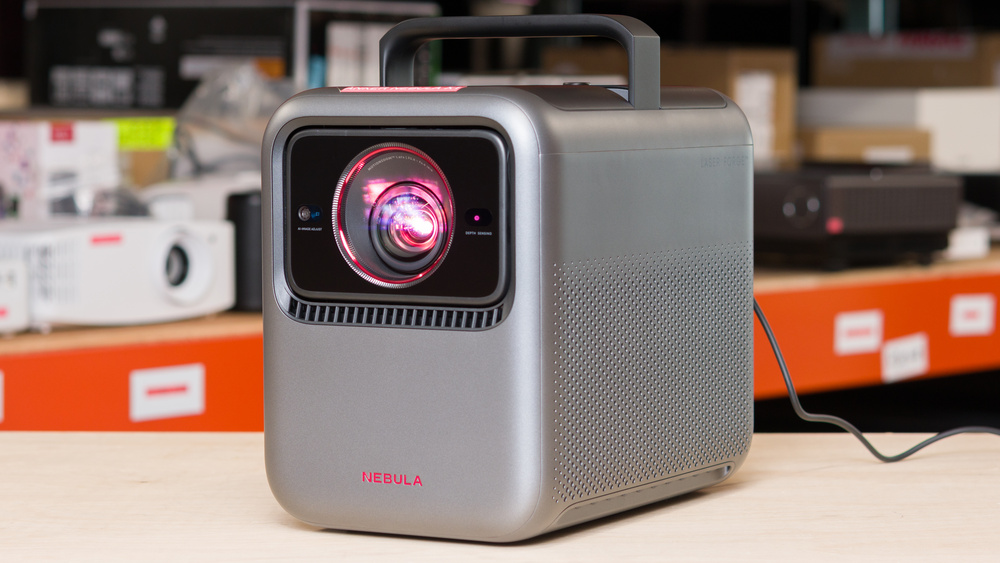
The Anker Nebula X1 is a portable home theater projector primarily marketed for outdoor use. It's a medium-sized projector with a retractable handle for easy portability. It can be purchased with an additional accessory pack containing a carrying case, a set of microphones for hosting duties or karaoke nights, and two extra wireless speakers, transforming the unit into a true 200W speaker setup. Without the extra speakers, the unit itself acts as a 40W speaker.
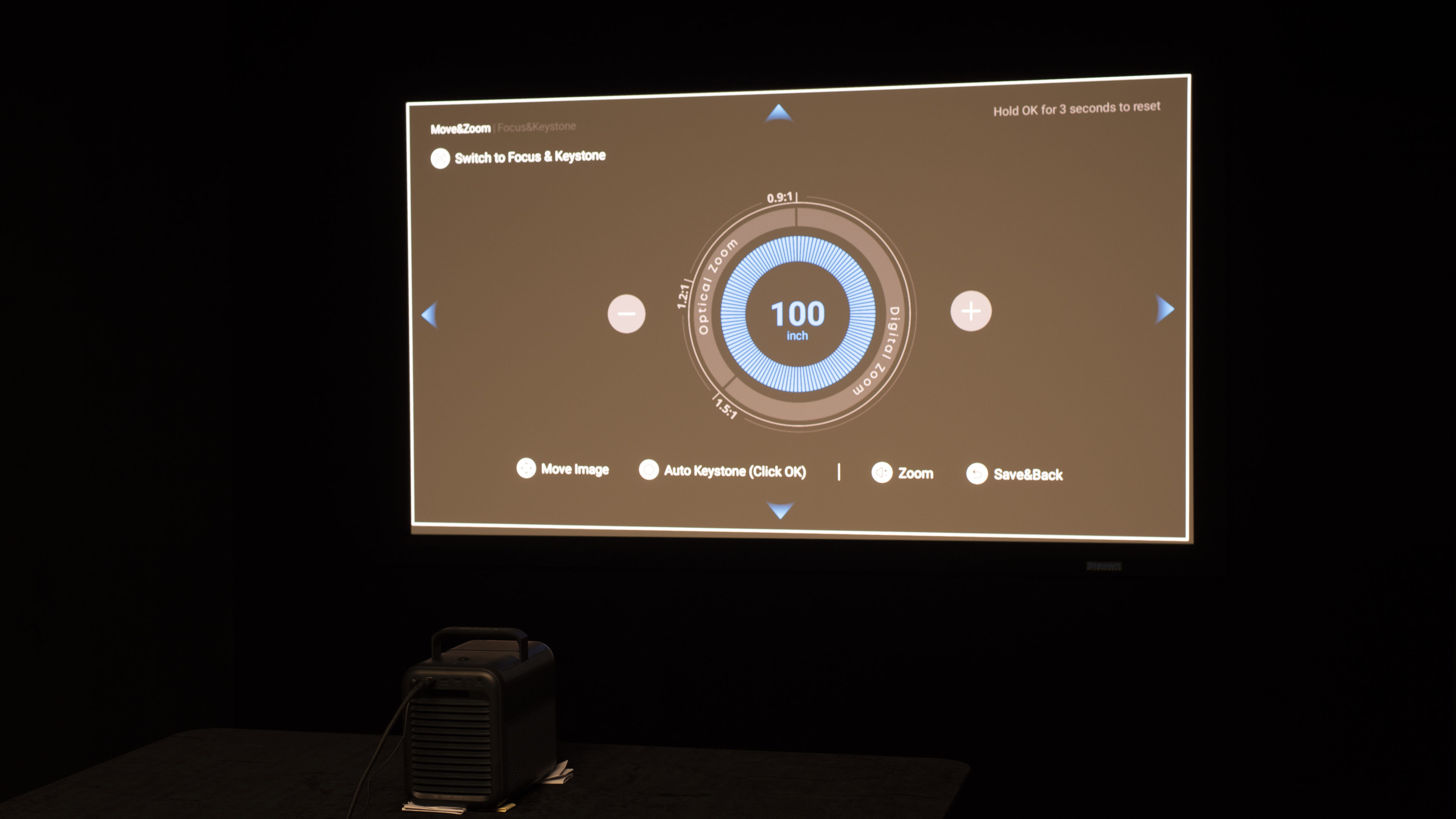
The unit has a full suite of image correction features, such as auto keystone and autofocus, alongside auto screen fit and an automatically tilting lens for easy positioning. The projector comes with Android OS 11, with official Netflix integration and Dolby Vision support. It's capable of projecting an 80-inch image at a distance of 5.2 to 8.7 feet, up to a 300-inch image at 20 to 32.5 feet.
Our Verdict
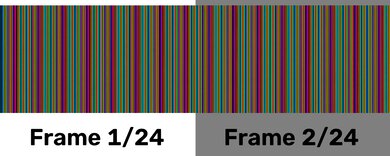
The Anker X1 projector is decent for home theaters. It has a very strong contrast, with deep blacks alongside a bright screen, so it delivers good depth to the image. It also displays bright, vivid colors that are accurate out of the box, but you may want to calibrate it for the best white balance and color temperature. Plus, its fan is quiet, so it isn't distracting when watching a movie. There are some downsides to it, though, as it doesn't remove judder from any source, so motion looks jittery. It's also a DLP projector that has noticeable rainbow effect. While it isn't the worst, you can still see it when your eyes move around the image, and be problematic if you're sensitive to RBE.
Gets very bright, and maintains uniformity.
Deep blacks in most content.
Displays bright and vivid colors.
Fully featured projector, with official Netflix and Dolby Vision support.
Quiet fan, even at max brightness.
Some rainbow effect.
Can't remove judder from any source.
White balance is slightly off before calibration, giving a blue tint.
The Anker Nebula X1 is great for outdoor setups. It gets very bright, so you can use it even during the daytime under some shade. It's also easy to carry outside thanks to its handle, and it has features to help you set it up, such as motorized optical zoom and vertical lens shift. It also has auto focus, keystone, and screen fit adjustments that can help it adapt to any screen. However, it lacks horizontal lens shift, so the image won't be perfectly clean if the projector is off-center from the screen. It includes Google TV for streaming content, but you'll need to use it with a nearby outlet, as it doesn't have a battery.
Gets very bright, and maintains uniformity.
Fully featured projector, with official Netflix and Dolby Vision support.
A ton of image correction features, alongside a retractable carrying handle.
No battery.
Fairly large and heavy.
The Anker Nebula X1 is decent for bedrooms. It's easy to carry to the bedroom with its handle, but it's large and going to take up some space on a nightstand. It's easy to set up thanks to its motorized optical zoom and vertical lens shift, which help keep the image clean, alongside auto keystone, focus, and screen fit adjustments. However, it lacks horizontal lens shift, so the image won't be perfectly clean if the projector is off-center from the screen. You'll need to plug it in, though, as it lacks a battery. Its fan is quiet enough that it shouldn't bother others at night, and considering how bright it is, you can lower its brightness to get an even quieter fan.
Fully featured projector, with official Netflix and Dolby Vision support.
A ton of image correction features, alongside a retractable carrying handle.
Quiet fan, even at max brightness.
No battery.
Fairly large and heavy.
The Anker X1 is a good choice for gaming sessions. It has exemplary picture quality, as it's extremely bright, has impressive contrast in most scenes, and is extremely colorful. Finally, it's very accurate out of the box, so you don't need to calibrate it unless you need perfect white balance and color temperature. As for gaming performance, it's capped at 60Hz, but Game Mode keeps its input lag fast enough for slower single-player titles. Competitive players will still prefer a true 120Hz projector, especially since the unit's input lag is too slow for titles like platformers or most shooters.
Gets very bright, and maintains uniformity.
Deep blacks in most content.
Displays bright and vivid colors.
DLP technology with minimal blur.
Its input lag is just not quick enough for faster titles.
No 120Hz support.
The Anker X1 is an extremely bright projector. It has no trouble lighting up a large 100" screen in a dark room, and it can even handle some ambient light without the image looking washed out. Brightness uniformity is fantastic, so the whole screen appears evenly lit.
Gets very bright, and maintains uniformity.
The Anker X1 has impressive contrast. In most mixed and brighter scenes, it keeps solid separation between darker areas and highlights, which helps movies and games look punchy. The deepest near-black scenes won't look quite as rich as on the very best home-theater models, but it still delivers an impressive contrast performance overall.
Deep blacks in most content.
The Anker Nebula X1 has acceptable portability. The biggest downside is that it's a bigger projector, but it at least comes with a handle that makes it easier to carry. It also has features to help you set it up with any screen, including motorized zoom, vertical lens shift, and auto keystone and focus features. However, it lacks horizontal lens shift, so the image won't be perfectly clean if the projector is off-center from the screen. Unfortunately, though, it doesn't have a battery.
A ton of image correction features, alongside a retractable carrying handle.
No battery.
Fairly large and heavy.
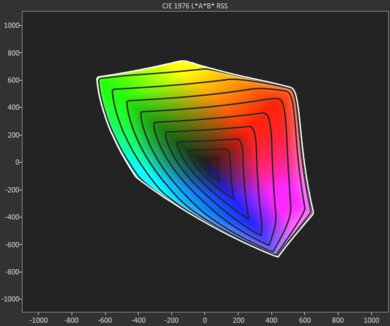
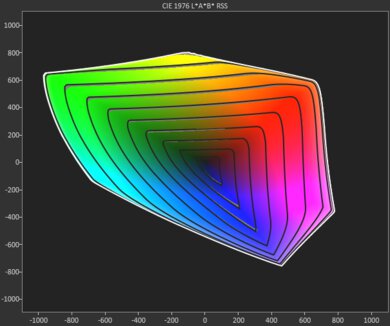
The Anker Nebula X1 has excellent color. It has remarkable color volume, with bright, vivid colors across any type of content. It's also accurate before any calibration, but you may prefer to calibrate it to perfect the white balance and color temperature.
Displays bright and vivid colors.
Very easy to calibrate.
White balance is slightly off before calibration, giving a blue tint.
The Anker Nebula X1 has decent gaming responsiveness. It uses DLP technology with sharp motion, although it's limited to a 60Hz refresh rate. It also has alright input lag that's decent enough for playing slower-paced games, but it's too high for games that need fast reactions.
DLP technology with minimal blur.
Its input lag is just not quick enough for faster titles.
No 120Hz support.
Performance Usages
Changelog
- Updated Aug 07, 2026: We've converted the review to Test Bench 1.0, which replaces our Color Gamut test with Color Volume and adds a new Rainbow Effect test box. We also updated Effective Contrast (formerly Native Contrast) to account for projector brightness and reworked Judder scoring. The new bench also adds Outdoors and Bedroom usages, plus Portability, Color, and Gaming Responsiveness Performance Usages; Movies is now Home Theater, and all existing usage scores have been updated. See the 1.0 changelog.
-
Updated May 11, 2026:
We've added text to some test boxes as a result of our latest test bench. We've also updated Inputs & Connectivity to include Bluetooth support checks, as well as the 3D test box.
- Updated May 11, 2026: We've converted the review to Test Bench 0.12, which adds new Judder, Screen Adaptation, Battery, Maximum Volume, Size, Mobility Features, and Physical Setup Features test boxes. We also updated Inputs & Connectivity to verify Bluetooth support with wireless speakers or headphones. See the 0.12 changelog.
-
Updated Jan 14, 2026:
We updated the Native Contrast results after a recent adjustment to our testing. We also touched up the Our Verdict section and the Popular Projector Comparisons box.
Check Price
Differences Between Sizes And Variants
The Anker Nebula X1 projector is currently the only option in Anker's X Series. It can be bought stand-alone or with an accessory kit that includes two microphones, a carrying case, and a set of wireless speakers that transform the projector into a full-blown sound system.
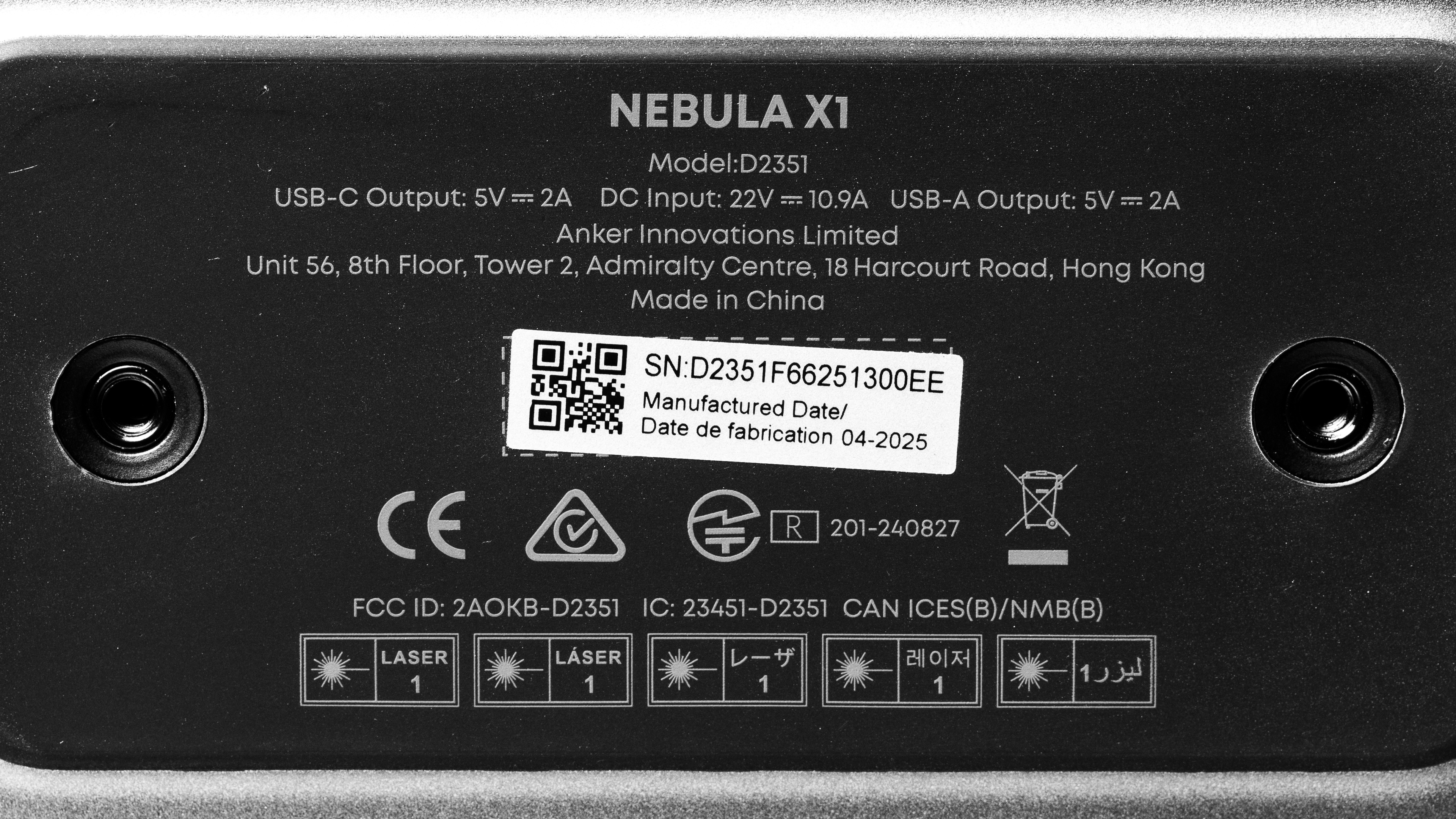
Our unit was manufactured in April 2025.
Popular Projector Comparisons
The Nebula X1 is a tremendous projector with a rather unique use: a mid-size, home-theater-grade projector featuring an integrated handle that also performs well outdoors. Alongside its handle, the unit features a full suite of image correction tools, all designed to ensure easy portability. This means it combines the strengths of some home theater products, like the Valerion VisionMaster Pro 2 or the Hisense C2 Ultra, with portable products like the Samsung The Freestyle 2nd Gen or the XGIMI MoGo 2 Pro. Ultimately, the Anker is leagues above most other portable products, making it a compelling option for anyone seeking a high-quality portable projector.
For more, check out our recommendations for the best 4k projectors, the best projectors for home theater, and the best portable projectors. If you're really looking for a product to use outside, consider the best outdoor projectors as well.
The Anker Nebula X1 and Hisense C2 Ultra projectors perform very similarly, with the Anker having a very slight edge in image quality, and the Hisense being better for gamers. The Anker is a bit brighter, with slightly deeper contrast, and is a bit more accurate out of the box, but they're extremely close. They're equally portable, but they approach it differently: the Hisense has a gimbal stand that lets you fully adjust its viewing angle, while the Anker has an integrated handle and a motorized lens. For gaming, it's no contest: the Hisense has high-refresh-rate support and low input lag.
The Valerion VisionMaster Pro 2 and Anker Nebula X1 trade blows, but are meant for different usages. While the Anker is specifically marketed for its portability and outdoor use, with a retractable handle and a full suite of image correction features, the Valerion also comes with a carrying case, making it almost as portable. Still, the Anker offers more options, especially if you buy its accessory pack, which turns the unit into a full-blown sound system. Ultimately, what you're looking for will likely dictate your purchase: those looking for a pure home theater solution will lean toward Valerion, while those seeking a more versatile option will lean toward Anker.
The Anker Nebula X1 offers slightly better image quality than the Epson Home Cinema 3800, but the two are quite different. The Epson is a bare-bones home theater projector with no integrated smart OS and no Wi-Fi support, though it does have an older Bluetooth implementation. The Anker, however, is a fully featured modern projector with Google TV, native Netflix integration, and full wireless support. This makes the Anker a much more attractive proposition for anyone hoping to buy an all-in-one projector, while the Epson is more appealing to old-school home theater lovers who prefer to watch physical media on their unit rather than stream content over the internet. Furthermore, the Anker has a retractable handle and a full suite of image correction features, making it more portable, while the Epson is meant to stay put.
The XGIMI MoGo 2 Pro is far cheaper than the Anker Nebula X1, but it's also significantly worse when it comes to image quality. This isn't a surprise considering the price difference and size difference; the Anker is a heftier, beefier product. It does have a retractable handle and a full suite of image correction features, making it rather easy to carry around regardless of its weight, but the XGIMI is so small that you can easily throw it into a backpack. Ultimately, if you're considering one, you're not likely to be considering the other. If you're looking for the cheapest possible portable projector, the XGIMI is up your alley, but if you're looking for a portable projector that can also double as a home theater option, go for the Anker.

We've independently bought and tested over 80 projectors and published detailed results for each, so you can decide which one to buy. These have all been tested under the same standardized methodology, allowing you to compare them side by side. We still have all these projects in our lab, so we can continually go back and compare them to ensure our reviews are still accurate. All our test methodologies are also public on our website, so you can validate the results yourself.
Throw Calculator
Global Controls
Test Results

for pictures & test results







for pictures & test results





for pictures & test results