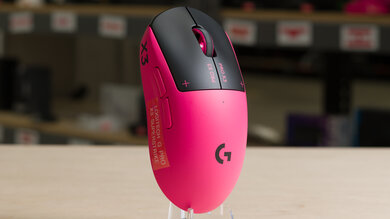
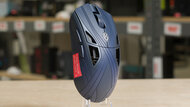
If you've got lots of things on your desk or like to use your mouse on the go, using a wired mouse can be troublesome. In the past, wireless mice didn't perform as well as wired mice and typically had poor battery life. Nowadays, most wireless mice perform just as well as their wired brethren, to the point where esports pros rely on wireless options, even during competition play. Depending on how often you use your mouse, some can last for months without recharging. Whether you're looking for an everyday browsing option, something to toss into your bag when you travel, or a trusty companion to help you make it to the top of the leaderboards, a good wireless mouse can help you interact more naturally with your computer and with more freedom of movement.
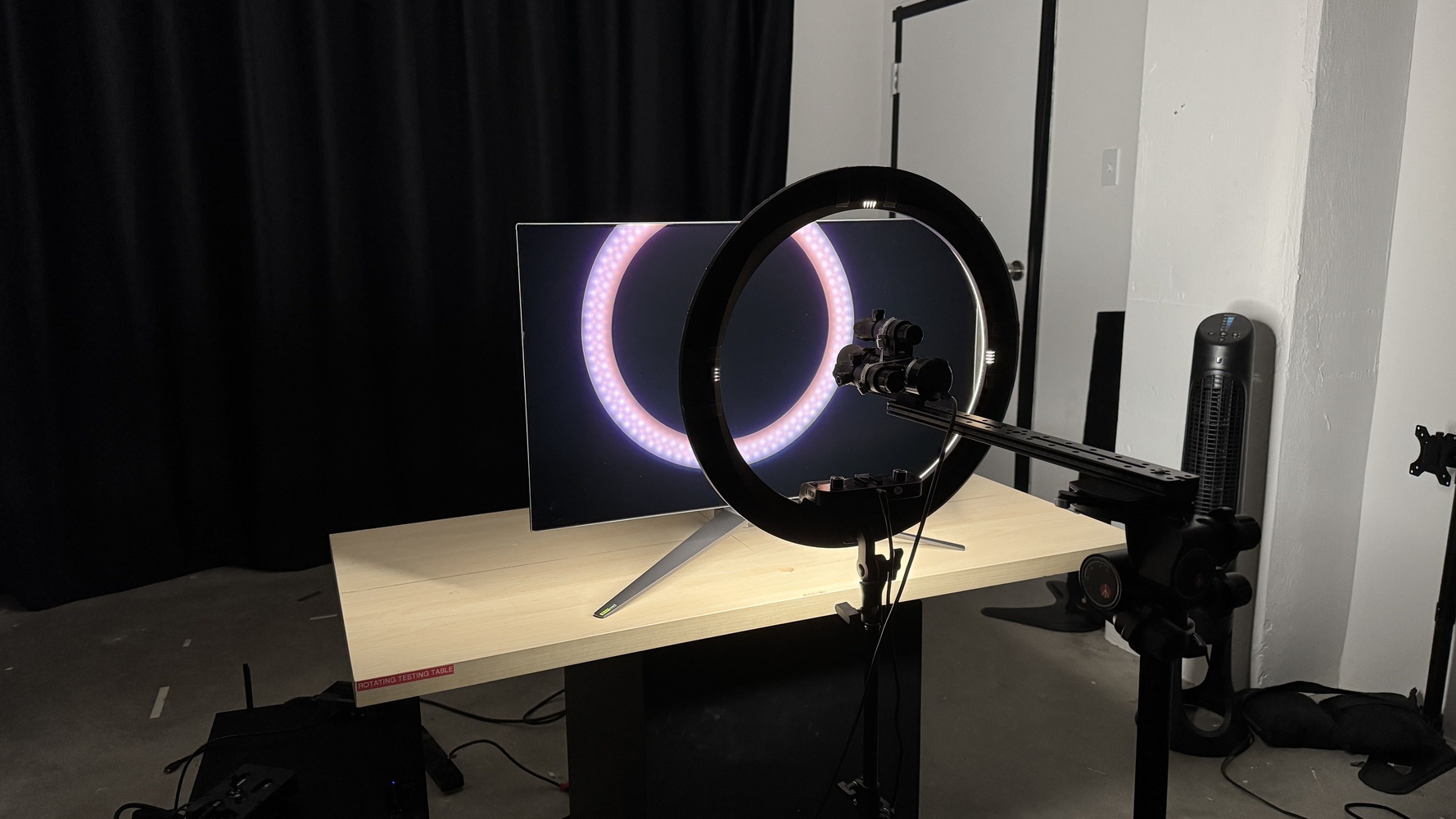
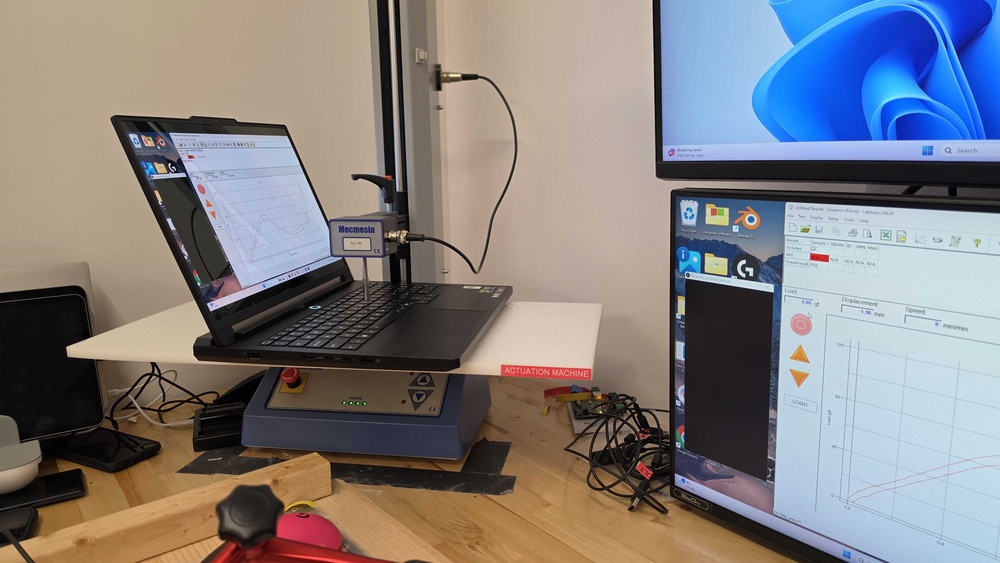
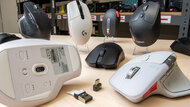
We've tested over 415 mice, and below, you'll find our picks for the best Bluetooth mouse and wireless mice for most people. For other recommendations, see our picks for the best mouse, the best mouse for gaming, and the best ergonomic mouse. If you're a Mac user, check out our picks for the best mouse for MacBooks.