
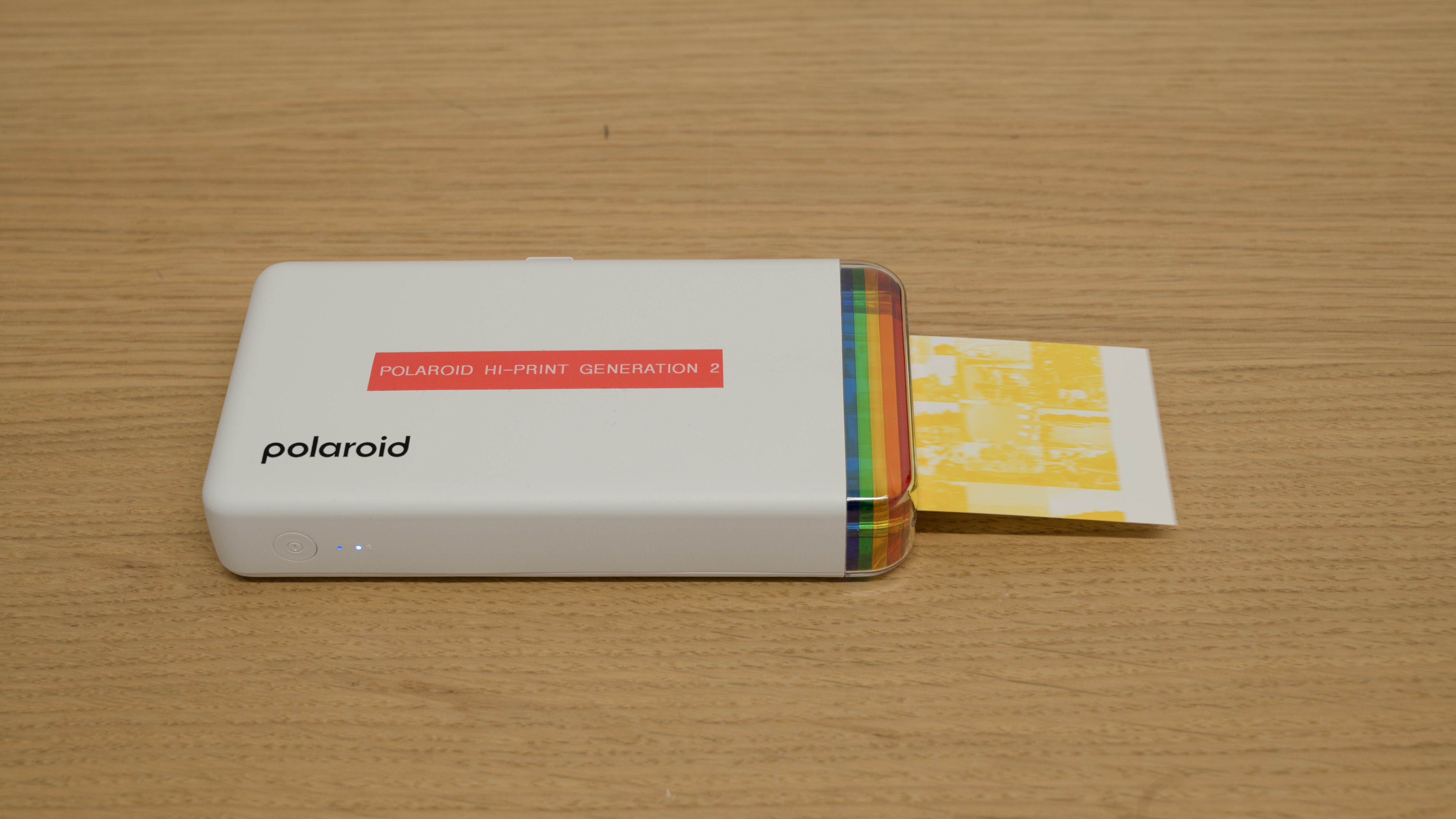
The Polaroid Hi-Print Generation 2 is a portable photo printer that produces 2" x 3" pictures. It only works with Android and iOS smartphones and Chrome OS devices via a Bluetooth connection and its Hi-Print mobile app. It's compatible with Polaroid's proprietary Hi-Print Generation 2 cartridge, which contains photo paper and dye film. You can purchase this printer separately or as part of a bundle that includes packs of photo paper.
Our Verdict
The Polaroid Hi-Print is bad for home use, as it's a portable print-only unit that can only produce 2" x 3" photos, which means you'll need another unit if you want to print documents or scan. Also, you can only connect to the printer via Bluetooth using a smartphone, tablet, or Chrome OS device. As for photo printing, the print quality isn't terrible for small pictures that you keep in a wallet or stick on a fridge door, but be aware that the recurring costs are quite high.
- Produces detailed photos.
- Requires very little maintenance.
- Can't print documents.
- Only works with smartphones, tablets, and Chrome OS devices via Bluetooth.
- No scanner.
- High cost-per-print.
The Polaroid Hi-Print isn't designed for office use, as it's a portable print-only unit that can only produce 2" x 3" photos.
- Can't print documents.
- Only works with smartphones, tablets, and Chrome OS devices via Bluetooth.
- Slow printing speed.
- No scanner.
The Polaroid Hi-Print is a portable photo printer that can't print documents, so it's not well-suited for this use case. That said, since it's not an inkjet printer, it can't clog and will always be ready to print as long as you have paper and the dye-sub cartridges. The ink and paper are in a single cartridge that lasts for 20 prints.
- Requires very little maintenance.
- Can't print documents.
- No scanner.
The Polaroid Hi-Print is a niche portable photo printer. Although it produces nicely detailed photos, it still isn't nearly as good as most budget desktop inkjet models. Additionally, its usage is limited, as it can only print pictures measuring 2" x 3". It doesn't help that the proprietary photo paper is very expensive, making its cost per print extremely high.
- Produces detailed photos.
- Requires very little maintenance.
- Can only print on 2" x 3" proprietary photo paper.
- High cost-per-print.
- Narrow color range, mediocre accuracy.
The Polaroid Hi-Print utilizes dye-sublimation technology, which relies on dye-sublimation paper and a dye ribbon instead of traditional cartridges or toners, resulting in a non-standard page yield. The cartridges and paper sold together are good for up to 20 prints.
The Polaroid Hi-Print is slow, as it requires four passes to produce a photo, taking approximately 80 seconds.
- Slow printing speed.
The Polaroid Hi-Print can't print documents.
- Can't print documents.
The Polaroid Hi-Print doesn't have a scanner.
- No scanner.
Performance Usages
Changelog
-
Updated Dec 16, 2025:
We've updated text throughout the review after converting to Test Bench 1.3.
- Updated Dec 16, 2025: We've updated the review to Test Bench 1.3, which adds a number of test boxes including Risk of Clogging and Ease of Unclogging. We also updated the Usage and Performance boxes at the top of the review to better integrate the new aspects covered. See the changelog.
-
Updated May 29, 2025:
Added mention of the Canon PIXMA TR160 as an alternative for document printing in the Black & White Documents section.
-
Updated Feb 28, 2025:
Added mention of the Canon SELPHY QX20 as an alternative with a better color gamut in the color gamut section.
Check Price
Differences Between Sizes And Variants
We tested the Polaroid Hi-Print Generation 2 in 'White'; it's also available in 'Black.' There are no other variants.
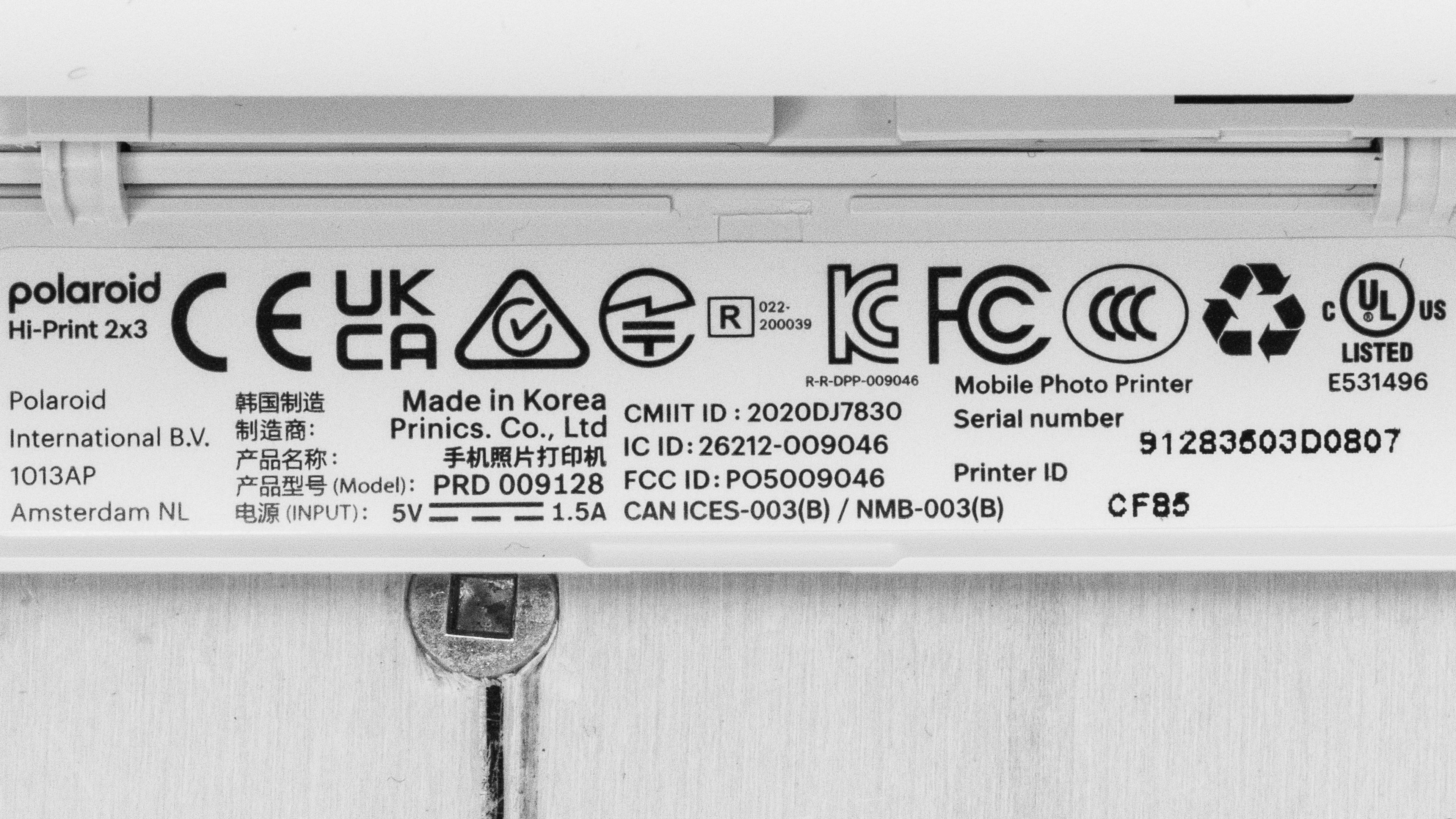
See our unit's label.
Popular Printer Comparisons
The Polaroid Hi-Print 2x3 Pocket Photo Printer is an okay portable printer. It can reproduce small details better than other portable printers, like the Canon IVY Mini Photo Printer and the Fujifilm instax Link WIDE, but its recurring cost is among the highest.
For more options, check out our recommendations for the best small printers, the best photo printers, and the best iPhone photo printers.
While the Fujifilm instax mini Link 3 and the Polaroid Hi-Print Generation 2 are both portable photo printers, they produce very different photos. The Fujifilm produces slightly smaller prints that lean heavily into a retro aesthetic with soft edges, while the Polaroid produces prints that preserve significantly more fine details. Neither printer is particularly color-accurate, and both incur high recurring costs; therefore, the choice comes down to personal preference. Depending on your tastes, Fujifilm offers a wide variety of colors and patterns for its film, allowing you to personalize your prints.
The Canon SELPHY QX20 and the Polaroid Hi-Print Generation 2 are both portable photo printers that produce small, pocket-sized pictures. Performance-wise, the Canon has a slightly wider color range and better accuracy, producing photos that appear brighter and more true-to-life. However, the Polaroid is better at reproducing small details, resulting in sharper images.
The Polaroid Hi-Print Generation 2 and the Canon IVY Mini Photo Printer are both portable photo printers that produce 2" x 3" pictures. The Polaroid has better print quality; it produces finer details and more vibrant, saturated colors, and the pictures have fewer visual artifacts. It also wins when it comes to convenience, as it charges faster via USB-C, whereas the Canon charges over Micro-USB.
The Polaroid Hi-Print Generation 2 and the Canon SELPHY Square QX10 are both portable photo printers that produce 2" x 3" pictures. In terms of print quality, the Canon produces a slightly wider range of colors, particularly brighter tones, but the Polaroid is better at reproducing fine details. The battery life is about the same on both; each can print around 20 photos on a full charge, though the Polaroid charges much faster and has a USB-C port, whereas the Canon uses a Micro-USB cable.
Test Results




for pictures & test results


for pictures & test results

for videos & test results







for pictures & test results

for pictures & test results
