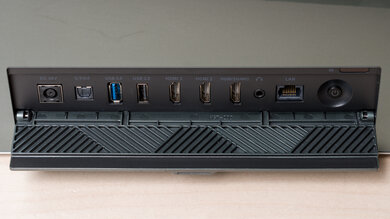
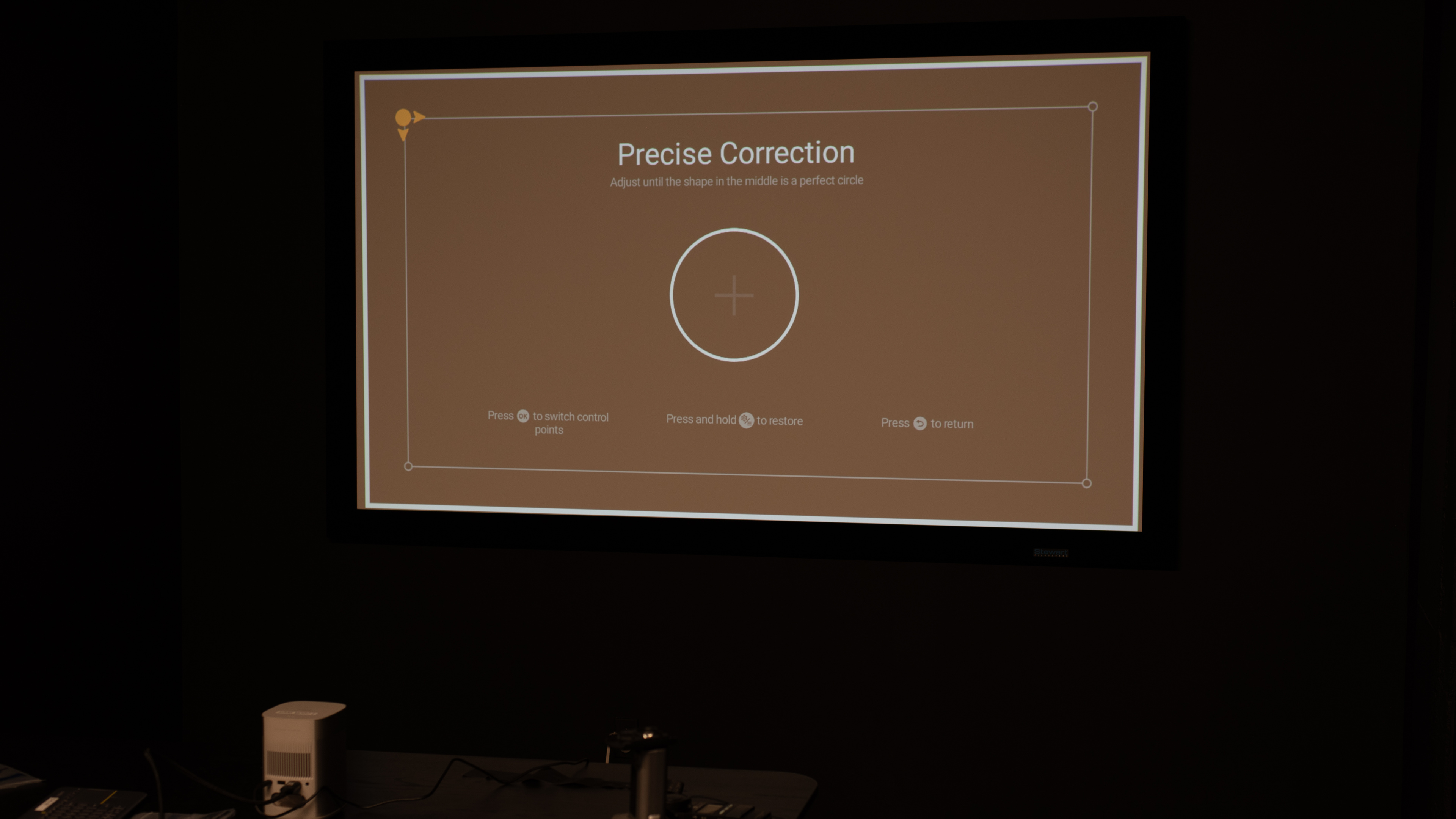
The XGIMI MoGo 2 is a lightweight 720p HDR projector. It's small and light, making it easy to carry around, and it's easy to install and use with Auto Keystone correction, intelligent obstacle avoidance and screen alignment, and an autofocus. The projector uses an LED bulb as its light source with a rated lifespan of 25,000 hours. It can project an image between 40" and 200", although XGIMI recommends that users stick to 60-120 inches for optimal image quality. It has many smart features with the Android TV 11.0 smart interface, Chromecast, Wi-Fi 5, and Bluetooth 5.0. Finally, it has two built-in 8W speakers with Dolby Audio, Dolby Digital, and Dolby Digital Plus support.
Our Verdict
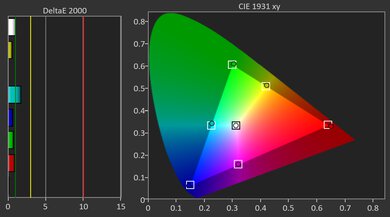
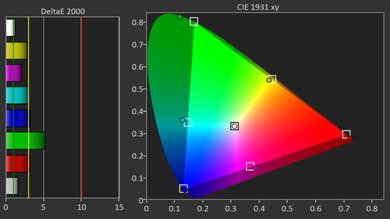
The XGIMI MoGo 2 is sub-par for watching movies. It's just not bright enough for even moderately lit rooms, and its contrast is poor, with lifted blacks no matter the scene. The projector has poor pre-calibration image accuracy, and you can't improve it much through the device's limited calibration options.
- Full suite of smart features.
- Small and light, and has a slew of image correction features for a quick install.
Stellar brightness uniformity.
- Poor brightness levels results in very dim images.
- Poor pre-calibration accuracy that can't be improved enough through its limited calibration options.
Poor contrast in almost all scenes.
The XGIMI MoGo 2 is a poor choice for gaming. Its input lag is very high, so even basic menu navigation feels a bit sluggish, and Game Mode doesn't lower it enough to make for responsive gaming. It also can't accept high-refresh-rate signals, and you're limited to 720p @ 60Hz (it downscales 4k, 1440p, and 1080p to 720p), so there's no way to reduce latency by bumping the refresh rate. On the plus side, colors look great, albeit dim and inaccurate, and motion is clean enough for slow, turn-based, or casual games, but if gaming is a priority, you're better off with a faster projector or a TV.
- Small and light, and has a slew of image correction features for a quick install.
Stellar brightness uniformity.
- Poor brightness levels results in very dim images.
- Poor pre-calibration accuracy that can't be improved enough through its limited calibration options.
Very high input lag, even in Game Mode.
Limited resolution support.
Poor contrast in almost all scenes.
The XGIMI MoGo 2's brightness is poor. It's very dim and should only be used in a pitch black context. It does have stellar brightness uniformity, however, with no vignetting.
Stellar brightness uniformity.
- Poor brightness levels results in very dim images.
The XGIMI MoGo 2's contrast is poor. It really struggles with near-dark scenes, with very lifted blacks. Its contrast barely improves as scenes get brighter, so it delivers a bad contrast experience no matter how bright the scene is.
Poor contrast in almost all scenes.
Changelog
-
Updated May 29, 2026:
We've added text to some test boxes as a result of our latest test bench.
- Updated May 13, 2026: We've converted the review to Test Bench 0.12, which adds new Judder, Screen Adaptation, Battery, Maximum Volume, Size, Mobility Features, and Physical Setup Features test boxes. We also updated Inputs & Connectivity to verify Bluetooth support with wireless speakers or headphones. See the 0.12 changelog.
-
Updated Feb 06, 2026:
We've modified the text in our Brightness and Native Contrast text boxes as a result of our latest test bench. We've also added Brightness and Contrast performance usages in the Verdict section.
- Updated Feb 03, 2026: We've converted the review to Test Bench 0.11, which renames our Contrast test to Native Contrast, and adds a Sequential Contrast test box. We also added new Brightness and Contrast performance usages in Our Verdict. See the 0.11 changelog.
Check Price
Differences Between Sizes And Variants
The XGIMI MoGo lineup includes the XGIMI MoGo 2 projector, XGIMI MoGo 2 Pro, XGIMI MoGo 3 Pro, and XGIMI MoGo 4. All are compact LED projectors with a fixed 1.2:1 throw and a rated 25,000-hour light source, but they diverge on resolution, auto-setup features, smart platform, I/O, and portability. The MoGo 2 is the entry model (720p, Android TV 11), while the MoGo 2 Pro steps up to 1080p. Newer models have Google TV, with the MoGo 4 adding a built-in battery and full-size HDMI. Here's how they stack up:
| Model | Resolution / Engine | Brightness (ISO) | HDR & Notes | OS / Casting | Speakers | Ports (HDMI / USB-C) | Wireless / Storage / Battery |
|---|---|---|---|---|---|---|---|
| MoGo 2 | 720p DLP / LED | 400 ISO lm | HDR10 | Android TV 11; Chromecast built-in | 2 × 8 W | Full-size HDMI 2.0; USB-C power | Wi-Fi 5; BT 5.0; 16GB; No battery |
| MoGo 2 Pro | 1080p DLP / LED | 400 ISO lm | HDR10 | Android TV 11; Chromecast built-in | 2 × 8 W | Full-size HDMI 2.0; USB-C power | Wi-Fi 5; BT 5.0; 16GB; No battery |
| MoGo 3 Pro | 1080p DLP / LED | 450 ISO lm | HDR10† | Google TV; Google Cast | 2 × 5 W Harman/Kardon | Micro-HDMI (ARC; HDMI 1.4)‡; USB-C power | Wi-Fi 5; BT 5.1; 16GB; No battery |
| MoGo 4 | 1080p DLP / LED | 450 ISO lm | HDR10† | Google TV; Google Cast | 2 × 6 W Harman/Kardon | Full-size HDMI (ARC; EDID 1.4/2.0 selectable); USB-C power | Wi-Fi 5; BT 5.1; 32GB; Built-in 71.28 Wh battery |
† On MoGo 3 Pro and MoGo 4, HDR10 is not supported when an HDMI source is connected; HDR works via internal apps/casting.
‡ MoGo 3 Pro's Micro-HDMI supports HDMI 1.4 only.
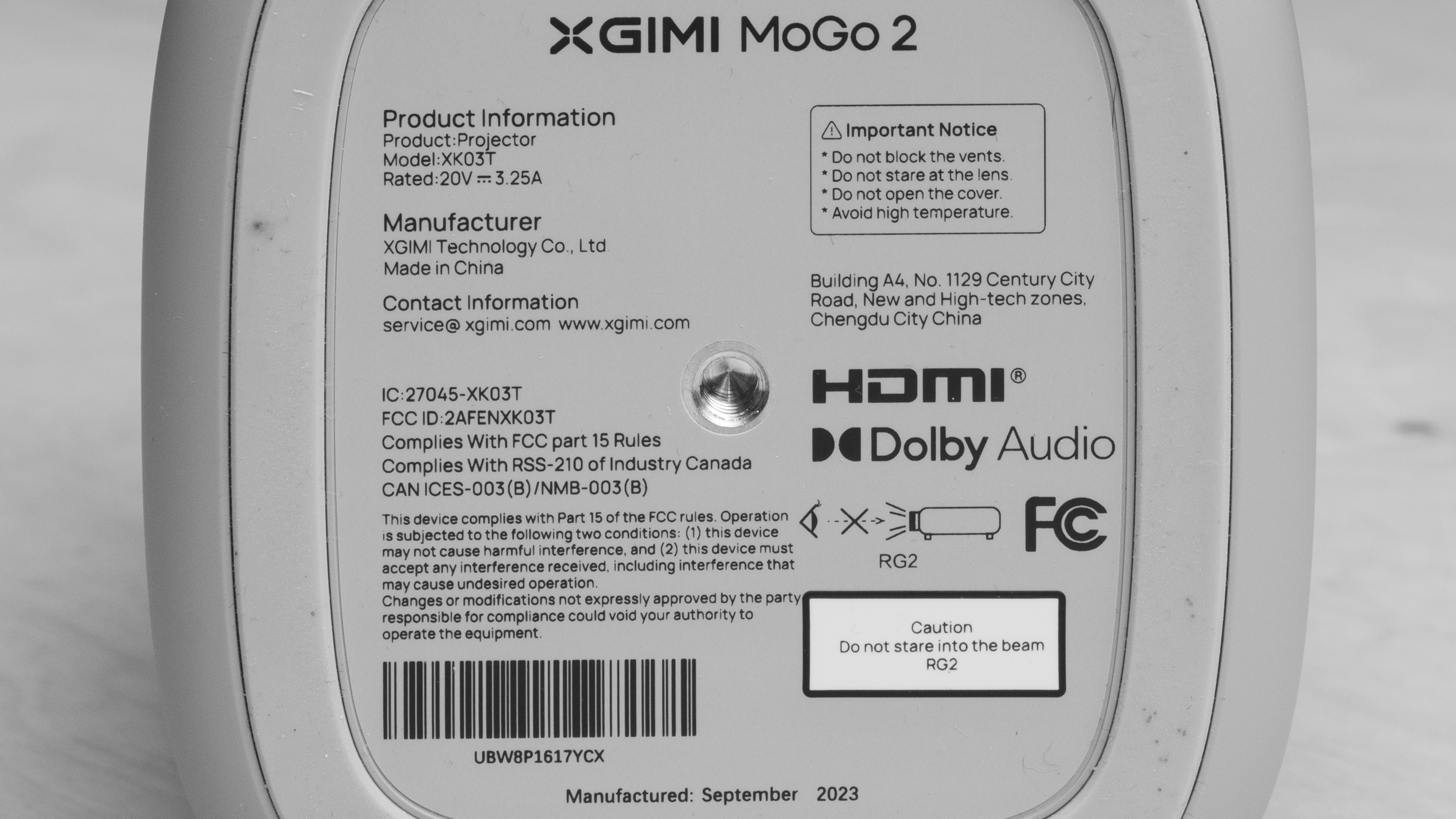
Our unit was manufactured in September 2023.
Popular Projector Comparisons
The XGIMI MoGo 2 is an entry-level portable projector. It's small, light, and easy to toss in a backpack, but its 720p resolution, limited brightness, and fairly high input lag mean it trails more capable portables. If you can stretch your budget a bit, the XGIMI Elfin offers sharper 1080p images and better overall performance, and the XGIMI Halo+ or Anker Nebula Capsule 3 Laser are better picks if you also want a brighter picture or an integrated battery for true on-the-go use. If you're specifically shopping at the MoGo 2's price point, the NexiGo PJ40 (Gen 3) offers much better image quality, but isn't quite as portable.
Check out our recommendations for the best portable projectors and the best outdoor projectors. If you'd prefer to shop for another product in the same price range, look up the best projectors under $500 instead.
The XGIMI MoGo 2 is slightly better than the Anker Nebula Capsule 3 Laser, although the Anker has a slight edge in portability. The Anker has a built-in battery pack, which they advertise to be good for up to 2.5 hours of playback. The XGIMI, however, is much brighter than the Anker, so it's a bit more forgiving in terms of lighting conditions.
The XGIMI MoGo 2 is better than the KODAK LUMA 350, as the XGIMI offers better image quality in any room context. Still, while they're both portable projectors, the KODAK is much smaller than the XGIMI, and comes with an integrated battery. So, if you need a projector that you can easily fit in your pockets the KODAK is the better option, but the XGIMI easily fits into a backpack; just make sure you have a portable battery pack.
The XGIMI MoGo 2 is much better than the KODAK LUMA 150. The KODAK has one advantage: portability. It's so small that you must see it to believe it, and it even comes with an integrated battery. Unfortunately, that extreme portability comes at a cost, as the KODAK's image quality is abysmal, with terrible brightness and poor contrast, as well as some of the worst pre-calibration accuracy possible, which you can't even improve through calibration.
The XGIMI Elfin is a bit better than the XGIMI MoGo 2. The Elfin is the much more accurate of the two projectors, and it can also passthrough advanced audio formats through its eARC port, while the MoGo 2 Pro is limited to ARC.

We've independently bought and tested over 80 projectors and published detailed results for each, so you can decide which one to buy. These have all been tested under the same standardized methodology, allowing you to compare them side by side. We still have all these projects in our lab, so we can continually go back and compare them to ensure our reviews are still accurate. All our test methodologies are also public on our website, so you can validate the results yourself.
Throw Calculator
Global Controls
Test Results
for pictures & test results

for pictures & test results











for pictures & test results


for pictures & test results

for pictures & test results