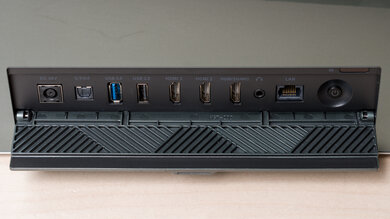
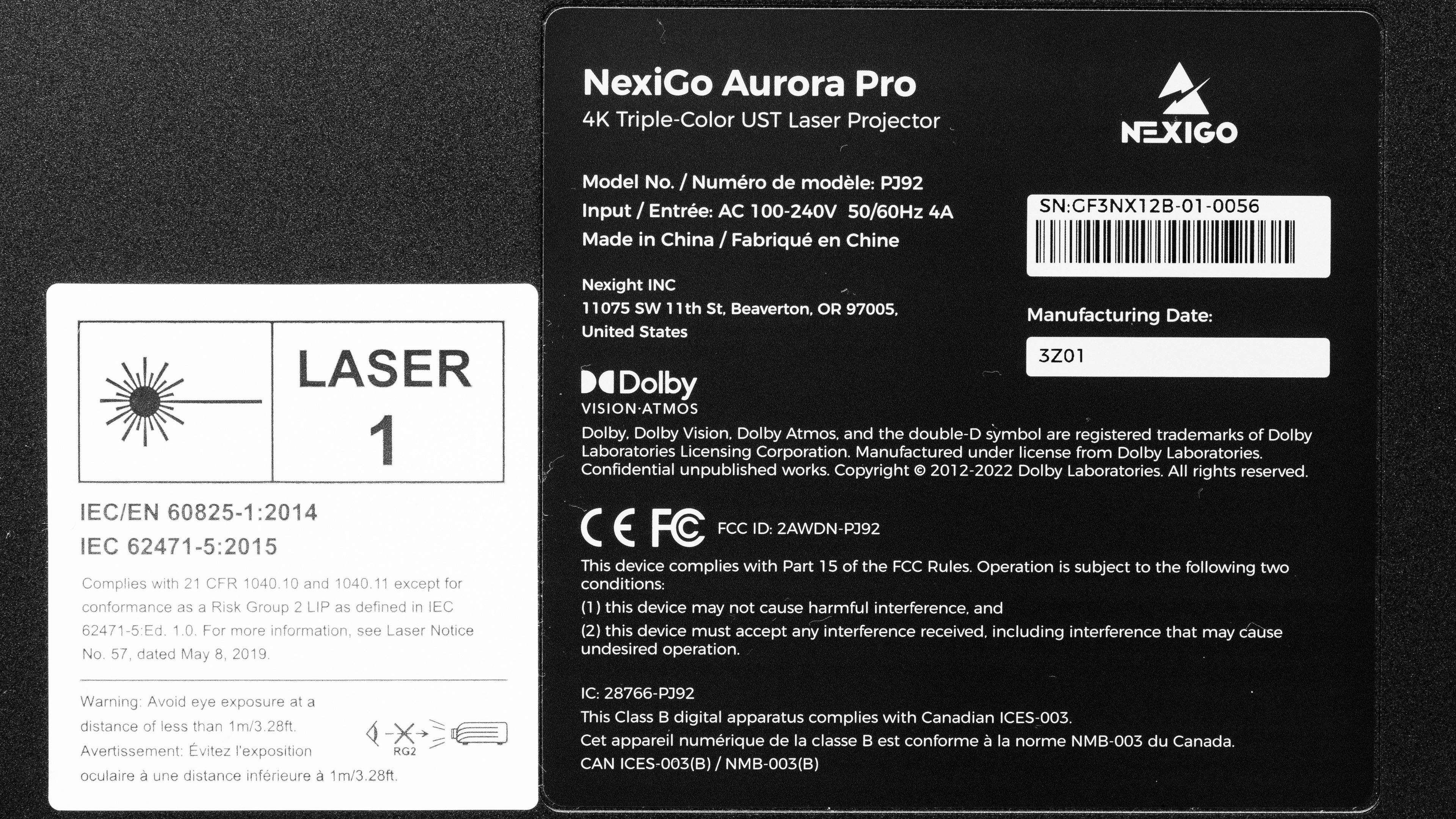
The NexiGo Aurora Pro is an ultra-short-throw (UST) 4k HDR laser projector and is NexiGo's only UST model. It has Dolby Vision and Dolby Atmos support for an immersive HDR viewing experience. Due to its UST capabilities, it can project content at an extremely short distance from the screen or wall: it projects an 80" image at a distance of 3.9" and up to a 150" image at a distance of 17.3". It has three HDMI 2.1 ports and can passthrough advanced audio formats through its eARC port. It has Bluetooth 5.2 and Wi-Fi 6 support and comes with the Android TV smart interface with full Miracast and AirPlay integration. Finally, it comes with an integrated 60W sound system.
Our Verdict
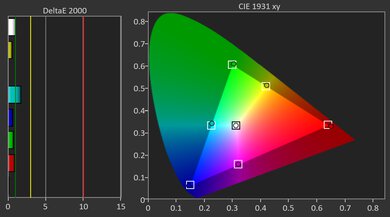
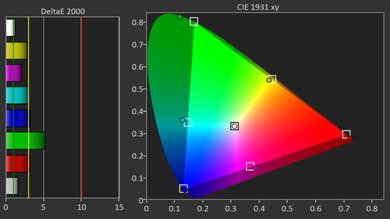
The NexiGo Aurora Pro is good for watching movies. It's bright enough for rooms with a few lights, has incredible brightness uniformity, and has great contrast, so it excels in dark rooms. It has an extremely wide color gamut, but unfortunately, the projector isn't quite bright enough to make the colors pop. However, the projector's pre-calibration accuracy is poor; you'll need to calibrate it if you care about color accuracy. It supports both HDR10+ and Dolby Vision, making it a versatile option.
Decent peak brightness, with incredible uniformity.
Great contrast for a solid dark room experience.
- Extremely wide color gamut.
Ultra-short-throw capabilities, so you can place it very close to the wall or screen.
Supports both HDR10 and Dolby Vision.
- Has poor pre-calibration color accuracy.
- Can't project bright, vibrant colors.
- Android TV smart OS is barebones.
The NexiGo Aurora Pro is a solid gaming projector. While its input lag is on the high side at 120Hz and 240Hz, it still provides a meaningfully snappier gaming experience. Plus, the unit is also responsive enough for solid 60Hz console gaming. Image quality is a strong suit for bright living rooms, as it's bright, has punchy colors with crisp text, and clean motion. Its contrast is great, so it looks great in bright or dark rooms. Unfortunately, it's not accurate out of the box, so accuracy purists will want to calibrate it.
Decent peak brightness, with incredible uniformity.
Great contrast for a solid dark room experience.
High-refresh rate support at 1080p.
Input lag is low enough at 60Hz for single player titles.
Supports both HDR10 and Dolby Vision.
- Has poor pre-calibration color accuracy.
Input lag at 120Hz and 240Hz is usable, but on the high side.
The NexiGo Aurora Pro gets bright enough for a 100" image in a dim or moderately lit room, and it stays very even across the screen, so you don't notice obvious hot spots or dark corners. It still looks its best with some light control, though, as it doesn't have the headroom of the very brightest USTs.
Decent peak brightness, with incredible uniformity.
Not quite bright enough for rooms with some light.
The NexiGo Aurora Pro's blacks appear deep in a dark room, and shadow detail is easily visible. Mid-bright scenes still look punchy compared to most other UST projectors. It does lose a bit of its punch in extremely bright scenes, but it still delivers a good performance.
Great contrast for a solid dark room experience.
Changelog
-
Updated Sep 25, 2026:
We mentioned the newly reviewed NexiGo Aurora Pro MKII in the Native Contrast section.
-
Updated Sep 16, 2026:
We changed Bluetooth from 'No' to 'Yes' in the Inputs & Connectivity section due to a data error.
-
Updated May 11, 2026:
We've added text to some test boxes as a result of our latest test bench. We've also updated the Inputs & Connectivity box to include Bluetooth support checks.
- Updated May 11, 2026: We've converted the review to Test Bench 0.12, which adds new Judder, Screen Adaptation, Battery, Maximum Volume, Size, Mobility Features, and Physical Setup Features test boxes. We also updated Inputs & Connectivity to verify Bluetooth support with wireless speakers or headphones. See the 0.12 changelog.
Check Price
Differences Between Sizes And Variants
We bought and tested the NexiGo Aurora Pro. This projector has no variants and is the only model in NexiGo's UST Laser Projector line.
Our unit was manufactured in China.
Popular Projector Comparisons
The NexiGo Aurora Pro is a very good UST projector overall. It combines solid brightness, an extremely wide color gamut, and great contrast, making it especially appealing if you primarily watch movies and play games in a dark room. It's also a solid option for gaming with high-refresh rate support at 1080p. Out of the box, its color accuracy is weak, and the built-in Android TV is barebones, with no major streaming apps; therefore, we recommend using a streaming stick. It has also been somewhat buggy for us, with firmware updates occasionally causing issues with color and gaming performance, which can be resolved by performing a reset. However, once it's set up correctly, it's one of the better-performing USTs at its price. For those who want a unit with a functioning smart OS, the Formovie THEATER is an alternative, but the NexiGo is better overall due to its brightness and gaming features.
Check out our recommendations for the best 4k projectors, the best projectors for home theater, and the best short-throw projectors. If you'd prefer to shop for a cheaper product, look up the best projectors under $1,000 instead.
The Hisense PX3-PRO is a bit better than the NexiGo Aurora Pro, but the NexiGo has its advantages. It has slightly better contrast than the Hisense, with colors to match. Unfortunately, the NexiGo is far less accurate than the Hisense and harder to calibrate. This makes the NexiGo the slightly better choice for those who plan to use their projector exclusively in a dark room and don't care about color accuracy; everyone else is better off with the generally superior Hisense, especially with its wider feature set.
The NexiGo Aurora Pro is better than the Hisense PX1-PRO. The NexiGo is brighter and has better contrast and a wider color gamut, leading to a noticeably more vibrant image when compared to the Hisense. However, if you care about color accuracy, then the Hisense has the edge, as it's decently accurate out-of-the-box, and you can calibrate it to fantastic levels; the NexiGo, in turn, is rather poor out of the box and is harder to calibrate than the Hisense. If you care about smart features, the Hisense has the edge as it comes with a fully functioning Android TV implementation. The NexiGo projector is barebones, without any apps; we recommend a streaming dongle.
The NexiGo Aurora Pro is better than the XGIMI AURA in all ways but one: smart features. While the XGIMI comes with a fully functioning Android TV 10 smart OS, the NexiGo has a barebones implementation of Android TV, with no apps, and requires a streaming dongle to stream content. Otherwise, the NexiGo has the edge in every category: it's brighter, has better contrast, and has a wider color gamut.
The NexiGo Aurora Pro and Epson EpiqVision Ultra LS800 have different use cases. The Epson is far brighter than the NexiGo; this makes the Epson more versatile when it comes to lighting conditions, as it can handle even moderately-lit rooms. The NexiGo, in turn, has noticeably deeper contrast, making for a more pleasant viewing experience in dark rooms. Out of the box, the Epson is far more accurate than the NexiGo, although you can calibrate them to a similar level. However, if you care about smart features, the Epson has the edge, as it has a fully-featured smart OS, while the NexiGo has a barebones Android TV implementation with no apps.

We've independently bought and tested over 100 projectors and published detailed results for each, so you can decide which one to buy. These have all been tested under the same standardized methodology, allowing you to compare them side by side. We still have all these projectors in our lab, so we can continually go back and compare them to ensure our reviews are still accurate. All our test methodologies are also public on our website, so you can validate the results yourself.
Throw Calculator
Global Controls
Test Results
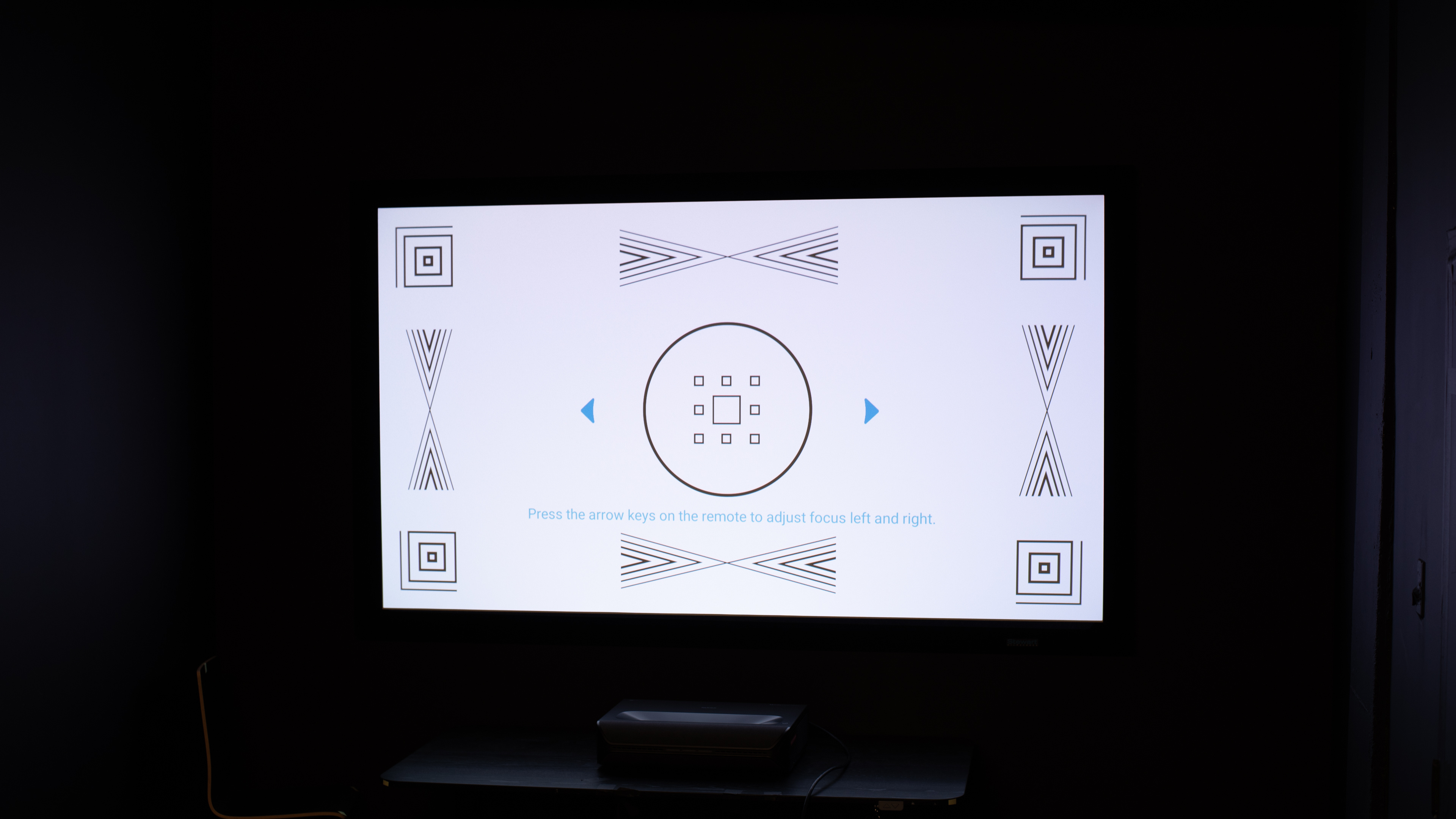
for pictures & test results

for pictures & test results











for pictures & test results


for pictures & test results

for pictures & test results