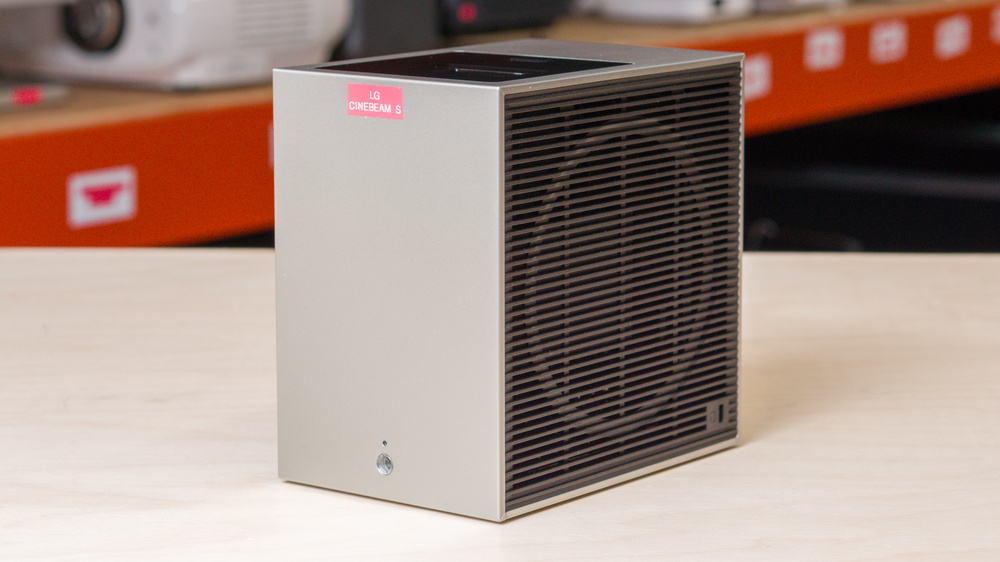
The LG CineBeam S is an ultra-short-throw (UST) 4k pixel-shifting DLP projector with a triple laser light source that's rated for 20,000 hours. This projector has a 0.25 throw ratio that can project a 40-inch image from about nine inches (about 23cm) away, and a 100-inch image from about 22 inches (about 56cm) away. It comes with auto-focus and auto-keystone for easy setup, and if you're not projecting onto a screen, it also includes a feature that adjusts the image based on a wall's hue. The projector runs LG's proprietary webOS with built-in apps like Disney+, Netflix, and Prime Video, and it also supports casting using AirPlay 2 and Miracast Screen Share. It includes 2x4W built-in speakers, while it can also connect to Bluetooth speakers and soundbars for an extra punch. It includes one HDMI 2.0 port (eARC), as well as two USB-C ports that can be used to power the projector via its 65W power adapter, or to display content via an external device.
Our Verdict
The LG CineBeam S is a poor choice for a home theater projector. Dark scenes have impressive depth, though it's unable to maintain this level of depth in brighter scenes. The projector has excellent color volume, but due to its out-of-the-box inaccuracies, it limits how vibrant the viewing experience is, though calibration fixes this for the most part. It can't de-judder content from any source, so motion, like slow camera pans, looks choppy. Also, rainbow artifacts may be noticeable to those sensitive to them. Finally, its fan noise is audible, especially during quieter scenes, but connecting the projector to speakers or a soundbar mostly drowns it out.
Blacks are deep in dark scenes.
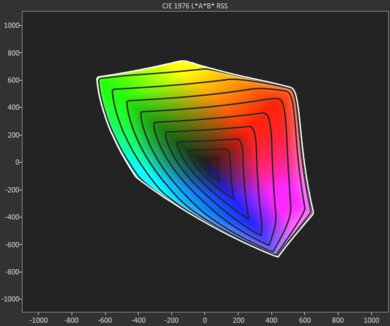
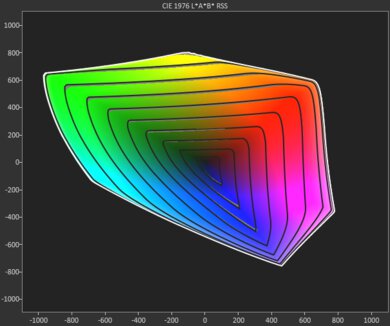
Excellent color volume.
Too dim to combat ambient light.
Not accurate out-of-the-box, with slight blue tint.
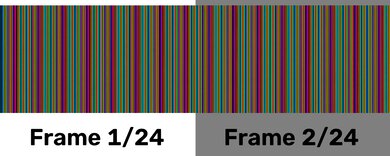
Rainbow flashes will bother those who are sensitive to them.
Fan is audible, especially in quieter scenes.
Motion looks choppy since it doesn't de-judder any sources.
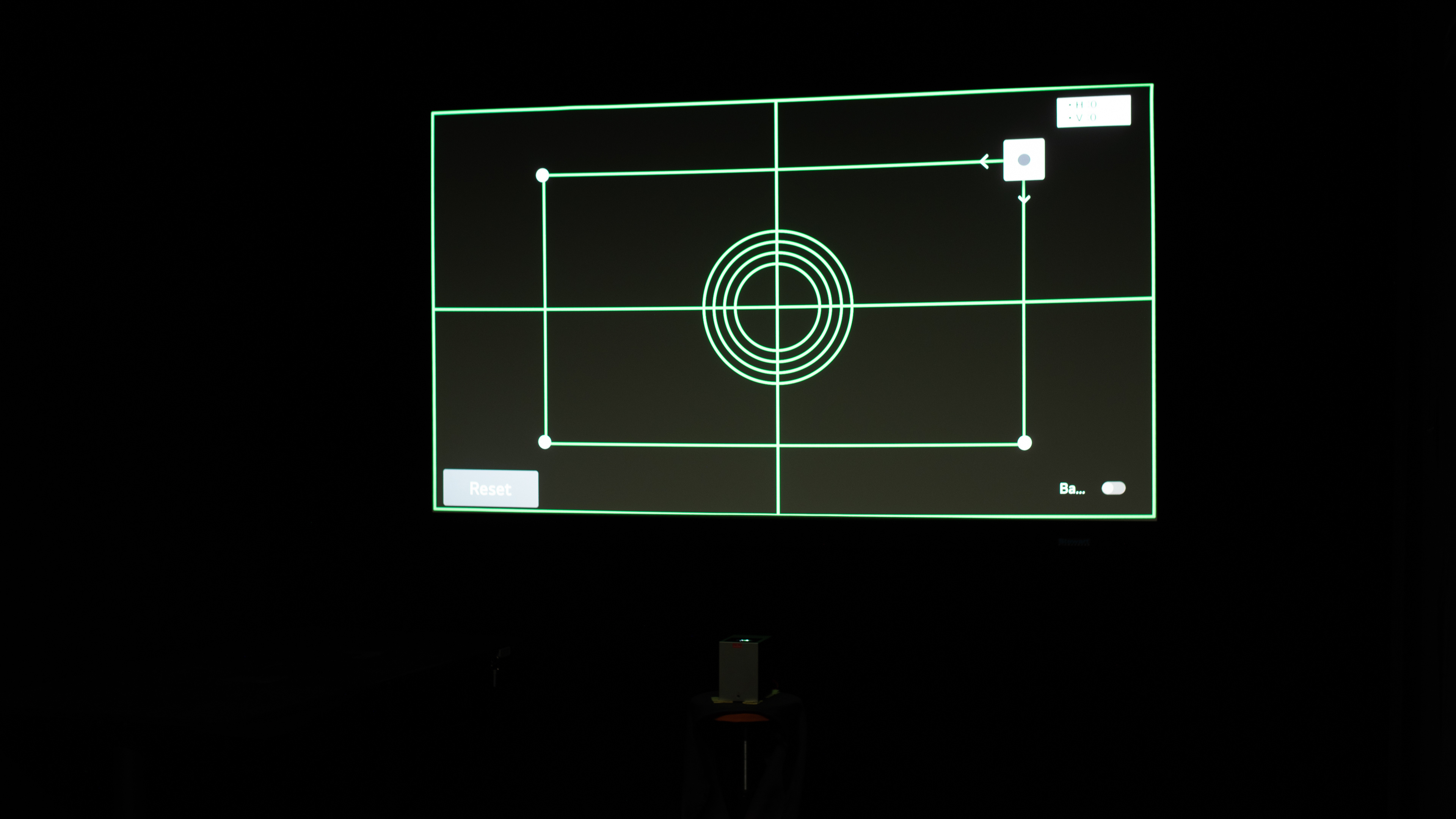
The LG CineBeam S is an inadequate outdoor projector. It's not bright enough to prevent ambient light from washing out the image, so it's best to use it after dark and with the patio lights turned off. However, for a UST projector, it's small and lightweight, making it easy to carry outside for impromptu movie nights. It doesn't have a built-in battery, though, so it needs to be set up near an outlet. It doesn't have lens shift or optical zoom, so it needs to be centered to the screen for the best image. If that's not possible, it does have a suite of automated features to simplify the setup, including keystone and focus.
Automated screen adaptation features simplify the setup process.
Small and lightweight, especially for a UST projector.
Too dim to combat ambient light.
No built-in battery; runs only on USB power.
No lens shift or optical zoom, so the projector must be centered for the best image.
The LG CineBeam S is an okay projector for the bedroom. It's small and easy to move around, especially for a UST projector, and it doesn't take up a lot of space on a dresser. It doesn't have a built-in battery, though, so it needs to be set up near an outlet. It lacks optical zoom and lens shift, so it needs to be centered to the wall or screen for the best image, though it has a few automated features, like keystone and focus, to adapt the image to your setup if that's not possible. Finally, its fan noise is audible, especially during quiet scenes, which can be distracting for some people when trying to fall asleep.
Automated screen adaptation features simplify the setup process.
Small and lightweight, especially for a UST projector.
Fan is audible, especially in quieter scenes.
No built-in battery; runs only on USB power.
No lens shift or optical zoom, so the projector must be centered for the best image.
The LG CineBeam S is a subpar projector for gaming. Its input lag, even in Game Optimizer mode, is too high even for slow-paced games, and it only supports up to 60Hz. In terms of image quality, darker scenes have great depth, and its RGB triple-laser light source gives colors excellent volume, but its dim brightness and inaccurate colors out of the box limit how impactful the image is; moving the projector to a dark room is recommended if using it for gaming.
Blacks are deep in dark scenes.
Excellent color volume.
Terrible input lag at 4k and 1080p.
Only supports up to 60Hz.
Too dim to combat ambient light.
Not accurate out-of-the-box, with slight blue tint.
No Dolby Vision support.
The LG CineBeam S has poor brightness. While it projects uniform brightness across the screen, images are dim, so it should be used in a dark room with curtains drawn for the best experience.
Great brightness uniformity.
Too dim to combat ambient light.
Banding on the left and right sides of image.
The LG CineBeam S has reasonable contrast. Dark scenes have impressive depth. However, it's unable to maintain deep blacks in brighter scenes, resulting in a comparatively more washed-out image where highlights don't stand out as well.
Blacks are deep in dark scenes.
Doesn't perform as well in mixed and bright scenes.
The LG CineBeam S has good portability. It's small and lightweight, especially for a UST projector, so it's easy to move around despite lacking a built-in handle. However, it doesn't have lens protection. It has automated tools like keystone, focus, post-movement auto-correction, and auto screen fit to simplify the setup process, and also a mounting hole to set it up on a tripod. However, it doesn't have optical zoom or lens shift, so the projector needs to be centered to the screen or wall for the best image quality. It also doesn't have a built-in battery, so it needs to be set up near a wall outlet to use it.
Automated screen adaptation features simplify the setup process.
Small and lightweight, especially for a UST projector.
Includes a mounting hole for a tripod setup.
No built-in battery; runs only on USB power.
No lens shift or optical zoom, so the projector must be centered for the best image.
The LG CineBeam S has okay colors. The projector has impressive color volume, so colors are rich and vibrant in all content. However, it's very inaccurate out of the box, which gives images a slight blue tint. On the bright side, a calibration does address most of these issues.
Excellent color volume.
Not accurate out-of-the-box, with slight blue tint.
The LG CineBeam S has poor gaming responsiveness. It only supports gaming up to 60Hz, and its input lag is sluggish regardless of whether you're gaming at 4k or 1080p, so it's best suited for slower-paced games that don't require quick reaction times. Fortunately, it utilizes DLP imaging technology, so there isn't excessive motion blur.
No excessive motion blur.
Terrible input lag at 4k and 1080p.
Only supports up to 60Hz.
Performance Usages
Changelog
- Updated Aug 18, 2026: We've converted the review to Test Bench 1.0, which replaces our Color Gamut test with Color Volume and adds a new Rainbow Effect test box. We also updated Effective Contrast (formerly Native Contrast) to account for projector brightness and reworked Judder scoring. The new bench also adds Outdoors and Bedroom usages, plus Portability, Color, and Gaming Responsiveness Performance Usages; Movies is now Home Theater, and all existing usage scores have been updated. See the 1.0 changelog.
-
Updated May 11, 2026:
We've added text to some test boxes as a result of our latest test bench. We've also updated Inputs & Connectivity to include Bluetooth support checks.
- Updated May 11, 2026: We've converted the review to Test Bench 0.12, which adds new Judder, Screen Adaptation, Battery, Maximum Volume, Size, Mobility Features, and Physical Setup Features test boxes. We also updated Inputs & Connectivity to verify Bluetooth support with wireless speakers or headphones. See the 0.12 changelog.
-
Updated Feb 18, 2026:
We corrected mistakes to properly identify this projector as having a triple laser light source.
Check Price
Differences Between Sizes And Variants
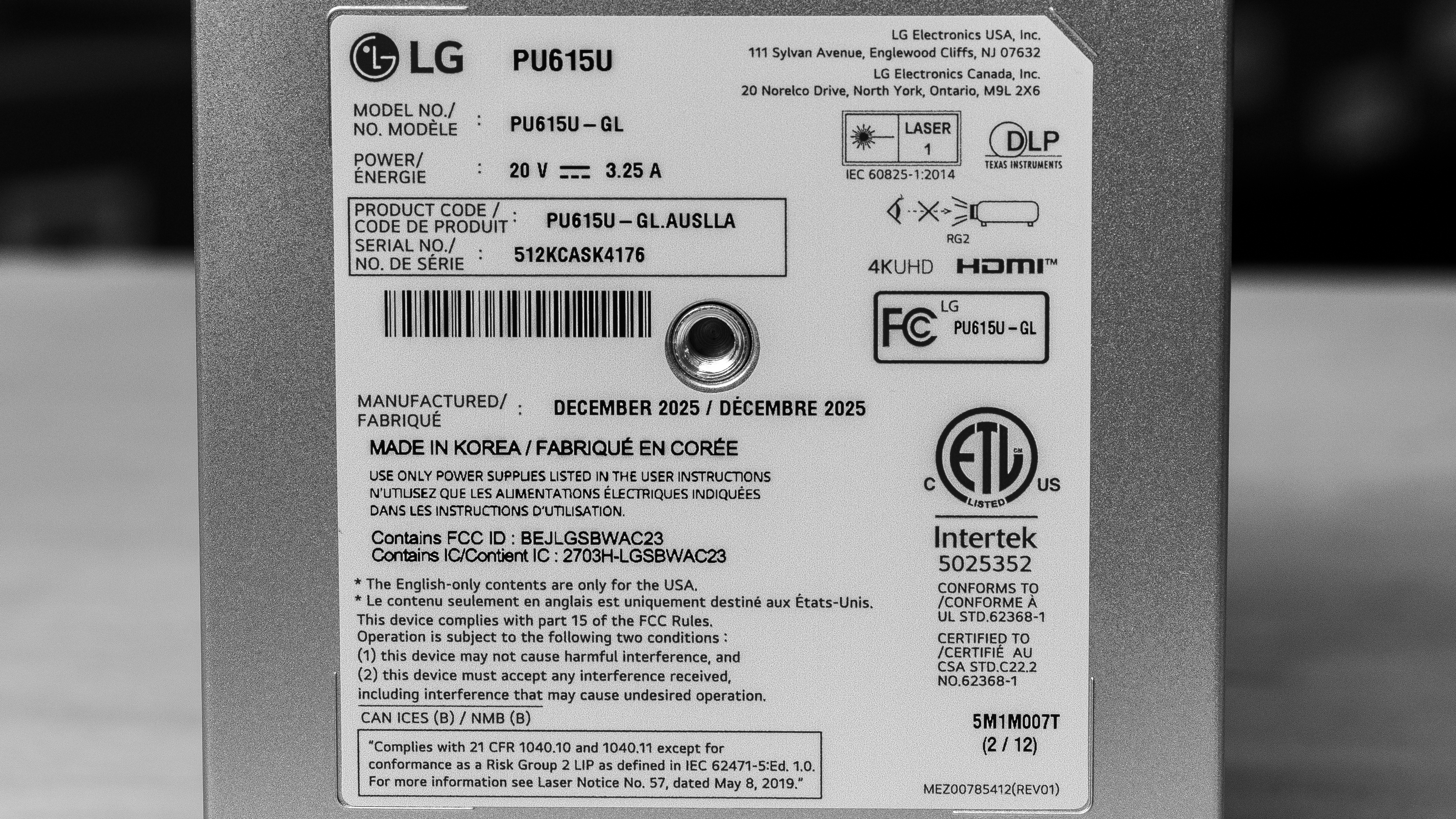
LG sells the CineBeam S (also known as the LG PU615U) as a single hardware model. It has different suffixes in some regions (including PU615U.AAU in Australia), but the core specs remain the same, and we expect all of them to perform similarly, if not identically. While not technically a variant, this projector shares many features with the LG CineBeam Q, with the main differences being that the CineBeam S is an ultra-short-throw projector with eARC support, whereas the LG CineBeam Q is a short-throw projector with only ARC support.
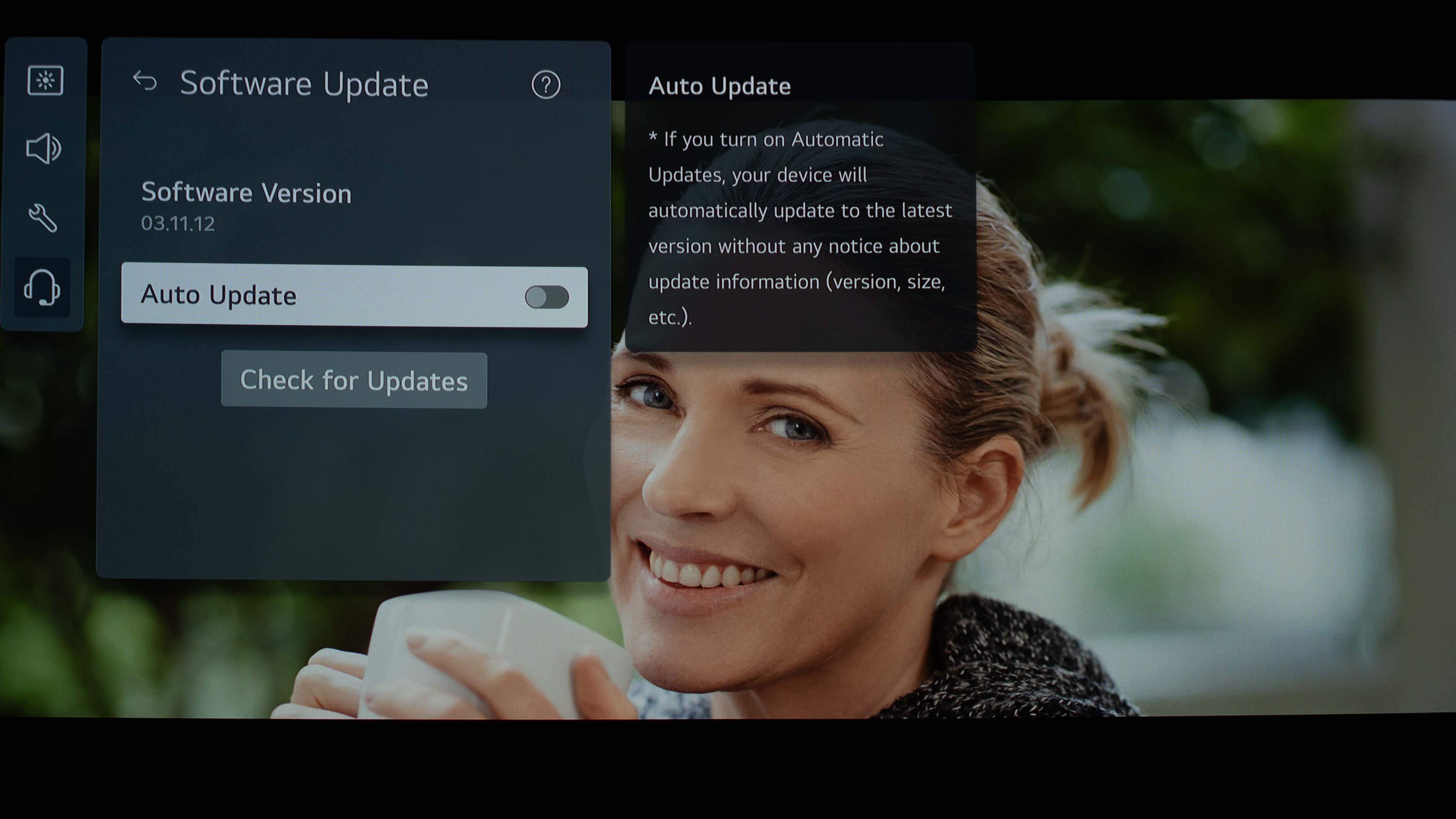
Our unit was manufactured in Korea in December 2025 and was tested using firmware version 03.11.12.
Popular Projector Comparisons
The LG CineBeam S is an adequate projector for watching movies, but it's better suited to those looking for an entry-level or portable ultra-short-throw (UST) projector without paying typical UST prices. It outputs pixel-shifted 4k, has reasonably good color performance, and delivers impressive contrast in dark scenes, though it can't maintain the same level of depth in brighter scenes. Compared to most USTs, it's very compact and lightweight, making it easy to move from room to room; it just needs to stay plugged in when in use since it doesn't have an integrated battery. On the other hand, its dim brightness makes it better suited for use in dark environments with little to no ambient light. As for gaming, it caps at 60Hz and has awful input lag, resulting in a frustrating experience even with slow-paced games. If you're looking for a portable short-throw projector that performs similarly to it, and aren't locked in to buying a UST projector, consider the LG CineBeam Q. Otherwise, if you're looking for a UST that's brighter and has more gamer-friendly features, and portability is much less of a priority, check out the NexiGo Aurora Pro or the Hisense PT1.
For more options, check out our recommendations for the best home theater projectors or the best 4k projectors. If you're looking for a short-throw projector, but aren't limited to only UST projectors, consider the best short-throw projectors as well.
The LG CineBeam Q and the LG CineBeam S perform very similarly. The main difference between the two is that the CineBeam Q is a short-throw projector with ARC support, while the CineBeam S is an ultra-short-throw projector that supports eARC. Otherwise, both projectors have impressive contrast, wide color gamuts, and are very accurate after calibration. On the other hand, both have disappointing brightness and high input lag for gamers.
The Hisense PT1 is an upgrade over the CineBeam Q. Both ultra-short-throw projectors have impressive contrast, wide color gamuts, and are very accurate after calibration. The PT1 takes the edge by being significantly brighter, having three HDMI ports (including two HDMI 2.1), on top of having more gamer-friendly features like 240Hz support and better input lag. On the other hand, the CineBeam Q is much more portable than the PT1.
The NexiGo Aurora Pro is an upgrade over the LG CineBeam S. The NexiGo is much brighter, quieter, supports Dolby Vision, and has more gamer-friendly features like better input lag and a 240Hz max refresh rate. On the other hand, the LG is much more accurate after calibration, has autofocus and auto-keystone correction for easier setup, and is much smaller and lighter for better portability.

We've independently bought and tested over 100 projectors and published detailed results for each, so you can decide which one to buy. These have all been tested under the same standardized methodology, allowing you to compare them side by side. We still have all these projects in our lab, so we can continually go back and compare them to ensure our reviews are still accurate. All our test methodologies are also public on our website, so you can validate the results yourself.
Throw Calculator
Global Controls
Test Results

for pictures & test results







for pictures & test results





for pictures & test results