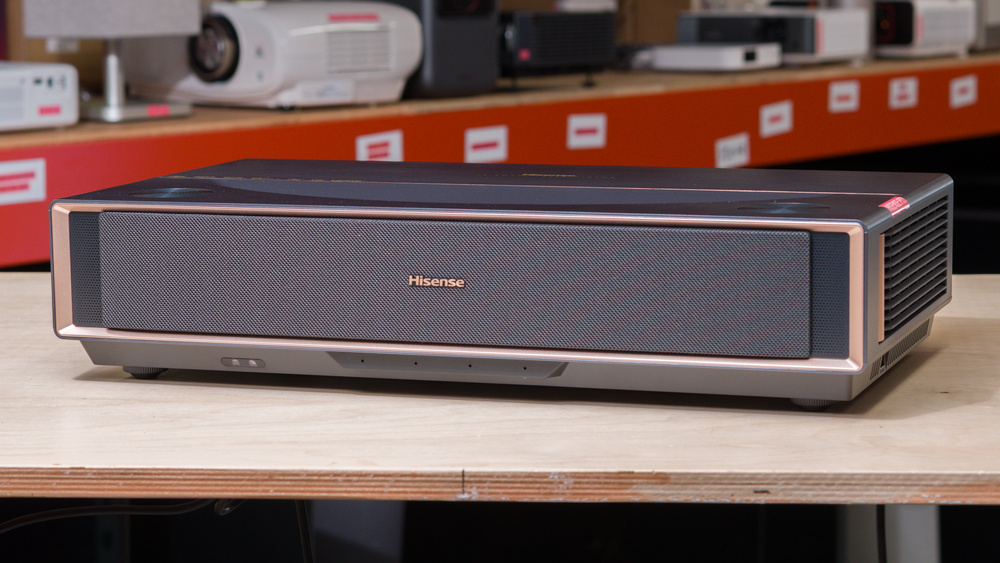
The Hisense PT1 is an ultra-short-throw (UST) 4k DLP projector built around Hisense's TriChroma RGB triple-laser light engine. It supports Dolby Vision, HDR10+, HDR10, and HLG, and it also includes IMAX Enhanced, Filmmaker Mode, and active 3D. Smart features run on Google TV, with built-in casting support (including Chromecast and AirPlay2) and voice assistant integration. Audio is handled by an integrated speaker system rated for up to 46W, with Dolby Atmos and DTS:X support. Connectivity is strong, with two HDMI 2.1 inputs (with ALLM support), an additional HDMI 2.0 port with eARC/CEC for external audio, plus USB3.0/USB2.0, optical audio out, a headphone jack, and wired LAN, alongside Wi-Fi 6E and Bluetooth. For placement, its 0.20 throw ratio is designed for big-screen living room setups without needing much distance from the wall.
Our Verdict
The Hisense PT1 is a reasonable projector for a home theater. Dark scenes have remarkable depth, with clear separation between shadow detail and bright highlights. However, its contrast fares less well in bright scenes, as blacks look more gray. Colors are rich and vibrant, but a calibration is needed to take full advantage of them, as images have a blue-ish tint out of the box. While it can remove judder from most content, except for some international shows, doing so requires downscaling the image to 1080p if you're using an older streamer or cable box that outputs at 60Hz. Those sensitive to the rainbow effect (RBE) may also notice rainbow flashes when watching content. Finally, its fan noise is low enough that watching movies at a moderate volume drowns it out.
Strong contrast in dark scenes.
Colors look rich and vibrant, including in animated content.
Quiet fan when watching at normal listening levels.
Very bright scenes look washed out.
Inaccurate colors out of the box, which gives images a blue tint.
Not bright enough to deal with ambient lighting or very large screens.
25p content, like some international shows, looks choppy.
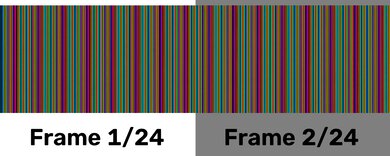
Rainbow flashes will bother those who are sensitive to them.
The Hisense PT1 is a sub-par outdoor projector. It's decently bright, but not enough to fight a lot of ambient light, so it's best to watch it after dark with the patio lights off to avoid the image washing out. As is common with UST projectors, it's better suited to permanent setups, as its size, weight, and lack of carrying features make it cumbersome to transport. It doesn't have lens shift or optical zoom, so it needs to be centered to the screen for the cleanest image. If that's not possible, though, it has manual and auto keystone capabilities.
Automatic horizontal and vertical keystone to adapt the image to specific setups.
Not bright enough to deal with ambient lighting or very large screens.
Big and cumbersome to move; typical with most UST projectors.
No lens shift or optical zoom.
The Hisense PT1 is an inadequate bedroom projector. Similar to other UST projectors, it has a bulky, heavy frame that makes it tougher than most projectors to move into the bedroom for impromptu movie nights. It takes a good amount of real estate on a table, and with its lack of lens shift and optical zoom, it needs to be placed where it can be centered to the screen or wall for the best image. It has manual and auto keystone if that's not possible, though. Its fan noise is also fairly quiet, so it shouldn't be distracting for most people, including during quieter scenes.
Automatic horizontal and vertical keystone to adapt the image to specific setups.
Quiet fan when watching at normal listening levels.
Big and cumbersome to move; typical with most UST projectors.
No lens shift or optical zoom.
The Hisense PT1 is a good gaming projector if you want a colorful image and you're okay with a few tradeoffs. Inputs feel sluggish when gaming at 4k@60Hz, like on a console. However, the projector supports high-refresh-rate gaming and feels notably more responsive once you enable the right performance settings. Image quality is solid, too: it looks best in dark scenes thanks to its impressive contrast, and colors look rich, though the projector needs calibration to take full advantage of this and address the notable blue tint images have out of the box.
Strong contrast in dark scenes.
Supports high-refresh-rate modes for smoother motion once you enable the right settings.
Colors look rich and vibrant, including in animated content.
Very bright scenes look washed out.
Inaccurate colors out of the box, which gives images a blue tint.
Input lag is noticeably higher at 60Hz.
The Hisense PT1 gets bright enough for a typical light-controlled or dim-room setup, and it has the kind of uniform brightness that makes a large image look evenly lit instead of patchy or vignetted. That said, if you're in a bright living room with lots of ambient light, you'll still want to manage reflections and keep the screen size reasonable to maintain a punchy-looking image.
Image is evenly bright across the screen.
Not bright enough to deal with ambient lighting or very large screens.
The Hisense PT1 has good contrast. In dark movie and game scenes, blacks sit low enough to give the image a satisfying sense of depth, and darker areas stay separated from highlights without the picture looking washed out. However, its contrast doesn't hold up as well in bright scenes, especially very bright ones, so they look washed out by comparison.
Strong contrast in dark scenes.
Very bright scenes look washed out.
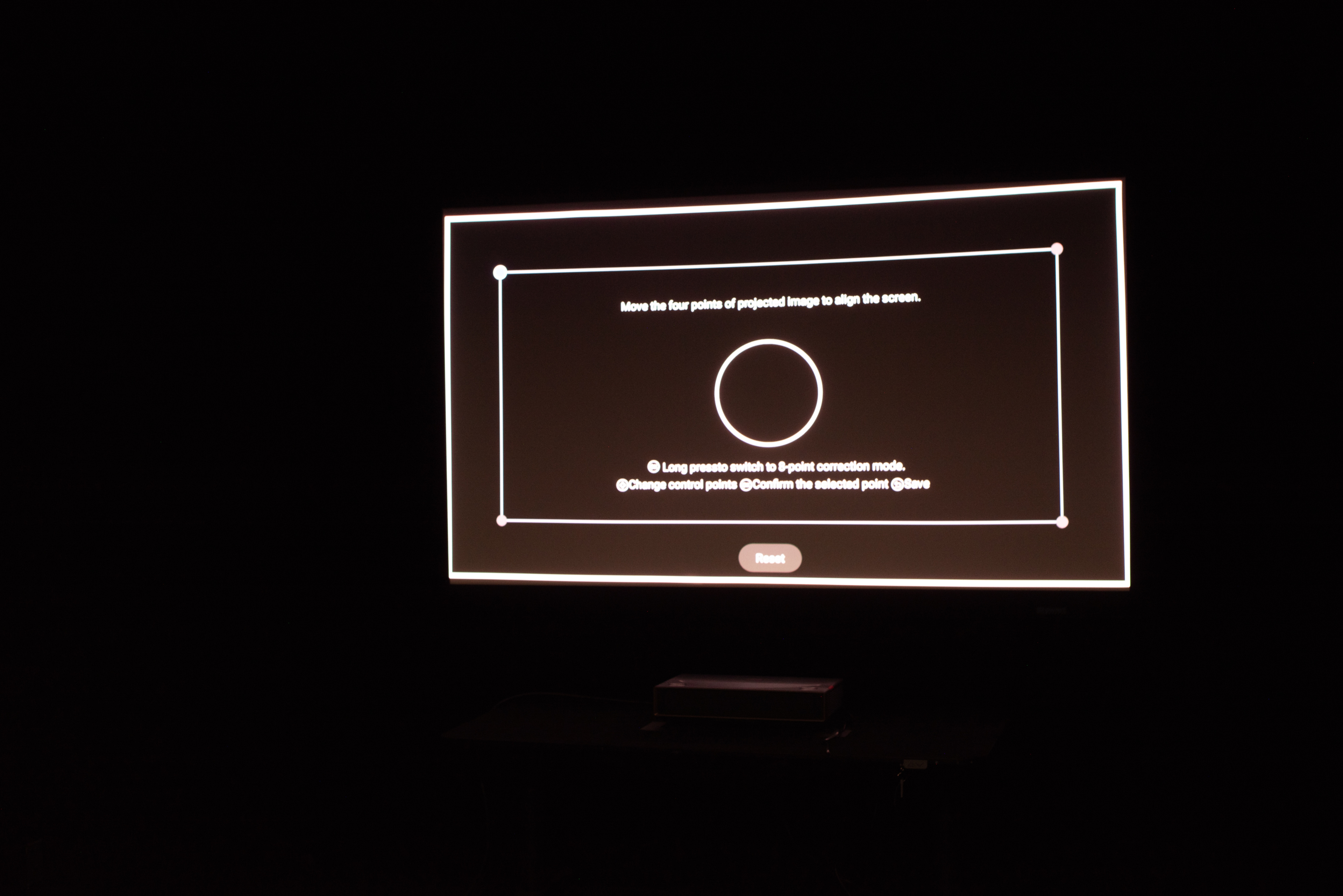
The Hisense PT1 isn't very portable. Like most ultra-short-throw projectors, it has a bulky, heavy frame, making it better suited to a permanent setup than to one you regularly move from room to room. It doesn't have lens shift or optical zoom, so it needs to be centered to the wall or screen to get the cleanest image. Otherwise, outside of horizontal and vertical keystone (both manual and automatic) and manual focus, it doesn't have any additional features to help adapt the screen to your setup.
Automatic horizontal and vertical keystone to adapt the image to specific setups.
Big and cumbersome to move; typical with most UST projectors.
No lens shift or optical zoom.
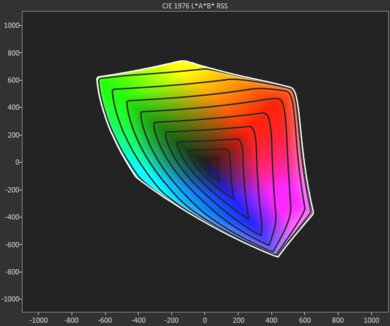
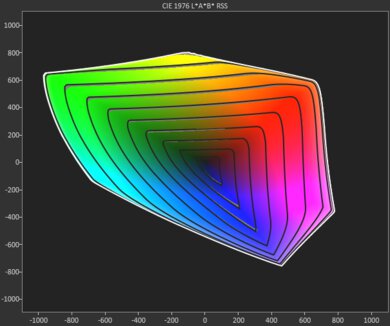
The Hisense PT1 has decent color performance. It has exceptional color volume, so colors look rich and provide a vibrant viewing and gaming experience. However, it's not accurate out of the box, and images have a notable blue tint. Calibrating the projector addresses these issues, though, so it's recommended to do so to take full advantage of its color volume.
Colors look rich and vibrant, including in animated content.
Inaccurate colors out of the box, which gives images a blue tint.
The Hisense PT1 has good gaming responsiveness. It supports 60Hz gaming at both 4k and 1080p, as well as 1080p@120Hz. With High Refresh Rate Mode enabled, it also supports 1080p@240Hz for a smoother gaming experience at the expense of image detail. Its input lag at 60Hz feels sluggish, but it notably improves when gaming at higher refresh rates. Finally, its DLP imaging technology helps avoid excessive motion blur.
Supports high-refresh-rate modes for smoother motion once you enable the right settings.
No excessive motion blur.
Input lag is noticeably higher at 60Hz.
Performance Usages
Changelog
-
Updated Oct 19, 2026:
We mentioned the newly reviewed XGIMI MIRA Pro in the Screen Adaptation section.
-
Updated Sep 14, 2026:
We mentioned the newly reviewed XGIMI MIRA in the Pre-Calibration Color Accuracy section.
- Updated Aug 18, 2026: We've converted the review to Test Bench 1.0, which replaces our Color Gamut test with Color Volume and adds a new Rainbow Effect test box. We also updated Effective Contrast (formerly Native Contrast) to account for projector brightness and reworked Judder scoring. The new bench also adds Outdoors and Bedroom usages, plus Portability, Color, and Gaming Responsiveness Performance Usages; Movies is now Home Theater, and all existing usage scores have been updated. See the 1.0 changelog.
-
Updated May 29, 2026:
We've added text to some test boxes as a result of our latest test bench.
Check Price
Differences Between Sizes And Variants
The Hisense PT1 is sold in multiple regional variants, and the biggest difference is the smart platform. The U.S. model runs Google TV (with built-in Google Cast), while some UK/Europe listings show VIDAA U7.6 instead, so the app selection and overall interface can vary by country. Connectivity is broadly similar across listings: three HDMI inputs (including an eARC port), USB-A ports for local media, Ethernet, and an optical output. It's still worth double-checking the exact port labeling and streaming support on the specific unit you're buying.
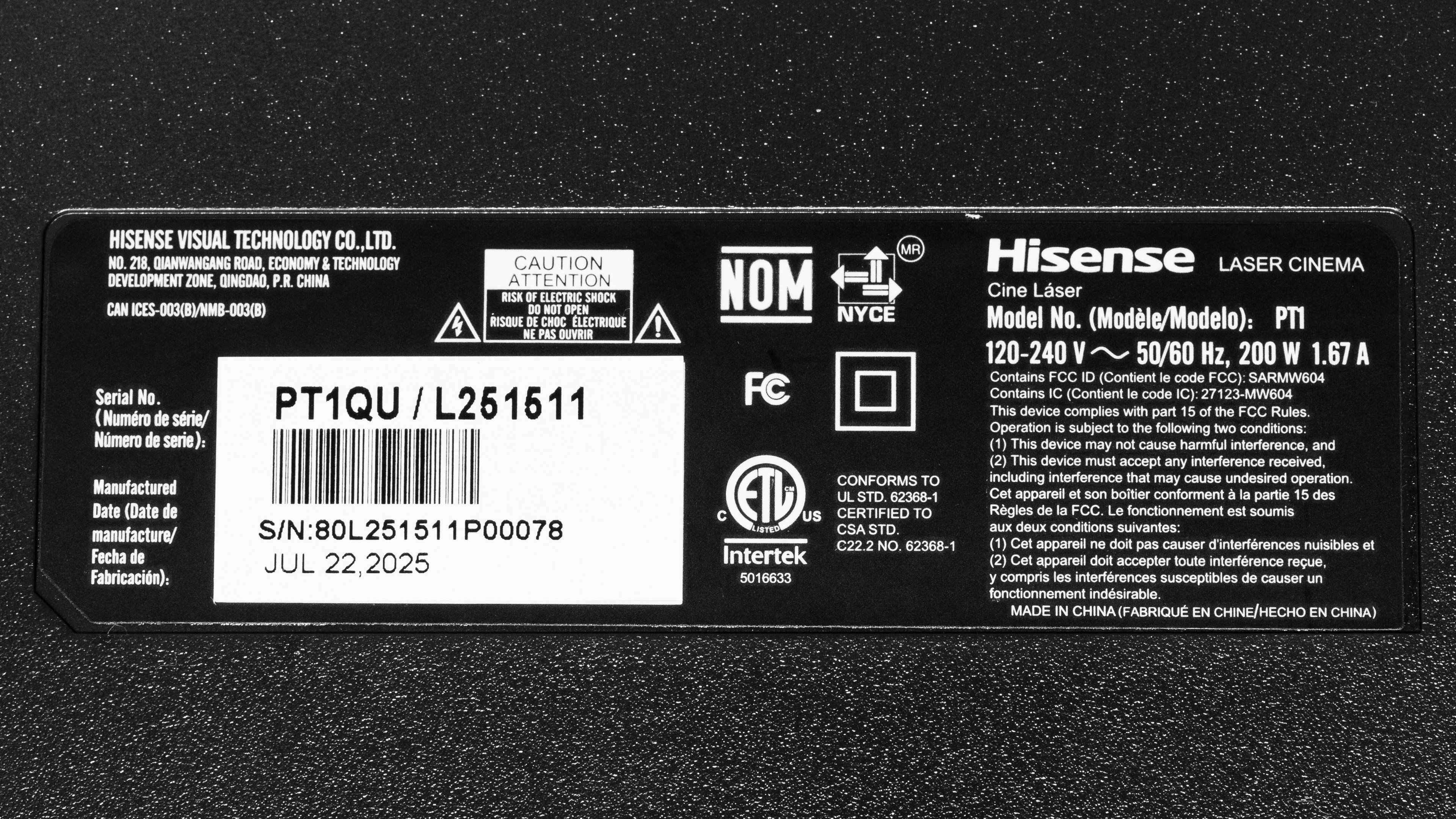
Our unit was manufactured in July 2025.
Popular Projector Comparisons
The Hisense PT1 is a compelling UST projector for the money if you want a big, clean image with good overall contrast and rich colors. It looks its best in dark scenes, and it's also a solid pick for gaming thanks to its low input lag at 120Hz and 240Hz. The tradeoff is that it doesn't look as rich in the very brightest content, and it isn't very accurate out of the box, so you'll get the best results after a bit of tuning. If you're deciding between Hisense's own lineup, the Hisense PX3-PRO is a bit better overall for image quality, as it's brighter and more accurate out of the box, but the PT1 has the edge for gaming responsiveness, and it's also a bit smaller, lighter, and slightly quieter under full load. The PT1 also has the gaming edge over the otherwise better-looking XGIMI AURA 2 due to its high-refresh-rate support, although the XGIMI is more responsive at 60Hz.
Check out our recommendations for the best 4k projectors, the best projectors for home theater, and the best short-throw projectors. If you'd prefer to shop for a cheaper product, see the best projectors under $1,000 instead.
The Hisense PX3-PRO is slightly better than the Hisense PT1, except for gaming, where the PT1 has the edge due to its lower input lag. The PT1 is also a bit smaller and lighter, and is slightly quieter under full load. For image quality, however, the PX3-PRO is brighter and is a bit more accurate out of the box.
The Hisense C2 Ultra is better than the Hisense PT1. The C2 Ultra is smaller, has a swivel stand for easier placement, is way brighter, and is also more accurate right out of the box. In turn, the PT1 has better contrast in dark scenes, although the C2 Ultra is better with bright content. The real kicker is gaming, as the C2 Ultra's input lag is significantly lower at 60Hz, making it far better for console gaming. It's also a bit lower at 120Hz. The PT1 does have the edge at 240Hz, making it a slightly better choice for PC gamers. The PT1 is a UST unit, while the C2 Ultra is an ST unit, so the PT1 can live much closer to the screen than the C2 Ultra can. Consider your room placement when choosing.
The Hisense PT1 is an upgrade over the CineBeam Q. Both ultra-short-throw projectors have impressive contrast, wide color gamuts, and are very accurate after calibration. The PT1 takes the edge by being significantly brighter, having three HDMI ports (including two HDMI 2.1), on top of having more gamer-friendly features like 240Hz support and better input lag. On the other hand, the CineBeam Q is much more portable than the PT1.
The XGIMI MIRA is mostly better than the Hisense PT1. The XGIMI has more consistent contrast, so bright scenes have more depth. Color vibrancy is similar between the two, but the XGIMI has much better out-of-the-box color accuracy, so it stays truer to the filmmaker's intent without needing calibration. The XGIMI supports VRR to reduce screen tearing and has lower input lag, so it offers better gaming performance. Additionally, the XGIMI has a quieter fan, has autofocus, and can be set up closer to your screen. On the other hand, the Hisense is brighter, so the image looks punchier in a dark room, and it can withstand more glare in a well-lit space before looking washed out.

We've independently bought and tested over 100 projectors and published detailed results for each, so you can decide which one to buy. These have all been tested under the same standardized methodology, allowing you to compare them side by side. We still have all these projectors in our lab, so we can continually go back and compare them to ensure our reviews are still accurate. All our test methodologies are also public on our website, so you can validate the results yourself.
Throw Calculator
Global Controls
Test Results

for pictures & test results







for pictures & test results





for pictures & test results