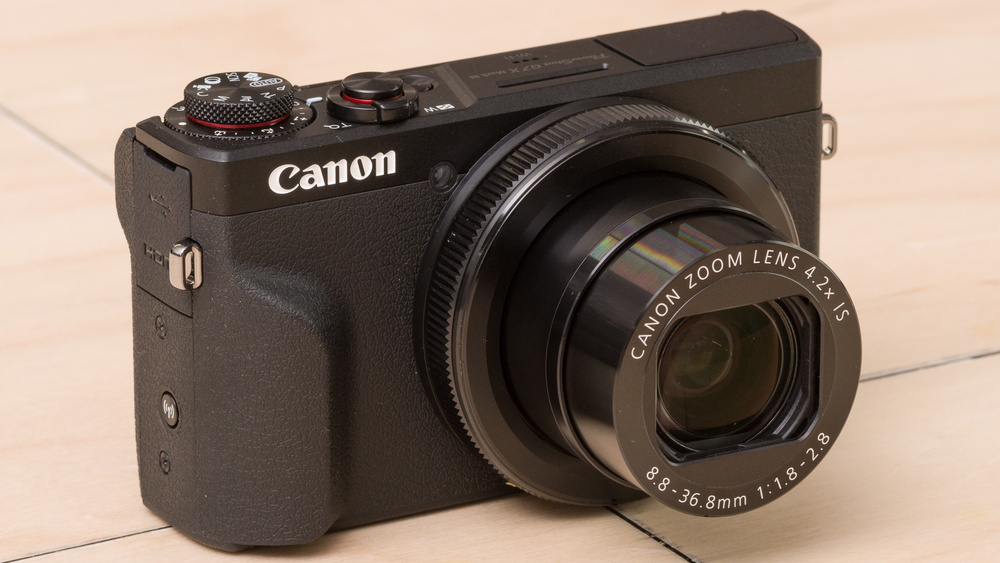
The Canon PowerShot G7 X Mark III is a compact point-and-shoot camera suitable for vlogging. It can capture good quality shots that remain mostly free of noticeable visual noise, so your images shouldn't appear very grainy, and you can also use this camera to live stream directly to YouTube, though we don't currently test this. It has a touch-sensitive screen that can get bright enough that you can still see it under direct sunlight. You can also use it to navigate its menu or flip it upwards to face you when the camera is pointed at you. Unfortunately, its battery performance is poor and can frequently interrupt your shooting sessions by overheating the camera and shutting it down. Its autofocus is also middling in photography and struggles to track faces and moving objects.
Our Verdict
The Canon PowerShot G7 X Mark III is decent for travel photography. It has good image quality, so your photos remain free of noticeable visual noise at moderate ISO levels. This means your images shouldn't appear very grainy. However, they don't stay as sharp as you bump up the ISO, and it has a disappointing autofocus performance as it struggles to track faces and moving objects. That said, it's incredibly portable and has a textured handgrip, which makes it easier to hold in comparison to other compact cameras we've tested.
- Good image quality.
- Outstanding portability.
- Sub-par autofocus performance.
- Frequently shuts down due to major overheating issues.
The Canon PowerShot G7 X Mark III is good for landscape photography. Its image quality is good, ensuring most images remain sharp and free of visual noise. It's decently well-built and is comfortable to use and hold. Its screen can also get outstandingly bright, which is great for shooting outdoors and if you need to see it under direct sunlight. Also, its lens is alright overall, though it exhibits significant light falloff, which can cause your shots to look darker around the edges in comparison to their center.
- Good image quality.
- Outstanding portability.
- Frequently shuts down due to major overheating issues.
The Canon PowerShot G7 X Mark III is satisfactory for sport and wildlife photography. It has an outstandingly high continuous shooting speed, which is good if you're snapping shots of fast-moving subjects, and also has a handy silent shooting mode that can be helpful when snapping shots of easily spooked wildlife. That said, it takes a while to clear its buffer, which doesn't make it suitable for taking long bursts back-to-back. It may also struggle to keep moving subjects in focus, which can be disappointing.
- Silent shooting mode.
- High continuous shutter speed.
- Sub-par autofocus performance.
- Takes some time to clear its buffer.
The Canon PowerShot G7 X Mark III is good for vlogging. It has a great screen that you can flip up to face you when the camera is pointed at you. It's also exceptionally portable, and footage taken while walking should remain smooth and stable. It can shoot in 4k and FHD without a crop; however, it does incur a reduction in your field of view when its stabilization feature is set to High. It's also okay at tracking faces, though it struggles to capture clear and sharp footage free of noticeable visual noise while shooting in 4k and FHD. Unfortunately, its battery performance is poor and frequently causes the camera to shut down from overheating, especially when shooting in 4k. This can make it hard to record long videos in 4k, so it may be best to stick to recording in FHD.
- Outstanding portability.
- Great video stabilization performance.
- Screen can flip to face you.
- Frequently shuts down due to major overheating issues.
The Canon PowerShot G7 X Mark III is passable for studio video. It has poor video quality when recording footage in FHD, and its video quality when recording in 4k isn't much better. It also lacks a headphone or microphone jack. That said, its internal recording capacity in FHD is good, with a bit rate range that should generate both high-quality or lightweight video files, which is useful for editing or exporting to social media.
- Screen can flip to face you.
- Easy-to-use menu system.
- Poor video quality in FHD.
- Disappointing 4k video quality.
- Frequently shuts down due to major overheating issues.
- Limited selection of inputs and outputs.
The Canon PowerShot G7 X Mark III isn't designed for action video. Though it's outstandingly portable and is great at keeping videos stable, it has poor FHD video quality, and footage quality in 4k is middling. It also doesn't have an advertised rating for water resistance and can't shoot high-quality slow-motion videos in FHD or 4k.
- Great video stabilization performance.
- Poor video quality in FHD.
- Disappointing 4k video quality.
The Canon PowerShot G7 X Mark III has decent RAW image quality. Images look quite sharp thanks to its relatively high-resolution sensor. Its dynamic range is decent, but it naturally doesn't capture as wide a range of high-contrast detail as cameras with larger sensors. It doesn't have the best noise handling either, so it doesn't perform especially well in low light.
- Images look relatively sharp and detailed.
- Limited dynamic range.
- Mediocre noise handling in low light.
Performance Usages
Changelog
- Updated Aug 11, 2026: We've updated this review to Test Bench 0.13.1. The Sample Picture Gallery, 4K/FHD Video Quality, and Luminosity Patch Detection Chart have been removed, and our Video Dynamic Range test has been streamlined. You can see the full changelog summarizing these changes.
- Updated Feb 24, 2025: We've converted this review to Test Bench 0.13. We've added new tests for Video Dynamic Range and Luminosity Patch Detection. You can learn more about these updates in the changelog.
- Updated Sep 05, 2024: An older version of this review incorrectly indicated 'No' for the Microphone comparison. We've corrected the error and added a photo of the mic input.
- Updated Jan 29, 2024: Added text to the 'Raw Photo Performance' verdict box.
Check Price
Differences Between Sizes And Variants
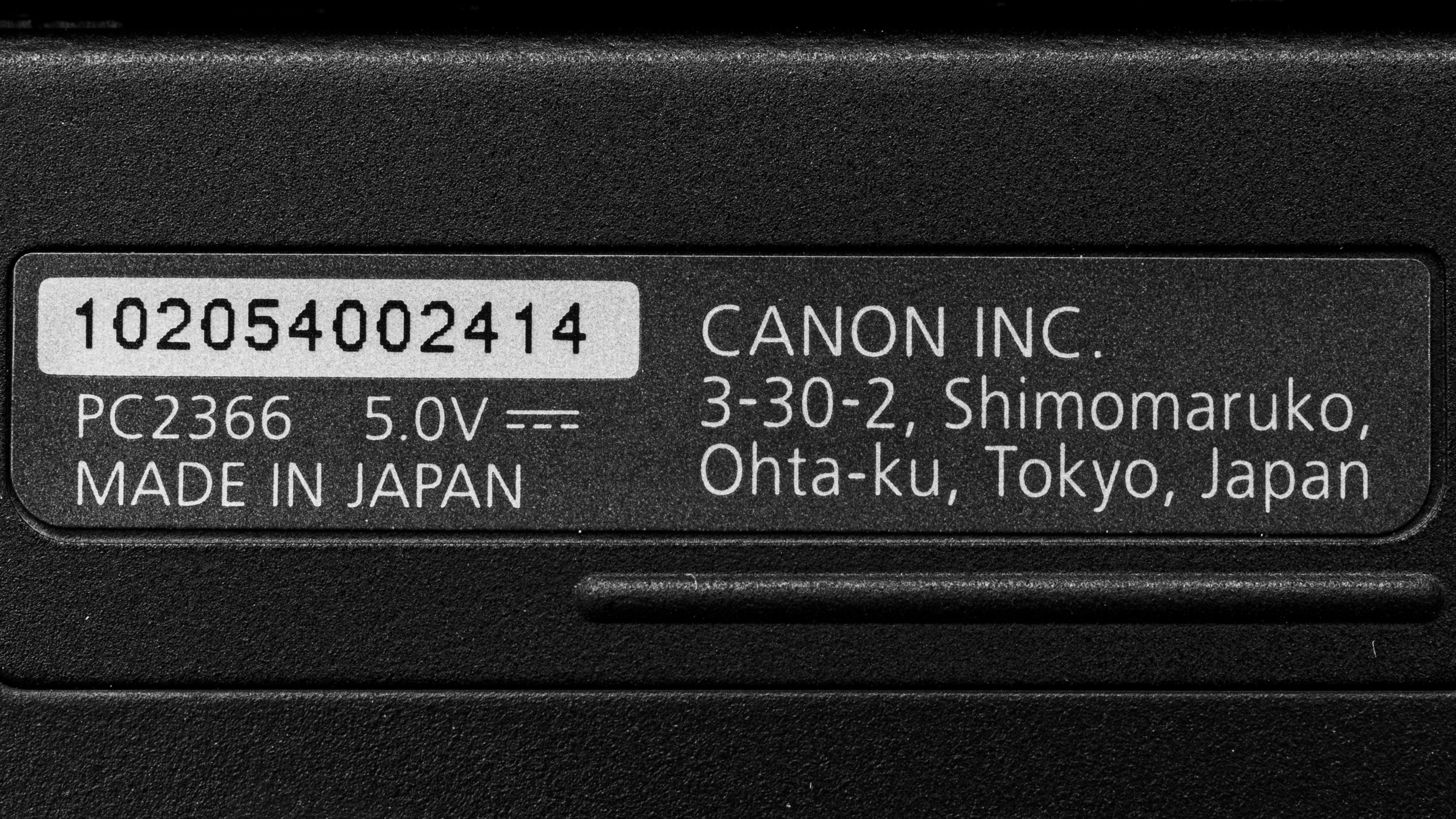
The Canon PowerShot G7 X Mark III comes in two different color variants: Black and Silver. We tested the Black variant, and you can see the label for the model we tested here. We expect both variants to perform similarly.
Popular Camera Comparisons
The Canon PowerShot G7 X Mark III is a much better point-and-shoot camera than the Canon PowerShot SX740, though it's priced higher. It feels more premium, and its 1-inch sensor captures significantly better image and video quality. Beyond that, it also offers RAW image capability, faster burst shooting, better autofocus, and better video features.
The Sony ZV-1 and the Canon PowerShot G7 X Mark III perform similarly. They're both compact cameras with 1-inch sensors that are similar in size and build quality. Though the Canon doesn't have a fully articulated screen like the Sony, you can still flip its screen up to face you for vlogs, and it has a more intuitive menu system with touch navigation. The Canon's built-in lens also has a slightly longer max focal length, giving you a bit more reach. That said, while the Canon can shoot uncropped 4k video, the Sony offers more frame rate options in 1080p and has a more effective autofocus system.
The Canon EOS R50 is the more versatile camera of the two. The Canon PowerShot G7 X Mark III is a good choice for those who want a compact point-and-shoot camera, but the R50 gives you the flexibility to use different lenses. It also uses a larger sensor, has a better battery life, and is more well-rounded for video work.
Test Results


- Body is made of plastic and metal
- While its top plate is made of hard plastic, its body is covered by rubberized plastic
- Flash mechanism feels somewhat flimsy
- Screen mechanism feels sturdy
- Dials and buttons provide good physical feedback
- Input/output compartment protected by a hard plastic flap
- Battery and SD card slot covered by a locking hinged door


- Canon PowerShot G7 X Mark III camera
- Wrist strap
- Canon NB-13L battery
- Battery charger
- Owner's manual

- Difficult to change the memory card while the camera is mounted on a tripod
- Dedicated ring around the lens to change aperture
- Touchscreen and quick menu make it easy to make all changes directly on the screen
- Textured hand grip makes it easier to hold in one hand
- Small textured backrest helps thumb stay in place

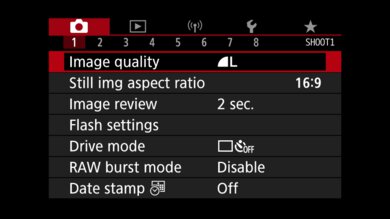
- Simplified and easy-to-use menu system
- Menu system changes depending on the chosen mode
- Screen is fully touch-sensitive, making it easy to navigate the menu
- Quick menu is available to make quick setting changes






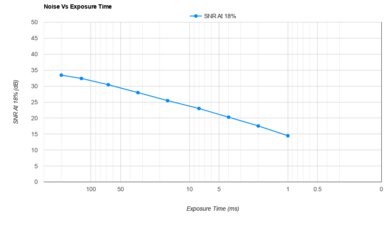
- Manufacturer advertises that it can live stream directly to YouTube, though we didn't test this. You can find instructions on how to set up the livestreaming feature here.
Note: While in aperture priority mode or in manual mode, the camera automatically defaults to shooting in FHD. To shoot 4k video, select 'Video Mode' on the dial.


You can see the microphone input on the other side of the camera here.
