
The DJI Osmo Action is DJI's first action camera, and it's a solid, more affordable alternative to the GoPro HERO9 Black. It's one of the first action cams to feature a handy front-facing Live View screen for selfies and vlogs. It also has an excellent electronic stabilization feature to reduce camera shake—unsurprising for a company known for its gimbals and drones. DJI also advertises that it's waterproof to a depth of 11m without a protective case and that it can withstand temperatures as low as -10C, so you can bring it wherever your adventures take you.
Our Verdict
The DJI Osmo Action is a poor choice for travel photography. It lacks the versatility of a dedicated still photography camera, and its image quality is severely limited by its small sensor and the fixed aperture and focal length of its built-in lens. The lens also has a very wide-angle fisheye field of view that distorts the image, though it has a digital 'Dewarp' function to produce a more linear FOV. Its biggest advantage for travel photography is its portability and its rugged, waterproof build, making it easier to take on more extreme travel adventures.
- Sturdy, waterproof design.
- Highly portable.
- No autofocus system.
- Poor image quality.
- Not meant to be used handheld.
- Fixed aperture and focal length.
The DJI Osmo Action isn't designed for landscape photography.
The DJI Osmo Action isn't intended for sports and wildlife photography.
The DJI Osmo Action can shoot photos in RAW format, but we don't test action cameras for RAW image quality.
The DJI Osmo Action is good for vlogging. It's incredibly portable for low-profile vlogging, and it has a front-facing screen with Live View, meaning you can see yourself while you record. On top of that, its video stabilization feature does a fantastic job smoothing out camera shake if you record while walking, though enabling it incurs a noticeable crop. Its video quality isn't very impressive, so footage doesn't appear very sharp or detailed, especially when shooting in low light.
- Fantastic video stabilization.
- No recording time limit.
- Front-facing screen for self-recording.
- Disappointing video quality.
The DJI Osmo Action is inadequate for studio video, and it isn't specifically for this use. Its overall video quality is disappointing, resulting in footage that isn't very sharp or detailed, with heavy grain and noise. Its lens also has a fixed aperture and focal length, severely limiting your shooting options, and it doesn't have a lot of inputs for accessories like headphones or a microphone.
- No recording time limit.
- Disappointing video quality.
- No autofocus system.
- Fixed aperture and focal length.
- No microphone, headphone, or HDMI ports.
The DJI Osmo Action is excellent for action video. You can easily mount it onto a helmet or chest rig, and it's sturdy and waterproof to an advertised depth of 11m. It has a fantastic video stabilization feature to help smooth out camera shake. It also has a lot of frame rate options, including 4k up to 60 fps and 1080p up to 240 fps, meaning you can capture various kinds of slow-motion video. The video quality in 4k and 1080p isn't the most impressive, so footage doesn't look very sharp or detailed, especially at night or indoors with less lighting.
- Sturdy, waterproof design.
- Lots of frame rate options in FHD.
- Fantastic video stabilization.
- No recording time limit.
- Disappointing video quality.
Changelog
- Updated Jan 29, 2024: Added text to the 'Raw Photo Performance' verdict box, updated existing verdict boxes for clarity and accuracy and removed outdated text from the 'Photo RAW Noise' test box.
- Updated Jan 29, 2024: Converted to Test Bench 0.12.1.
- Updated Mar 22, 2023: Added a link to the DJI Action 2 in the 'Portability' section.
- Updated Mar 15, 2023: Since this camera has a fixed aperture and focal length, we've removed the 'Aperture Vs Focal Length' graph in the 'Built-In Lens' box. We also adjusted the camera's '4k Video Quality' score to be in line with our current scoring process.
Check Price
Differences Between Sizes And Variants
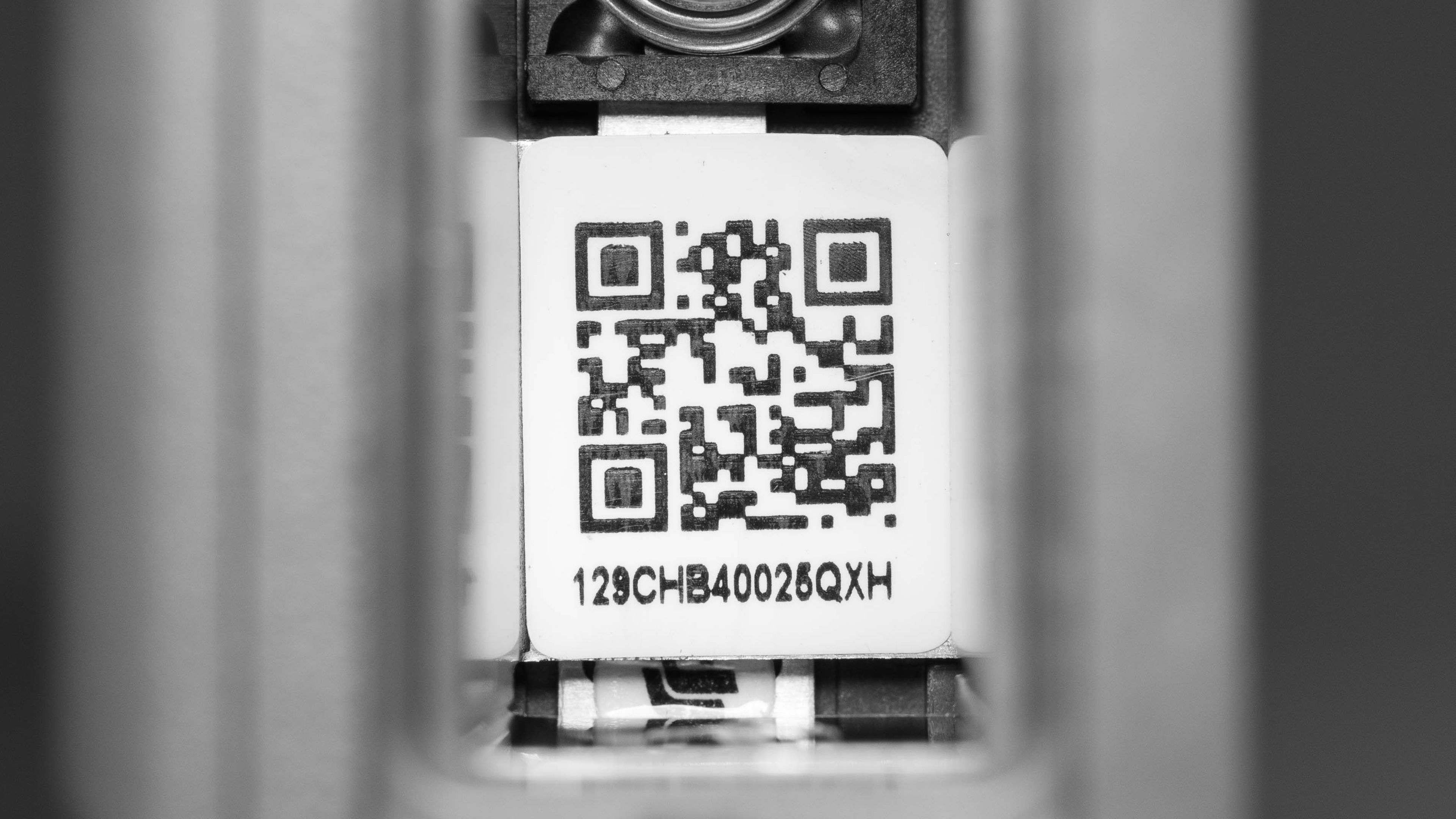
The DJI Osmo Action is available in 'Gray/Black', and you can see our unit's label here.
If you come across another version, let us know in the discussions, and we'll update our review.
Popular Camera Comparisons
The DJI Osmo Action is a solid GoPro alternative that feels well-constructed, has intuitive controls, and offers a wide range of frame rate options to help you shoot action video or vlogs, which is made easier thanks to its second front-facing screen. However, it can get quite hot with continuous use, and video quality leaves a lot to be desired.
For more options, check out our recommendations for the best sport video cameras.
The GoPro HERO7 Black and the DJI Osmo Action perform similarly overall, though each has its advantages over the other for action video. Both are incredibly portable, waterproof, and easy to use, but the DJI has a longer battery life and a front-facing screen that you can use to monitor yourself. The GoPro, on the other hand, has better stabilization performance and a Micro HDMI port built-in for easy external playback.
The GoPro HERO8 Black and the DJI Osmo Action perform similarly overall. They're both incredibly portable, well-built, and waterproof. Each can shoot in 4k up to 60 fps and 1080p up to 240 fps. While the GoPro has a slightly better stabilization feature, it imposes a more severe crop. Unlike the GoPro, the DJI also features a front-facing screen with Live View, so it's the better option for vlogging.
The GoPro HERO9 Black is a bit better than the DJI Osmo Action. Though both are extremely portable and waterproof with front-facing screens, the GoPro offers more resolution and frame rate options, including 5k video up to 30 fps. The GoPro has a better stabilization feature, delivers better overall video quality, and also has more field-of-view options.
The DJI Osmo Action is better overall than the AKASO Brave 7 LE, though both are highly portable and feature front-facing screens that are helpful for vlogging. Still, the DJI feels better built and offers more frame rate options, including 4k up to 60 fps and 1080p up to 240 fps, compared to 4k / 30 fps and 1080p up to 120 fps on the AKASO. The DJI also has a better stabilization feature and delivers better overall video quality.
Test Results
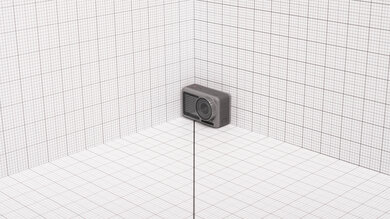
The DJI Osmo is highly portable. Without its mounting frame, it's a tiny bit smaller and lighter than the GoPro HERO10 Black and GoPro HERO9 Black. You can easily slip it into a small bag or jacket pocket for easy transport. If you want a similar action camera with a more portable, modular design, check out the DJI Action 2.
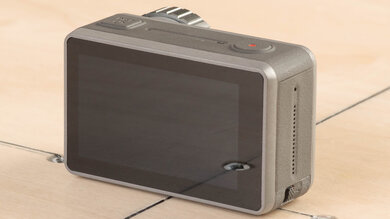
The DJI Osmo feels very solidly built. It's made mostly of hard plastic with a textured plastic grip around the body. The battery and SD card slot cover feels secure when locked. Unlike cheaper action cameras like the AKASO V50X, it's rated as waterproof to a depth of 11m without a protective case. DJI advertises that it can also withstand temperatures as low as -10C. The camera also has a built-in heat sink and vents to help dissipate heat and prevent overheating.
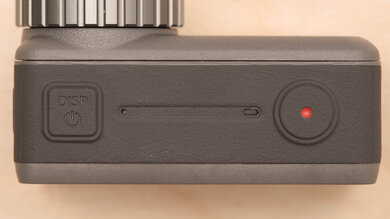
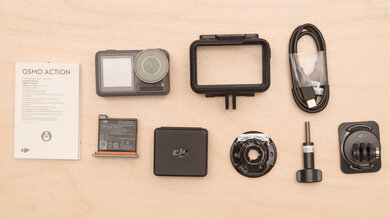
- DJI Osmo Action camera
- 1x AB1-1300mAh-3.85V battery
- Battery and SD card case
- Camera frame
- 1x flat adhesive mount
- 1x curved adhesive mount
- Quick release base
- Locking screw
- USB-A to USB-C cable
- User manual and safety guidelines
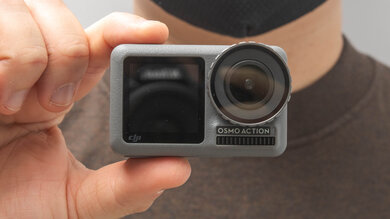
This camera isn't for handheld use, so it doesn't have any ergonomic features aside from the rubberized texture around the body to help you maintain a secure grip when holding the camera. Because of its robust build and waterproofing, the power and record buttons are somewhat hard to press down, but it's acceptably comfortable overall, and the touchscreen is very responsive.
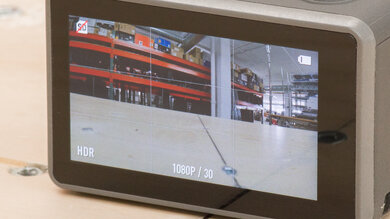
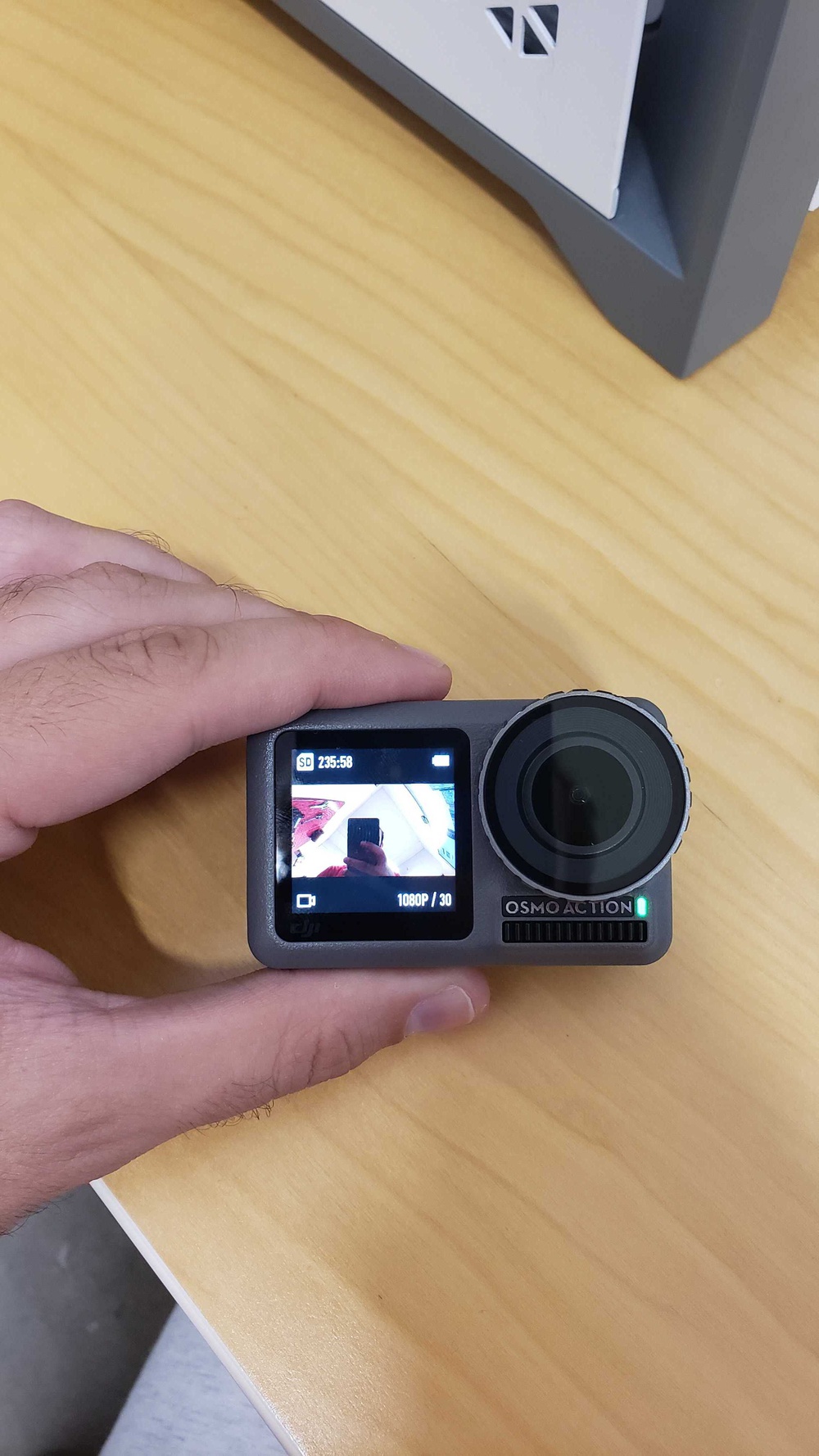
The DJI Osmo has two screens. On the back is its primary touchscreen, which you use to navigate its menu and settings. It gets quite bright, so you can see it fairly clear when it's sunny out. If you find the screen too small, you can also use the DJI Mimo app on your phone to adjust settings. This camera has a second screen on the front that can be used for Live View while recording and also displays information like shooting mode, remaining battery life, and SD card info.
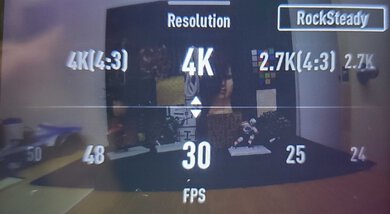
The DJI Osmo Action has an excellent menu system. It's simple and easy to navigate using the touchscreen. You can easily access all relevant settings by simply swiping the screen from each side to access the different menus. Swiping from the left side, for example, brings up exposure parameters and lets you adjust things like shutter speed and ISO, swiping down from the top gives you access to its 'Settings' menu and screen options like 'Brightness' and 'Screen Lock', swiping up lets you change resolution, frame rate, and stabilization, and finally swiping right pulls up the playback menu. If you find the screen too small, you can also control the camera and adjust settings on your smartphone through the DJI Mimo companion app.

The manufacturer sells ND filters for the DJI Osmo Action, which you screw onto the lens. Also, while the lens has a wide-angle fisheye field of view by default, the camera has a 'Dewarp' function to digitally remove the fisheye effect.
This camera has good battery life. It lasts a decently long time when recording video, though it can vary depending on what settings you use. For instance, DJI advertises it to last up to 135 minutes when shooting in 1080p/30fps with 'RockSteady' stabilization disabled, as opposed to 63 minutes when shooting in 4k/60fps with 'RockSteady' enabled. We conducted our video battery test at 4k/30fps. All that to say, you can get a solid amount of recording out of it on a full charge, but it's still a safe bet to carry a spare battery or a portable battery pack for longer shooting days.
This camera can only take small bursts of 3 fps, 5 fps, or 7 fps. It isn't meant for very fast continuous shooting, but it comes in handy if you just want to capture a brief moment of fast action.
This camera doesn't have any image stabilization features in photo mode.

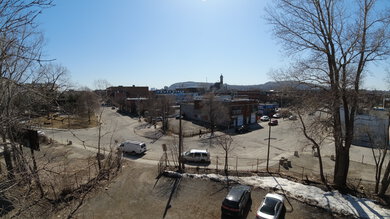



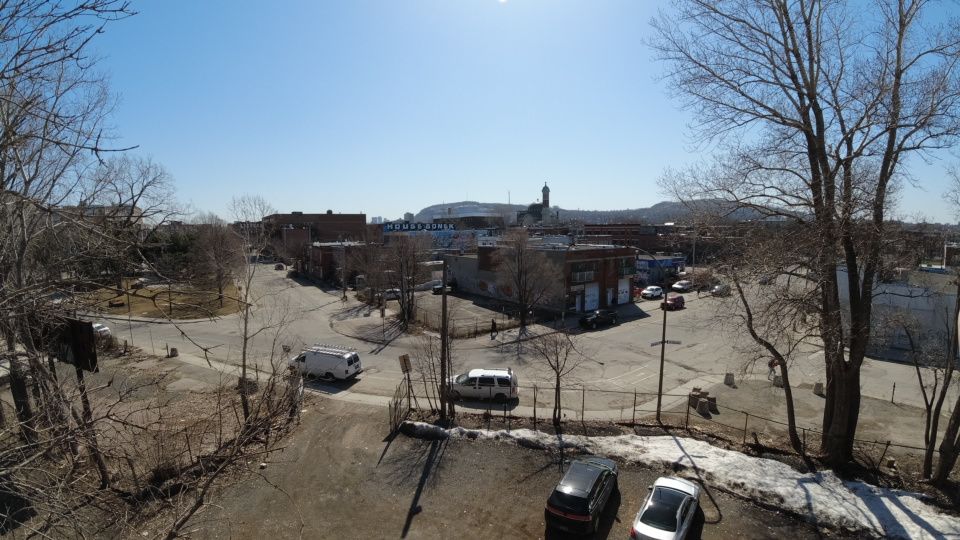
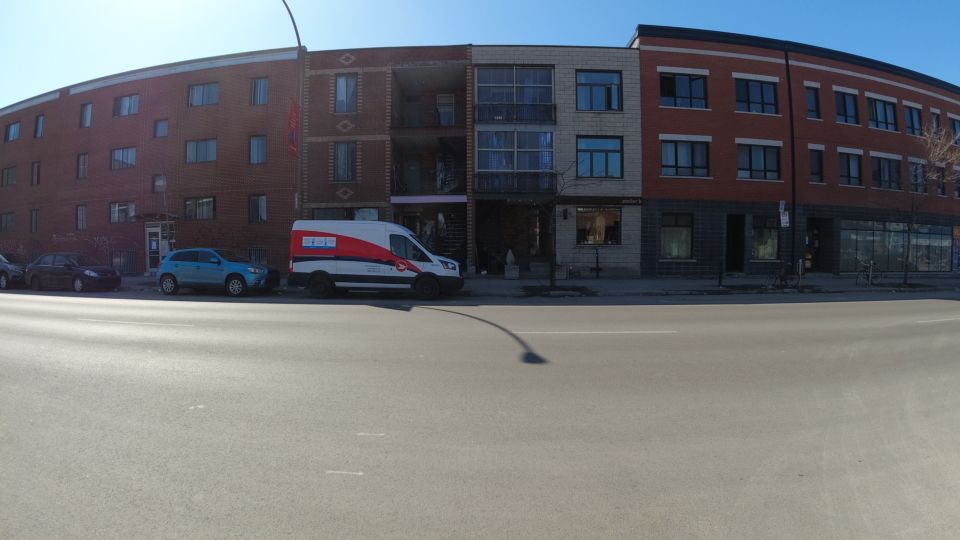

In addition to 4k and 1080p (Full HD), the DJI Osmo Action can also record video in 2.7k.
The DJI Osmo can record 4k video at up to 60 fps, which is great for recording smooth action video.
The DJI Osmo Action has great internal recording specs in 4k. There's no recording time limit, which is good for recording longer videos, although the camera splits video files into shorter 5 minute and 30 second clips. Although it doesn't overheat enough to shut down and interrupt shooting, the camera does get very hot to the touch after lengthy recording sessions.
The DJI Osmo doesn't have an autofocus system. Since its built-in lens has a very narrow fixed aperture, it creates a very large depth of field, keeping everything in focus.

The video quality is disappointing in 4k. It's especially bad in low light, where video looks grainy and lacking in detail, but even in more controlled lighting conditions, videos look soft and noisy.
Thankfully, there's isn't too much rolling shutter effect in 4k, even when panning the camera very quickly.
The DJI Osmo Action can shoot at up to 240 fps in 1080p, allowing you to record slow-motion video at various playback speeds. It's great for incorporating slow-motion action shots of fast movement. If you need to record super slow-motion footage, the Sony RX0 II can capture slow-mo 1080p video at up to 960 fps.
The DJI Osmo has impressive internal recording capability in 1080p, mostly because it doesn't impose a time limit on your videos. As it does in 4k, it splits longer video files into shorter 5m30s clips.
This camera doesn't have an autofocus system. Since its built-in lens has a very narrow fixed aperture, it creates a very large depth of field, keeping everything in focus.

1080p video quality on the DJI Osmo is disappointing. Even in more well-lit environments, the image looks soft and poorly rendered. In low light, there's heavy grain and visual noise.
There's very little noticeable rolling shutter effect in 1080p, so you can pan the camera quickly without skewing subjects or backgrounds.
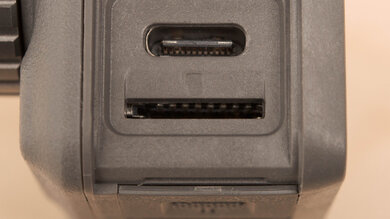
The DJI Osmo takes microSD cards with UHS-I ratings, so it can't take advantage of faster UHS-II cards.
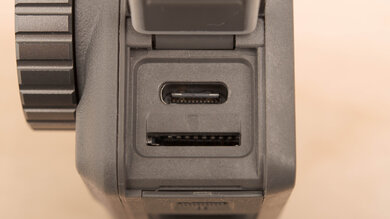
There's only a single input on the DJI Osmo Action: the USB-C port, which you can use for charging or to transfer files to your computer. The camera also supports Wi-Fi and Bluetooth connectivity. Unfortunately, there's no mic input, so you're stuck with the built-in audio unless you record audio separately on an external mic or buy a USB-C-to-3.5mm adapter. You can even find adapters designed specifically for this camera, but getting an adapter comes at an additional cost.