
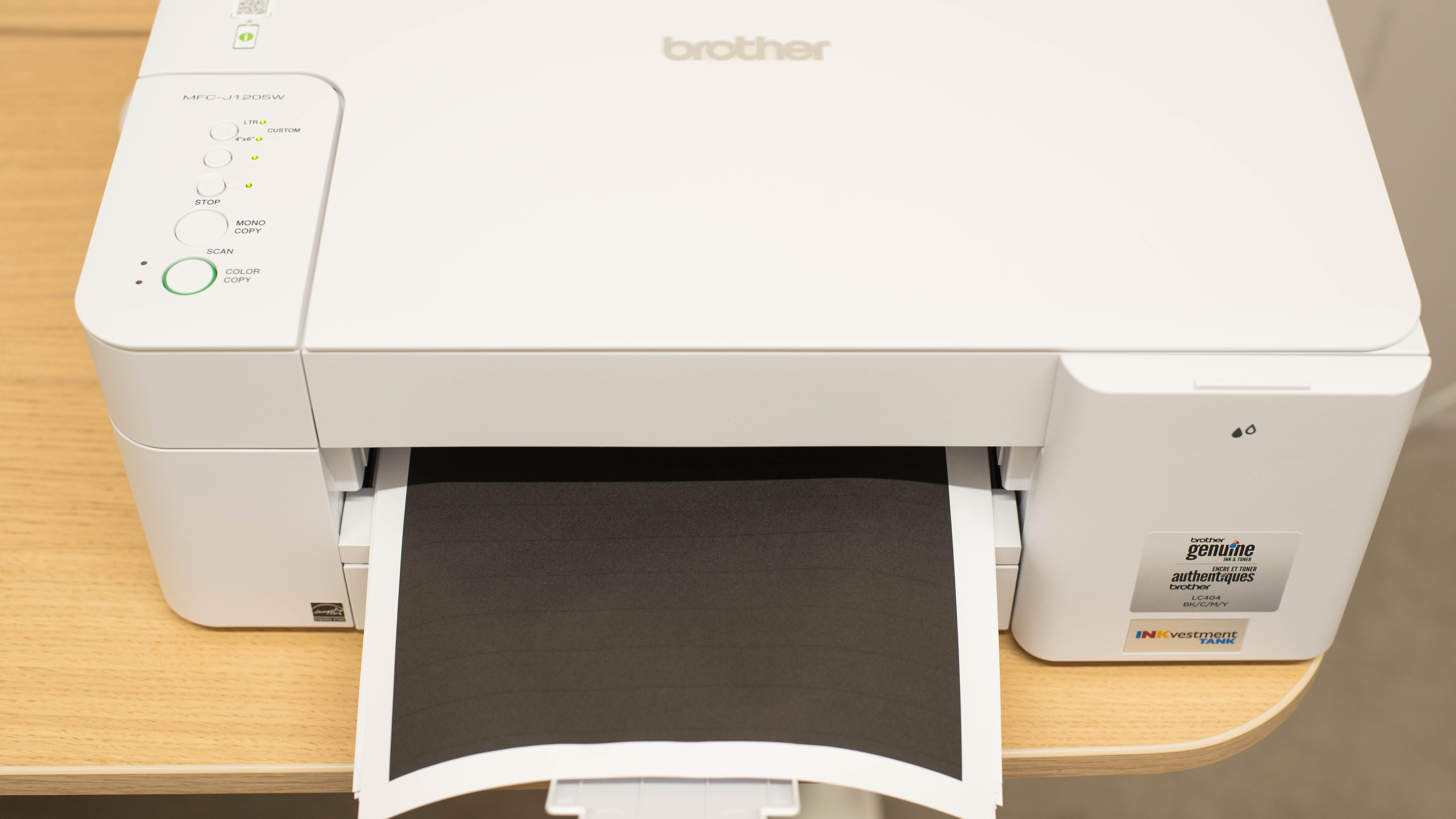
The Brother MFC-J1205W is a budget all-in-one inkjet printer. Like other Brother INKvestment Tank printers, it utilizes ink cartridges in conjunction with an internal ink tank, resulting in a better yield than printers with traditional ink cartridges. It's compatible with LC404 cartridges. It has a basic flatbed scanner without an ADF. Connectivity options include USB, Wi-Fi, and Wi-Fi Direct, as well as support for Apple AirPrint and Mopria Print Service. You can use this printer with the Brother Mobile Connect app, which allows you to perform tasks such as printing and scanning, monitor ink levels, and manage your ink subscription.
There are a couple of retailer-specific variants and bundle options. See the Differences Between Variants section below for more details.
Our Verdict
The Brother MFC-J1205W is good for home use. It produces high-quality black and color documents, and thanks to its high page yields, you shouldn't need to replace the cartridges often. It prints very detailed photos with reasonably accurate colors, but can't produce bright, saturated tones. It only has a flatbed scanner, so scanning multi-page documents can be very time-consuming. While the scan quality is great, some finer details don't come through, which isn't ideal for tasks like digitizing photos. Finally, with many connectivity options, it's convenient for the whole family.
- Produces high quality documents.
- Produces very detailed photos.
- High page yields.
- Low running costs.
- Prints slowly.
- No automatic document feeder.
The Brother MFC-J1205W is okay for small offices. Although it produces sharp-looking documents, it prints very slowly and doesn't support automatic duplex printing. It only has a flatbed scanner, making scanning multi-page documents extremely time-consuming. The lack of Ethernet connectivity might be an issue for offices that rely on a wired LAN connection. On the upside, the ink cartridges last a long time and are cheap.
- Produces high quality documents.
- High page yields.
- Low running costs.
- Prints slowly.
- No automatic document feeder.
- No automatic duplex printing.
The Brother MFC-J1205W is a subpar option if you need a printer that requires minimal maintenance and remains reliable. As an inkjet printer, it can clog when left idle for too long. It uses large ink cartridges, which are helpful when clearing stubborn clogs, but the printheads cannot be easily replaced if a blockage becomes severe. On the plus side, the printer delivers excellent page yields and does not require frequent cartridge replacements. It also offers a variety of connectivity options for easy printing from most devices. However, it prints slowly at about nine pages per minute and does not support automatic duplex printing.
- High page yields.
- Prints slowly.
- No automatic document feeder.
- No automatic duplex printing.
Can clog if it's left unused.
Printheads aren't user-replaceable.
The Brother MFC-J1205W is good for casual photo printing. It prints amazingly detailed photos with reasonably accurate colors, although it struggles slightly with bright, saturated tones, so printed pictures can appear slightly muted. As for its running costs, the ink cartridges yield a large number of prints and are relatively inexpensive, so maintenance costs are minimal. Unfortunately, it prints slowly and doesn't support 2" x 3" and 8" x 10" paper sizes.
- Produces very detailed photos.
- Low running costs.
- Prints slowly.
- Can't print on 2" x 3"–format glossy photo paper.
- Can't produce bright, saturated tones.
The Brother MFC-J1205W's page yields are great. You'll be able to print more than 1,000 black and white documents and 700 color documents before needing a refill.
- High page yields.
The Brother MFC-J1205W prints documents and photos quite slowly. It can only output nine black and six color pages per minute, and it takes around 70 seconds to complete a 4" x 6" print. On the bright side, getting the first page out doesn't take too long.
- Prints slowly.
The Brother MFC-J1205W produces outstanding black-and-white documents. Text and fine elements are clear and legible, resulting in sharp-looking prints. The one pain point is converting yellow to grayscale, resulting in a faint-looking final product.
- Produces high quality documents.
The Brother MFC-J1205W produces great-quality scans. Text looks sharp, and colors look vibrant without becoming oversaturated. However, some fine details get lost. As for scanning features, this model just has a basic flatbed scanner. The flatbed hinges are slightly adjustable to accommodate larger objects, such as textbooks or magazines. This isn't the best choice if you need to process long, multi-page, and double-sided documents.
Great scan quality.
- No automatic document feeder.
Performance Usages
Changelog
-
Updated Jan 08, 2026:
We've updated text throughout the review after converting to Test Bench 1.3.
- Updated Jan 05, 2026: We've updated the review to Test Bench 1.3, which adds a number of test boxes including Risk of Clogging and Ease of Unclogging. We also updated the Usage and Performance boxes at the top of the review to better integrate the new aspects covered. See the changelog.
-
Updated Feb 12, 2025:
We've rewritten the Introduction, verdict boxes, and the 'Compared To Other Printers' box to bring them in line with our current standards for printer reviews.
-
Updated Nov 21, 2024:
Added mention of the HP ENVY 6555e as an alternative with automatic duplex printing in the Printing Speed section.
Check Price
Differences Between Sizes And Variants
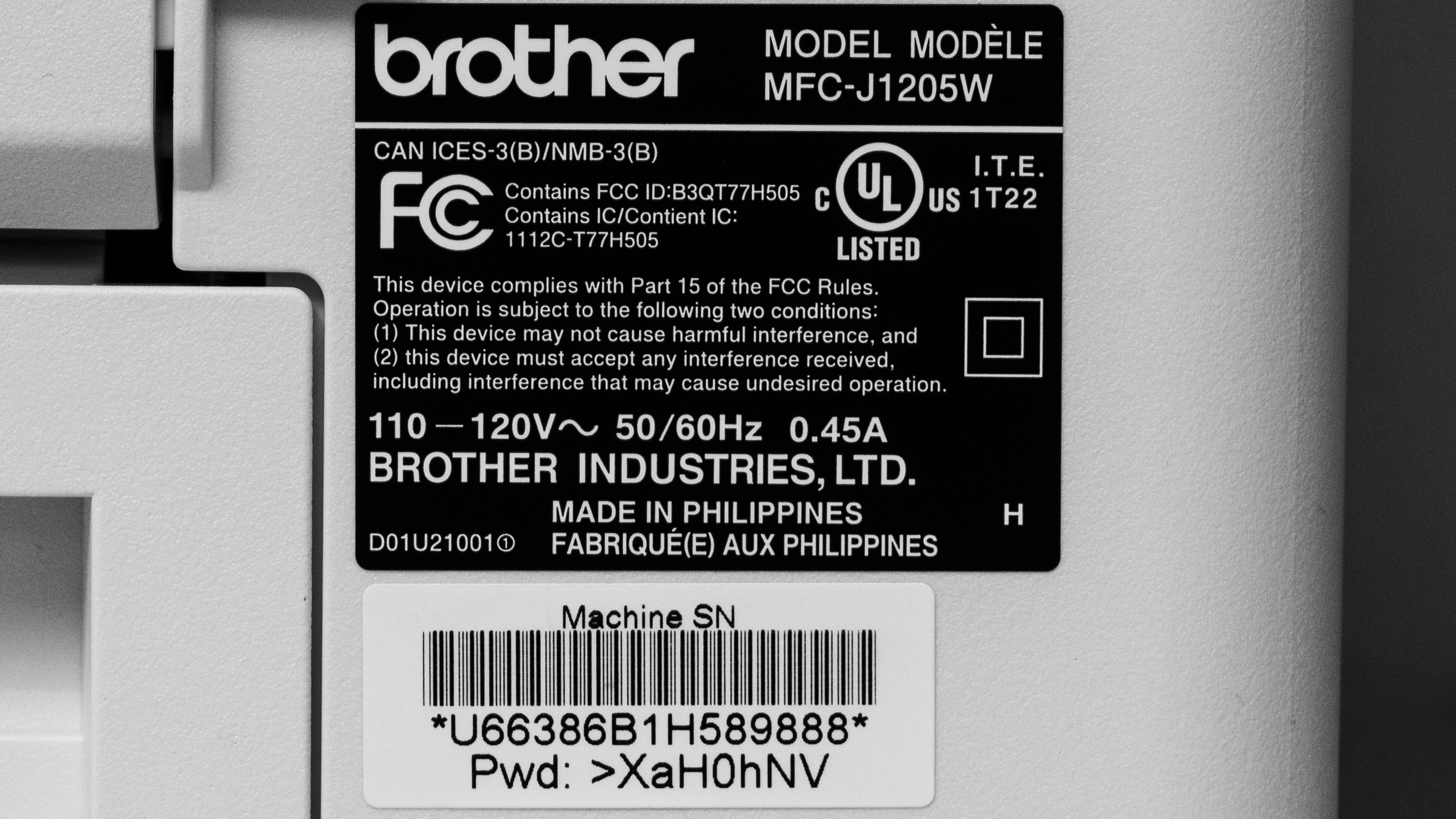
We tested the Brother MFC-J1205W. There's a variant called the Brother MFC-J1215W, which is a Walmart-exclusive version with identical features and performance. The Brother MFC-J1205W XL is also the same printer, but includes additional ink cartridges in the box.
See our unit's label.
Popular Printer Comparisons
The Brother MFC-J1205W is a budget-friendly all-in-one inkjet printer and one of the best in its class. It stands out for its exceptional print quality, high page yields, and low cost per print. However, its printing speed is on the slower side, and it utilizes a basic flatbed scanner, so it's not ideal for those who need to process lengthy, multi-page, or double-sided documents.
For more options, check out our recommendations for the best inkjet printers, the best printers for home use, and the best printers under $100.
The Brother MFC-J1205W is better than the Epson Expression Home XP-4100 for most uses. The Brother produces higher-quality documents and photos, and its ink cartridges yield significantly more prints, making it much cheaper to maintain. On the other hand, the Epson has a display that makes navigating the settings menu easier, and it supports automatic duplex printing.
The Brother MFC-J4335DW and the Brother MFC-J1205W areboth all-in-one inkjet printers designed for home use. The J4335DW is better overall because it has better page yields, faster printing speed, and more scanner features like an automatic feeder and duplex scanning. It also has a better display console with more buttons to help navigate the settings menu. As for the print quality, the MFC-J4335DW is better for documents, but the MFC-J1205W has a slightly wider color range and better color accuracy.
The Brother MFC-J1205W is better than the Epson WorkForce WF-2850 for most uses. The Brother produces higher-quality documents, yields significantly more prints, and is much cheaper to maintain. However, the Epson has an automatic feeder and supports automatic duplex printing. It also has a better display, making it easier to navigate the settings menu. For photo printing, the Epson can produce a wider range of colors, but its color accuracy isn't as good as the Brother's.
The Brother MFC-J1010DW and the Brother MFC-J1205W are both all-in-one inkjet printers with similar features. If you print a lot, the MFC-J1205W is a better choice as its ink cartridges yield significantly more prints, which will help you save money in the long run. However, the MFC-J1010DW produces better quality color documents and prints black documents faster.
Test Results




for pictures & test results


for pictures & test results

for videos & test results



for pictures & test results








for pictures & test results

for pictures & test results
