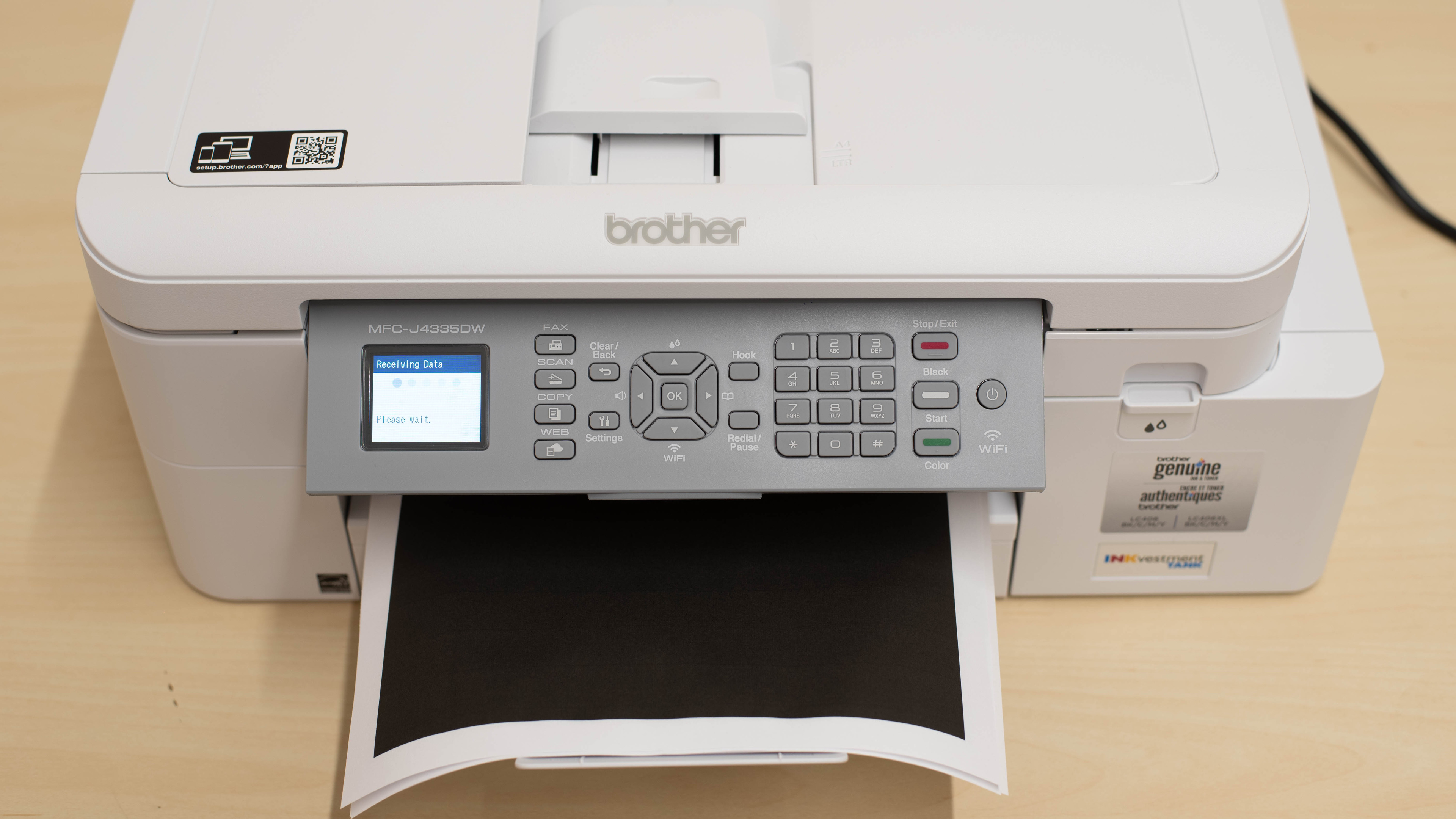
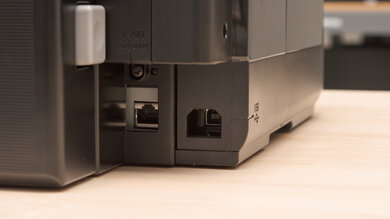
The Brother MFC-J4335DW is an all-in-one color inkjet printer. It has a four-cartridge system that uses Brother's LC406 ink cartridges; it's also compatible with Brother LC406XL high-yield cartridges. It has an 8.5" x 11" flatbed scanner with an ADF, but doesn't support duplex scanning. Connectivity options include USB, Wi-Fi, and Wi-Fi Direct, as well as support for Apple AirPrint and Mopria Print Service. You can also use this printer with the Brother Mobile Connect app, which allows you to perform tasks such as printing and scanning, monitor ink levels, and manage your ink subscription.
This printer comes in several variants with slightly different features and retailer-specific availability. See the Differences Between Variants section for more information.
Our Verdict
The Brother MFC-J4335DW is great for home use. It offers a low cost-per-print, thanks to its ink cartridges' high page yields, and has few maintenance requirements as well. The scanning features are very good, so you can easily digitize old photos or process multi-page documents, and the scan quality is outstanding. It's also small and should be easy to store in any household. Document print quality is also excellent, as text is clear and detailed. By contrast, photos only look alright, with some noticeable color inaccuracies and graining, but it's fine for casual use.
- High page yields and low cost-per-print.
Produces detailed photos.
- Automatic document feeder.
- Produces sharp documents.
Grainy and inaccurate looking photos.
- Small input tray.
Can clog if it's left unused.
The Brother MFC-J4335DW is very good for small offices. It has excellent page yields, warms up in no time to get single pages out, and prints quickly, pushing up to 17 black or 15 color pages per minute. Print quality is also excellent, as documents look crisp, clear, and detailed. It also features a decent range of wireless and wired connectivity options, making it convenient to use regardless of your office setup. As for the scanning, though there's an ADF that can process up to 8 pages per minute, it lacks some nice-to-have features like automatic single-pass duplex scanning for processing double-sided documents.
- High page yields and low cost-per-print.
- Prints documents quickly.
- Automatic document feeder.
- Produces sharp documents.
- No duplex scanning.
- Small input tray.
The Brother MFC-J4335DW is a mediocre choice if you're looking for a reliable device to use occasionally. It's an inkjet printer, which means it can clog if it's left unused for long periods. This printer features large ink cartridges, which can be particularly helpful when dealing with stubborn clogs. That said, you won't have the option to easily replace the printheads in the event of a severe blockage. Page yields are also fantastic, so you won't need to replace your cartridges often. It's even compatible with high-yield XL cartridges, in case you have a heavy print load and want to minimize the frequency of cartridge changes. This printer also supports various connectivity options, making it easy to print from almost any device.
- High page yields and low cost-per-print.
- Prints documents quickly.
- Small input tray.
Can clog if it's left unused.
Printheads aren't user-replaceable.
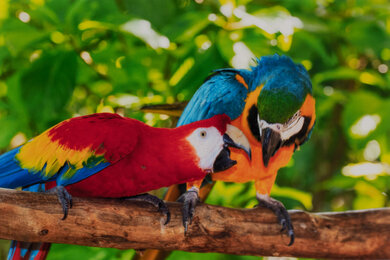
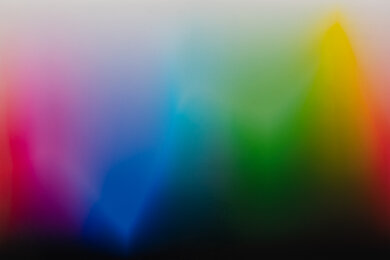
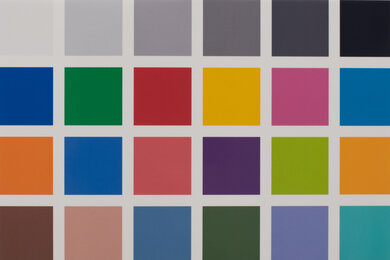
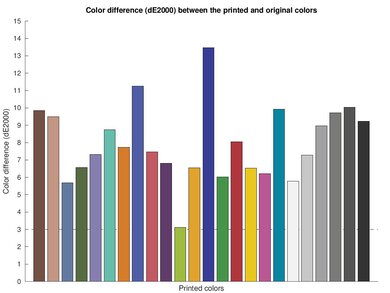
The Brother MFC-J4335DW is good for photo printing. Colors appear reasonably accurate, but you will need to use the "High Quality" setting for smoother color transitions. Photos still appear somewhat grainy regardless of the settings you use, but this print quality is fine for casual or at-home use. The cost per print is very low for photo printing, and the MFC-J4335DW supports a wide range of photo paper sizes.
- High page yields and low cost-per-print.
Produces detailed photos.
Supports a wide range of photo paper sizes.
- Narrow color range and mediocre color accuracy.
Grainy and inaccurate looking photos.
- Vertical bands when printing photos on 4" x 6" paper.
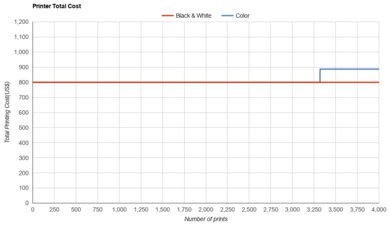
The Brother MFC-J4335DW has outstanding page yields. You can print more than 2,000 black-and-white pages and just under 1,000 color ones before you need to swap the cartridges. If your printing needs are even larger, you can even choose to get High-Yield cartridges for even better results.
- High page yields and low cost-per-print.
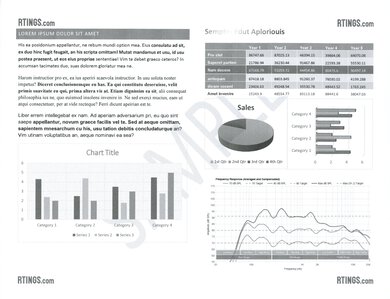
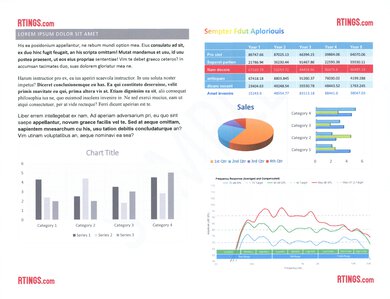
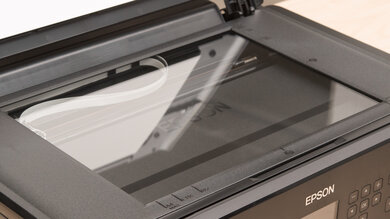
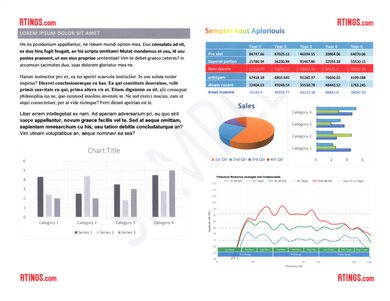
The Brother MFC-J4335DW produces exceptional-looking scans. Text appears sharp, colors are vibrant, and fine elements like lines on a graph are present. Moreover, this printer has a good feature set, including an ADF that processes up to 8 sheets per minute and adjustable hinges on the flatbed scanner for accommodating thicker items like textbooks and magazines. That said, it can't perform duplex scanning for processing double-sided documents.
Outstanding scan quality.
- Automatic document feeder.
- No duplex scanning.
Performance Usages
Changelog
- Updated Sep 25, 2026: We updated this review to Test Bench 1.4.1, improving how we capture print samples so the images better reflect the physical prints. Test scores are unaffected.
- Updated Jul 02, 2026: We've updated this review to Test Bench 1.4, which adds new usages and performance usages, as well as reorganizes several other tests throughout the review. You can read more about the changes in detail in the Changelog.
-
Updated May 06, 2026:
Following a retest, we noticed that the scan speed was 8 pages per minute rather than the previously stated 20 PPM. We corrected the mistake and adjusted the text accordingly in the appropriate sections.
-
Updated Dec 16, 2025:
We've updated text throughout the review after converting to Test Bench 1.3.
Check Price
Differences Between Sizes And Variants
We tested the Brother MFC-J4335DW printer. It has a variant with slightly different features, the Brother MFC-J4535DW, and you can also purchase this printer in bundles that include longer-lasting XL ink cartridges. You can see them in the table below.
| Model | Display | Additional 250-sheet input tray | Connectivity | Bundle Versions | Notes |
|---|---|---|---|---|---|
| MFC-J4335DW | 1.8 in. (44.9 mm) TFT Color LCD | N | Wi-Fi, USB | MFC-J4335DW XL - Includes additional high-yield cartridges | - |
| MFC-J4345DW | 1.8 in. (44.9 mm) TFT Color LCD | N | Wi-Fi, USB | MFC-J4345DW XL - Includes additional high-yield cartridges | Same printer as MFC-J4335DW - Costco exclusive, only available in bundle version |
| MFC-J4535DW | 2.7 in. (67.5 mm) TFT Color Touchscreen LCD | Y | Wi-Fi, USB, Ethernet, external storage (USB), NFC | MFC-J4535DW XL - Includes additional high-yield cartridges | - |
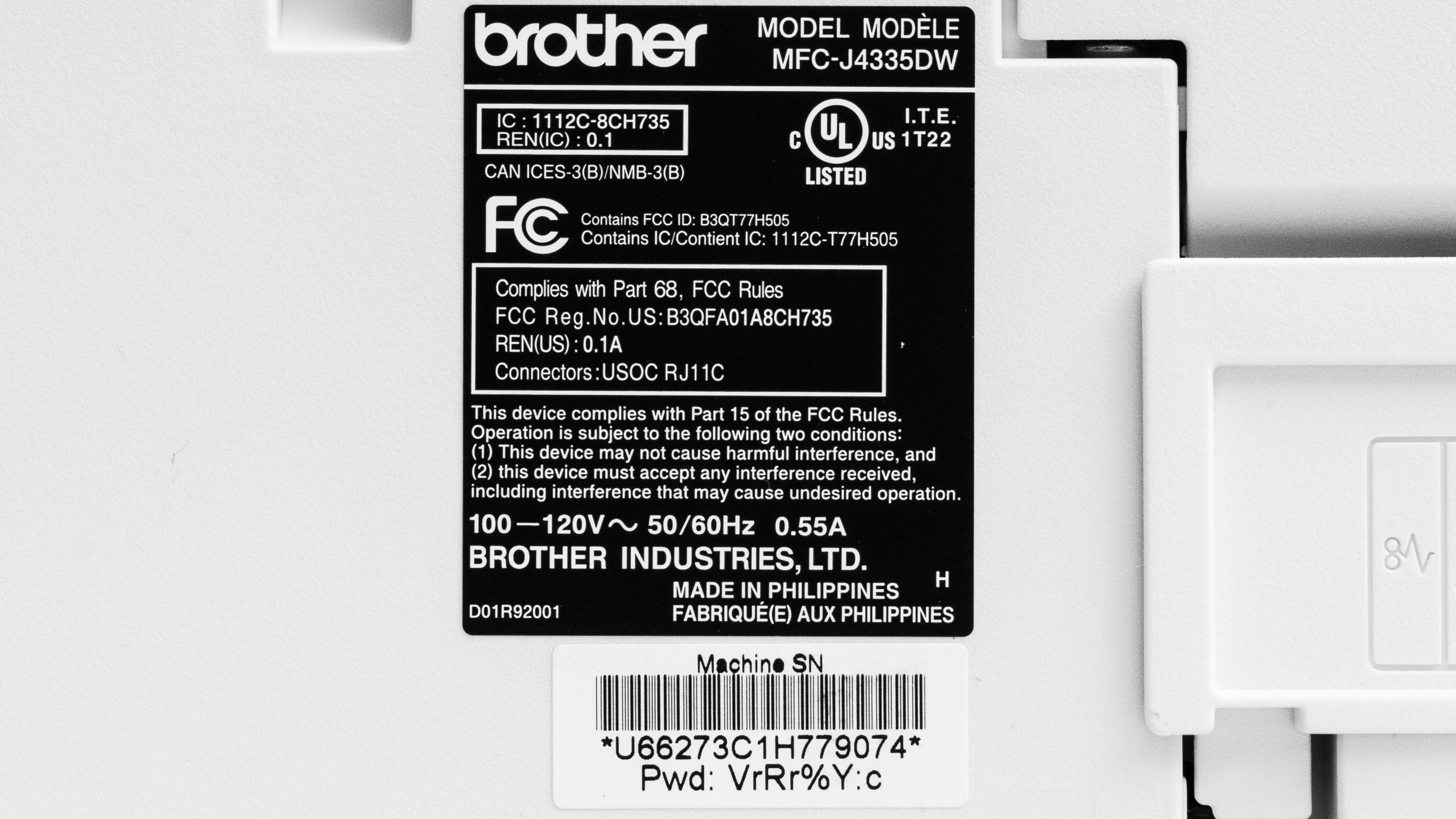
See our unit's label here.
Popular Printer Comparisons
The Brother MFC-J4335DW is among the best all-in-one inkjet printers for home use. It yields a large number of prints, is relatively inexpensive to maintain, and produces high-quality documents. It's fine for casual or at-home photo printing, as photos look vibrant, and it does a good job reproducing fine details, but there are many printers in its class with a wider color range and better color accuracy.
For more options, check out our recommendations for the best home printers, the best all-in-one printers, and the best inkjet printers.
The Brother MFC-J4335DW has a few advantages over the Epson EcoTank ET-2980, especially if scanner quality is an important feature. It includes an automatic document feeder and produces much clearer scans. It's also faster overall. That said, the Epson does take the edge when it comes to its color gamut, and, even though the Brother has a very impressive cost-per-print, the Epson remains more economical to run.
The Brother MFC-J4335DW and the Canon PIXMA TR8620a are both all-in-one family printers. The Brother produces higher-quality documents, prints faster, and yields significantly more prints, so it's a better choice if you need to print a lot of documents for work, school, or your hobbies. For photo printing, the Brother produces more fine details, but the Canon produces a wider range of colors with better accuracy.
The Brother MFC-J4355 is the successor to the Brother MFC-J4335DW. Both printers perform extremely similarly overall. The old version actually delivers slightly cleaner scans and marginally lower cost-per-print. Surprisingly, its color accuracy is also slightly better, but both models have middling performance in that respect.
The Canon PIXMA TS9520a and the Brother MFC-J4335DW are both all-in-one inkjet printers. For the most part, the Brother is a better choice if you mainly need to print documents, as it produces higher-quality documents and prints much faster. However, the Canon is better for photo printing because it has a wider color range and superior color accuracy. Also, printed photos from the Canon don't look as grainy. These two printers are similar feature-wise; the main difference is that the Canon printer supports wide-format paper up to 11" x 17". Unlike the Canon, the MFC-J4335DW lacks Ethernet connectivity and external storage support, but you can get those features if you go with its slightly more expensive variant, the Brother MFC-J4535DW. The Brother has much lower recurring costs, as its ink cartridges yield significantly more prints.
Test Results
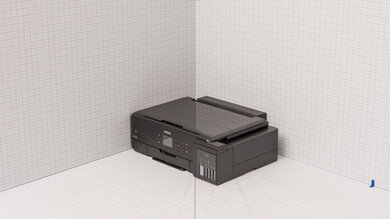
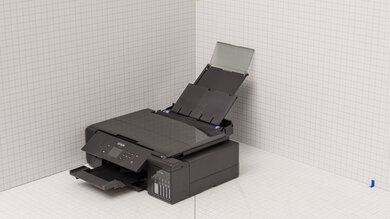
for pictures & test results
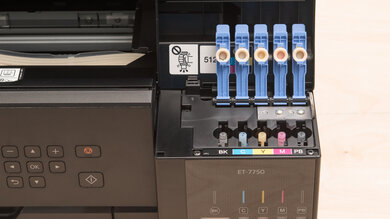
for pictures & test results
for videos & test results

for pictures & test results


for pictures & test results
for pictures & test results