
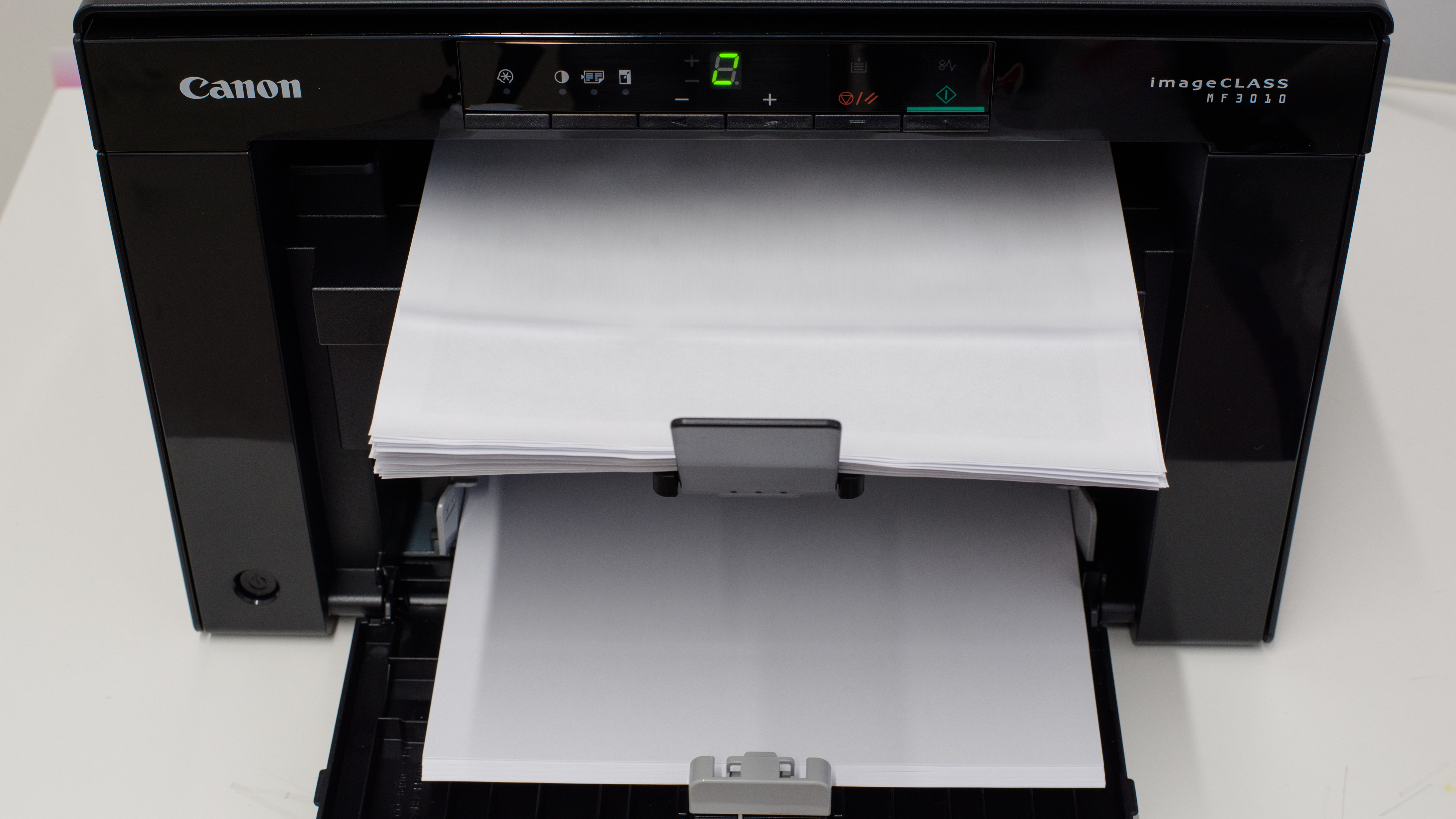
The Canon imageCLASS MF3010 is a budget all-in-one monochrome laser printer. It has a basic flatbed scanner with no automatic document feeder or duplex scanning capability, and it only has USB connectivity, which means you can't connect to the printer wirelessly. It's compatible with Windows and macOS operating systems but not Chrome OS, and it doesn't have a mobile companion app due to the lack of wireless connectivity. There's a Canon imageCLASS MF3010VP variant, which is the same printer but comes with an additional full-size toner cartridge.
Our Verdict
The Canon imageCLASS MF3010 is inadequate for family use. It only has USB connectivity, making it hard for multiple household members to access it. Since it's a monochrome laser printer, it isn't suitable for printing photos, and even for documents, the print quality isn't good, as printed documents look faded. On the upside, its toner cartridge yields a large number of prints, resulting in exceptionally low maintenance costs.
- Low cost-per-print due to high page yield.
- Doesn't require much maintenance.
- Produces faded prints with artifacts.
- No automatic feeder or duplex scanning.
- No wireless connectivity.
- Prints low-quality photos.
- Hard-to-use display console.
- No mobile companion app.
The Canon imageCLASS MF3010 is mediocre for home or small office use. It warms up quickly and prints quickly; however, it can't print double-sided sheets, and the print quality isn't good, as printed documents look faded. The toner cartridge lasts a long time, meaning it won't require much maintenance. It has a scanner but lacks an automatic feeder and duplex scanning capability, which isn't ideal if you regularly scan multi-page or double-sided documents. Also, you can only connect to the printer via USB because it lacks wireless connectivity altogether.
- Fast print speed.
- Low cost-per-print due to high page yield.
- Doesn't require much maintenance.
- Produces faded prints with artifacts.
- No automatic feeder or duplex scanning.
- No wireless connectivity.
- No duplex printing.
- Hard-to-use display console.
The Canon imageCLASS MF3010 is inadequate for student use. Although it doesn't take long to warm up and prints quickly, the print quality isn't good, as printed documents look faded with noticeable artifacts. It only has USB connectivity, which means you can't connect wirelessly or use a mobile companion app to print from your smartphone. The scanner lacks an automatic feeder to process multi-page documents, and its lid hinges can't extend to accommodate thicker items like textbooks. Its toner cartridge yields a lot of prints, which helps keep maintenance costs low as you won't need to replace the cartridge often.
- Fast print speed.
- Low cost-per-print due to high page yield.
- Doesn't require much maintenance.
- Produces faded prints with artifacts.
- No automatic feeder or duplex scanning.
- No wireless connectivity.
- No duplex printing.
- Hard-to-use display console.
- No mobile companion app.
The Canon imageCLASS MF3010 is decent for printing black-and-white documents. It doesn't take long to warm up and prints quickly; however, it can't perform duplex printing, which means you'll have to print double-sided sheets manually. Unfortunately, the print quality is only mediocre, as printed documents look faded with noticeable artifacts. On the upside, its cost-per-print is exceptionally low as its toner cartridge yields a large number of prints. It has a scanner but lacks an automatic feeder and duplex scanning capability, so scanning multi-page and double-sided documents can be very time-consuming.
- Fast print speed.
- Low cost-per-print due to high page yield.
- Doesn't require much maintenance.
- Produces faded prints with artifacts.
- No automatic feeder or duplex scanning.
- No duplex printing.
- Hard-to-use display console.
The Canon imageCLASS MF3010 is bad for photo printing, as it's a monochrome laser printer. It produces low-quality photos, and it can't print on glossy paper.
- Doesn't require much maintenance.
- Prints low-quality photos.
- Can't print on glossy paper.
- Hard-to-use display console.
- Doesn't require much maintenance.
- Hard-to-use display console.
- Doesn't require much maintenance.
- Hard-to-use display console.
- Doesn't require much maintenance.
- Hard-to-use display console.
- Doesn't require much maintenance.
- Hard-to-use display console.
- Doesn't require much maintenance.
- Hard-to-use display console.
Performance Usages
Changelog
- Updated Mar 20, 2024: Added mention of the Brother MFC-L2820DW as an alternative with better print quality in the Black & White Documents section.
- Updated Mar 08, 2024: We've added a link to the Brother HL-L2460DW in the 'Mobile App' section of the review to provide an alternative that has a companion app.
- Updated Sep 29, 2023: We've added a link to the Canon imageCLASS LBP122dw in the 'Printing Speed' section of the review to provide an alternative that supports automatic duplex printing.
- Updated Oct 25, 2022: Review published.
Check Price
Differences Between Sizes And Variants
We tested the Canon imageCLASS MF3010 printer. There's a Canon imageCLASS MF3010VP, which is the same printer but comes with a regular full-size toner cartridge instead of a starter cartridge. There are no other variants.
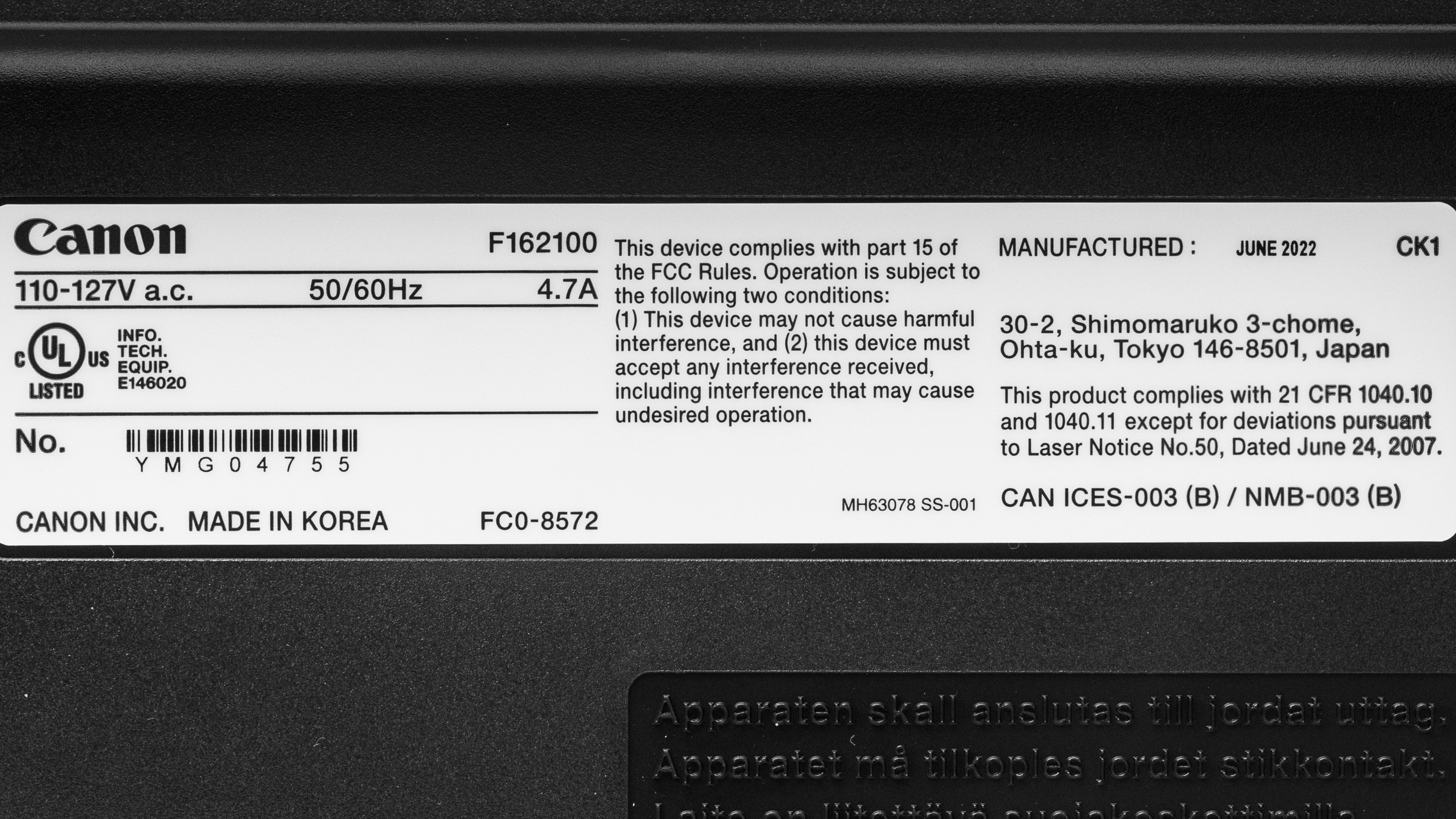
You can see our unit's label here.
Popular Printer Comparisons
The Canon MF3010 doesn't perform well compared to other monochrome laser printers in its price range. It produces noticeably lower-quality prints and can only connect via USB as it lacks wireless connectivity.
For more options, check out our recommendations for the best laser printers, the best printers for small business, and the best all-in-one printers.
The Brother HL-L2325DW is much better than the Canon imageCLASS MF3010. The Brother produces significantly higher-quality documents, prints much faster, and can perform automatic duplex printing. It also has wireless connectivity, which the Canon lacks, and it's accessible through a mobile app. On the other hand, the Canon has a scanner and yields more prints per toner cartridge.
The Canon imageCLASS MF3010 and the Pantum P3012DW are both monochrome laser printers. However, the Canon is an all-in-one, while the Pantum is a print-only unit. Aside from the lack of a scanner, the Pantum is a much better printer, as it produces significantly higher-quality documents and prints much faster. The Pantum also has wireless connectivity, which the Canon lacks. The cost-per-print is the same for both printers; the main difference is that you need to replace the Pantum's drum separately, while the Canon has the drum built into the cartridge.
Although the Pantum P2502W and the Canon imageCLASS MF3010 are both monochrome laser printers, the Pantum is a print-only model, while the Canon is an all-in-one. The Pantum is a much newer device on the market, so it has wireless connectivity and mobile app support, whereas the Canon can only connect via USB. For print quality, the Pantum produces significantly better quality documents, as the Canon tends to make prints look faded with some artifacts around the borders. The Canon yields more prints per toner cartridge, although the cost-per-print is exceptionally low for both printers.
The Canon imageCLASS MF242dw is much better than the Canon imageCLASS MF3010. The MF242dw has a much better display console with more labeled buttons to help you navigate the settings menu, and it allows for tilt, so it's easier to see even if you place it on a lower table. It also has wireless connectivity, which the MF3010 lacks, and it's accessible through a mobile companion app. The MF242dw yields more prints per toner cartridge, so its cost-per-print is lower in the long run. Unfortunately, both printers produce low-quality documents that look faded.
Test Results




for pictures & test results

for pictures & test results





for pictures & test results

for videos & test results






for pictures & test results
