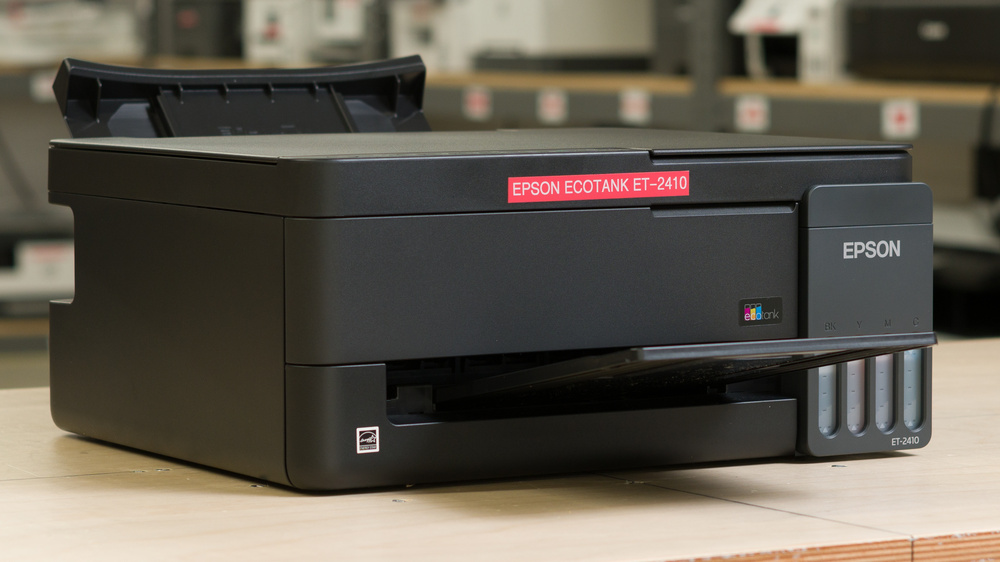
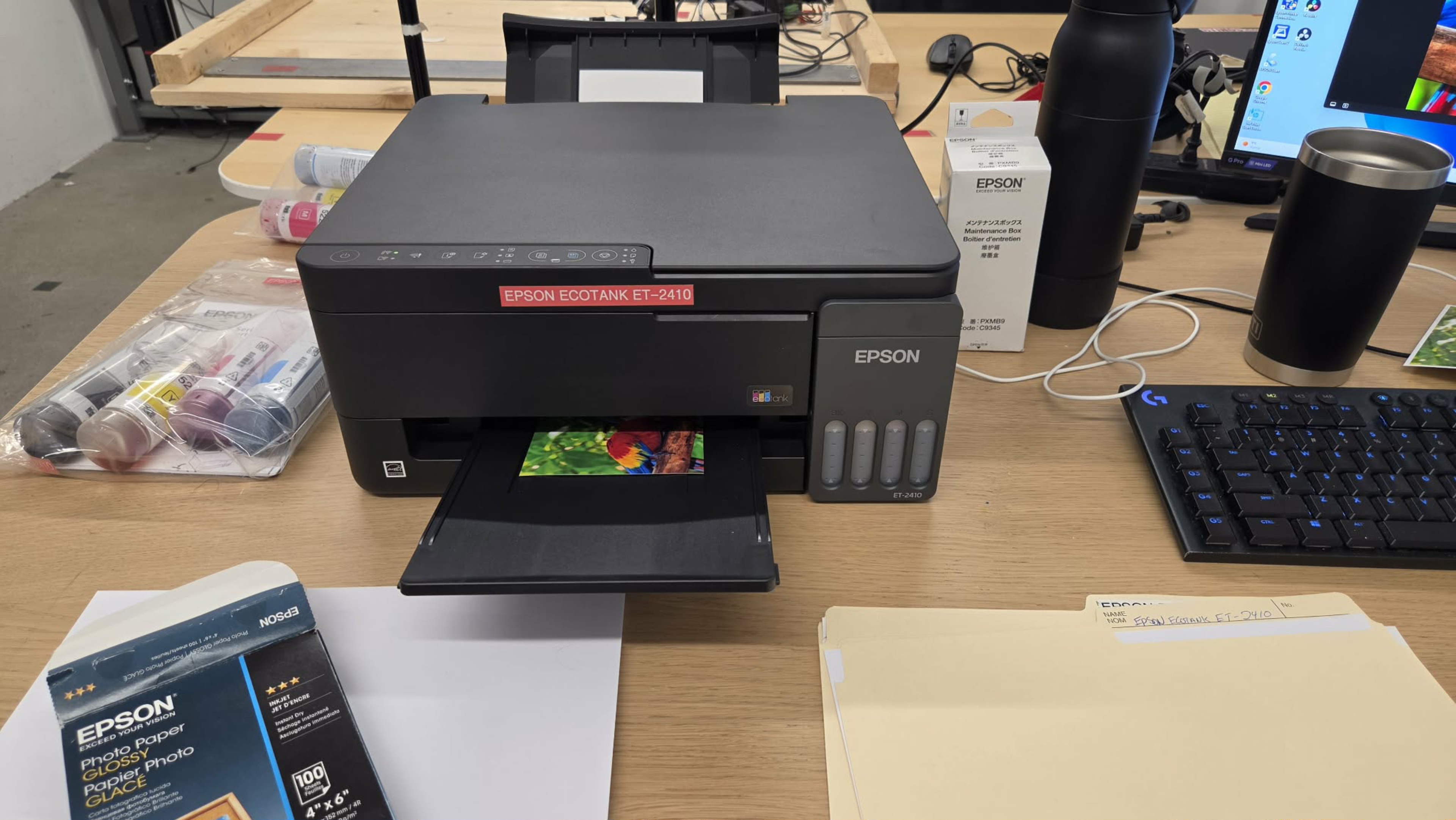
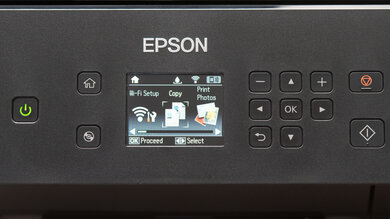
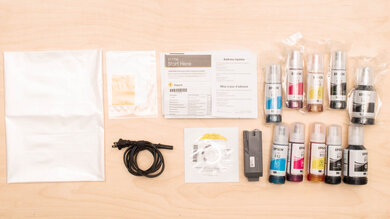
The Epson EcoTank ET-2410 is an entry-level all-in-one inkjet printer designed for home use. It uses four refillable ink tanks with Epson 522 ink and includes a flatbed scanner for scanning and copying. It has a 100-sheet rear input tray and supports paper sizes up to Legal, but it lacks an automatic document feeder and requires you to flip pages manually for double-sided printing. There's no display; instead, you control the printer using physical buttons or the Epson Smart Panel mobile app. Connectivity options include USB, Wi-Fi, and Wi-Fi Direct, with support for Apple AirPrint and Mopria Print Service.
Our Verdict
The Epson ET-2410 is a great home printer. Its compact design fits easily into smaller spaces, and its refillable ink tanks yield thousands of pages before needing a refill. It produces sharp black-and-white documents and detailed, vibrant photos, making it versatile enough for everyday household tasks. Its flatbed scanner captures fine details very well, though the lack of an automatic document feeder makes scanning longer documents cumbersome.
Compact design.
Outstanding page yields.
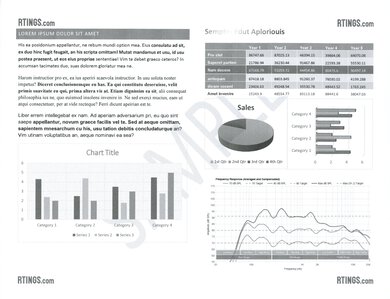
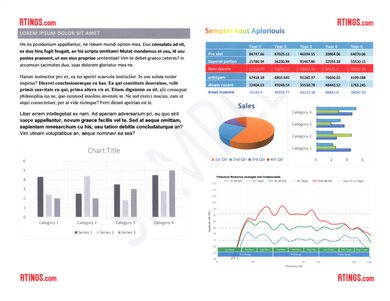
Great black-and-white document print quality.
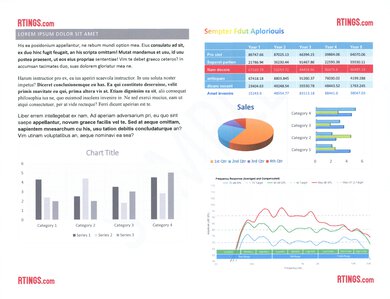
Produces detailed photos with a wide range of colors.
Fantastic scan quality.
Can clog if left unused for extended periods.
No automatic document feeder.
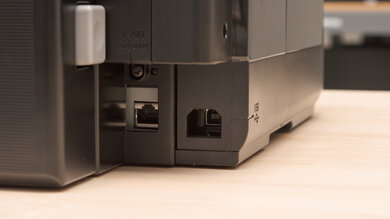
The Epson ET-2410 is a decent small office printer. Its outstanding page yields minimize interruptions for refills, and it produces great-looking black-and-white documents. However, it prints slowly, and its 100-sheet input tray and 30-sheet output tray require frequent attention during larger jobs. Its scanner produces fantastic results, but there's no automatic document feeder, so you have to scan each page individually. It supports USB and Wi-Fi connectivity, but lacks Ethernet, Bluetooth, and direct printing from USB drives.
Outstanding page yields.
Great black-and-white document print quality.
Fantastic scan quality.
No automatic document feeder.
Slow printing speeds.
Small input and output trays require frequent attention during larger jobs.
No Ethernet, Bluetooth, or direct USB-drive printing.
The Epson ET-2410 is just passable for set-and-forget use, as its printhead can clog after extended periods of inactivity, potentially requiring cleaning before you can get a complete, streak-free print. On the upside, its ink tanks are good enough for thousands of pages, so refills are infrequent. It supports USB and Wi-Fi printing, but lacks Ethernet, Bluetooth, and direct USB-drive printing. While it gets a single black page out reasonably quickly, longer print jobs are slow.
Outstanding page yields.
Can clog if left unused for extended periods.
Slow printing speeds.
Small input and output trays require frequent attention during larger jobs.
No Ethernet, Bluetooth, or direct USB-drive printing.
The Epson ET-2410 is good for arts, crafts, and stickers. It reproduces fine details well and has a wide color gamut, allowing it to produce detailed, vibrant designs. Its four refillable ink tanks let you replenish each color separately. It offers presets for matte, semi-gloss, and glossy photo paper, but lacks dedicated settings for luster, fine art, canvas, thin paper, and Hagaki/Washi media, limiting its versatility for specialty projects. It supports paper weights up to 297 g/m², and its rear input tray is helpful for feeding compatible thicker media, though there's no separate manual feeder. Color accuracy is only passable, but overall, colors still look natural.
Produces detailed photos with a wide range of colors.
Individually refillable ink tanks.
Rear paper tray accommodates compatible thicker media.
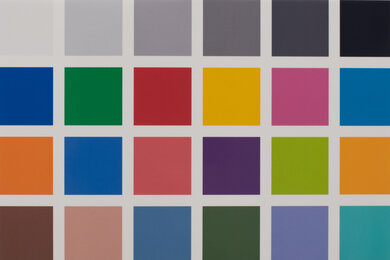
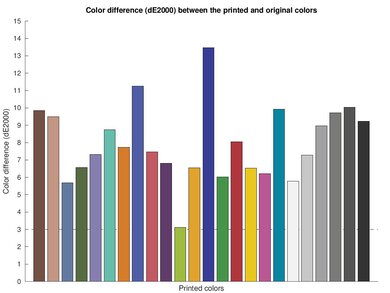
Printed colors differ somewhat from the originals, but still look natural.
Limited presets for specialty paper.
The Epson ET-2410 is great for photo printing. It reproduces small details exceptionally well, preserving fine textures, and its wide color gamut produces vibrant images. It supports a good range of photo printing sizes, with presets for matte, semi-gloss, and glossy photo paper. However, there are no dedicated presets for luster or fine art paper, giving you fewer options for specialty photo projects. Color accuracy is only passable, so colors, including skin tones, are not exactly like in the original image, but they still look natural to the naked eye.
Produces detailed photos with a wide range of colors.
Supports a good range of photo printing sizes.
Printed colors differ somewhat from the originals, but still look natural.
Limited presets for specialty paper.
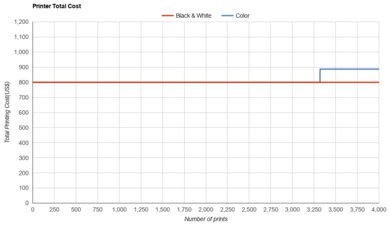
The Epson ET-2410 has outstanding page yields. Its ink tanks produce an estimated 3,800 black and 4,000 color pages before needing a refill, so you won't have to replenish the ink often, even if you print regularly.
Outstanding page yields.
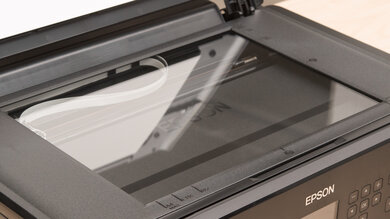
The Epson ET-2410 is decent for scanning. Its scan quality is fantastic, capturing clear text and fine details. The included OCR software lets you save searchable PDFs, though occasional recognition errors mean searches may miss some words, and copied text may need correcting. However, scanning is slow, and there's no automatic document feeder, so you have to position each page manually and flip double-sided documents yourself. The lid's hinges also don't extend to accommodate thicker items like books.
Fantastic scan quality.
OCR software lets you create searchable PDFs.
No automatic document feeder.
Slow scanning speeds.
Scanner lid hinges don't extend for thicker items.
Occasional OCR errors affect searching and copying text.
Like all inkjet printers, the Epson ET-2410 has poor clogging resistance. Ink can dry inside its printhead when left unused for extended periods, causing missing lines, faded colors, or incomplete prints. Printing regularly helps reduce this risk. If you typically go long stretches without printing, a laser printer avoids this issue because it uses dry toner.
Can clog if left unused for extended periods.
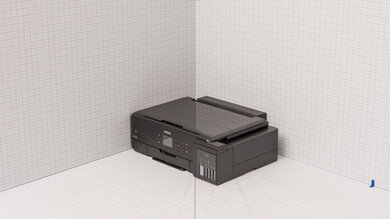
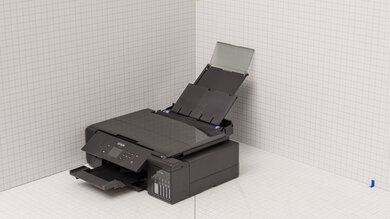
The Epson ET-2410 is compact, making it easy to fit on a small desk or shelf. However, its rear paper support and front output tray require additional space when extended, so allow extra clearance while printing.
Compact design.
Extended paper trays require additional clearance.
Performance Usages
Changelog
- Updated Sep 25, 2026: We updated this review to Test Bench 1.4.1, improving how we capture print samples so the images better reflect the physical prints. Test scores are unaffected.
- Updated Sep 21, 2026: Review published.
- Updated Sep 17, 2026: Early access published.
- Updated Sep 08, 2026: Our testers have started testing this product.
Check Price
Differences Between Sizes And Variants
We tested the North American Epson ET-2410, which comes in black. Epson offers related regional models in the ET-2910 and L3350 series with similar designs and core features, but different ink bottle models. We haven't tested these regional versions, so our results don't necessarily apply to them.
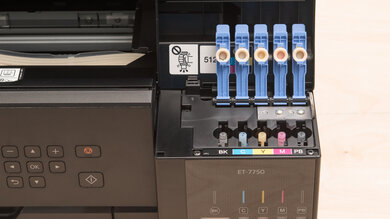
The ET-2410 replaces the Epson EcoTank ET-2400. The newer model adds a user-replaceable maintenance box, and its redesigned chassis requires you to lift the scanner unit to refill the ink tanks, whereas the ET-2400's tanks are accessible independently. Both use Epson 522 ink and have a flatbed scanner, a 100-sheet input tray, and a 30-sheet output tray, but neither has a display, an automatic document feeder, or automatic duplex printing.
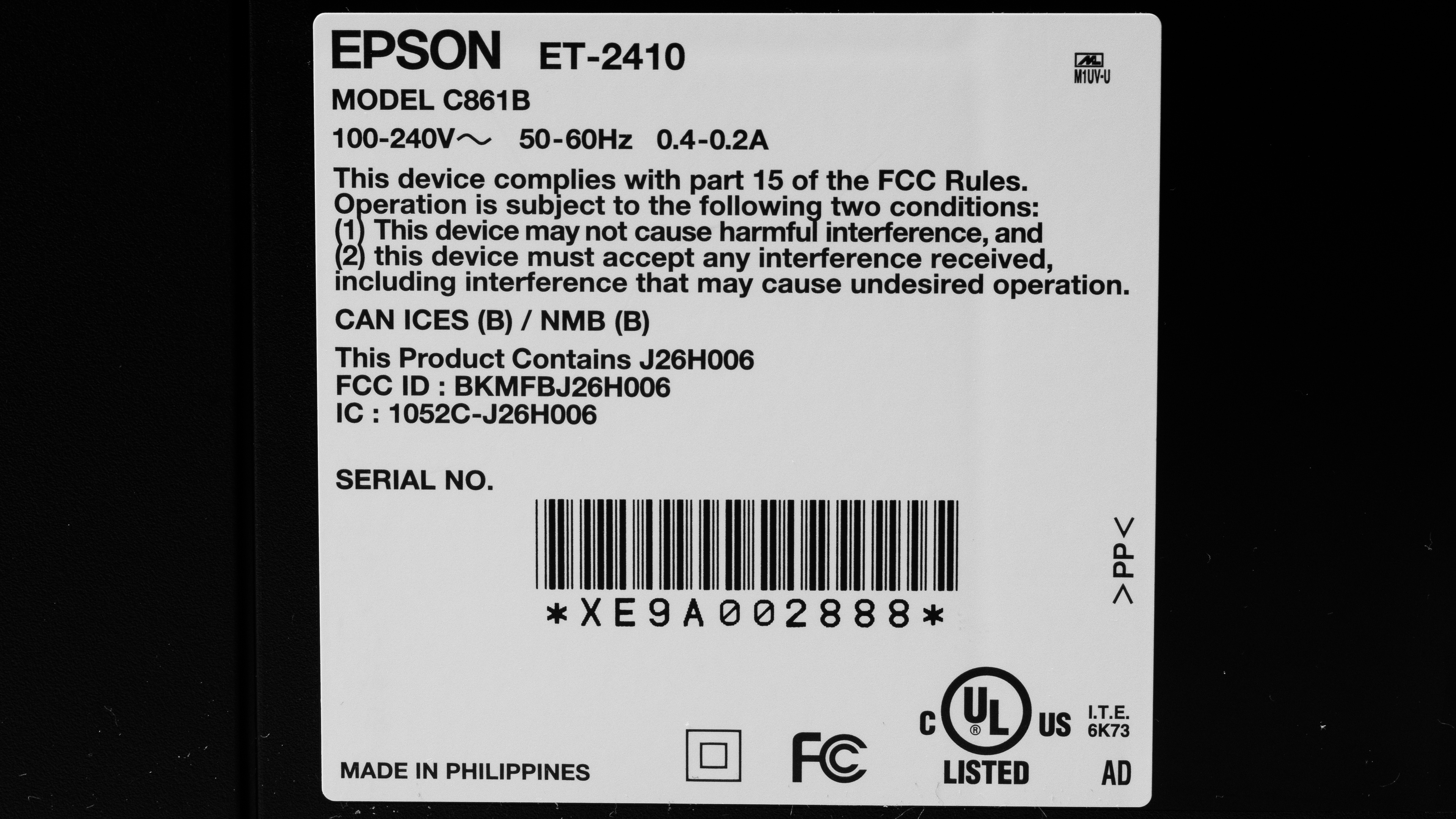
Our unit was made in the Philippines.
Popular Printer Comparisons
The Epson ET-2410 is a strong entry-level supertank printer for households that print regularly and prioritize low running costs over speed and convenience. It produces good-quality documents, detailed and vibrant photos, and outstanding scans, making it versatile enough for most tasks. However, its flimsy construction, slow printing speeds, and lack of a display, automatic duplex printing, and an automatic document feeder make it less convenient for larger workloads. If you frequently scan multi-page documents, stepping up to the Epson EcoTank ET-3950 gets you an ADF with duplex scanning while retaining the low running costs of a supertank. If you only need black-and-white printing, the Brother HL-L2460DW is a faster, more practical option that won't clog between infrequent print jobs. Ultimately, the ET-2410 makes the most sense when versatility and inexpensive ink matter more than quickly processing stacks of documents.
For more options, see our recommendations for the best home printers, the best printers with cheap ink, and the best inkjet printers
The Epson EcoTank ET-2410 replaces the Epson EcoTank ET-2400, but the two perform similarly overall. Both are compact all-in-one supertank printers with outstanding page yields, great black-and-white document quality, and detailed, colorful photos. The ET-2410 adds a user-replaceable maintenance box for collecting waste ink, making that part of long-term maintenance easier. However, the ET-2400 offers more convenient ink refills, as you don't need to lift the scanner unit to access its tanks. Both lack a display, an automatic document feeder, and automatic duplex printing.
The Epson EcoTank ET-2980 and the Epson EcoTank ET-2410 are both compact all-in-one supertank printers with outstanding page yields and similar photo printing performance. The ET-2980 is more convenient for document printing, as it adds automatic duplex printing and a display for navigating settings. It also produces sharper-looking black-and-white documents. However, the ET-2410 produces much clearer scans and is slightly more compact. Neither has an automatic document feeder, so scanning multi-page documents requires positioning each page manually.
The Epson EcoTank ET-2410 is better than the Canon PIXMA MG3620 for most uses, especially if you print regularly. Its refillable ink tanks yield far more pages at a much lower cost per print, and you can replenish each color individually instead of replacing a tri-color cartridge. It also produces a wider range of colors for more vibrant photos. However, the Canon offers automatic duplex printing and extendable scanner lid hinges for scanning thicker items like books. Both can clog if left unused, but the Canon's cartridge-integrated printheads make severe clogs easier to resolve by replacing the affected cartridge.
The Brother HL-L2460DW and the Epson EcoTank ET-2410 suit different needs. The Brother is better for straightforward black-and-white document printing, as it prints much faster, supports automatic duplex printing, and can sit unused for long periods without clogging. However, it's a print-only monochrome laser printer, so it can't scan or print in color. The Epson is more versatile, producing detailed, colorful photos and offering a flatbed scanner for scanning and copying. Its refillable ink tanks also yield more pages and keep running costs lower, though it prints slowly and needs regular use to help prevent clogging.
Test Results
for pictures & test results
for pictures & test results
for videos & test results

for pictures & test results
for pictures & test results




for pictures & test results
for pictures & test results