
The HP OfficeJet Pro 9730e is a wide-format all-in-one inkjet printer designed for use in small or home offices. It uses HP's 936 ink cartridges and is compatible with high-yield 936e cartridges. It features an ADF-equipped scanner with single-pass duplex scanning, accommodating up to Tabloid-size sheets. Connectivity options include USB, Ethernet, Wi-Fi, Wi-Fi Direct, and external storage devices (such as USB flash drives), as well as support for Apple AirPrint and Mopria Print Service. It's compatible with the HP Smart app, which enables you to perform various tasks and adds additional functionality, such as mobile fax and optical character recognition.
Our Verdict
The HP OfficeJet Pro 9730e is alright for home use. Printed documents appear sharp and clear. Photo printing doesn't fare as well; the color accuracy and color gamut are far from class-leading, and photos tend to look grainy. While the scanner is feature-rich, it has a few issues. Scans come out crooked when using the ADF, as the image processing removes many fine details. Additionally, the lid's hinges aren't extendable to accommodate thicker items, such as textbooks and magazines. Finally, the printer offers outstanding connectivity options, making it easily accessible to the whole family.
Low cost-per-print.
Good printing speeds, once it gets going.
Text is sharp and legible.
Photos look vivid.
Many connectivity options.
Supports wide format paper up to 11" x 17" for printing and scanning.
Slow to get first page out.
ADF produces crooked scans.
Artifacts when printing on smaller glossy sheet sizes, like 4" x 6".
The HP OfficeJet Pro 9730e is a very good choice for small offices. It can print on wide-format paper up to Tabloid-size sheets. The quality of printed documents is also good, with well-rendered details and sharp text. Although it takes a bit to warm up, it prints quickly once it gets going. Its page yield is also solid, so you won't have to change the cartridges often unless you print long multi-page documents on a daily basis. While the scanner is feature-rich, including single-pass duplex functionality and the ability to scan tabloid-size sheets through its ADF, the scan quality is mediocre due to its overly aggressive image processing. You can toggle many image processing settings off in the HP Smart app, which improves scan quality but doesn't completely fix it. Finally, the printer's connectivity options are outstanding, making it easily accessible regardless of your office's configuration.
Low cost-per-print.
Good printing speeds, once it gets going.
Text is sharp and legible.
Many connectivity options.
High-yield cartridges available.
Supports wide format paper up to 11" x 17" for printing and scanning.
Slow to get first page out.
ADF produces crooked scans.
The HP OfficeJet Pro 9730e is an adequate choice for this use case. Although it's an inkjet printer that can clog if it's left unused, its ink cartridges are quite large, which gives you more leeway to run maintenance tasks. The printheads are also user-replaceable, providing a good fallback option if you encounter a particularly severe clog. The cartridges also yield many prints before needing to be replaced. The print speed is great once it gets going; however, it takes a while to produce the first page. The OfficeJet Pro 9730e also offers a comprehensive set of connectivity features, allowing you to print from virtually any device.
Text is sharp and legible.
Many connectivity options.
High-yield cartridges available.
User replaceable printheads.
Slow to get first page out.
Can clog if it's left unused.
Text is sharp and legible.
The HP OfficeJet Pro 9730e is good for printing photos, but it has a few important caveats. Photos are crisp and detailed, but the printer has a pretty narrow color gamut, so hues that appear quite different in the original document tend to blur together in the actual print. Color accuracy is also middling, as most colors are oversaturated. This results in overly vivid-looking photos; some people may like this kind of image when printing photos at home, but it isn't suitable for professional or enthusiast photo printing. Finally, when printing on 4" x 6" photo paper, noticeable printing artifacts appear on the left and right borders of the page. This issue isn't present on larger-sized sheets.
Low cost-per-print.
Text is sharp and legible.
Photos look vivid.
Excellent at reproducing small details.
Artifacts when printing on smaller glossy sheet sizes, like 4" x 6".
Color accuracy not suitable for professional work.
Photos look grainy.
The HP OfficeJet Pro 9730e delivers amazing page yields. It can print upwards of 1,400 black and white pages and around half that number in color pages before needing a refill. If you want to maximise the number of prints per cartridge, high-yield cartridges can help double these estimates, according to HP.
Text is sharp and legible.
High-yield cartridges available.
The HP OfficeJet Pro 9730e has a good scanner. It has outstanding features, as its ADF can perform single-pass duplex scanning. Also, both the ADF and flatbed can accommodate Tabloid-size sheets. Unfortunately, the scan quality is mediocre. The ADF produces crooked scans, and the image processing is so aggressive that many fine details are obscured. You can adjust the scan settings in the HP Smart app, which greatly improves the quality. Finally, the scan speed is a little slow at five pages per minute.
Single-pass duplex scanning.
Text is sharp and legible.
ADF and flatbed accommodate Tabloid size paper.
ADF produces crooked scans.
Text is sharp and legible.
Text is sharp and legible.
Performance Usages
Changelog
- Updated Jul 02, 2026: We've updated this review to Test Bench 1.4, which adds new usages and performance usages, as well as reorganizes several other tests throughout the review. You can read more about the changes in detail in the Changelog.
-
Updated Jan 12, 2026:
We've updated text throughout the review after converting to Test Bench 1.3.
- Updated Jan 05, 2026: We've updated the review to Test Bench 1.3, which adds a number of test boxes including Risk of Clogging and Ease of Unclogging. We also updated the Usage and Performance boxes at the top of the review to better integrate the new aspects covered. See the changelog.
- Updated Oct 23, 2024: Review published.
Check Price
Differences Between Sizes And Variants
We tested the HP OfficeJet Pro 9730e in white. There are no other variants.
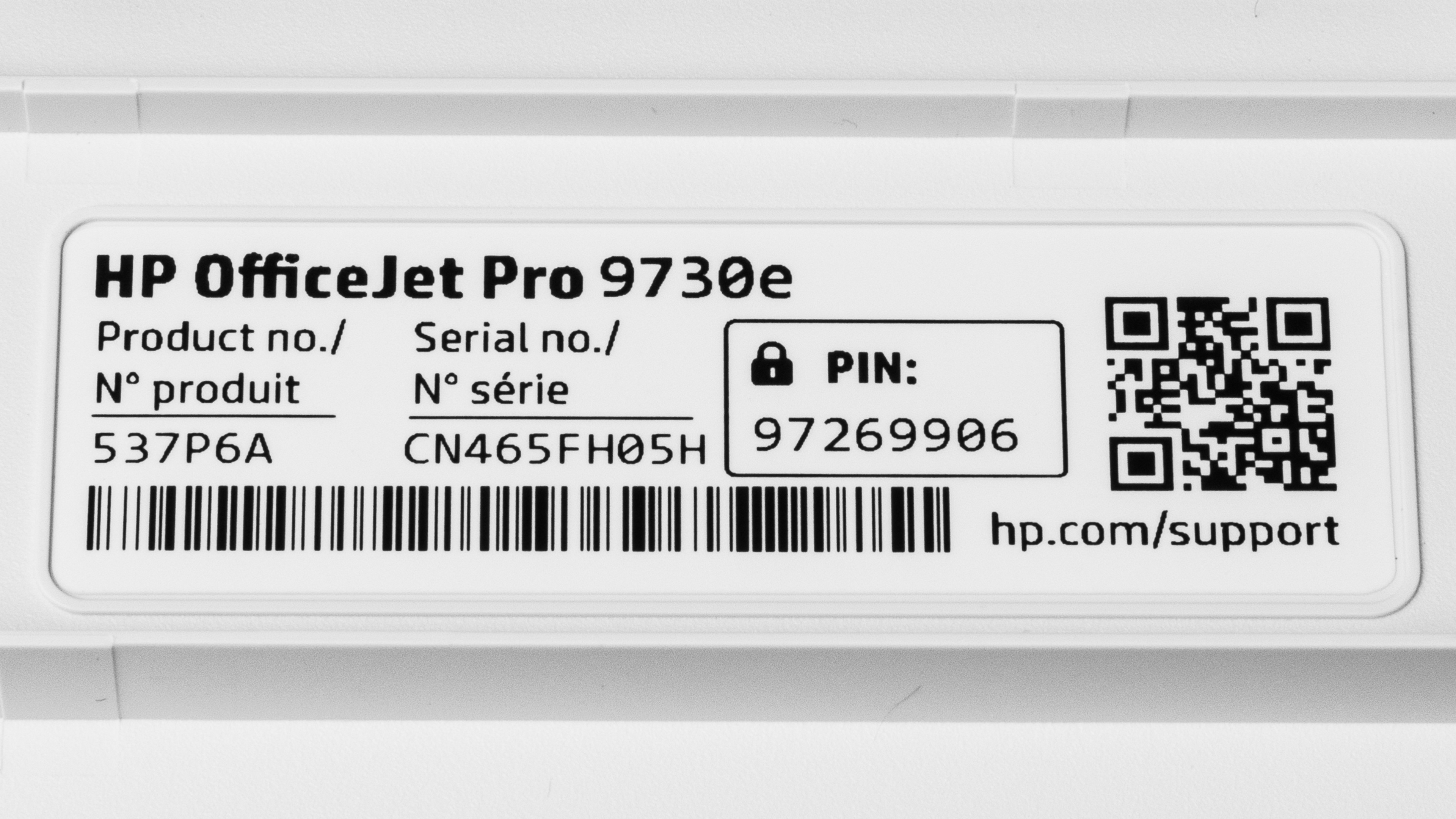
See our unit's label.
Popular Printer Comparisons
The HP OfficeJet Pro 9730e is a great wide-format all-in-one printer. It stands out for its impressive scanning features, including single-pass duplex scanning and the ability to accommodate Tabloid-size sheets on both the ADF and flatbed. Document print quality is great overall, but photo printing doesn't fare as well. Photos appear too vivid as colors are oversaturated, and since the printer can't reproduce a wide range of hues, there's some loss of detail. Scan quality is another pain point, as the ADF produces crooked scans, and the image processing removes many fine details. Still, this printer delivers great performance and features overall for the price.
If you're interested in seeing some other printers, check out our recommendations for the best wide-format printers, best office printers, and best all-in-one printers.
The HP OfficeJet Pro 9730e is a more versatile and better wide-format printer than the Epson Expression Photo HD XP-15000. It produces much better-looking documents, prints faster, and has an ADF-equipped scanner capable of single-pass duplex scanning. It also requires much less maintenance, owing to its solid page yield and great paper tray capacity, That said, if you need to print photos, then the Epson is the clear choice. It has a wide color gamut and much better color accuracy, resulting in photos that look better than the vast majority of office or home printers.
The HP OfficeJet Pro 9730e and Epson WorkForce Pro WF-7840 are both wide-format all-in-one printers. The HP is the better choice overall for people who primarily need to print. It prints faster and, due to a much higher page yield, requires much less maintenance. That said, the Epson can accommodate a wider range of sheet sizes, going up to Supertabloid size sheets (13" x19"). Also, for anyone who has high scanning needs, the Epson is the clear choice. Its ADF-equipped scanner has a higher capacity, scans faster, and produces much better-looking scans.
The HP Officejet Pro 9730e and Epson EcoTank Photo ET-8550 are both all-in-one printers capable of wide-format printing and scanning. The Epson outperforms the HP in almost every category. It offers vastly more prints thanks to its refillable ink tanks, can print a wider range of sheet sizes, and offers much better quality document and photo printing. That said, the HP is less than half the Epson's price and offers great value for the money. Also, the HP can process Tabloid-size sheets through its ADF and perform single-pass duplex scanning, whereas the Epson only has a flatbed scanner. This makes the HP the right choice if you need to scan a lot, even if its scan quality is mediocre.
The HP OfficeJet Pro 9730e and Canon PIXMA TS9520a are both solid all-in-one, wide-format inkjet printers. The HP is more of an office printer intended for higher print loads. It excels at printing documents, and its ADF-equipped scanner can perform single-pass duplex scanning. Also, its page yield is much higher than the Canon's, so you'll have to perform less maintenance if you print a lot. By contrast, the Canon's standout feature is photo printing. It offers much better color accuracy and a wider color gamut than the HP, resulting in more detailed and accurate-looking photos.
Test Results
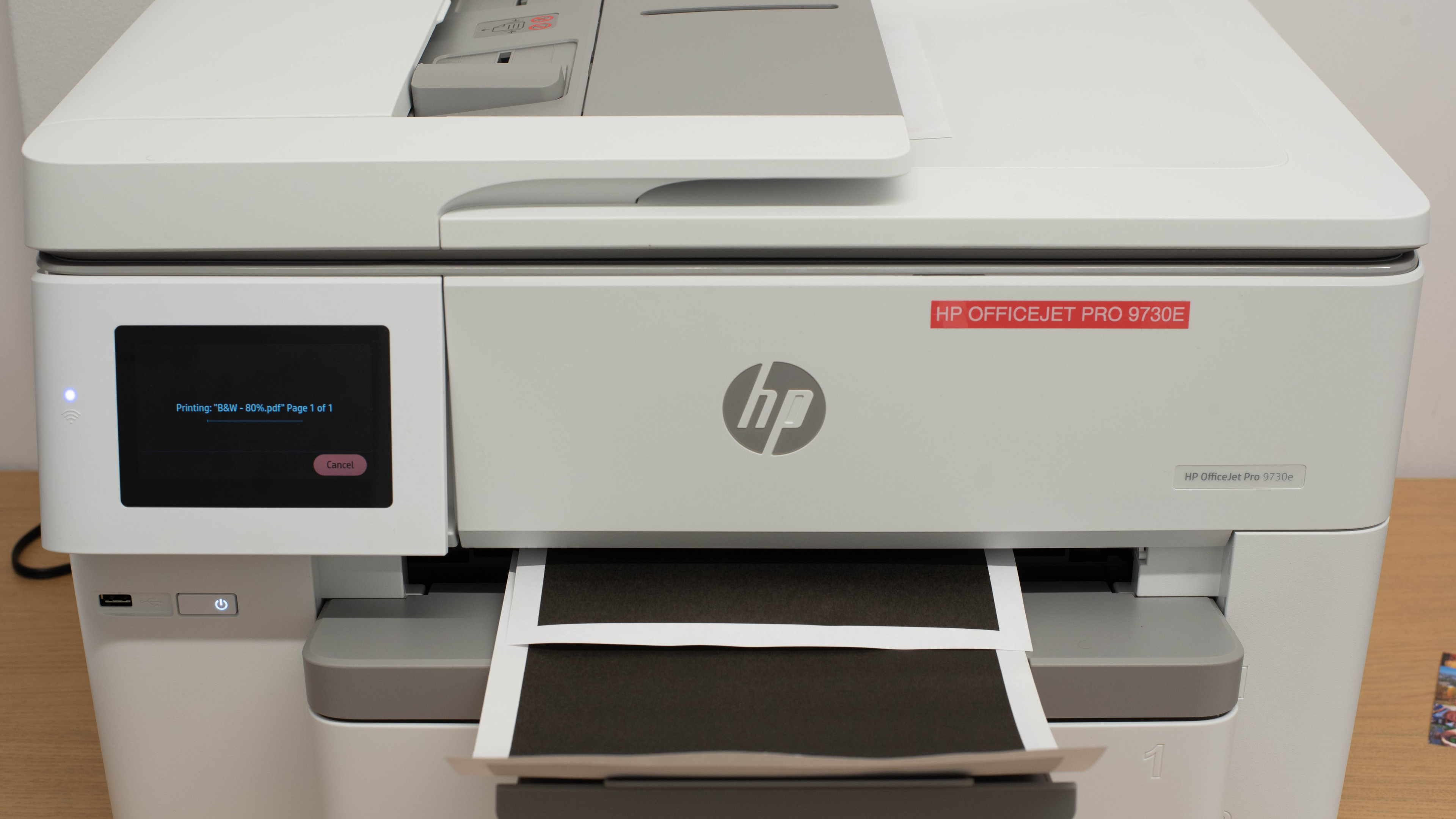




for pictures & test results


for pictures & test results

for videos & test results



for pictures & test results








for pictures & test results

for pictures & test results
