For additional settings information, please consult the Common Problems and How to Calibrate pages.
General Settings

The Movie picture mode on the Sharp LE635U has good default calibration settings. We only made a few tweaks, as illustrated below.
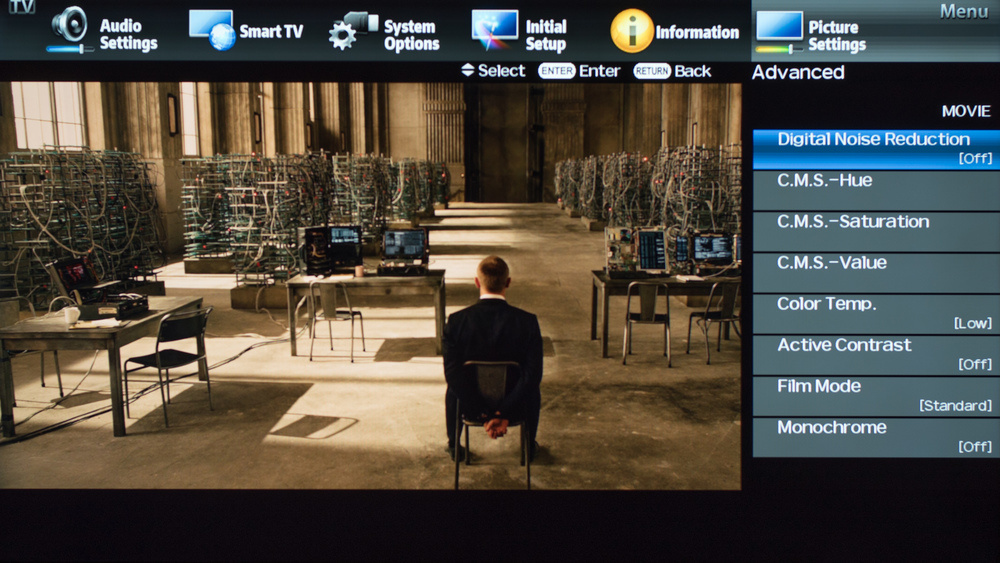
If you have bright room, increase 'Backlight', not 'Brightness'.

If you are watching DVDs or other low quality media, turn on 'Digital Noise Reduction' to reduce the noise a little bit.
This Sharp only has access to a 2pt. white balance calibration, and not a 10pt one. Here are our results. We don't recommend copying them though, because correct settings vary by individual unit.