While CPU and RAM performance isn't always the most important aspect when choosing a laptop, especially if your workload is relatively light, it's still something you should factor in if you want the best bang for your buck. Not only does better performance let you work faster and be more productive, as you don't have to wait as long to launch an app or analyze large datasets, but it also means you can keep using the device for longer before needing an upgrade, saving you money in the long run. That said, choosing a laptop or even a configuration is more overwhelming than ever, as there are more competitors on the market, each releasing new processors every year or so. This is where synthetic benchmarks come in, as they provide a quick, easy way to see a laptop's performance and compare performance between various models.
This article details the benchmarks used and the conditions under which we perform them.
Note: This test was updated with Test Bench 0.9. Therefore, this article applies only to any laptop reviews on that test bench. You can learn more by reading our Test Bench 0.9 changelog.
When It Matters
The CPU/RAM Performance box contains multiple synthetic benchmarks that test how quickly the system handles common productivity tasks, as well as more demanding, multi-threaded workloads, focusing specifically on the CPU and memory. These tests allow you to compare the performance of various laptops and configurations. A slow system can significantly impact the overall user experience, as you would have to wait a long time for the system to complete tasks, so it's crucial you get a model and/or configuration that best suits your needs.
Our Tests
Environment, Settings, And Procedures
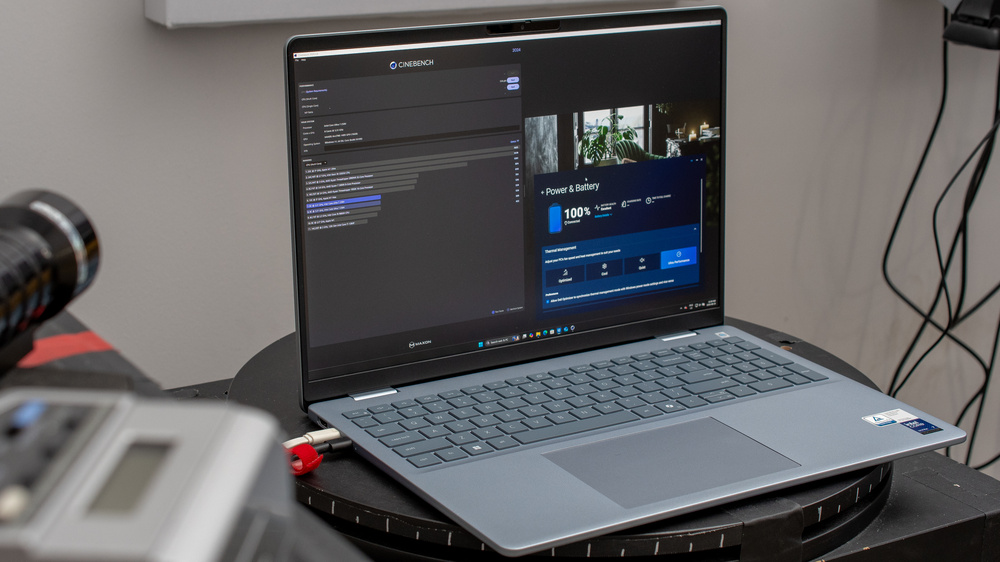
Setting up a laptop for the CPU/RAM performance tests is relatively straightforward. It only involves putting the laptop in a temperature-controlled room set to 21 °C (69.8 °F), at least one foot away from the wall to avoid obstructing the exhaust vent, which is typically at the back of the laptop. We power the device using its original power adapter and ensure that the battery health is at 100%.
Next, we terminate any unnecessary background applications and put the laptop in its highest performance mode using the system settings or pre-installed third-party software, as we want to test how well the laptop performs, regardless of heat and fan noise. Depending on the benchmark, we run the test one to three times. Where we run the test multiple times, we add a break (up to two minutes) between each run to let the components cool down. The posted results are the averages of the runs. At this time, we only test Windows, macOS, and Chrome OS devices.
PassMark PT - CPU Mark
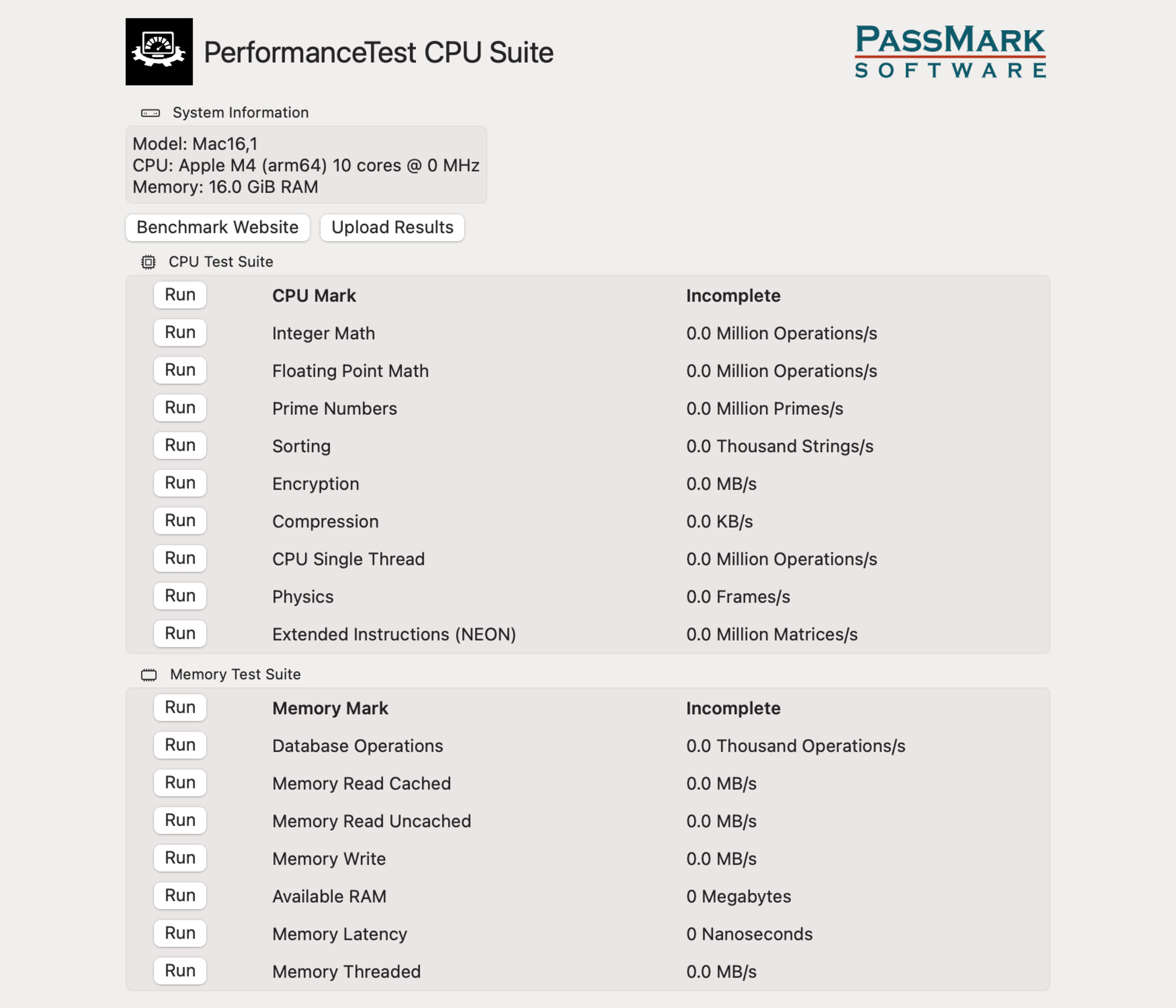
This test (version 11.x) measures how quickly the CPU can perform various processes, including integer math, floating point math, prime numbers, extended instructions (SSE), compression, encryption, physics, sorting, and single-thread speed. This benchmark test works across all major platforms, including ARM-based Windows and Chrome OS devices. We leave all settings in their default state and run the test twice. A higher score is better. See more information about this benchmarking suite on PassMark's site.
PassMark PT - Memory Mark
This test (version 11.x) measures the RAM's performance, including the amount of memory available, its read/write speeds, latency, and the speed at which it can process database operations. Like the CPU Mark benchmark, this test also works across all platforms; however, we put the Android version for Chromebooks as a separate test (PassMark PT - Memory Mark (Android)) because the results differ significantly from ones obtained on other platforms and hence are only comparable to those from other Chromebooks. We leave all settings in their default state and run the test twice. A higher score is better.
Geekbench 6
Geekbench 6 is a popular benchmark suite that tests a system's general performance in common, everyday workloads, similar to PassMark PT. Version 6 adds new tests that weren't available on Geekbench 5, like background blurring in video calls and object removal in photos, as well as a different method of calculating multi-thread performance on laptops with a hybrid chip comprising performance and efficiency cores. This benchmark works across all three major platforms. We perform both the single- and multi-thread tests, three times each, with a 2-minute break between each run. A higher score is better. See more information about this benchmarking tool on Geekbench's site.

Cinebench 2024
Cinebench is also a popular benchmarking suite that tests a CPU or GPU's performance using Maxon's Redshift render engine. We run the 10-minute test because it gives us a better idea of the CPU's performance over a longer period, in contrast to the rather short Geekbench 6 test. It only works on Windows (x86 or ARM) and macOS, so we skip this test on Chromebooks. The 2024 version has a minimum memory requirement of 16GB, meaning it might not work on some 8GB Windows laptops (Macs with 8GB work, but with a caveat; see Maxon's specifications). It's important to note that Cinebench 2024's scoring differs greatly from the R23 version we used in the previous test bench. As such, you shouldn't compare the Cinebench 2024 scores with ones obtained on Cinebench R23. We run the single- and multi-thread tests once. A higher score is better.

Blender - CPU
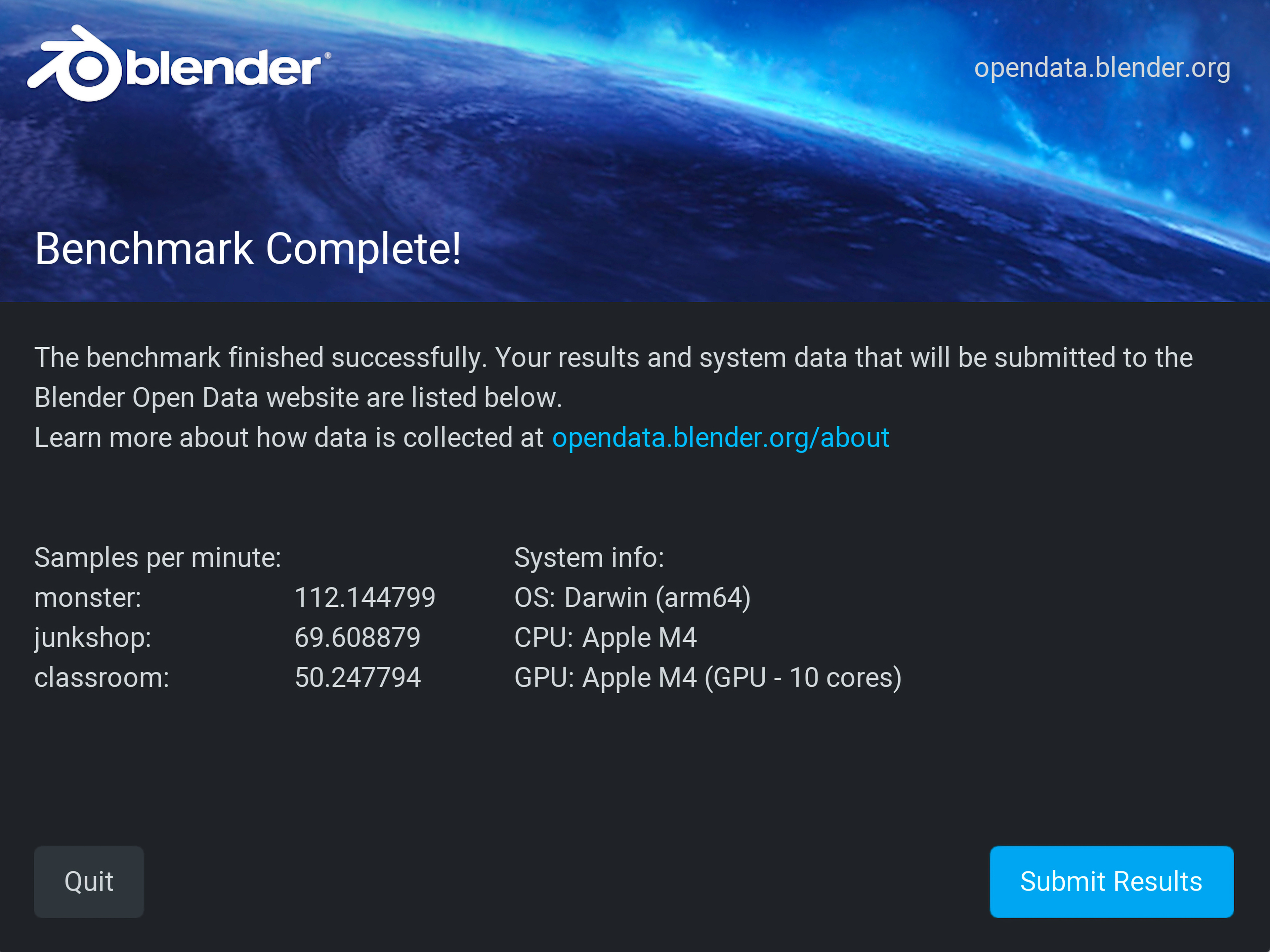
Blender is a popular open-source software used for tasks like 3D modeling, animation, and rendering. The benchmarking tool (version 4.4.x) tests how quickly the CPU can render a 3D image. It only works on Windows (ARM and x86) and macOS, so we also skip this test on Chromebooks. We run this benchmark once. The result is the number of samples rendered in a minute (average of all three scenes); a higher number of samples is better. See more information about this benchmarking tool on Blender's site.
Mozilla Kraken
This benchmarking tool (version 1.1) tests JavaScript performance. JavaScript is a popular programming language widely used on the internet and in various applications, so this test gives you a rough idea of how the system performs in real-world use. Mozilla Kraken works across all three major operating systems we test. We run it three times with a 30-second break between each run. The result is in milliseconds; a lower number means faster performance. This benchmarking tool is available on GitHub and accessible via any browser.

Additional Information
Synthetic benchmarks are useful tools for understanding a system's performance and comparing the performance between various models and configurations. However, it's important not to get caught up in the specific numbers, as many factors can influence the score, like unpurgeable necessary background processes, the system temperature, and other system components. There's usually a margin of error of a few percent, and every run will give a slightly different number, so it's best to see the scores as ballpark numbers showing the laptop's general performance.
If you want to know more about other tests in our laptop reviews, check out our How We Test Laptops article, which gives you a quick overview of all the tests we perform when reviewing a laptop.
Conclusion
Although synthetic benchmarks don't always reflect real-world performance, they give you an easy way to gauge a system's performance, allowing you to make a more informed buying decision when shopping for a laptop. If you want to see how your system stacks up and whether you need an upgrade, many of the benchmark suites detailed above are available free of charge from the creators. In most cases, these companies also post benchmark results from users, allowing you to see the performance of most processors and systems on the market.