Apple MacBook Air 13 (M4, 2025)  Laptop Review

Reviewed Apr 02, 2025 at 08:50am
Writing modified Oct 08, 2025 at 12:16pm
Tested using Methodology v0.9 
Apple MacBook Air 13 (M4, 2025)
8.6
General Productivity 
9.1
Multimedia 
4.9
Gaming 
6.5
Workstation 
 4

The Apple MacBook Air 13 (M4, 2025) is a premium ultraportable laptop. It replaces the M3 Apple MacBook Air 13 (2024). The 2025 model brings a few upgrades, including the M4 SoC, a 12MP webcam with Center Stage support, and Thunderbolt 4 video output, allowing you to connect up to two 6k @ 60Hz in addition to the built-in Retina screen. Memory and storage configuration max out at 32GB and 2TB, respectively. Ports include two USB-Cs, a MagSafe charging port, and a 3.5 mm headphone jack. This laptop is available in four colors: Silver, Sky Blue, Midnight, and Starlight.

See our unit's specifications and the available configuration options in the Differences Between Variants section.

Our Verdict

8.6
General Productivity 

The Apple MacBook Air 13 M4 is excellent for general productivity. It has an exceptionally sturdy build, a compact design, and a battery that lasts easily through a typical workday, making it well-suited for those who travel a lot. Its M4 SoC can handle most productivity tasks, like text formatting, spreadsheets, and presentations. You can even do some photo and light video editing. The user experience is excellent; you get a sharp, bright display, a tactile keyboard, a large haptic touchpad, and an excellent 1080p webcam. Its main flaw is its limited port selection, which comprises only two USB-C ports, so you might need a dongle or dock if you want to connect multiple peripherals or displays.

Pros
  • Sturdy build and compact design.

  • All-day battery life.

  • Sharp, bright display.

  • Tactile keyboard, responsive touchpad.

  • Excellent 1080p webcam.

Cons
  • Display still limited to 60Hz.

  • Limited port selection.

9.1
Multimedia 

The Apple MacBook Air 13 M4 is superb for media consumption. It has a compact design that makes it easy to carry, and its battery life is amazing at nearly 12 hours of video playback. The speakers get reasonably loud and produce a well-balanced sound with a decent amount of bass. The display is sharp, bright, and color-accurate; however, it isn't ideal for dark room viewing, as its low contrast makes blacks look gray in dim settings. There's no touch input support, which might be disappointing if you're looking for a convertible that can give you a more tablet-like experience when viewing content.

Pros
  • Sturdy build and compact design.

  • All-day battery life.

  • Sharp, bright display.

Cons
  • Blacks look gray in dim settings.

4.9
Gaming 

The Apple MacBook Air 13 M4 isn't ideal for gaming. Its M4 SoC can only handle light, older, or highly optimized (for Apple silicon) games, and even then, you might have to play with fairly low graphical settings to get smooth gameplay. Also, many games lack macOS support or don't run natively on an ARM-based processor, so performance can vary a lot from one game to another. Unfortunately, you can only get this laptop with a 60Hz refresh rate, and its response time is slow, causing noticeable ghosting in fast-moving scenes.

Pros
  • Fanless design.

  • Fast storage speeds.

Cons
  • 60Hz display with slow response time, no VRR.

  • M4 SoC struggles in highly demanding workloads.

  • Few games optimized for Apple silicon.

  • Soldered RAM and storage.

  • Limited port selection.

6.5
Workstation 

The Apple MacBook Air 13 M4 is only okay for use as a workstation. Its M4 SoC can only handle light to moderately intensive tasks. Plus, you can only get up to 32GB of soldered RAM, which might not be enough for some workloads. Video editing is possible, thanks to the chip's media engines, but know that you might experience stutters if you work with a lot of high-resolution footage. Color-correction isn't a problem, as the display has full DCI-P3 coverage and outstanding factory calibration. There's some thermal throttling under load, and unfortunately, there are only two USB 4/Thunderbolt 4 ports.

Pros
  • Dedicated video decoders and encoders.

  • Display is suitable for color-critical work.

  • Fanless design.

  • Fast storage speeds.

Cons
  • M4 SoC struggles in highly demanding workloads.

  • Soldered RAM and storage.

  • Limited port selection.

  • 8.6
    General Productivity
  • 9.1
    Multimedia
  • 4.9
    Gaming
  • 6.5
    Workstation
  • Changelog

    1.  Updated Oct 30, 2025: 

      We've updated text throughout the review after converting to Test Bench 0.9.

    2.  Updated Oct 30, 2025: We've updated the review to Test Bench 0.9, which adds several test boxes in the performance section, including CPU/RAM Performance, Low Tier Graphics, High Tier Graphics, Professional 3D (GPU accelerated), CPU-Intensive Game Performance, GPU-Intensive Game Performance, and Ray Tracing Performance. See the 0.9 changelog here.
    3.  Updated Jul 21, 2025: 

      We've added a link to the newly reviewed Framework Laptop (2025) in the Serviceability section of the review.

    4.  Updated May 07, 2025: We've updated this review to Test Bench 0.8.3, which removes the viewing angle tests and adds a GPU Total Graphics Power comparison in the GPU section. The Pen Input test in the Extra Features section has also changed, as it now shows whether the laptop supports pen input rather than the inclusion of a stylus in the box. See the changelog for more details.

    Differences Between Sizes And Variants

    We tested the base configuration of the Apple MacBook Air 13 with a 10-core CPU/8-core GPU M4 SoC, 16GB of RAM, and 256GB of storage. The SoC, memory, and storage are configurable; the available options are in the table below. 

    SCREEN

    • 13.6" IPS 2560 x 1664 60Hz

    SoC

    • M4 SoC with 10-core CPU and 8-core GPU
    • M4 SoC with 10-core CPU and 10-core GPU

    MEMORY

    • 16GB LP-DDR5x 7500MHz
    • 24GB LP-DDR5x 7500MHz
    • 32GB LP-DDR5x 7500MHz

    STORAGE

    • 256GB
    • 512GB
    • 1TB
    • 2TB

    COLOR

    • Midnight
    • Starlight
    • Sky Blue
    • Silver

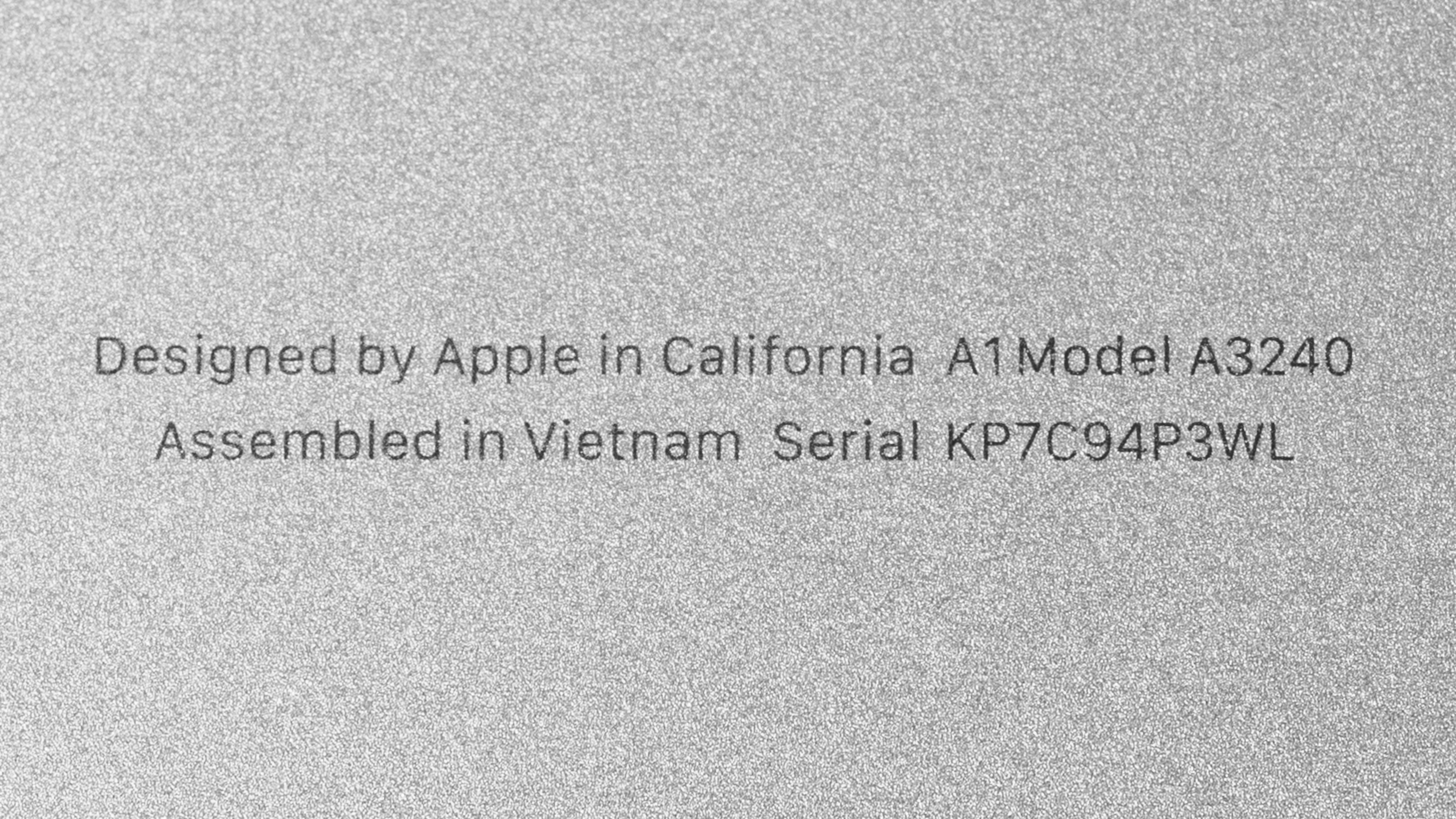
    See our unit’s label.

    Popular Laptop Comparisons

    The Apple MacBook Air 13 M4 is one of the best ultraportable laptops on the market. Its build quality, as well as the quality of its touchpad and speakers, is class-leading. Apple's M4 SoC has among the fastest single-thread performance compared to other current-gen chips, and while its multi-thread performance doesn't stand out as much, it's nonetheless very impressive considering the lack of active cooling. Its battery life is a little behind that of some Windows laptops, like the Microsoft Surface Laptop 7th Edition 15 (2024), but it's still among the best you can get from an ultraportable. Apple's Retina display is falling behind, though, as many premium ultraportables now come with a 120Hz display to provide a smoother desktop experience, like the aforementioned Surface Laptop, the HP OmniBook Ultra Flip 14 (2024), and the Lenovo ThinkPad X9 15 Aura Edition (2025).

    For more options, check out our recommendations for the best lightweight laptops, the best laptops for college, and the best 13- and 14-inch laptops.

    Apple MacBook Pro 14 (M4, 2024)

    While the Apple MacBook Pro 14 (M4, 2024) is a much better device than the Apple MacBook Air 13 (M4, 2025), they aren't intended for the same audience. The Air is an ultraportable designed for light to moderately intensive workloads, while the Pro is a much more powerful device aimed at professionals, like content creators. The Pro has a nicer Mini LED display, more ports, and longer battery life. If you want the niceties of the Pro model but don't need the extra processing power, know that the Pro is also available with the base M4 SoC.

    Microsoft Surface Laptop 7th Edition 15 (2024)

    The Apple MacBook Air 13 (M4, 2025) and the Microsoft Surface Laptop 7th Edition 15 (2024) are both premium ultraportables designed for general productivity. The choice comes down to what you care about most. The Surface Laptop has a brighter 120Hz display, a wider port selection, and longer battery life, while the MacBook Air has a larger touchpad and better-sounding speakers. If you're considering the Surface Laptop, know that it uses an ARM-based SoC, meaning some programs might not work or run poorly through emulation. Apple transitioned to its in-house SoC sooner, so app compatibility is typically better on the MacBook Air.

    Lenovo ThinkPad X9 15 Aura Edition (2025)

    The Apple MacBook Air 13 (M4, 2025) and the Lenovo ThinkPad X9 15 Aura Edition (2025) are both premium ultraportables that provide an excellent user experience overall. Each has its pros and cons. The Lenovo has a USB-A and an HDMI port, which the MacBook Air lacks, and it supports the latest Wi-Fi 7 wireless connectivity, while the MacBook Air only has Wi-Fi 6E. The Lenovo's OLED display is arguably better since it has a 120Hz refresh rate and can produce deeper blacks, but know that it has a 480Hz flicker that might bother some people, causing eye strain. OLEDs are also susceptible to permanent burn-in, so you'll have to take active measures to prevent it, like hiding Windows' taskbar. On the other hand, the MacBook Air is more portable, and its fanless design means you'll never have to deal with fan noise. 

    ASUS Zenbook A14 UX3407 (2025)

    The ASUS Zenbook A14 UX3407 (2025) and the Apple MacBook Air 13 (M4, 2025) are both ultraportable laptops designed for general productivity. The Zenbook A14 has a much better battery life, but the MacBook Air is otherwise a better laptop overall, providing a more premium user experience with its brighter, sharper display, easier-to-use haptic touchpad, superior webcam, and fuller sounding speakers. Performance-wise, the MacBook Air's M4 SoC has much better single-thread performance than the Zenbook A14's Qualcomm SoC, making the system feel snappier and more responsive.

    Show more 

    Test Results

    perceptual testing image
    Sort:
    RATINGS
    Category:
    All
    Design
    Style
    Form Factor
    Traditional (Clamshell)

    The Apple MacBook Air 13 M4 is available in a Midnight, Silver, Starlight, and Sky Blue colorway. See the bottom of the laptop.

    9.5
    Build Quality

    The Apple MacBook Air 13 M4's build quality is outstanding. Its full-aluminum chassis feels very sturdy, exhibiting little to no flex on the lid and keyboard deck. The finish is fairly resistant to scratches. Fingerprints and smudges aren't an issue on the lighter color models—they'll show more on the Midnight model, a typical downside of dark-color finishes. The feet feel solid and stick firmly to the bottom.

    9.1
    Hinge
    Range
    135°
    Stability
    Good
    One Finger Lift
    Yes

    The hinge is outstanding. It feels smooth when opening and closing the laptop, and it has just enough resistance to keep the screen in place without feeling overly stiff. The screen only wobbles a little bit when typing heavily.

    9.1
    Portability
    Size
    13.6"
    Thickness
    0.5" (1.3 cm)
    Width
    12.0" (30.4 cm)
    Depth
    8.5" (21.5 cm)
    Volume
    51.9 in³ (849.7 cm³)
    Weight
    2.6 lbs (1.2 kg)
    Charger Size
    5.5 in³ (89.4 cm³)
    Charger Weight
    0.4 lbs (0.2 kg)
    3.5
    Serviceability
    Ease Of Access
    6.0
    RAM Slots
    0
    Storage Slots
    0
    Replaceable Battery
    Yes
    Replaceable Wireless Adapter
    No

    Accessing the Apple MacBook Air 13 M4's internals isn't overly difficult, but it may take some time and effort if you've never opened a MacBook before. You need to remove four P5 screws, then use a prying tool to push the bottom panel downward before pulling it off. Unfortunately, most components aren't user-replaceable.

    Check out the Framework Laptop 13 (2025) if you want an easily repairable and upgradeable ultraportable laptop.

    In The Box

    • 30W power USB-C power adapter
    • USB-C to MagSafe charging cable (color-matched)
    • Documentation

    Note: When purchasing the laptop directly from Apple, you have two additional power adapter options: a 35W dual USB-C and a 70W single USB-C.

    Display
    Screen Specs
    Resolution
    2560 x 1664
    Aspect Ratio
    16:10
    Pixel Density
    224 PPI
    Panel Type
    IPS
    Touch Screen
    No
    Screen-To-Body Ratio
    86%

    The Apple MacBook Air 13 M4's QHD+ display looks very sharp. There are sharper screens on the market, like some Windows laptops and even Apple's own Apple MacBook Pro 14 (2024); however, the difference is hard to notice at typical viewing distances. The 16:10 aspect ratio is well-suited for productivity; it gives you more vertical space than a standard 16:9 screen, allowing you to see more information at once when reading a document, so you don't have to scroll as much. The downside is that you'll almost always have black bars at the top and bottom when watching standard 16:9 videos. 

    Regarding screen real estate, 13.6-inch is on the smaller side. You can work with two windows side by side, but it does feel a little cramped. For the best multi-window experience, it's best to go up to the Apple MacBook Air 15 (M4, 2025). See the differences between the two sizes in the photos below.

    5.9
    Refresh Rate
    Refresh Rate
    60 Hz
    Variable Refresh Rate
    No

    The Apple MacBook Air 13 M4 is only available with a 60Hz display. The response time is slow, causing noticeable ghosting in fast-moving content.

    7.6
    Contrast
    Native Contrast
    1,494 : 1

    The Retina display has a good contrast ratio for an IPS panel, but it's still pretty low compared to other display technologies like OLED and Mini LED. This contrast level makes blacks look gray in dim settings.

    8.4
    Brightness
    Maximum Brightness
    445 cd/m²
    Minimum Brightness
    2 cd/m²

    The Apple MacBook Air 13 M4's display is bright enough for use in most settings. Outdoor use is possible, but you may have some trouble with visibility in direct sunlight, especially dark-color content. It gets very dim at the lowest brightness setting, which is great for dark room viewing as it causes less eye strain.

    9.0
    Reflections
    Screen Finish
    Glossy
    Total Reflections
    1.57%
    Indirect Reflections
    0.24%
    Calculated Direct Reflections
    1.33%

    The display's reflection handling is outstanding. Its glossy finish mainly struggles with bright light sources, like a lamp or open window during the day. These reflections are visible when viewing bright-color content with the screen at max brightness, but they aren't overly distracting.

    8.8
    Black Uniformity
    Uniformity (Std. Dev.)
    0.680%
    9.8
    Out-Of-The-Box Color Accuracy
    Avg. White Balance dE
    1.68
    Avg. Gamma
    2.25
    Avg. Color dE
    1.08
    Avg. Color Temperature
    6,767 K

    The display's accuracy is outstanding out of the box. Most white balance and color inaccuracies are extremely minor and hard to spot with the naked eye. The color temperature is a tad on the cooler side, giving the image a slight, almost imperceptible blue-ish tint. The gamma follows the curve well at mid-brightness, but it's too high in very dark and very bright scenes, making them look too dark.

    9.4
    Color Gamut
    sRGB xy
    99.98%
    sRGB uv
    99.94%
    Adobe RGB xy
    87.95%
    Adobe RGB uv
    93.47%
    DCI-P3 xy
    99.44%
    DCI-P3 uv
    99.45%
    Rec. 2020 xy
    71.86%
    Rec. 2020 uv
    73.27%

    The retina display has an outstanding color gamut. It has full sRGB and DCI-P3 coverage, the color spaces used in most SDR and HDR content, respectively. Its Adobe RGB coverage is excellent, but it might not be good enough for some photography professionals, as it's missing the saturated greens that define Adobe RGB.

    9.0
    Flicker
    Flicker-Free
    No
    Flicker Frequency
    > 1000Hz
    Flicker Active Below
    100%

    The display flickers, but the flicker frequency is extremely high, so it's unlikely to be an issue for most people.

    Interface
    8.0
    Keyboard
    Typing Quality
    8.0
    Numpad
    No
    Backlighting
    Adjustable
    See details on graph tool
    Operating Force
    61 gf
    Actuation Force
    37 gf
    Pre-Travel
    0.77 mm
    Total Travel
    0.86 mm

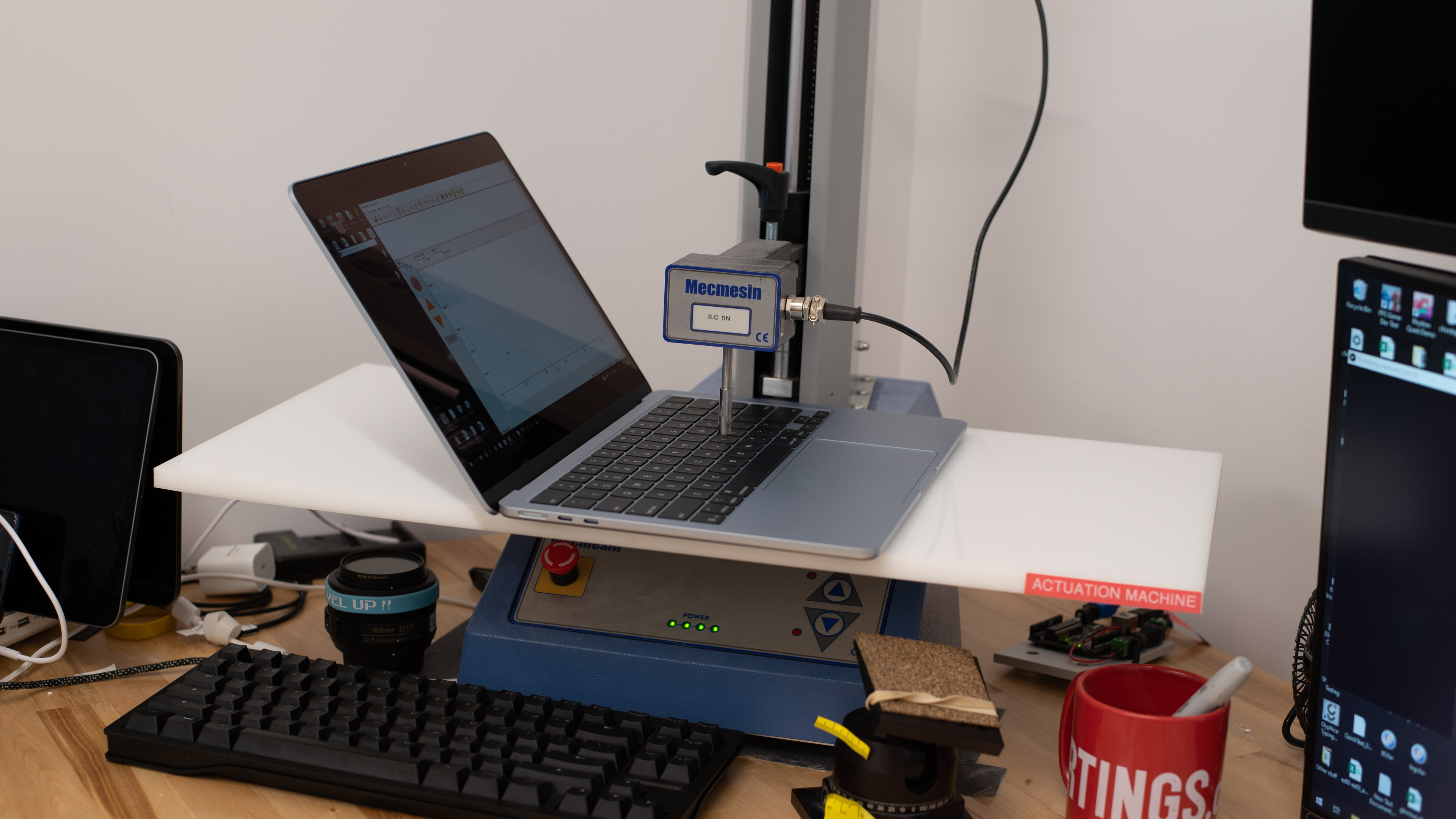
    The Apple MacBook Air 13 M4 has a great keyboard. This is the same keyboard as the M2 and M3 MacBook Airs, so if you already have experience with those models, you know what to expect. The typing experience is very good overall; the keyboard has a spacious layout that's easy to get used to, stable keys, and a good amount of tactility. A common complaint is that the key travel is quite short, and when combined with the keyboard deck's rigidity, it can feel like tapping on a hard surface, leading to fatigue. This is especially a problem if you're a heavy typer. The backlight is white and shines uniformly through the legends—you can adjust the brightness via the control panel or the system settings.

    As for the amount of space on the deck to rest your hands while typing, the 13-inch model naturally has less space than the Apple MacBook Air 15 (M4, 2025). This means that if you have large hands, your wrists might hang at the edge of the deck, causing some discomfort, as the laptop's sharp edges can dig into the wrists after a while. If this worries you, then consider going up to the 15-inch model.

    9.2
    Touchpad
    Tracking Quality
    9.5
    Size
    15.8 in² (102.0 cm²)
    Material
    Glass
    Dedicated Buttons
    No

    The Apple MacBook Air 13 M4 has an outstanding touchpad. It's large, smooth, and responsive to all movements and gestures. Palm rejection works as intended, and there aren't any issues with actions like dragging and dropping. This is a haptic touchpad, so you can click anywhere on the touchpad. The haptic engine simulates clicks well, providing clear tactile feedback. The clicks are quiet and shouldn't be bothersome  in noise-sensitive settings like classrooms or libraries.

    8.2
    Speakers
    See details on graph tool
    Max Volume
    77 dB SPL
    Standard Error @ Normal Vol. (65 dB)
    5.9 dB
    Slope @ Normal Vol. (65 dB)
    2.7
    Bass Extension (Low-Frequency Ext.)
    141 Hz
    Treble Extension (High-Frequency Ext.)
    20 kHz
    Dynamic Range Compression @ Max Vol.
    2.6 dB

    The speakers get reasonably loud with minimal compression artifacts or distortion at high volume levels. They sound clear and natural, with a decent amount of bass.

    Here's a comparison between the 13-inch and 15-inch MacBook Airs' speakers.

    8.7
    Webcam & Microphone
    Video Quality
    9.0
    Resolution
    1080p
    Position
    Top Center
    Privacy Cover
    No
    Face Unlock
    No

    The Apple MacBook Air 13 M4 has an excellent webcam. The image looks sharp, detailed, and natural, with very little noticeable noise. Although the video resolution is the same as the Apple MacBook Air 13 (2024), this M4 model has a new 12MP sensor with support for Center Stage, a feature that keeps you in the frame when you move around. See more info about it on Apple's website. The microphone is also excellent; voices sound loud and clear, with almost no background noise.

    Connectivity
    5.0
    Ports
    USB-A Ports
    0
    USB-C Ports
    2
    Thunderbolt
    Thunderbolt 4
    USB-C Charging
    Yes
    USB-C Display Out
    Yes
    HDMI
    No
    DisplayPort
    No
    3.5mm Jack
    Combo mic/headphone
    Card Reader
    No
    Ethernet
    No
    Proprietary Port
    Apple MagSafe 3
    Security Lock
    No

    The Apple MacBook Air 13 M4 has a very limited port selection. Both USB-Cs support USB 4/Thunderbolt 4 data transfer speed of up to 40Gbps, DisplayPort 1.4, and charging. The most notable change in this M4 model is its external display support; it can now support up to two 6k @ 60Hz displays while using the built-in screen.

    Wireless Communication
    Wi-Fi
    Wi-Fi 6E (802.11ax)
    Bluetooth
    5.3

    We can't confirm which wireless adapter the Apple MacBook Air 13 M4 uses. Wi-Fi 6E gives access to the 6GHz band, providing faster speeds, lower latency, and less signal interference than previous Wi-Fi standards. However, you need a router that supports Wi-Fi 6E to benefit from these features. See our recommendations for the best routers if you want to upgrade your home's Wi-Fi. 

    Configuration
    CPU
    Brand
    Apple
    Model
    M4
    Core Count
    10
    Thread Count
    10

    The Apple MacBook Air 13 M4 is available with the following SoCs:

    • M4 SoC with 10-core CPU and 8-core GPU
    • M4 SoC with 10-core CPU and 10-core GPU

    The M4 SoC is a straight upgrade from its M3 predecessor, adding two more efficiency cores and increasing the memory bandwidth from 100GB/s to 120GB/s. It has the same media encoders and decoders as the M3, as well as hardware-accelerated ray tracing support, an AV1 decoder, and a 16-core neural engine. The M4 chip can handle general productivity tasks like text processing, web browsing, and video playback, as well as some intensive workloads like programming and photo editing. Video editing is possible, thanks to the dedicated media engines, but you might experience some stutters if the material is extremely complex. Also, keep in mind that this is a fanless laptop that suffers from some thermal throttling, so completion times might be a little inconsistent, depending on the workload. The only difference between the two SoCs is on the graphical side, with the higher-end chip sporting two additional GPU cores.

    GPU
    Brand
    Apple
    Model
    M4
    Dedicated/Integrated
    Integrated
    VRAM Size
    N/A
    GPU Total Graphics Power (TGP)
    N/A

    The Apple MacBook Air 13 M4 is available with an 8-core or 10-core GPU M4 SoC. The M4 SoC's GPU is primarily designed for general productivity tasks but can handle some light gaming. There isn't a huge difference between the 8- and 10-core variant performance-wise, so unless you plan on performing graphically intensive tasks and want as smooth an experience as possible, the base 8-core variant is likely adequate for most people.

    RAM
    Capacity
    16 GB
    Modules
    Unknown
    Type
    LP-DDR5x
    Speed
    7,500 MHz

    You can configure this laptop with 16GB, 24GB, or 32GB of memory. The RAM isn't user-replaceable.

    Storage
    Advertised Capacity
    256 GB
    Usable Capacity
    211 GB
    Drive 1
    Apple SSD AP0256Z
    Drive 1 TypeSSD
    Drive 2
    No 2nd Drive
    Drive 2 TypeNo 2nd Drive

    You can configure the Apple MacBook Air 13 M4 with 256GB, 512GB, 1TB, or 2TB of storage. The storage isn't user-replaceable.

    Performance
    8.1
    CPU/RAM Performance
    Cinebench 2024 - Single Core
    172 points
    Cinebench 2024 - Multi Core
    725 points
    Geekbench 6 - Single Core
    3,771
    Geekbench 6 - Multi Core
    15,137
    Blender - CPU (Avg)
    72 samples/min
    PassMark PT - CPU Mark
    23,551
    PassMark PT - Memory Mark
    4,981
    PassMark PT - Memory Mark (Android)
    N/A
    Mozilla Kraken
    276 ms
    7.6
    Low Tier Graphics
    Geekbench 6 - GPU Compute
    48,919
    Basemark Web 3.0
    2,061
    PassMark PT - 2D Mark
    N/A
    PassMark PT - 2D Mark (Android)
    N/A
    PassMark PT - 3D Mark
    N/A
    PassMark PT - 3D Mark (Android)
    N/A
    Novabench 5 - GPU
    157.0
    mprep - Stress My GPU
    9,186
    5.3
    High Tier Graphics
    3DMark - Steel Nomad (DX12)
    N/A
    3DMark - Steel Nomad (Vulkan/Metal)
    789
    Basemark GPU (DX12)
    N/A
    Basemark GPU (Vulkan/Metal)
    45,261
    GFXBench - High Level Test (Vulkan/Metal)
    3,769 Frames
    1.4
    Professional 3D (GPU Accelerated)
    Blender - GPU (Avg)
    360 samples/min
    Cinebench 2024 - GPU
    3,323 points
    5.0
    CPU-Intensive Game Performance
    Civilization VII - AI
    16.9 s/turn
    Civilization VII - Graphics (Avg)
    59.5 fps
    Civilization VII - Graphics (1% Low)
    55.5 fps
    Total War: Warhammer III (Avg)
    11.4 fps
    Baldur's Gate 3 (Avg)
    26.1 fps
    Baldur's Gate 3 (1% Low)
    15.7 fps
    Previous Methodology Score
    4.0
    Previous Methodology Score Converted
    3.5
    3.0
    GPU-Intensive Game Performance
    Cyberpunk 2077 (Avg)
    11.1 fps
    Cyberpunk 2077 (Min)
    9.6 fps
    Assassin's Creed Shadows (Avg)
    N/A
    Assassin's Creed Shadows (1% Low)
    N/A
    GTA V (Avg)
    N/A
    GTA V (1% Low)
    N/A
    Black Myth: Wukong (Avg)
    N/A
    Black Myth: Wukong (5% Low)
    N/A
    Resident Evil 4 (Avg)
    N/A
    Resident Evil 4 (1% Low)
    N/A
    Previous Methodology Score
    4.8
    Previous Methodology Score Converted
    2.8

    Cyberpunk 2077 worked after patch 2.3, which adds macOS support. We used the following settings:

    2560 x 1600
    Preset: Ultra
    Texture Quality: High
    MetalFX: Quality

    We also tested with it set to AMD FidelityFX Super Resolution 2.1 and got nearly identical results.

    Neither Assassin's Creed: Shadows nor Resident Evil 4 ran, though they should be macOS-compatible. It's worth noting that both games worked on the Apple MacBook Pro 14 (2024), so it seems to be a hardware issue and not a software one.

    If you have this laptop and can get these games to work, let us know in the comments.

    1.2
    Ray Tracing Performance
    Cyberpunk 2077 (Avg)
    9.6 fps
    Cyberpunk 2077 (Min)
    5.3 fps
    Assassin's Creed Shadows (Avg)
    N/A
    Assassin's Creed Shadows (1% Low)
    N/A
    Black Myth: Wukong (Avg)
    N/A
    Black Myth: Wukong (5% Low)
    N/A
    9.3
    Storage Drive Performance
    Sequential Write Speed
    2,845.4 MB/s
    Sequential Read Speed
    2,863.3 MB/s
    Random Write Speed
    46.3 MB/s
    Random Read Speed
    68.1 MB/s
    9.0
    Battery
    Capacity
    54 Wh
    Battery Life (Web Browsing)
    12.3 hrs
    Battery Life (Video Playback)
    11.9 hrs
    Battery Life (Gaming)
    3.2 hrs
    Charge Time
    2.8 hrs
    8.1
    Thermals And Noise
    Keyboard Temp While Idle
    26 °C (79 °F)
    Keyboard Temp Under Load
    49 °C (121 °F)
    Fan Noise While Idle
    N/A
    Fan Noise Under Load
    N/A
    Power & Fan Control App
    No

    The keyboard gets hot under load around the letter T and may cause some discomfort. The bottom of the laptop doesn't get as hot, reaching a temperature of 41.5 °C (106.7 °F). There's no fan noise since this is a fanless device.

    7.3
    Performance Over Time
    See details on graph tool
    CPU Temp (Cinebench)
    91 °C
    CPU Perf. Loss (Cinebench)
    6% loss
    GPU Temp (Heaven)
    81 °C
    GPU Perf. Loss (Heaven)
    11% loss
    Additional Features And Software
    Software
    Operating System
    macOS
    Additional Software
    None

    The Apple MacBook Air 13 M4 comes with macOS Sequoia. There's no additional pre-installed application other than the ones that typically come with macOS. See more information about macOS Sequoia on Apple's website.

    Extra Features
    Biometrics
    Fingerprint Sensor
    RGB Illumination
    No
    Touch Pen Support
    No Stylus Support
    Secondary Display
    No

    There's a fingerprint sensor built into the power button. You can use it to log in quickly, authorize purchases in the Apple App Store, and auto-fill saved passwords on supported websites.