
The Microsoft Surface Pro 11th Edition (2024) is a premium Windows tablet PC. This 2024 model replaces the Microsoft Surface Pro 9 from 2022, as the Surface Pro 10 is only available to business customers. It's available with a Qualcomm Snapdragon X Plus or X Elite SoC, up to 32GB of RAM, and up to 1TB of storage. The X Plus model has an IPS display, while the X Elite model has an OLED display; both panels have the same 2.8k resolution and 120Hz refresh rate. It has a front-facing 1440p webcam, a Windows Hello facial recognition IR camera, and a rear-facing 10MP Ultra HD camera. Port selection includes two USB-Cs and a Surface Connect charging port. The type cover keyboard and stylus are separate purchases, though you can find bundles that include one or both. You can get this laptop and the Surface Pro Flex Keyboard in a Platinum, Black, Sapphire, or Dune color.
See our unit's specifications and the available configuration options in the Differences Between Variants section.
Our Verdict
The Microsoft Surface Pro 11 is great for school use. It's easy to carry around, thanks to its compact design, and its battery lasts easily through a typical school day with plenty to spare. Its 120Hz display gets bright enough to combat glare in well-lit settings, and it supports pen input, allowing you to take quick handwritten notes or draw. The type cover keyboard feels great to type on, and its haptic touchpad is very responsive, albeit on the smaller side. Performance-wise, although the ARM-based Snapdragon SoCs can handle fairly CPU-intensive workloads, their Adreno-integrated graphics perform poorly, so it isn't ideal for students requiring a lot of GPU processing power. Also, some apps might not run properly, as most programs lack support for Windows on ARM.
- Easy to carry around.
- All-day battery life.
- Sharp, bright display with touch and pen input support.
- SoC can handle some CPU-intensive tasks.
- Versatile form factor.
- Performance can vary due to app compatibility.
- Integrated graphics can't handle demanding workloads.
- OLED display's screen door effect may be a dealbreaker for some.
- Limited port selection.
The Microsoft Surface Pro 11 isn't designed for gaming. Its Snapdragon SoCs don't have enough graphical processing power to handle demanding titles, and most games lack support for Windows on ARM. Some games work through Microsoft's Prism emulation, but performance can vary significantly, depending on the title. The available displays are pretty good, as they have a 120Hz refresh rate and decent response time; however, neither supports VRR to reduce screen tearing.
- SoC can handle some CPU-intensive tasks.
- 120Hz display with decent response time.
- Performance can vary due to app compatibility.
- Integrated graphics can't handle demanding workloads.
- OLED display's screen door effect may be a dealbreaker for some.
- No VRR support.
The Microsoft Surface Pro 11 is excellent for media consumption. It's compact and lightweight, and its battery lasts nearly 10 hours of video playback, giving you plenty of time to get through multiple full-length movies and TV show episodes. You can configure it with an IPS or OLED display; both look very sharp and get bright enough to combat glare. Plus, since this is a 2-in-1 tablet PC, you can use it as a tablet with the keyboard detached, which is handy in tight places like on an airplane with small tray tables. The main downside is that the display's digitizer is visible, creating a screen door effect that may be bothersome to some. As for the speakers, although they sound clear and full, with a good amount of bass, they don't get very loud.
- Easy to carry around.
- All-day battery life.
- Sharp, bright display with touch and pen input support.
- OLED display produces deep blacks for better dark room viewing experience.
- Versatile form factor.
- Performance can vary due to app compatibility.
- OLED display's screen door effect may be a dealbreaker for some.
- Quiet speakers.
The Microsoft Surface Pro 11 isn't designed for use as a workstation. While its Snapdragon SoC can handle fairly heavy workloads, performance can vary significantly, depending on the programs you use, as many professional applications don't run natively on an ARM-based Windows device. Additionally, the SoC's integrated graphics can't handle demanding tasks, and RAM configuration maxes out at 32GB, which might not be enough for highly complex tasks. As for color-critical work like photo editing and digital art, although both displays have full DCI P3 coverage, the OLED panel's digitizer causes a screen door effect (on some units), which can be quite bothersome, so it's best to get the IPS panel if it bothers you. Port selection is limited—you'll likely need a dock to plug in all your peripherals and external displays.
- SoC can handle some CPU-intensive tasks.
- Display has full DCI P3 coverage.
- Performance can vary due to app compatibility.
- Integrated graphics can't handle demanding workloads.
- OLED display's screen door effect may be a dealbreaker for some.
- Limited port selection.
The Microsoft Surface Pro 11 is good for business use. Its compact and lightweight design makes it easy to carry around, and its battery lasts through a typical eight-hour workday with plenty to spare. You can configure it with an IPS or OLED display; both look very sharp and get bright enough to combat glare in well-lit settings. Plus, this is a tablet PC with a detachable keyboard and pen input support, giving you more ways to use the device and get your work done. Its Snapdragon SoCs perform well and can easily handle general productivity tasks like text processing, web browsing, spreadsheets, and presentations. However, you must ensure that the apps you use can run on an ARM-based Windows device, either natively or through Microsoft's Prism emulation. The type cover keyboard provides a great typing experience, and its haptic touchpad is responsive and easy to use. The downside is that, like the stylus, you must purchase the keyboard separately.
- Easy to carry around.
- All-day battery life.
- Sharp, bright display with touch and pen input support.
- Versatile form factor.
- Excellent 1440p webcam.
- Performance can vary due to app compatibility.
- OLED display's screen door effect may be a dealbreaker for some.
- Limited port selection.
Changelog
-
Updated Sep 14, 2026:
We've added a link to the Microsoft Surface Pro 13 12th Edition (2026) in the CPU section.
-
Updated Dec 05, 2025:
Added mention of the ASUS ROG Flow Z13 (2025) GZ302 as an alternative with an x86 chip and more processing power in the CPU section.
- Updated May 07, 2025: We've updated this review to Test Bench 0.8.3, which removes the viewing angle tests and adds a GPU Total Graphics Power comparison in the GPU section. The Pen Input test in the Extra Features section has also changed, as it now shows whether the laptop supports pen input rather than the inclusion of a stylus in the box. See the changelog for more details.
- Updated Aug 14, 2024: Review published.
Differences Between Sizes And Variants
We tested the Microsoft Surface Pro 11 with an OLED display, a Qualcomm Snapdragon X Elite (X1E-80-100) SoC, 16GB of RAM, and 512GB of storage. The display, SoC, RAM, and storage are configurable; the available options are in the table below.
| Screen |
|
|---|---|
| SoC |
|
| Memory |
|
| Storage |
|
| Color |
Device:
Surface Pro Flex Keyboard:
|
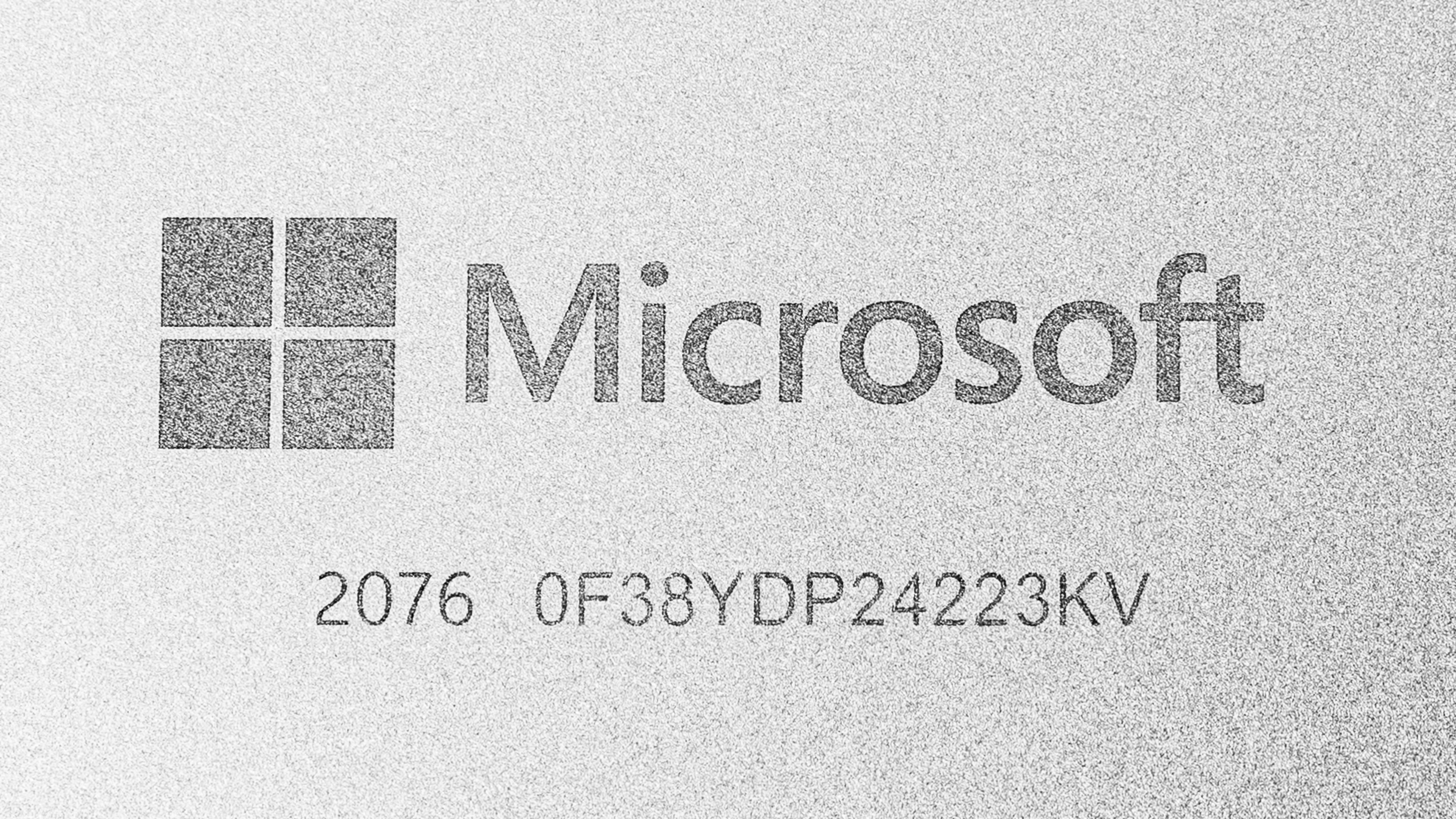
See our unit's label here.
Popular Laptop Comparisons
The Microsoft Surface Pro 11 is one of the best tablet PCs on the market. It stands out for its sturdy build, versatile form factor, and excellent 1440p webcam. However, as many programs lack support for Windows on ARM, you must ensure that the apps you use have a native ARM version or can run properly through Microsoft's Prism emulation layer.
See our recommendations for the best Windows laptops, the best lightweight laptops, and the best 2-in-1 laptops.
The Microsoft Surface Pro 11th Edition (2024) and the ASUS Zenbook 14 Flip OLED (2023) are both 2-in1 devices; however, the Surface Pro is a tablet with a detachable keyboard, while the Zenbook is a clamshell model with 360-degree hinges. Both devices provide a good user experience overall, though the Zenbook is a better option if you often use the laptop on your lap, as the Surface Pro can be unstable and tip over when using it on uneven surfaces. Performance-wise, the Surface Pro's Snapdragon SoCs are faster. However, since they're ARM-based processors, some apps that run without issues on the Zenbook might not run properly on the Surface Pro, so you need to ensure that the apps you use are compatible with Windows on ARM.
The Microsoft Surface Pro 11th Edition (2024) is a newer version of the Microsoft Surface Pro 8 (2021). Though similar in design, the 11th Edition has quite a few changes, as it's now available with an OLED display and runs on an ARM-based SoC. The new model's Snapdragon SoCs are faster than the Surface Pro 8's Intel 11th Gen CPUs. However, because the Snapdragon chips are ARM-based processors, many apps might not run properly, so you need to ensure that the apps you use are compatible. Microsoft's new Surface Pro Flex keyboard (released at the same time as the 11th Edition Surface Pro) also brings new features, like a haptic touchpad and Bluetooth connectivity; the latter lets you use the keyboard when detached from the device, giving you more flexibility in how you use and position the device. Unfortunately, the 11th Edition's display exhibits a screen door effect caused by its digitizer, which might bother some people.
Although the Microsoft Surface Pro 11th Edition (2024) and the HP Spectre x360 14 (2024) are both 2-in-1 Windows devices, they're very different, as the Surface Pro is a tablet with a detachable keyboard, whereas the Spectre x360 is a clamshell model with a 360-degree hinge. The Surface Pro is more comfortable to use as a tablet since you can detach the keyboard to make the device easier to hold; however, the Spectre x360 is better for lap use, as the Surface Pro's design makes the device somewhat unstable on your lap on uneven surfaces. The most important thing to know when considering the Surface Pro is app compatibility. This is because it runs on an ARM-based Snapdragon SoC, so many apps that would run with no issue on the Spectre x360 might not run properly on the Surface Pro, even through Microsoft's Prism emulation.
Although both are general productivity devices, the Microsoft Surface Pro 11th Edition (2024) and the Apple MacBook Air 15 (M3, 2024) are very different. The Surface Pro is a 2-in-1 tablet PC with a detachable keyboard and pen input, while the MacBook Air is a more traditional clamshell model. In terms of the user experience, each has its pros and cons; the MacBook Air has a sturdier build, a larger touchpad, and better-sounding speakers, but the Surface Pro is more versatile and is available with 120Hz displays, including an OLED panel that's better suited for media consumption. If you often use your laptop on your lap, the MacBook Air is likely a better choice, as the Surface Pro can feel a little unstable on uneven surfaces. Also, Windows on ARM is still in a transitional phase at the time of writing, so some apps might not work, whereas most macOS apps now run natively on Apple silicon.
Test Results



for pictures & test results


for pictures & test results















for pictures & test results

for videos & test results

for pictures & test results



for pictures & test results
for pictures & test results

for pictures & test results
for pictures & test results

for pictures & test results

for pictures & test results
