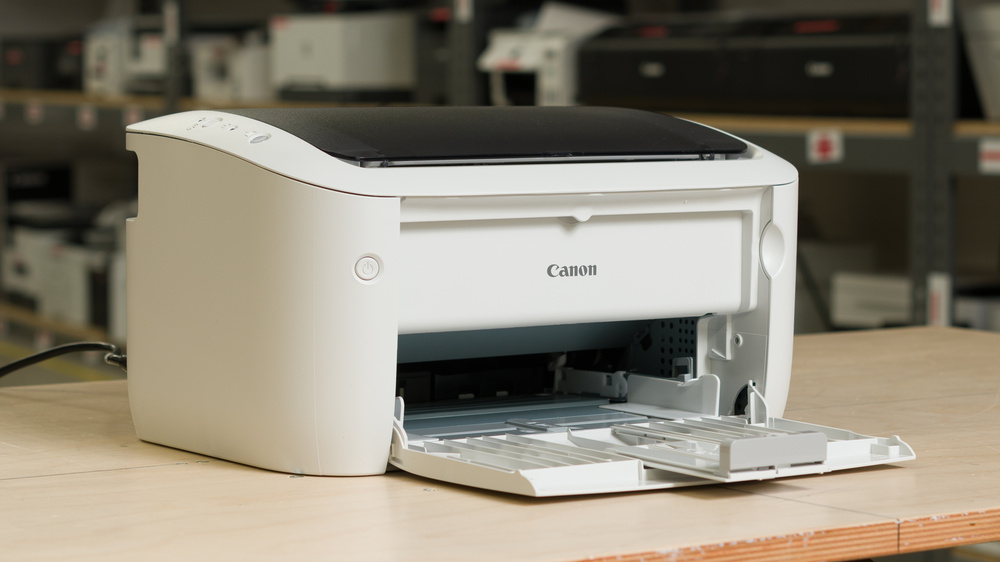
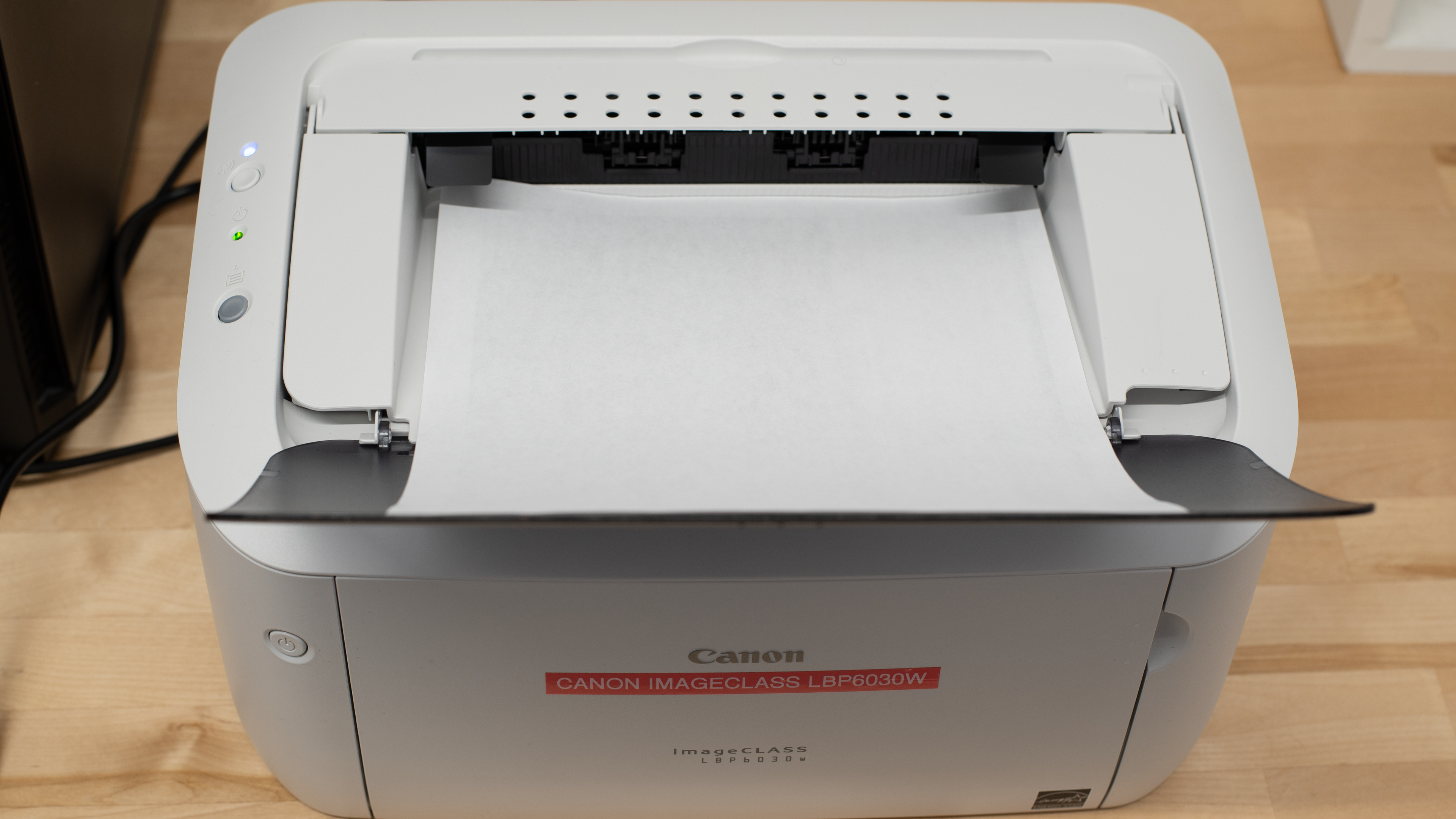
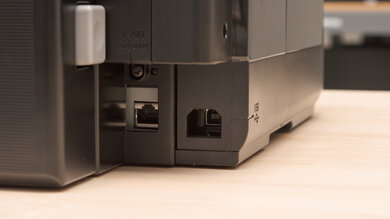
The Canon imageCLASS LBP6030w is a compact, print-only monochrome laser printer. It uses a single Canon 125 toner cartridge that combines the toner and drum into one unit, and there are no high-yield options available. It has a 150-sheet input tray and lacks automatic duplex printing. Connectivity options include Wi-Fi and USB, but it doesn't support Ethernet, Wi-Fi Direct, Apple AirPrint, or Mopria. It's also compatible with the Canon PRINT app, which lets you print photos, PDFs, and Microsoft Office documents from a mobile device and use Smartphone Copy to capture and immediately print a document with your phone's camera.
There are several regional variants of this printer that differ in color, connectivity, and compatible toner cartridge. See the Differences Between Variants section for more information.
Our Verdict
The Canon imageCLASS LBP6030w is a sub-par home printer. Its black-and-white documents look faint, and it's terrible for photos since it can only print in black and white, can't resolve fine details well, and its print-only design means it can’t scan household documents. It's, however, extremely compact, and its toner lasts for thousands of pages. Since it uses dry toner, it can also sit unused for long periods without clogging.
Very compact and easy to fit on a small desk or shelf.
Toner lasts for thousands of pages.
Can sit unused for long periods without clogging.
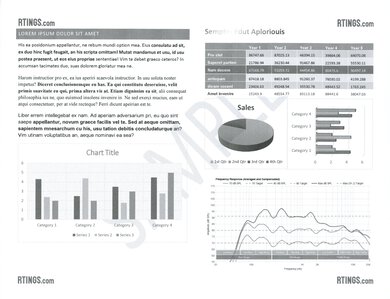
Black-and-white documents look faint.
Can't print in color or scan documents, and has difficulty resolving fine details.
The Canon imageCLASS LBP6030w is a passable choice for a small office, as its toner lasts for thousands of pages, it can sit unused without clogging, and it prints at a decent pace once it gets going. Still, documents look faint, and it lacks a scanner, automatic duplex printing, and office-friendly connectivity options like Ethernet, Wi-Fi Direct, AirPrint, and Mopria. Its 150-sheet input tray also needs frequent refilling during larger jobs.
Toner lasts for thousands of pages.
Decent print speed once it gets going.
Can sit unused for long periods without clogging.
Black-and-white documents look faint.
Lacks a scanner, automatic duplex printing, and several office-friendly connectivity options.
Slow first-page time and limited tray capacity for larger jobs.
The Canon imageCLASS LBP6030w is great for set-and-forget use. Its dry toner can sit unused for long periods without clogging, while its outstanding page yield means cartridge replacements are infrequent. It also prints at a decent pace once it gets going, and its 150-sheet tray is sufficient for routine jobs. However, its slow first-page time and limited connectivity make it less seamless to use, particularly since it lacks Wi-Fi Direct, AirPrint, Mopria, and Ethernet.
Toner lasts for thousands of pages.
Can sit unused for long periods without clogging.
Decent speed and sufficient tray capacity for routine jobs.
Takes a while to print the first page.
No Ethernet, Wi-Fi Direct, AirPrint, or Mopria.
The Canon imageCLASS LBP6030w is terrible for arts, crafts, and stickers as its black-only toner system can't produce colorful artwork or decorative stickers, and its highly visible printing pattern obscures fine lines and small details.
Black-only toner can't produce colorful artwork or decorative stickers.
Visible printing pattern obscures fine lines and small details.
Few paper-type presets and no rear tray or manual feed for specialty media.
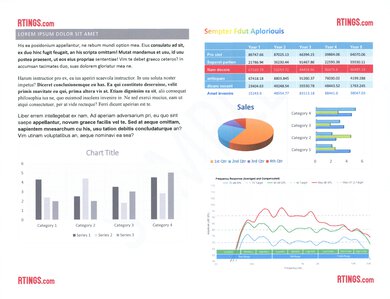
The Canon imageCLASS LBP6030w is terrible for photo printing. Its highly visible printing pattern masks fine details, so even black-and-white photos look coarse. Since it only has black toner, it can't reproduce a photo's colors or provide meaningful color accuracy. It also lacks proper support for common photo-paper sizes, glossy or matte photo paper, and borderless printing.
Can only print in black and white.
Visible printing pattern makes photos look coarse.
Lacks support for common photo-paper sizes, photo-paper types, and borderless printing.
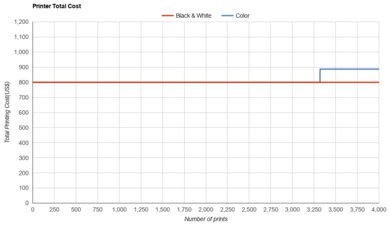
The Canon imageCLASS LBP6030w has an outstanding page yield. A full replacement cartridge should last for roughly 2,900 typical pages, so it won't need frequent replacement even if you print regularly.
A full Canon 125 cartridge lasts for roughly 2,900 typical pages.
The Canon imageCLASS LBP6030w is a print-only model with no scanner, automatic document feeder, or built-in copy and fax functionality. The Canon PRINT app's Smartphone Copy feature can use your phone's camera to capture and immediately print a document, but it doesn't replace a proper scanner.
No scanner, automatic document feeder, or built-in copy and fax functionality.
The Canon imageCLASS LBP6030w has no risk of clogging. As a laser printer, it uses dry toner instead of liquid ink, so you can leave it unused for long periods without needing maintenance prints to prevent a printhead from drying out.
Can sit unused for long periods without clogging.
The Canon imageCLASS LBP6030w is very compact and easy to place on a small desk or shelf. Its front input tray and top output support increase its depth and height while printing, but it still takes up little space even when fully extended.
Very compact and easy to fit on a small desk or shelf.
Performance Usages
Changelog
- Updated Sep 25, 2026: We updated this review to Test Bench 1.4.1, improving how we capture print samples so the images better reflect the physical prints. Test scores are unaffected.
- Updated Aug 06, 2026: Review published.
- Updated Aug 03, 2026: Early access published.
- Updated Jul 28, 2026: Our testers have started testing this product.
Check Price
Differences Between Sizes And Variants
We tested the North American Canon imageCLASS LBP6030w. There are several variants of this printer that differ in color, connectivity, region of sale, and compatible toner cartridge; these are listed below.
| Model | Color | Connectivity | Region of Sale | Compatible Toner |
|---|---|---|---|---|
| LBP6030w | White | USB, Wi-Fi | North America; Europe; South and Southeast Asia | Canon 125 (North America); Canon 725 (Europe); Canon 325 (Asia) |
| LBP6030 | White | USB | Latin America; Europe; South and Southeast Asia | Canon 125 (Latin America); Canon 725 (Europe); Canon 325 (Asia) |
| LBP6030B | Black | USB | Europe; India | Canon 725 (Europe); Canon 925 (India) |
Popular Printer Comparisons
The Canon imageCLASS LBP6030w is a solid choice if you're looking for an easy-to-use compact, print-only monochrome laser printer, as its toner yields thousands of pages at a very low cost per print, and it can sit unused for long periods without clogging. However, documents look faint in the default 'General' mode, and its slow first-page time, lack of automatic duplex printing, and limited connectivity make it less convenient than many newer models. The Brother HL-L2460DW is a direct competitor and is better for most people, though it's usually a bit more expensive. It feels sturdier, produces sharper documents, prints much faster, and offers more connectivity options. The similarly priced Brother MFC-J1360DW is a much more versatile alternative, as it prints in color and adds a scanner with an automatic document feeder, making it far better suited to photos, arts, crafts, and stickers. However, its inkjet printhead can clog if left unused, so the Canon remains the more practical option if you only need occasional black-and-white printing.
If you're looking for alternatives, see our recommendations for the best laser printers, the best Canon printers, and the best cheap and budget printers.
The Canon imageCLASS LBP6030w and Canon PIXMA MG3620 are suited to different needs. The imageCLASS LBP6030w is much better for low-maintenance black-and-white printing, as it prints faster, yields far more pages, and its toner can't clog. The PIXMA MG3620 is the better all-purpose home printer, producing sharper documents and color photos while adding a flatbed scanner, automatic duplex printing, AirPrint, and Mopria. However, its cartridges require frequent replacement, and it can clog if left unused.
The Epson Expression Home XP-4200 is better than the Canon imageCLASS LBP6030w for most home uses, as it produces sharper documents and color photos while offering a flatbed scanner, automatic duplex printing, and more convenient connectivity. The Canon is much better for straightforward black-and-white printing you want to set up and largely forget about: it prints faster, yields far more pages, and its toner can't clog. The Epson's small cartridges run out quickly, and its permanent printhead can clog if the printer sits unused.
The Brother HL-L2460DW is better than the Canon imageCLASS LBP6030w. It feels sturdier, produces sharper documents, prints much faster, supports automatic duplex printing, and has a larger input tray and far more connectivity options. The Canon is more compact, and its standard toner cartridge yields more pages, though the Brother offers high-yield cartridges.
The Brother MFC-J1360DW is much more versatile than the Canon imageCLASS LBP6030w. It produces better documents, prints in color, and adds a scanner with an automatic document feeder, automatic duplex printing, and more connectivity options, making it much better for photos, arts, crafts, and general home use. The Canon is better for quick and easy black-and-white printing, as it prints faster, yields far more pages, and its toner can't clog. It's also slightly more compact.
Test Results
for pictures & test results
for pictures & test results
for videos & test results





for pictures & test results
for pictures & test results