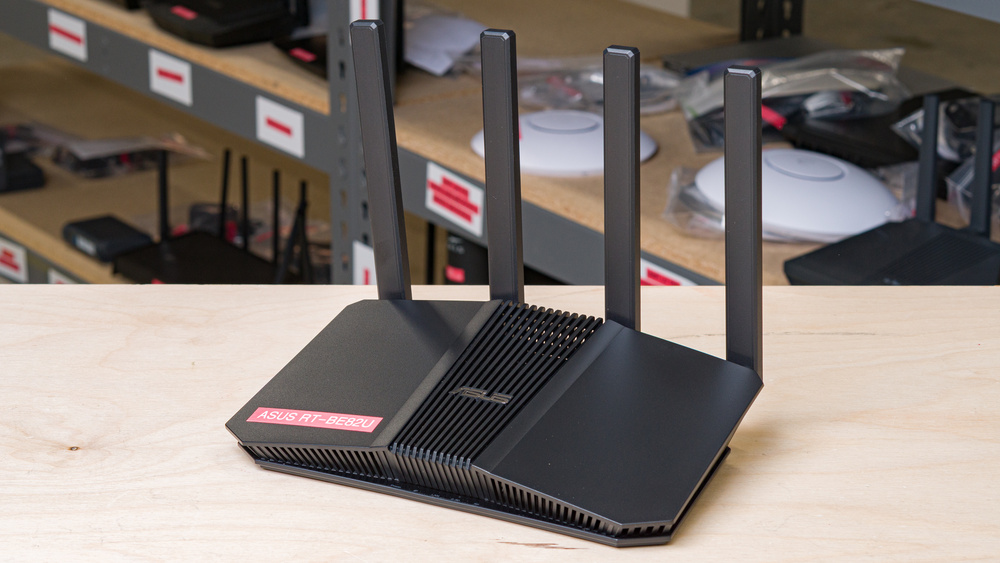
The ASUS RT-BE82U is a dual-band Wi-Fi 7 router with 2.4GHz and 5GHz bands, and five 2.5Gbps Ethernet ports. It also sports a USB 3.0 port for connecting a storage device or connecting a mobile device for tethering to a cellular network. Like most ASUS routers, it supports AiMesh, a feature where you can create a mesh network using any other AiMesh-enabled router.
Note: We've removed the Wi-Fi coverage tests, as we're exploring better ways to convey the results that'll be more helpful to users.
Our Verdict
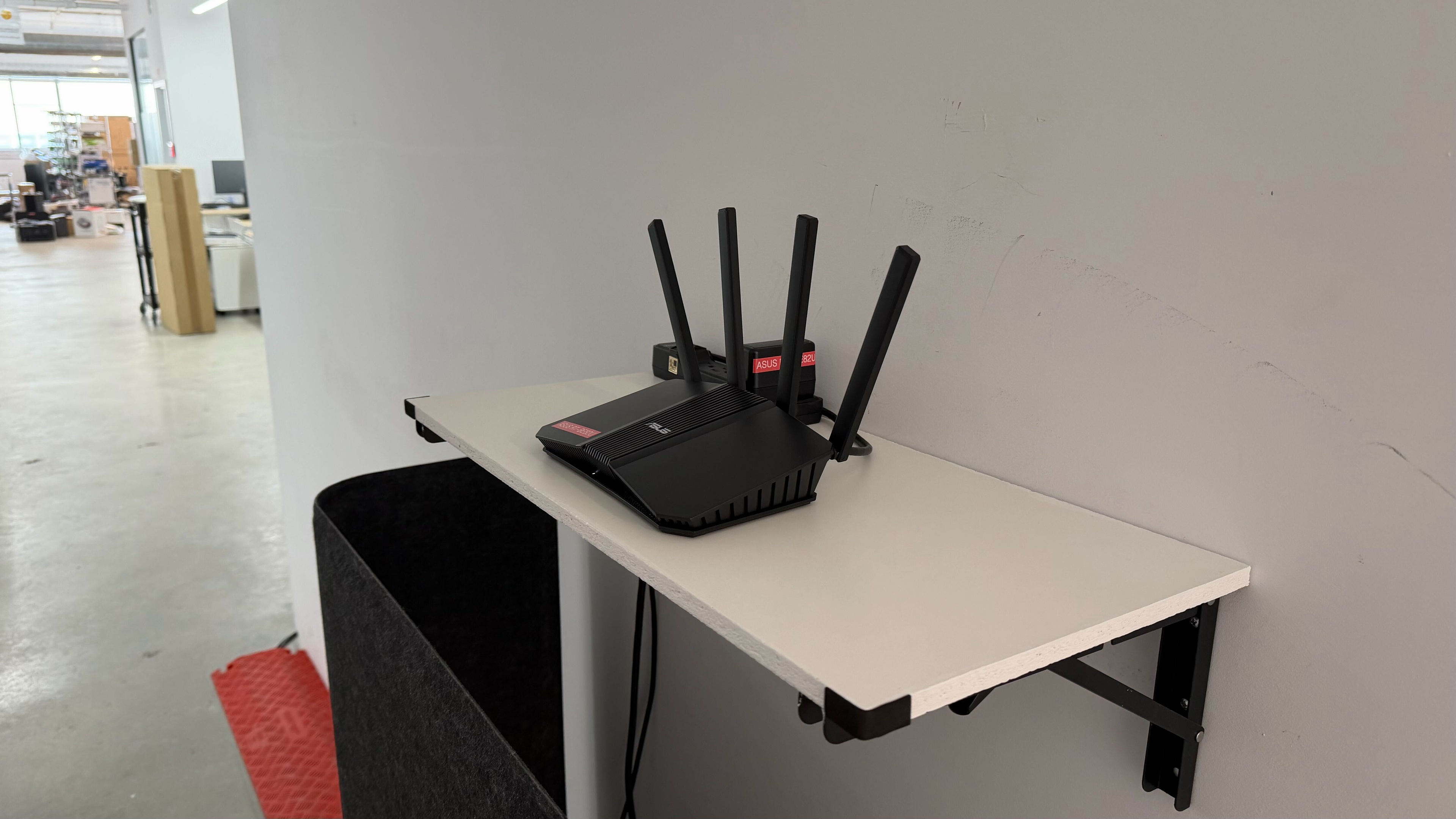
The ASUS RT-BE82U is a very good router for use in an apartment or small home. It delivers great speeds when you're close to it that are more than suitable for a house full of people streaming high-resolution content, downloading files, or working remotely. It also has five 2.5Gbps Ethernet ports, so you can connect many multi-gigabit wired devices. Its range is decent, so it's suitable for smaller spaces, but it could leave dead zones depending on the size and layout of your home. That said, you can expand your network with additional access points since this router is compatible with AiMesh. While it doesn't have a particularly large footprint, it has four somewhat tall antennas that could make it challenging to find a space for in your home.
Five 2.5Gbps Ethernet ports.
Great close range speeds.
Can add additional AiMesh-compatible access points for better coverage.
Lacks a 6GHz band despite being a Wi-Fi 7 router, leaving performance on the table for compatible devices.
Tall profile with external antennas.
The ASUS RT-BE82U is a good router for use in a medium to large-sized, multi-level home. It has great short-range speeds, so it's more than suitable for a household full of users streaming, downloading, and browsing the web close to the router. Its range is decent, too, but it loses speed at very far distances, so it could leave dead zones in larger homes. Thankfully, it's compatible with AiMesh, so you can add compatible access points for better network coverage. It has excellent high-speed wired connectivity with five 2.5Gbps Ethernet ports, so you're covered if you have several multi-gigabit-capable wired devices like gaming PCs and NAS servers. It's not particularly large, but it has four tall antennas, which may get in the way when finding a place for it in your home.
Five 2.5Gbps Ethernet ports.
Great close range speeds.
Can add additional AiMesh-compatible access points for better coverage.
Lacks a 6GHz band despite being a Wi-Fi 7 router, leaving performance on the table for compatible devices.
Tall profile with external antennas.
The ASUS RT-BE82U delivers great close-range speeds suitable for a 1Gbps internet connection. It also supports Dynamic Frequency Selection (DFS), giving access to more channels to help connectivity in crowded wireless environments, but it doesn't have a 6GHz band, limiting performance with compatible Wi-Fi 6E and 7 devices.
Great close range speeds.
Lacks a 6GHz band despite being a Wi-Fi 7 router, leaving performance on the table for compatible devices.
The ASUS RT-BE82U has decent range. The 5GHz band slows quite a bit at very far distances, but the router supports AiMesh, so you can create a mesh network with additional compatible routers to increase coverage.
Changelog
- Updated Jun 22, 2026: We've updated this review to Test Bench 0.9.1! This is a minor change that makes the router type easier to see at the top of each review. Read the changelog for more info.
- Updated May 08, 2026: We've updated this review to Test Bench 0.9! This update adds wireless latency testing to evaluate router gaming performance. Read the changelog for more info.
- Updated Apr 24, 2026: Review published.
- Updated Mar 02, 2026: Early access published.
Check Price
Differences Between Sizes And Variants
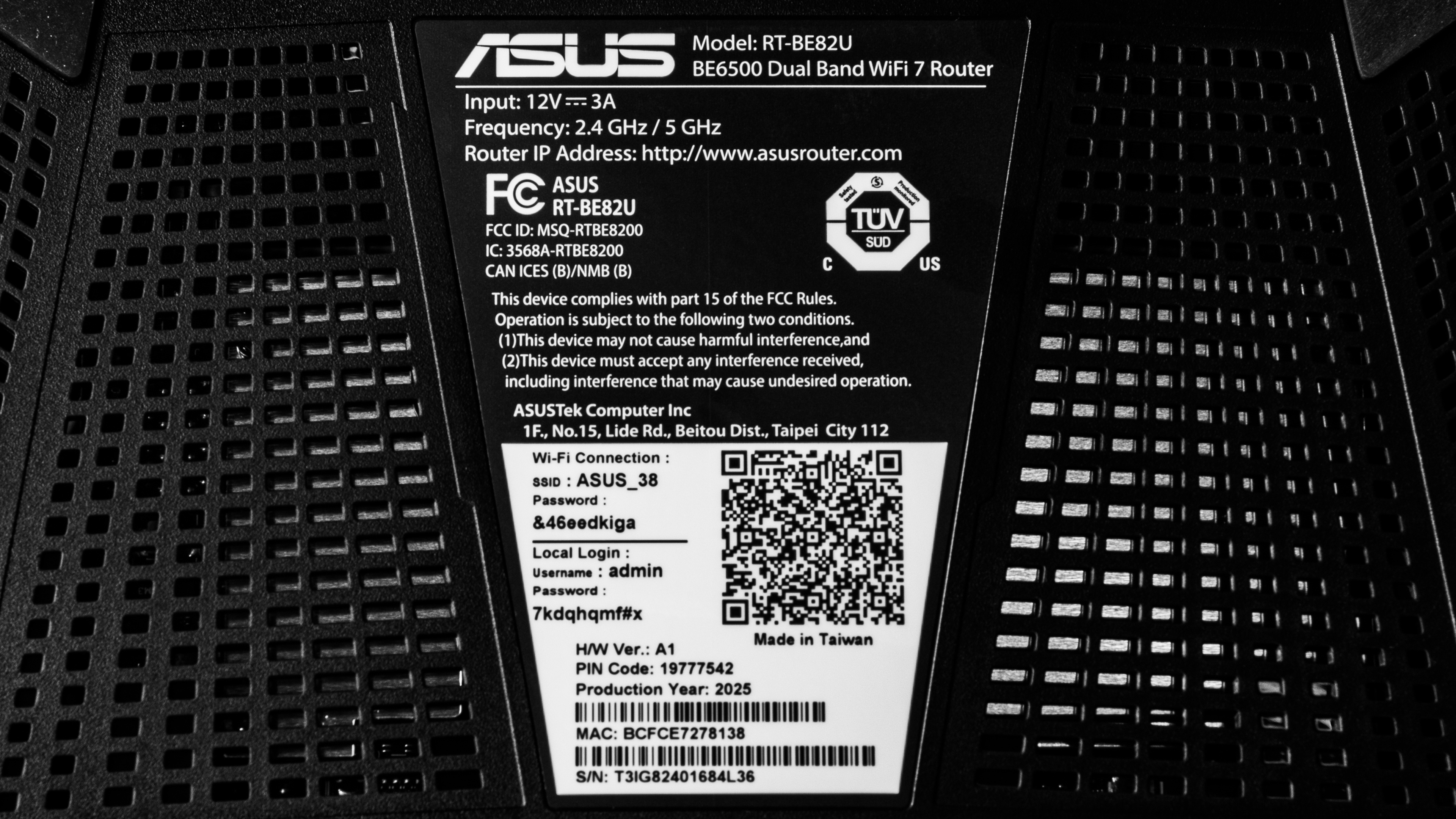
The ASUS RT-BE82U doesn't have any variants. Here's a photo of our unit's label.
Popular Router Comparisons
The ASUS RT-BE82U is a mid-range Wi-Fi 7 router with 2.4GHz and 5GHz bands. It competes with dual-band Wi-Fi 7 standalone routers like the TP-Link Archer BE400 and the TP-Link Archer BE230. The ASUS delivers generally similar range and speed performance to these routers, but boasts better multi-gigabit wired capability with five 2.5Gbps Ethernet ports, making it the better choice if you have several multi-gigabit capable wired devices. That said, most of Wi-Fi 7's speed and range benefits lie in routers with a 6GHz band, so there's little advantage in choosing a dual-band Wi-Fi 7 router over a Wi-Fi 6 router like the GL.iNet Flint 2 (GL-MT6000) or the TP-Link Archer AX55, especially since Wi-Fi 7's exclusive features like Multi-Link Operation (MLO) leave much to be desired.
To see which routers we recommend, check out our picks for the best Wi-Fi 7 routers, the best Wi-Fi 6 routers, and the best gaming routers.
The ASUS RT-BE92U is a better router than the ASUS RT-BE82U. While they both support Wi-Fi 7, the former has a 6GHz band while the latter doesn't, helping it achieve much faster top speeds and better range. The RT-BE92U also has a 10Gbps WAN port, while the RT-BE82U's WAN port is limited to 2.5Gbps.
The TP-Link Archer BE230 and the ASUS RT-BE82U are dual-band Wi-Fi 7 routers. They deliver very similar top speed and range performance, but the ASUS has five 2.5Gbps Ethernet ports, while the TP-Link has two 2.5Gbps and three 1Gbps ports, making the ASUS a better choice if you have more wired devices capable of multi-gigabit speeds.
The TP-Link Archer BE400 and the ASUS RT-BE82U are dual-band Wi-Fi 7 routers. The TP-Link delivers slightly better top speeds and range than the ASUS, but the ASUS has better wired connectivity with more 2.5Gbps Ethernet ports.
The ASUS RT-BE82U is a better router overall than the NETGEAR Nighthawk RS90. They're both dual-band Wi-Fi 7 routers, but the ASUS has significantly better range than the NETGEAR. Additionally, the ASUS has more 2.5Gbps Ethernet ports, a USB port for connecting storage devices or mobile tethering, and can integrate into a mesh network with other AiMesh compatible ASUS routers. That said, the NETGEAR has a more compact design with internal antennas, making it easier to place than the ASUS with its four protruding external antennas.
Test Results
for pictures & test results

Check out the ASUS RT-BE58 Go if you're looking for a portable Wi-Fi 7 router.
for pictures & test results

The USB port supports various functions like attaching external storage drives to your network, creating Time Machine backups, hosting media servers, and tethering your mobile device.
for pictures & test results

- Ethernet cable
- Power adapter
- User documentation

for pictures & test results

for pictures & test results

We achieved the above results with MLO disabled. We conducted additional testing with MLO enabled and achieved similar results.
for pictures & test results

for pictures & test results
The ASUS BE82U uses alternating Multi-Link Operation (MLO), which is a limited implementation of the technology that establishes a connection with clients on one band at a time.
For more information, read our article on the topic.