
The TP-Link Deco 7 Pro BE63 is a tri-band Wi-Fi 7 mesh router with 2.4GHz, 5GHz, and 6GHz bands. It's designed for use in a mesh system and is available as a standalone unit or in multi-packs of two or three units. Like TP-Link's other Deco routers, it has a simple design with a small footprint. You can set it up and manage it through the Deco app. It's compatible with Amazon Alexa-enabled devices for voice control.
Our Verdict
The TP-Link BE10000 is an excellent router for apartments, condos, and single-story homes. Its small and sleek design makes it easy to place in your living space. It delivers fantastic speeds, fast enough for downloading large files quickly or streaming high-bandwidth 4k video on multiple devices.
Wi-Fi 7 support.
Amazing speed and range.
Compact size with internal antennas.
Excellent multi-gigabit port selection.
Advanced security/parental control features require a subscription.
The TP-Link Deco 7 Pro BE63 is an excellent router for multi-level homes. Its network coverage is good enough to provide a blazing-fast connection throughout the house. It delivers fast enough speeds for multiple users to download large files quickly or stream 4k video. It's designed to be used in a mesh system, so you can place satellite units wherever you need a better signal.
Wi-Fi 7 support.
Amazing speed and range.
Can add additional mesh access points to improve coverage.
Excellent multi-gigabit port selection.
Advanced security/parental control features require a subscription.
The TP-Link Deco BE63 is okay for gaming over Wi-Fi. It delivers amazing top speeds and excellent range, so you can quickly download large game files and updates throughout your home. Its wireless latency is unremarkable, however. It's suitable for casual gaming as long as you're connected to the main unit, but it suffers from high jitter when connected to a satellite unit.
Adequate wireless latency for browsing, video calls, and casual gaming.
Inadequate jitter for gaming when connected to a satellite access point.
Unsuitable for competitive gaming over Wi-Fi.
The TP-Link Deco 7 Pro BE63 isn't made to be portable. Although it has a clean design with internal antennas, it weighs far more than a purpose-built travel router and relies on a chunky AC adapter, so it's not ideal for tossing into a backpack. It's also missing key travel features like a WISP/repeater mode and cellular tethering, though it does have full VPN support.
Compact size with internal antennas.
Full VPN support.
No WISP or repeater mode.
Can't be used with a portable power bank.
Heavy and impractical as a travel router.
The TP-Link BE10000 delivers amazing speeds suitable for a multi-gigabit internet connection. It also supports Dynamic Frequency Selection (DFS), so it can use less congested DFS-only channels to give you better speeds in noisy wireless environments.
Amazing speed and range.
The TP-Link BE10000 has excellent range performance. Since it's a mesh router, satellite access points help it maintain impressive average speeds over long distances, making it suitable for high-bandwidth uses and high-speed downloads over a wide area.
Can add additional mesh access points to improve coverage.
The TP-Link Deco BE63 has passable overall wireless latency performance. When you're connected to the main router, its latency is satisfactory for web browsing and taking video calls, but its jitter is disappointing, leading to an unstable gaming experience. As with most mesh systems, the latency is considerably worse when you're connected to a satellite unit.
Adequate wireless latency for browsing, video calls, and casual gaming.
Inadequate jitter for gaming when connected to a satellite access point.
Unsuitable for competitive gaming over Wi-Fi.
The TP-Link Deco 7 Pro BE63 is configurable enough for most everyday home networks. You control it through a companion app, set a name and password for your network, and access settings for traffic monitoring and guest networks. However, you can't split its 2.4GHz and 5GHz bands into separate networks, and more advanced parental controls are locked behind a paid subscription.
Reasonable configurability with a user-friendly app.
Advanced security/parental control features require a subscription.
Performance Usages
Changelog
- Updated Sep 11, 2026: We've updated this review to Test Bench 0.10! This update adds Portability and Configurability testing to evaluate how suitable routers are for travel and to show how configurable their settings are. Read the changelog for more info.
-
Updated Jun 25, 2026:
We've added a link to the newly-reviewed TP-Link Deco 7 Pro BE67 in the Mesh Satellite Wireless Latency section of this review.
- Updated Jun 22, 2026: We've updated this review to Test Bench 0.9.1! This is a minor change that makes the router type easier to see at the top of each review. Read the changelog for more info.
-
Updated May 21, 2026:
We've updated this review to reflect that TP-Link has renamed this product from 'Deco BE63' to 'Deco 7 Pro BE63'.
Check Price
Differences Between Sizes And Variants
The TP-Link Deco 7 Pro BE63 is available in a one, two, or three-pack. We bought and tested the two-pack. Here's a photo of our unit's label.
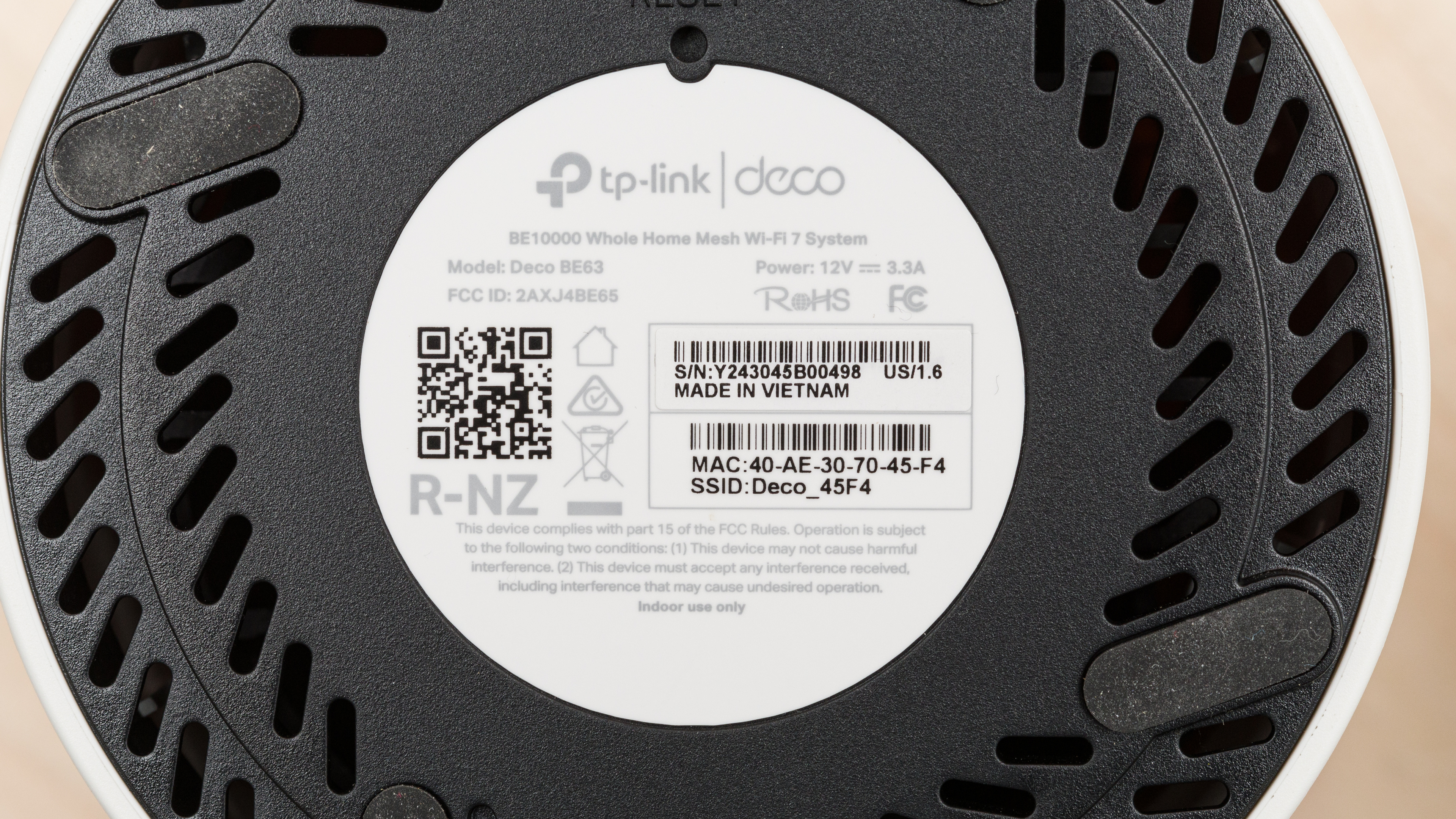
TP-Link also sells the TP-Link Deco 7 Pro BE65 Pro, which we tested. The only difference between the two is the network port configuration, where the Pro has 5Gbps Ethernet ports, compared to the BE63's 2.5Gbps Ethernet ports.
Popular Router Comparisons
The TP-Link BE63 is a tri-band Wi-Fi 7 router designed for you to use as a mesh system. Like the rest of TP-Link's Deco lineup, it's compatible with every other Deco model, so you can easily expand your mesh network according to your needs. Other integrated mesh routers, like eero, also have this functionality.
Thanks to its mesh capability, it compares favorably to standalone Wi-Fi 7 routers like the TP-Link Archer BE550 and the ASUS RT-BE96U in terms of range. That said, it doesn't quite deliver the same all-out speed performance as those options and is handily outperformed by the much more expensive eero Max 7. Overall, this router provides excellent value and marks the increasing accessibility of cutting-edge Wi-Fi 7 hardware.
For more recommendations, check out the best mesh Wi-Fi systems, the best Wi-Fi routers for large homes, or the best routers for streaming. And for more TP-Link recommendations, have a look at our shortlist of favorites from the brand.
The TP-Link Deco 7 Pro BE63 is a better router than the eero 7. While both routers are Wi-Fi 7 and have 2.4GHz and 5GHz bands, the TP-Link has an additional 6GHz band. This helps it achieve significantly faster speeds than the eero.
The TP-Link Deco 7 Pro BE63 and the TP-Link Deco 7 Pro BE65 Pro are both Wi-Fi 7 mesh routers in TP-Link's Deco lineup. They look nearly identical and perform similarly, but the BE65 Pro has one 2.5Gbps and two 5Gbps network ports, while the BE63 has four 2.5Gbps ports.
The TP-Link Deco 7 Pro BE63 and the ASUS ZenWiFi BT10 are tri-band Wi-Fi 7 mesh routers. They both deliver very fast top speeds suitable for multi-gigabit internet connections, but the ASUS is slightly faster. Both deliver great overall range. As for connectivity, the ASUS has two 10Gbps Ethernet ports, a 1Gbps port, while the TP-Link has four 2.5Gbps Ethernet ports.
The TP-Link Deco 7 Pro BE63 and the TP-Link Archer BE550 are both Wi-Fi 7 routers from TP-Link. The Deco BE63 is designed to be used as part of a mesh network. The Archer BE550, on the other hand, is a standalone router. The two perform similarly well in terms of maximum speed, but the Deco BE63 has much better range performance, making it more suitable if you live in a larger home.
Test Results
for pictures & test results

If you're looking for an even smaller Wi-Fi 7 router, check out the UniFi Express 7.
for pictures & test results

This router's networking ports automatically detect whether you use a WAN or LAN connection.
If you're looking for a mesh router with faster, 5Gbps Ethernet ports, check out the eero Pro 7.
for pictures & test results

- Ethernet cable
- Power adapter x2
- User documentation
for pictures & test results

If you're looking for an access point with hardware included for wall/ceiling mounting, check out the UniFi U7 Pro XGS (Wired Backhaul).
Unlike the newer TP-Link Deco 7 Pro BE67, the BE63 doesn't allow you to split its 2.4GHz and 5GHz bands into separate networks.
The TP-Link BE63 has basic parental controls for free, like device-specific filtering, family member profiles, internet pausing, content and URL filtering, bedtime controls, and basic usage insights. More advanced features, like app filtering and blocking, detailed usage history, and other expanded controls require a subscription to TP-Link's HomeShield service.
for pictures & test results

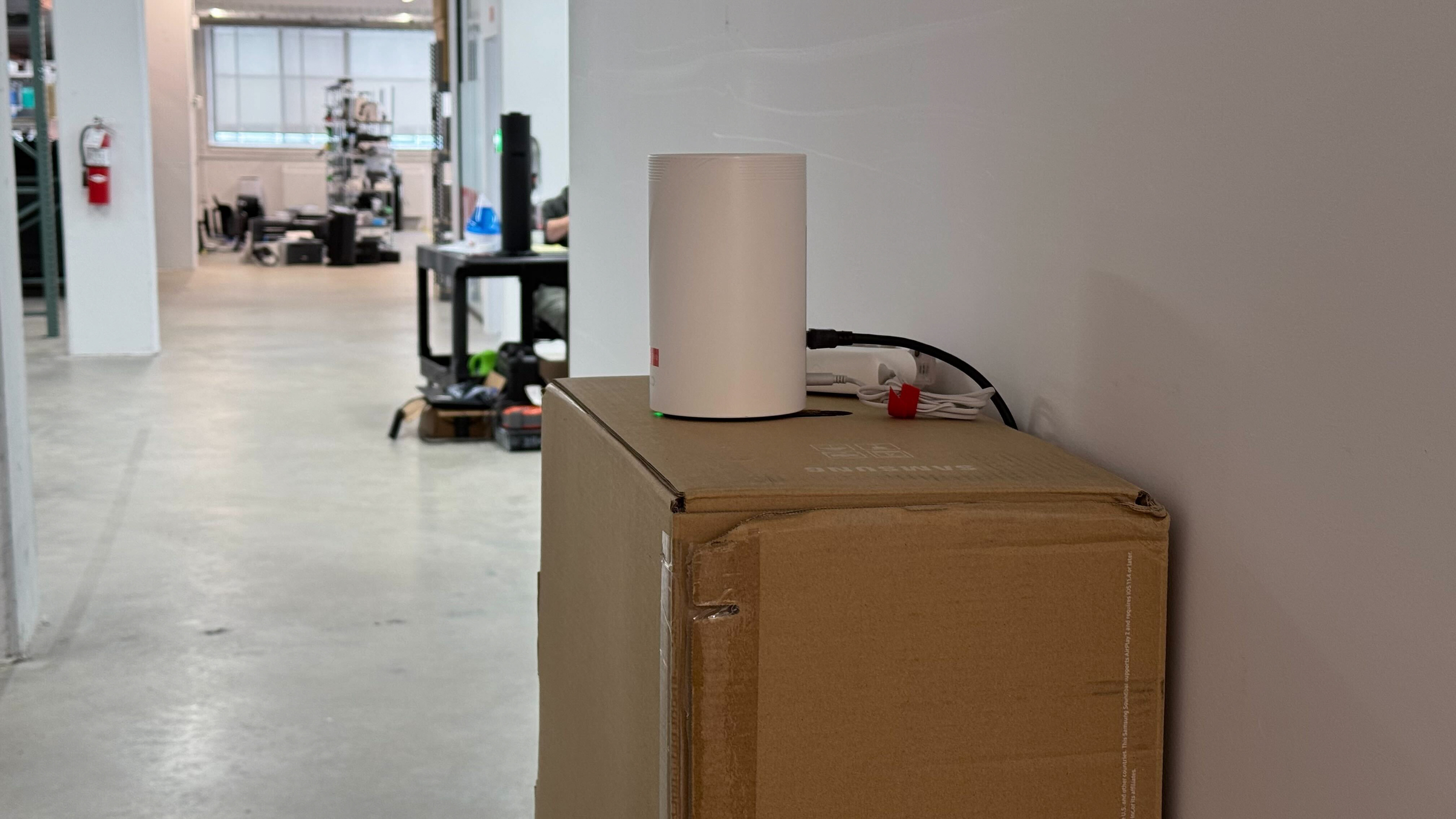
We tested this router in dual mesh mode.
for pictures & test results

We tested this router in dual mesh mode.
for pictures & test results

This router's wireless latency is adequate for web browsing, taking video calls, and even casual gaming.
for pictures & test results
This router has mediocre median latency and disappointingly high jitter when you're connected to a satellite access point. It's fine for casual browsing, but it delivers a disappointing gaming experience over Wi-Fi.
If you're looking for a Deco system with lower mesh latency levels, check out the TP-Link Deco 7 Pro BE67.
Wi-Fi 7 offers faster speeds, lower latency, and support for more simultaneous connections than previous generations of Wi-Fi. However, to benefit from these features, you'll need devices supporting Wi-Fi 7.
for pictures & test results
This router uses alternating MLO (multi-link operation), which is a limited implementation of the technology that establishes a connection with clients on one band at a time. For more information, read our article on the topic.
The TID-To-Link Mapping Negotiation Support value of 2 reported by the router is unexpected, as it's a reserved value that isn't used in the Wi-Fi 7 specification.