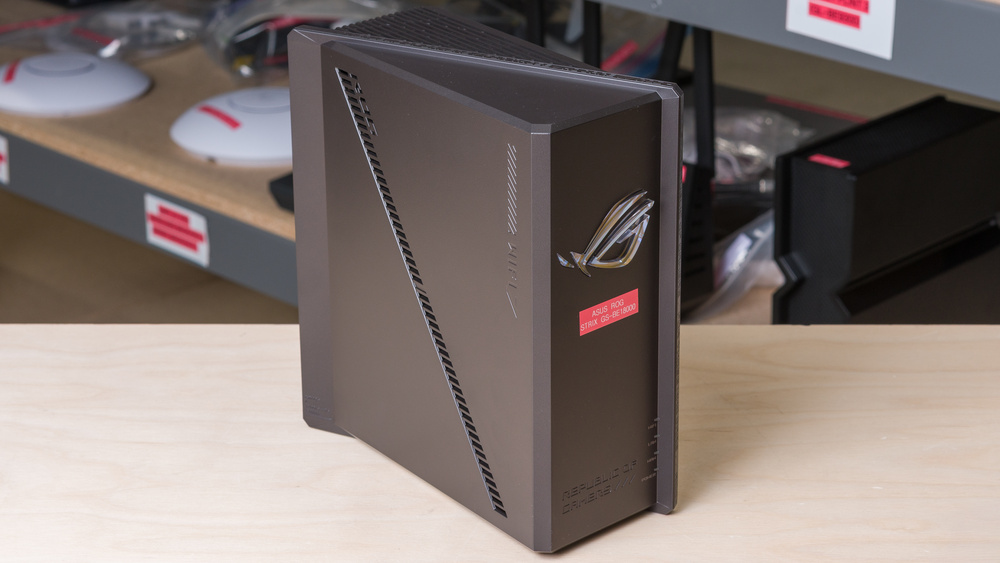
The ASUS ROG Strix GS-BE18000 is a tri-band Wi-Fi 7 gaming router with 2.4GHz, 5GHz, and 6GHz bands. It's notably one of the first routers on the market to support Automated Frequency Coordination (AFC) in some regions, a feature that allows the router to increase the power output for its 6GHz band, thereby increasing its range. As of March 2026, ASUS hasn't yet made the feature available in Canada, so we haven't been able to test it. Beyond that, the router sports a cubic design with eight internal antennas, addressable RGB lighting, eight 2.5Gbps ports, a USB 3.0 port, and support for ASUS' AiMesh technology to create a mesh network with multiple access points.
Our Verdict
The ASUS ROG Strix GS-BE18000 is an excellent router for apartments and small homes. It delivers amazing top speeds, so you can download large files very quickly, and it can easily handle multiple users streaming 4k video at the same time. It also has impressive range that's more than suitable for small homes. On top of that, it has excellent wired connectivity with eight 2.5Gbps Ethernet ports. That said, it has a somewhat bulky design with a gamery aesthetic that might not fit into everyone's living space.
Amazing top speeds.
Impressive range.
Eight 2.5Gbps networking ports.
Somewhat bulky design, and a gamer aesthetic that might be polarizing.
The ASUS ROG Strix GS-BE18000 is a great router for larger, multi-level homes. It has impressive range and excellent top speeds that make it more than suitable for a large home filled with heavy internet users. It also supports Automated Frequency Coordination (AFC), a technology that allows the router to increase the power output on the 6GHz band, helping increase its range. See the Interior Long Range section of the review to learn more about AFC. The router also has impressive wired connectivity with eight 2.5Gbps Ethernet ports.
Amazing top speeds.
Impressive range.
AFC support.
Eight 2.5Gbps networking ports.
Somewhat bulky design, and a gamer aesthetic that might be polarizing.
The ASUS ROG Strix GS-BE18000 is decent for gaming. It delivers excellent top speeds and great range, so you can download big game updates quickly throughout your home. Its wireless latency performance is similar to most routers and is suitable for non-competitive gaming, but you should plug in your devices if you're gaming competitively.
Amazing top speeds.
Impressive range.
Adequate wireless latency for web browsing and non-competitive gaming.
Unsuitable for competitive gaming over Wi-Fi.
While the ASUS ROG Strix GS-BE18000 isn't designed to be portable, it's a theoretically decent travel option thanks to its versatile software features. It has a WISP/repeater mode for connecting to hotel Wi-Fi, cellular tethering via USB, and full VPN support. That said, it's built for desktop use, so its bulky frame and AC adapter aren't the most convenient to carry.
LTE and WISP mode support.
No protruding antennas.
Large and hefty.
Can't be used with a portable power bank.
The ASUS ROG Strix GS-BE18000 delivers excellent top speeds that are suitable for a ~1.5Gbps internet connection. This router supports DFS, which enables access to more channels for improved speeds in congested wireless environments, such as apartment buildings.
Amazing top speeds.
The ASUS ROG Strix GS-BE18000 has impressive range in a standalone configuration. It supports ASUS' AiMesh technology, so you can create a mesh network with other compatible routers. It also supports Automated Frequency Coordination (AFC) in some regions, which can increase the effective range of the 6GHz band. See the Interior Long Range section of the review to learn more about AFC.
Impressive range.
AFC support.
The ASUS ROG Strix GS-BE18000 has adequate latency performance for web browsing, taking video calls, and non-competitive gaming.
Adequate wireless latency for web browsing and non-competitive gaming.
Unsuitable for competitive gaming over Wi-Fi.
The ASUS ROG Strix GS-BE18000 offers an outstanding level of configurability. You can easily manage your setup through a web browser or ASUS's mobile app, which gives you access to virtually every standard and advanced tool you'd need to fine-tune your network. The router also includes built-in parental controls for setting schedules and filters, though it doesn't have an option to set time limits for specific devices.
Outstanding basic and advanced configuration options.
No subscription required for advanced tools.
Performance Usages
Changelog
- Updated Sep 11, 2026: We've updated this review to Test Bench 0.10! This update adds Portability and Configurability testing to evaluate how suitable routers are for travel and to show how configurable their settings are. Read the changelog for more info.
-
Updated Jun 30, 2026:
We've checked if this router supports EMLMR MLO after updating it to the latest firmware, but didn't observe any changes.
- Updated Jun 22, 2026: We've updated this review to Test Bench 0.9.1! This is a minor change that makes the router type easier to see at the top of each review. Read the changelog for more info.
-
Updated Apr 08, 2026:
We've added text throughout the review to reflect the changes made in Test Bench 0.9, and to add context to our test results.
Check Price
Differences Between Sizes And Variants
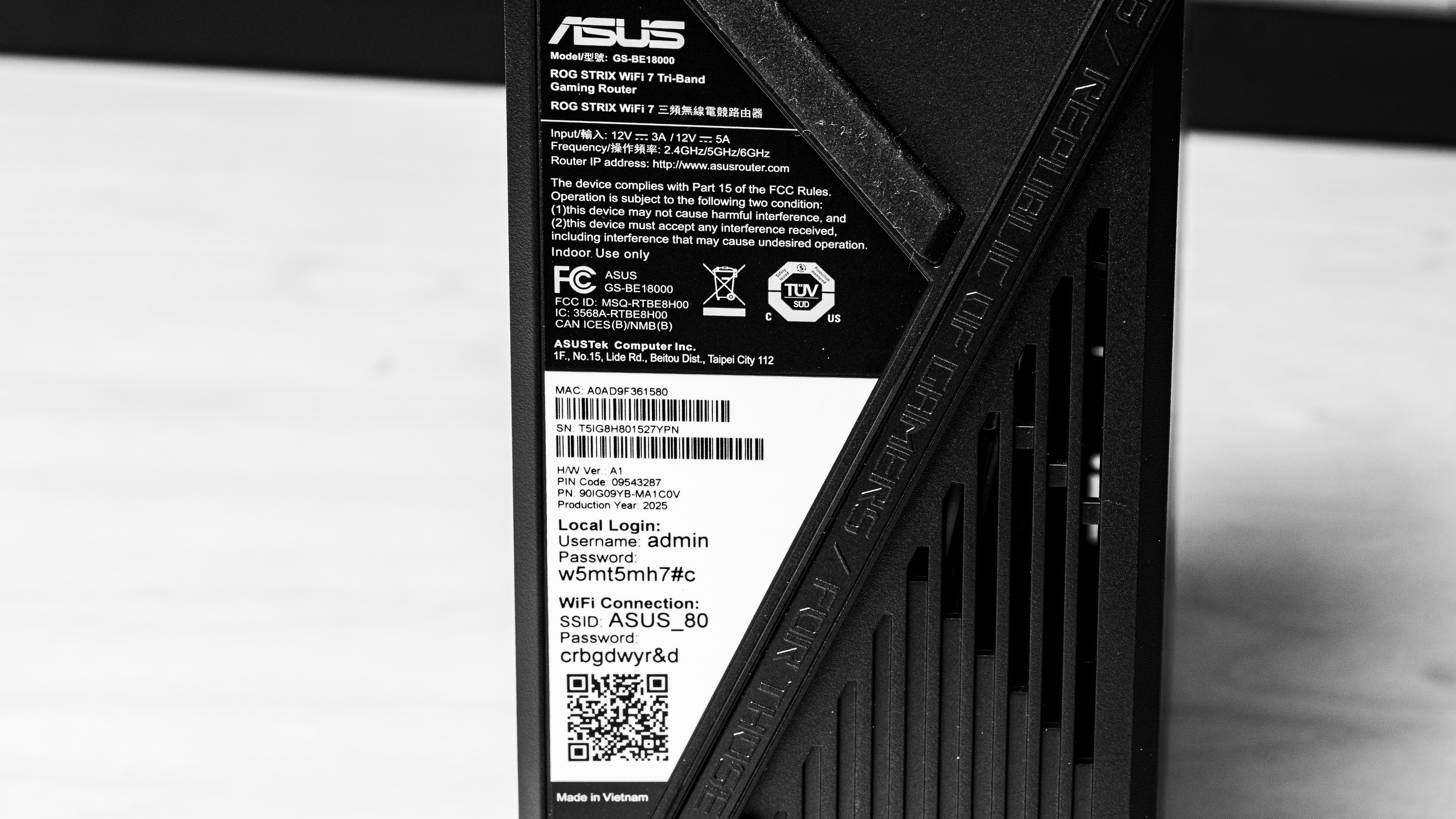
This router doesn't have any variants. Here's a photo of our unit's label.
Popular Router Comparisons
The ASUS ROG Strix is a tri-band Wi-Fi 7 gaming router with 2.4GHz, 5GHz, and 6GHz bands. It's an upper mid-range model in ASUS' ROG lineup of gaming routers, and it's notably among the first consumer routers to support Automated Frequency Coordination (AFC) in the United States. AFC is a feature that allows the router to coordinate with local regulators to authorize a higher power output on the 6GHz band, enabling a longer effective range. Unfortunately, as of March 2026, ASUS hasn't yet made this feature available in Canada, so we weren't able to test it.
While it delivers similar raw throughput to routers like the TP-Link Archer BE550 and the GL.iNet Flint 3 (GL-BE9300), features like AFC, its eight 2.5Gbps Ethernet ports, and highly configurable software make it a compelling Wi-Fi 7 option.
If you want to see which routers we recommend, check out our articles on the best Wi-Fi 7 routers, the best routers for Xfinity, and the best routers for gaming.
The ASUS ROG Strix GS-BE18000 and the eero 7 are decidedly different Wi-Fi 7 routers. The eero is a dual-band router that's primarily designed as a plug-and-play, expandable mesh system that has two 2.5Gbps Ethernet ports per unit. The ASUS, on the other hand, is a tri-band gaming router with eight 2.5Gbps Ethernet ports, Automated Frequency Coordination (AFC) support, and highly configurable firmware. The ASUS delivers both higher top speeds and better range than the eero.
The TP-Link Archer BE550 and the ASUS ROG Strix GS-BE18000 are tri-band Wi-Fi 7 routers. While the TP-Link has slightly higher top speeds, the ASUS has a longer range, making it better for larger spaces. Additionally, the ASUS supports AFC in some regions, a feature that can increase the range of the 6GHz band. The ASUS also has eight 2.5Gbps ports compared to the TP-Link's five.
The ASUS RT-BE96U and the ASUS ROG Strix GS-BE18000 are tri-band Wi-Fi 7 routers. The BE96U has much higher top speeds than the ROG Strix, but the latter has better range. The ROG Strix also supports AFC in some regions, which can increase the range of the 6GHz band. Otherwise, the BE96U is much larger physically and has two 10Gbps ports and four 1Gbps ports compared to the ROG Strix's eight 2.5Gbps ports.
The GL.iNet Flint 3 (GL-BE9300) and the ASUS ROG Strix GS-BE18000 are tri-band Wi-Fi 7 routers. While they both deliver similar short-range performance, the ASUS has better range and also supports Automated Frequency Coordination (AFC) in some regions, a feature that can increase the power output, and thereby the range of the 6GHz band. The ASUS also has eight 2.5Gbps Ethernet ports compared to the GL.iNet's five.
Test Results
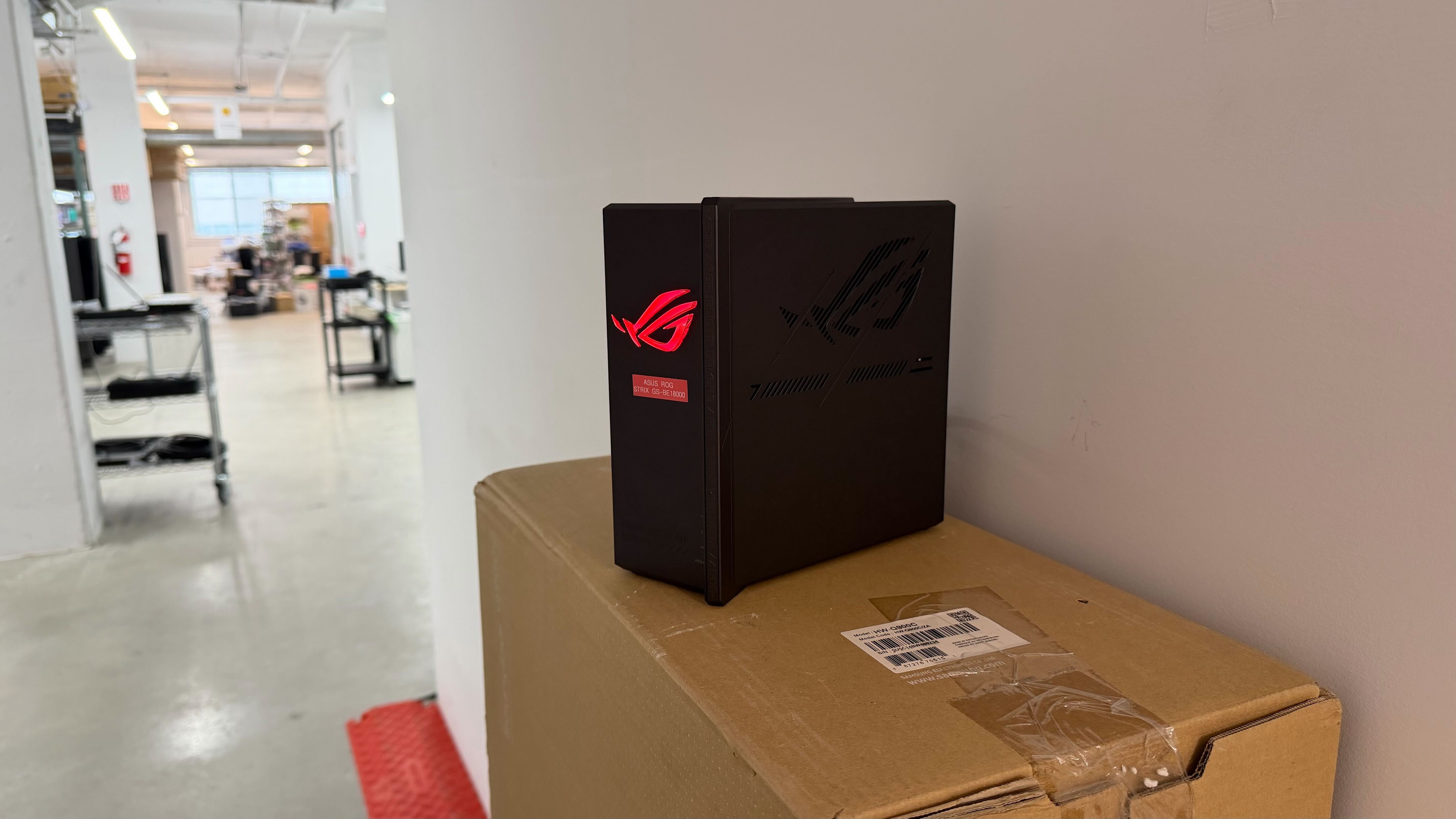
for pictures & test results

for pictures & test results

Ports 5 and 6 are designated 'gaming ports,' which are supposed to automatically prioritize network traffic for devices connected to them.
for pictures & test results

- User documentation
- Power adapter
- Ethernet cable

All of the router's parental control features are available without a subscription.
for pictures & test results

for pictures & test results

This router features Automated Frequency Coordination (AFC), which allows the router to increase the power output of the 6GHz band, theoretically increasing its range. It does this by reporting its precise GPS location using a connected client device running the ASUS Router mobile app to coordinate with regulators in your area.
As of March 2026, ASUS hasn't made AFC for this router available in Canada, so we weren't able to test it.
for pictures & test results

This router has adequate wireless latency performance overall. It has lower jitter than most other routers, which helps provide a particularly stable gaming experience, but its median latency is unremarkable.
Wi-Fi 7 has higher throughput than previous Wi-Fi versions; however, your device must support Wi-Fi 7 to benefit from it.
for pictures & test results
This router uses alternating Multi-Link Operation (MLO), which is a limited implementation of the technology that establishes a connection with clients on one band at a time. For more information, read our article on the topic.