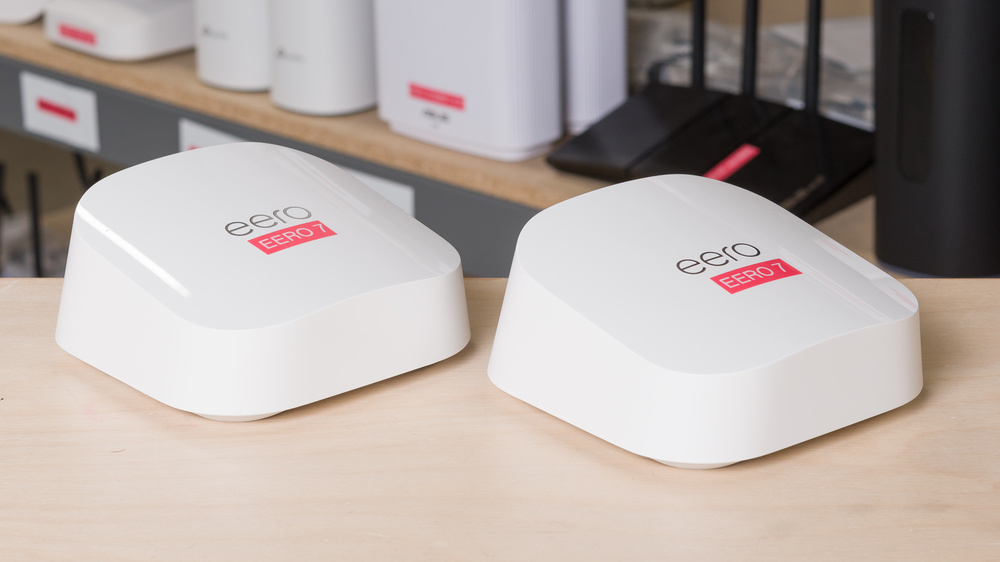
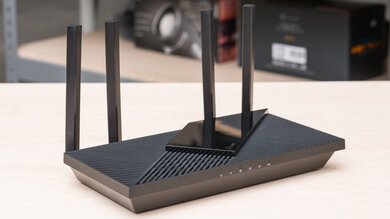
The eero 7 is a dual-band Wi-Fi 7 router with 2.4GHz and 5GHz bands. Like its predecessor, the eero 6, it's designed to work in a mesh system with other units and is available as a standalone router or in multi-packs. It iterates on the eero 6's sleek, minimalist design but has a slightly larger footprint. It touts two 2.5Gbps Ethernet ports and has built-in smart home integration with Thread, Matter, and Zigbee. You configure the router using the eero app, but many features, like parental controls, are locked behind the eero+ subscription service.
Note: We've removed the Wi-Fi coverage tests and are exploring better ways to convey the results that'll be more helpful to users.
Our Verdict
The eero 7 is a great router for apartments and small homes. It's small and unobtrusive, making it easy to place in your living space. It features two 2.5Gbps Ethernet ports and a user-friendly app that makes the setup process quick and painless. That said, many features like parental controls are exclusive to the eero+ subscription service. It delivers great top speeds and decent range, suitable for most uses like 4k video streaming and fast downloads. Unfortunately, it's let down by its lack of a 6GHz band, which is where the majority of performance gains lie in Wi-Fi 7 routers.
2.5Gbps ports.
Great top speeds.
Decent range; can further expand coverage by adding additional mesh units.
No 6GHz band.
Have to pay an additional subscription fee for advanced features.
The eero 7 is a decent router if you live in a multi-level house. It's small and has a minimalist design that makes it easy to find a place for. It's easy to configure your network using the intuitive eero app, but it only offers basic configuration options, with many features like parental controls locked behind a subscription service paywall. Performance-wise, it delivers great speeds and range suitable for multiple users streaming 4k content, but it's generally let down by its lack of a 6GHz band. While it features 2.5Gbps Ethernet ports, it can't take full advantage of them since, in practice, it can only deliver speeds up to around 1Gbps.
2.5Gbps ports.
Great top speeds.
Decent range; can further expand coverage by adding additional mesh units.
No 6GHz band.
Have to pay an additional subscription fee for advanced features.
The eero 7 is alright for gaming over Wi-Fi. It delivers great top speeds, so you can download large game updates quickly if you're close by, and it has decent range that you can expand with more units since it's a mesh system. That said, its latency performance is unremarkable. It's perfectly fine for casual gaming, but anything more demanding, like cloud game streaming or competitive gaming, will likely feel inconsistent.
Great top speeds.
Decent range; can further expand coverage by adding additional mesh units.
Acceptable wireless latency for web browsing and non-competitive gaming.
Unsuitable for competitive gaming over Wi-Fi.
The eero 7 provides great top speeds that can take advantage of up to a 1Gbps internet connection. However, its maximum speeds are held back by its lack of a 6GHz band, a common feature on Wi-Fi 7 routers.
Great top speeds.
No 6GHz band.
The eero 7's range is decent. Since it's a mesh router, you can add more units to improve its coverage throughout your home.
Decent range; can further expand coverage by adding additional mesh units.
No 6GHz band.
The eero 7 has acceptable wireless latency performance. It's broadly similar to most routers, and is suitable for taking video calls and browsing the web, but anything much more latency sensitive, like gaming, could feel inconsistent.
Acceptable wireless latency for web browsing and non-competitive gaming.
Unsuitable for competitive gaming over Wi-Fi.
Changelog
-
Updated Jun 25, 2026:
We've added a link to the newly-reviewed TP-Link Deco 7 Pro BE67 in the Interior Long Range section of this review.
- Updated Jun 22, 2026: We've updated this review to Test Bench 0.9.1! This is a minor change that makes the router type easier to see at the top of each review. Read the changelog for more info.
-
Updated Apr 27, 2026:
We've added a link to the newly reviewed Davolink Minions Kevin in the Dimensions section of the review.
-
Updated Apr 16, 2026:
We've added a link to the newly-reviewed ARRIS SURFboard G54 in the Interior Short Range section of the review.
Check Price
Differences Between Sizes And Variants
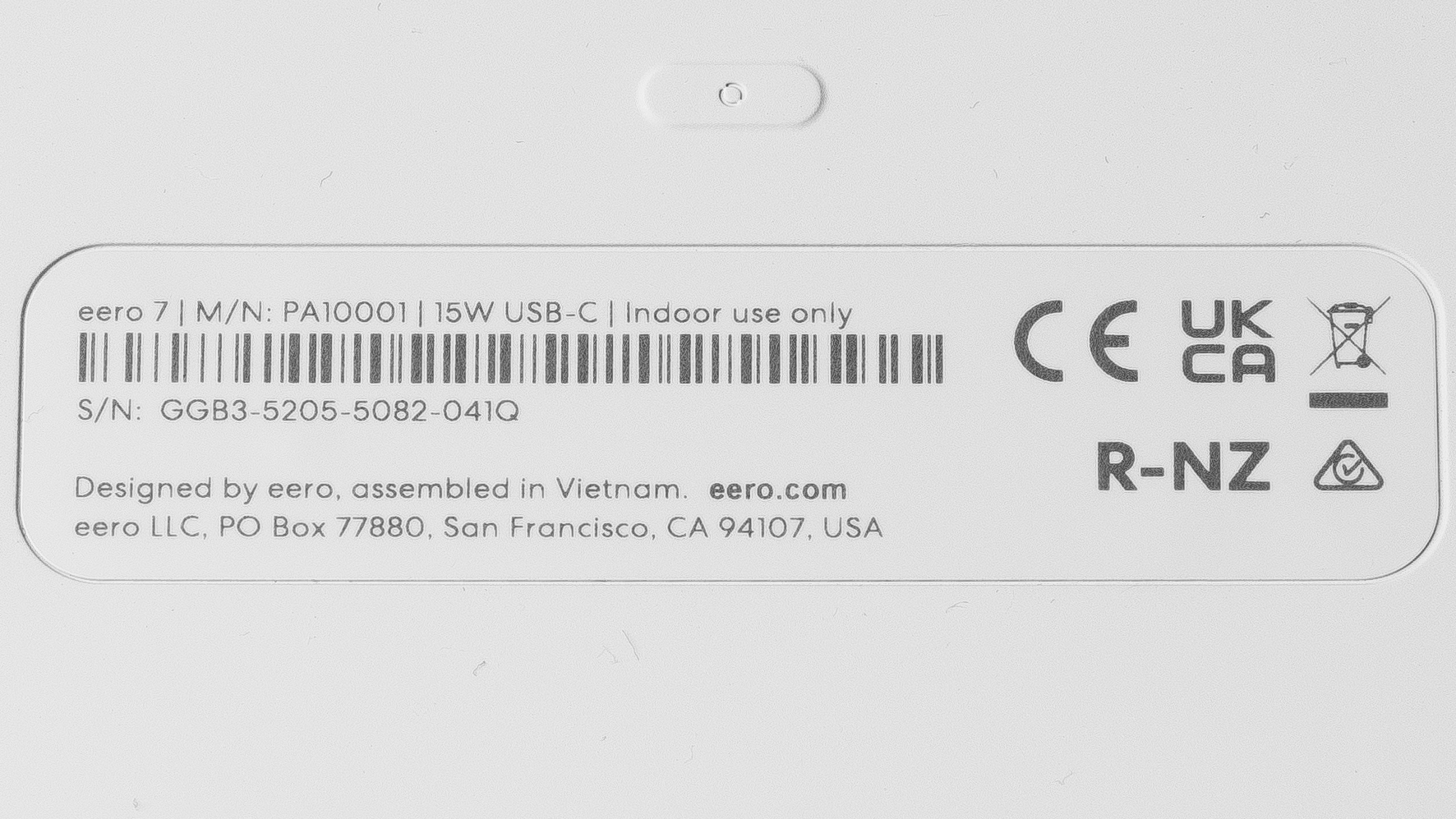
This router is available on its own or in a two- or three-pack. We bought and tested a two-pack. You can see a photo of our unit's label.
Popular Router Comparisons
Amazon's eero 7 is a dual-band Wi-Fi 7 router that succeeds the eero 6. Like other eero routers, it's designed to be used in a mesh system with other nodes and is compatible with any other eero router. It has a built-in smart home hub that's compatible with Thread, Zigbee, and Matter devices. You can adjust basic functions with the eero app, but many features, like parental controls, ad blocking, and VPN access, are behind a paywall for the 'eero+' subscription.
Unlike many Wi-Fi 7 routers, the eero 7 lacks a 6GHz band, meaning it can't take full advantage of the speeds your Wi-Fi 7 or even Wi-Fi 6E devices are capable of. While its 5GHz top speeds are great, its range is only decent and doesn't offer a significant improvement over its predecessor, the eero 6. Overall, you can find much better value in other systems like the TP-Link Deco 7 Pro BE63, which offers much better performance for the price.
For more recommendations, check out the best long-range Wi-Fi routers, the best Wi-Fi routers, or the best mesh Wi-Fi systems.
The eero 7 is the successor to the eero 6 in the company's entry-level lineup of mesh routers. It's a dual-band Wi-Fi 7 router with 2.4GHz and 5GHz bands, while the eero 6 is Wi-Fi 6. Physically, the 7 has a slightly larger footprint, but keeps the same minimalist design language, and now has two 2.5Gbps ports instead of the 6's 1Gbps ports. Performance-wise, the 7 delivers faster top speeds at close ranges than the 6, but the two deliver a similar effective range.
The eero Pro 6E is a tri-band Wi-Fi 6E router, while the eero 7 is a dual-band Wi-Fi 7 router. Both routers have 2.4GHz and 5GHz bands, but the Pro 6E has an additional 6GHz band. As such, it delivers significantly faster speeds and better range than the eero 7. That said, the eero 7 touts some Wi-Fi 7 exclusive benefits like MLO (multi-link operation), allowing compatible devices to connect to multiple bands at the same time.
The eero Pro 7 is a better router than the eero 7. While both routers support Wi-Fi 7, the Pro 7 has 2.4GHz, 5GHz, and 6GHz bands, while the 7 only has the latter two bands. As such, the Pro 7 is significantly faster and delivers better range than the 7.
The eero Pro 6 and the eero 7 are expandable mesh Wi-Fi systems. The Pro 6 is a tri-band Wi-Fi 6 router with one 2.4GHz and two 5GHz bands, while the 7 is a dual-band Wi-Fi 7 router with a 2.4GHz band and a 5GHz band. Both have two networking ports, but the 7's are rated for 2.5Gbps, while the Pro 6's are 1Gbps. Performance-wise, the Pro 6 has better range, while the 7 delivers faster top speeds.
Test Results
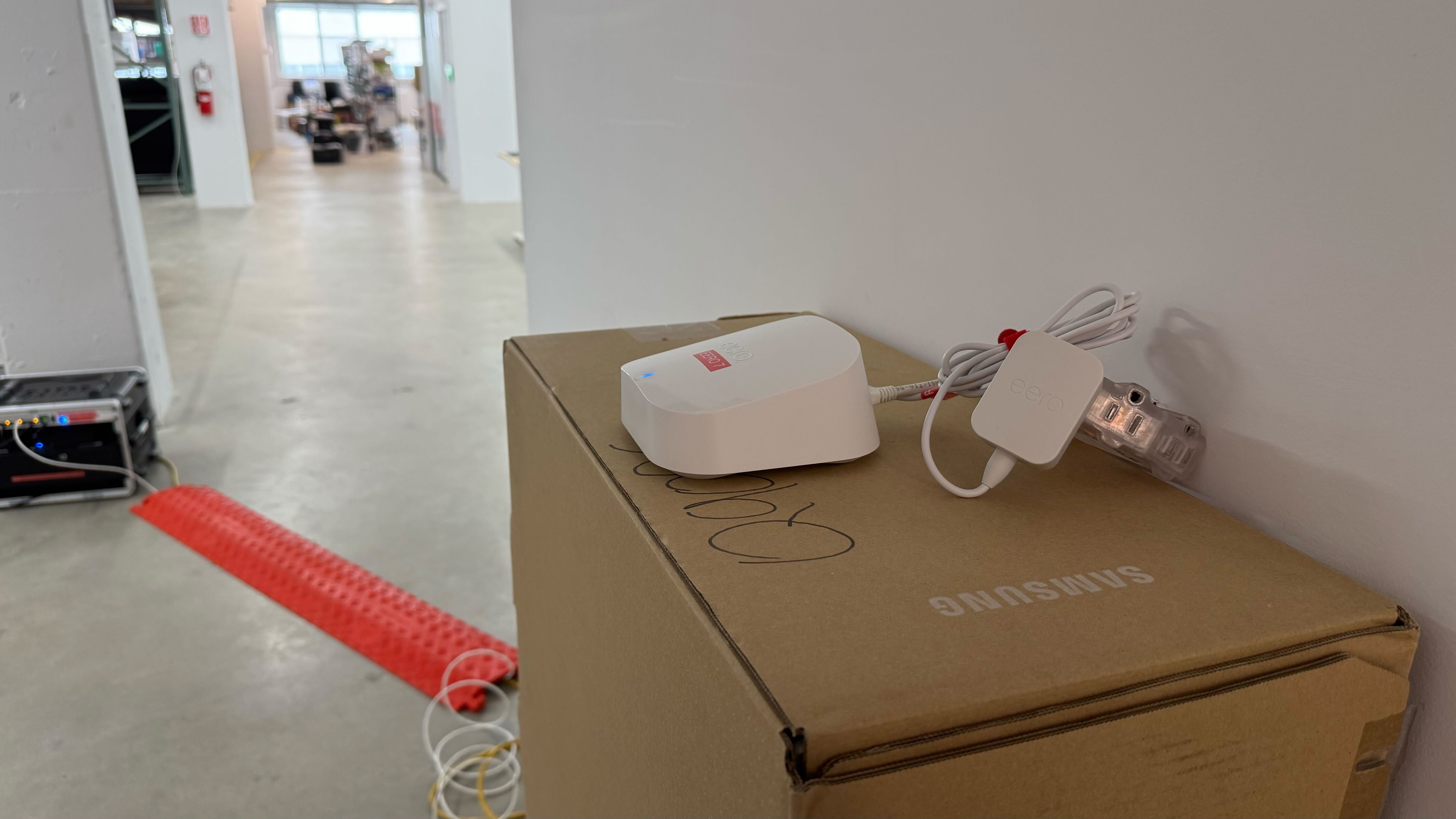
for pictures & test results

If you're looking for a router with a more playful design, check out the Davolink Minions Kevin.
for pictures & test results

This router's networking ports automatically detect whether you use a LAN or WAN connection.
If you're looking for a router with more Ethernet ports, check out the TP-Link Archer BE400.
While this router has a USB-C port, it's only for power and doesn't support data transfer.
If you're looking for a router with more external storage options, check out the GL.iNet Slate AX (GL-AXT1800).
for pictures & test results

- Ethernet cable x2
- USB-C power adapter x2
- User documentation

for pictures & test results

Note that during our initial testing, this router was only broadcasting on an 80MHz channel width, resulting in considerably lower speeds. Only after repeated tests over multiple days did the router use the 160MHz channel width that ultimately allowed for the faster speeds seen in the results above.
If you have the eero 7 and have experienced similar behavior, let us know in the comments.
If you're looking for a device with a fast 6GHz band, check out the ARRIS SURFboard G54.
for pictures & test results

Check out the TP-Link Deco 7 Pro BE67 if you're looking for a Wi-Fi 7 mesh system with better range.
for pictures & test results

This router's wireless latency and jitter are acceptable. It's fine for browsing the web, taking calls, and casual online gaming, but like all Wi-Fi routers, it's too inconsistent for competitive gaming at a high level.
for pictures & test results
Like many mesh systems, the latency and jitter are worse when you're connected to a satellite access point. It's acceptable for normal internet use, but you should connect to the main access point if you need to do anything latency-sensitive over Wi-Fi.
While the eero 7 supports some Wi-Fi 7 features like Multi-Link Operation (MLO, albeit in a limited capacity), it doesn't have a 6GHz radio, meaning it can't take advantage of the top speeds your Wi-Fi 6E and 7 devices can achieve.
If you're looking for a tri-band Wi-Fi 7 router with a 6GHz band, check out the TP-Link Archer BE700.
for pictures & test results
This router uses alternating MLO (multi-link operation), which is a limited implementation of the technology that establishes a connection with clients on one band at a time. For more information, read our article on the topic.