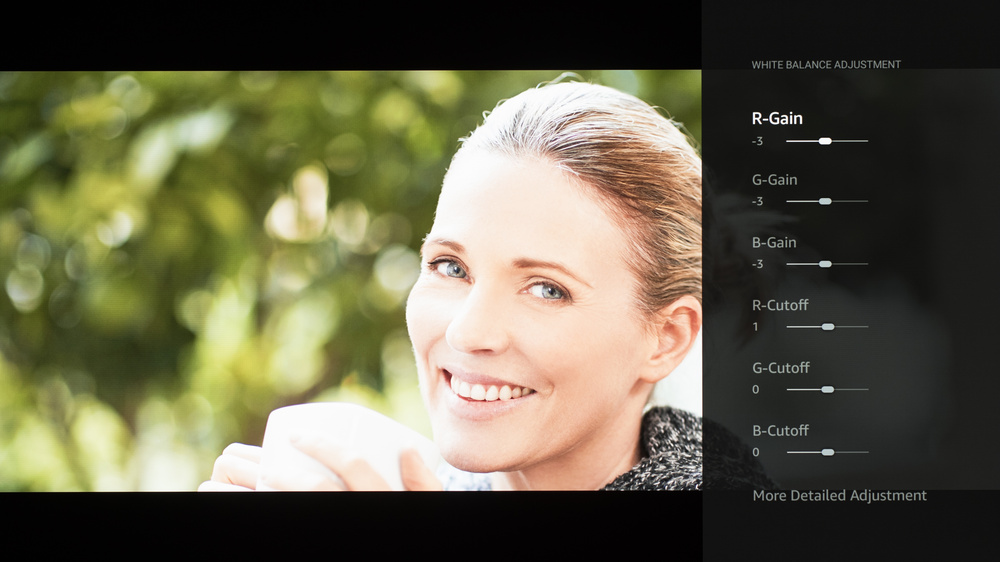
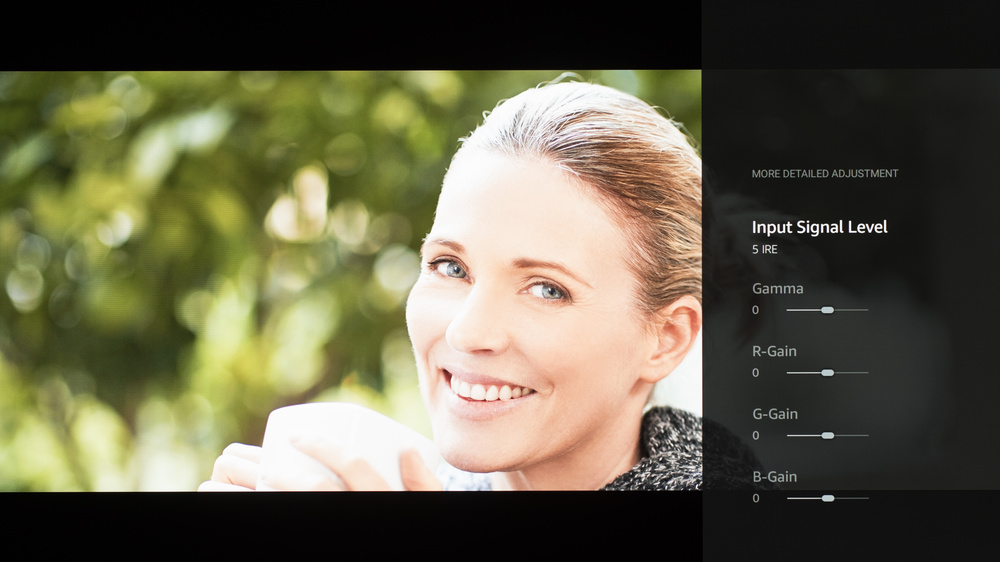
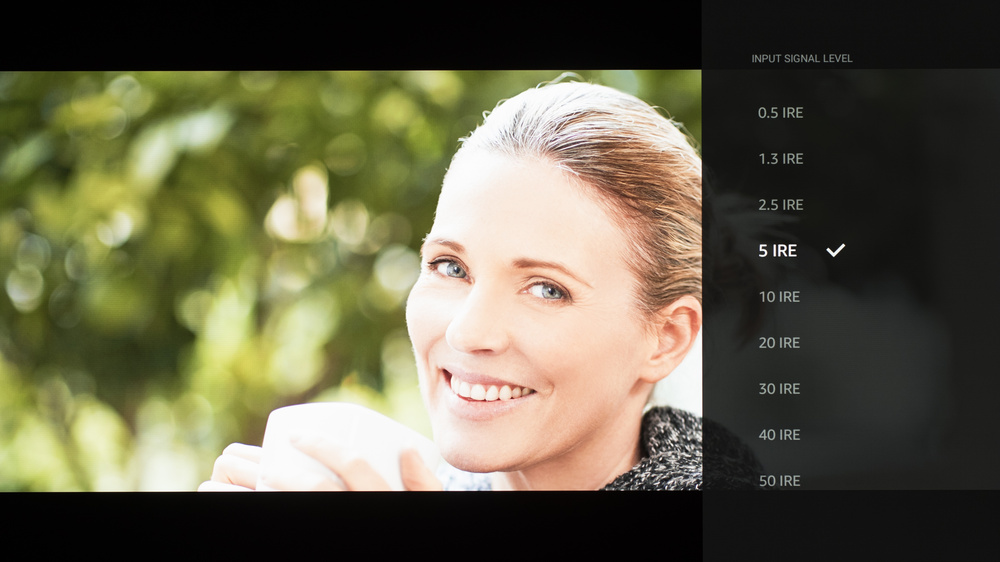
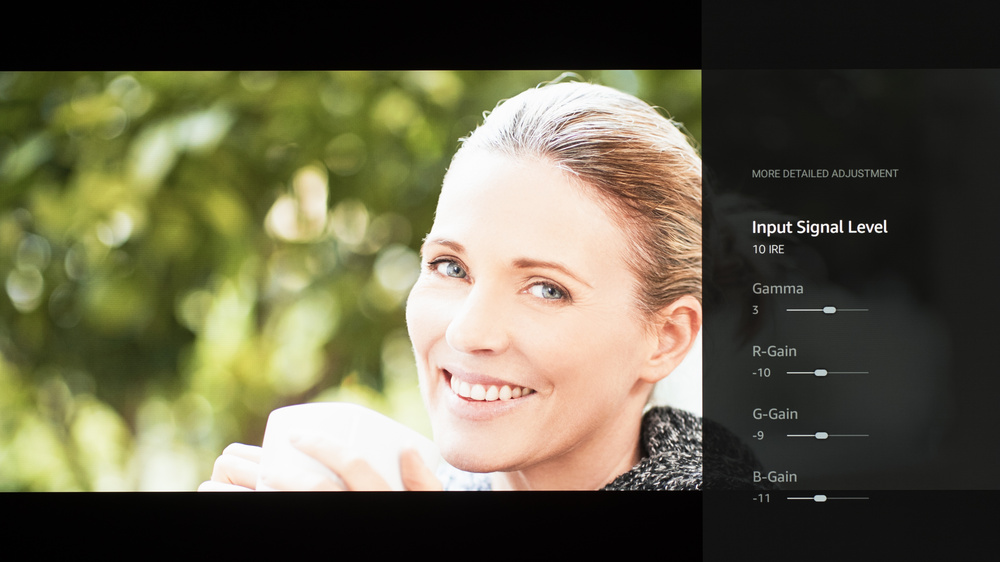
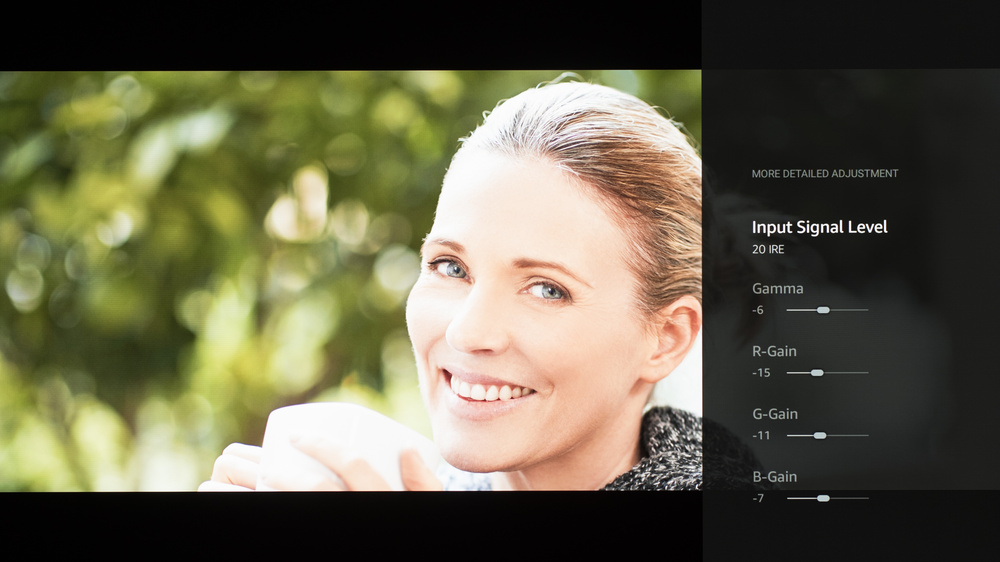
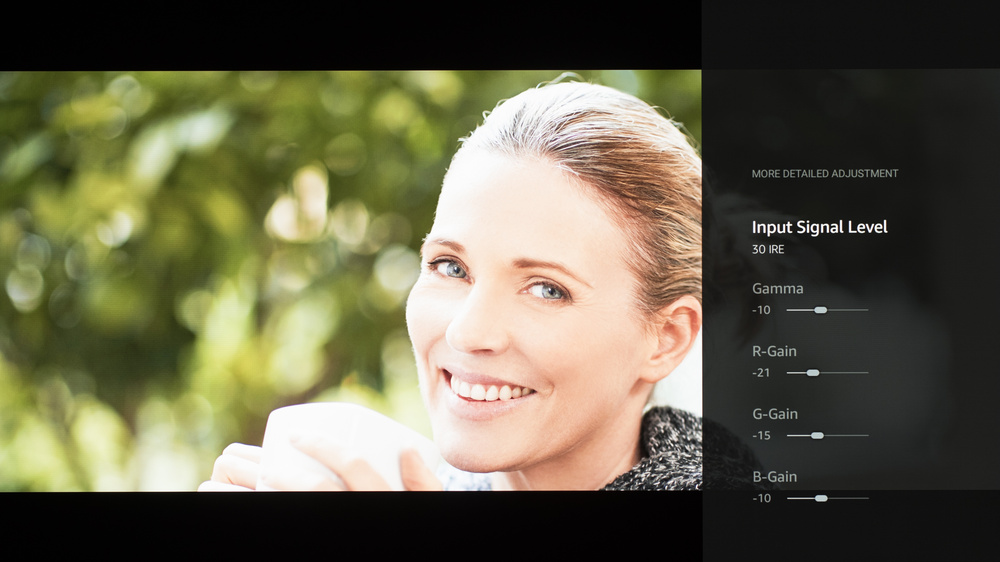
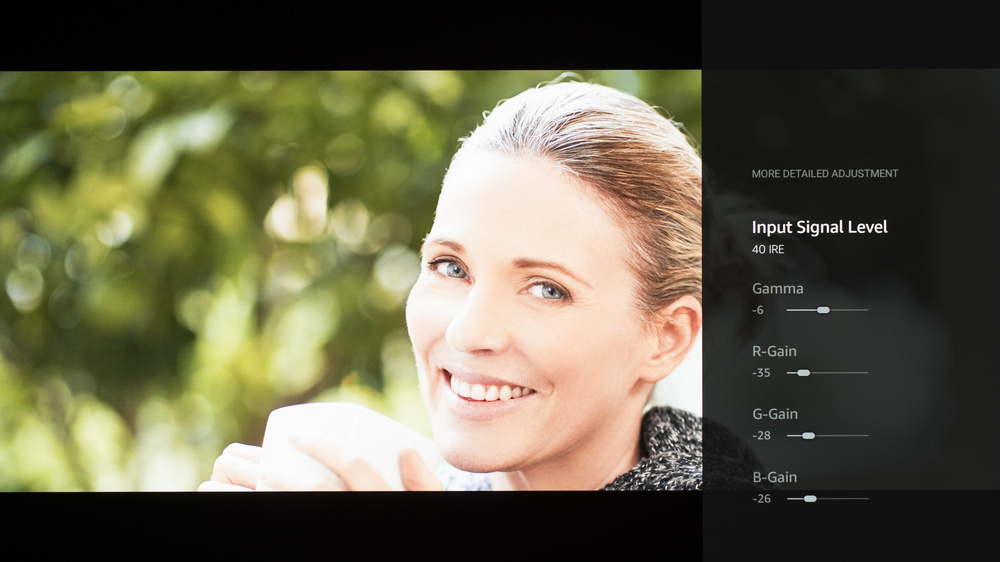
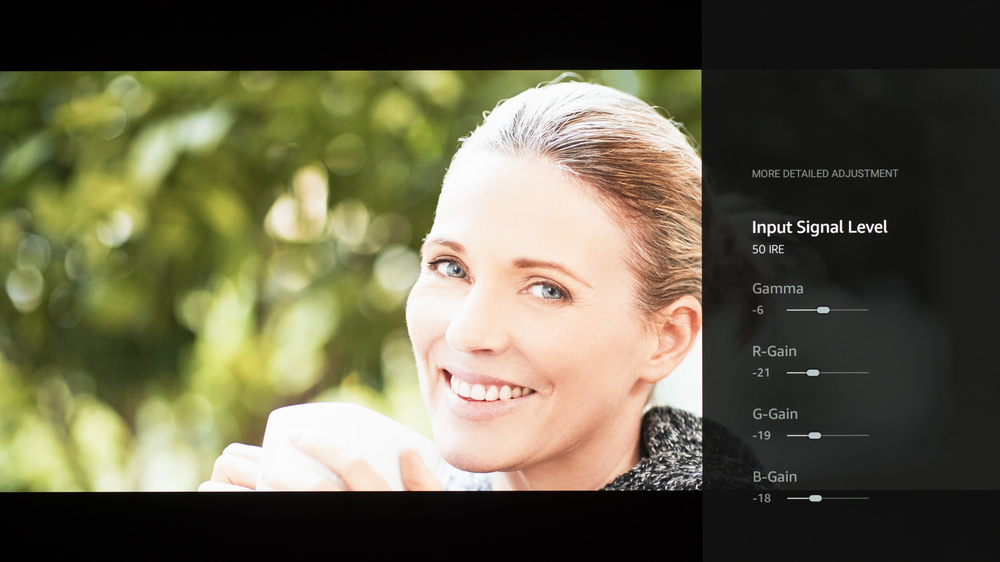
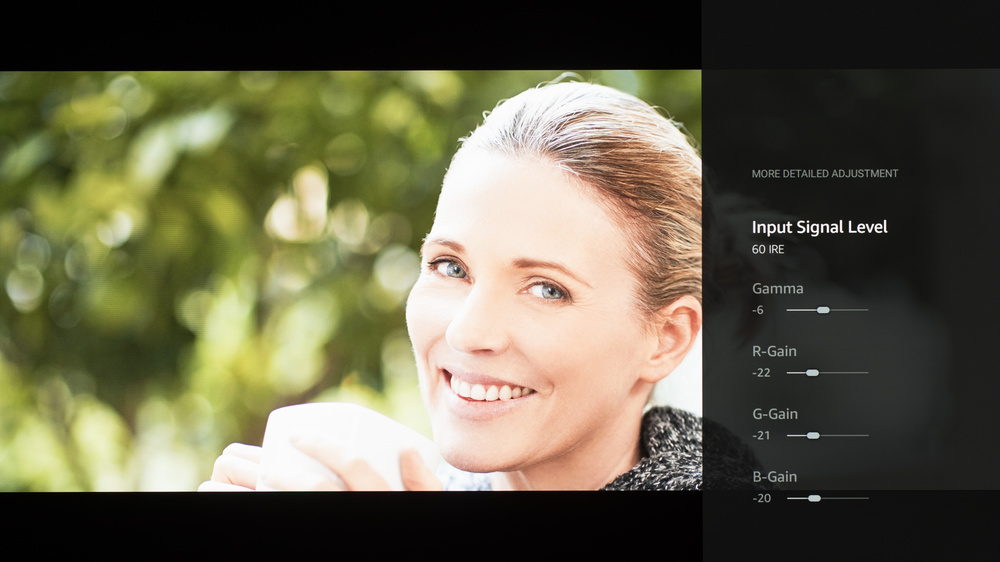
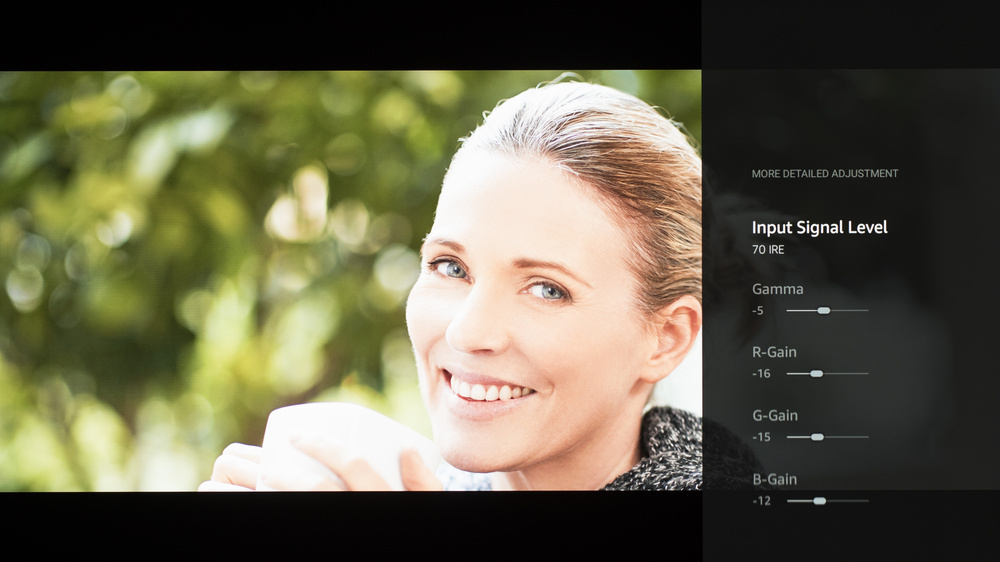
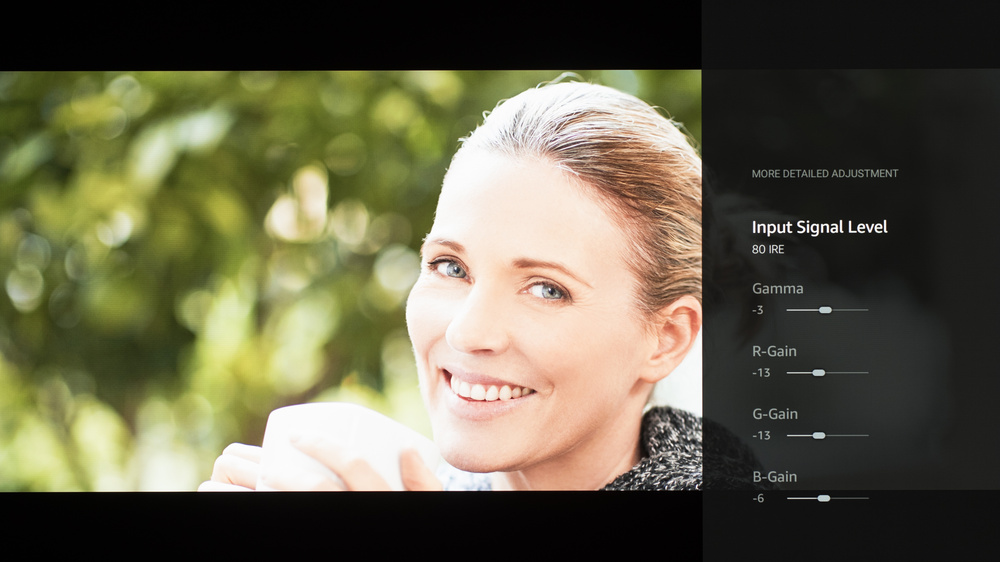
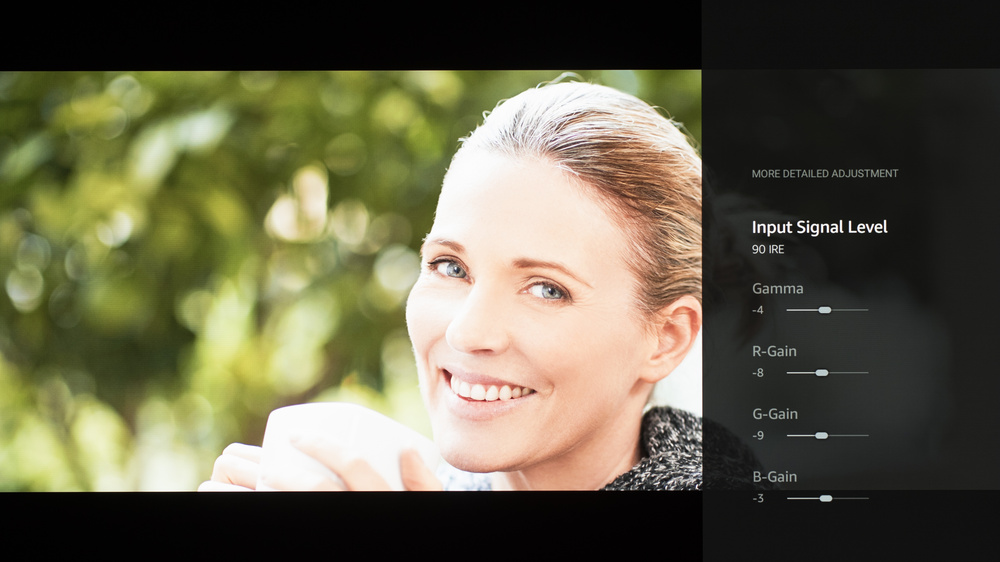
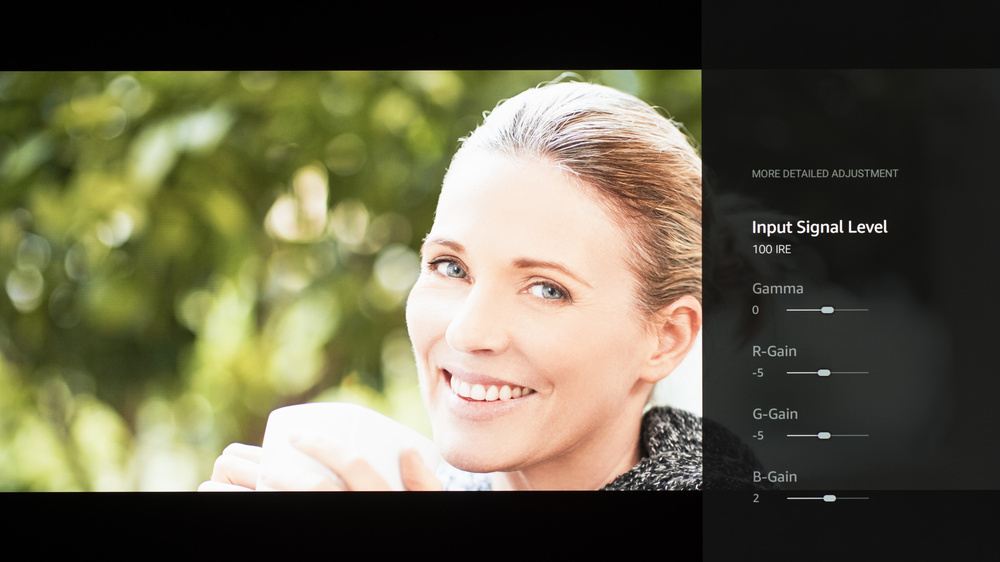
We used the following calibration settings to test the 65-inch Panasonic Z95B OLED (65Z95BP), but they're also valid for the 55-inch (55Z95BP) and 77-inch (77Z95BP) models. Our settings apply to most types of content, except for gaming or use as a PC monitor, which requires a few additional changes, listed below.
These settings are meant to provide a starting point; they're not meant to be copied 1:1. They provide the most accurate image in a moderately lit room, but you should adjust them to match your personal preferences and viewing conditions.
SDR Picture Settings
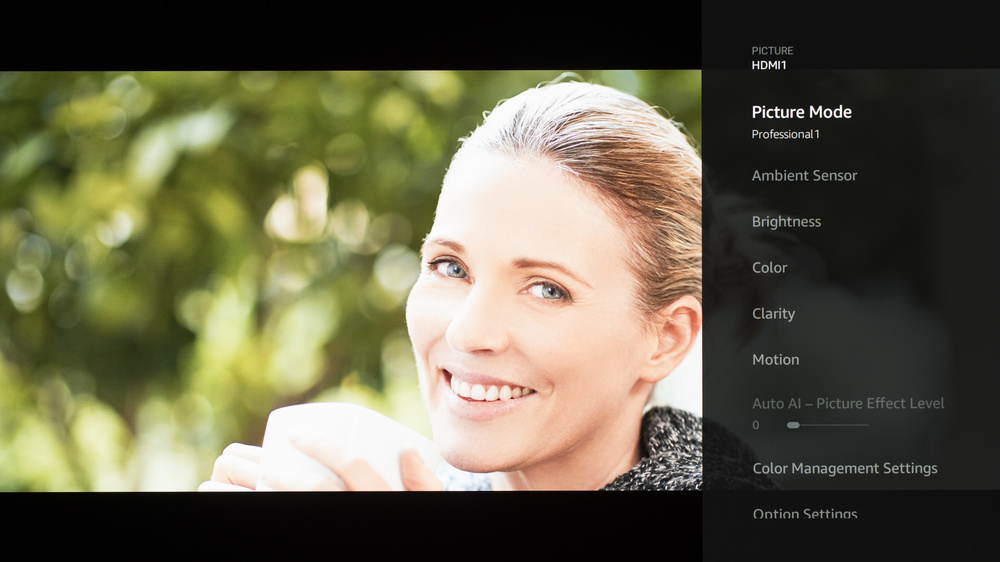
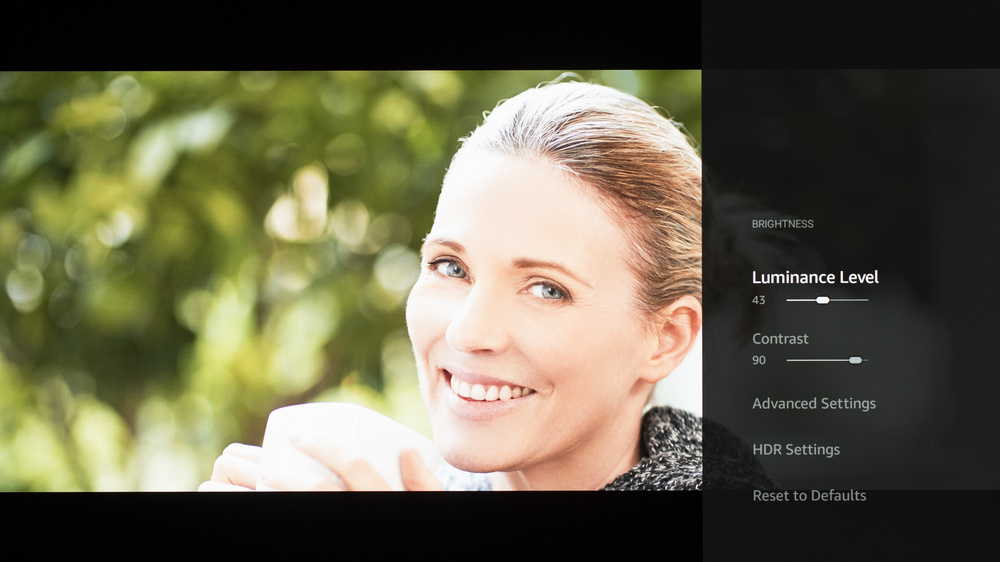
For SDR content, you can choose a few different preset picture modes. We used the 'Professional 1' Picture Mode because it's the most accurate out of the box and allows for the most customization. A Luminance Level setting of '43' corresponds to about 200 nits on our unit, which is our target for a moderately lit room, but you should adjust these settings depending on your viewing conditions. For our peak brightness test, Luminance Level was set to maximum with Peak Brightness on 'High'. Below are the settings we used for SDR. All other settings were either disabled or left off.
- Picture Mode: Professional 1
- Ambient Sensor: Off
- Luminance Level: 43 (200 nits)
- Contrast: 90
- Gamma: 2.2
- Color Temperature: Warm 2
HDR10, HDR10+, and Dolby Vision
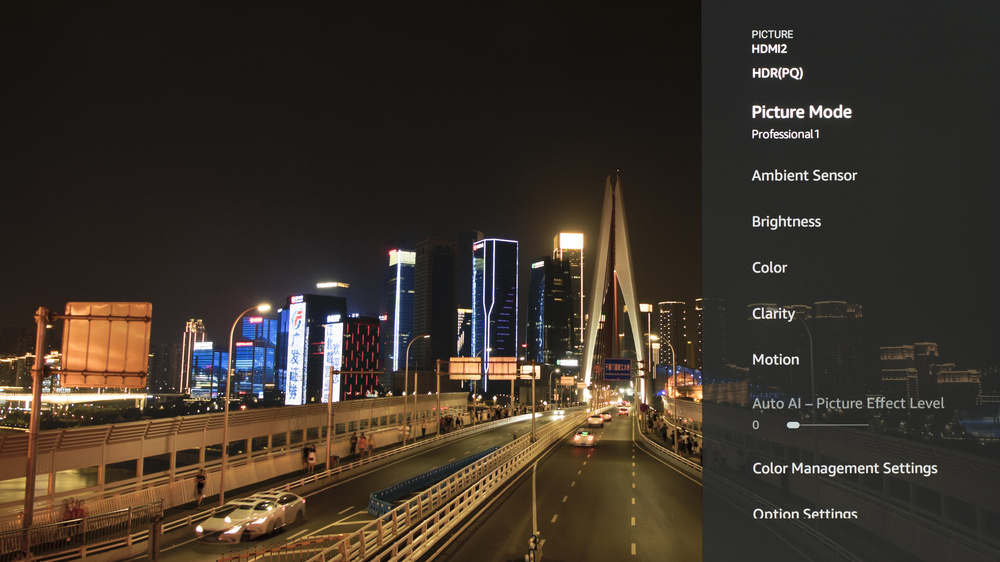
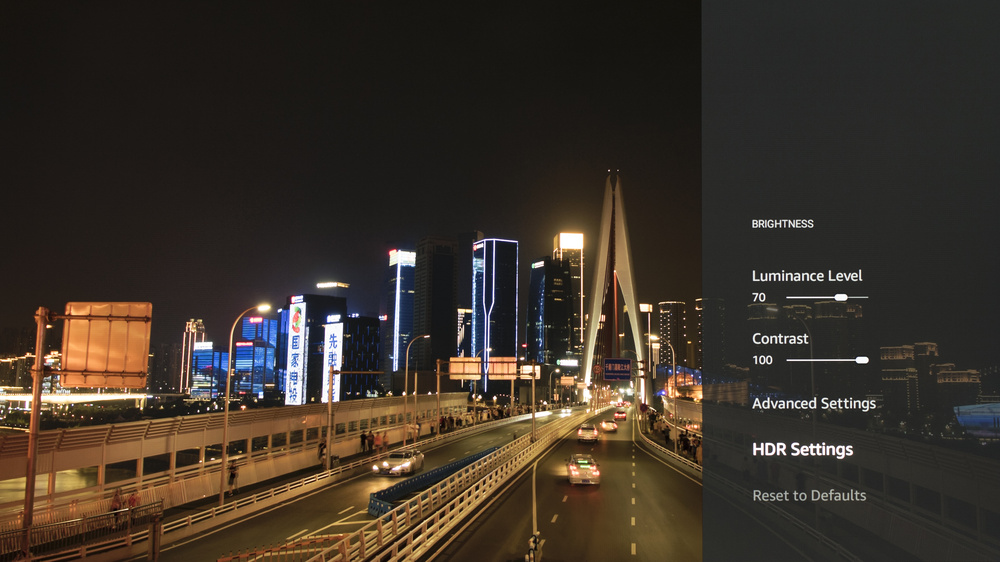
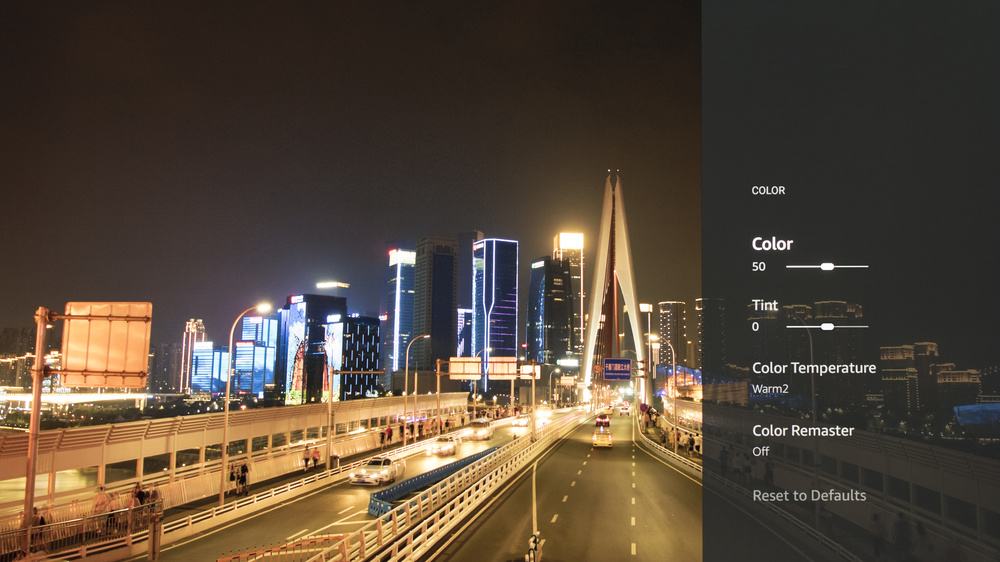
HDR is automatically enabled for native apps. When you start playing HDR content, a small HDR icon appears in the picture settings menu. Once you start playing HDR content, some of the settings change automatically. Below are the settings we used for HDR10. All other settings were either disabled or left off. A Luminance Level setting of '70' gives you the most accurate image and doesn't sacrifice any peak brightness, but you can set that higher if you'd rather a brighter overall image at the cost of accuracy.
- Picture Mode: Professional 1
- Ambient Sensor: Off
- Luminance Level: 70
- Contrast: 100
- Peak Luminance: High
- EOTF Type: Auto
- HDR Tone Mapping: Normal
- Color Temperature: Warm 2
The TV supports HDR10+ and Dolby Vision from native apps and external devices. As with normal HDR content, when you start playing HDR10+ or Dolby Vision content, some settings change automatically. Since we don't specifically test either of these HDR formats, we don't have exact settings for them, but they should be the same as our HDR10 settings.
HDR White Point
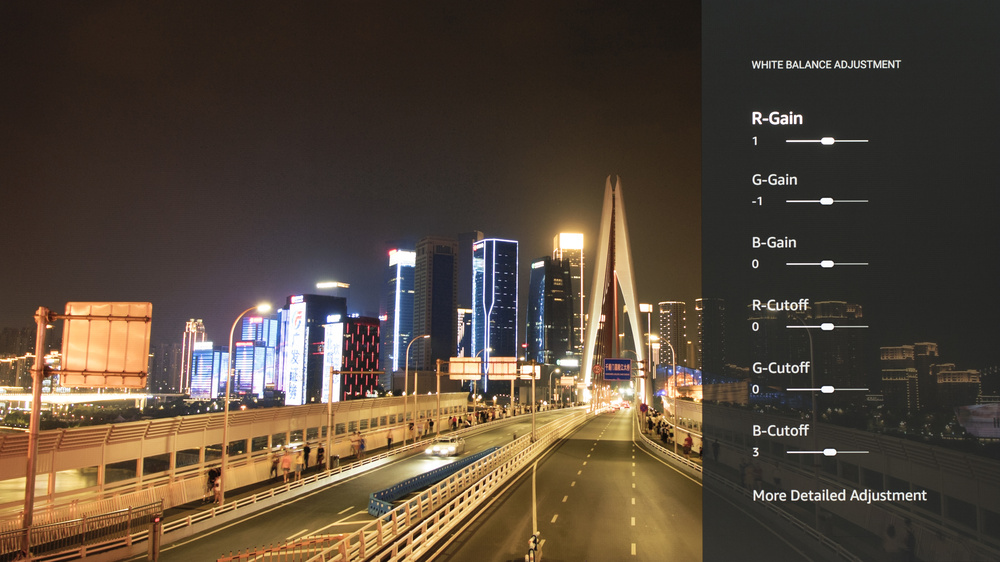
The following are the old results of calibrating our unit's white balance to 6500K in HDR using the 2-point method. We don't publish the values we used for our new 20-point calibration.
They are provided for reference and shouldn't be copied as the calibration values vary per individual unit, even for the same model and size as the TV we reviewed, due to manufacturing tolerances. If you want to try them, you'll need to enter all values shown, as all of them are active at the same time. If you have worse picture quality, simply reset them to the default values.
Gaming Settings
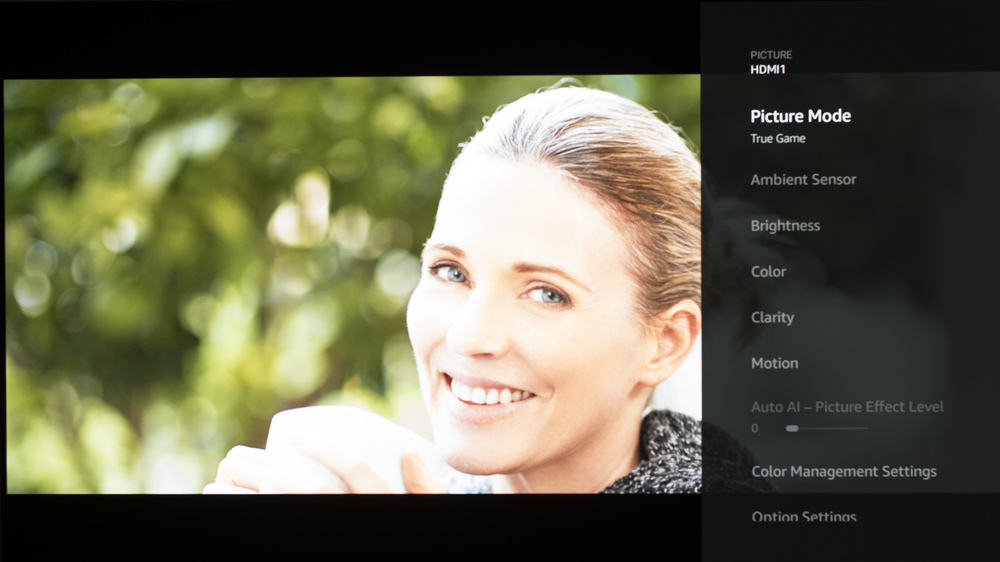
From the base SDR and HDR settings, very few changes are required for the best gaming experience. When you start gaming, it is best to enable True Game to get the lowest input lag. The rest of our gaming settings are identical to our regular settings for SDR or HDR. For chroma 4:4:4, you must have Pure Direct enabled in the HDMI Settings.
eARC/ARC
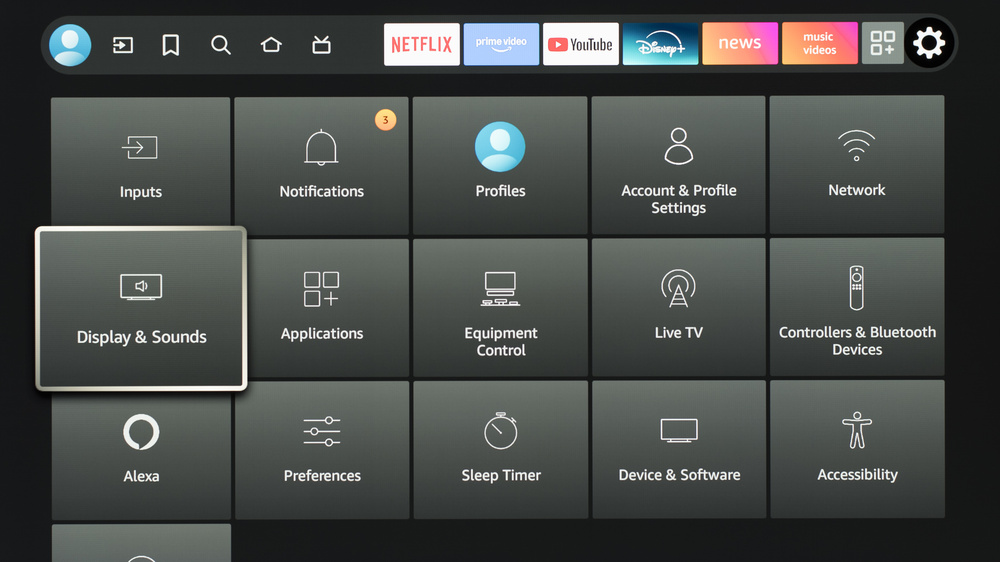
To make eARC work, Digital Audio Format must be set to 'Passthrough' in the Audio Output settings found in the Display & Sounds menu.
Upscaling: Sharpness Processing
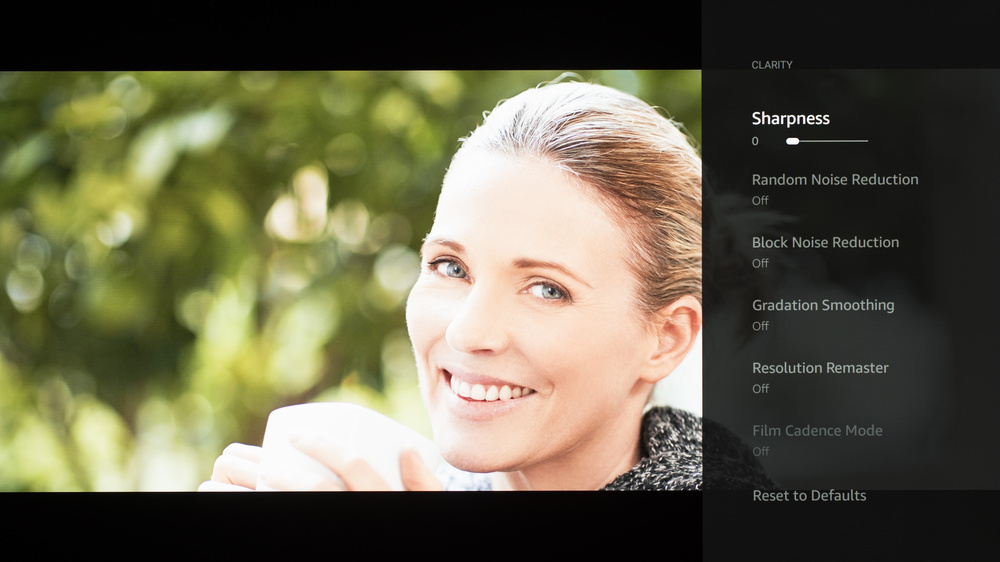
For our upscaling test, we set Sharpness to '30' with Resolution Remaster maxed out. Sharpness processing was calibrated with no over-sharpening for low-resolution content.
Judder
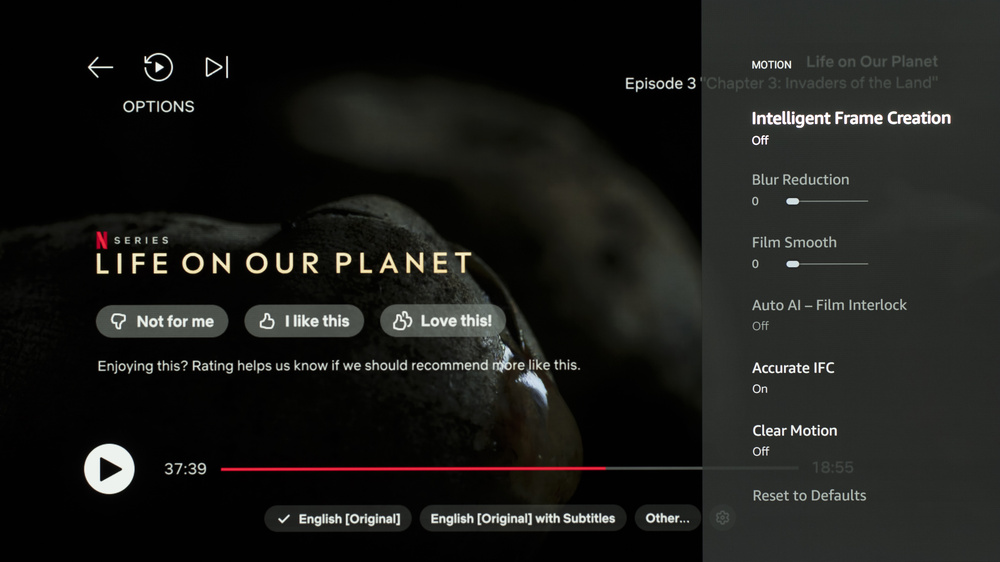
This TV automatically removes judder from all 24p and 60p external sources and from the internal apps. To remove judder from 60i sources, Accurate IFC must be enabled.
Stutter Reduction Via Interpolation
Setting Intelligent frame creation to 'film Smooth: 3' outputs a framerate equivalent to 30fps, which helps to reduce stutter in 24fps content.
Firmware & Storage
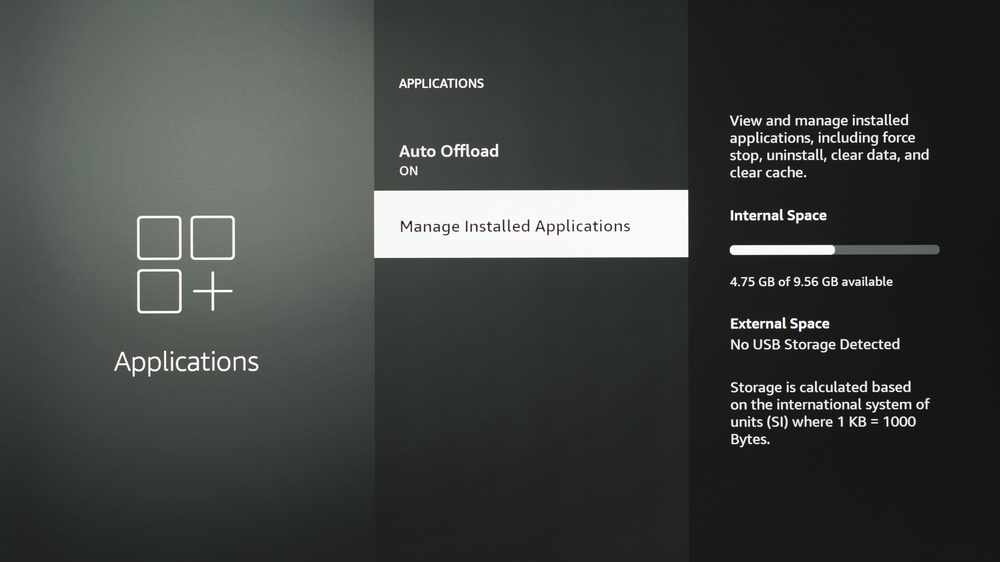
The unit we bought and tested was calibrated on software version Fire OS 8.1.4.1 (RS8141/3009). The TV has about 9.5GB of total storage.
Other Settings
For information on any other settings or features that fall outside of the scope of our testing, please refer to the user manual found on Panasonic's website.
White Balance Settings
The following are the results of the white balance and colorspace calibration on our unit. They are provided for reference and should not be copied, as the calibration values vary per individual unit, even for the same model and size as the TV we reviewed, due to manufacturing tolerances. If you want to try them, you will need to enter all values shown, as all of them are active at the same time. If you end up with worse picture quality, simply reset them to the default values.