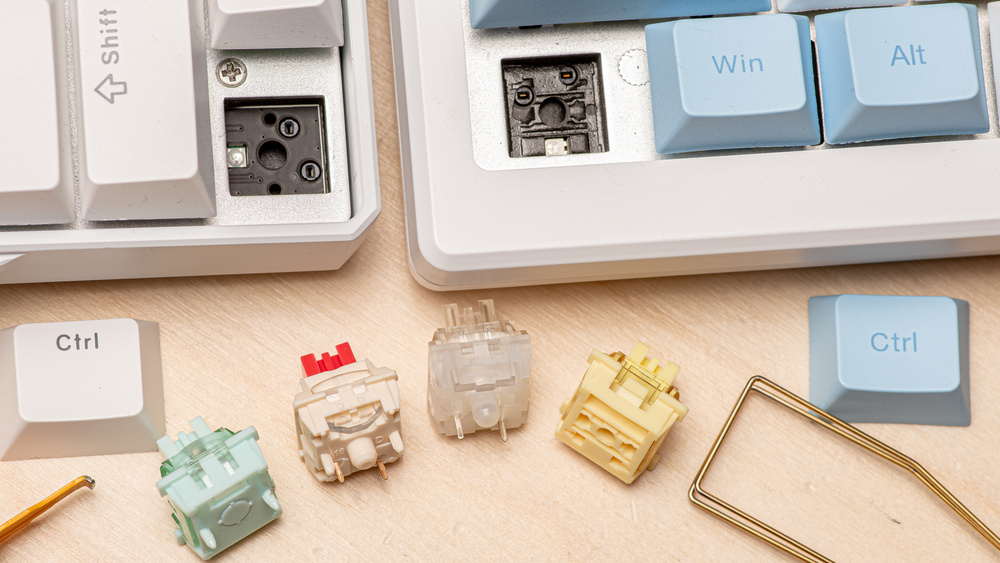
Hot-swappable keyboards have become a mainstay in the enthusiast keyboard community. A hot-swappable keyboard is essentially a keyboard that allows you to remove and replace individual key switches without soldering. Where they used to be a niche segment of the industry a few years ago, custom mechanical keyboards have become increasingly prevalent in the market, even among hobbyists and more casual users. While many of the most established brands for prebuilt keyboards, including Logitech, SteelSeries, and Razer, have yet to fully embrace this trend, other emerging brands like Keychron and NuPhy have made it a defining feature. So what are hot-swappable keyboards? What should you consider when choosing one, and are there any drawbacks to this technology?
Test results
What Are Hot-Swappable Keyboards?
In one short sentence, hot-swappable keyboards let you remove and replace key switches easily, without the need for soldering. Traditional mechanical keyboards require desoldering to change switches, which can be time-consuming and intimidating for beginners. Manufacturers solve this by soldering hot-swap sockets onto the keyboard's printed circuit board (PCB) during production. Each socket is a small connector with spring-loaded metal contacts that grip the pins of a mechanical switch. Instead of soldering, you simply insert the switch into the socket. Installing a switch is straightforward: align the pins with the socket holes and press down firmly until it clicks into place.
Benefits and Drawbacks
Having hot-swappable switches comes with many perks, especially for people who like to change their setup often. They make it easy to try different switch types without committing to a full keyboard replacement. For example, you can try some fast linear switches for gaming, tactile "thocky" switches for typing, or even create hybrid setups with different switches for different key groups. You can check out our best mechanical keyboard switches list for ideas on where to start your journey.
Hot-swappable keyboards also allow you to change up your setup long-term in a much more cost-effective way. If your preferences or your needs evolve over time, you can purchase individual switch sets instead of having to buy a new keyboard. Even if switches are fairly sturdy nowadays, this also makes it much easier to replace a faulty switch if it ends up breaking.
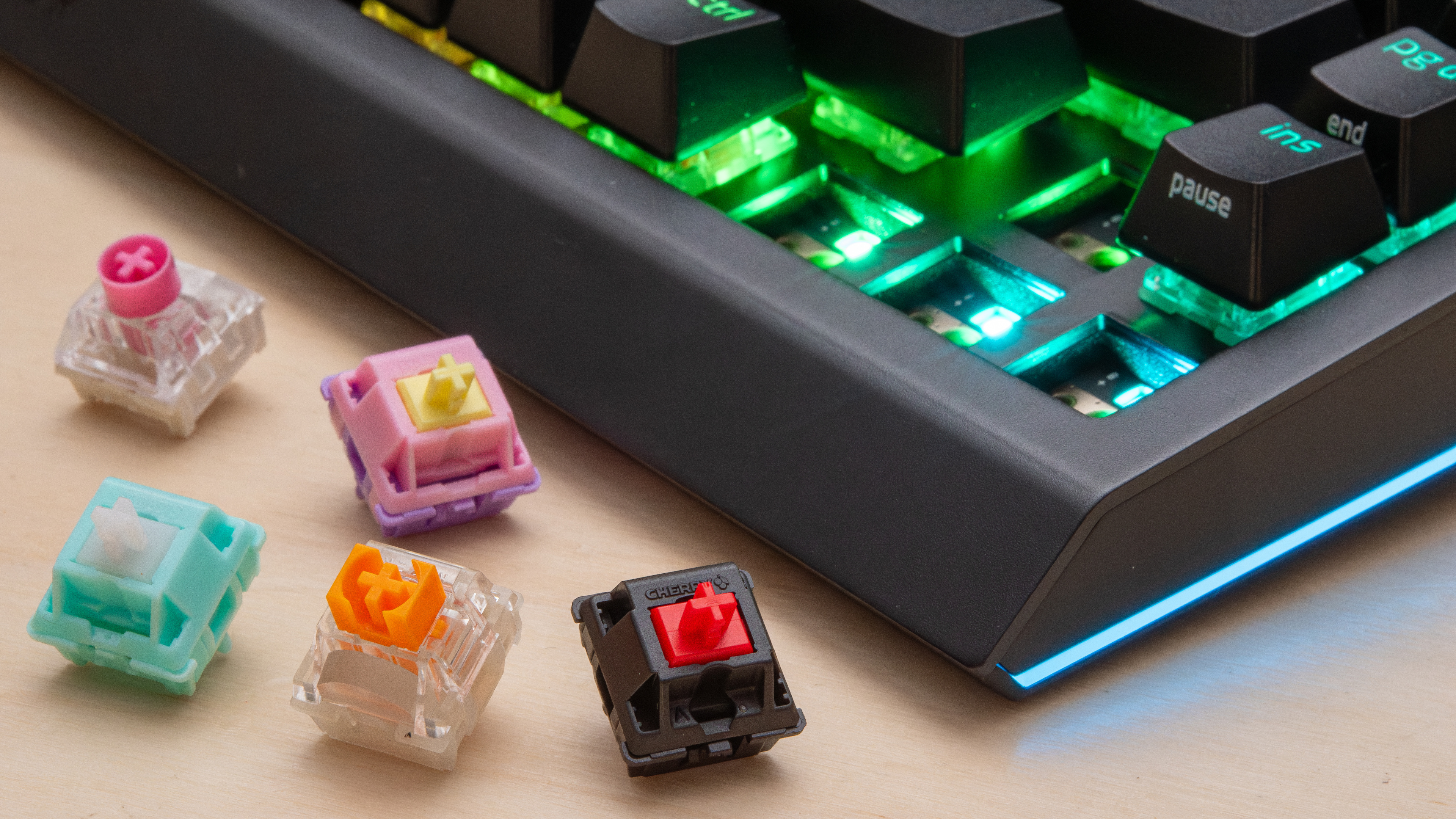
However, there are some trade-offs, mainly related to long-term durability. Some of the earlier sockets had an operating life of about 100 insertions. However, newer sockets from known players like Kailh and Gateron are rated for tens of thousands of cycles. Despite these improvements, hot-swap sockets are still more vulnerable to dust, debris, or improper installation, which can cause intermittent key failures or chatter (repeat keystrokes), unlike the permanent connections of soldered switches. Finally, hot-swappable keyboards are also usually more expensive than their soldered counterparts. For people who don't intend to experiment with switches over time, it may not be worth the extra investment.
What About Compatibility?
One important consideration is switch compatibility. Fortunately, the vast majority of hot-swappable mechanical keyboards support standard MX-style sockets established by Cherry, but you need to pay attention to pin configuration. There are two possible configurations: 3-pin and 5-pin sockets. Three-pin switches have two electrical contacts and a center post, while 5-pin switches add two additional plastic pins for extra stability. The 3-pin layout, also called plate-mounted switches, works better with a mounting plate above the PCB to hold them firmly. Most keyboards use a plate typically made of metal or rigid plastic to add structural strength, provide stability for switches, and allow some customization of the typing feel. The 5-pin layout, called PCB-mounted switches, can be mounted directly on the circuit board in a more stable fashion. This gives some extra flexibility to keyboard builders, as long as the PCB you use must have the required holes for the extra legs to fit.
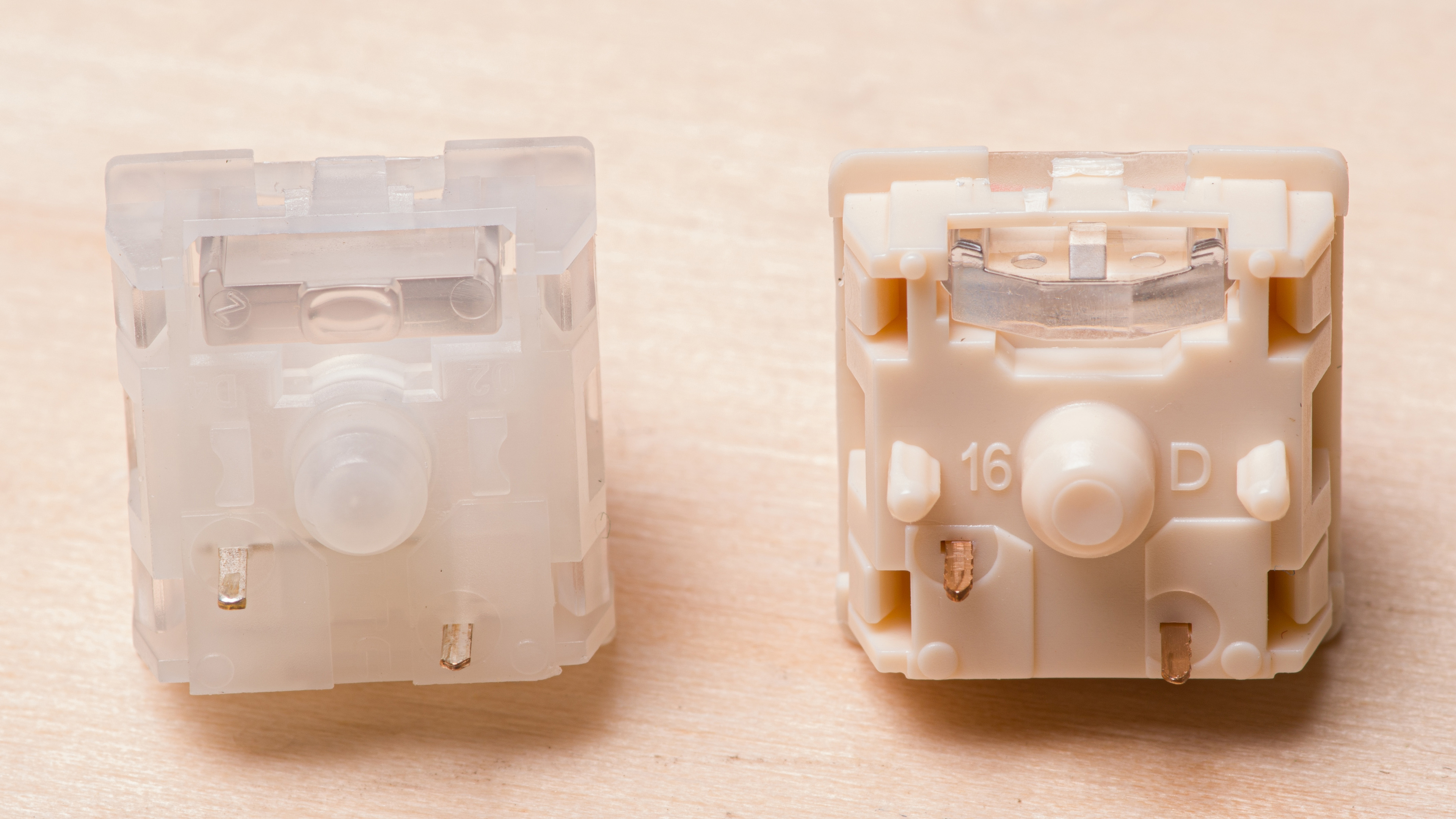
That said, since the metal pin layout is the same, both types of switches are actually interchangeable, with a caveat. Five-pin switches can be used in 3-pin sockets by clipping off the extra pins. You can use a nail clipper or flush cutters. This can be tedious if you are modifying a full set of switches. Three-pin switches can be used in 5-pin sockets, but may feel less stable. The 5-pin design has become more and more prevalent in recent years, and many manufacturers are now designing their PCBs with cutouts for 5-pin by default so that they're compatible with both types of switches.
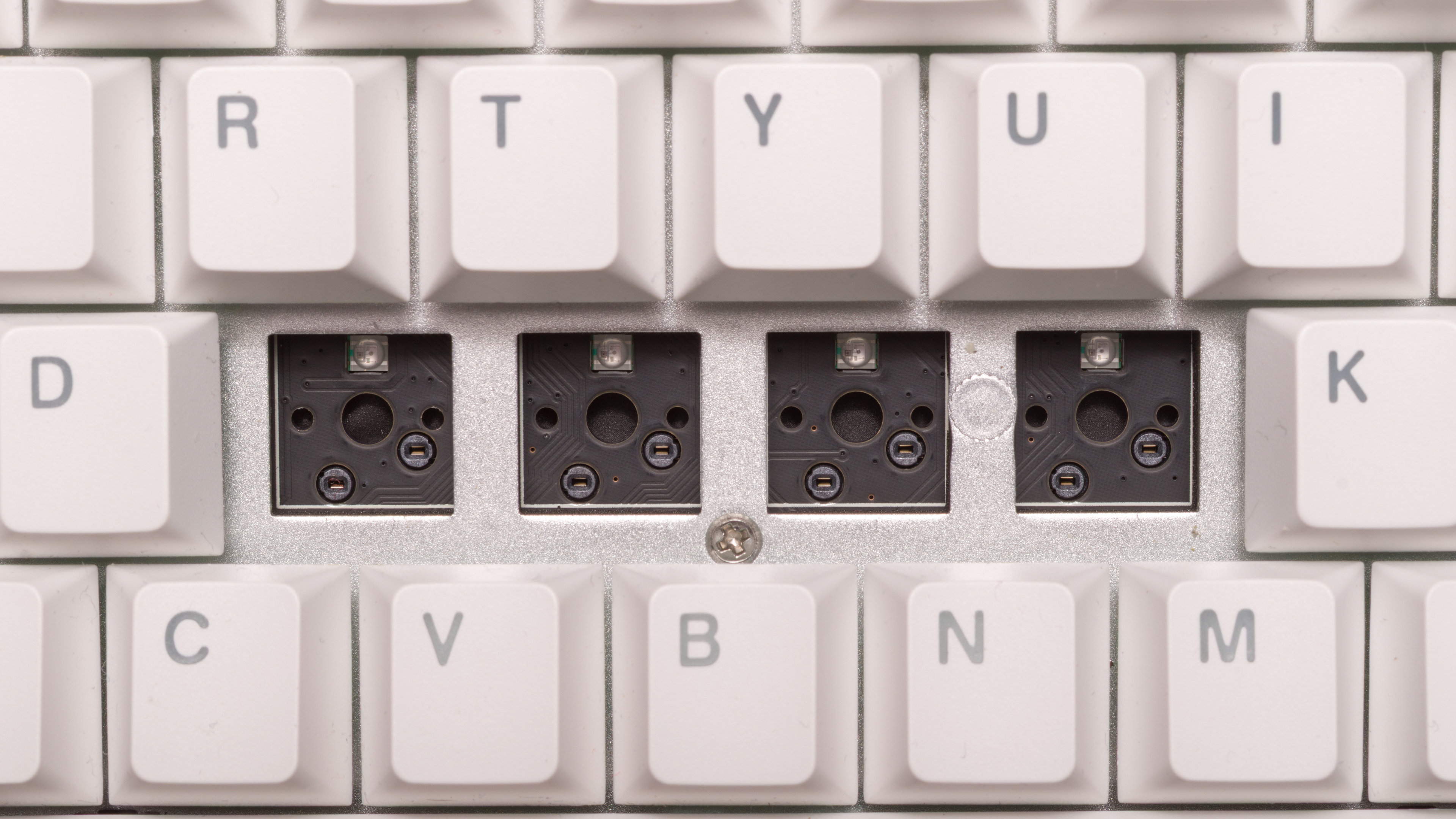
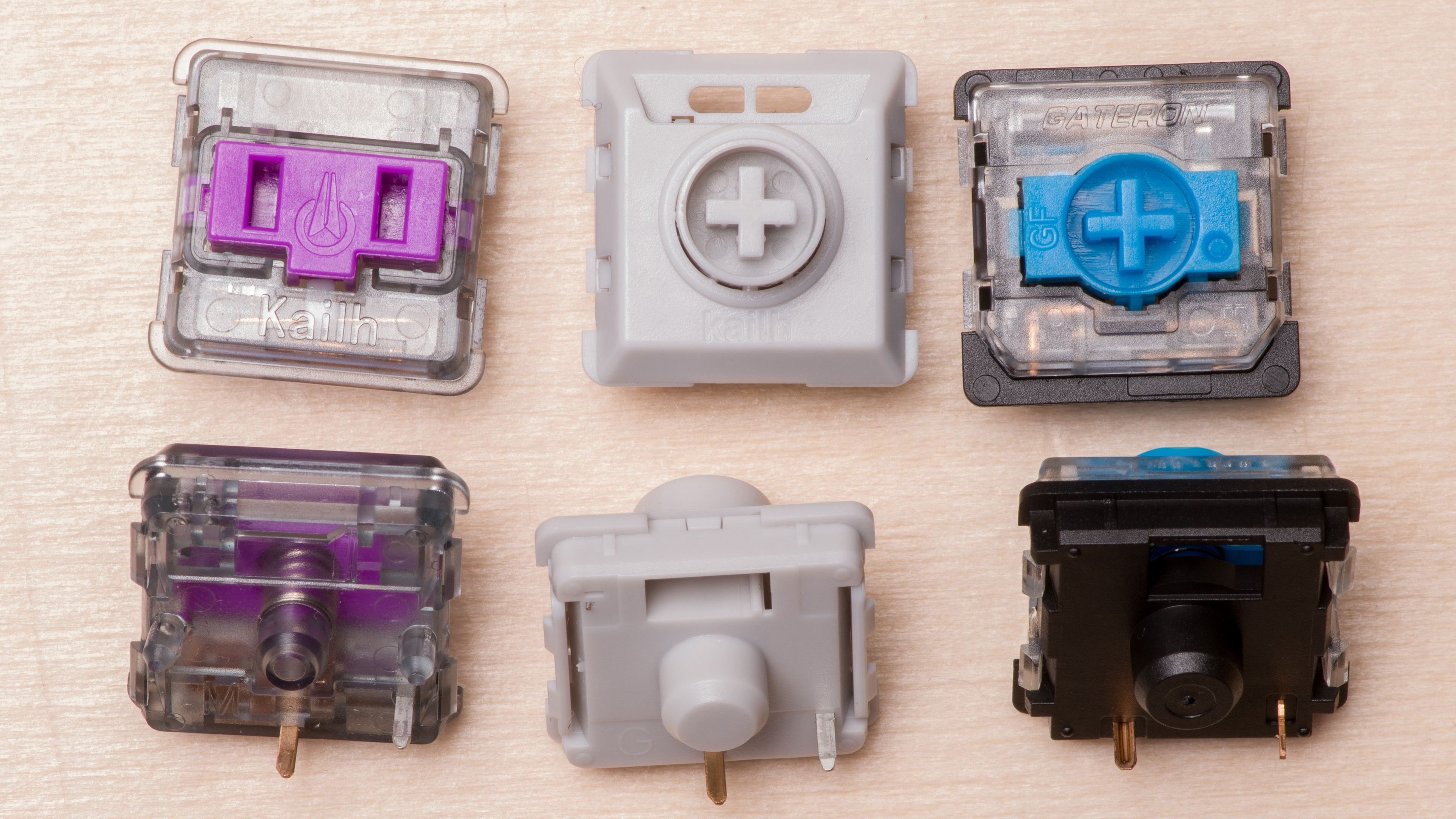
This becomes a bit more complicated when it comes to low-profile switches, as there isn't really a single standard. Instead, many different manufacturers have their own low-profile standards with slightly different characteristics and pin placements, which make them incompatible with each other. Cherry MX Low-Profile, Gateron Low-Profile, and Kailh Choc are a few of the main types on the market right now. So, if you plan to buy a low-profile keyboard, you'll have to be more careful when buying switches. Look for information in our reviews for guidance.
What About Hall Effect Keyboards?
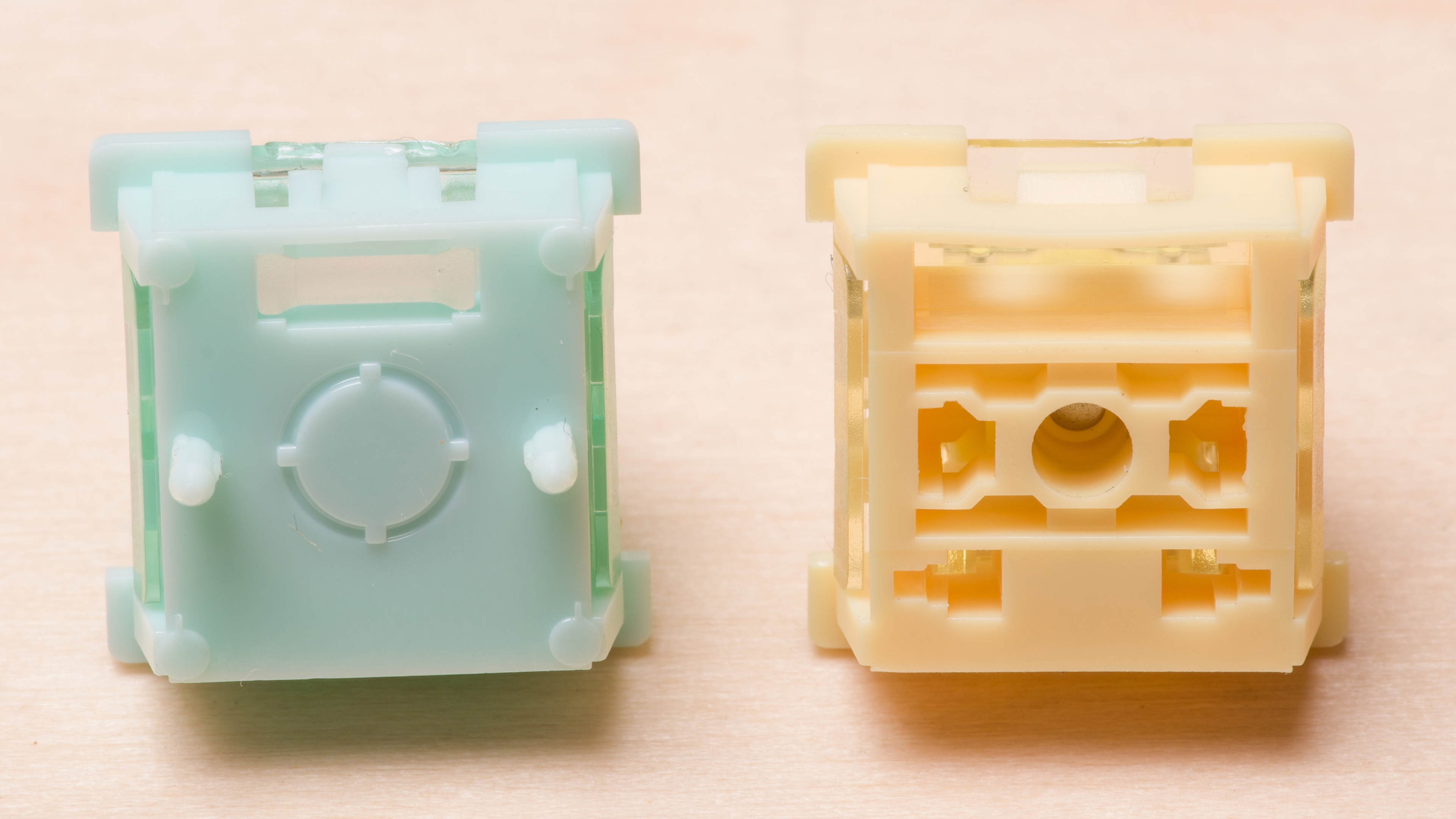
When it comes to Hall effect keyboards, compatibility is also more murky than it is for regular mechanical keyboards. Where most mechanical switches have mostly adopted the pin layout pioneered by Cherry, magnetic keyboards are based on a completely different technology and don't really have a single standard. If you want to learn more about how these keyboards work, you can check out our article detailing how Hall effect keyboards function. In short, while mechanical keyboards rely on physical contact inside the switch to register a keypress, Hall effect switches rely on magnets instead. Although they look similar from the outside, magnetic switches have small magnets embedded inside their stem, and a sensor embedded in the PCB under each switch that's able to detect the changes in the magnetic field as the switch moves. The good news is that the very large majority of HE keyboards are hot-swappable by design since there is no need for a physical electrical connection between the switch and the PCB. On the other hand, there's a lot of variability in the strength or position of these magnets, which means that not all switches are interchangeable.
For example, some switches have their north magnetic pole facing up while others have it facing down towards the PCB. When it comes to magnet strength, Hall effect PCBs are usually calibrated for the specific magnetic strength of the switches they're designed to use. Swapping in switches from a different brand can create problems: the PCB might struggle to register weaker magnetic signals or become overwhelmed by magnets that are too strong. The other issue is that although keyboard manufacturers may provide a list of some compatible switches, they're usually not very exhaustive. While choosing one of the switches recommended by the manufacturer will assure compatibility, some switches that may not even be listed could also work with your keyboard. If you need help choosing switches for your keyboard, check the Hardware Customizability section in our reviews, where we include pointers on switch compatibility.
Conclusion
Hot-swappable keyboards have taken what used to be an advanced, solder-heavy process and made it simple and accessible. They are ideal for anyone who enjoys experimenting with different switch types or wants an easy way to replace a faulty switch. However, they're not without compromises. They tend to cost more, and compatibility can be tricky, particularly for low-profile or Hall effect keyboards. If you understand these limitations and plan around them, a hot-swappable keyboard can offer flexibility and customization that few other designs can match.