
The MonsGeek FUN60 Ultra is a compact gaming keyboard in MonsGeek's wider FUN60 series. This keyboard is available with wired-only or tri-mode wireless connectivity and a hot-swappable PCB with either Hall effect or TMR (tunnel magnetoresistance) sensors. TMR sensors are an emerging technology for keyboards and are advertised as having better precision and lower power draw compared to Hall effect sensors. An additional advantage of the TMR configuration is that it lets you swap out and use both magnetic and standard mechanical switches, a feature MonsGeek calls "MagMech". Comparatively, the Hall effect configuration of this keyboard is only compatible with magnetic switches. This keyboard's software allows you to change expected actuation settings as well as more advanced settings, such as Rapid Trigger, SOCD, DKS, and mod tap. For more information about these settings, see the Configuration Software section.
We bought and tested a wireless configuration with TMR sensors. For a comparison between different configurations, see the Differences Between Variants section.
Our Verdict
The MonsGeek FUN60 Ultra is an excellent gaming keyboard. It has outstanding raw gaming performance and a high-quality aluminum case, pre-lubed switches and stabilizers, and a decent amount of dampening material inside the case. It's available in wired or wireless configurations with both 2.4GHz and Bluetooth connectivity, which remains relatively rare for high-performance gaming keyboards. Its software also provides solid customizability with expected actuation options as well as more advanced options, including DKS (dynamic keystrokes), mod tap, and SOCD, which can give you an edge in some gaming scenarios, such as tap strafing in FPS titles.
Excellent build quality
Superb raw performance.
Supports a maximum polling rate of 8000Hz.
Web-based or downloadable software supports advanced features like Rapid Trigger, SOCD, and DKS.
Somewhat stiff-feeling tray mount.
The MonsGeek FUN60 Ultra isn't designed explicitly for office work, but can still be a great choice depending on your needs. Its compact 60% layout is missing a function row, arrow keys, and a Numpad, which may be an issue for some workflows. That said, it has excellent build quality and supports wireless connectivity using a 2.4 GHz receiver or Bluetooth. It also has robust software if you'd like to remap keys or change other settings. Despite its all-aluminum construction, it's also reasonably quiet, thanks to dampening material inside the case and under the spacebar.
Excellent build quality
Supports multi-device pairing over Bluetooth.
Somewhat stiff-feeling tray mount.
No typing angle incline options.
You need to remove the Caps Lock keycap to access the connectivity/OS compatibility switch.
The MonsGeek FUN60 Ultra is decent for mobile or tablet use. It has excellent build and typing quality out of the box, and you can connect it wirelessly via Bluetooth with up to three devices simultaneously. It also has a fairly compact 60% build, although it's quite heavy for its size due to its aluminum case, and its fairly tall profile makes it a little bulky to be stowed in a backpack or laptop bag.
Excellent build quality
Supports multi-device pairing over Bluetooth.
You need to remove the Caps Lock keycap to access the connectivity/OS compatibility switch.
Heavy.
While not designed specifically with this use in mind, the MonsGeek FUN60 Ultra is an impressive keyboard for programming. It has excellent build quality with a solid aluminum case and pre-lubed switches and stabilizers. It's also fairly quiet, despite its aluminum case, and it has full RGB backlighting, which is helpful if you prefer working in lower-light rooms. It's worth noting that its compact size may not suit all coding workflows, as it's missing a function row and a navigation cluster. That said, if you don't mind using layers, it has robust web-based or downloadable software that you can use to remap keys and change other expected settings.
Excellent build quality
Supports multi-device pairing over Bluetooth.
Somewhat stiff-feeling tray mount.
No typing angle incline options.
You need to remove the Caps Lock keycap to access the connectivity/OS compatibility switch.
The MonsGeek FUN60 Ultra is acceptable for an entertainment or home theater PC setup. It has excellent build quality and connects wirelessly, either with its included 2.4 GHz receiver or via Bluetooth. It also has RGB backlighting with shine-through legends for good visibility in the dark. Unfortunately, it lacks dedicated media keys, and it's quite heavy for its size due to its solid aluminum case.
Supports multi-device pairing over Bluetooth.
No dedicated media keys.
Heavy.
The MonsGeek FUN60 Ultra has superb raw performance. It offers remarkably low and consistent single-key and multi-key latency performance. It also has superb adjustable input with very small dead zones, allowing for extremely quick and accurate initial and follow-up inputs, making it extremely well-suited for competitive gaming. It's also able to take full advantage of its 8000Hz polling rate without suffering from any bottlenecking due to other latency elements. It has a somewhat underwhelming 4-chord split delay, but this won't present any disadvantage in most gaming scenarios and only potentially limits rhythm games or other titles that demand frequent simultaneous inputs.
Remarkably low single-key and multi-key latency performance.
Supports a maximum polling rate of 8000Hz.
Superb input granularity.
Changelog
-
Updated May 20, 2026:
We've added a link to the MonsGeek M1 V5 TMR in the Dimensions section.
-
Updated Jan 29, 2026:
We've added a link to the Wooting 60HE v2 in the Dimensions section.
- Updated Jan 06, 2026: Our Test Bench 1.4.3 update adds clearer terminology and new measurements to our Keystrokes test group. For more details, see the full changelog.
- Updated Oct 02, 2025: Our 1.4.2 Test Bench Update makes changes to the Hardware Customizability test group. We've created a new Magnetic Switch Compatibility test and renamed our previous PCB Socket test to Mechanical Switch Compatibility. See our full changelog.
Check Price
Differences Between Sizes And Variants
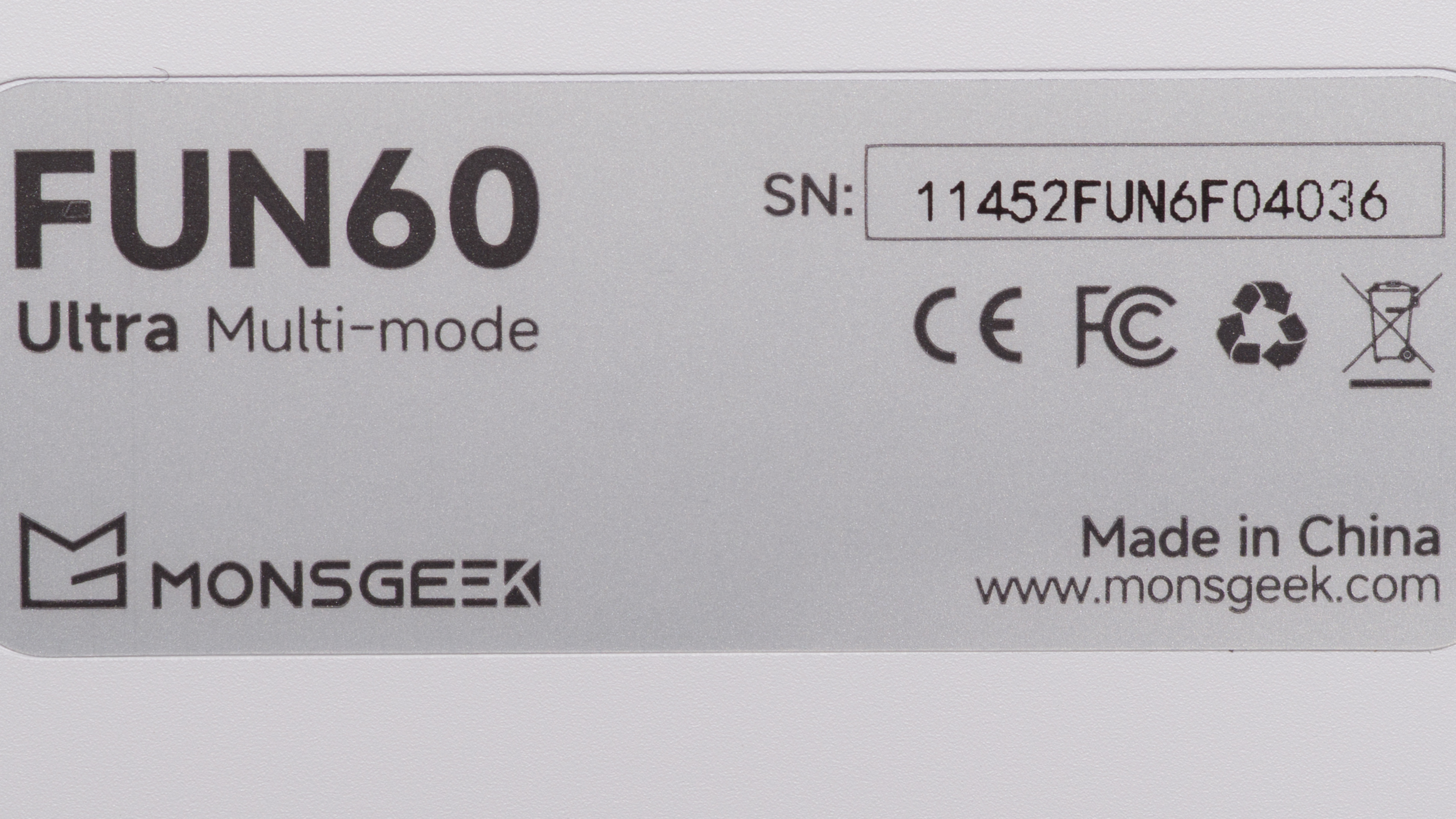
The MonsGeek FUN60 Ultra is a gaming keyboard with magnetic switches. It's available in several colorways with different keycap sets, and a wired or wireless configuration with either Hall effect or TMR PCB. We bought and tested a Shine-through PBT (White) colorway model in a wireless configuration with TMR sensors. See our unit's label.
| Name | Connectivity | Color Options | MagMech ( PCB switch compatibility) |
|---|---|---|---|
| MonsGeek FUN60 Ultra |
Tri-mode (wired, 2.4Ghz, Blueooth) USB-C Wired |
Shine-through PBT (Black) Shine-through PBT (White) Shine-through PBT-side printed (Black) Shine-through PBT-side printed (White) Shine-through PBT-side printed (Black & Pint Gradiant) Shine-through PBT-side printed (Blaze Gradiant) Shine-through PBT-side printed (Phantom Pink) |
TMR sensor (supports magnetic and mechanical switches) Hall effect sensor (magnetic switches only)* |
*We haven't tested the Hall effect sensor configuration, but we expect our review to broadly apply to both versions. We expect the Hall effect version to have slightly less accurate actuation points and consume slightly more power.
Monsgeek also sells FUN60 PRO and the FUN60 Max models. Both use Hall effect sensors, have ABS plastic cases, and have a smaller battery capacity. We expect these keyboards to perform differently from the Fun60 Ultra, so this review doesn't apply.
Popular Keyboard Comparisons
The MonsGeek FUN60 Ultra is a high-performance gaming keyboard that uses magnetic switches. Uniquely, it's available in several PCB configurations, either with Hall effect sensors or TMR (tunnel magnetoresistance) sensors. TMR sensors are a relatively new technology for keyboards, and the MonsGeek is among the first available to use them. The advertised advantages of TMR sensors include lower power consumption and more reliable actuation accuracy compared to Hall effect sensors. This keyboard's TMR configuration is also more flexible, as it allows you to use magnetic Hall effect switches or mechanical switches. You can even choose to mix and match them both at the same time.
At its lower mid-range price point, this keyboard is an extremely attractive option for its wireless versatility and surprisingly good build quality, featuring a solid aluminum case. Incredibly, its raw performance also virtually matches more expensive wired-only flagship options, like the NuPhy Air60 HE, the Razer Huntsman V3 Pro, or the Wooting 60HE and Wooting 80HE, making it a much more accessible pick for competitive gaming. Its software (available as a web-based or downloadable client) is also very competitive with these other options, though it falls just slightly short of Wooting's software, which is widely seen as an industry leader in terms of its feature set, update cadence, and proven track record of long-term support. A final comparison worth considering is that the MonsGeek only has a one-year warranty, which is the same as Nuphy's warranty period and comparable to Razer's two-year warranty, but it falls much shorter than Wooting's four-year warranty, again, widely seen as best-in-class for gaming keyboards.
For more recommendations, see our picks for the best wireless keyboards, the best gaming keyboards, and the best 60% keyboards.
The Wooting 60HE and the MonsGeek FUN60 HE are high-performance gaming keyboards. Notably, the MonsGeek has several features the Wooting lacks, including wireless connectivity (both 2.4GHz and Bluetooth) and TMR sensors, which allow you to use either magnetic or mechanical switches. Comparatively, the Wooting uses Hall effect sensors and is only compatible with magnetic switches. The MonsGeek also has slightly better latency performance and supports a higher polling rate of 8000Hz, but both are very well suited for competitive gaming.
The MonsGeek FUN60 Ultra and Wooting 60HE v2 are 60% gaming keyboards with similarly high-end performance suited for competitive play. The MonsGeek uses TMR sensing technology with a hot-swappable PCB that supports both magnetic and mechanical switches, and it offers wireless connectivity over 2.4GHz or Bluetooth, which the Wooting lacks. By comparison, the Wooting uses Hall effect sensing and only supports magnetic switches, but it delivers slightly better input granularity and accuracy. It also supports true analog output, allowing gradual joystick-like input that can be useful in certain games, such as flight sims or platformers. The Wooting is available in standard ANSI or Split ANSI layouts and offers better build quality and a slightly more refined typing feel. Its friction-fit mounting design also makes it easier to mod into compatible GH60 cases.
The Wooting 80HE and the MonsGeek FUN60 Ultra are high-performance gaming keyboards with magnetic switches. The Wooting has somewhat better raw gaming performance and build quality, and it supports true analog output, which can be useful for games like driving or flight sims that benefit from gradual, joystick-style controls. It's also available in either an aluminum or PCR case and has a slightly larger form factor, with dedicated arrow keys and a small navigation cluster. In contrast, the MonsGeek uses a 60% form factor and is limited to an aluminum case, but it offers wireless connectivity over 2.4GHz and Bluetooth. It's also available in either a Hall effect or TMR sensor configuration, with the latter supporting both magnetic and mechanical switches. By comparison, the Wooting is only compatible with magnetic switches.
The MCHOSE Ace 60 Pro and the MonsGeek FUN60 Ultra are high-performance gaming keyboards designed for competitive play. The MCHOSE is a wired-only model with a plastic case, while the MonsGeek is available in both wired and wireless configurations and features a more premium-feeling aluminum case. The MonsGeek is also available in a TMR sensor configuration, letting you hot-swap between magnetic and mechanical switches, whereas the MCHOSE is only compatible with magnetic switches.
Test Results
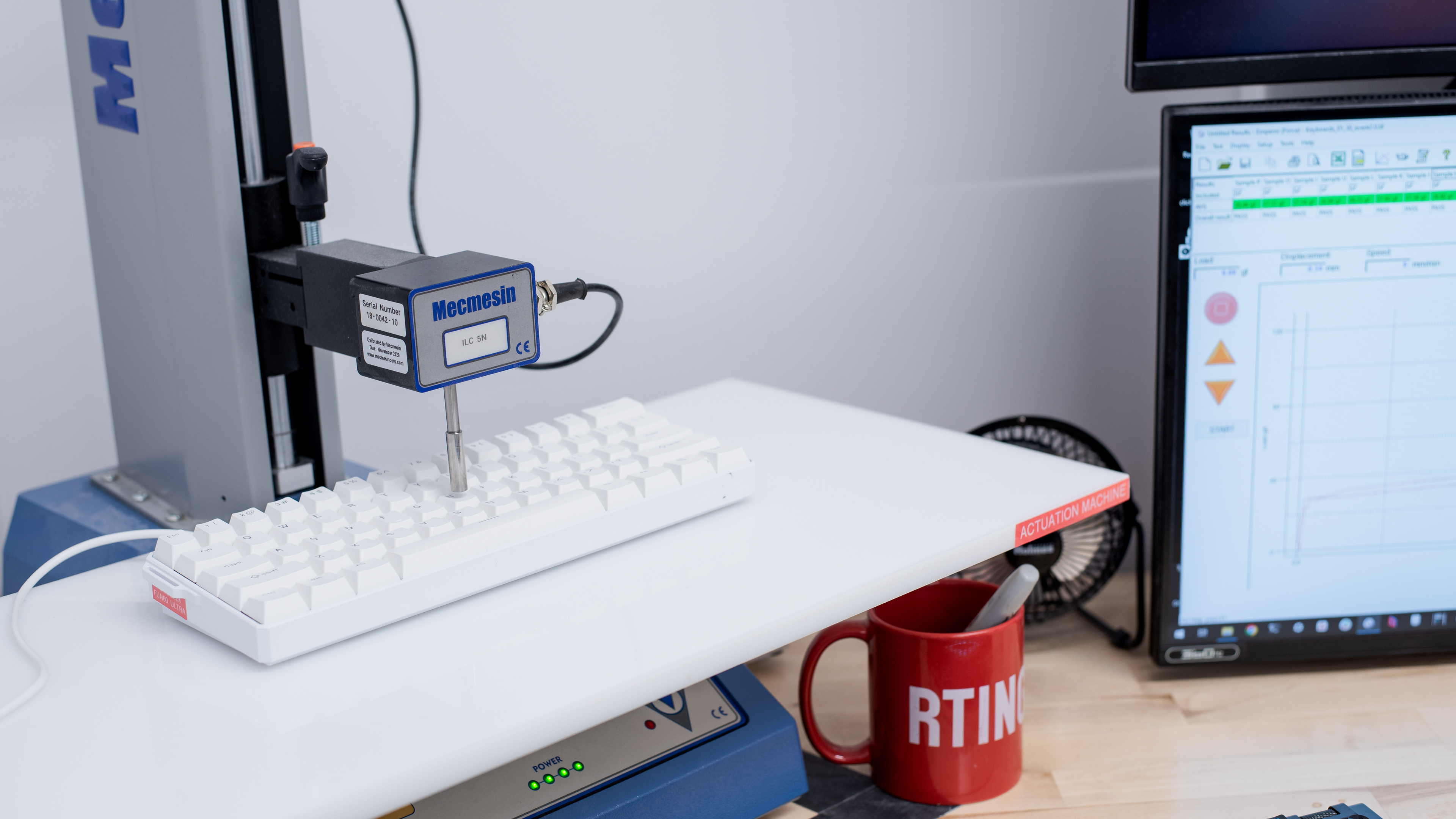



for pictures & test results

for pictures & test results





for pictures & test results



for pictures & test results

for pictures & test results


for pictures & test results


for pictures & test results


for videos & test results
