Canon PIXMA TS5320  Printer Review

Reviewed Jun 01, 2020 at 08:32am
Test bench update Jun 04, 2020 at 10:46am
Tested using Methodology v0.8.1 
Canon PIXMA TS5320
7.1
Family 
3.9
Small/Home Office 
7.2
Student 
5.0
Black & White 
7.5
Casual Photo 
 0

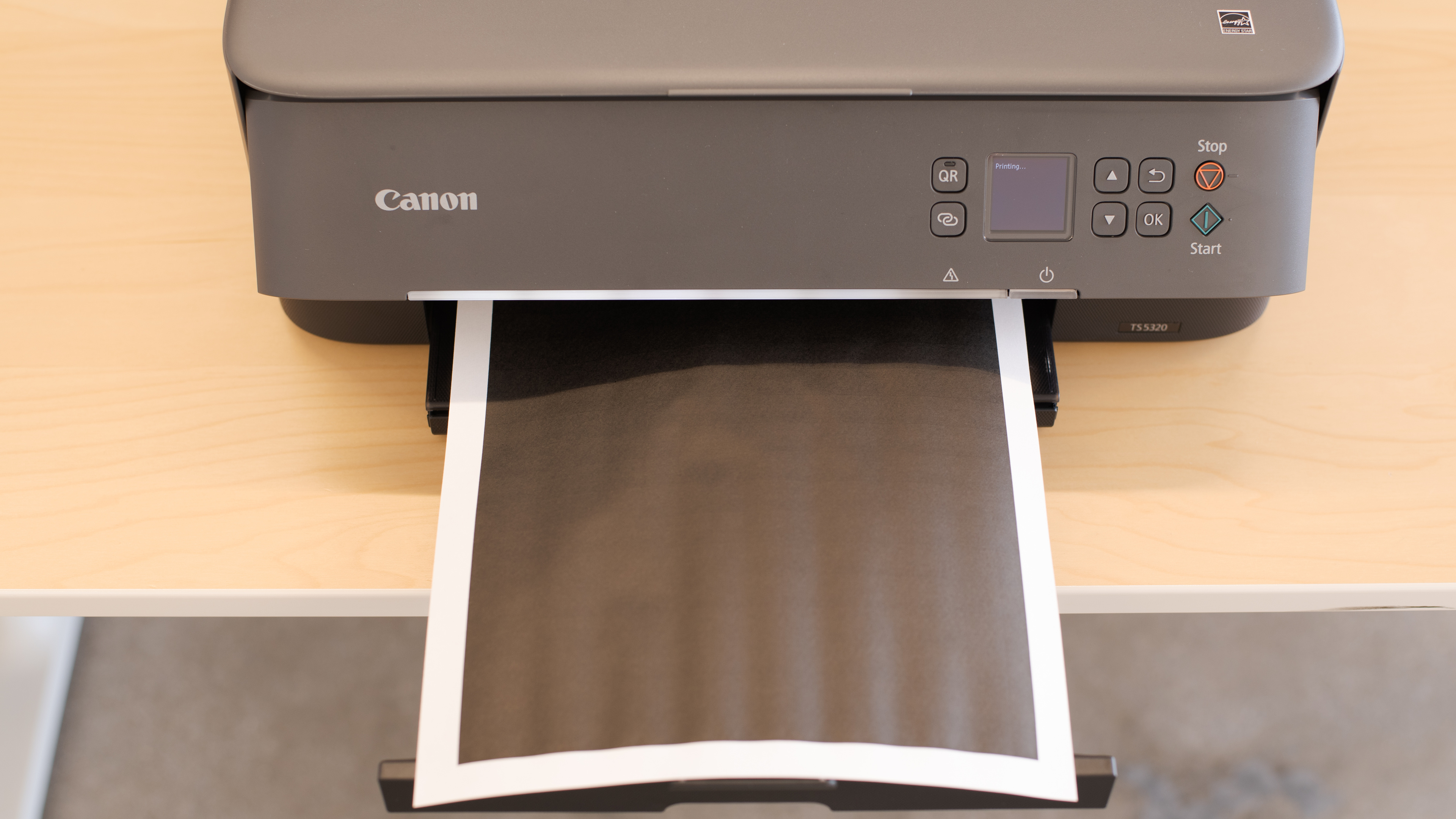
The Canon PIXMA TS5320 is a decent multi-purpose printer for home use. While it can print great-looking photos full of vibrant colors, its black and color page yields are rather low, which means that you have to replace the ink cartridges often if you print on a regular basis. Its printing speed is slow, even for black-only documents, and scanning long documents can be frustrating, as it lacks an automatic document feeder. On the bright side, it has great connectivity options and Canon's outstanding mobile app lets you perform most tasks using just your smartphone. If you want to add a splash of color to your surroundings, this printer is also available in a nice minty green or pink.

Our Verdict

7.1
Family 

The Canon PIXMA TS5320 is an okay family printer. Its photo printing quality is great, as they look vibrant and detailed, but it can be quite expensive if you print a lot, since there's only one color cartridge. The scanner's lid can be extended a bit if you need to scan thicker documents; however, there's no automatic document feeder.

Pros
  • Great photo printing quality.
  • Great connectivity options.
  • Decent cost-per-print.
Cons
  • Low black and color page yield.
3.9
Small/Home Office 

The Canon PIXMA TS5320 is a bad printer for home or small offices. Its black page yield is quite low and although its color page yield is slightly better, there's only one color cartridge, so you still have to replace the ink cartridges often if you're to print in large numbers. Printing speed is slow for both black and color documents, and the scanner's lack of an automatic document feeder makes scanning long documents a time-consuming process.

Pros
  • Great connectivity options.
Cons
  • Low black and color page yield.
  • No sheetfed scanner.
  • Mediocre printing speed.
7.2
Student 

The Canon PIXMA TS5320 is a decent printer for students. Its cost-per-print for black only documents is mediocre due to the cartridge's low yield, so it gets expensive if you have to print a lot. It's also very slow at printing, which isn't ideal if you need to hand in a paper quickly. However, its wide connectivity options let you connect through Wi-Fi or Bluetooth, and Canon's mobile app lets you print your assignments directly from your smartphone.

Pros
  • Great connectivity options.
  • Decent cost-per-print.
Cons
  • Low black and color page yield.
  • Mediocre printing speed.
5.0
Black & White 

The Canon PIXMA TS5320 is a poor printer for printing black and white documents. It's quite slow at printing black and white documents and it doesn't yield a lot of pages before you need to change the ink cartridge. Thankfully, the printer accepts high-yield cartridges and it can perform double-sided printing.

Pros
  • Decent cost-per-print.
Cons
  • Low black and color page yield.
  • Mediocre printing speed.
7.5
Casual Photo 

The Canon PIXMA TS5320 is good for photo printing, as it prints great-looking photos that are rich in detail and it can print on glossy photo paper. Its color accuracy is just okay, but it should be fine for personal use. Most photo paper formats are supported, except for 2" x 3".

Pros
  • Great photo printing quality.
  • Decent cost-per-print.
Cons
  • Low black and color page yield.
  • 7.1
    Family
  • 3.9
    Small/Home Office
  • 7.2
    Student
  • 5.0
    Black & White
  • 7.5
    Casual Photo
  • Changelog

    1.  Updated Jun 08, 2020: Converted to Test Bench 0.8.1.
    2.  Updated Jun 01, 2020: Review published.
    3.  Updated May 25, 2020: Early access published.
    4.  Updated May 14, 2020: Our testers have started testing this product.

    Check Price

    BlackPIXMA TS5320a
    SEE PRICE
    Amazon.com
    GrayPIXMA TS5320
    SEE PRICE
    Amazon.com
    GreenPIXMA TS5320
    SEE PRICE
    Amazon.com
    PinkPIXMA TS5320
    SEE PRICE
    Amazon.com
    WhitePIXMA TS5320
    SEE PRICE
    Amazon.com
    WhitePIXMA TS5320a
    Amazon.com

    Popular Printer Comparisons

    The Canon PIXMA TS5320 is a decent family printer. Compared to other printers in its price range, it performs quite well, especially when it comes to photo printing quality. However, its two-cartridge system is disappointing, as other similarly-priced printers have a much better cartridge system. For other options, you can also check out our recommendations for the best all-in-one printers, the best home printers, and the best printers under $100.

    Canon PIXMA TR8520

    For most uses, the Canon PIXMA TR8520 is significantly better than the Canon PIXMA TS5320. The TR8520 has a better display screen, it yields more black and color pages, and it has a sheetfed scanner to process multi-page documents. Additionally, the TR8520's cost-per-print is much lower, it prints faster, and it prints higher quality photos.

    Canon PIXMA TS6320

    The Canon PIXMA TS6320 and the Canon PIXMA TS5320 are both all-in-one color inkjet printers, but the TS6320 is better overall. The TS6320 has better page yields and a lower cost-per-print, it prints much faster, and it produces much better-looking photos with more accurate colors.

    HP ENVY 5055

    The Canon PIXMA TS5320 is much better than the HP ENVY 5055. Although the Canon also has a two-cartridge system, it can yield many more pages of black and color prints, keeping the long-term cost reasonably low. The Canon has better photo printing quality and has wider connectivity options, but the HP has much better color accuracy.

    Canon PIXMA TS3520

    The Canon PIXMA TS3520 and the Canon PIXMA TS5320 are all-in-one color inkjet printers, but the TS5320 is better overall. The TS5320 has higher page yields and a much lower cost-per-print for black text documents, and it prints faster. Also, it has a better display and can automatically print double-sided and via Bluetooth.

    Test Results
    perceptual testing image
    Sort:
    RATINGS
    Category:
    All
    Design
    6.0
    Build & Design Quality
    TypeAll in One

    The Canon PIXMA TS5320 has a passable build and design. The printer is entirely made of plastic, with a smooth finish that feels good. There's both a front and rear input tray, and both have width sliders to accommodate different paper sizes. However, the rear input tray feels a bit flimsy and could potentially snap if pressure is applied. Also, the output tray can be difficult to access if you have large hands, as the cutout to pull the tray out is quite small. The scanner lid's hinges can be extended slightly if you need to scan thicker documents, and the lid can stay open without needing to be held. Unfortunately, the printer must be turned on to change the ink cartridges, and paper jams aren't easy to get to, as it involves removing several pieces before you can get to the jam.

    Dimensions
    Height5.8" (14.7 cm)
    Width15.8" (40.1 cm)
    Depth14.2" (36.0 cm)
    Weight
    14.1 lbs (6.4 kg)

    The Canon TS5320 is pretty compact and shouldn't take up much desk space, making it suitable for small home offices or dorm rooms.

    6.5
    Display Screen
    Display ScreenYes
    Display Screen Size
    1.5" (3.7 cm)
    TouchscreenNo

    The display console on the TS5320 is okay. Its OLED screen is easy to read and the display can tilt for better visibility, although the tilt range is rather limited. The display is small and it isn't touch-sensitive, so you can only navigate the menus using the surrounding buttons. That said, the menus are fairly easy to navigate.

    In The Box

    • Power cable
    • Installation CD
    • 1 x Canon PG-260 Black ink cartridge
    • 1 x Canon CL-261 Color ink cartridge
    • 5" x 5" Photo paper sample pack (3 sheets)
    • User guide
    4.0
    Cartridge
    Photo Cartridge
    No
    TechnologyInkjet
    Number Of Color Cartridges
    1
    Black Cartridge Model
    PG-260
    ColorYes
    Tested Black Page Yield
    7.71 prints
    SuperTank
    No
    Estimated Black Page Yield
    146 prints
    Color Cartridge Model
    CL-261
    Tested Color Page Yield
    8.34 prints
    Estimated Color Page Yield
    191 prints
    Third Party Cartridge
    No
    High Yield Cartridge
    Yes
    Drum Unit
    No Drum Unit

    The Canon PIXMA TS5320's cartridge system is bad. It only has one color cartridge, and both black and color page yields are low, so the cartridges need to be replaced often if you print a lot. Thankfully, there are high-yield cartridges available. It's worth noting that print jobs are not interrupted when the printer is out of ink, it just continues pushing out blank pages. If you want a similar printer with a higher page yield, look into the Canon PIXMA MG3620.

    We were unable to find any third-party ink cartridges for testing. If you come across them, please let us know in the discussions below. Do note that using third-party ink can void the manufacturer's warranty.

    6.2
    Scanner
    Scanner
    Yes
    Scan Flatbed
    Yes
    Scan Sheetfed
    No
    Automatic Document Feeder
    No
    Duplex Scanning
    No
    Scan Resolution
    1,200 DPI
    Scan Color Depth
    24 Bit
    Flatbed Scan Size
    8.5" x 11"
    Fax
    No
    Copy
    Yes

    The Canon TS5320 has mediocre scanning features. It's fairly basic, as it only has a flatbed, so scanning long or double-sided documents can be extremely time-consuming. The scanner's lid can be raised slightly if you need to scan thicker documents.

    Note that the 'Quick Scan' feature scans at a maximum resolution of 600 DPI. To scan at a higher resolution, you need to access the 'Advanced Mode' in the settings menu and change the output resolution.

    If you need a scanner with an automatic document feeder, check out the Brother MFC-J497DW.

    Printing
    7.1
    Cost-Per-Print
    See details on graph tool
    Black Cartridge Price
    17.99 US$
    Color Cartridge Price
    24.99 US$
    Black Only Printing
    0.123 US$/print
    Color Printing
    0.131 US$/print
    Photo Printing
    0.347 US$/print
    Ink Subscription
    No

    The Canon PIXMA TS5320's cost-per-print is decent. Due to the cartridges' low yield, you end up having to replace them more often, increasing the cost significantly over time.

    Keep in mind that even if you only print in black, most inkjet printers continue using the color cartridge for servicing tasks, so you'll likely still need to replace it eventually.

    6.0
    Printing Speed
    Black Only Text Document
    6 PPM
    Color Document
    3 PPM
    Photo Printing Time
    56.0 s
    First Page Out Time (Black Only)
    13.0 s
    Duplex Printing
    Automatic
    Input Tray Capacity
    200 pages

    The Canon PIXMA TS5320 has a mediocre printing speed. It's pretty slow at printing nearly everything, whether it's black only or in color. On the bright side, the input tray can hold a good amount of paper and it can perform double-sided printing.

    6.5
    Color Accuracy
    Average Color dE
    10.36

    The Canon PIXMA TS5320's color accuracy is okay. Most colors are noticeably inaccurate, with blues and greens being the worse. It may not be bothersome for those who are just printing for personal use, but it isn't recommended for any work that requires precise color reproduction. If you want a printer with much better color accuracy, check out the HP DeskJet Plus 4155.

    8.1
    Photo Printing Quality
    Borderless Printing
    Yes

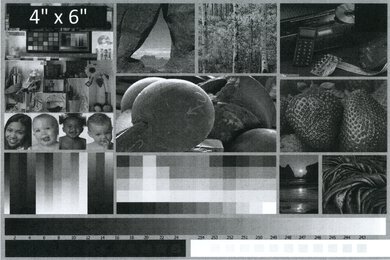
    The Canon PIXMA TS5320 has great photo printing quality. There's a good amount of detail and photos have a natural tone to them. However, some color is present in the grayscale.

    These results are based on the actual physical photo, not the scanned image provided for reference above, which may not be representative of the printer's photo print quality.

    Printing Size
    Letter (8.5" x 11")Yes
    Legal (8.5" x 14")Yes
    Tabloid (11" x 17")No
    A6 (105mm x 148mm)No
    A5 (148mm x 210mm)Yes
    A4 (210mm x 297mm)Yes
    Photo (2" x 3")No
    Photo (4" x 6")Yes
    Photo (5" x 7")Yes

    The Canon PIXMA TS5320 has a front input tray that supports most paper sizes and envelopes, and it has a rear, vertical input tray that accepts regular and photo paper. The front output tray can be manually extended to accommodate larger paper sizes.

    Mobile App And Connectivity
    8.0
    Connectivity
    Ethernet
    No
    USB Input To Computer
    Yes
    WirelessYes
    Bluetooth
    Yes
    Wi-Fi via Router
    Yes
    Wi-Fi Direct
    Yes
    External Storage Support
    No
    Apple AirPrint
    Yes
    Mopria Print Service
    Yes

    The Canon PIXMA TS5320 has great connectivity options. It supports most wireless connections, including Bluetooth, but it lacks an ethernet port and it doesn't support any external storage devices like an SD card or portable USB drive.

    9.5
    Mobile App For Home Use
    Mobile AppYes
    App NameCanon Print Inkjet/Selphy
    iOSYes
    AndroidYes
    Photo (JPEG, PNG)
    Yes
    PDF
    Yes
    Microsoft Office Files
    Yes
    Text Files (TXT)
    No
    Webpages (HTML)
    Yes

    The Canon PRINT Inkjet/SELPHY app is outstanding. It allows you to print, scan, and copy directly from the app. You can also print from social media and photo sharing sites, as well as perform maintenance tasks and order ink, although Canon doesn't offer any ink subscription service at this time. The app has an option to print .txt files; however, it caused an error and prevented us from proceeding any further. While Microsoft Office files are supported, the app needs to convert them first and can potentially result in some editing issues.