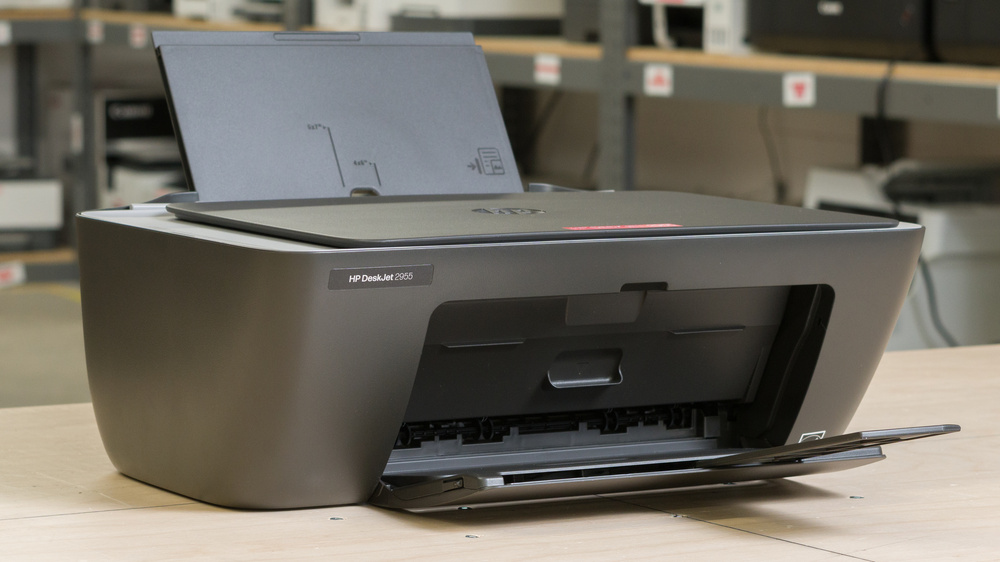
The HP DeskJet 2955 is a budget all-in-one inkjet printer designed for light home use. It replaces the HP DeskJet 2855e, adding dual-band Wi-Fi and switching to HP 68 ink cartridges with higher page yields. It has a 60-sheet rear input tray and a flatbed scanner, but no automatic document feeder or automatic duplex printing. Connectivity options include USB, Wi-Fi, and Wi-Fi Direct, with support for Apple AirPrint and Mopria Print Service. It uses one black and one tri-color cartridge and is eligible for HP's optional ink subscription.
Our Verdict
The HP DeskJet 2955 isn't bad for home use. Its compact size makes it easy to fit in smaller spaces, and its flatbed scanner produces clear scans for everyday tasks, though it misses some faint details. Scanning is also rather slow at around one page per minute, and without an automatic document feeder, you must place each page on the glass manually. Printed black-and-white documents and photos look acceptable for casual use, though fine details aren't especially sharp. Unfortunately, its cartridges run out quickly, resulting in frequent replacements and high running costs. Its printheads can also clog if left unused for extended periods.
Compact and lightweight.
Great scan quality with clear text.
Decent color document quality.
Low page yields and high running costs.
Mediocre black-and-white document quality.
Can clog during extended periods of inactivity.
Slow printing and scanning speeds.
Scanner loses faint background details.
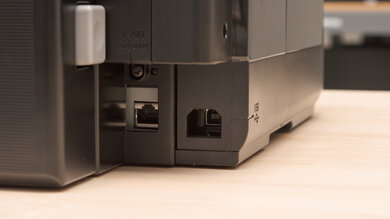
The HP DeskJet 2955 is a poor choice for a small office. Its low page yields mean frequent cartridge replacements, and it prints slowly, at around 6 black-only or 3 color pages per minute. Its 60-sheet input tray needs frequent refills, and double-sided printing requires reloading the pages manually. While its flatbed scanner produces great-quality document scans, there's no automatic document feeder to process multi-page documents efficiently; it also scans slowly at around one page per minute. Wi-Fi and support for Apple AirPrint and Mopria make it easy to share, but it lacks Ethernet connectivity.
Great scan quality with clear text.
Supports Apple AirPrint and Mopria.
Low page yields and high running costs.
Small 60-sheet input tray.
No automatic document feeder or automatic duplex printing.
Slow printing and scanning speeds.
Scanner loses faint background details.
The HP DeskJet 2955 is a poor choice for a set-and-forget printer. Its printheads can clog during extended inactivity, so occasional use may require cleaning before you can print, which uses up ink. On the upside, replacing a cartridge also replaces its built-in printhead, offering a way to address persistent clogs, though it means spending more to resolve the issue. Its small input tray also needs regular attention, and printing is slow. It supports several convenient wireless printing options, but we encountered difficulties with driver installation and mobile app connectivity during setup.
Built-in printheads are replaced with the cartridges.
Supports Apple AirPrint and Mopria.
Can clog during extended periods of inactivity.
Slow printing speeds.
Small 60-sheet input tray.
Frequent cartridge replacements and paper refills.
Setup difficulties encountered during testing.
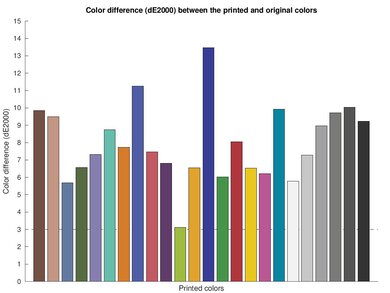
The HP DeskJet 2955 is a disappointing choice for arts and crafts and stickers. Its rear input tray and presets for matte, semi-gloss, and glossy photo paper provide some flexibility for creative projects. However, its limited color range and poor color accuracy make it less suitable for designs with subtle shades or precise colors, and fine details look somewhat soft. It doesn't support borderless printing or have dedicated presets for fine art paper and canvas. You also need to replace the entire tri-color cartridge when one color runs out, even if the others still have ink, which can make regular color printing more expensive than you originally planned for.
Rear paper input tray.
Presets for matte, semi-gloss, and glossy photo paper.
Poor color accuracy.
No borderless printing.
Must replace the entire tri-color cartridge when one color runs out.
No dedicated fine art or canvas presets.
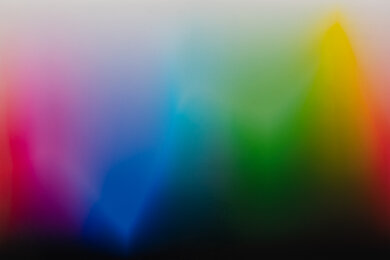
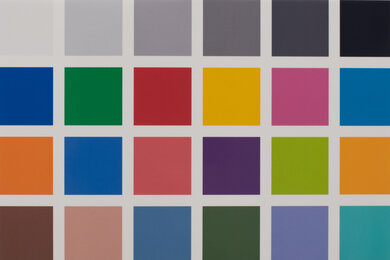
The HP DeskJet 2955 is passable for casual photo printing. It reproduces small details reasonably well, though fine elements look soft, and the printing pattern is visible in lighter areas. Its color range is adequate, but some similar shades blend together, and colors differ from the originals, although casual users aren't likely to notice. It supports common photo sizes, including 4" x 6", 5" x 7", and 8" x 10", but can't print borderless. 4" x 6" samples also tend to have some image content cut off, despite the print preview showing the complete image.
Presets for matte, semi-gloss, and glossy photo paper.
Reproduces small details reasonably well.
Supports common photo paper sizes.
Poor color accuracy.
No borderless printing.
Must replace the entire tri-color cartridge when one color runs out.
Some similar shades blend together.
Some image content is clipped in 4" x 6" samples.
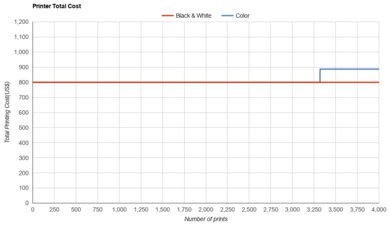
The HP DeskJet 2955 has poor page yields. Its standard cartridges yield approximately 160 black pages and 69 color pages, so you'll need to replace them frequently if you print regularly. The tri-color cartridge must be replaced when any one color runs out, potentially wasting the remaining ink. A higher-yield black cartridge is available if you want to reduce replacement frequency.
Low page yields and high running costs.
Must replace the entire tri-color cartridge when one color runs out.
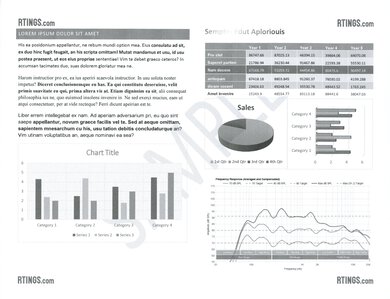
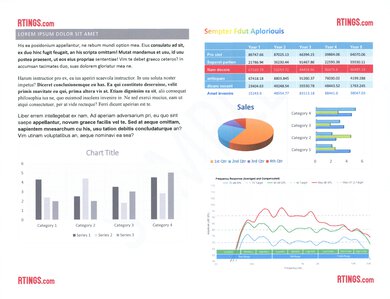
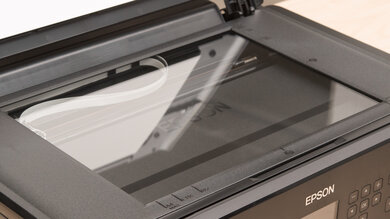
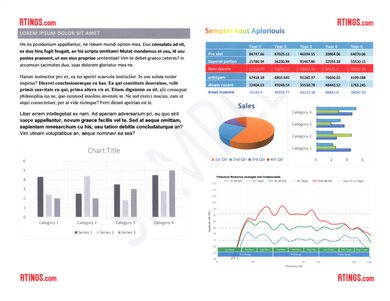
The HP DeskJet 2955 is alright for scanning. Its flatbed scanner captures clear text and most fine details, though it loses faint elements like watermarks and graph backgrounds. Scanning is slow, at about 1 page per minute, and there's no automatic document feeder, so you must place each page on the glass manually. The lid's hinges don't extend to accommodate thicker items like books.
Great scan quality with clear text.
No automatic document feeder.
Slow scanning speeds.
Loses faint background details.
Scanner lid hinges don't extend to accommodate books.
As an inkjet printer, the HP DeskJet 2955 can develop clogs if left unused for extended periods. Printing periodically can help reduce the risk, and automatic cleaning cycles are available if prints become streaky or lose colors. Its cartridges have built-in printheads, so replacing the affected cartridge can resolve a persistent clog. However, cleaning consumes ink, and replacing a cartridge before it's empty adds to running costs.
Built-in printheads are replaced with the cartridges.
Automatic cleaning cycles available.
Can clog during extended periods of inactivity.
Cleaning cycles consume ink.
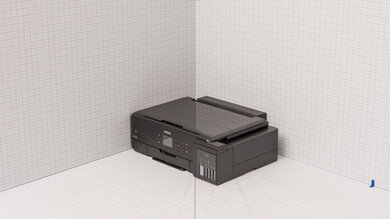
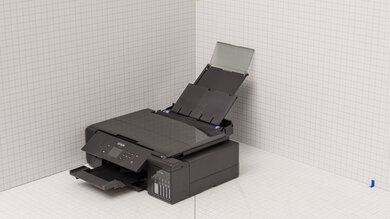
The HP DeskJet 2955 is compact and lightweight, making it easy to fit on a desk or shelf and move when needed. Its paper trays fold away when not in use to reduce its footprint. You'll need extra clearance above and in front of the printer to load paper, collect prints, and open the scanner lid.
Compact and lightweight.
Requires extra clearance with trays extended and scanner lid open.
Performance Usages
Check Price
Differences Between Sizes And Variants
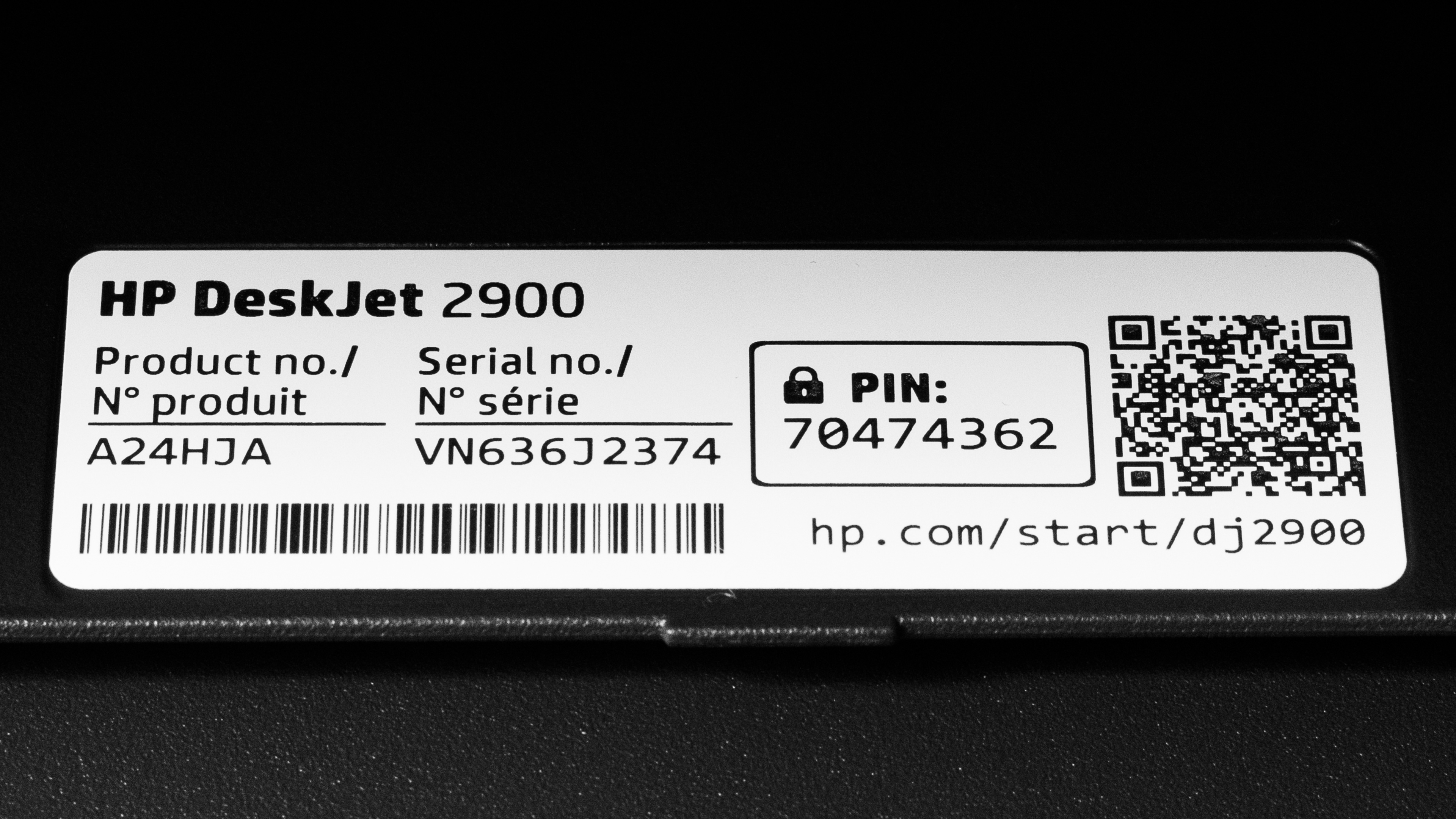
We tested the HP DeskJet 2955 in black (product number A24HJA). Other models in the DeskJet 2900 series include the 2952, 2923, and 2942, with availability varying by retailer and region. These models share their core features, including a flatbed scanner, a 60-sheet input tray, manual duplex printing, dual-band Wi-Fi, and HP 68 cartridges. However, advertised print speeds and included Instant Ink trials can differ, so our results apply specifically to the 2955.
This printer succeeds the HP DeskJet 2855e, retaining a similar compact design and basic feature set while adding 5 GHz Wi-Fi support and switching from HP 67 to HP 68 cartridges. Unlike the 2855e, it doesn't support HP's subscription service.
You can see our label.
Popular Printer Comparisons
The HP DeskJet 2955 is a basic all-in-one printer for homes with limited space and light printing needs. Its compact design, wireless connectivity, and great scan quality make it convenient for everyday tasks. However, its low page yields and high running costs limit its value for regular printing. It also prints slowly, lacks automatic duplex printing, and produces less polished documents and photos than several budget competitors.
The Brother MFC-J1360DW is a more capable alternative, offering better print quality, higher page yields, automatic duplex printing, and an automatic document feeder. The Epson Expression Home XP-4200 also produces sharper documents and more detailed photos while adding automatic duplex and borderless printing, though its cartridge yields remain low. Compared to its predecessor, the HP DeskJet 2855e, the 2955 improves page yields and adds dual-band Wi-Fi, but remains a modest upgrade overall. Ultimately, the HP DeskJet 2955 fits the bill if your needs are simple, but there are better options.
For more options, see our recommendations for the best cheap and budget printers, the best home printers, and the best small printers.
The Epson Expression Home XP-4200 is a better printer overall than the HP DeskJet 2955. It produces sharper documents and more detailed photos, supports borderless photo printing, and can automatically print double-sided documents. Its individual color cartridges also let you replace each color separately, and its running costs are lower. However, both printers have low page yields, print slowly, and lack an automatic document feeder. The HP printer's cartridges have built-in printheads, so replacing a cartridge provides a straightforward way to address persistent clogs.
The HP DeskJet 2955 and Canon PIXMA TS3720 are basic all-in-one inkjet printers with different strengths. The HP produces better-quality scans and yields more black pages per cartridge, while the Canon delivers more detailed photos with better color accuracy. The Canon also supports borderless photos and has adjustable scanner lid hinges to accommodate thicker items, like books. However, it can't print on glossy photo paper larger than 5" x 7", while the HP supports larger photo sizes. Both print slowly, have low page yields, and lack an automatic document feeder and automatic duplex printing.
The HP DeskJet 2955 is the successor to the HP DeskJet 2855e. It's a modest upgrade, adding dual-band Wi-Fi and using different cartridges that yield more pages. The 2955 also delivers better color reproduction, though neither printer is particularly well suited to photo printing. Despite its improved yields, the 2955 costs more per color print because its cartridges are more expensive; however, black-only printing costs slightly less than with the 2855e. Both have a basic flatbed scanner, a small input tray, and manual duplex printing.
The Brother MFC-J1360DW is a better printer overall than the HP DeskJet 2955. It produces sharper documents and better-quality photos, and its cartridges yield significantly more pages, reducing replacement frequency and running costs. It also uses individual color cartridges, so you only need to replace the color that runs out. The Brother has a larger paper tray, automatic duplex printing, and an automatic document feeder for scanning multi-page documents. The HP is more compact, but the Brother is a more capable choice for regular home printing.
Test Results
for pictures & test results
for pictures & test results
for videos & test results

for pictures & test results



for pictures & test results
for pictures & test results