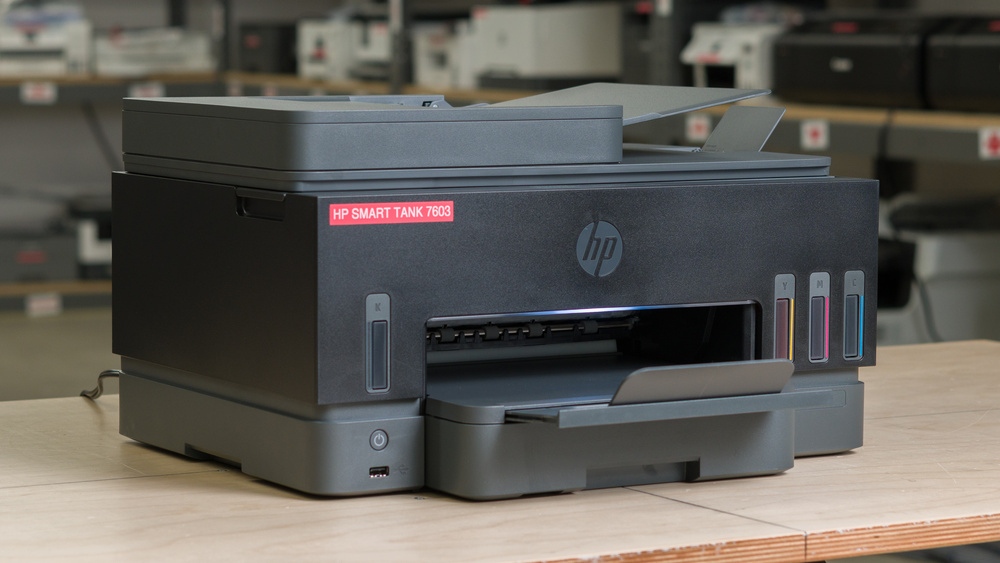
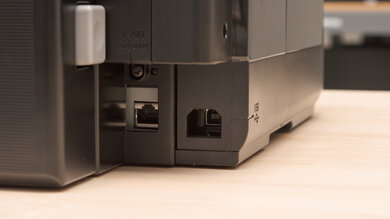
The HP Smart Tank 7603 is an all-in-one inkjet printer designed for home and small office use, replacing the HP Smart Tank 7602. It uses refillable ink tanks with HP 32XL black ink and HP 31 cyan, magenta, and yellow inks. It features a three-inch monochrome touchscreen, a 250-sheet paper tray, and automatic duplex printing, along with borderless photo printing up to Letter or A4 size. Its scanner includes a flatbed and a 35-sheet automatic document feeder, though it doesn't support duplex scanning. It also has copying and fax capabilities. Connectivity options include USB, Ethernet, Wi-Fi, and Wi-Fi Direct, with support for Apple AirPrint, Mopria Print Service, and printing directly from USB flash drives.
Our Verdict
The HP Smart Tank 7603 is great for home use. Its refillable tanks yield thousands of pages, keeping ink costs low even if you regularly print homework and family photos. It produces sharp black-and-white documents and captures clear scans, with an automatic document feeder to simplify scanning multiple pages. Photos have plenty of detail and look fine for casual use, although its limited color range makes some shades look less vibrant. It's reasonably compact for an all-in-one with an ADF, and its many connectivity options make it easy to share. However, like other inkjet printers, it needs regular use to reduce the risk of clogged printheads.
Very low cost-per-print.
High black and color page yields.
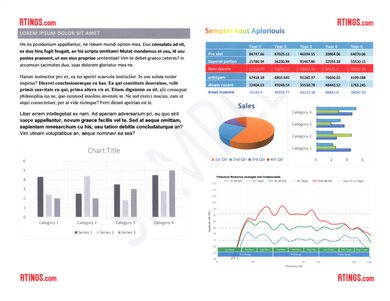
Produces sharp, detailed documents.
Fantastic scan quality.
Wide range of connectivity options.
No automatic duplex scanning.
Prone to clogging when left unused.
The HP Smart Tank 7603 is very good for a small office. Its outstanding page yield and exceptionally low ink costs make it economical for regular document printing, and its 250-sheet paper tray doesn't need constant replenishing. Black-and-white documents look sharp, and it supports automatic duplex printing. Wi-Fi and Ethernet connectivity make it easy to share among coworkers, while its scanner produces excellent-quality scans. However, printing is relatively slow at around 12 black and six color pages per minute. The 35-sheet ADF also lacks duplex scanning, so processing double-sided documents requires manually flipping the pages. Like other inkjet printers, it needs regular use to reduce the risk of clogged printheads, so don't let it idle for months.
Very low cost-per-print.
High black and color page yields.
Produces sharp, detailed documents.
Wide range of connectivity options.
Automatic duplex printing and a 250-sheet paper tray.
Slow document printing speeds.
No automatic duplex scanning.
Prone to clogging when left unused.
The HP Smart Tank 7603 is okay for set-and-forget use. Its large ink supply and 250-sheet paper tray let you print plenty of documents before refilling either, and it offers convenient printing options across computers and mobile devices. However, its inkjet printheads can clog during extended periods of inactivity, requiring cleaning before you can resume printing. It also takes around 24 seconds to produce a single black-text page after sitting idle. It's better suited to regular printing than occasional use with long gaps between jobs.
Very low cost-per-print.
High black and color page yields.
Easy-to-refill ink tanks.
Slow document printing speeds.
Prone to clogging when left unused.
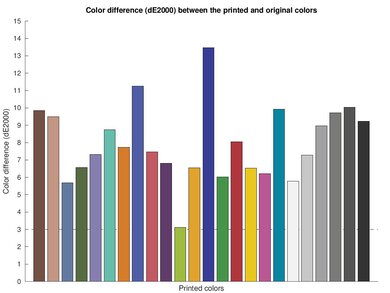
The HP Smart Tank 7603 is passable for arts, crafts, and stickers. It reproduces fine details well and supports borderless printing up to Letter or A4 size, making it useful for casual craft projects. You can refill each color separately, and its low ink costs help keep larger projects affordable. However, its limited color range and imperfect accuracy make it less suitable for artwork that depends on vibrant or precisely matched colors. It also lacks a rear tray or manual feeder for loading specialty media, and there are no dedicated presets for fine art paper or canvas. HP specifies support for cards up to 200 g/m² and photo paper up to 250 g/m².
Very low cost-per-print.
Reproduces fine details well.
Supports borderless printing up to Letter/A4.
Limited support for thick cardstock.
Color accuracy isn't suitable for color-critical work.
Prone to clogging when left unused.
Limited color gamut.
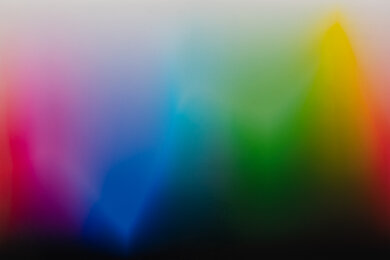
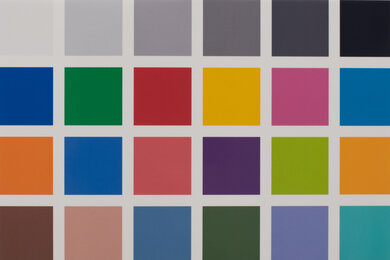
The HP Smart Tank 7603 is decent for photo printing. It reproduces small details well and supports common photo sizes, with borderless printing up to Letter or A4. However, its limited color gamut reduces vibrancy in some saturated shades and makes subtle variations in darker areas harder to distinguish. Color accuracy is also imperfect, but most users will find the results acceptable for family snapshots and casual photo printing. Its limitations mainly matter if you need precise color reproduction for photography or design work.
Very low cost-per-print.
Reproduces fine details well.
Supports borderless printing up to Letter/A4.
Colors look fine for casual photo printing.
Color accuracy isn't suitable for color-critical work.
Limited color gamut.
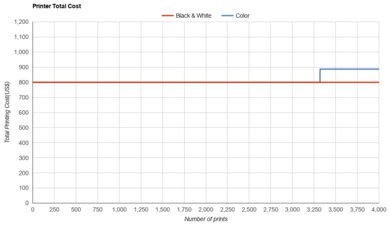
The HP Smart Tank 7603 has an outstanding page yield. We estimate that a full supply of ink can produce around 4,400 black or 7,300 color pages, allowing you to print regularly without frequent refills. Each tank can be replenished separately, so you only need to add the ink that runs low. Your actual yield will vary depending on what you print and how much ink is used for maintenance.
High black and color page yields.
Easy-to-refill ink tanks.
Requires color ink even when printing only in black.
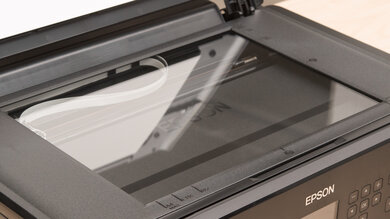
The HP Smart Tank 7603 is very good for scanning. It produces clear, detailed scans, and its 35-sheet automatic document feeder makes processing multipage documents easier. The flatbed accommodates Letter and A4 originals, while the ADF supports documents up to Legal size. Software-based optical character recognition also lets you extract text from scans. However, the ADF scans relatively slowly at around four pages per minute and can't scan both sides automatically. The flatbed lid hinges also don't extend to accommodate thick items like books.
Fantastic scan quality.
Supports OCR for creating searchable documents.
Automatic document feeder for scanning multiple pages.
No automatic duplex scanning.
Scanner lid hinges don't extend to accommodate thick items.
Slow scanning through the automatic document feeder.
The HP Smart Tank 7603 has poor clogging resistance because it uses inkjet technology. Ink can dry in the printhead nozzles during long periods of inactivity, leading to missing lines or colors and requiring cleaning cycles. Printing regularly helps reduce this risk. If you only need a printer occasionally and may leave it unused for weeks or months, a laser printer is generally a better fit.
Built-in printhead cleaning tools.
User-replaceable printheads.
Prone to clogging when left unused.
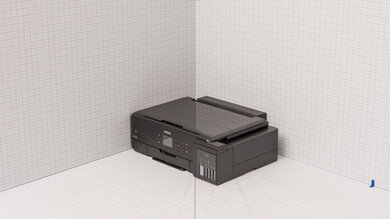
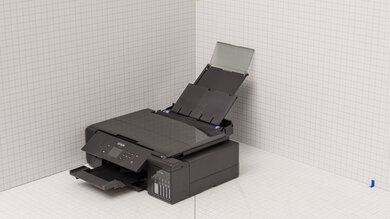
The HP Smart Tank 7603 is compact for an all-in-one printer with an automatic document feeder. It can fit on a desk or dedicated printer shelf, although you'll need additional space in front to extend the output tray and access the paper cassette. You'll also need clearance above it to open the scanner lid and access the ink tanks.
Relatively compact design for an all-in-one printer.
Performance Usages
Check Price
Differences Between Sizes And Variants
We tested the HP Smart Tank 7603 in its dark gray colorway (product number D34F7A). It's also available in a white-and-beige Portobello colorway (9B5D1A), which has the same advertised specifications, so we expect our results to apply to both versions.
The 7603 follows the HP Smart Tank 7602, retaining its main features, including automatic duplex printing, a 35-sheet automatic document feeder, fax functionality, and a three-inch monochrome touchscreen. These models offer similar functionality, but you can consult our separate Smart Tank 7602 review for its tested performance.
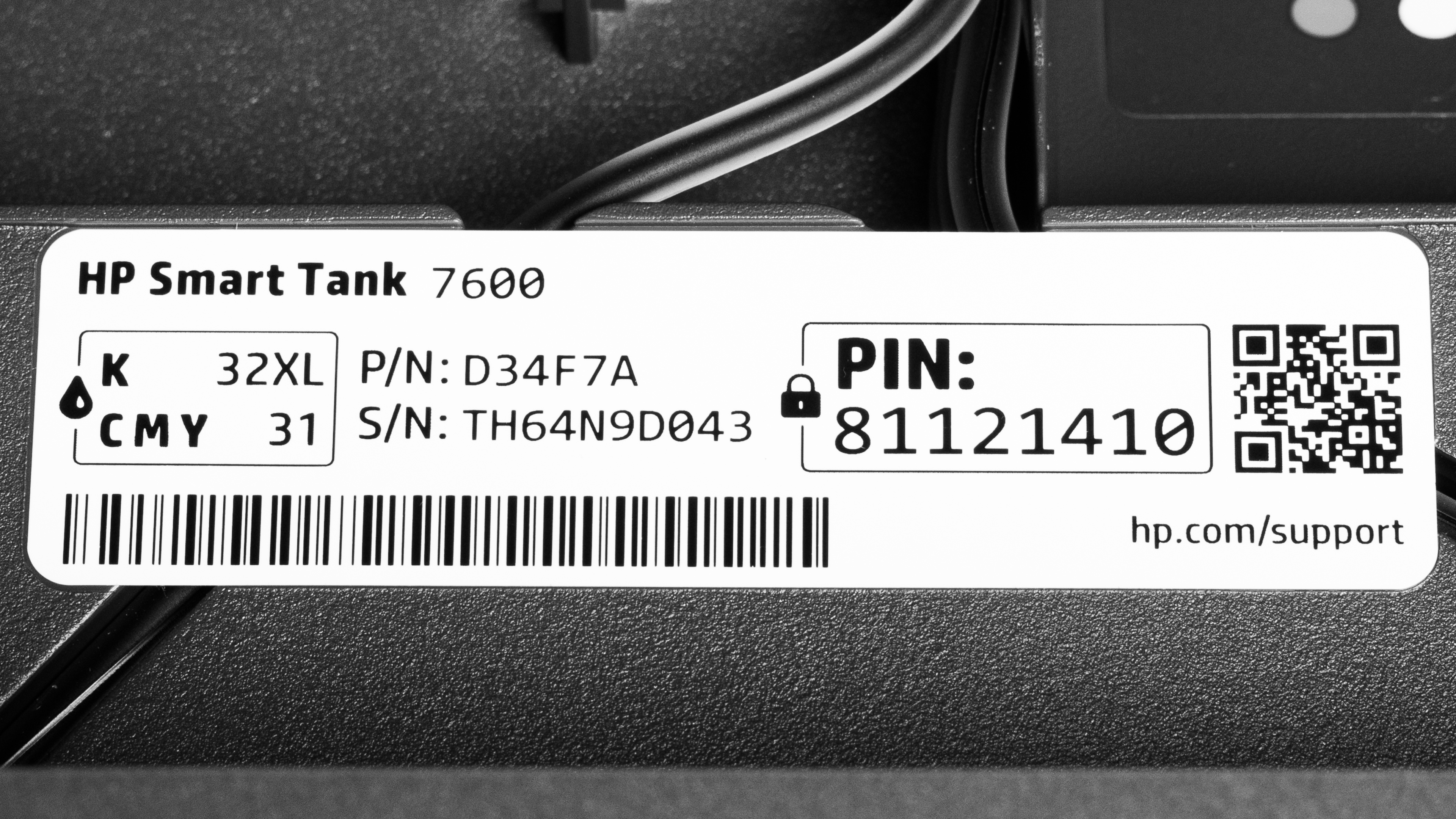
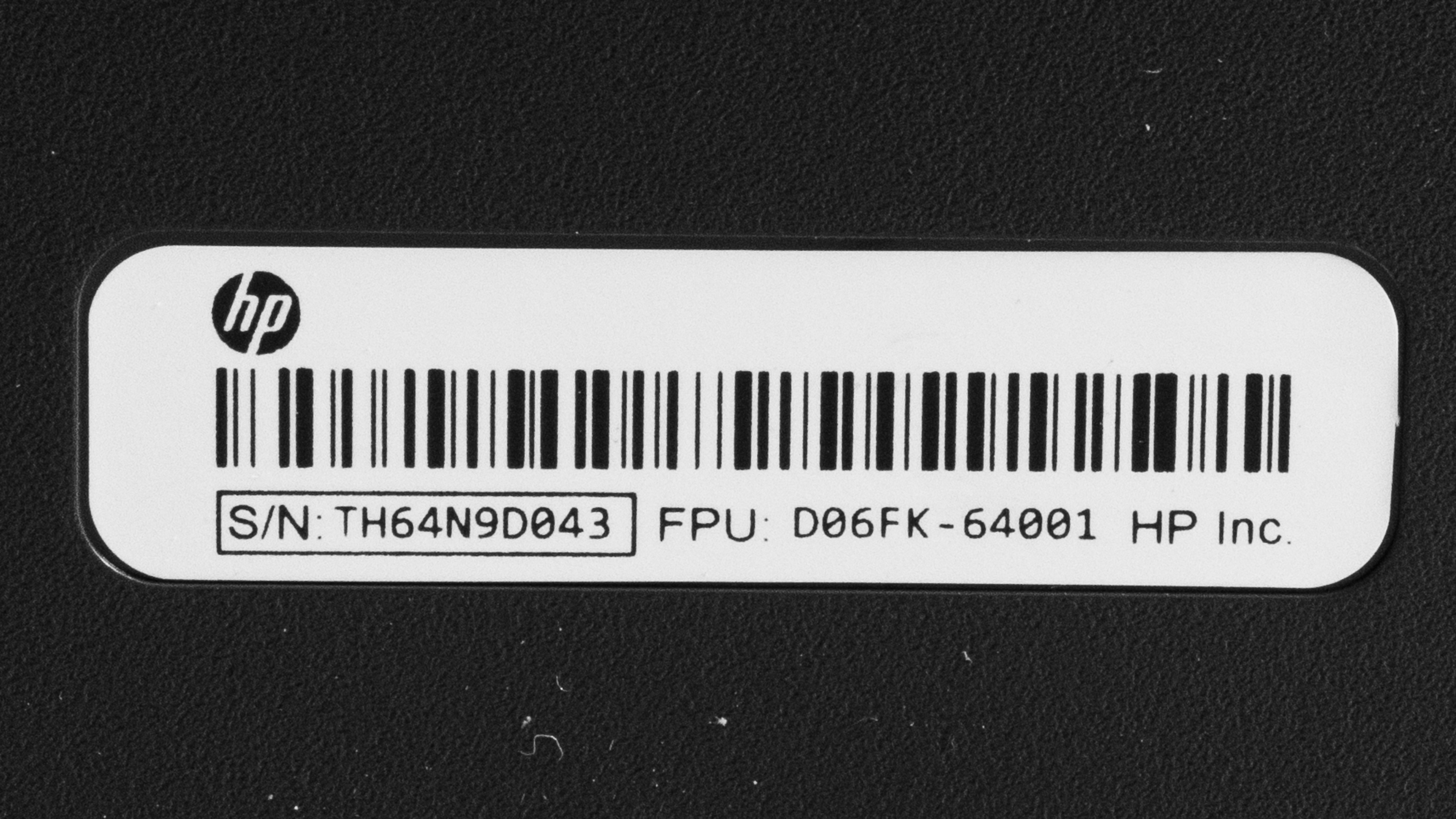
Our printer has two labels: one under the scanner, and one on the back.
Popular Printer Comparisons
The HP Smart Tank 7603 is a great fit for homes and small offices that print frequently and want to keep ink costs low. Its refillable tanks deliver thousands of pages between refills, and it produces sharp documents and fantastic scans. Features like automatic duplex printing, a 250-sheet paper tray, Ethernet, and an automatic document feeder make it a practical all-in-one, although its slow printing speeds and lack of duplex scanning limit its appeal for heavier office workloads.
Still, the Epson EcoTank ET-4950 is a more versatile alternative, adding automatic duplex scanning and producing more vibrant, accurate photo colors while maintaining similarly low running costs. If speed matters more, the cartridge-based Brother MFC-J4355DW prints color documents and scans through its ADF much faster, though its ink yields are lower and its running costs are higher. Finally, the older HP Smart Tank 7602 offers a very similar experience, making it worth considering if you find it at a lower price.
For more options, see our recommendations for the best inkjet printers, the best photo printers, and the best printers with cheap ink.
The HP Smart Tank 7603 is the successor to the HP Smart Tank 7602, but it's a relatively minor refresh. Both deliver sharp documents, fantastic scans, high page yields, and very low running costs. They also share similar printing speeds and features, including automatic duplex printing, fax functionality, and an automatic document feeder without duplex scanning. Neither is ideal for color-critical photo printing, although both are fine for casual use. Ultimately, the 7603 doesn't offer a compelling reason to upgrade if you already own its predecessor.
The Epson EcoTank ET-4950 and HP Smart Tank 7603 are all-in-one inkjet printers with refillable tanks, high page yields, and very low running costs. The Epson is more versatile overall, offering automatic duplex scanning and producing more vibrant, accurate photo colors. The HP captures finer details when scanning and lets you print directly from a USB flash drive. It also has user-replaceable printheads, giving you another option if cleaning can't resolve a stubborn clog. Both produce sharp documents, but the Epson is the better choice if you frequently scan double-sided documents or print photos.
The Brother MFC-J4355DW and HP Smart Tank 7603 are capable home and small-office printers with different strengths. The Brother uses conventional ink cartridges and is better for time-sensitive workloads, printing color documents much faster and processing pages through its automatic document feeder more quickly. Its scanner lid also extends to accommodate thicker items. The HP's refillable tanks deliver much higher page yields and lower running costs, making it better suited to frequent printing. It also has a larger paper tray, a touchscreen, and user-replaceable printheads. Both produce sharp documents and excellent scans, but neither supports automatic duplex scanning.
Test Results
for pictures & test results
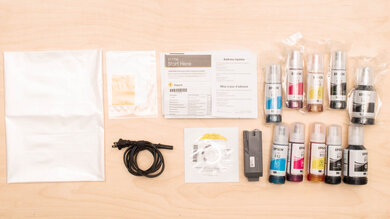
for pictures & test results
for videos & test results

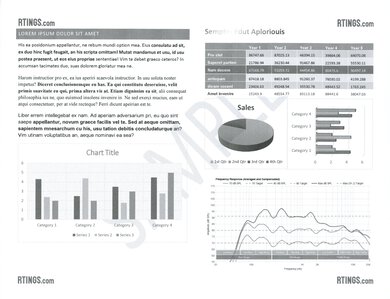
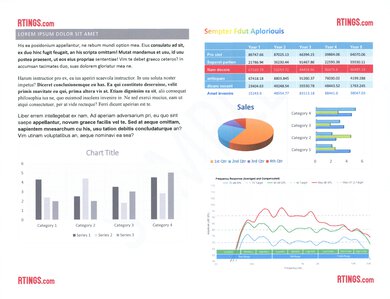
for pictures & test results



for pictures & test results
for pictures & test results