
Screen bleeding is an issue that occurs when the backlight of an LED TV leaks through the optical layers of the panel, causing a noticeable glow on the screen. This issue is fairly rare on modern TVs, but it can be very distracting. In this article, we'll break down what it is, how to identify it, and what you can do about it.
What Is Screen Bleeding?
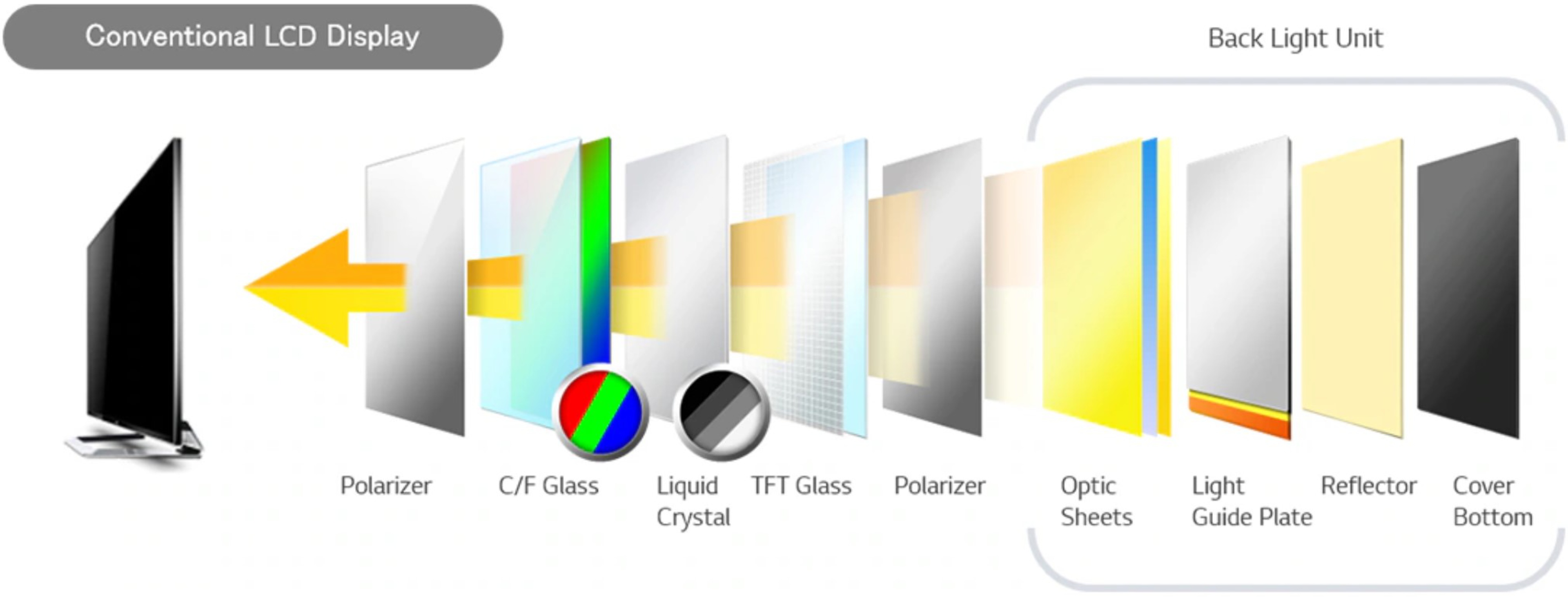
Screen bleeding is an issue that can occur with some LED panels, like the ones used on a significant portion of both monitors and TVs, and it's caused by a flaw with the internal structure of the TV itself. These TVs use LEDs, placed either directly behind the screen, also known as direct-lit, or along one side, known as edge-lit, to produce the light that allows you to see the image on your TV. Regardless of where the LEDs are physically placed, the TV uses various optical layers, like the optic sheets and the light guide plate in the structure shown above, to spread that light around the screen evenly. Screen bleeding occurs when there are flaws with those optical layers. If they're misaligned with the other panel layers or damaged, light can escape between the backlight and the outer layers of the screen. This causes a flashlight appearance, like the corners of the TV at the top of this article.
Identifying Screen Bleeding

The good news is, when you buy a new TV, it's very easy to identify if the TV has any screen bleed. Simply turn it on and display a nearly black test pattern, like the one we use for black uniformity, and look for any very bright spots. It's important that the image isn't entirely black, as many TVs will simply turn the backlight off with a black screen. Exactly where to look depends on the type of TV. If you have an edge-lit TV, this will usually appear near the bottom edge of the screen. If you have a direct-lit or full array screen, it's most commonly found in the corners.
Similar Issues
 |
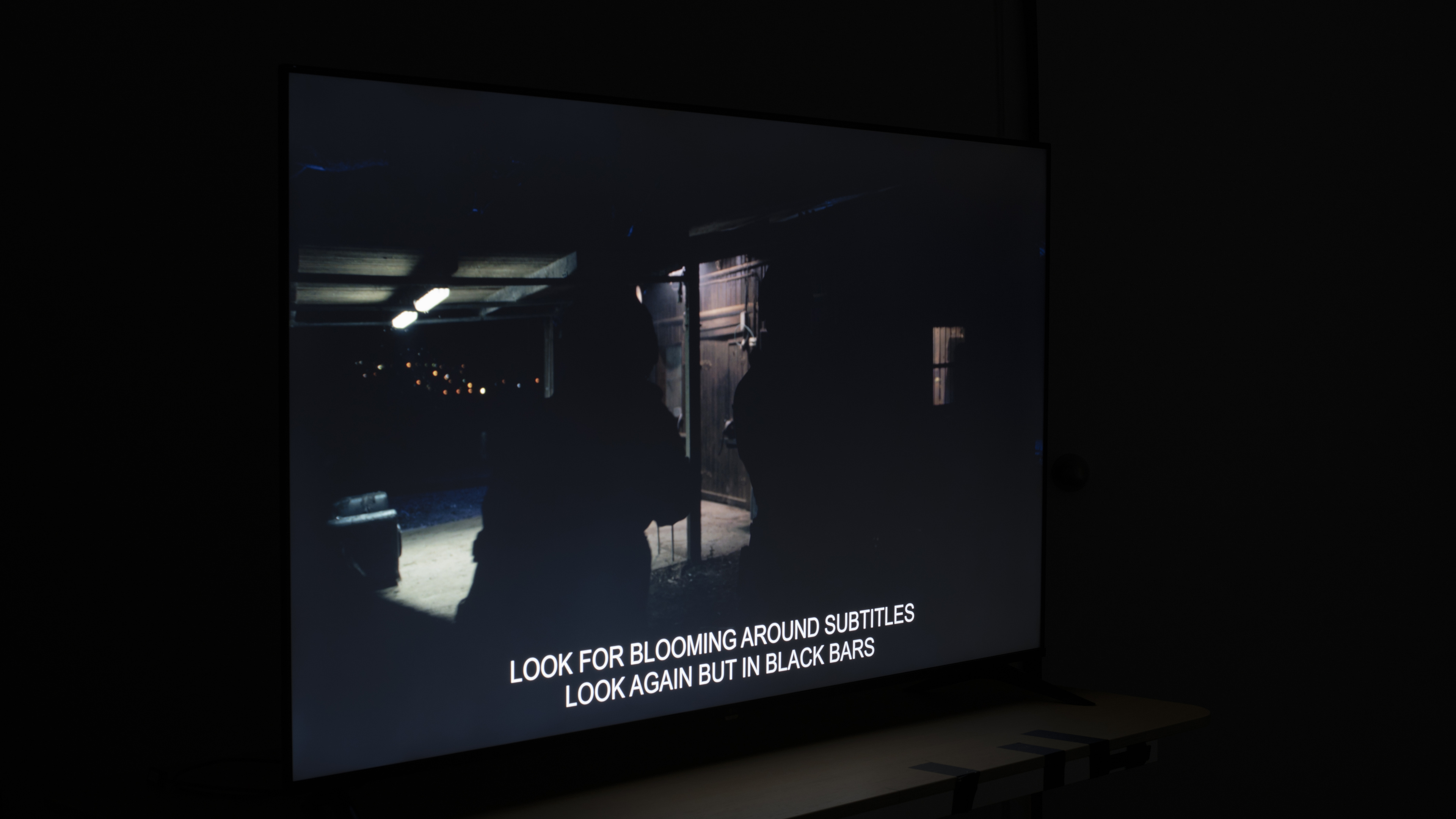 |
There are a few other issues that can often be confused with screen bleeding. Although they're often related, TVs can have poor black uniformity without necessarily showing signs of screen bleeding. The Amazon Ember Artline 2026 above shows some brighter spots across the screen. These aren't caused by screen bleeding; the screen is simply slightly uneven in dark scenes. That being said, TVs with poor black uniformity often show visible screen bleeding as well, so the two issues aren't entirely unrelated.
The other issue that's often confused with screen bleeding is a phenomenon known as IPS glow. This issue is caused by the viewing angle of displays with IPS panels. When viewed at an angle, the light from IPS panels can appear to leak, creating a glow effect, often near the corners of the screen. While this issue may look a lot like screen bleeding, it's actually very different. The best way to tell them apart is to look at your screen head-on. If you still see the glowing effect at the corners, then it's probably screen bleed. If you don't, then you likely have an IPS panel and are seeing IPS glow instead.
Screen Bleeding Can Develop Over Time
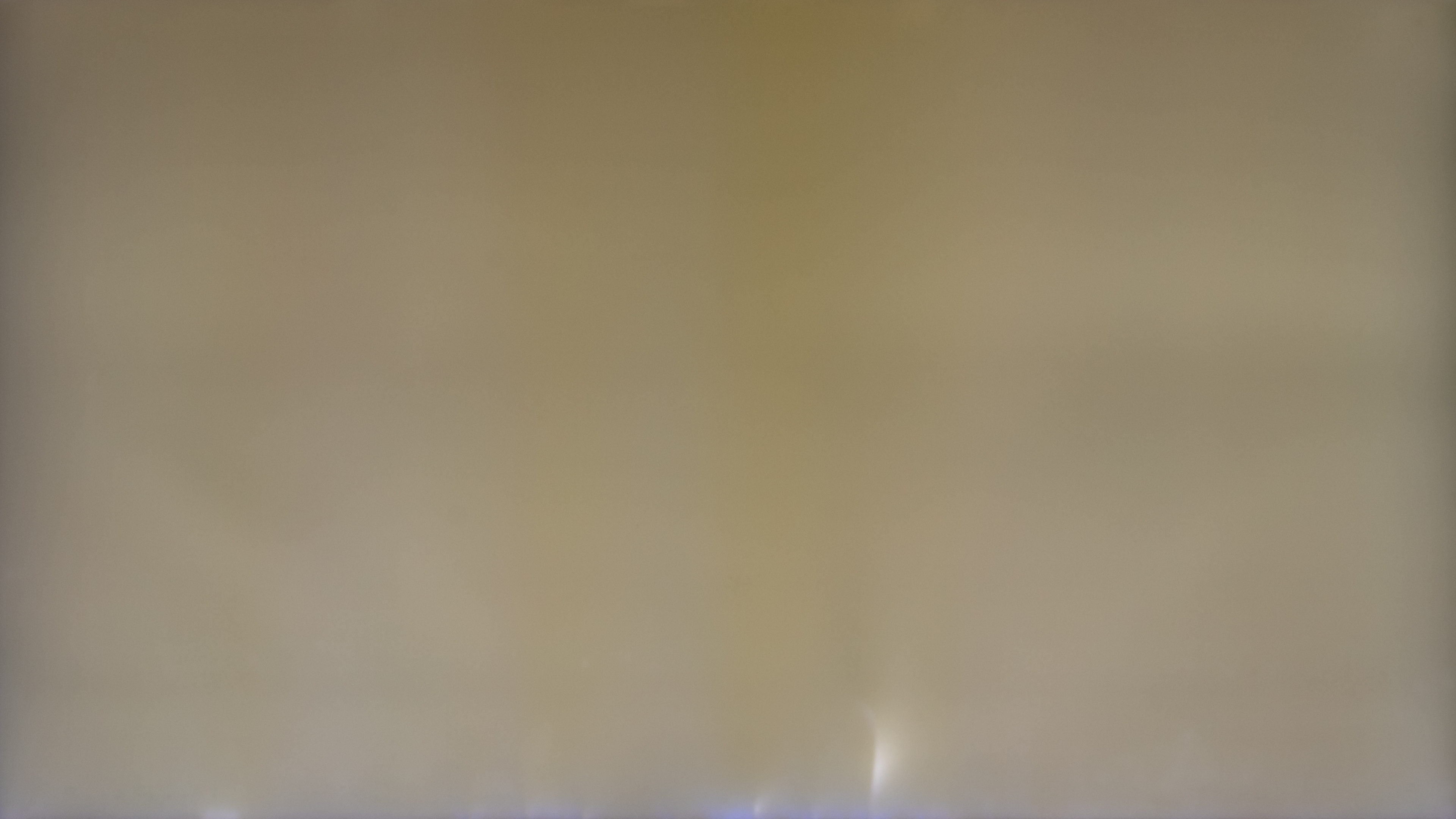
Unfortunately, even if you get a TV with very little screen bleed, it can still develop over time. This is especially true with edge-lit TVs, as our research has shown that the optical layers on these TVs often fails over time. The light guide plates we mentioned above can often crack over time, especially near the edges of the screen where the LEDs are clustered. Temperature swings can cause the materials to crack and let light through the screen, even on TVs that had good uniformity when they were first unboxed. The reflector sheet can also warp over time for the same reason. This causes uniformity issues more often than actual screen bleed, though.
How To Fix Screen Bleeding
If you're wondering how to fix screen bleeding, unfortunately, there's usually not much you can do. If you get a TV with really noticeable screen bleeding, your best bet is to have it replaced while it's still within the retailer's exchange window. If your TV has this feature, make sure to enable local dimming. By decreasing the intensity of the backlight behind dark parts of the scene, you're far less likely to notice any light bleeding, even on a TV with significant issues.
If your TV just has minor bleeding, though, you might be able to reduce it by gently massaging the screen with a microfibre cloth. This works best if the bleeding is away from the sides of the screen near the center. Other than that, there's really nothing you can do. If your TV develops screen bleeding years later, it might be possible for a trained technician to repair it by replacing or realigning the damaged sheets, but it's usually not worth the expense.
Conclusion
Screen bleeding can be very distracting, and unfortunately, there's usually not much you can do about it. The good news is, it's fairly rare on modern TVs, but you can still get unlucky. To reduce your chances of getting a TV with noticeable screen bleeding, it's best to buy a direct-lit TV with local dimming, as edge-lit models often develop bleeding issues after a few years, and local dimming can significantly reduce how much light bleed you see.