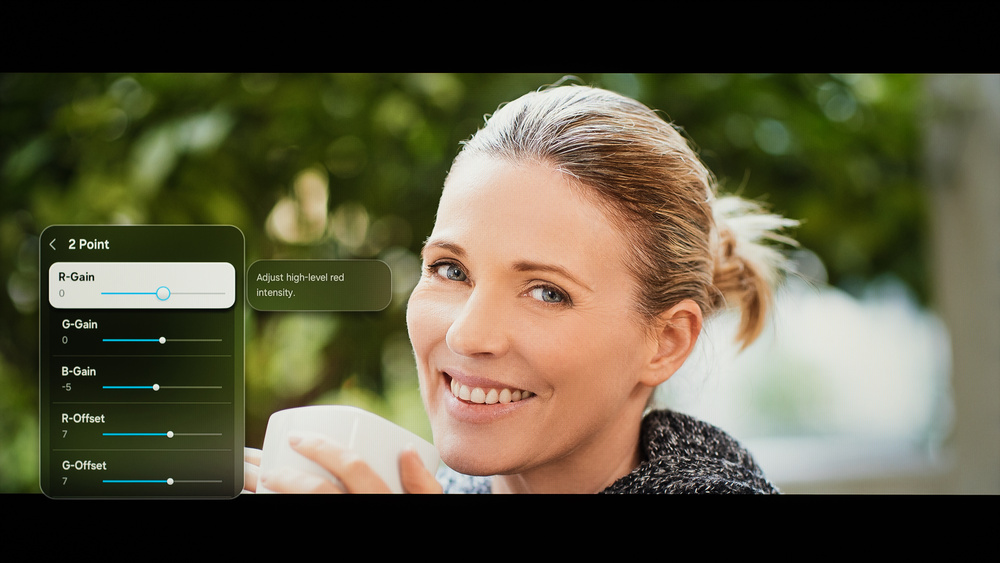
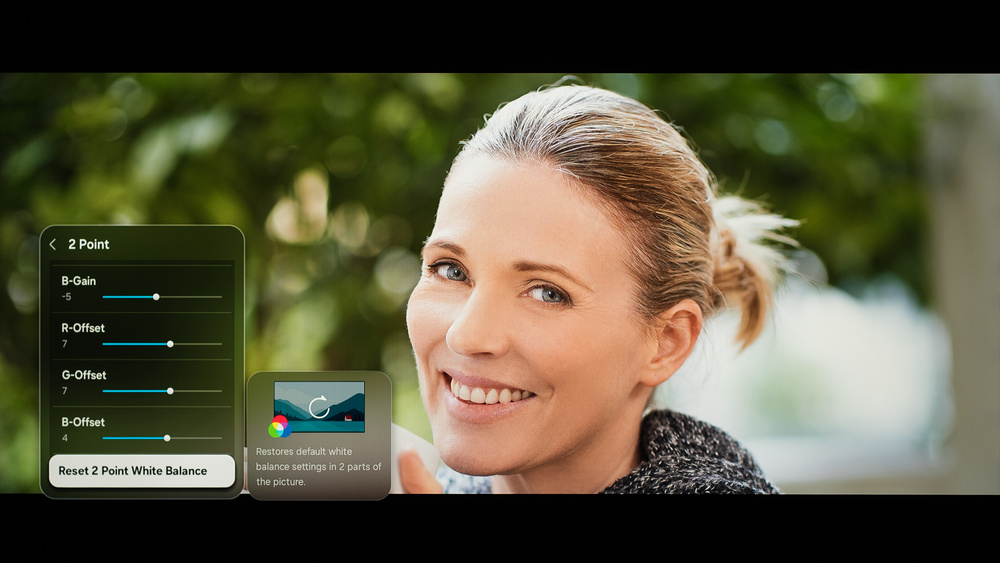
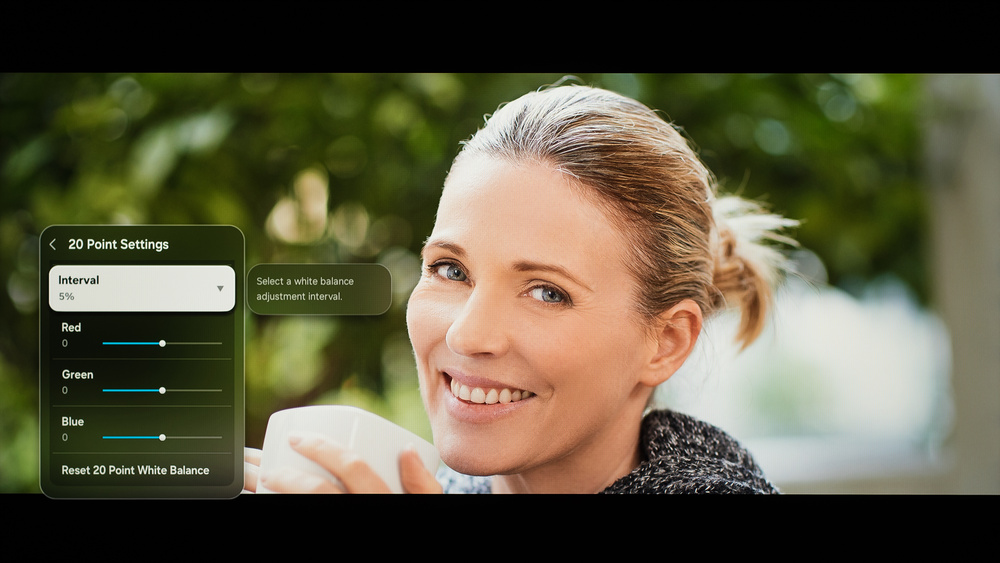
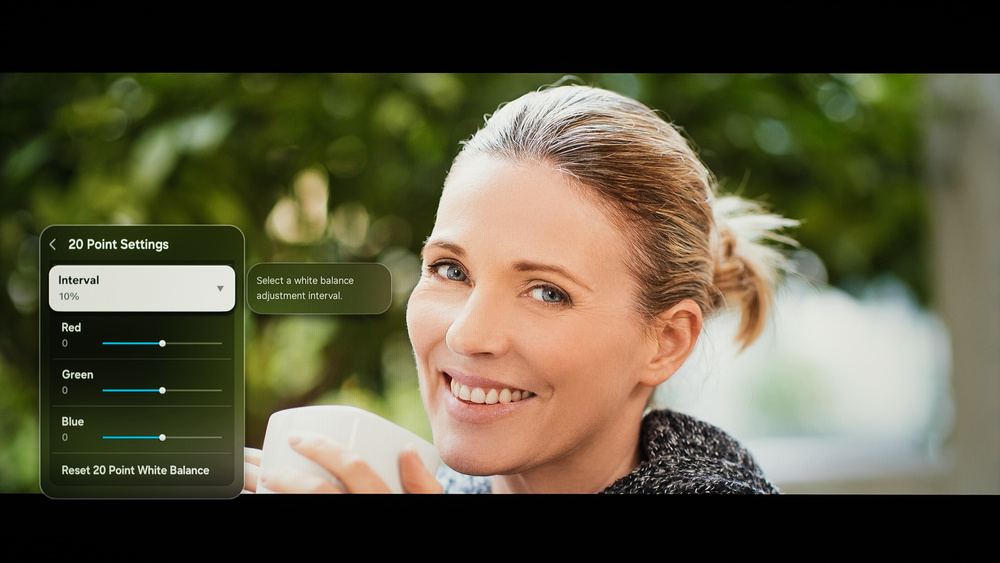
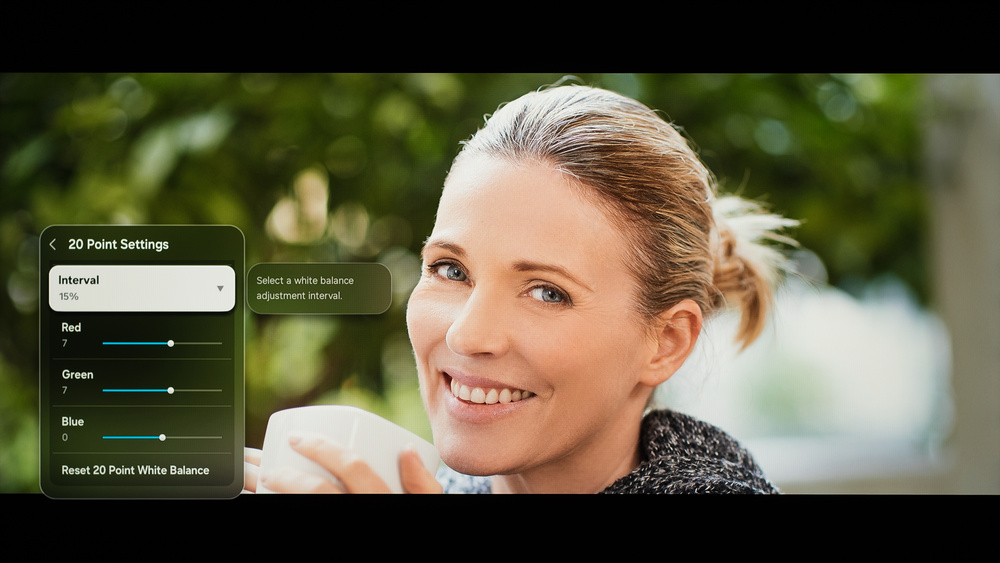
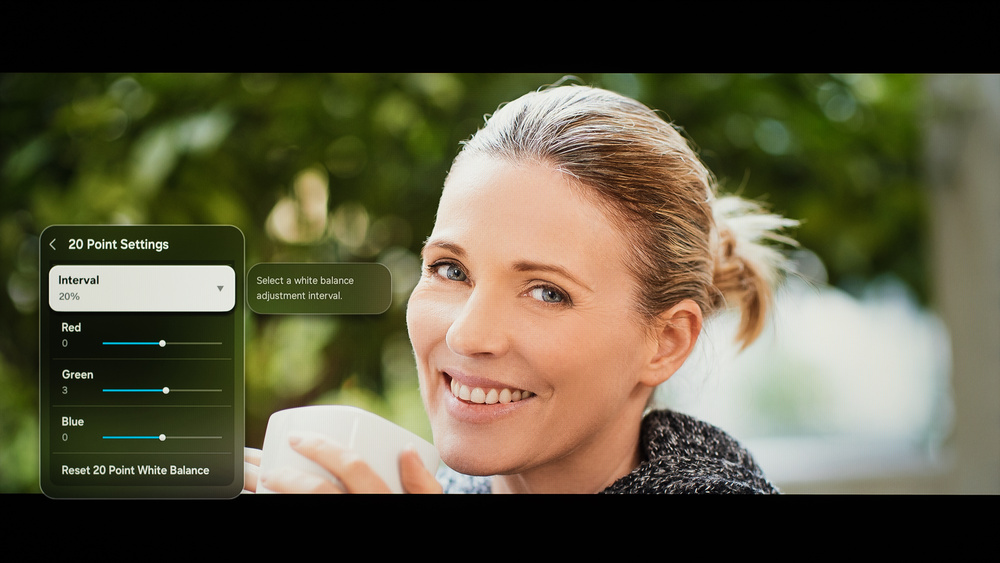
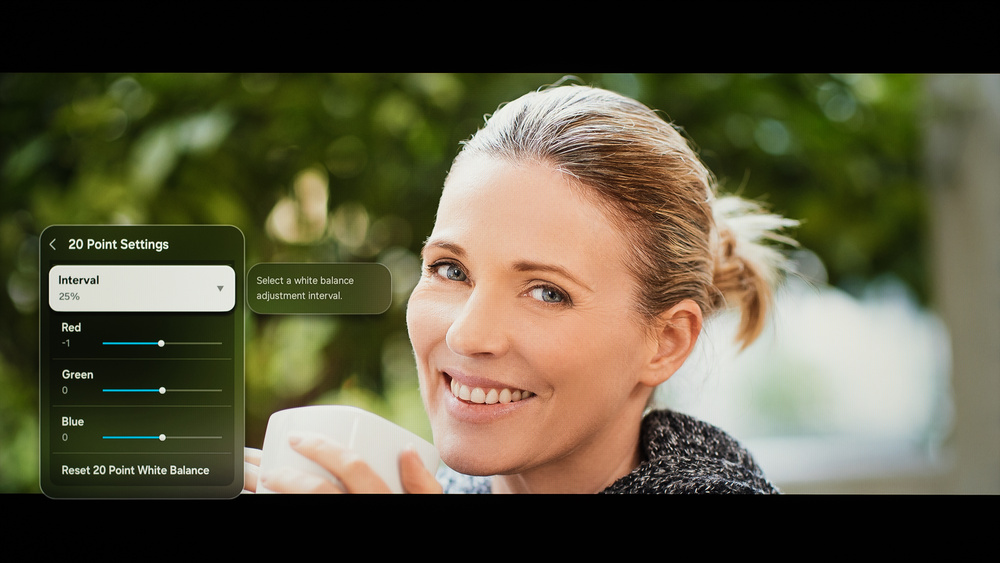
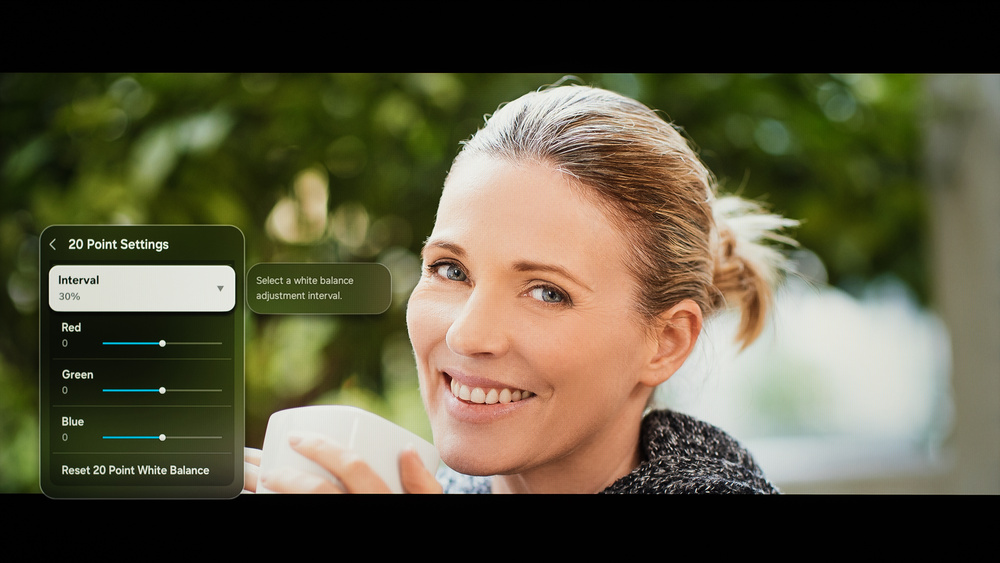
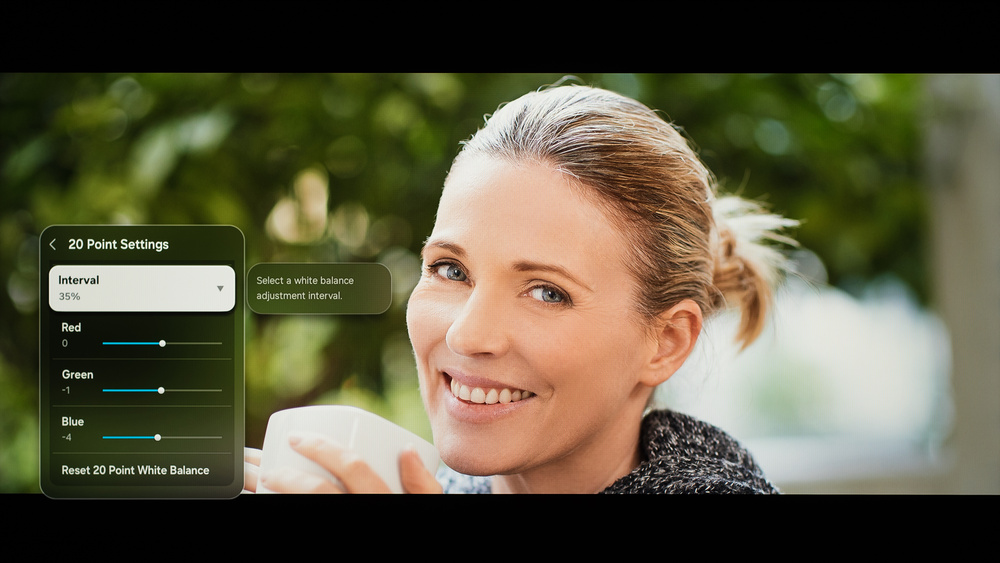
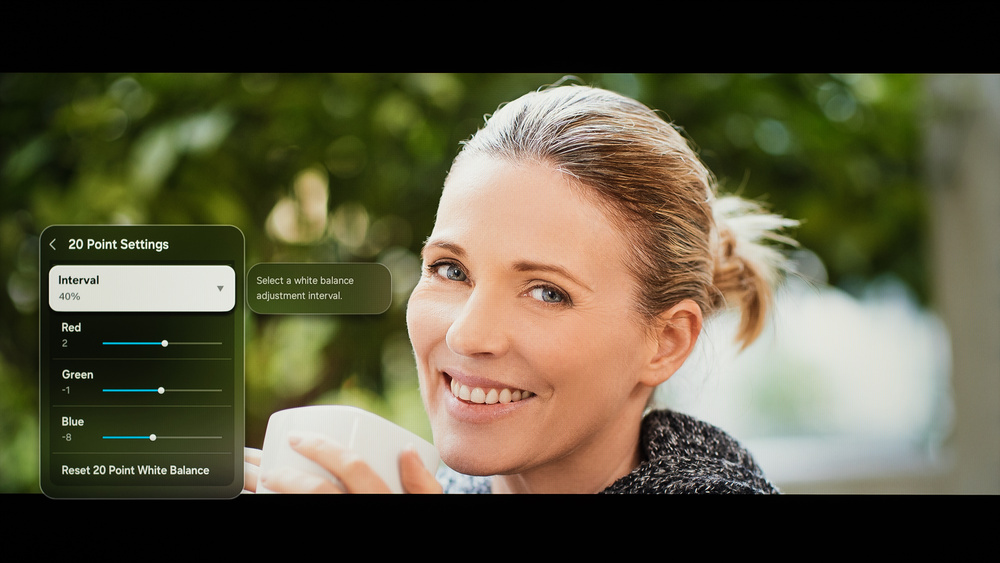
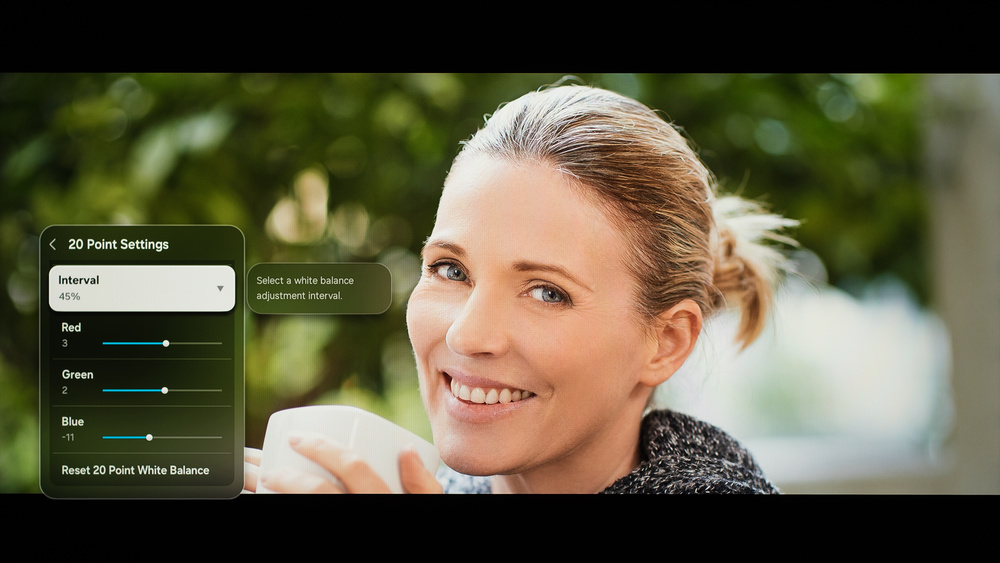
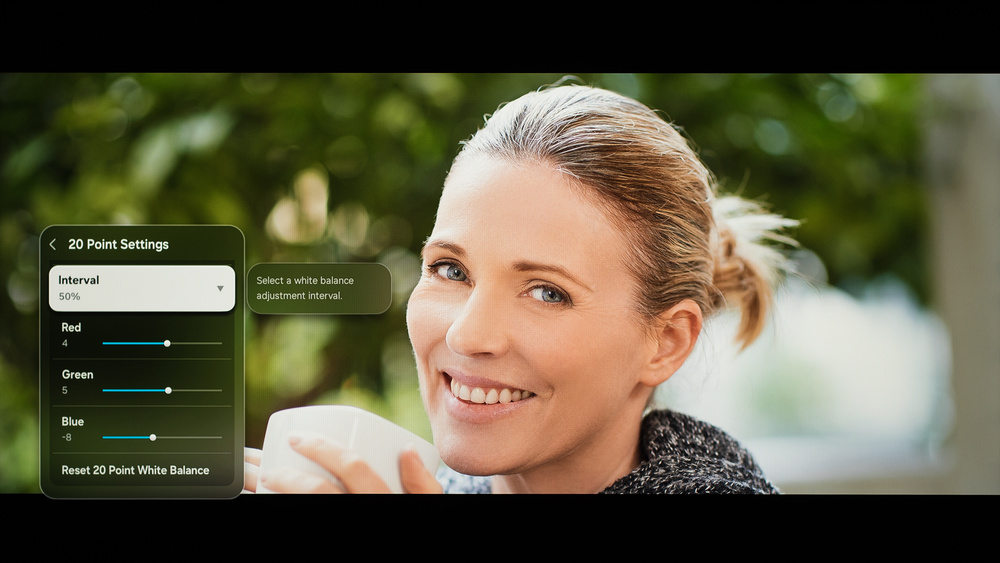
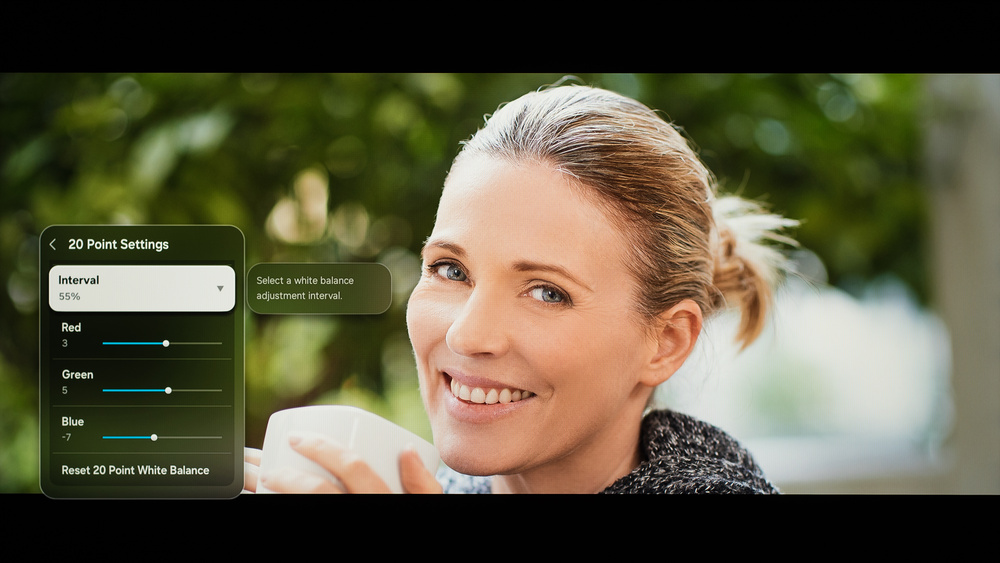
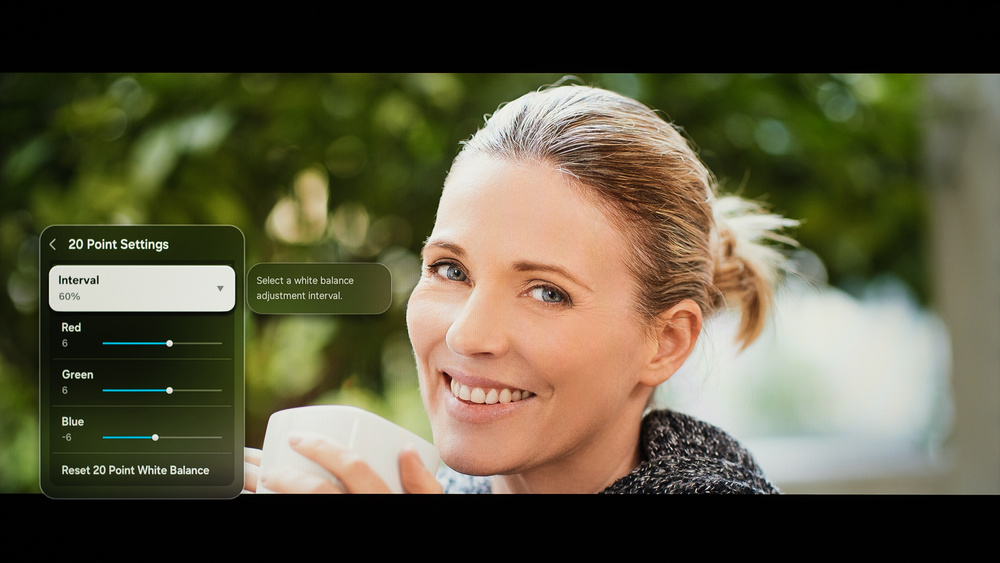
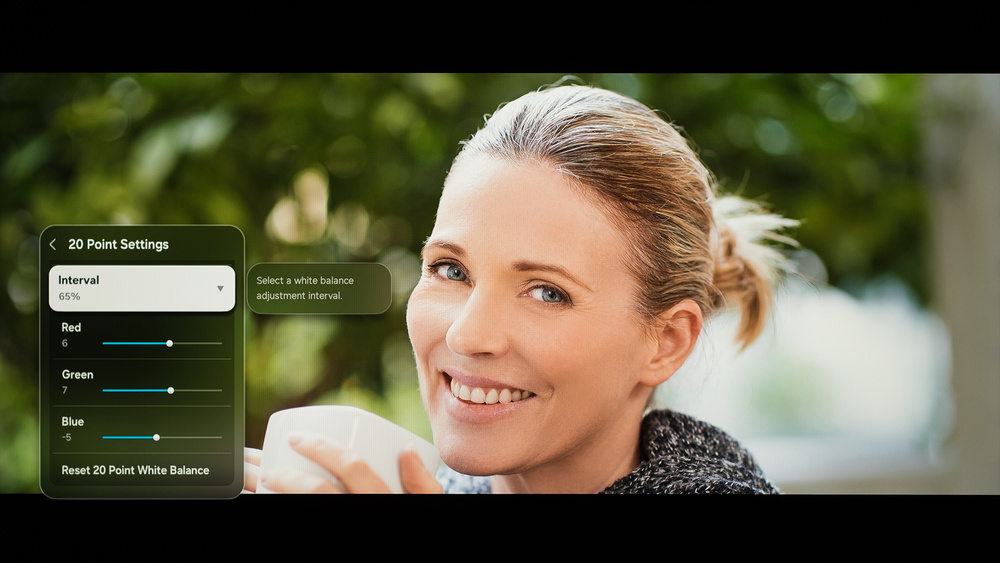
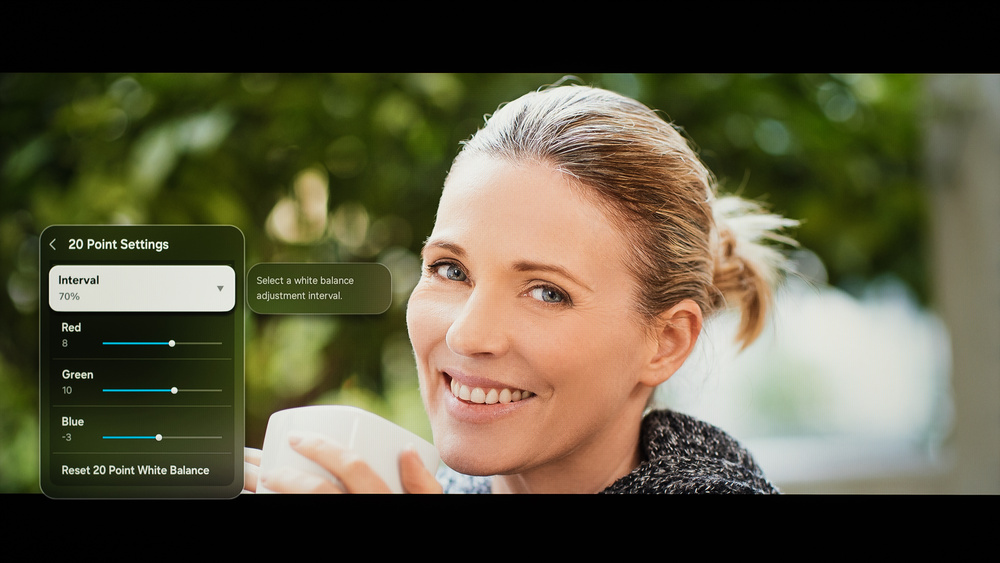
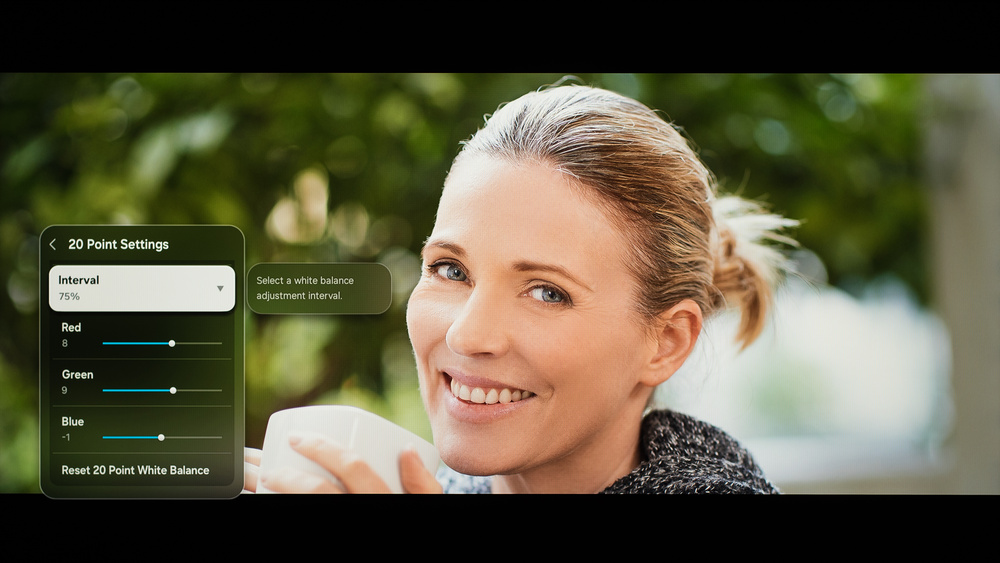
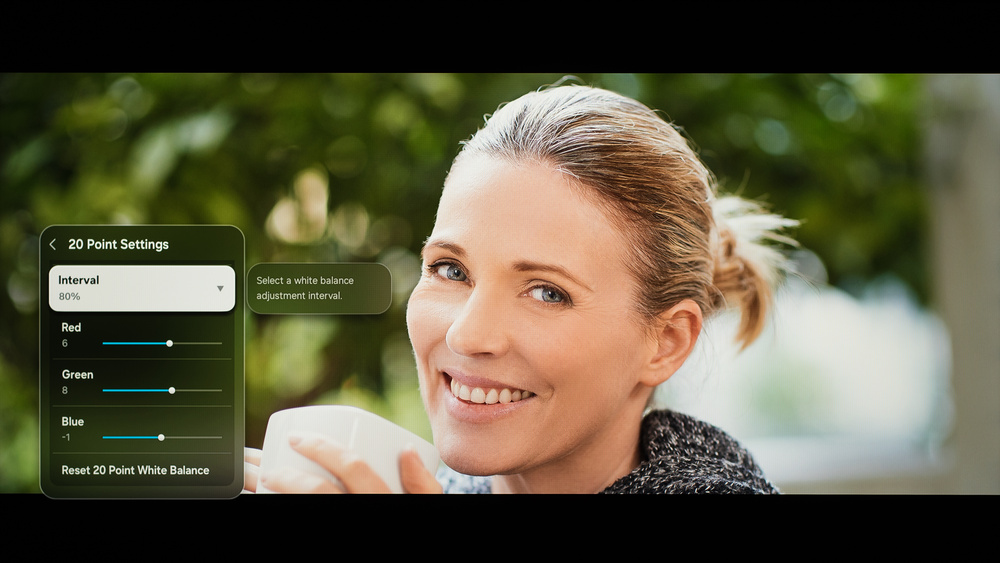
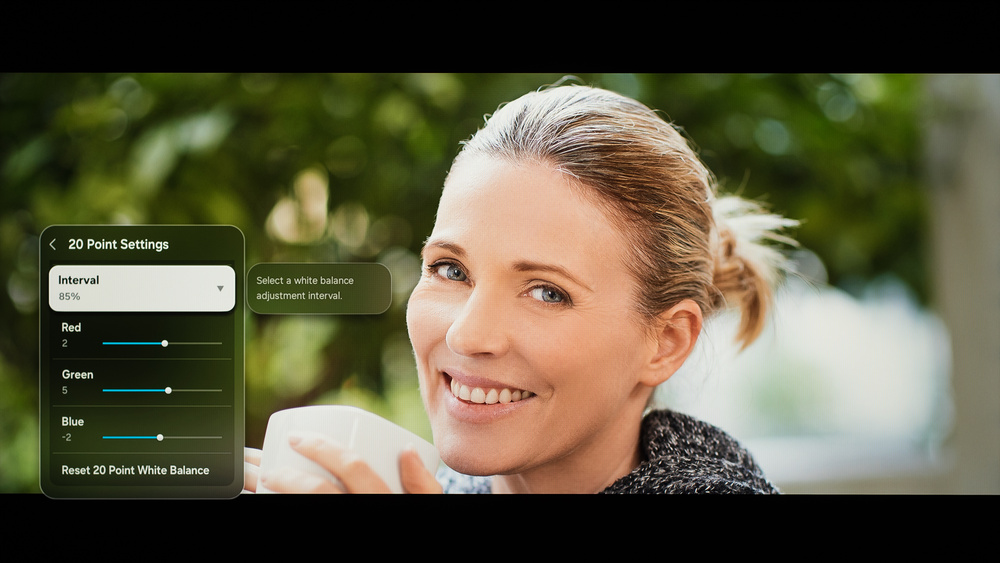
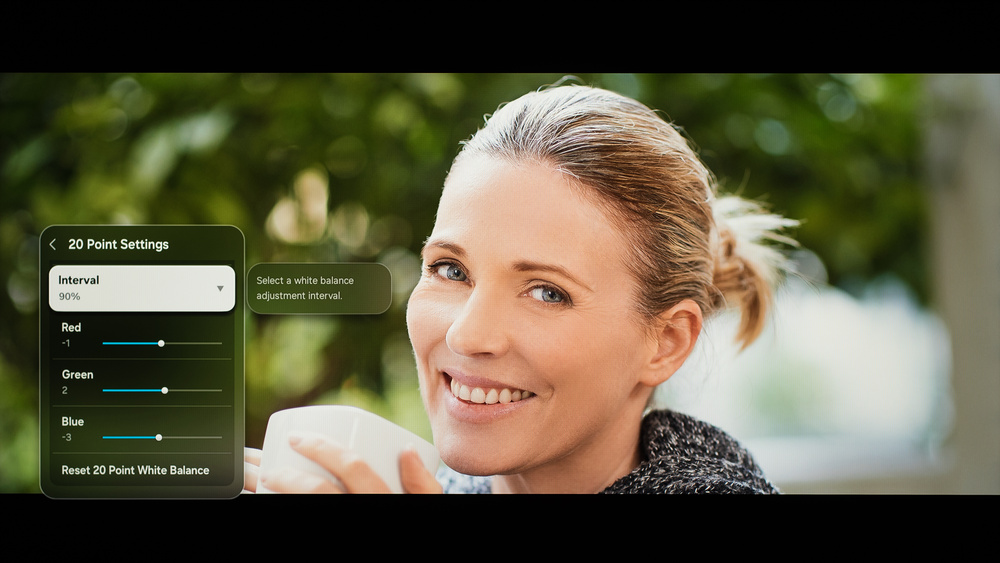
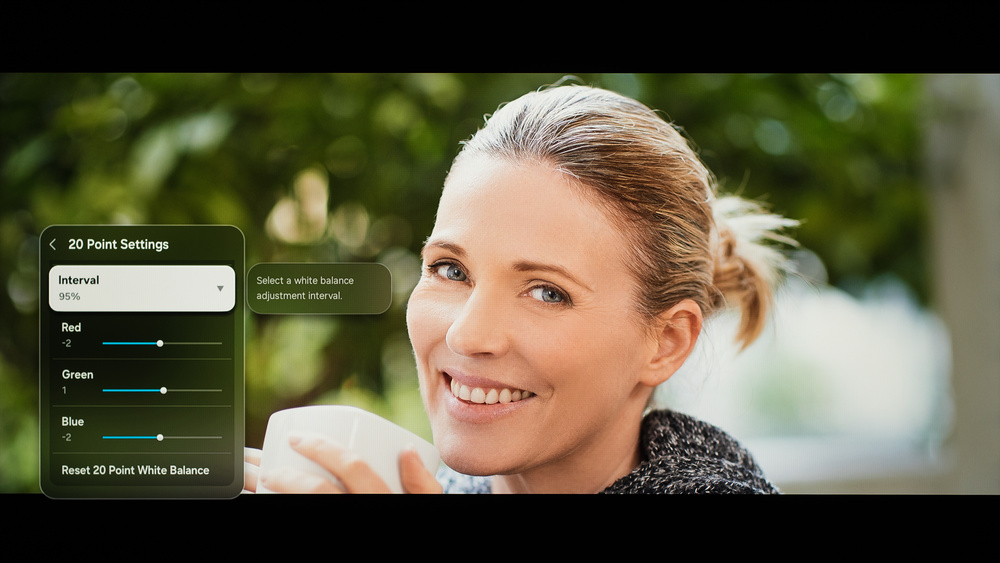
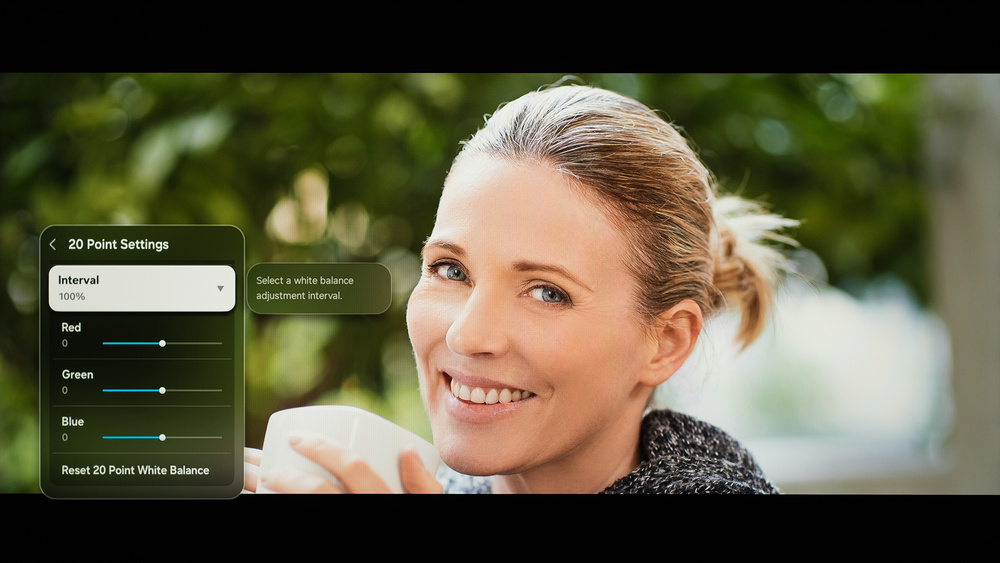
We used the following calibration settings to test the 65-inch Samsung The Frame 2026, but they're also valid for the 55-, 75-, 85-, and 100-inch models. These settings are meant to provide a starting point; they're not meant to be copied 1:1. They provide the most accurate image in a moderately lit room, but you should adjust them to match your personal preferences and viewing conditions.
SDR
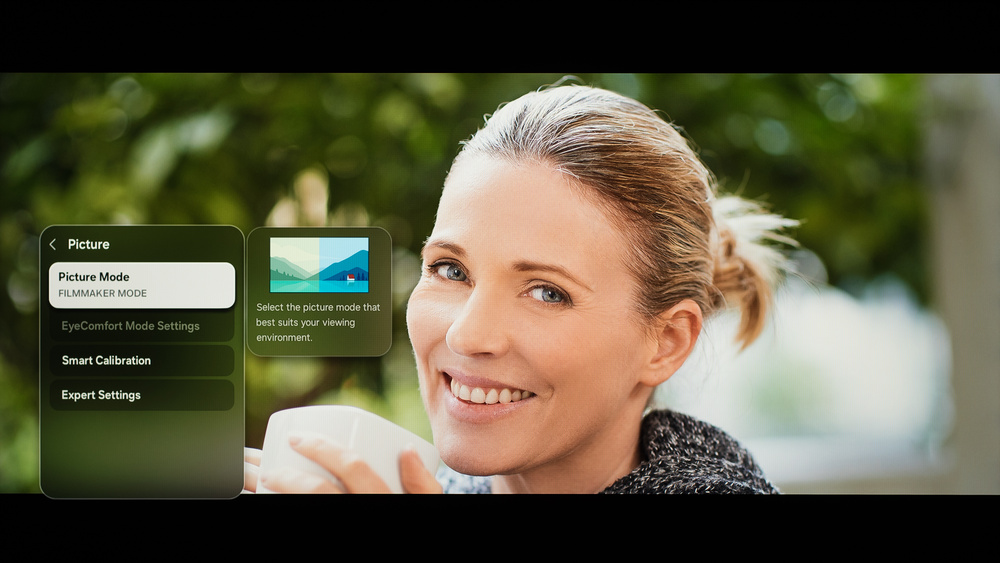
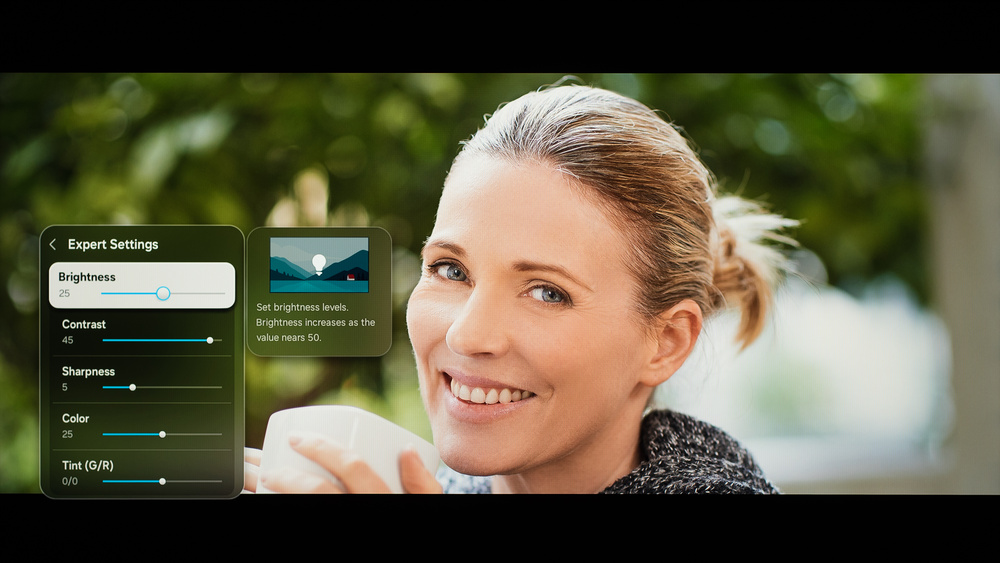
Below are the settings we used to calibrate this TV in SDR. We chose the FILMMAKER MODE picture preset, as it delivers the most accurate image out of the box. All other picture quality settings were left at their defaults.
- Picture Mode: FILMMAKER MODE
- Contrast: 45
- Color: 25
- Color Space: Auto
- Gamma: 2.2
- Color Tone: Warm 2
Brightness - Accuracy Preferred
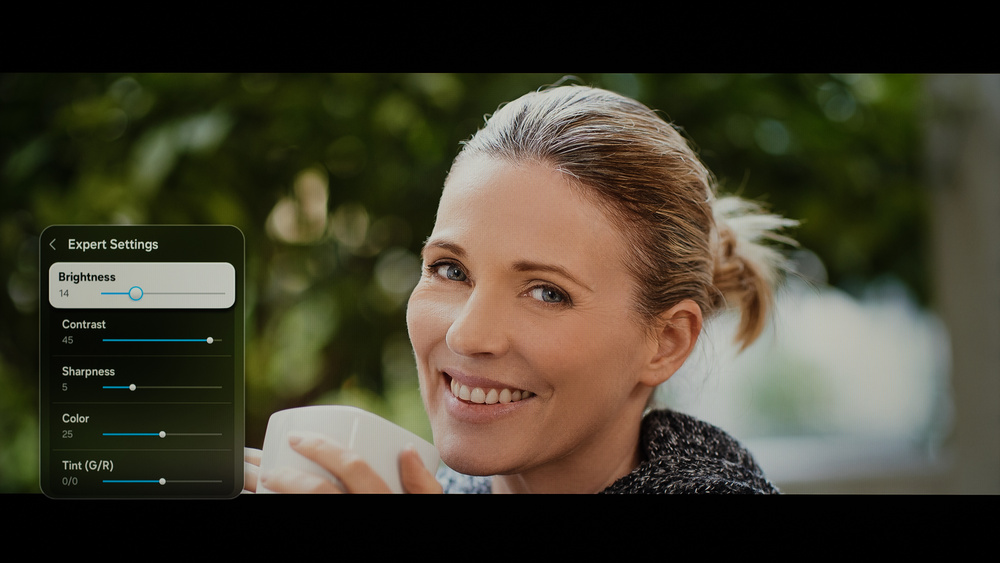
The settings that control the backlight should be adjusted in SDR depending on your viewing conditions. These settings deliver the most accurate image in a completely dark room.
- Brightness: 14 (100 nits)
- Brightness: 25 (200 nits)
Brightness - Brightness Preferred
If you prefer a brighter image, adjust the Brightness setting as needed.
- Brightness: 50 (adjust as needed)
HDR
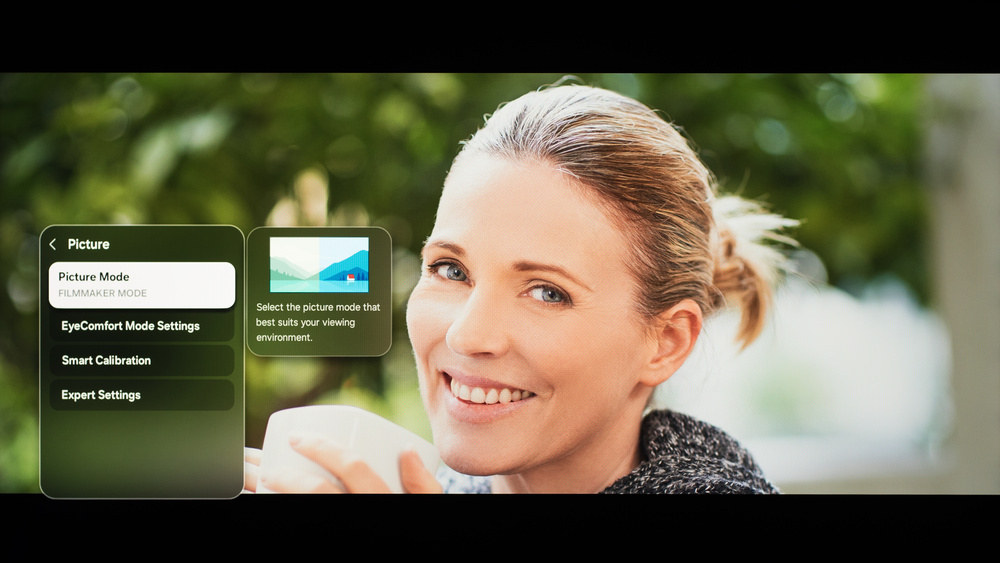
HDR is automatically enabled for native apps. Once you start playing HDR content, some of the settings change automatically. All other picture quality settings were left at their defaults.
- Picture Mode: FILMMAKER MODE
- Contrast: 50
- HDR Tone Mapping: Static
- Color Space: Auto
- Color Tone: Warm 2
Brightness - Accuracy Preferred
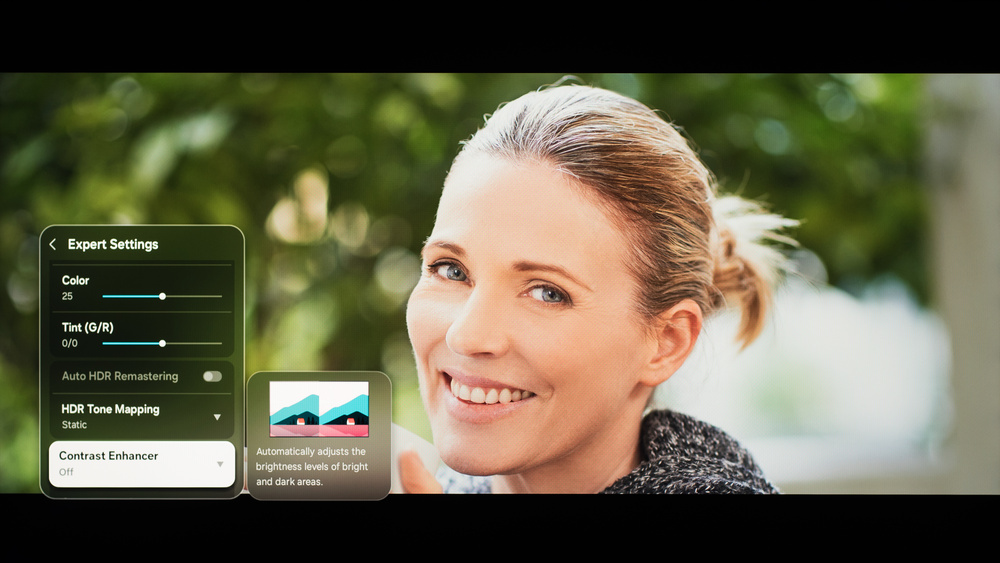
Below are the settings we used for HDR10 in a dark room. These settings deliver the most accurate image, and they're also the brightest the TV can get.
- Brightness: 100
- HDR Tone Mapping: Static
HDR White Balance
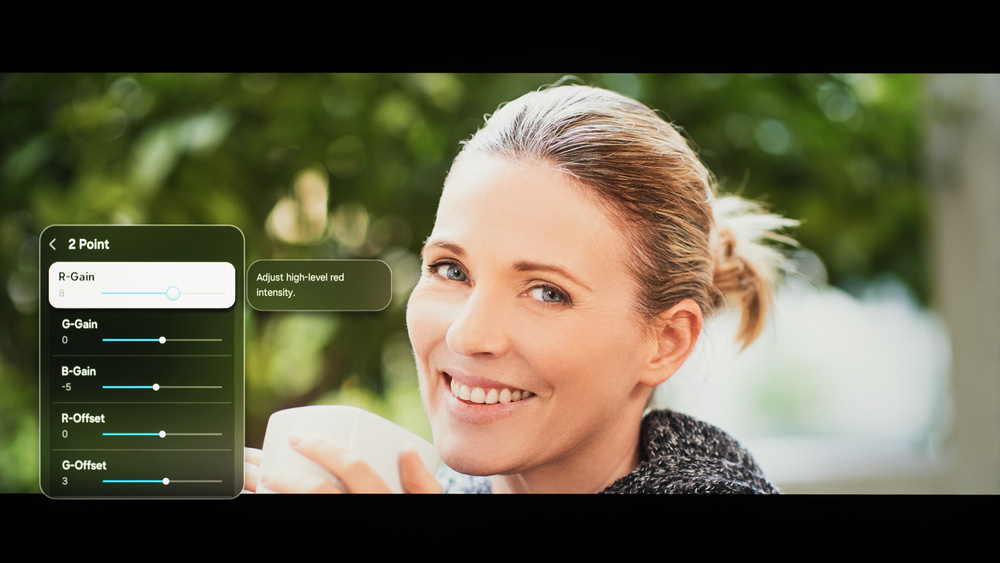
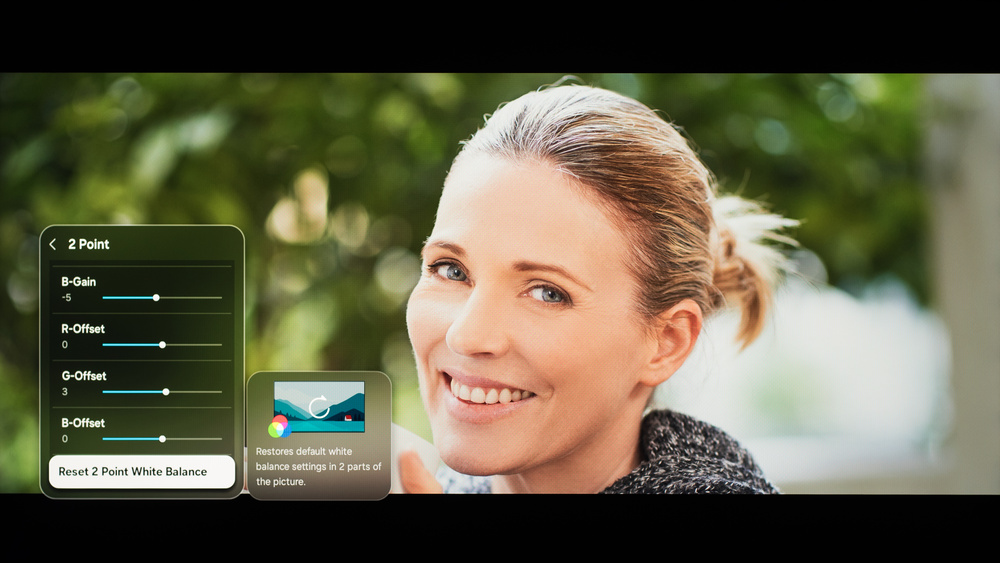
The following are the results of calibrating the white balance of our unit to 6500K in HDR using the 2-point method. These settings are provided for reference only and shouldn't be copied as the calibration values vary per individual unit. If you want to try them, you'll need to enter all values shown, as all of them are active at the same time. If you have worse picture quality, simply reset them to the default values.
Gaming
When you start gaming, you can switch to the Game Mode to get the lowest input lag and enable advanced gaming features. No other changes to picture quality settings are needed. With ALLM enabled, the TV will automatically switch to Game Mode when you start playing a game.
Motion & Processing
Below are the settings we used for most of our motion and processing tests. Motion and processing can be subjective, so you should adjust these settings to your personal preferences. You might also need to adjust these settings depending on the source and specific content.
Judder
This TV automatically removes judder from most content. No additional settings are needed.
Stutter Reduction Via Interpolation
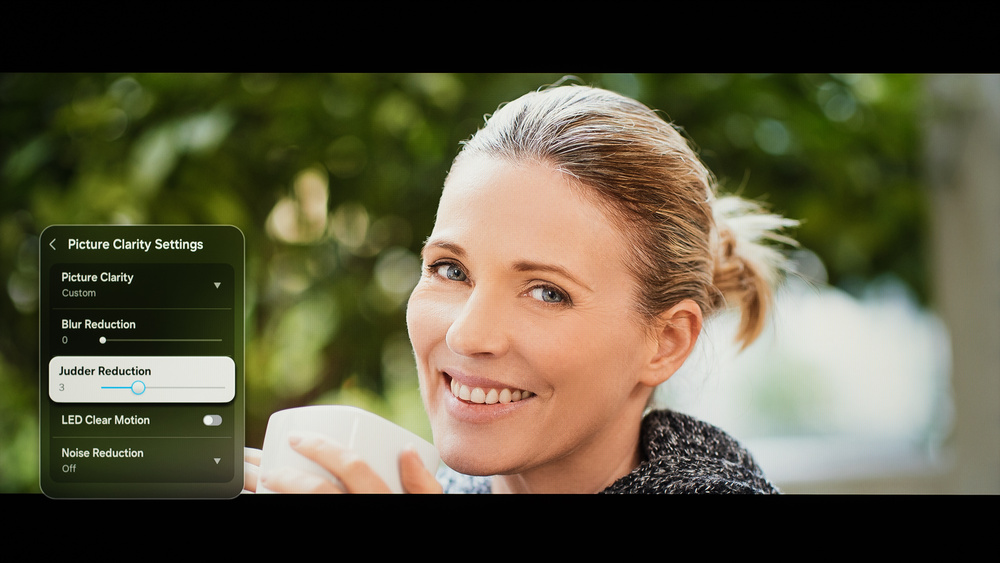
Setting Judder Reduction to '3' outputs a frame rate equivalent to 30 fps, which helps to reduce stutter in 24 fps content.
White Balance Settings
The following are the results of the white balance and colorspace calibration in SDR on our unit. They are provided for reference and should not be copied, as the calibration values vary per individual unit, even for the same model and size as the TV we reviewed, due to manufacturing tolerances. If you want to try them, you will need to enter all the values shown, as all of them are active at the same time. If you end up with worse picture quality, simply reset them to the default values.