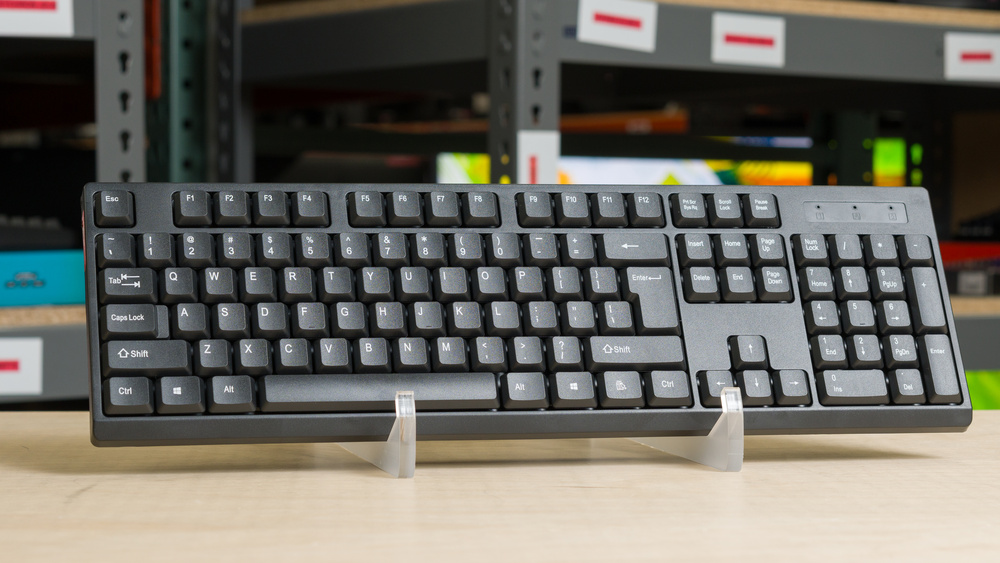
The Colorways CW-WKB100 is a cheap, wireless keyboard with rubber dome switches designed for everyday use and work. It has a low-profile design, a conventional full-size layout, and it connects wirelessly with an included USB receiver. It's powered by a single AA battery and has no software for customization.
We bought this product for a project we've been working on that explores the lower end of the market. We purchased this keyboard from Family Dollar.
Our Verdict
The Colorways CW-WKB100 is inadequate for gaming. While its measured latency is reasonably good, it isn't consistent. Its exceptionally low effective update rate can delay the frequency at which inputs are sent to your computer, making it a poor choice for fast-paced games. It also can't reliably register more than six simultaneous keys, and its build quality is terrible.
Reasonably low latency.
Terrible build quality.
Terrible data transmission performance.
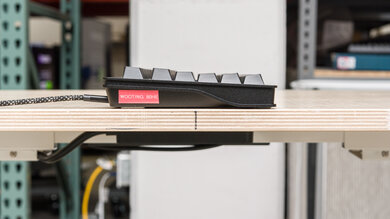
Keyboard slides around on desks.
Can't reliably register more than six keys at once.
The Colorways CW-WKB100 performs poorly for office use. It has terrible build quality and poor typing quality, and it lacks Bluetooth connectivity, so you can only connect it with a USB-A receiver. It's also fairly loud for a rubber dome keyboard, primarily because its spacebar rattles noticeably.
Terrible build quality.
No Bluetooth support or multi-device pairing.
Feels bad to type on.
Noisy for a keyboard with rubber dome switches.
Keyboard slides around on desks.
The Colorways CW-WKB100 is a very bad option for use with tablets or mobile devices. While it's lightweight and fairly thin, its full-size layout makes it unwieldy to carry, and its build quality is terrible. More importantly, it lacks Bluetooth and multi-device pairing. It only connects through a USB-A receiver, so you'll need an adapter if your device lacks a USB-A port.
Lightweight.
Terrible build quality.
No Bluetooth support or multi-device pairing.
Noisy for a keyboard with rubber dome switches.
The Colorways CW-WKB100 performs poorly for programming. It has terrible build quality and poor typing quality. It also lacks Bluetooth, multi-device pairing, backlighting, and macro support.
Terrible build quality.
No Bluetooth support or multi-device pairing.
Feels bad to type on.
Noisy for a keyboard with rubber dome switches.
Keyboard slides around on desks.
The Colorways CW-WKB100 is awful for an entertainment or home theater PC setup. It has terrible build quality, and its full-size layout is unwieldy to use from a couch. While it connects wirelessly, it only does so with an included USB receiver and doesn't support Bluetooth. It also lacks dedicated media keys and has no backlighting for seeing keys in the dark.
Lightweight.
Terrible build quality.
No Bluetooth support or multi-device pairing.
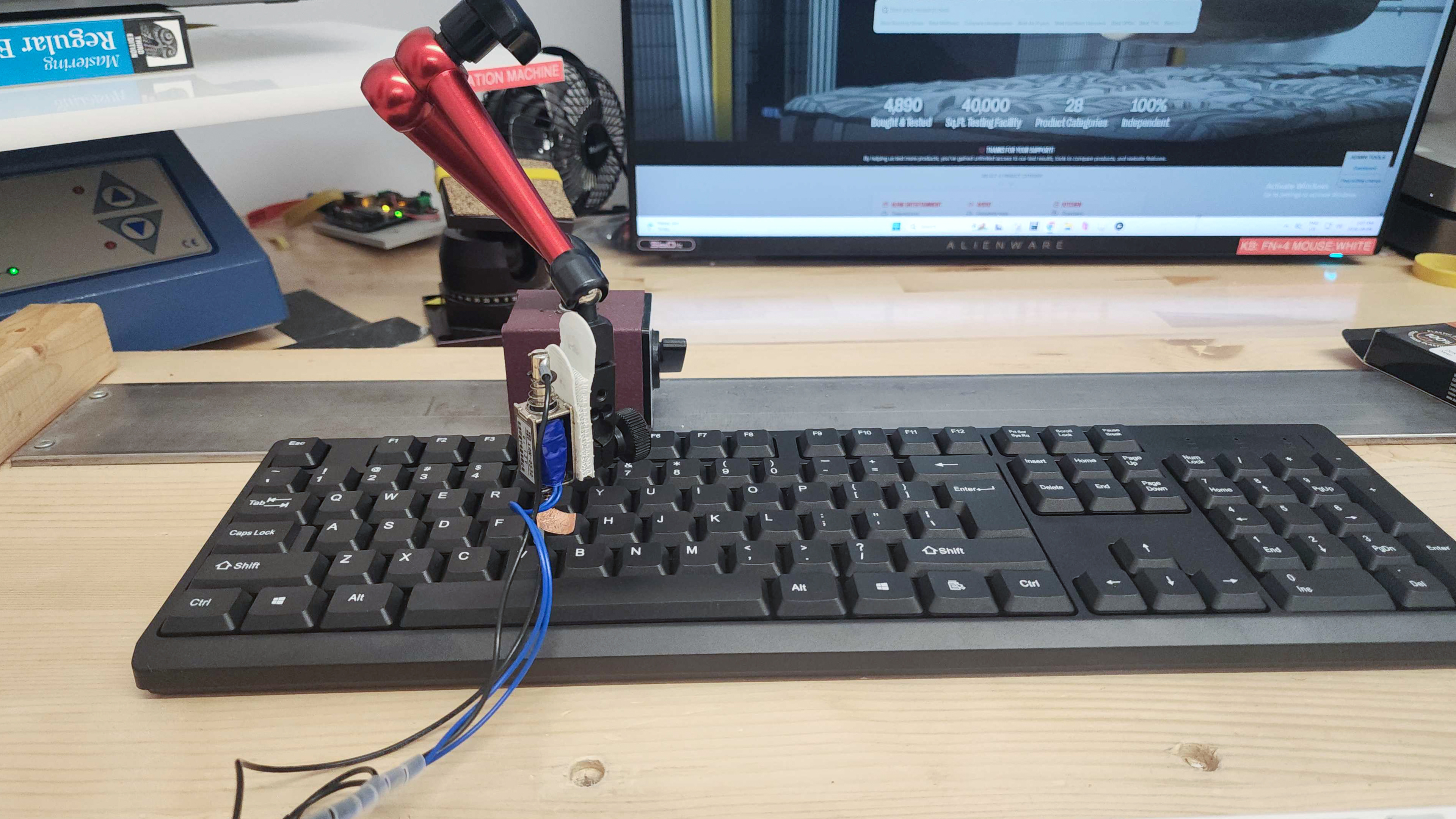
The Colorways CW-WKB100 has reasonably good overall latency performance, though it's not very consistent. This is unlikely to cause noticeable issues during everyday browsing, work, or casual gaming, but it isn't suitable for fast-paced competitive games. It has exceptionally poor data transmission performance, with an extremely low effective update rate that limits how frequently it can send inputs to your computer, and it can't reliably register more than six keys pressed at the same time, which can produce noticeable delays in the game.
Reasonably low latency.
Terrible data transmission performance.
Check Price
Differences Between Sizes And Variants
The Colorways CW-WKB100 doesn't have any variants to our knowledge. See a photo of our unit's label here.
Popular Keyboard Comparisons
The Colorways CW-WKB100 is a very basic plug-and-play wireless keyboard suitable for everyday browsing or light office work. It's serviceable in a pinch, but its poor build and typing quality are hard to overlook. Its plastic chassis feels extremely cheap and twists easily, the spacebar rattles noticeably, and the feet don't prevent it from sliding around on desks.
If you're able to stretch your budget to $30–40 USD, you can find considerably better options. The Keychron B36 and Logitech Signature K650 both offer dramatically better build quality and typing experience, plus greater wireless versatility with Bluetooth support in addition to a USB receiver connection.
For more recommendations, see our picks for the best budget and cheap keyboards, the best wireless keyboards, and the best low-profile keyboards.
The Dell KB216 and the Colorways CW-WKB100 are basic full-size keyboards for everyday browsing and office work. The Dell has considerably better build and typing quality. It's also a bit quieter, though it's a wired-only model, while the Colorways connects wirelessly with a USB-A receiver.
While both the Logitech Signature K650 and Colorways CW-WKB100 are basic full-size keyboards for everyday browsing and office work, the Logitech has significantly better build and typing quality. It's also much quieter, includes an integrated wrist rest, and supports Bluetooth as well as an included USB-A receiver. The Colorways only connects through its USB-A receiver.
The Keychron B6 Pro and Colorways CW-WKB100 are wireless keyboards designed for everyday browsing and work, but the Keychron has significantly better build and typing quality. It's also much thinner and quieter, supports Bluetooth and multi-device pairing, and has software for remapping keys and assigning macros. The Colorways lacks these features.
The Keychron B36 is a better choice for everyday use and office work than the Colorways CW-WKB100. It has dramatically better build and typing quality, is much quieter, and supports Bluetooth and multi-device pairing. It also has software for remapping keys and assigning macros, which the Colorways lacks.
Test Results

for pictures & test results
for pictures & test results

for pictures & test results

for pictures & test results


for pictures & test results


for pictures & test results