
The Keychron C1 Pro and the C2 Pro are mechanical keyboards in Keychron's C Pro Series. These entry-level custom keyboards resemble Keychron's basic Keychron C Series models but incorporate minor improvements, including higher-quality PBT keycaps and South-facing LEDs. The manufacturer also advertises these keyboards as compatible with QMK/VIA configuration software. However, at the time of testing, the software wasn't working. For more details, see the Configuration Software section.
We bought and tested the Keychron C1 Pro, which has a TenKeyLess form factor. At the time of writing, this lineup also includes a closely related full-size model called the Keychron C2 Pro and an additional TenKeyLess model called the Keychron C3 Pro, which has more significant differences.
Our Verdict
These keyboards are great for gaming. They have impressive build quality, individually-backlit keys, and low latency making them suitable for gaming in all genres. They're available in linear or tactile switch options, and there's a hot-swappable version if you'd rather use switches of your choosing. They have a fairly high-profile design and are most comfortable using a wrist rest. These keyboards don't come with a wrist rest, but Keychron does sell them separately.
- Impressive build quality.
- Low latency.
- High profile design; can be can be fatiguing to use for long periods without a wrist rest.
These keyboards are decent for office use. They feel very well built, provide great typing quality, and are quiet to type on and unlikely to bother those around you. You can purchase these keyboards with either tactile or linear Keychron K Pro stock switches, and there's a hot-swappable version available to allow you to easily change the stock switches if you prefer. These keyboards also have a fairly high-profile design, so they can be tiring to use for longer periods without a wrist rest. They don't include a wrist rest in the box, but Keychron does sell them separately.
- Impressive build quality.
- Great typing quality.
- High profile design; can be can be fatiguing to use for long periods without a wrist rest.
- Wired-only.
These are wired-only keyboards that aren't designed for mobile and tablet use. That said, they connect with a USB-C to USB-C cable, so you can technically use them with mobile devices with USB-C ports.
These keyboards are decent for programming. They have impressive build quality and offer great typing quality. They're also available with a hot-swappable PCB if you want to change the stock switches. They also have individually-backlit keys. However, you can't read the legends in a darker room because the stock keycaps don't have shine-through legends, and the PCB has South-facing LEDs. Unfortunately, you also can't program macros directly on the keyboard. While the manufacturer advertises these keyboards to be QMK/VIA compatible, which allows for software macro programmability, the software doesn't work at the time of testing.
- Impressive build quality.
- Great typing quality.
- High profile design; can be can be fatiguing to use for long periods without a wrist rest.
- No dedicated macro keys; can't program macros without customization software.
These keyboards aren't designed for an entertainment or home theater setup. They're wired-only models, so you must sit within cable distance of your computer. Additionally, there aren't any dedicated media keys, the keycaps aren't shine-through, and the backlighting doesn't provide enough light to read legends in a dark room.
- Impressive build quality.
- Lacks dedicated media keys.
- Poor backlight clarity; can't see legends in a dark room.
- Impressive build quality.
Changelog
-
Updated Nov 24, 2025:
Added a reference to the Keychron B33/B36 in the Ergonomics test box as an alternative with a lower profile.
- Updated Dec 18, 2023: We've added details about the Keychron C3 Pro to the Differences Between Variants section.
- Updated Nov 29, 2023: We've converted this review to Test Bench 1.3.1, which adds a new estimated PCB latency test to the Single-Key Latency section and a new Analog test to the Switches section of this review. You can see the full changelog here.
- Updated Oct 27, 2023: We've converted this review to Test Bench 1.3, which overhauls how key input is evaluated. We've added new tests for Single Key Latency, Multi Key Latency, Data Transmission, and Chord Split. We've also introduced a new Raw Performance usage and adjusted how the Gaming and Office usage scores are calculated. You can see the full changelog here.
Check Price
Differences Between Sizes And Variants
Keychron's C Pro series keyboards have two models available at the time of writing. We bought and tested the Keychron C1 Pro with Keychron K Pro Red switches and RGB backlighting in a non-hot-swappable configuration. We expect our test results to broadly apply to all models listed below. You can see the label of the unit we bought and tested here.
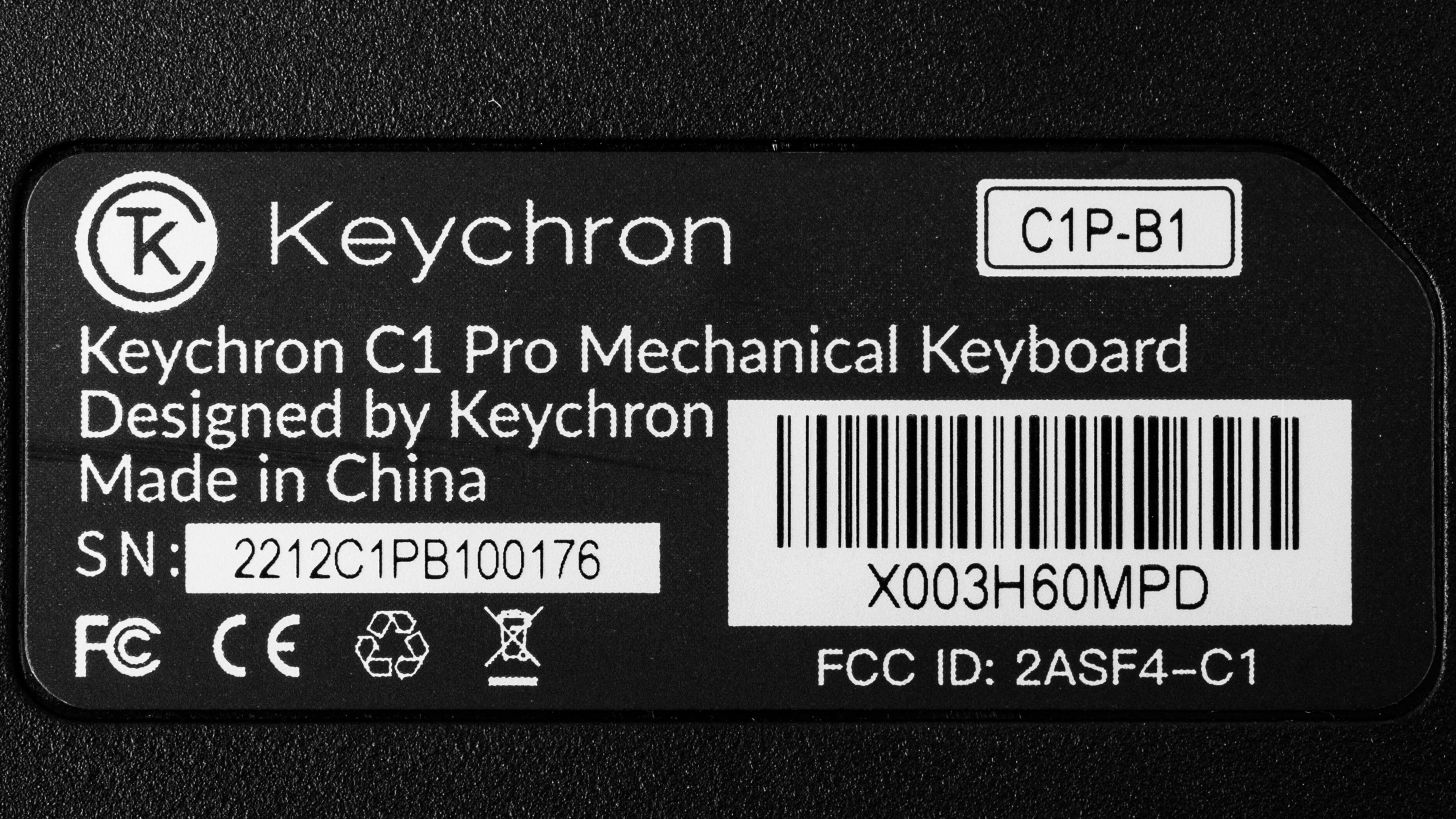
| Name | Size | Switch Options | Backlighting | Hot-swappable |
| Keychron C1 Pro | TenKeyLess (80%) | Keychron K Pro Red, Keychron K Pro Brown | White Backlight, RGB Backlight | Yes / No |
| Keychron C2 Pro | Full-size (100%) | Keychron K Pro Red, Keychron K Pro Brown | White Backlight, RGB Backlight | Yes /No |
Keychron has released another mode in the wider C Pro series called the Keychron C3 Pro. However, this model is significantly different from the C1 Pro/C2 Pro models, so we don't consider them to be closely related enough for our tests to apply. Specifically, the C3 Pro has a visually different chassis design and different keycaps, switches, and backlighting options. It also isn't available in a hot-swappable configuration and has a gasket mount design, so we expect the typing quality to feel a bit softer and springier. We've added details of the C3 Pro below for comparison below.
| Name | Size | Switch Options | Backlighting | Hot-swappable |
| Keychron C3 Pro | TenKeyLess (80%) | Keychron Mechanical Red, Keychron Mechanical Brown | Red Backlighting | No |
Keychron may release additional variants in this series in the future. If you have a keyboard in this series that isn't included in our table, feel free to reach out to us in the discussions, and we'll update our review.
Popular Keyboard Comparisons
The Keychron C1 Pro and the C2 Pro are wired mechanical keyboards in Keychron's C Pro series. These keyboards are similar to Keychron's basic C Series keyboards but feature several improvements: The C Pro series keyboards have higher quality PBT keycaps, and the PCB design has south-facing LEDs, providing better compatibility for a wider range of keycap sets. The manufacturer advertises the C Pro series to be compatible with QMK/VIA customization software. However, at the time of testing, the software is not working. For details, see the Configuration Software section below. While the C Pro Series keyboards don't offer the same hardware customizability as Keychron's V Series keyboards or the same premium-feeling typing experience as high-end custom mechanical models like the IQUNIX F97 or Keychron's premium Keychron Q Series boards, they offer a very compelling mechanical option that's well-suited for work, everyday use, or casual gaming at a much more approachable price point.
For more options, see our recommendations for the best keyboards, the best mechanical keyboards, and the best keyboards for typing.
The Keychron C1 Pro/C2 Pro are newer, upgraded versions of the Keychron C2. While the C1 Pro is a TenKeyLess (80%) board, the C2 and C2 Pro are both full-size models. The main differences between the pro and non-pro boards are that the Pro keyboards have higher-quality PBT keycaps, south-facing LEDs, and compatibility with QMK/VIA customization software.
The Keychron C1 Pro/C2 Pro and the Logitech MX Mechanical are all mechanical keyboards. The Keychrons are wired-only models with high-profile designs available with RGB or white-only backlighting. On the other hand, the Logitech is a wireless, low-profile keyboard only available with white-only backlighting. The Logitech is only available in a full-size format, while the Keychron C1 Pro and C2 Pro are TKL and full-size models, respectively. The Keychrons are also available in a hot-swappable variant, while the Logitech is not.
The Keychron K8 and the Keychron C1 Pro are mechanical keyboards with TenKeyLess form factors. The K8 is a wireless model with ABS plastic keycaps. On the other hand, the C1 Pro is a wired-only model with higher-quality PBT keycaps. The manufacturer also advertises the C1 Pro as compatible with QMK/VIA, while the K8 is not.
The Keychron C1 Pro/C2 Pro and the Keychron K8 Pro [K2 Pro, K3 Pro, K4 Pro, etc.] are mechanical keyboard lineups. The C Pro series keyboards are wired-only models. The C1 Pro is a TenKeyLess (80%) model, and the C1 Pro is a full-size model. The K Pro Series are wireless models in various sizes, including TenKeyLess and full-size models. The biggest difference between these series is that the K Pro Series offers more hardware customizability overall.
Test Results
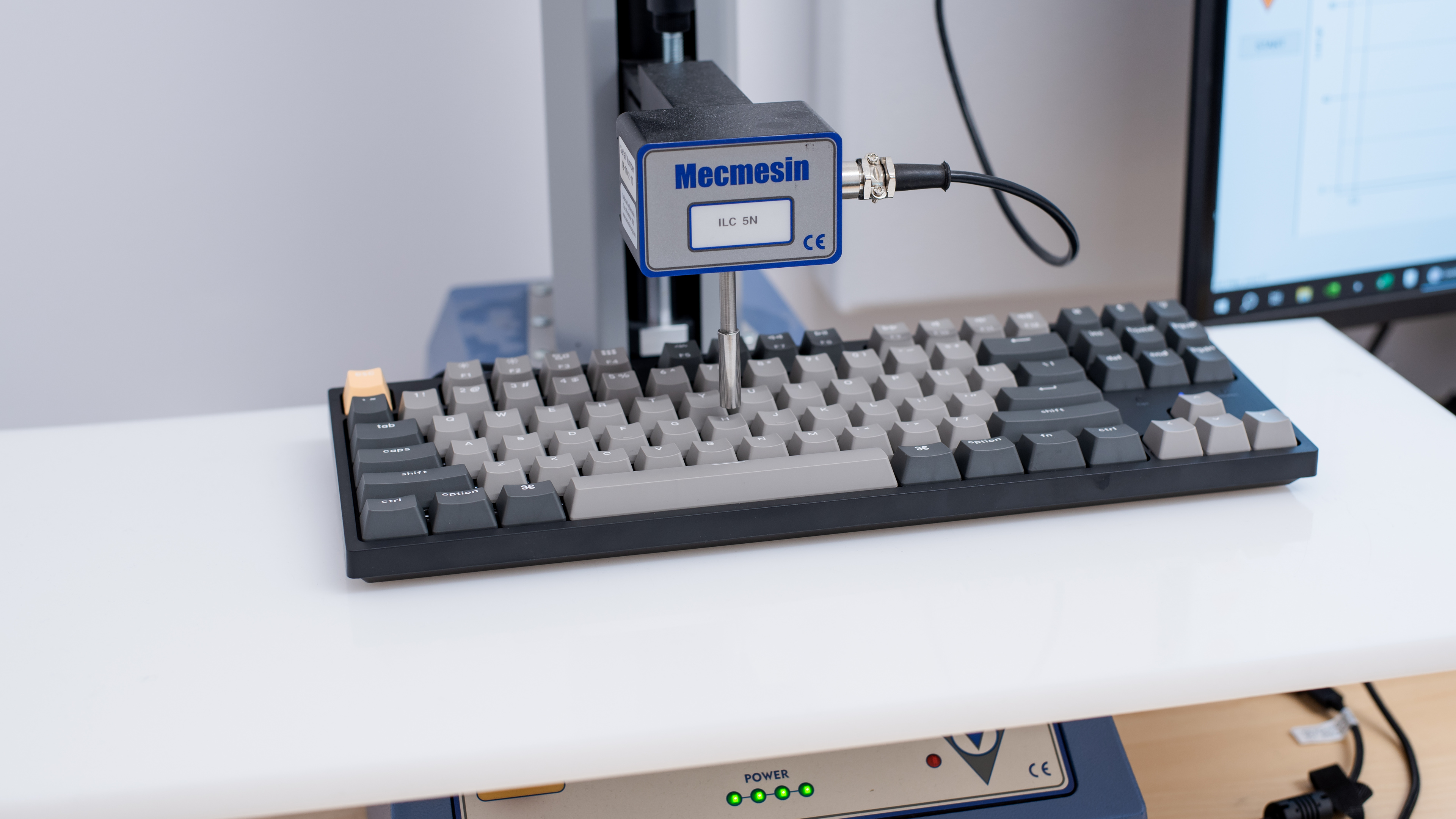

The Keychron C1 Pro we bought and tested has a TenKeyLess (80%) layout, which means it has arrow keys and a Navigation cluster but lacks a Numpad. It doesn't take up much space on your desk. You can also purchase a larger full-size variant called the Keychron C2 Pro, and Keychron may continue to release other size variants within this lineup.

These keyboards have impressive build quality. The chassis feels very solid and only flexes slightly. Overall, the keys are stable, with minimal wobble that isn't very noticeable while typing. However, some of the larger keys with stabilizers wobble marginally more—particularly the spacebar. The four incline feet on the back of the keyboard also do a decent job of keeping them in place on desks. The keycaps are made of PBT plastic, and although they aren't the highest-quality PBT keycaps we've seen, they're an improvement over the ABS plastic keycaps used on the basic Keychron C Series models.
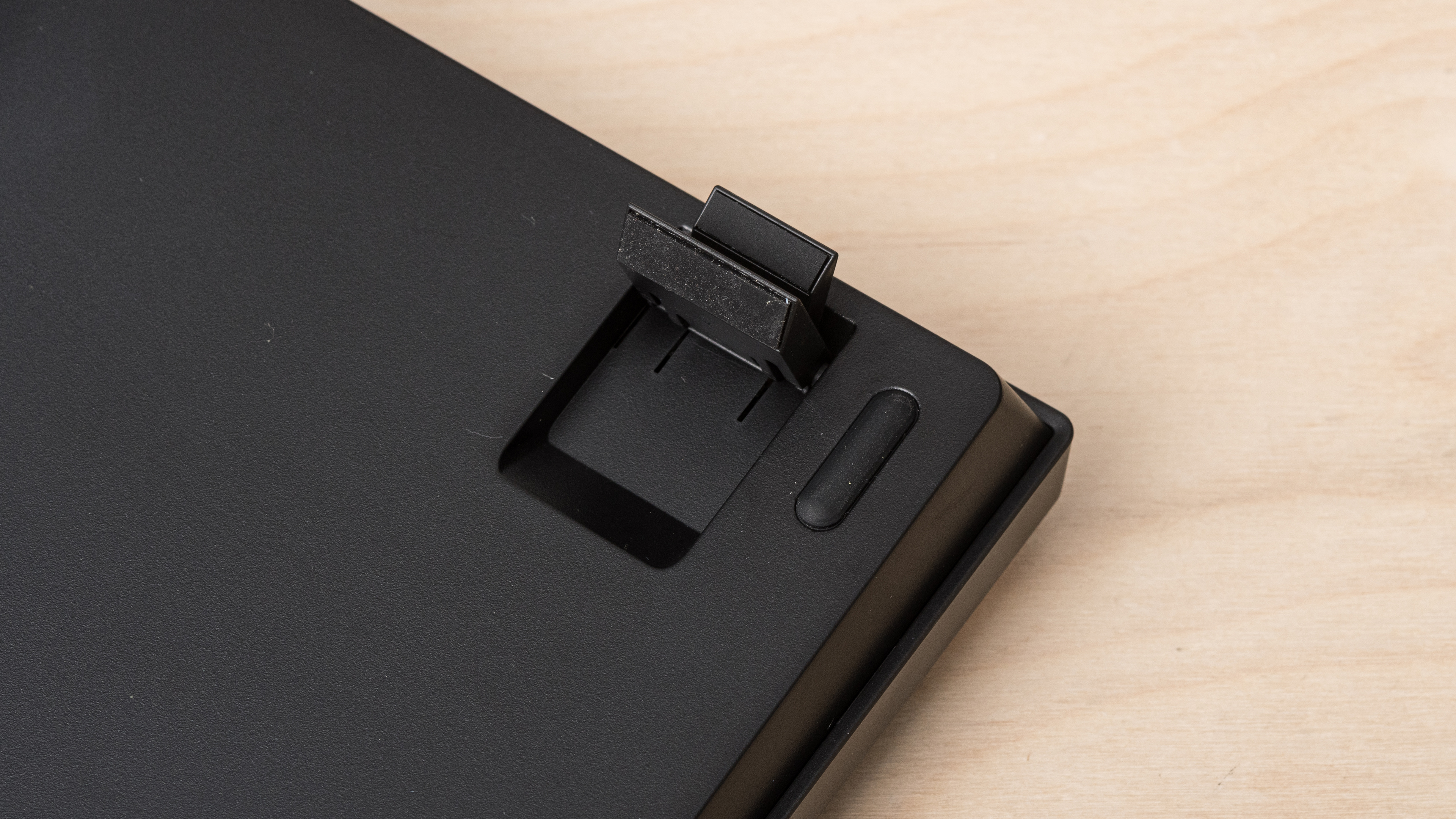

These keyboards have acceptable ergonomics and feature two incline settings. They have a fairly high profile and don't come with a wrist rest, so you may experience wrist fatigue during long typing sessions.
If you're not set on getting a mechanical keyboard and are looking for something with a lower profile, consider the Keychron B33/B36 keyboards.

We bought and tested the non-hot-swappable version of the Keychron C1 Pro, but there's also a hot-swappable version available. For more details, see the Differences Between Sizes and Variants section.


The Keychron C1 Pro we bought and tested has full RGB backlighting with individually-lit keys, but you can also purchase these keyboards with white-only backlighting. You can use hotkeys to customize the lighting directly on the keyboard.
The backlighting isn't software controllable since the software doesn't currently work for these keyboards. For more details, see the Configuration Software section.

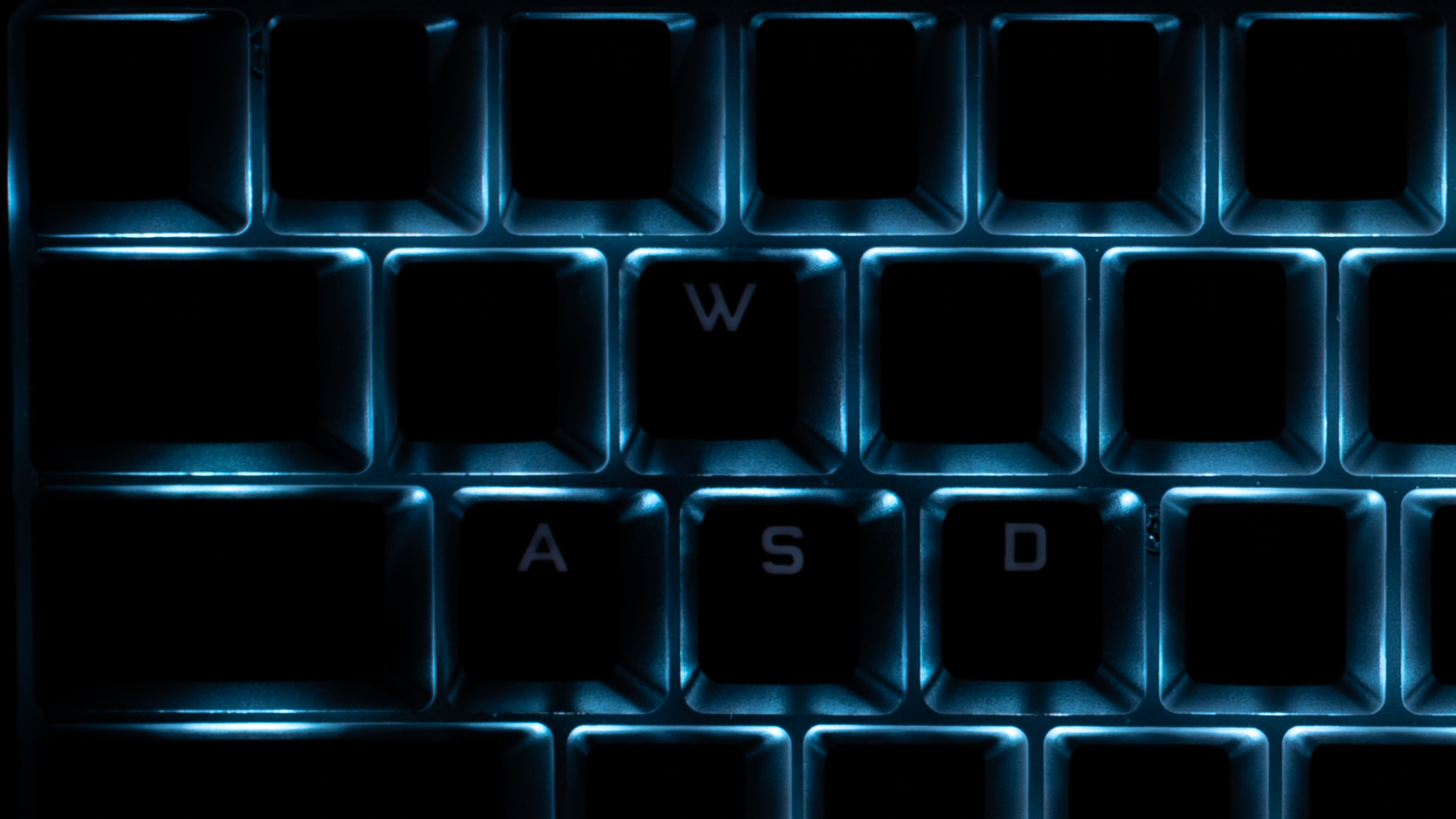
These keyboards have poor backlight clarity. They have south-facing LEDs, and the keycap legends aren't shine-through. For reference, we've also taken a photo with several stock keycaps replaced with shine-through keycaps that you can see here.
These keyboards come with a detachable USB-C to USB-C cable. There's also an included USB-A adapter that you can use if your computer doesn't have a USB-C port.
These keyboards are wired-only models.
These keyboards don't have dedicated macro keys, and you can't program macros directly on the boards themselves. Additionally, macros can't be programmed in software as there isn't currently any customization software available.

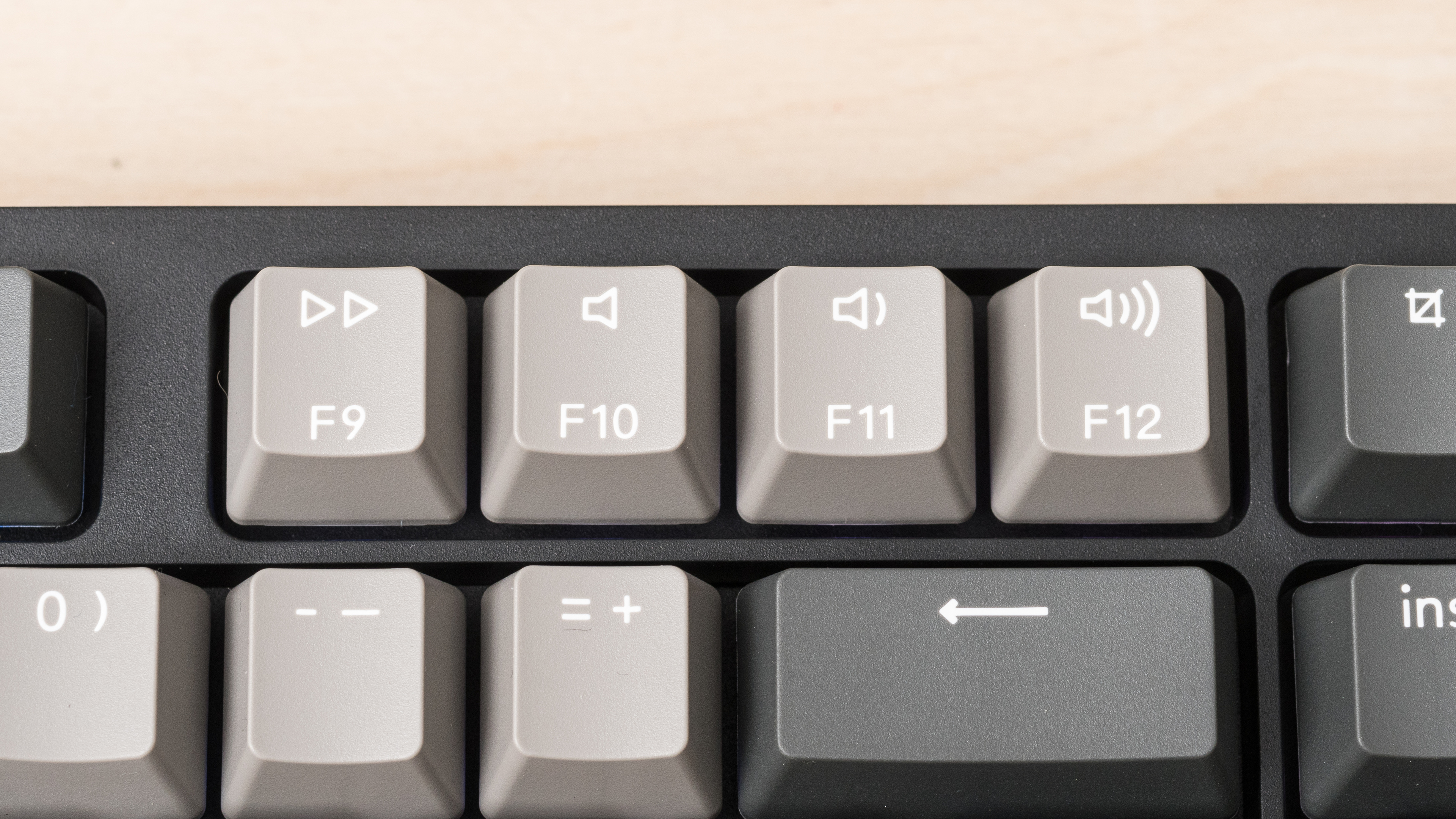
These keyboards have a switch on the top left side to switch between Windows and macOS compatibility modes. There's also an LED caps lock indicator light and an LED lock indicator light. Secondary hotkey commands, including media hotkeys, that are clearly labeled on the keycaps, and there's a list of hotkey combinations in the user documentation.

- Keychron C1 Pro mechanical keyboard
- USB-C to USB-C cable
- USB-C to USB-A adapter
- Keycap puller
- 5x alternate black keys (2x Alt key, 2x Windows key, 1x Esc key)
- 2x alternate orange keys (1x brightness key, 1x Keychron 'k logo' key
- Keyboard layout pamphlet
- User documentation
These keyboards offer a great typing experience that sounds and feels satisfying. Overall, the key stability is good and feels more stable than the keys on the Keychron C1. That said, larger keys with stabilizers like the spacebar, shift, and Enter keys wobble slightly more than the alphanumeric keys. The keycaps are also made of doubleshot PBT plastic and feel better than the cheaper ABS keycaps on the Keychron C1.
We tested the Keychron C1 Pro with Keychron K Pro Red switches which are quiet and unlikely to bother anyone around you. These keyboards are also available with Keychron K Pro Brown switches which we expect to be a bit louder but still reasonably quiet.
These keyboards are available with Keychron K Pro switches pre-lubed from the factory. Keychron currently offers these keyboards with a choice between linear Red or tactile Brown varieties.
You can also purchase these keyboards with a hot-swappable PCB to change the stock switches for other switch options without soldering.
The Keychron K Pro Red switches on the unit we bought and tested are lightweight, smooth, and have short-pre travel. These keyboards are also available with Keychron K Pro Brown switches which we expect to feel a bit heavier and to have a somewhat longer pre-travel with a tactile bump to overcome before actuation.
These keyboards have excellent latency and provide a responsive-feeling experience for all gaming genres.

The manufacturer advertises these keyboards to work with VIA customization software. However, Keychron notes that the VIA code is still awaiting approval from GitHub, so it isn't automatically recognized. At the time of testing, Keychron has a set of workaround instructions with a downloadable JSON file on their website. We downloaded this JSON and followed these instructions but found neither the client nor the web-based VIA application worked at this time.
We plan to revisit these keyboards and retest with VIA once it's clear that it works for most people. If you have a keyboard in this series and can use VIA, we'd love to hear from you in the Discussions below.
These keyboards are fully compatible with Windows, macOS, and Linux. Like with other Keychron keyboards, these keyboards have a toggle on the back that switches between Windows and macOS modes. The macOS mode is also intended for Linux. The brightness hotkey combinations (FN+F1, FN+F2) do nothing on Linux. There are also Windows-specific replacement keycaps included in the box to replace the default Mac-specific keycaps if you wish.
These keyboards are wired-only models that you can't connect wirelessly to mobile devices. These keyboards come with a USB-C to USB-C cable, so you can technically connect them to mobile devices with a USB-C port.