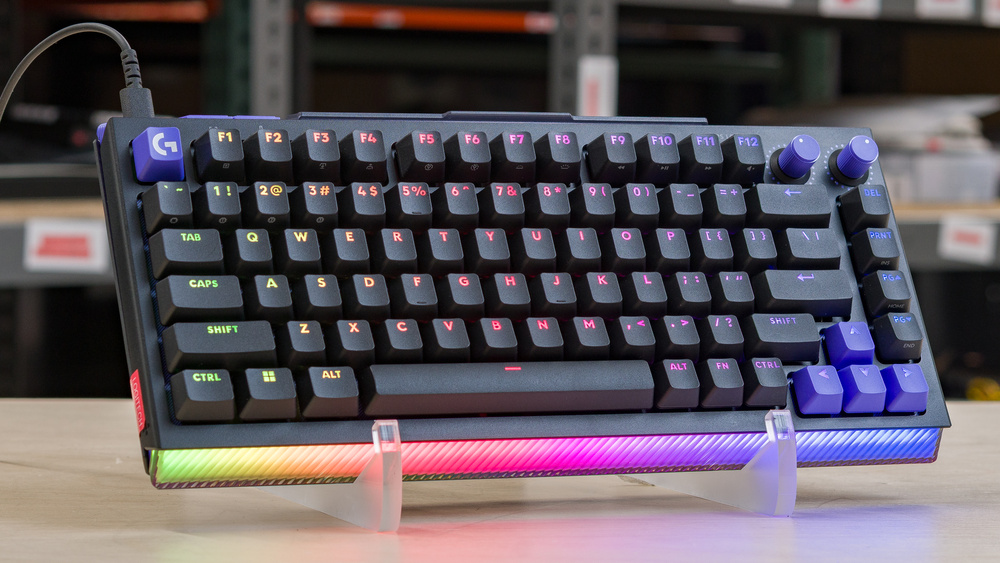
The Logitech G512 X is a gaming keyboard that supports both mechanical and magnetic switches. The left half of the keyboard, where most gaming inputs are typically clustered, has switch sockets compatible with either magnetic or mechanical switches, while the right side supports only mechanical switches. The keyboard comes with a full set of mechanical switches installed, including nine magnetic switches you can swap in yourself. Using Logitech's downloadable software, you can adjust the magnetic switches' actuation points, enable Rapid Trigger, and customize settings like backlighting, key remapping, and custom profiles.
The G512 X comes in two sizes. We tested the smaller Logitech G512 X 75, but there's also a larger Logitech G512 X 96. See the Difference Between Variants section for more details.
Our Verdict
The Logitech G512 X is a superb gaming keyboard. Out of the box, it has mechanical switches across the whole board, but it also includes nine magnetic switches that you can install in compatible sockets on the left side. These magnetic switches deliver outstanding raw performance and unlock adjustable actuation, Rapid Trigger for faster repeat inputs, and multiple actions per key. The stock mechanical switches have marginally higher latency because they don't support lower actuation points, but this small difference doesn't affect gaming performance in practice. The bigger limitation is that these magnetic-switch-only features aren't available across most of the board. Beyond those switch-related limitations, the keyboard's build quality is only satisfactory, with cheap-feeling all-plastic construction, some stabilizer rattle, deck flex, and loose parts inside the housing. That said, it has very clear backlighting with shine-through legends, and Logitech's downloadable software offers fairly robust customization for lighting, actuation settings, and other options.
Outstanding single-key and multi-key latency performance.
RGB backlighting with very clear shine-through legends.
Plastics feel cheap; overall build quality is only satisfactory.
Advanced features like Rapid Trigger only work with magnetic switches on the left side.
The Logitech G512 X is adequate for office work, though it isn't designed with this use in mind. Most of its standout features, including its limited magnetic-switch support and optional O-rings, are primarily gaming-focused, and using them in an office setting significantly affects the quality and consistency of the typing feel. Additionally, the build quality is only decent. While the fit and finish are good and there aren't any major weak points, most of the plastics feel fairly low quality, there's an audible stabilizer rattle, deck flex, and loose parts within. It also doesn't support wireless connectivity or include a wrist rest, which would help make typing more comfortable since this is a fairly tall-profile board.
Quiet typing noise.
Plastics feel cheap; overall build quality is only satisfactory.
Wired-only.
The Logitech G512 X keyboard is satisfactory for programming. Its limited magnetic switch support provides some customization options that may be helpful for your workflow, but adjusting actuation points on only half the board can make typing feel very inconsistent, especially if you use the included O-rings, which add a mushy bottom-out feel to the keystroke. The keyboard has decent build quality overall, but the materials feel fairly low-quality, and there are loose parts inside the case, causing deck flex and an audible stabilizer rattle while typing. That said, it has very clear shine-through legends that make the keys easy to read in the dark, and the software is fairly robust, with options for macro recording and layers.
RGB backlighting with very clear shine-through legends.
Plastics feel cheap; overall build quality is only satisfactory.
Wired-only.
The Logitech G512 X is a poor option for an entertainment or home theater setup, primarily because it's a wired-only model, so you'll need to use it fairly close to your device. It's also somewhat bulky, making it uncomfortable to use from a seated position without a table. Additionally, it lacks dedicated media keys, though it does have media hotkeys and a control knob that controls volume by default. On the upside, it has RGB backlighting with clear shine-through legends, making the keys easy to read in the dark.
RGB backlighting with very clear shine-through legends.
Plastics feel cheap; overall build quality is only satisfactory.
Bulky; uncomfortable to use from a seated position without a desk.
Lacks dedicated media keys.
The Logitech G512 X's magnetic switches provide outstanding raw performance suitable for competitive gaming. The latency with the mechanical switches on this board is a bit higher, but it's still extremely low, and the slight difference between the magnetic and mechanical switch latency is too small to be noticeable in-game. That said, the best-case latency is only possible with the magnetic switches on the left side of the keyboard. The magnetic side also supports advanced features like Rapid Trigger and assigning multiple actions to a single key.
Outstanding single-key and multi-key latency performance.
Supports 8000Hz polling for slightly lower and much more consistent latency.
Advanced features like Rapid Trigger only work with magnetic switches on the left side.
Check Price
Differences Between Sizes And Variants
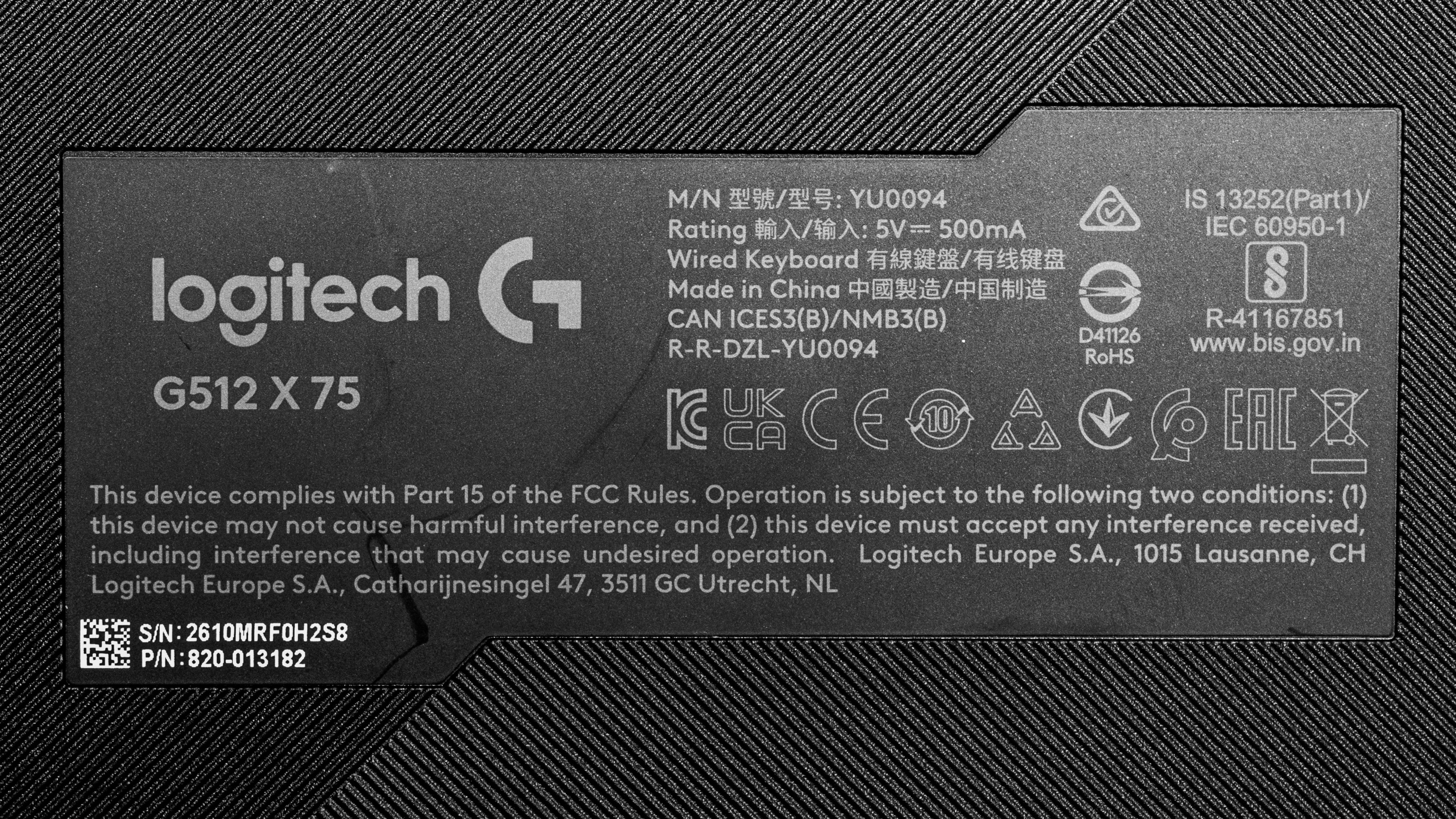
The Logitech G512 X is available in two size options: the compact 75% Logitech G512 X 75 and the 98% Logitech G512 X 96. Both are available in Black or White and with either Linear or Tactile mechanical switches installed. We bought and tested the Logitech G512 X 75 in Black with Linear switches, and you can see our unit's label here.
Popular Keyboard Comparisons
The Logitech G512 X sits at an upper mid-range price point, where it competes with a growing number of mechanical and magnetic gaming keyboards that offer better build quality, more flexible customization, and similar or better gaming performance for the same price or less. For example, the cheaper MonsGeek M1 V5 TMR has a full aluminum case, wireless connectivity, and a full set of magnetic switches, with a PCB that supports either mechanical or magnetic switches in every socket.
The G512 X only accepts magnetic switches on the left half of the keyboard and only includes nine magnetic switches, which significantly limits its customization and makes the design feel like an obvious cost-cutting measure. The G512 X also has better performance than Logitech's similarly priced Logitech G PRO X TKL RAPID, but that keyboard has better build quality and a full set of magnetic switches.
Logitech's marketing is also somewhat misleading, as it presents the G512 X as an "analog" keyboard even though it doesn't support true analog output like the Razer Huntsman V3 Pro 8KHz or Wooting 80HE. Still, its latency performance is superb, even with its standard mechanical switches, and it's more than suitable for competitive gaming. It may still be worth considering if you're new to magnetic switches or only want adjustable actuation on a few keys. It may also appeal if you already use Logitech's software ecosystem or simply like the board's visual design enough to overlook its limitations.
For more recommendations, see our picks for the best keyboards, the best gaming keyboards, and the best mechanical keyboards.
The Razer Huntsman V3 Pro 8KHz and Logitech G512 X are gaming keyboards that support adjustable actuation features. The Razer uses analog optical switches on every key, has better build quality, and supports true analog output for emulating gradual joystick controls. The Logitech is more limited: it ships with mechanical switches installed and includes only nine magnetic switches that you can place in supported sockets on the left side of the keyboard. This gives it less flexibility than the Razer, although both keyboards perform roughly similarly and are more than suitable for high-level competitive play.
The Logitech G PRO X TKL and Logitech G512 X are wired gaming keyboards. The G PRO X TKL has a full set of magnetic switches, letting you adjust actuation distance and assign Rapid Trigger settings to any key. It also has better build quality. Comparatively, the G512 X has better raw performance but more limited customization. It ships with mechanical switches installed and includes only nine magnetic switches that you can place in supported sockets on the left side of the keyboard.
The Wooting 80HE and Logitech G512 X are both wired gaming keyboards. The Wooting has significantly better build quality and magnetic switches on every key, letting you adjust actuation distance and Rapid Trigger settings on a per-key basis. It also has much better, more comprehensive software and supports true analog output for gradual controls that emulate a gamepad joystick. By contrast, the Logitech has an unusual PCB that supports both mechanical and magnetic switches on the left side, while the right side only supports mechanical switches. The keyboard ships with mechanical switches installed throughout and includes only nine magnetic switches, which you can place on the supported left-side sockets.
The Logitech G512 X and MonsGeek M1 V5 TMR are both gaming keyboards with support for magnetic and mechanical switches, though they implement that support very differently. The Logitech has a hybrid PCB, with most of the sockets on the left side able to accept either mechanical or magnetic switches, while the right side only supports mechanical switches. It also ships with mechanical switches installed throughout and includes only nine magnetic switches that you can add yourself. In contrast, the MonsGeek’s entire PCB can accept either mechanical or magnetic switches, and it ships with magnetic switches installed. It also has significantly better build quality with a solid aluminum case and supports wireless connectivity over either a 2.4GHz connection or Bluetooth, both of which the Logitech lacks.
Test Results



for pictures & test results

for pictures & test results





for pictures & test results



for pictures & test results

for pictures & test results


for pictures & test results


for pictures & test results


for videos & test results