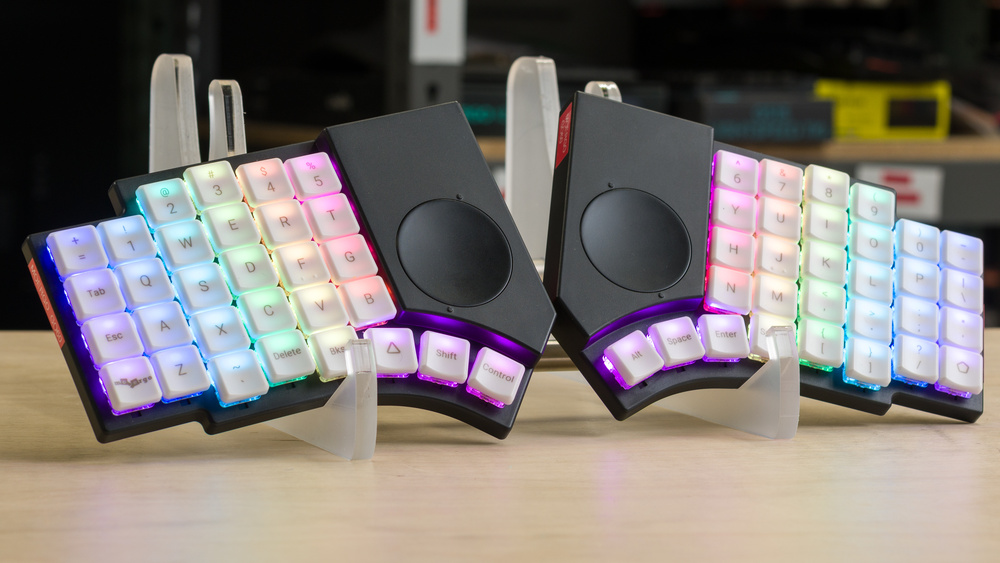
The MoErgo Go60 is a low-profile ergonomic keyboard. It has a columnar, true-split layout with thumb clusters and a circular touchpad on each half. You can connect it to devices over Bluetooth or with a USB cable, and the two halves can either communicate with each other wirelessly or with a TRRS cable. It also includes adjustable tenting hardware and uses hot-swappable Choc V1 mechanical switches with POM keycaps. For configuration, it uses open-source ZMK firmware and supports key remapping and layer customization through a web-based configurator.
Our Verdict
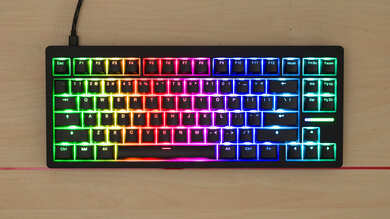
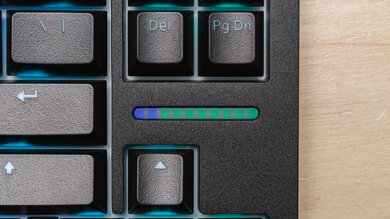
The MoErgo Go60 is excellent for gaming. Its wired latency is low enough for casual and competitive play, though its Bluetooth latency is too high and inconsistent for competitive gaming. It has robust configuration software allowing you to create layers with complex bindings, though it can be a bit confusing to use as a beginner. It also has full RGB backlighting with effects and brightness that you can adjust directly on the keyboard. However, you can't customize the backlighting on a per-key basis, and while the keycaps are translucent, making it possible to see the legends in the dark, reading them isn't quite as easy as it is with more conventional shine-through keycaps.
Excellent build quality.
Excellent wired latency.
True split design, thumb clusters, and adjustable tenting provide outstanding ergonomic flexibility.
Translucent keycaps, but the legends are somewhat hard to read in the dark.
Columnar layout and thumb cluster design may require a learning curve.
Fairly small touchpads can be difficult to use precisely.
The MoErgo Go60 is excellent for office work. It has amazing build quality and versatile wireless connectivity, with support for pairing with up to four devices over Bluetooth. It's also available with several silent switch types, making it very quiet and well-suited for shared workspaces where a noisier mechanical keyboard might be disruptive. Its low-profile design is comfortable to use without palm rests, though MoErgo sells optional palm rests separately. The included tenting hardware can help reduce forearm pronation and improve comfort during longer typing sessions. The keyboard also has a robust web-based configurator for creating custom layouts and layers, but it can be confusing for beginners.
Excellent build quality.
Excellent typing quality.
Connects wirelessly over Bluetooth and supports multi-device pairing.
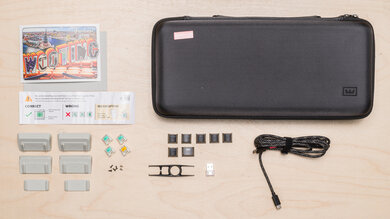
Low-profile design and included travel case make for a compact, highly portable package.
True split design, thumb clusters, and adjustable tenting provide outstanding ergonomic flexibility.
Integrated touchpads.
Silent switches provide an extremely quiet typing experience.
Robust software, but may be confusing for beginners.
Columnar layout and thumb cluster design may require a learning curve.
Fairly small touchpads can be difficult to use precisely.
The MoErgo Go60 is excellent for mobile or tablet use. It has amazing build quality and typing quality and has flexible wireless connectivity, so you can pair with up to four devices via Bluetooth. Its silent switch options also make it very quiet for shared or noise-sensitive environments. Although it isn't particularly lightweight, it's highly portable and includes a travel case that gives it a very compact packed size.
Excellent build quality.
Excellent typing quality.
Connects wirelessly over Bluetooth and supports multi-device pairing.
Low-profile design and included travel case make for a compact, highly portable package.
True split design, thumb clusters, and adjustable tenting provide outstanding ergonomic flexibility.
Integrated touchpads.
Silent switches provide an extremely quiet typing experience.
Columnar layout and thumb cluster design may require a learning curve.
Fairly small touchpads can be difficult to use precisely.
The MoErgo Go60 is amazing for programming. It has excellent build and typing quality, and its silent switch options provide a very quiet typing experience that won't disrupt those around you in shared workspaces. Its low-profile, split design is comfortable to use, while its adjustable tenting system can help reduce forearm pronation. It also offers versatile connectivity, supporting wired and Bluetooth connections as well as multi-device pairing. The keyboard is highly customizable, with a web-based configurator that lets you create custom key mappings and layers.
Excellent build quality.
Excellent typing quality.
Connects wirelessly over Bluetooth and supports multi-device pairing.
Low-profile design and included travel case make for a compact, highly portable package.
True split design, thumb clusters, and adjustable tenting provide outstanding ergonomic flexibility.
Integrated touchpads.
Silent switches provide an extremely quiet typing experience.
Robust software, but may be confusing for beginners.
Columnar layout and thumb cluster design may require a learning curve.
Fairly small touchpads can be difficult to use precisely.
The MoErgo Go60 is very good for entertainment or home theater PC use. Although it isn't particularly lightweight, it's very compact and easy to move around. It also has excellent build quality and versatile wireless connectivity, with support for pairing with multiple devices over Bluetooth. Notably, each half has an integrated touchpad, reducing the need for a separate mouse. One drawback is that there are no dedicated media keys on the base layout, although media controls are available on the Magic layer. You can also create your own custom media mappings using the web-based configurator, but beginners may find the process of building and flashing custom firmware confusing. Additionally, although the translucent keycaps make the legends visible in the dark, they're somewhat harder to read than conventional shine-through legends.
Excellent build quality.
Connects wirelessly over Bluetooth and supports multi-device pairing.
Integrated touchpads.
Translucent keycaps, but the legends are somewhat hard to read in the dark.
Fairly small touchpads can be difficult to use precisely.
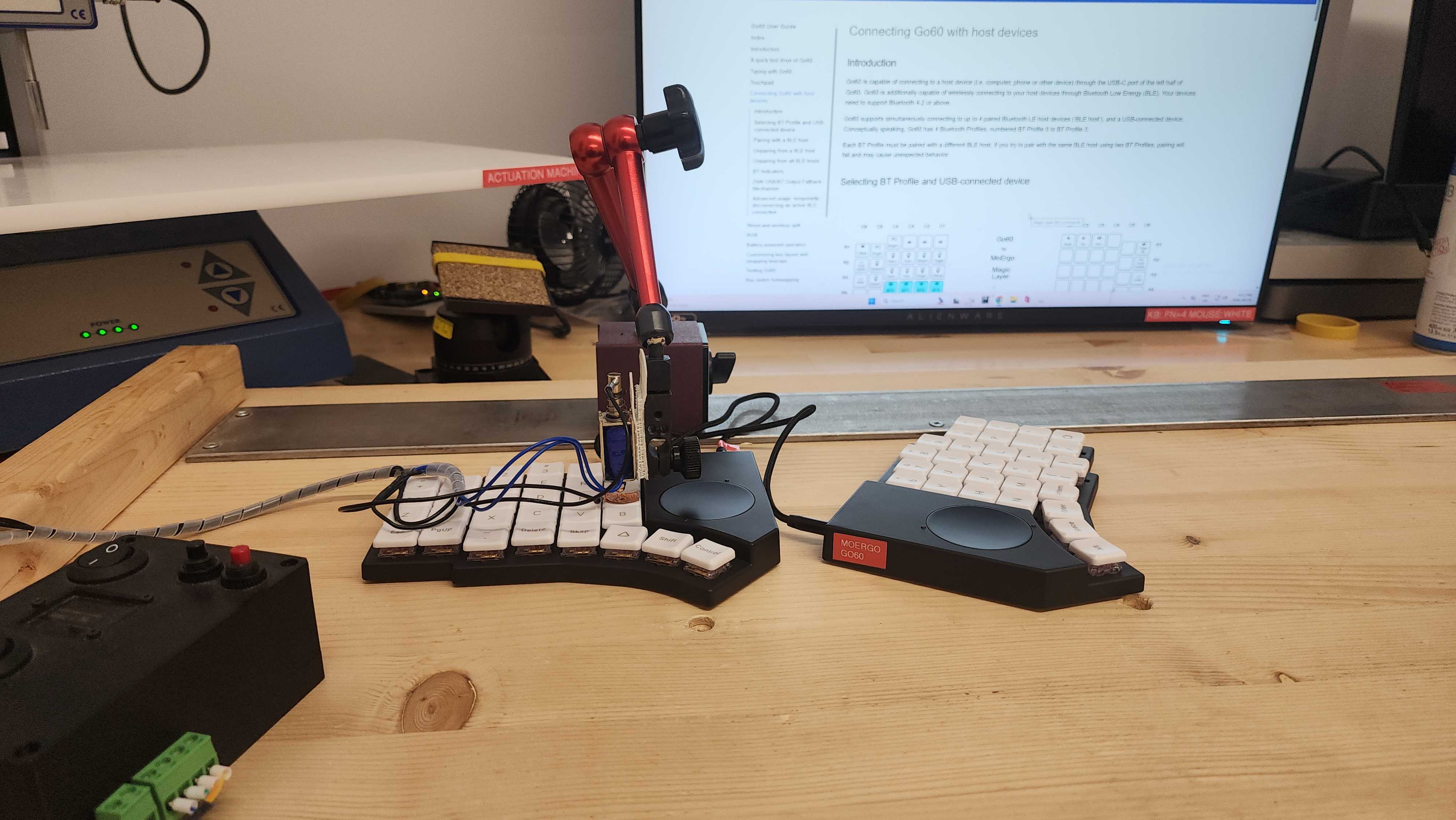
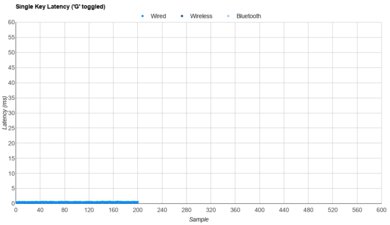
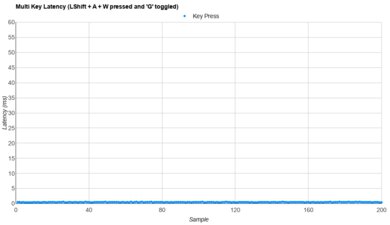
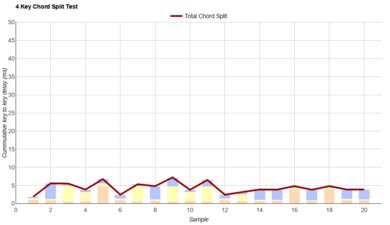
The MoErgo Go60 has excellent performance. Its wired latency is very low for single-key or multi-key latency scenarios, making it more than suitable for playing either casual or competitive games. Although it supports NKRO, only 6KRO is enabled by default, and you need to use the configurator to flash NKRO-enabled firmware.
Excellent wired latency.
Check Price
Differences Between Sizes And Variants
The MoErgo Go60 is available in Grey or White colorways and three Kailh Choc low-profile switch options: Cherry Blossom 30gf Silent Linear, Plum Blossom 45gf Silent Linear, and Golden Kiwi 30gf Silent Tactile. You can also buy the keyboard with palm rests and mounting puck accessories for an additional cost.
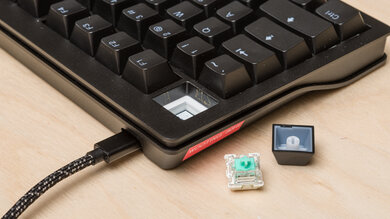
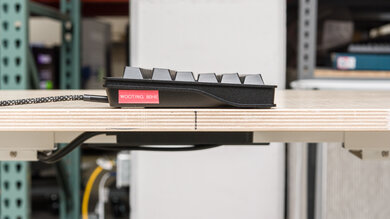
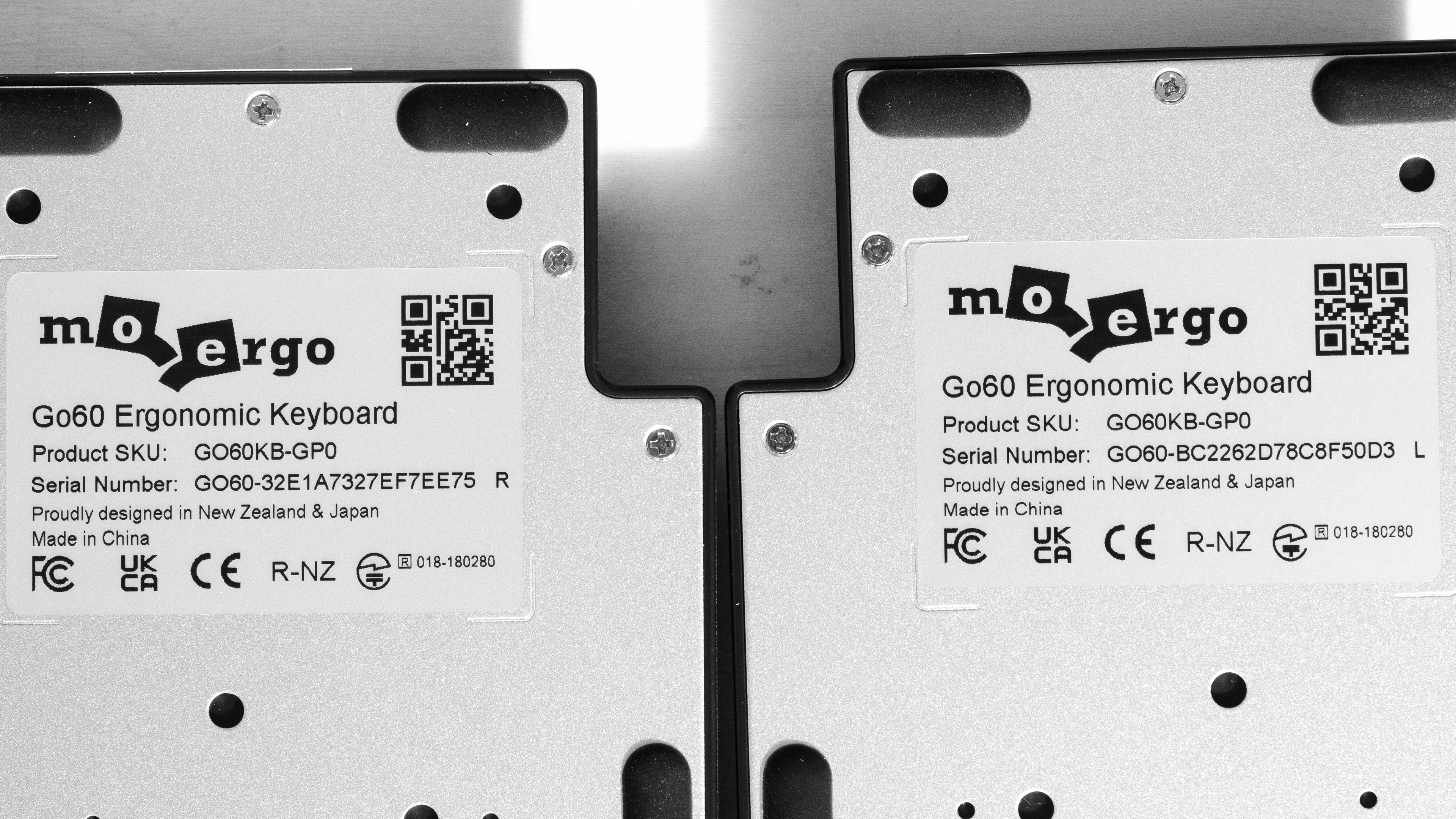
We bought and tested a white model with Cherry Blossom switches. See a photo of our unit's label.
Popular Keyboard Comparisons
The MoErgo Go60 is a low-profile wireless ergonomic keyboard designed to be highly portable. It includes a travel case that gives it a very compact packed size compared to some other standout ergonomic keyboard designs, such as the Dygma Raise 2 or the MoErgo Glove80, which shares some of the same fundamental design principles. The Go60's design is also noteworthy for having a pair of integrated touchpads, which can make this a more viable single travel device rather than needing to also carry around a mouse separately. It's also available with several silent switch options, making it very quiet to use even in shared spaces.
Altogether, this is quite a versatile and travel-friendly ergonomic option. While pricier than open-source split keyboards like the Silakka54, Lily58, or Corne, it offers a more polished, cohesive out-of-the-box experience. Many prebuilt versions of those designs tend to use cheaper-feeling 3D-printed cases. Additionally, the quality control and after-sales support for those keyboards can vary considerably by seller, particularly on marketplaces such as AliExpress.
For more recommendations, see our picks for the best ergonomic keyboards, the best wireless keyboards, and the best 60% keyboards.
The ZSA Moonlander and MoErgo Go60 are split ergonomic keyboards with columnar layouts and thumb clusters, but they have other substantial design differences. The ZSA is a wired-only model that's considerably bulkier, making it better suited to a permanent desktop setup. In comparison, the MoErgo supports wireless connectivity and is designed more with portability in mind. It has a significantly more compact, low-profile design and includes a travel case that gives it a very small packed size. It's also noteworthy for having an integrated touchpad on each half, making it viable as an all-in-one input device and reducing the need for a dedicated mouse.
The ErgoDox EZ and MoErgo Go60 are split ergonomic keyboards with columnar layouts and thumb clusters. The ErgoDox is a larger model with more keys and full-height mechanical switches. Its optional tenting kit also provides more granular tenting and front-to-back tilt adjustment, including negative tilt. In comparison, the MoErgo is designed primarily for portability. It has a much thinner, low-profile design, supports wireless connectivity, and includes a travel case. It has a built-in tenting system with six height options, and it's also noteworthy for having an integrated trackpad on each half.
The MoErgo Glove80 and MoErgo Go60 are wireless split ergonomic keyboards with several basic design similarities, including columnar key layouts, thumb clusters, and POM keycaps with concave shapes that facilitate vertical finger movement within each column. However, the Glove80 has curved keywells and is significantly bulkier. On the other hand, the Go60 is designed with more portability in mind, with a compact, low-profile design and an included travel case. It also has an integrated touchpad on each half, though its tenting system offers comparatively less granular adjustment.
The Dygma Raise 2 and MoErgo Go60 are both wireless ergonomic keyboards with thumb clusters. The Dygma has a conventional staggered layout and integrated wrist rests, making it considerably bulkier. On the other hand, the MoErgo is a much more portable, low-profile model with an included travel case. It's also noteworthy for having an integrated touchpad on each half. Its columnar key layout can be efficient but may introduce a learning curve if you're unfamiliar with it. Both keyboards support tenting, but it's an optional configuration on the Dygma and included by default with the MoErgo. However, palm rests are sold separately for the MoErgo.
Test Results

for pictures & test results
for pictures & test results




for pictures & test results

for pictures & test results
for pictures & test results

for pictures & test results
for pictures & test results

for videos & test results
