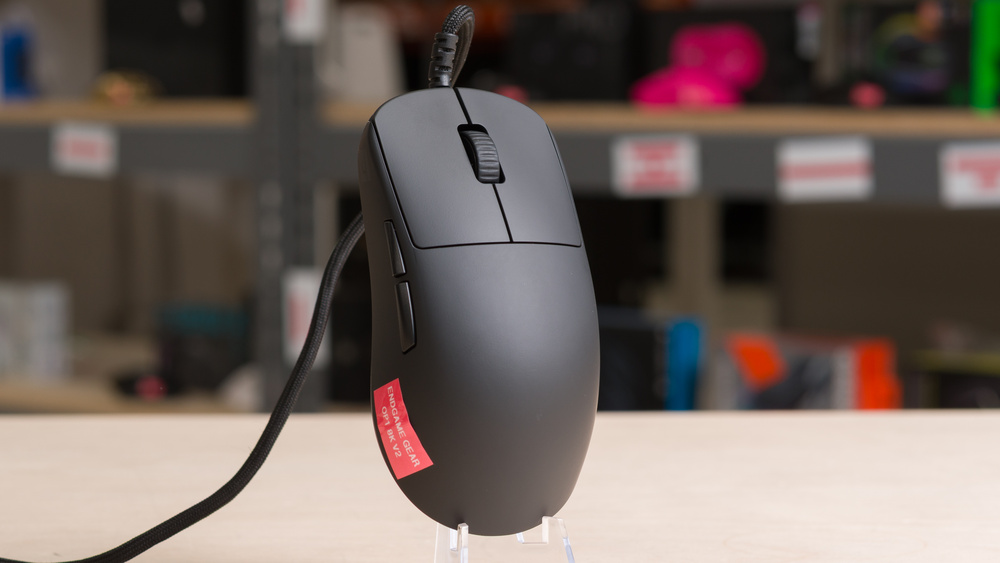
The Endgame Gear OP1 8k v2 is a lightweight wired gaming mouse that continues the Endgame Gear OP1 lineup. It retains the same shape, coating options, and Kailh GX SPDT (single-pole double-throw) switches as the original Endgame Gear OP1 8k. These switches offer multiple performance modes and deliver a measurable travel latency advantage over the mechanical switches found in most gaming mice. Like its predecessor, it features hot-swappable main buttons, a rare feature that lets you customize the click feel to your preference with the purchase of additional switch packs. New for this version is a PAW3950 U+1F95A sensor, a Nuvoton MCU, and a Kailh dustproof scroll wheel encoder.
Our Verdict
The Endgame Gear OP1 8k v2 is adequate for work use, though it isn't designed primarily with productivity in mind. It offers excellent build quality and a comfortable symmetrical shape that's best suited for small- to medium-sized hands. You can reprogram its buttons through the configuration software, but the scroll wheel lacks features like horizontal inputs and free scrolling, and since it's a wired-only model, it doesn't support multi-device pairing.
Excellent build quality.
Wired-only.
Scroll wheel lacks tilt inputs and a free-scrolling mode.
The Endgame Gear OP1 8k v2 is exceptionally well-suited for FPS gaming. It features outstanding build quality and an ultra-lightweight design that makes it easy to move quickly and precisely. Its click latency is extremely low and consistent, and its sensor delivers excellent all-around performance. The symmetrical shape is particularly comfortable for claw or fingertip grips, especially for users with medium or smaller hands.
Excellent build quality.
Incredible click latency.
Exceptional sensor latency.
8000Hz polling rate.
Endgame Gear OP1 8k v2 is good for MMO gaming, though it lacks the extensive side-button layout typical of dedicated MMO mice. However, its buttons are fully programmable using the configuration software. It also boasts excellent build quality and delivers outstanding raw performance.
Excellent build quality.
Incredible click latency.
Exceptional sensor latency.
Fewer side buttons than a dedicated MMO gaming mouse.
The Endgame Gear OP1 8k v2 delivers excellent raw performance, featuring a maximum polling rate of 8000Hz, consistently low click latency, and superb performance that tracks motion with exceptional fidelity. It's a great fit for gaming across all genres and competitive levels.
Incredible click latency.
Exceptional sensor latency.
8000Hz polling rate.
Changelog
-
Updated Sep 01, 2026:
We've added a link to the Endgame Gear XM2 8k v2 in the Hand Size Recommendation section.
-
Updated Jun 10, 2026:
We've retested this mouse's Sensor Latency and recorded a new Software Tour in response to a new firmware update that adds a "Force max Sensor fps" toggle in the software.
- Updated Mar 10, 2026: We've converted this review to Test Bench 1.5.2. This update removes the Delay To Start Of Movement and Delay To End Of Movement measurements from the Sensor Latency test. See our full 1.5.2 changelog for details.
- Updated Oct 24, 2025: Review published.
Check Price
Differences Between Sizes And Variants
The Endgame Gear OP1 8k v2 is available in Black, White, and Dark Frost colorway/finish options. Endgame Gear identifies that both the Black and White versions have a matte plastic body with a chalky coating, reminiscent of a smooth dry stone, while the Dark Frost has a translucent plastic body with a slightly soft, rubberized feel.
We tested the Black version, and you can see our unit's label here.
Popular Mouse Comparisons
The Endgame Gear OP1 8k v2 is a wired gaming mouse that continues Endgame Gear's OP1 lineup. Alongside its XM series mice, the company's recent models rank among the best-performing gaming mice on the market. Just like the original, the Endgame Gear OP1 8k, this new version features Kailh GX switches and a hot-swappable switch design but adds modest internal updates, including a new sensor package, MCU, and a dust-proof encoder designed to mitigate the scroll wheel durability issues reported on earlier models. However, these changes don’t yield measurable performance improvements over the already exceptional OP1 8k.
In raw performance, the OP1 8k v2 matches or slightly exceeds leading wireless flagships like the Logitech G PRO X SUPERLIGHT 2 and the Razer Viper V3 Pro, yet it's significantly cheaper. It’s priced similarly to newer budget wireless options like the MCHOSE L7 Ultra, which also shares a similar shape. For most users, there simply isn't any tangible performance advantage to the OP1 8k v2 over its predecessor. However, you may find it appealing for its higher build quality and the peace of mind that comes with knowing it remains among the highest-performing mice available, rather than for any measurable edge. Its only real drawback is that it’s wired, though the lightweight, flexible cable keeps it from feeling restrictive, so it ultimately comes down to personal preference. Overall, the OP1 8k v2 remains one of the best gaming mice available.
For more recommendations, see our picks for the best gaming mouse, the best FPS mouse, and the best claw grip mouse.
The Endgame Gear OP1 8k v2 and the Logitech G PRO X2 SUPERSTRIKE are gaming mice designed for competitive play. The Endgame Gear is a wired model with a shape best suited to a claw grip for medium-sized hands, while the Logitech is wireless and has a comparatively safer shape that accommodates a wider range of hand sizes and grip types. The biggest difference between them is their switch technology. The Endgame Gear uses SPDT switches that trigger on contact separation. By comparison, the Logitech uses inductive switches with haptic feedback, which allow you to adjust actuation and reset settings. Even at its lowest actuation setting, which shortens pre-travel and reduces total click latency, it doesn't quite match the click latency performance of the Endgame Gear. However, its Rapid Trigger feature can facilitate faster follow-up inputs. Ultimately, the small latency difference between them isn't large enough to be noticeable in-game.
The Endgame Gear OP1 8k v2 is the successor to the Endgame Gear OP1 8k. It shares the same shape and Kailh GX switches and supports the same hot-swappable switch packs sold separately. The v2 introduces a new sensor, MCU, and scroll wheel encoder. These internal updates don't result in any measurable or noticeable performance improvement, but the OP1 8k v2 continues the series' legacy, and both versions remain among the best-performing and highest-quality wired mice available.
The Logitech G PRO X SUPERLIGHT 2 and the Endgame Gear OP1 8k v2 are both premium mice built for competitive gaming. The Logitech is a wireless model with a slightly larger, more accommodating shape that suits a wider range of hand sizes and grip styles. In contrast, the Endgame Gear is a wired mouse with a smaller, narrower body that's best suited for a claw grip with medium-sized hands. It's also lighter and stands out for its use of Kailh GX switches and support for hot-swappable switch packs available separately from Endgame Gear.
The Razer Viper V3 Pro and the Endgame Gear OP1 8k v2 are lightweight, high-performance gaming mice designed for competitive play. The Razer is a wireless model with a comparatively flatter shape that suits a wide range of hand sizes and grip types. The Endgame Gear, on the other hand, is smaller and lighter, with a much narrower shape that's best suited for medium or smaller hands. It's also a wired-only model and stands out for using SPDT (single-pole double-throw) switches, which allow it to achieve exceptionally low click latency. That said, the measurable performance difference between the two is extremely small and isn't something you'll realistically notice in-game.
Test Results
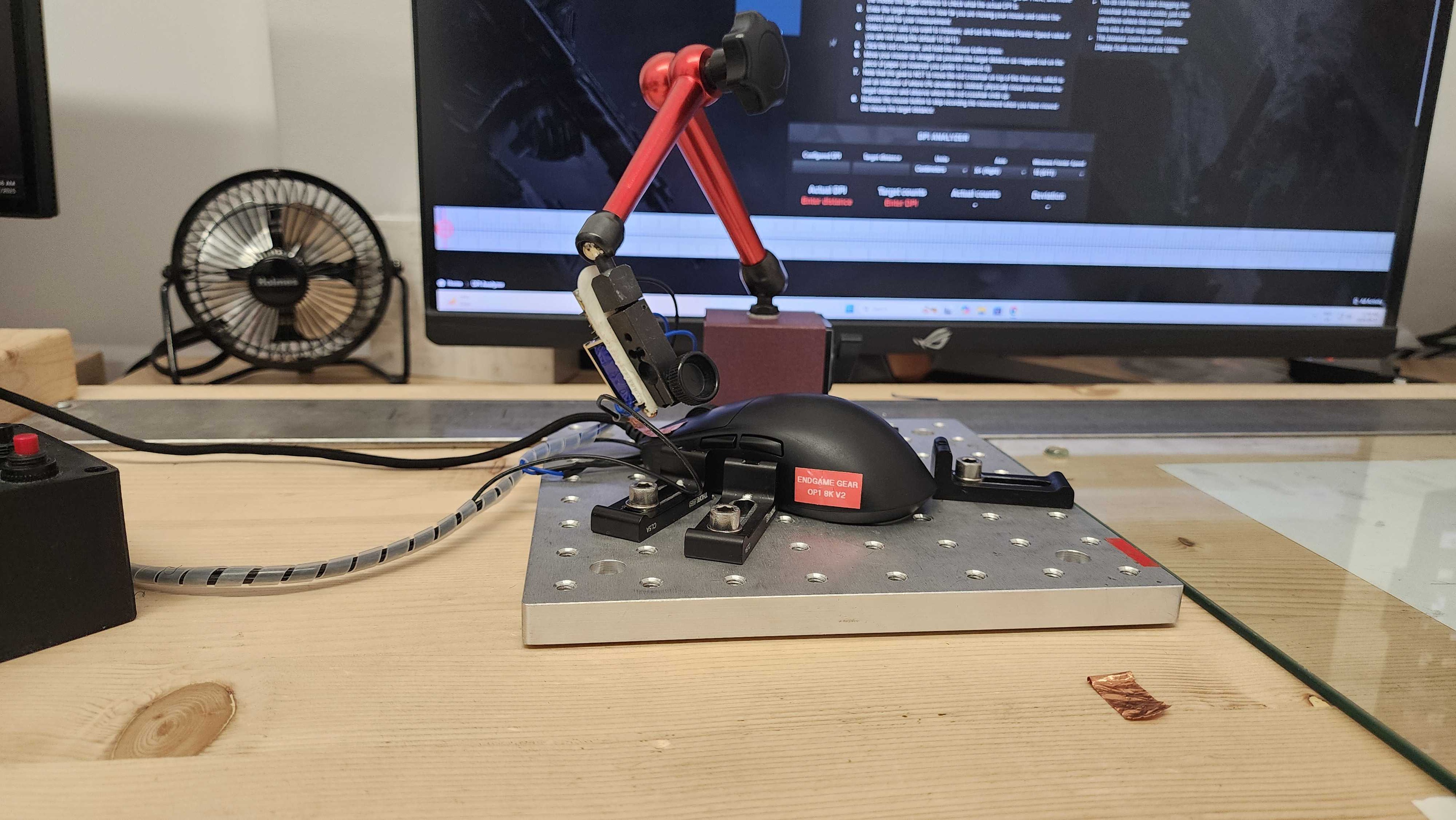

for pictures & test results


for pictures & test results








for pictures & test results







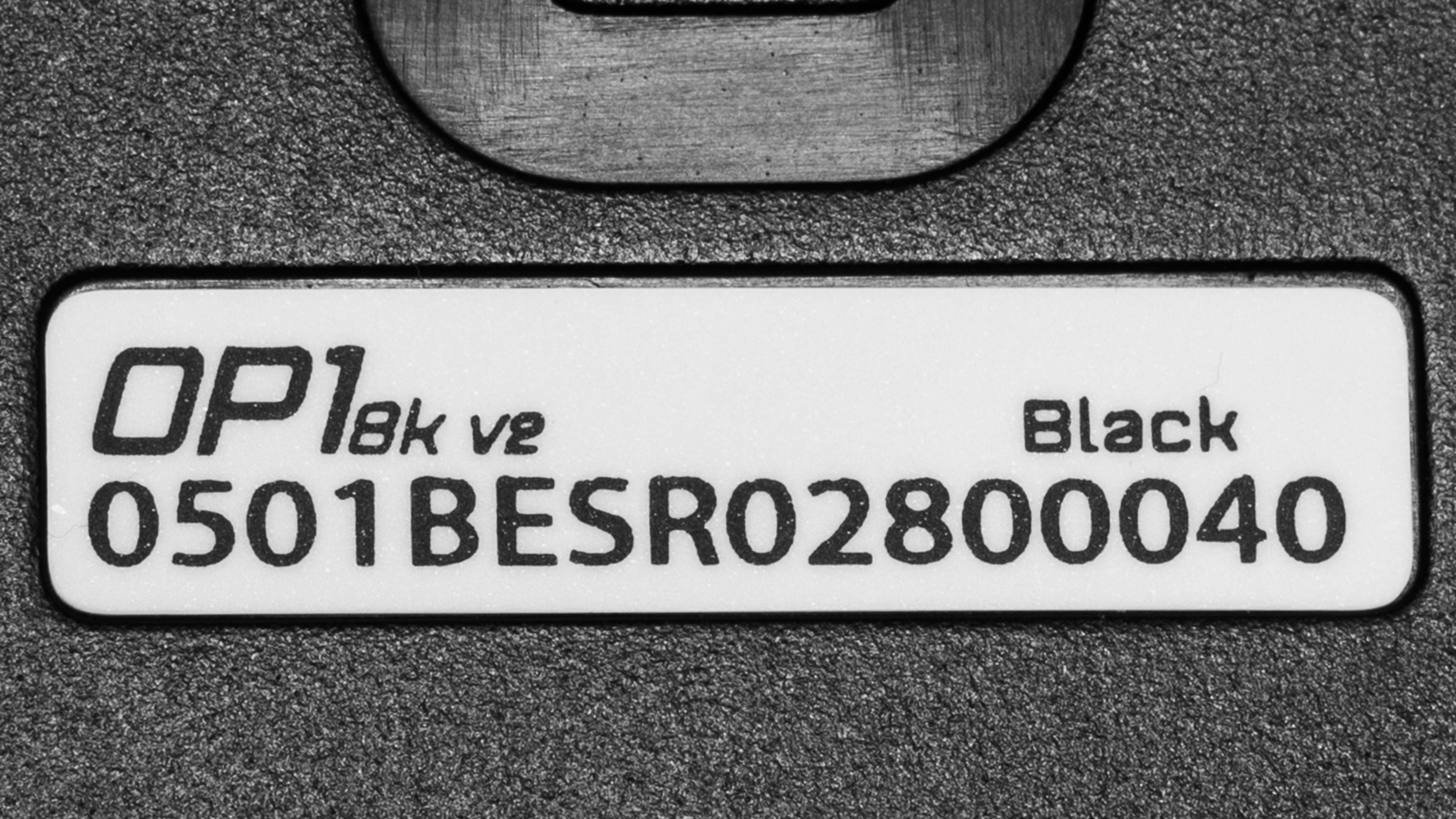
for videos & test results
