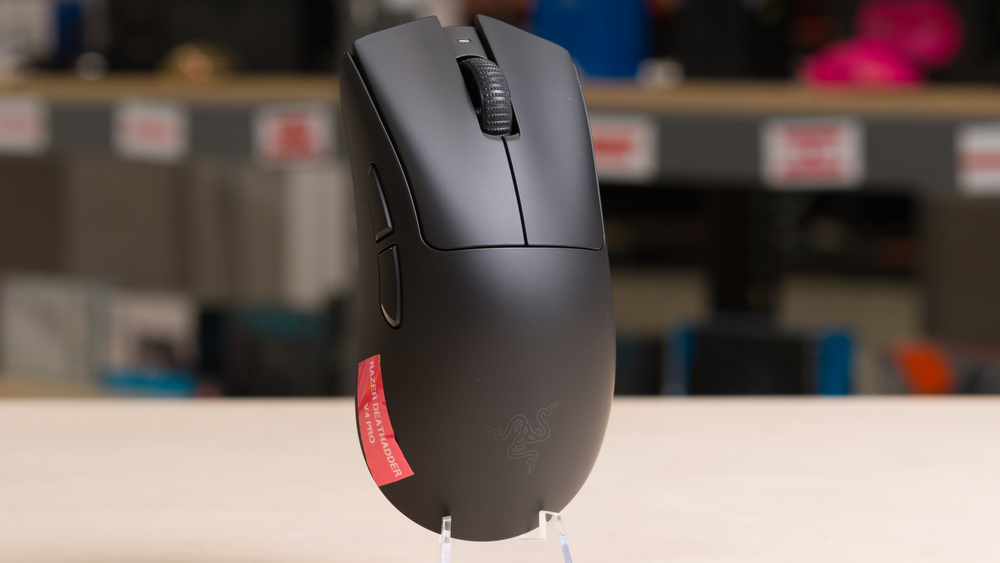
The Razer DeathAdder V4 Pro is a lightweight wireless gaming mouse that continues Razer's longstanding DeathAdder lineup. It has the same right-handed ergonomic shape as the previous generation Razer DeathAdder V3 Pro, making it best suited for larger hands. The updates are mostly internal: It features a new MCU model, an updated sensor, optical switches for the main clicks, and an optical scroll wheel encoder designed to provide better long-term reliability than the mechanical encoders of past models. It's also slightly lighter than its predecessor. Finally, it ships with Razer's second-generation wireless dongle, which supports polling rates up to 8000Hz. Razer advertises this new dongle version as more stable with better signal strength, while also promising improved battery life.
Our Verdict
The Razer DeathAdder V4 Pro isn't designed for work. Despite this, it's still decently well-suited for it. It has a comfortable right-handed shape, though it's best suited for larger-sized hands. It also has excellent build quality. That said, it lacks productivity features like Bluetooth support for multi-device pairing, a scroll wheel with left-right tilt functions, and a free-scrolling mode.
Excellent build quality.
Scroll wheel lacks left-right inputs and a free-scrolling mode.
No Bluetooth support for multi-device pairing.
Only suitable for larger-sized hands.
The Razer DeathAdder V4 Pro is outstanding for playing FPS games. It's very lightweight for its size, making it easy to move around quickly and accurately. Its right-handed ergo shape is best-suited for a palm grip for larger-sized hands. Performance-wise, it supports a wired or wireless polling rate of 8000Hz and offers exceptionally low click and sensor latency, ideally suited for competitive play. That said, while the overall build quality is excellent, it suffers from some minor creaking if you tend to squeeze quite forcefully while gaming.
Exceptionally good sensor performance.
Outstanding click latency.
Impressively lightweight.
Excellent build quality.
Only suitable for larger-sized hands.
The DeathAdder V4 Pro is great for MMO and MOBA gaming. Build quality is excellent aside from minor flexibility and faint creaking if you press very hard on the shell. Its comfortable right-handed ergo shape and strong overall performance make it a reliable choice. However, its biggest drawback is the limited number of side buttons compared to dedicated MMO mice. You can work around this by relying more heavily on keyboard input or remapping buttons, creating macros, or even setting a Hypershift button to toggle a secondary input layer in the software.
Exceptionally good sensor performance.
Outstanding click latency.
Excellent build quality.
Only suitable for larger-sized hands.
Fewer additional buttons than dedicated MMO mice.
The DeathAdder V4 Pro has exceptionally good raw performance. It offers extremely low and consistent click latency and outstanding overall sensor performance, making it ideal for competitive gaming in any genre. It also supports a maximum polling rate of 8000Hz both in wired and wireless modes, which is noteworthy as many wireless 8k-capable mice only support 8k wireless.
Exceptionally good sensor performance.
Outstanding click latency.
Maximum wired and wireless polling rate of 8000Hz.
Changelog
- Updated Mar 10, 2026: We've converted this review to Test Bench 1.5.2. This update removes the Delay To Start Of Movement and Delay To End Of Movement measurements from the Sensor Latency test. See our full 1.5.2 changelog for details.
-
Updated Jan 09, 2026:
We've added a link to the Sony INZONE Mouse-A to the Hand Size Recommendation section.
- Updated Aug 25, 2025: Review published.
- Updated Aug 20, 2025: Early access published.
Check Price
Differences Between Sizes And Variants
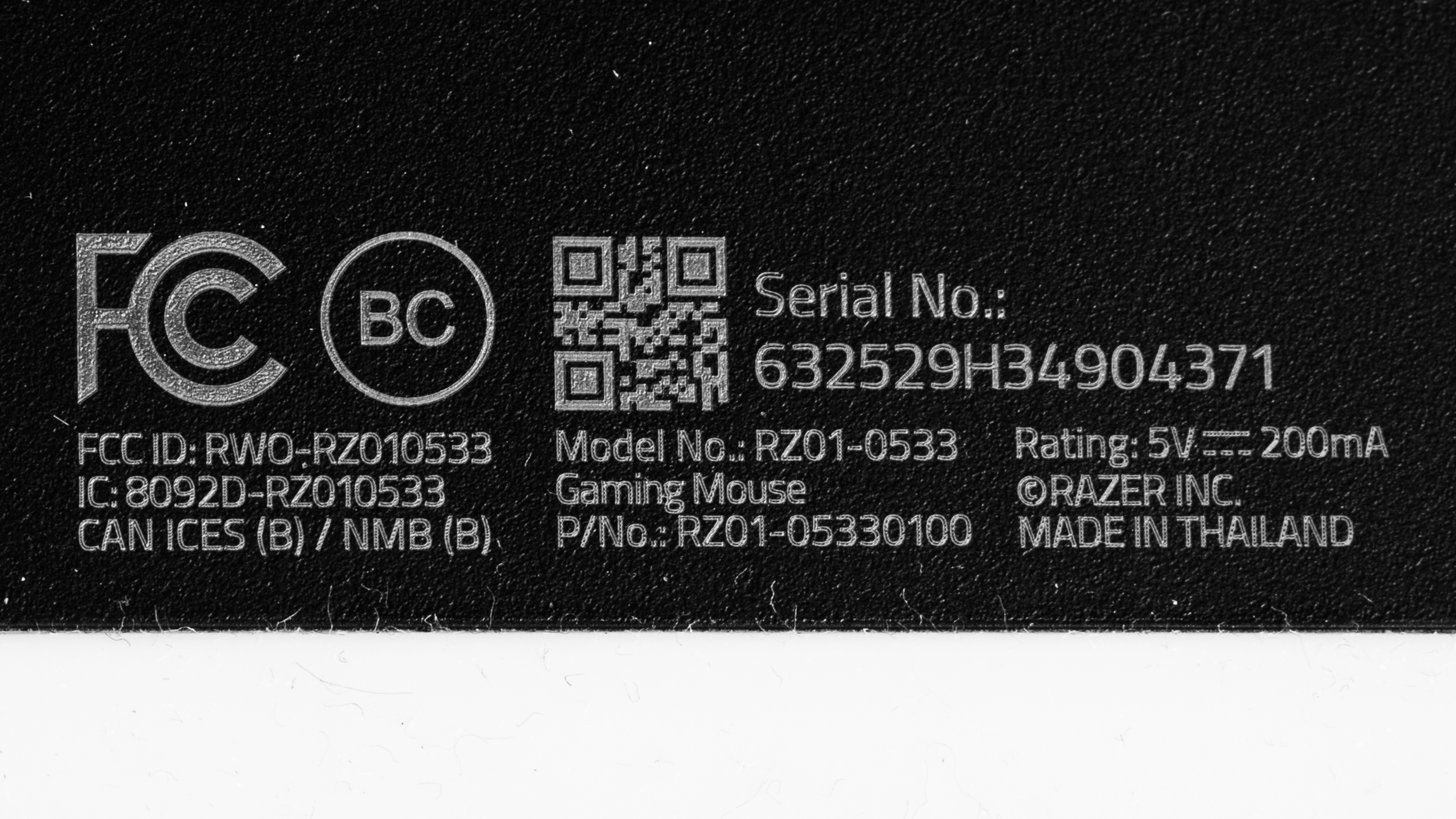
The Razer DeathAdder V4 Pro is available in a Black or White colorway. We bought and tested a Black-colored model.
See a photo of our unit's label.
Popular Mouse Comparisons
The Razer DeathAdder V4 Pro continues Razer's longstanding DeathAdder line of right-handed ergonomic gaming mice. It keeps the small shape revisions introduced with the Razer DeathAdder V3 Pro but makes several incremental changes under the hood, including a new generation sensor, updated optical switches, a slightly lighter weight, a longer advertised battery life, and Razer's second-generation HyperPolling dongle with support for up to 8000Hz polling.
One of the most meaningful hardware changes is the adoption of an optical scroll wheel encoder and a full-size switch for the middle click. Previous DeathAdder models (and most mice in the industry) use smaller side-button-style switches for the mouse wheel click, which are typically less durable. We also expect the new optical encoder to be more durable than the mechanical encoders still used by most competitors. Since scroll wheels are a well-documented failure point in gaming mice, this change targets one of the most significant weaknesses in long-term reliability.
The DeathAdder V4 Pro is currently the leading 'ergo' option for competitive play. However, while the changes it makes from the DeathAdder V3 Pro are all improvements, they're iterative. Aside from its improved battery life and potentially more reliable scroll wheel, any measurable performance gains over much cheaper options simply aren't noticeable in-game. Budget models such as the MCHOSE L7 Ultra, upper mid-range models like the LAMZU THORN, and even established premium flagships, like the last-gen Razer DeathAdder V3 Pro, the Razer Viper V3 Pro, and the Logitech G PRO X SUPERLIGHT 2 DEX, deliver very similar performance at a lower cost.
For more recommendations, see our picks for the best mouse, the best gaming mouse, and the best wireless gaming mouse.
The Razer DeathAdder V4 Pro and the Razer Viper V4 Pro are lightweight wireless gaming mice designed for high-level competitive play. Their biggest difference comes down to shape. The DeathAdder V4 Pro has a larger, right-handed ergonomic shape that's best suited for a palm grip. In contrast, the Viper V4 Pro is slightly smaller and lighter and has a low-profile symmetrical shape that's better suited for claw or fingertip grips across a wider range of hand sizes. The Viper V4 Pro also has a newer sensor and updated switches. The sensor provides a small performance improvement, but the switches are noticeably louder, which may be a drawback for some users.
The Razer DeathAdder V4 Pro and the Razer DeathAdder V3 Pro are lightweight wireless gaming mice designed for competitive play. They share the same right-handed ergo shape, but the V4 Pro is lighter and offers a better-advertised battery life, an updated sensor, and an optical scroll wheel encoder that should improve long-term durability. The V4 Pro also includes an 8k-capable dongle in the box, while the V3 Pro supports 8k polling only with a separate purchase. Both feel comfortable for larger hands using a palm grip, but the V4 Pro's slightly wider side button spacing makes them easier to distinguish by feel. It also adds extra software features like Dynamic Sensitivity and Sensor Rotation, which the V3 lacks.
The Razer DeathAdder V4 Pro and the Logitech G PRO X2 SUPERSTRIKE are lightweight wireless gaming mice designed for competitive play. The Razer has a noticeably larger, right-handed shape that's best suited to a palm grip for larger hands, while the Logitech has a more universally accommodating shape that works well across a wider range of hand sizes and grip types. Besides shape, the biggest difference between them comes down to switch technology: the Razer uses conventional optical switches, while the Logitech uses inductive switches with haptic feedback. This system allows you to adjust both actuation and reset distance. While lower actuation settings can reduce press latency, the difference isn't significant enough to be noticeable in-game for most users. The Logitech also supports Rapid Trigger, which introduces a dynamic reset point that can facilitate faster follow-up inputs.
The Razer DeathAdder V4 Pro and the Razer DeathAdder V3 HyperSpeed are right-handed ergo wireless gaming mice from the same lineup. They share the same shape, but the V4 Pro is slightly larger and aimed more at competitive play. It shows small measurable improvements, though they don't translate into a noticeable difference in gameplay, and it features durability upgrades like an optical scroll wheel encoder and a full-size middle-click switch. The V3 HyperSpeed is a bit smaller, and while it also supports 8000Hz polling, you need to purchase Razer's HyperPolling Wireless Dongle separately to unlock that feature. By contrast, the V4 Pro includes an 8k-capable dongle in the box.
Test Results
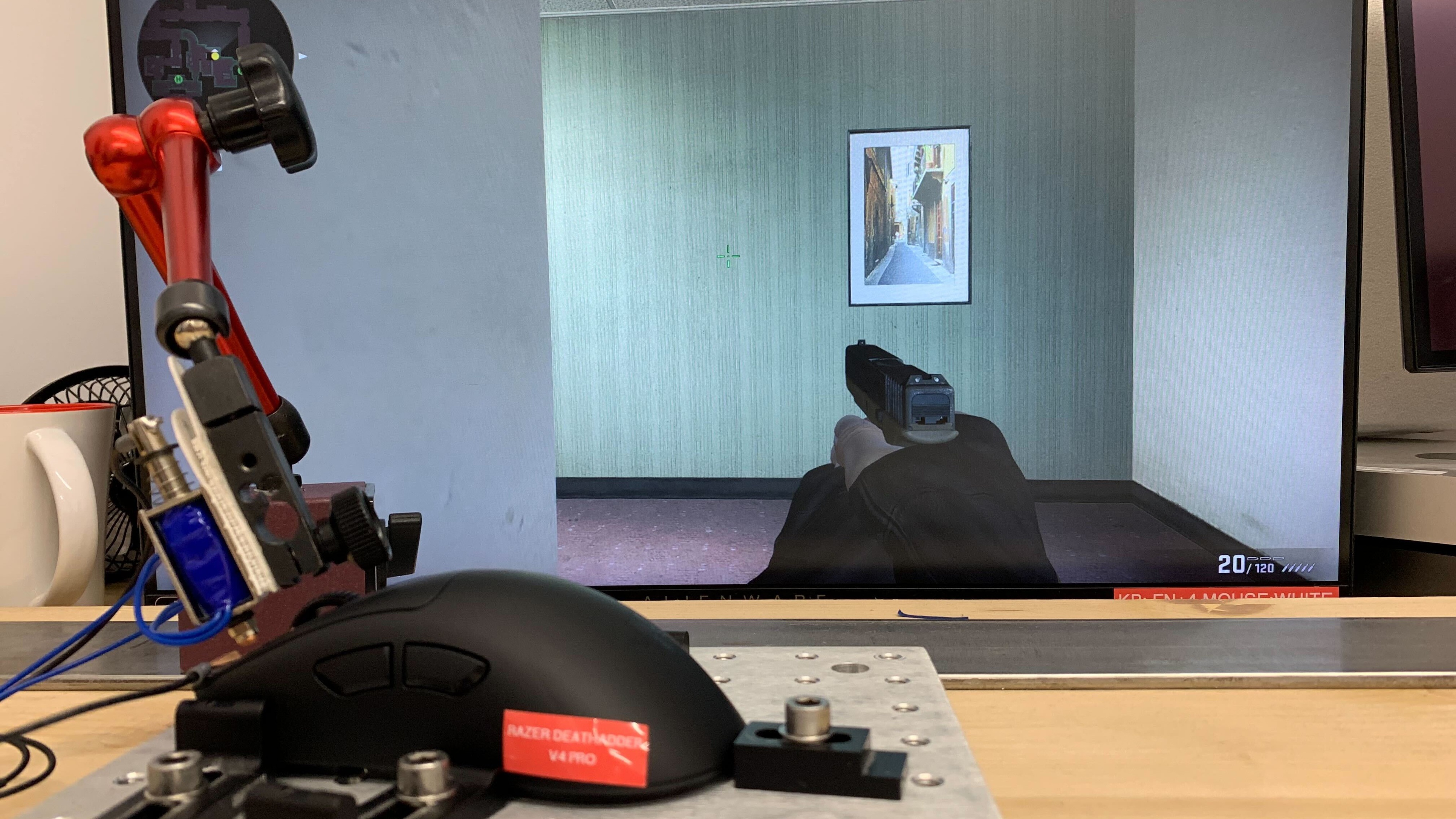

for pictures & test results


for pictures & test results








for pictures & test results







for videos & test results
