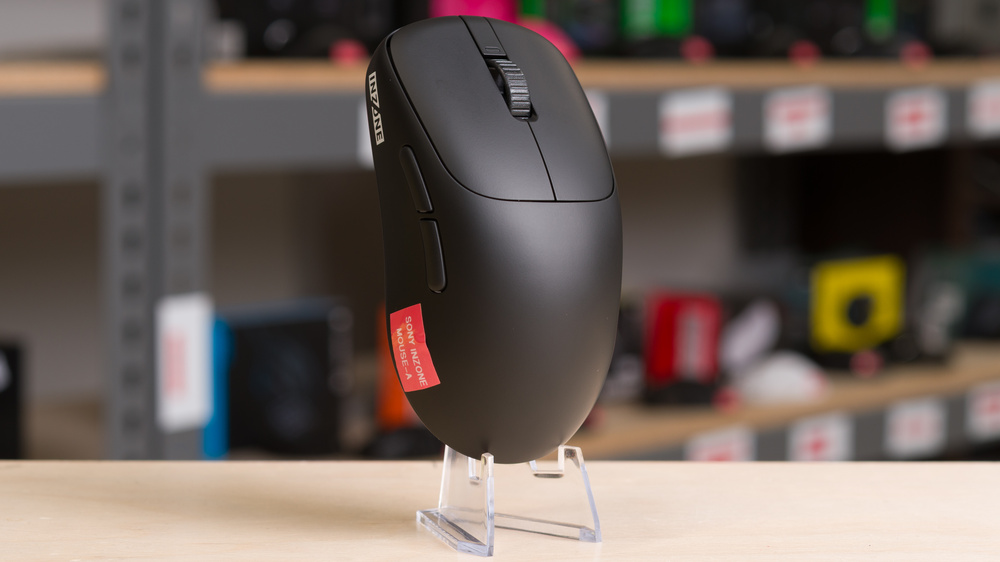
The Sony INZONE Mouse-A is a lightweight wireless gaming mouse and represents Sony's first foray into the gaming mouse space, part of its wider INZONE gaming sub-brand. It has a medium-sized symmetrical shape with a fairly tall profile, a narrow waist, and ample palm support. It uses a Sony-branded version of a PixArt PAW 3950 sensor and has optical switches. The configuration software is available as a downloadable or web-based client.
Our Verdict
The Sony INZONE Mouse-A is a gaming mouse, but it's perfectly satisfactory for work use. It has excellent build quality and a comfortable, accommodating shape that's best suited for medium or smaller-sized hands. However, it lacks productivity features found on more work-focused models, like Bluetooth multi-device pairing and extra scroll wheel controls like free scrolling.
Excellent build quality.
Very lightweight scroll wheel click may produce accidental inputs.
No power-saving Bluetooth connectivity.
No scroll wheel productivity features like tilt inputs or free scrolling.
The Sony INZONE Mouse-A is an outstanding FPS gaming mouse. It has a comfortable symmetrical shape that's ideal for a palm grip for medium- or smaller-sized hands. It also has extremely low click latency and superb sensor performance for casual or competitive play. The build quality is largely excellent, but the coating shows fingerprints very easily, and the middle scroll button is very lightweight, which may not be an issue or may even be something some people like, but it can present issues with accidental inputs if you're used to heavier M3 buttons.
Excellent build quality.
Extremely low click latency.
Extremely lightweight,
Superb sensor latency.
Plastic body coating shows fingerprints easily.
Very lightweight scroll wheel click may produce accidental inputs.
The Sony INZONE Mouse-A is great for MMO or MOBA gaming, although it doesn't have nearly as many programmable side buttons as a typical MMO model. If this limitation doesn't matter to you, it offers excellent build quality and a symmetrical shape that's comfortable for longer sessions, especially for medium- or small-sized hands. Its outstanding sensor performance also makes it well-suited for both PvE and PvP content.
Excellent build quality.
Extremely low click latency.
Very lightweight scroll wheel click may produce accidental inputs.
Fewer side buttons than dedicated MMO models.
The Sony INZONE Mouse-A has outstanding raw performance and is more than suitable for both casual and competitive gaming. It delivers exceptionally low click latency across all polling rates and supports a maximum polling rate of 8000Hz, although sensor latency at 8000Hz doesn't show a measurable improvement over lower polling rates. We still recommend experimenting with different settings, as 8000Hz can appear more visually consistent, especially on high-refresh-rate monitors. That said, using lower polling rates can help conserve battery life without any meaningful performance trade-offs on this mouse.
Extremely low click latency.
Superb sensor latency.
Underwhelming 8000Hz performance relative to lower polling rates.
Changelog
- Updated Mar 10, 2026: We've converted this review to Test Bench 1.5.2. This update removes the Delay To Start Of Movement and Delay To End Of Movement measurements from the Sensor Latency test. See our full 1.5.2 changelog for details.
- Updated Jan 09, 2026: Review published.
- Updated Nov 27, 2025: Early access published.
- Updated Sep 30, 2025: Our testers have started testing this product.
Check Price
Differences Between Sizes And Variants
The Sony INZONE Mouse-A is only available in a Black colorway. You can see our unit's label here.
Popular Mouse Comparisons
The Sony INZONE Mouse-A is Sony's first gaming mouse and was developed in partnership with the Fnatic Esports team. While it isn't a direct clone of any existing model, its shape closely resembles the Fnatic BOLT, the BenQ Zowie ZA-12 or ZA-13 series mice, and the Pulsar TenZ Signature Edition. It's best suited for medium or smaller hand sizes that favor a palm grip, which is notable since many palm-oriented designs are designed for larger hands.
Overall, this is a strong debut from Sony in the gaming mouse space. The mouse performs at a high level that approaches but doesn't quite match the performance of established flagship models like the Razer Viper V3 Pro or the Logitech G PRO X SUPERLIGHT 2. Its lightweight, web-based software also stands out, especially compared to competing flagship software suites that draw criticism for being overly bloated. That said, this mouse carries a similarly high price as these flagship options in a market where models from emerging brands, like the MCHOSE L7 Ultra, the Hitscan Hyperlight, or the Scyrox V8, provide the same or better performance, lower weight, and equal build quality at lower prices. As a result, the INZONE Mouse-A is hard to recommend broadly unless you specifically prefer its shape or are invested in the INZONE ecosystem.
For more recommendations, see our picks for the best gaming mouse, the best FPS mouse, and the best wireless gaming mouse.
Both the Logitech G PRO X SUPERLIGHT 2 and the Sony INZONE Mouse-A are lightweight, wireless gaming mice. The Logitech has a much "safer" and more widely accommodating shape that suits most hand sizes and all grip types. It also delivers better overall performance, though its mouse feet are of lower quality and don't glide quite as smoothly. That said, the Sony has a higher-profile design with a taller, more centrally positioned hump, which makes it better suited for a palm grip, particularly for medium or larger hands.
The Razer Viper V3 Pro and the Sony INZONE Mouse-A are lightweight, wireless gaming mice. The Razer performs better and has a more broadly accommodating shape with a lower, more neutral profile that suits a wider range of hand sizes and grip styles. By comparison, the Sony has a taller profile with a more pronounced central hump, making it better suited for a palm grip.
The Pulsar X2H v3 and the Sony INZONE Mouse-A are lightweight, wireless gaming mice that are very similar in size but differ in shape. The Pulsar has a more rearward hump and a slightly wider profile, which makes it better suited for a claw grip. It ships with a 1000Hz dongle, though you can purchase an optional 8000Hz dongle for a small improvement in sensor latency performance. By comparison, the Sony has a taller profile with a more centrally positioned hump, making it a better choice for a palm grip, and it supports a maximum polling rate of 8000Hz out of the box.
The Pulsar TenZ Signature Edition and the Sony INZONE Mouse-A are lightweight, wireless gaming mice with comparable shapes. The Pulsar is lower-profile with a more rearward hump. It's best suited for a palm or claw grip. It also performs marginally better. However, the Sony has a taller, more centrally positioned hump, making it the better option for a pure palm grip.
Test Results
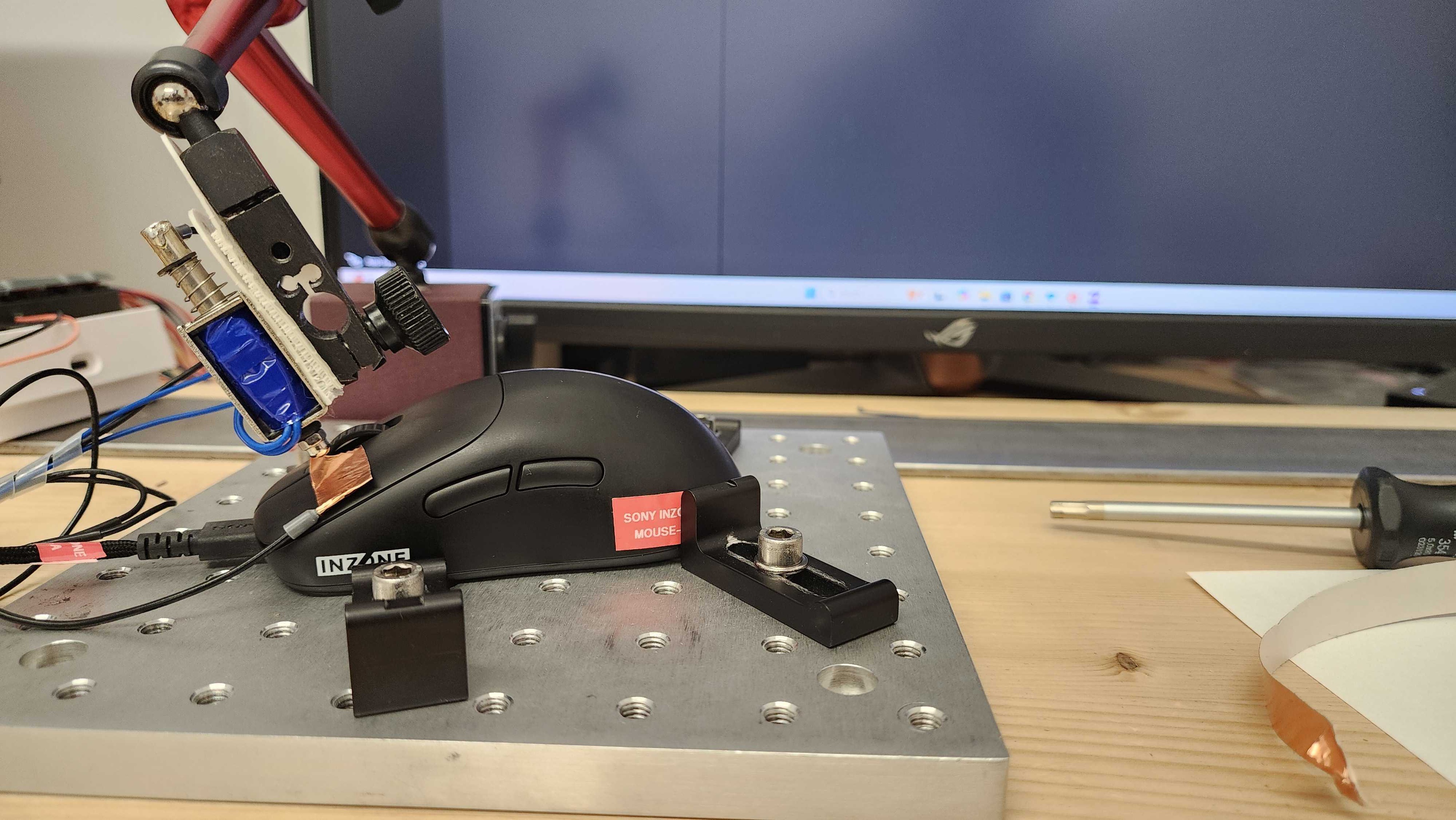

for pictures & test results


for pictures & test results








for pictures & test results







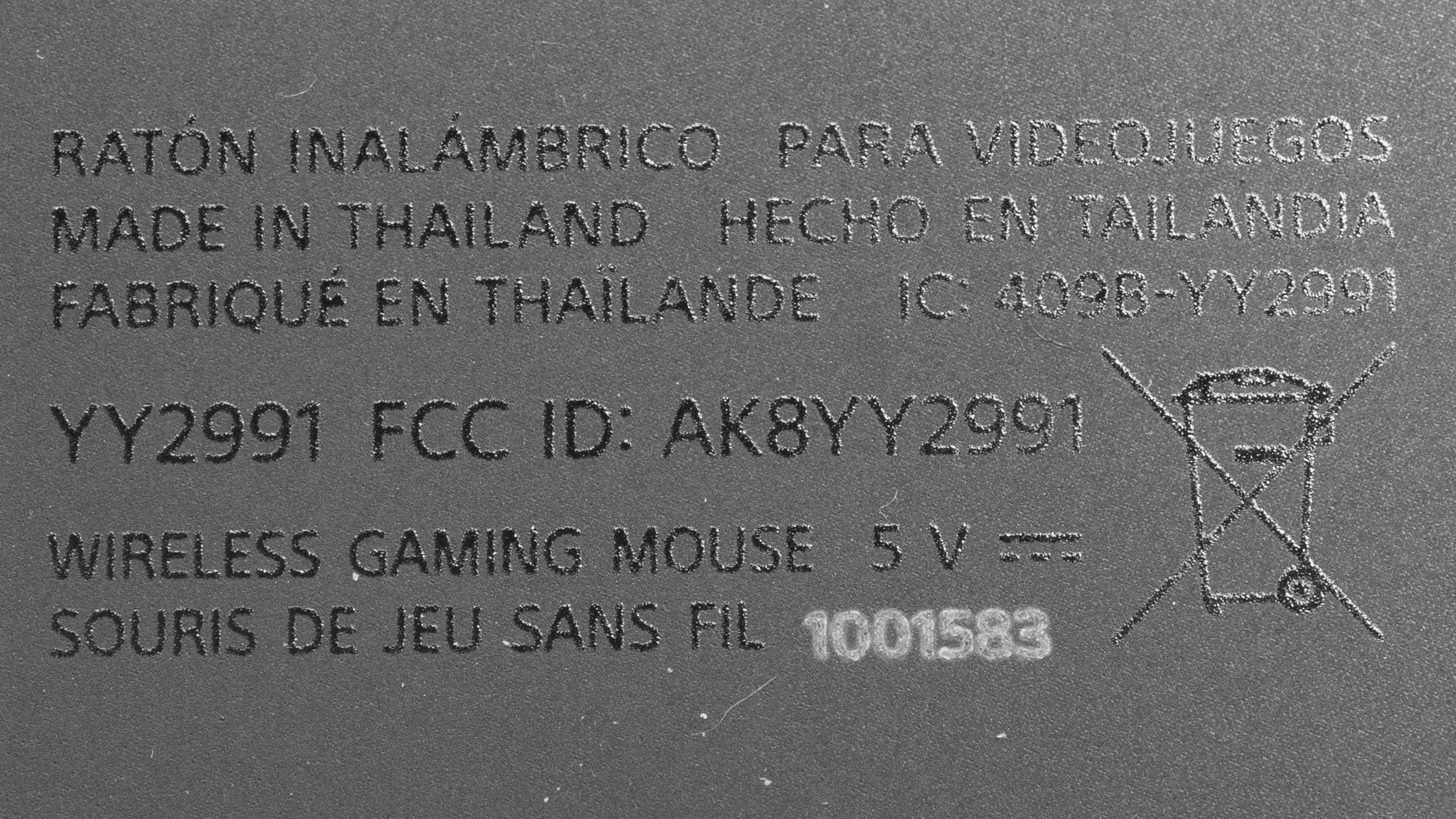
for videos & test results
